7,363 open-source and SaaS tools, with GitHub stats refreshed every day.

3 alternatives ranked by real activity

Open-source Remo alternatives

A curated, ranked list of the 3 best open-source alternatives to Remo.

The best open-source alternative to Remo is BigBlueButton. If that doesn't suit you, other good options are plugNmeet and SkyOffice.

Remo alternatives are mainly video conferencing tools. 2 of them shipped code in the last 30 days, 3 can be self-hosted, and 2 use a permissive licence.

Last updated October 3, 2026 · ranked by GitHub stars, growth and recent commits

BigBlueButton

An open-source virtual classroom and web conferencing system with real-time audio, video, slides, whiteboard, chat, polling and breakout rooms for online teaching.

GitHub stars
9.2k
Last commit
today
Latest release
v3.0.38
Licence
LGPL-3.0
Self-hosted
Yes
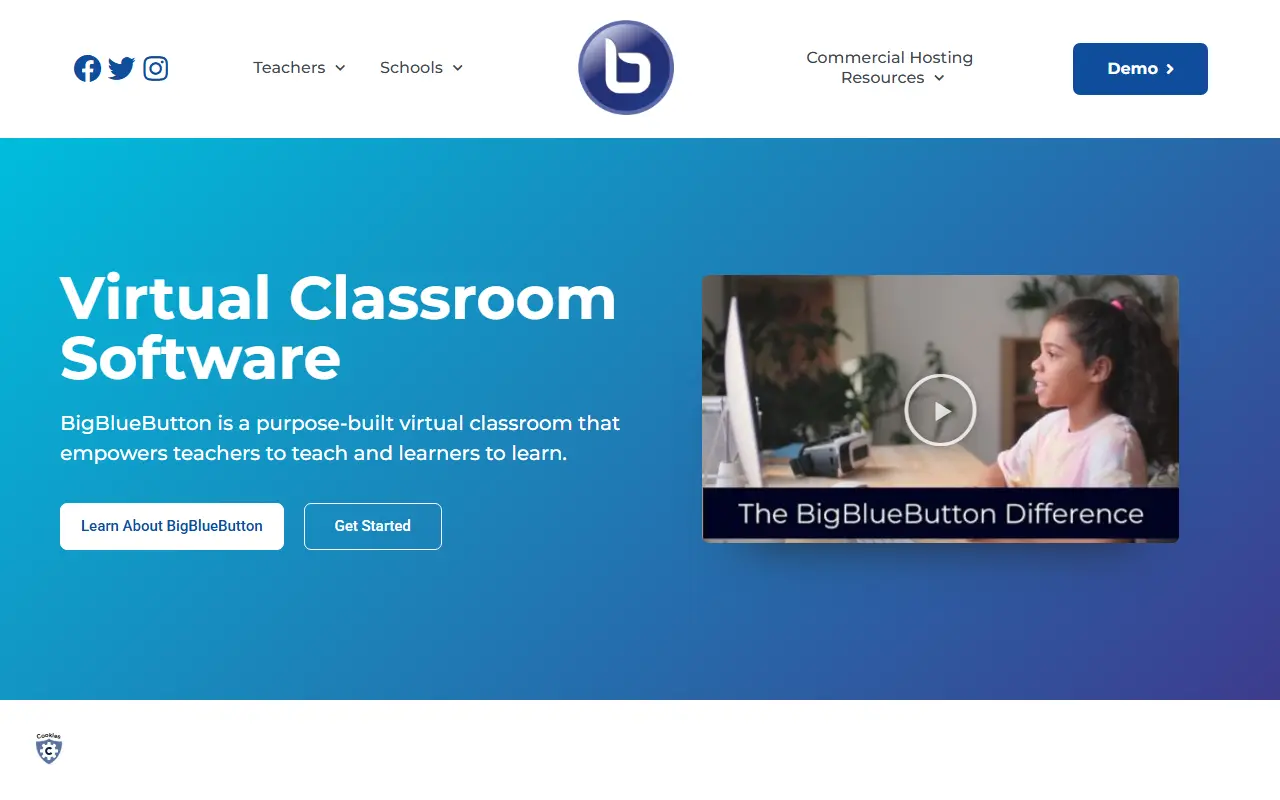
bigbluebutton.orgBigBlueButton homepage screenshot

BigBlueButton is an open-source web conferencing system designed for online learning, intended to help teachers teach and learners learn. Participants can share audio, video, slides (with whiteboard annotations), chat messages and their screen in real time, and can also be used for many other meeting types beyond education.

To keep remote students involved, instructors can use polls, emoji reactions, whiteboards that several people can draw on, shared notes and breakout rooms. During a session it generates analytics shown to moderators on a Learning Analytics Dashboard, and presenters can record sessions for later playback and sharing. The README lists online tutoring, flipped classrooms, group collaboration and online classes as the educational scenarios it was built for. Its topics reference WebRTC.

The current major release is BigBlueButton 3.0, which can be installed on Ubuntu 22.04 with the bbb-install.sh script, and full documentation covers architecture, features, the API and GreenLight, the default front end. The software is licensed under LGPL-3.0, while the name and logo are trademarks of BigBlueButton Inc. It suits schools, universities and training providers that want to host their own conferencing.

Key features

  • Real-time audio, video and screen sharing
  • Slides with whiteboard annotations
  • Polling, emojis and breakout rooms
  • Multi-user whiteboard and shared notes
  • Learning Analytics Dashboard
  • Session recording and playback
  • GreenLight default front end

Pricing: Free and open source under the LGPL-3.0 licence.

plugNmeet

Plug-N-Meet is a self-hosted, LiveKit-based web conferencing system with whiteboard, breakout rooms, SIP dial-in and an AI meeting agent.

GitHub stars
564
Last commit
2 days ago
Latest release
v2.5.1
Licence
MIT
Self-hosted
Yes
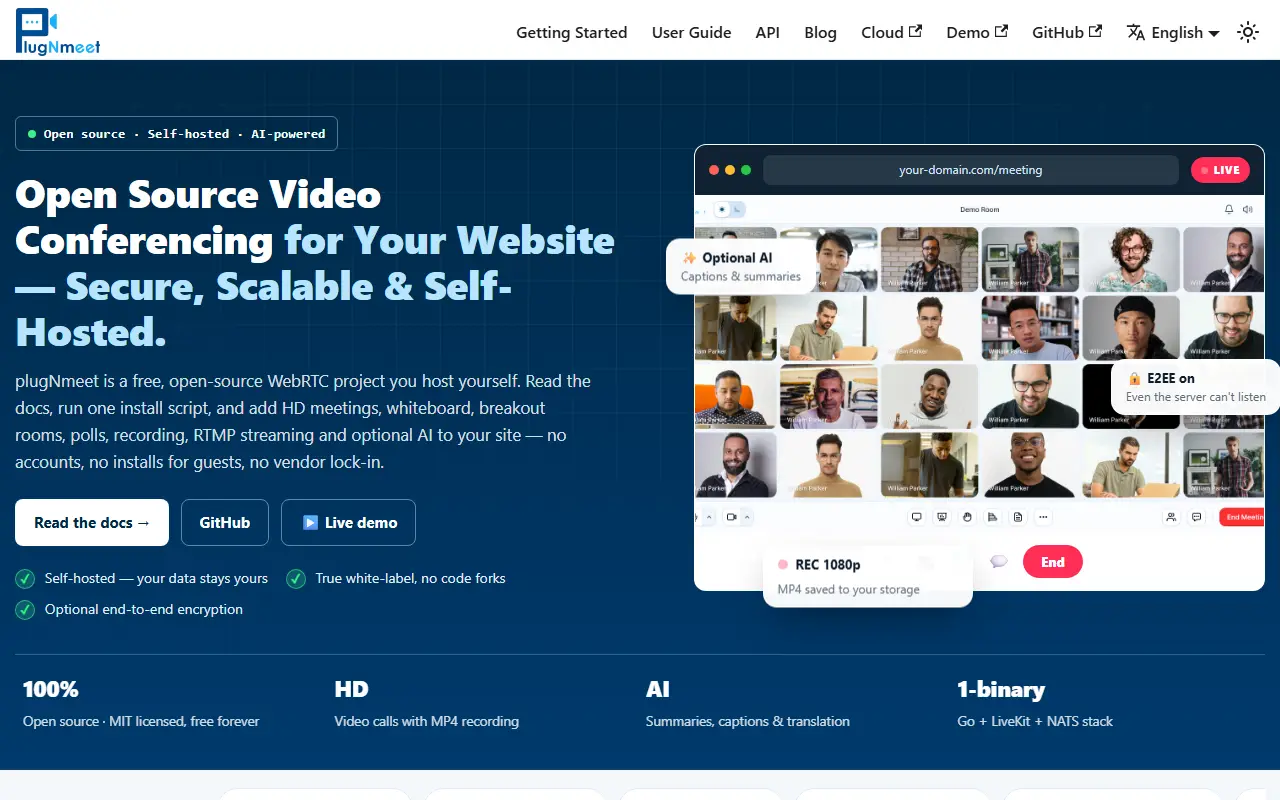
plugnmeet.orgplugNmeet homepage screenshot

Plug-N-Meet is an open-source web conferencing system built on the WebRTC infrastructure of LiveKit, written in Go. It is designed to be scalable and easy to customize so that a self-hosted video conferencing experience can be integrated into any existing website, application or system.

Collaboration tools include HD audio and video, screen sharing, virtual backgrounds, a collaborative whiteboard with office file support for PDF, DOCX and PPTX, a shared notepad, polls and breakout rooms. Adaptive streaming uses simulcast and dynacast with H264, VP8, VP9 and AV1 codecs to keep calls stable on poor networks. WebRTC encryption is on by default, with optional end-to-end encryption for media and data channels, and a SIP gateway lets participants join the audio by phone. An AI agent adds live spoken translation, real-time transcription and automated summaries with action items, available through an Artifacts API.

Integration is done through an API and SDKs, including one for PHP, and webhooks. Plug-N-Meet is licensed under MIT and has a developer community on Discord.

Key features

  • LiveKit-based video conferencing
  • Whiteboard with office file support
  • Breakout rooms and polls
  • Optional end-to-end encryption
  • SIP telephone dial-in
  • AI transcription, translation and summaries

Pricing: Free and open source under the MIT license.

SkyOffice

Browser-based virtual office where avatars move around a 2D space, with proximity video chat, screen sharing, private rooms and embedded whiteboards.

GitHub stars
1.3k
Last commit
9 mo ago
Licence
MIT
Self-hosted
Yes
Hosted version
Available
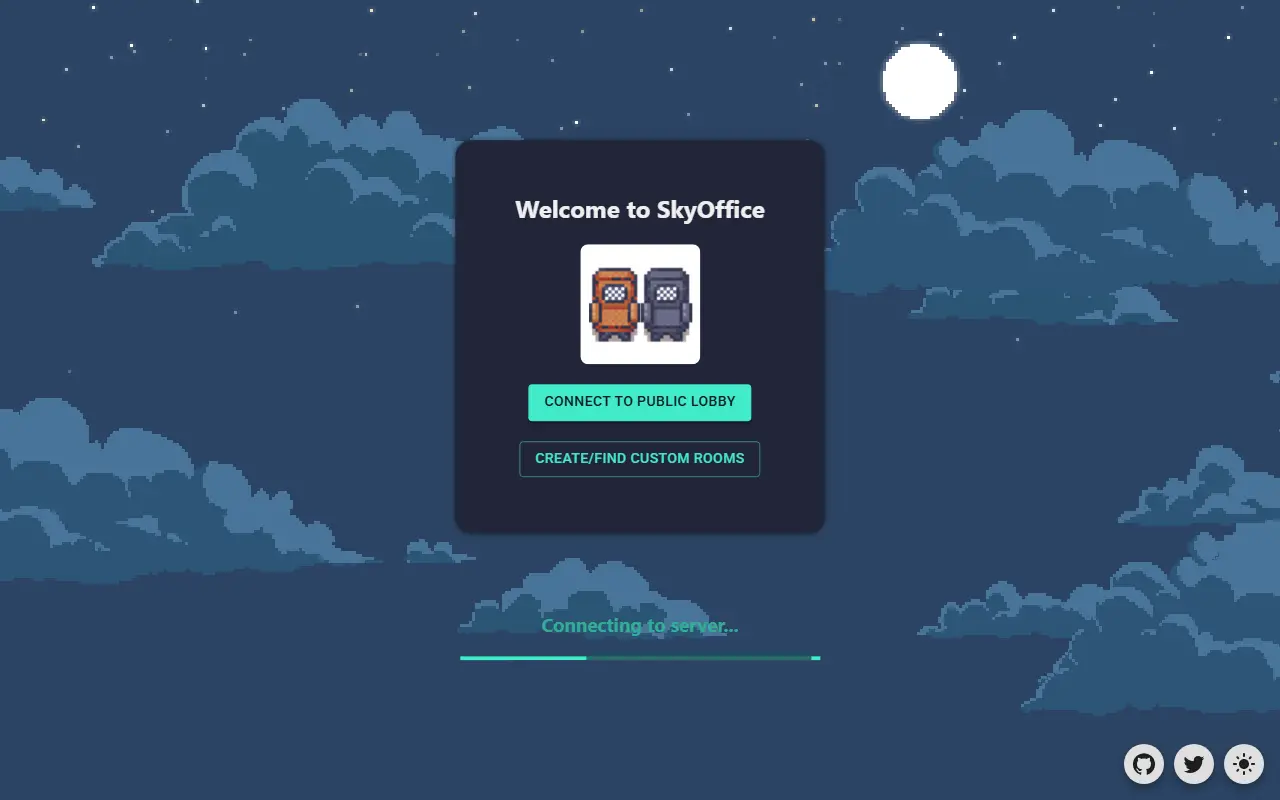
skyoffice.netlify.appSkyOffice homepage screenshot

SkyOffice is an open-source virtual office that runs in the browser. Team members appear as avatars in a 2D room and walk around it, and video chat starts automatically when they come close to each other. It was built for remote work and is aimed at distributed teams who want a more spatial alternative to scheduled video calls. It works on desktop browsers; mobile browsers are not supported.

Features include proximity chat, flexible screen sharing from computers in the office, multifunctional rooms, text chat with real-time dialog bubbles, custom and private rooms, and embedded whiteboards using the open-source WBO project. Movement uses WASD or arrow keys, with keys for sitting down, using a computer and opening chat.

The stack is Phaser 3 for the game engine, Colyseus as the WebSocket server framework, React and Redux on the front end, PeerJS for WebRTC video and screen sharing, and TypeScript on both client and server. The project is MIT licensed. To run it you start the server and the client separately with Node.js, and an official site hosts a public demo.

Key features

  • 2D virtual office with avatars
  • Proximity-based video chat
  • Screen sharing from in-world computers
  • Custom and private rooms
  • Text chat with dialog bubbles
  • Embedded whiteboards

Pricing: Free and open source under the MIT license.

Remo alternatives: questions

What is the best open-source alternative to Remo?
BigBlueButton is the top-ranked open-source alternative to Remo on Enlisted: An open-source virtual classroom and web conferencing system with real-time audio, video, slides, whiteboard, chat, polling and breakout rooms for online teaching. Other strong options are plugNmeet and SkyOffice.
Are these Remo alternatives free?
All 3 are open source, so the code is free to use under its licence, and all of them can be self-hosted on your own server or computer. 1 also offers a paid or managed cloud version if you'd rather not host it yourself.
How is this list of Remo alternatives ranked?
By a score built from GitHub stars, star growth over the last 30 days and how recently the code changed. 2 of these projects shipped code in the last 30 days. Data is refreshed daily, and nobody can pay to move up.

People also look for alternatives to…

View all