7,363 open-source and SaaS tools, with GitHub stats refreshed every day.

11 alternatives ranked by real activity

Open-source Quicken alternatives

A curated, ranked list of the 11 best open-source alternatives to Quicken.

The best open-source alternative to Quicken is Actual Budget. If that doesn't suit you, other good options are Firefly III, Sure, ezBookkeeping and hledger.

Quicken alternatives are mainly finance & accounting tools. 9 of them shipped code in the last 30 days, 11 can be self-hosted, and 4 use a permissive licence.

Last updated October 2, 2026 · ranked by GitHub stars, growth and recent commits

Actual Budget

Actual is a local-first personal finance and envelope budgeting app that syncs between devices and can be self-hosted or run locally.

GitHub stars
29k
Last commit
today
Latest release
v26.10.0
Licence
MIT
Self-hosted
Yes
Hosted version
Available
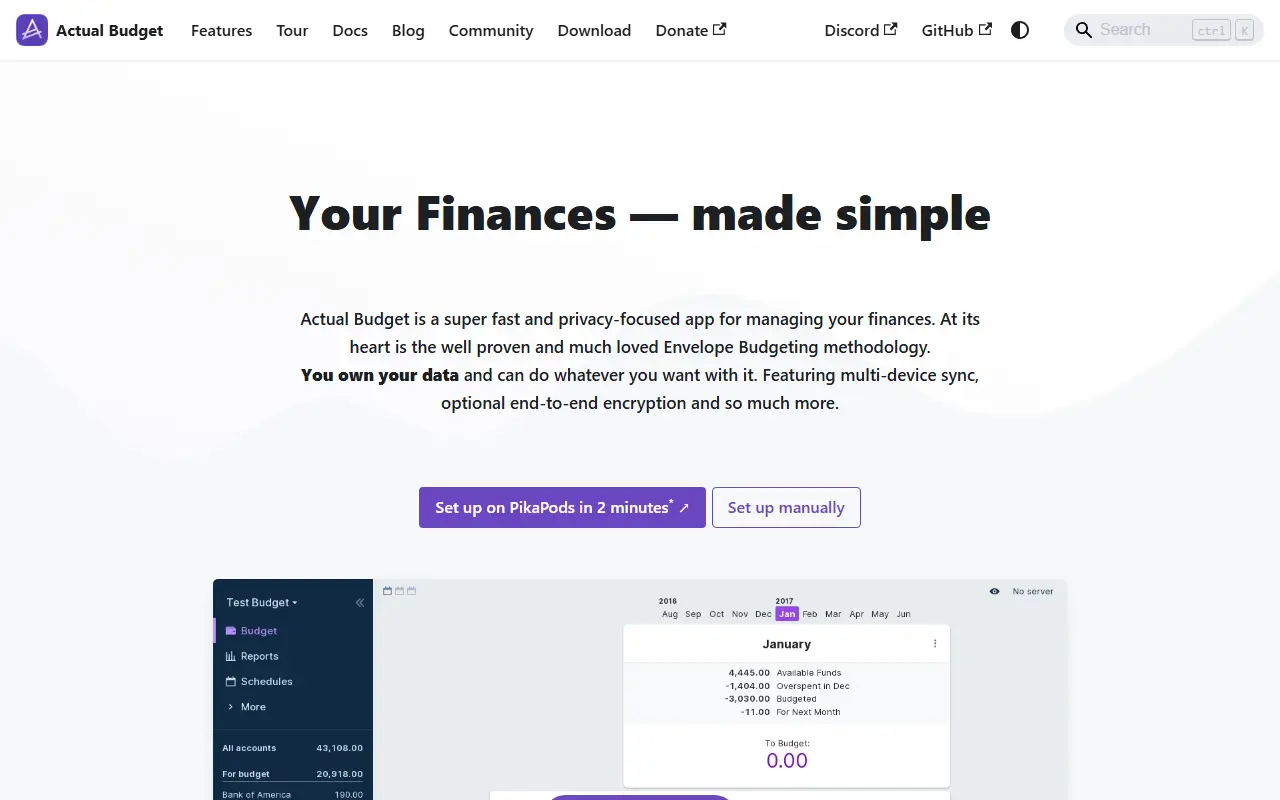
actualbudget.orgActual Budget homepage screenshot

Actual is a personal finance tool built around a local-first design. It is free and open source under the MIT license, written in TypeScript on NodeJS, and includes a synchronization layer so changes move between your devices without much effort. Its budgeting approach follows the envelope method, and the community documentation covers budgeting, account management and tips.

There are four ways to run it: a one-click deployment on PikaPods, managed hosting on Fly.io, self-hosting with a Docker image, or local-only apps for Windows, macOS and Linux that run on your own device. The code is organized into packages such as loot-core for the cross-platform core, desktop-client for the user interface and desktop-electron for the desktop app. The community offers guides for starting fresh and for migrating from other budgeting apps.

Key features

  • Local-first personal finance and budgeting
  • Envelope budgeting method
  • Sync of changes between devices
  • Docker image for self-hosting
  • Desktop apps for Windows, macOS and Linux
  • Migration and starting-fresh community guides

Pricing: Free and open source under the MIT license; optional paid managed hosting through third-party providers is listed in the README.

Firefly III

Firefly III is a self-hosted personal finance manager that tracks income and expenses with budgets, categories, tags and reports.

GitHub stars
25k
Last commit
yesterday
Latest release
v6.7.6
Licence
AGPL-3.0
Self-hosted
Yes
firefly-iii.orgFirefly III homepage screenshot

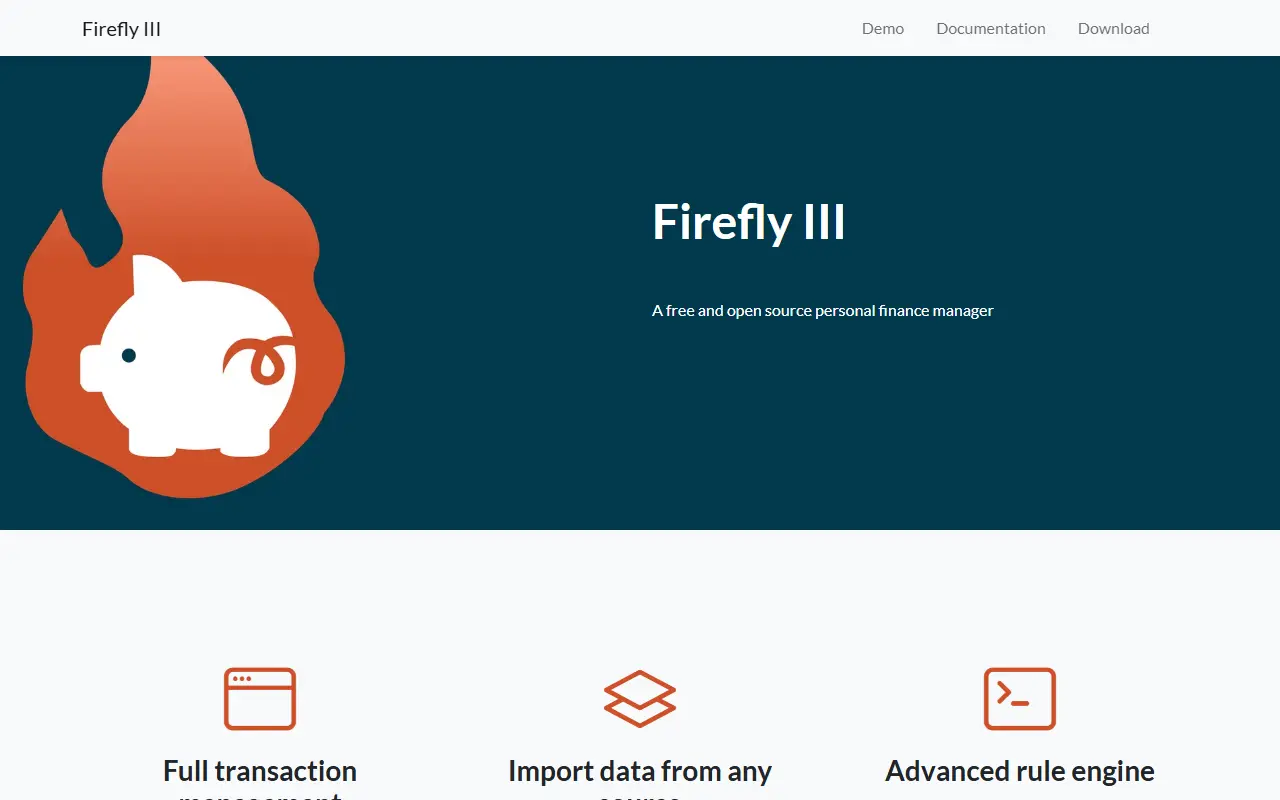
Firefly III runs on your own server and manages your personal finances. It helps you follow what you earn and spend, with the aim of spending less and saving more, and it supports budgets, categories and tags. The project describes itself as free and open source, with no AI and no cloud, and as privacy friendly. It is written in PHP and released under the AGPL-3.0 license.

A set of import tools brings in data from other sources, and the application offers many financial reports to give insight into where money goes. The author built it out of a wish to feel in control of money rather than stressed by it. You can try a public demo, read the documentation, or install it yourself, and the repository topics point to Docker and Linux deployments. The project originates in the European Union and accepts donations.

Key features

  • Tracks income, expenses and transfers
  • Budgets, categories and tags
  • Import tools for bringing in transactions
  • Financial reports for spending insight
  • Self-hosted with Docker support
  • Public demo for trying it out

Pricing: Free and open source under the AGPL-3.0 license; donations are accepted.

Sure

Self-hostable personal finance app, maintained by the community as a continuation of the abandoned Maybe Finance project.

GitHub stars
10k
Last commit
today
Latest release
v0.7.5-hotfix.1
Licence
AGPL-3.0
Self-hosted
Yes
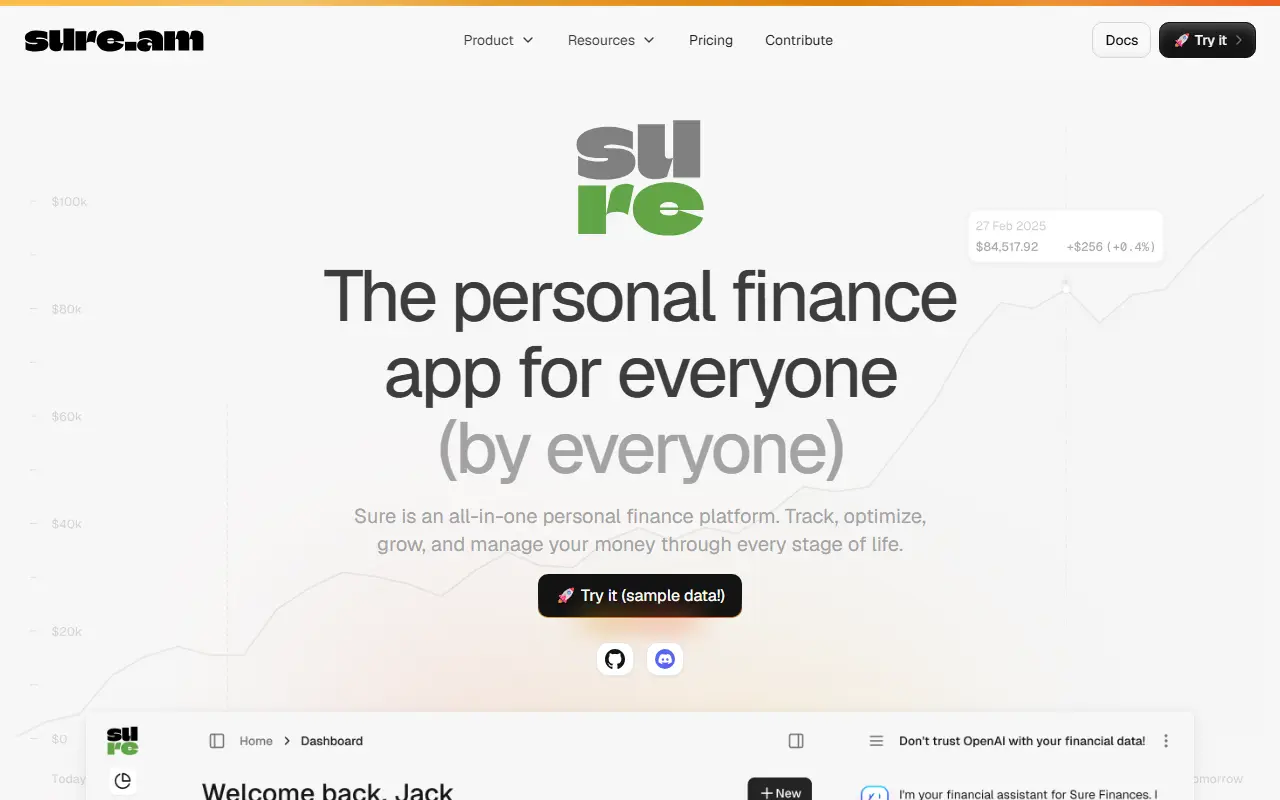
sure.amSure homepage screenshot

Sure is a personal finance application that can be self-hosted with Docker. It is a community-maintained fork of Maybe Finance, a project whose team built a full-featured personal finance and wealth management app and then stopped development after the business did not work out. Sure keeps that codebase alive.

The app can be accessed from a browser, a macOS desktop app, a mobile app, API clients and LLM agents, and the README points to an overview of Sure Clients. It is a fully working finance app for tracking money, and the maintainers invite contributors to join through Discord, GitHub issues and the project website. The README is translated into several languages.

Sure is written in Ruby and released under the AGPL-3.0 license. Anyone may fork it under that license, but forks are asked to include the original license and state that they are based on Maybe Finance and not affiliated with it, to stay compliant and avoid trademark problems.

Key features

  • Personal finance tracking
  • Self-hosting with Docker
  • Browser, macOS and mobile access
  • API access for clients and LLM agents
  • Community fork of Maybe Finance

Pricing: Free Good tier keeps 90 days of data. Better costs $5 and Best $9 per month, or $50 and $90 per year. The app can also be self-hosted.

ezBookkeeping

ezBookkeeping is a self-hosted personal finance app for recording transactions, importing data and analyzing spending, light enough for a Raspberry Pi.

GitHub stars
5.7k
Last commit
yesterday
Latest release
v2.0.1
Licence
MIT
Self-hosted
Yes
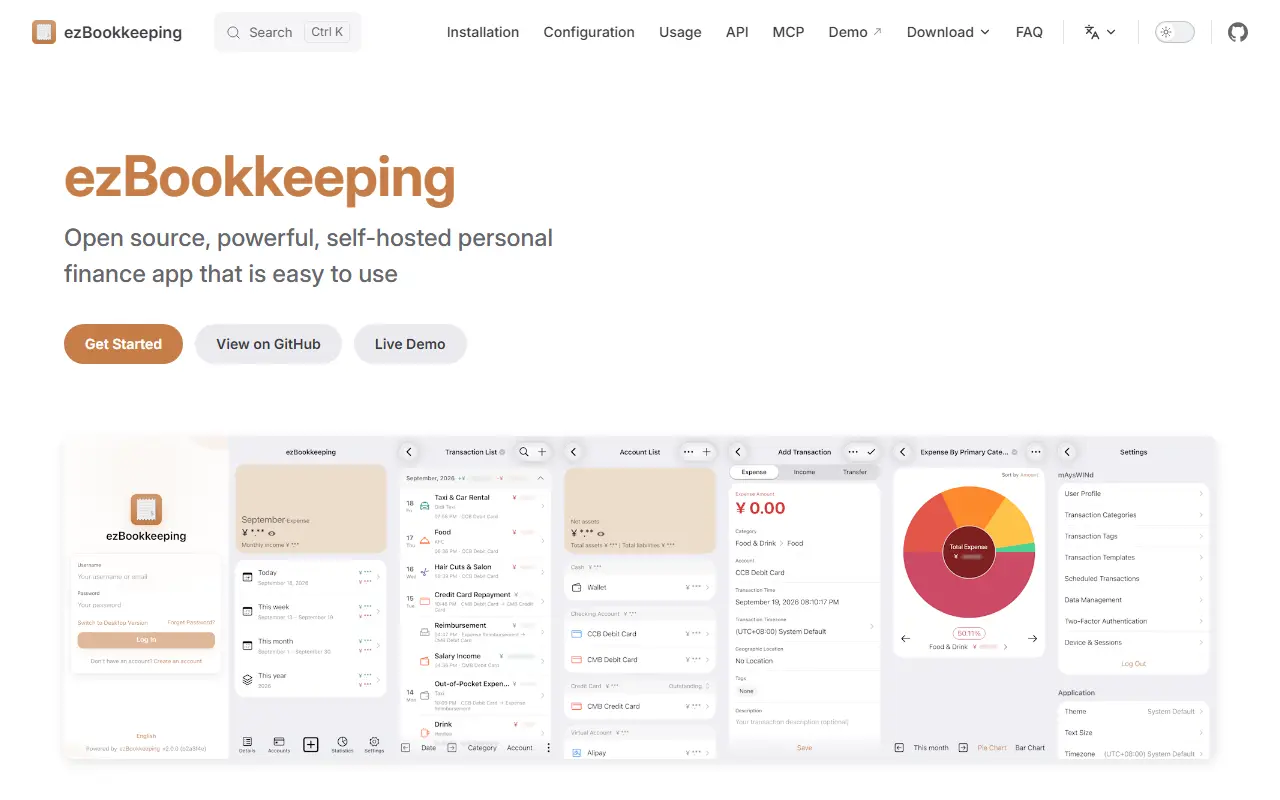
ezbookkeeping.mayswind.netezBookkeeping homepage screenshot

ezBookkeeping is an open-source personal finance app that you host yourself. You log everyday transactions, bring in data from other sources, and search or filter your bills with ease. Built-in charts show historical data, and you can run custom queries with your own chart dimensions to understand spending patterns and financial trends.

It is designed to be easy to deploy, starting with a single Docker command, and to use few resources, so it runs smoothly on a home server, a NAS or a Raspberry Pi. The interface is tailored separately for mobile and desktop screens, with Progressive Web App support so it can be added to a phone's home screen. The backend is written in Go with a Vue and TypeScript front end.

ezBookkeeping is MIT-licensed and has no hosted service described in the input. It suits individuals and households who want a private expense tracker and money manager instead of a commercial budgeting app.

Key features

  • Daily transaction recording
  • Data import from various sources
  • Search and filter for bills
  • Built-in charts with custom queries
  • Single-command Docker deployment
  • PWA with mobile and desktop interfaces

Pricing: Free and open source under the MIT license.

hledger

A plain text, double-entry accounting tool with command-line, terminal and web interfaces, tracking money, investments, time and more in readable text files.

GitHub stars
4.7k
Last commit
yesterday
Latest release
1.52.4
Licence
GPL-3.0
Self-hosted
Yes
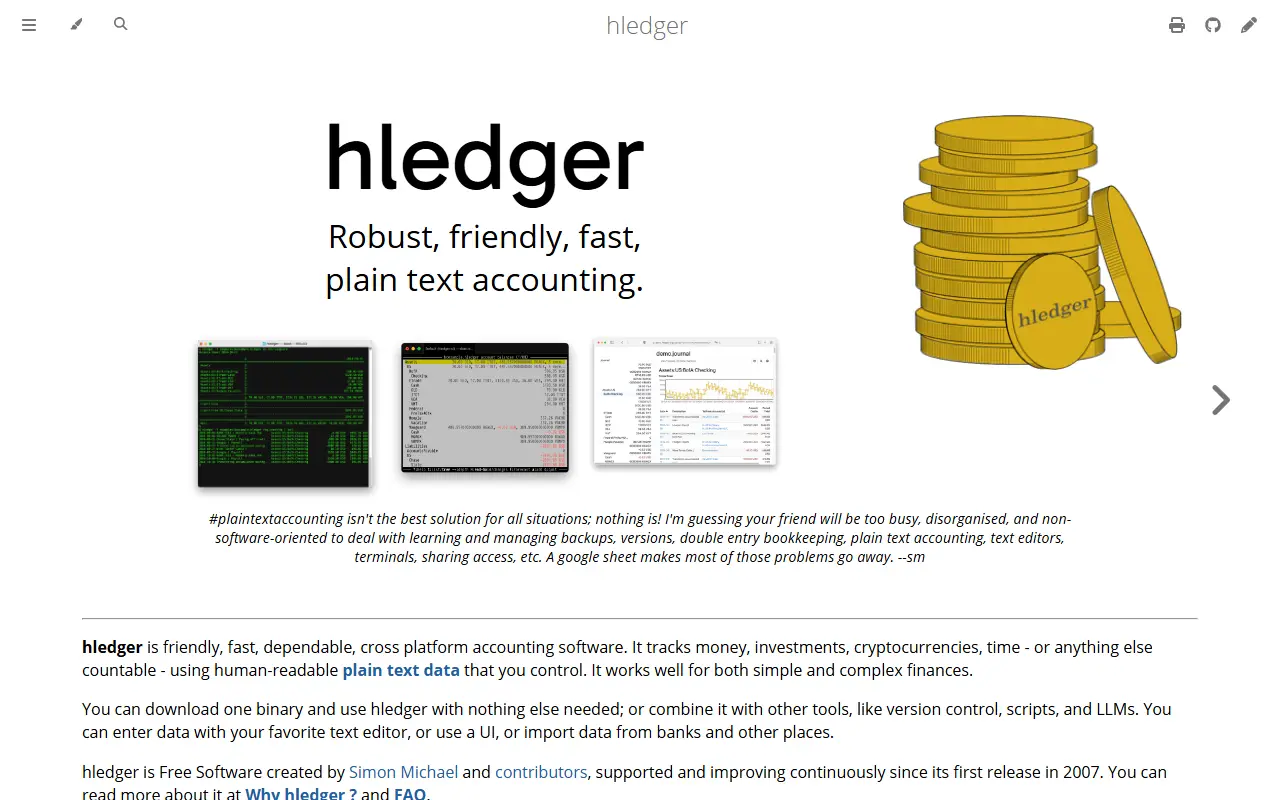
hledger.orghledger homepage screenshot

hledger is a lightweight, cross-platform, multi-currency accounting program based on double-entry bookkeeping and plain text files. It can track cash, investments, cryptocurrencies, invoices, time and inventory in a data format that is future-proof, version-controllable and private.

There are several interfaces: a command line, a terminal UI, a web UI and mobile and editor integrations, and it is scriptable through the CLI, HTTP or an API. It imports and exports CSV and can output text, HTML, JSON and SQL. The accounting engine is multi-currency, supports your own account names, currencies and number formats, and is inspired by Ledger CLI while being interconvertible with Beancount.

hledger is written in Haskell, has been developed continuously since 2007, and is free software under GPL-3.0 or later. It installs on Unix, macOS and Windows and ships with built-in documentation, tutorials and beginner videos. The maintainers aim it at both technical and non-technical people who want clarity about their finances and time, and describe it as a good way to learn double-entry accounting.

Key features

  • Double-entry plain text accounting
  • Command-line, terminal and web interfaces
  • Multi-currency accounting engine
  • CSV import and export
  • Text, HTML, JSON and SQL reports
  • Partly compatible with Ledger CLI
  • Scriptable through CLI, HTTP and API

Pricing: Free software under GPL-3.0 or later.

GnuCash

Free personal and small-business accounting software with double-entry bookkeeping, tracking bank accounts, stocks, income and expenses on desktop systems.

GitHub stars
4.4k
Last commit
yesterday
Latest release
5.17
Self-hosted
Yes
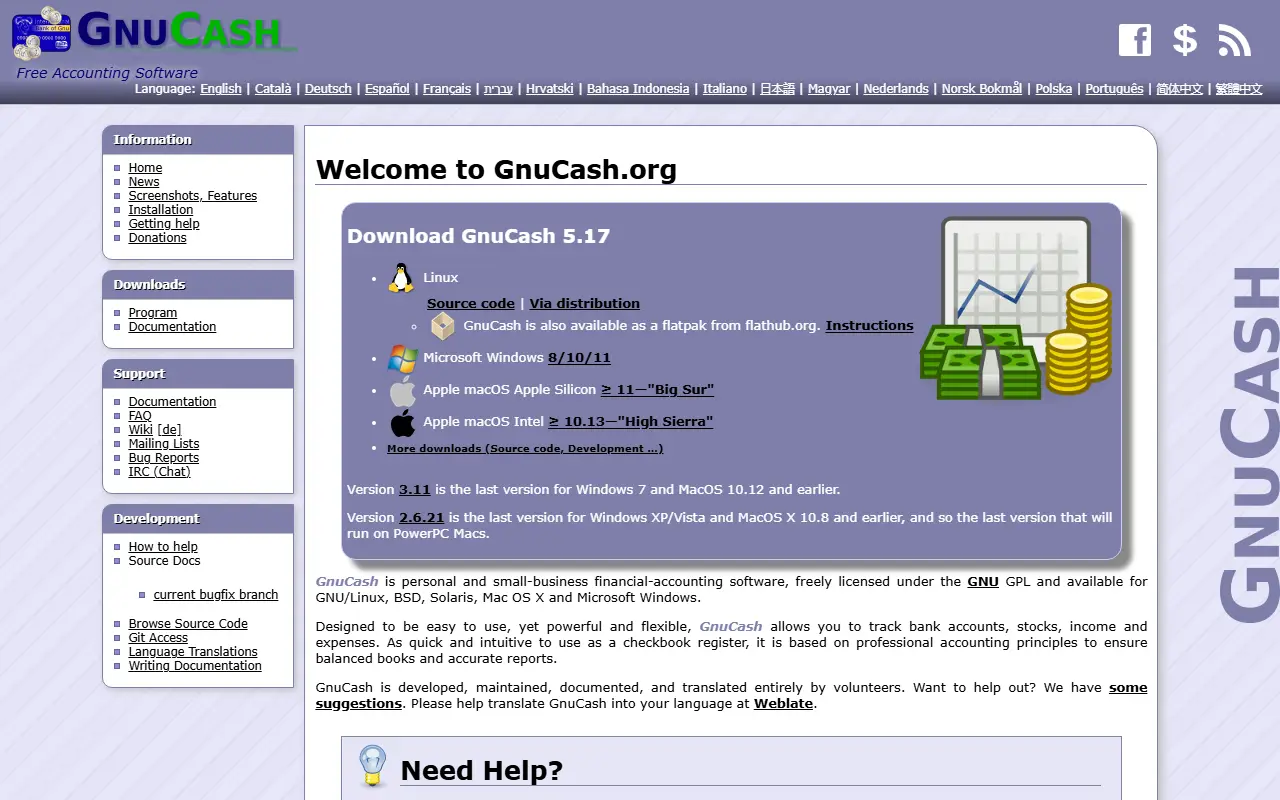
code.gnucash.orgGnuCash homepage screenshot

GnuCash is financial accounting software for individuals and small businesses, freely licensed under the GNU GPL. It lets you track bank accounts, stocks, income and expenses, and it is built on professional accounting principles so that books balance and reports are accurate.

The interface is meant to be as quick and intuitive as a checkbook register while still being flexible. It is double-entry accounting software, and it is available for GNU/Linux, BSD, Solaris, macOS and Microsoft Windows, with a Flatpak build on Flathub. The website lists documentation, an FAQ, mailing lists and chat, and the interface is available in many languages.

GnuCash is developed, maintained, documented and translated entirely by volunteers, and the project invites help with development, documentation and translation. It is written in C, and older releases remain available for Windows 7, older macOS versions and PowerPC Macs.

Key features

  • Double-entry accounting
  • Bank account and stock tracking
  • Income and expense tracking
  • Checkbook-style register interface
  • Accurate balanced reports
  • Runs on Linux, BSD, macOS and Windows

Pricing: Free software licensed under the GNU GPL.

Paisa

Paisa is a personal finance manager built on the ledger double-entry accounting tool, with a web interface for budgets, investments and expenses.

GitHub stars
3.2k
Last commit
27 days ago
Latest release
v0.7.6
Licence
AGPL-3.0
Self-hosted
Yes
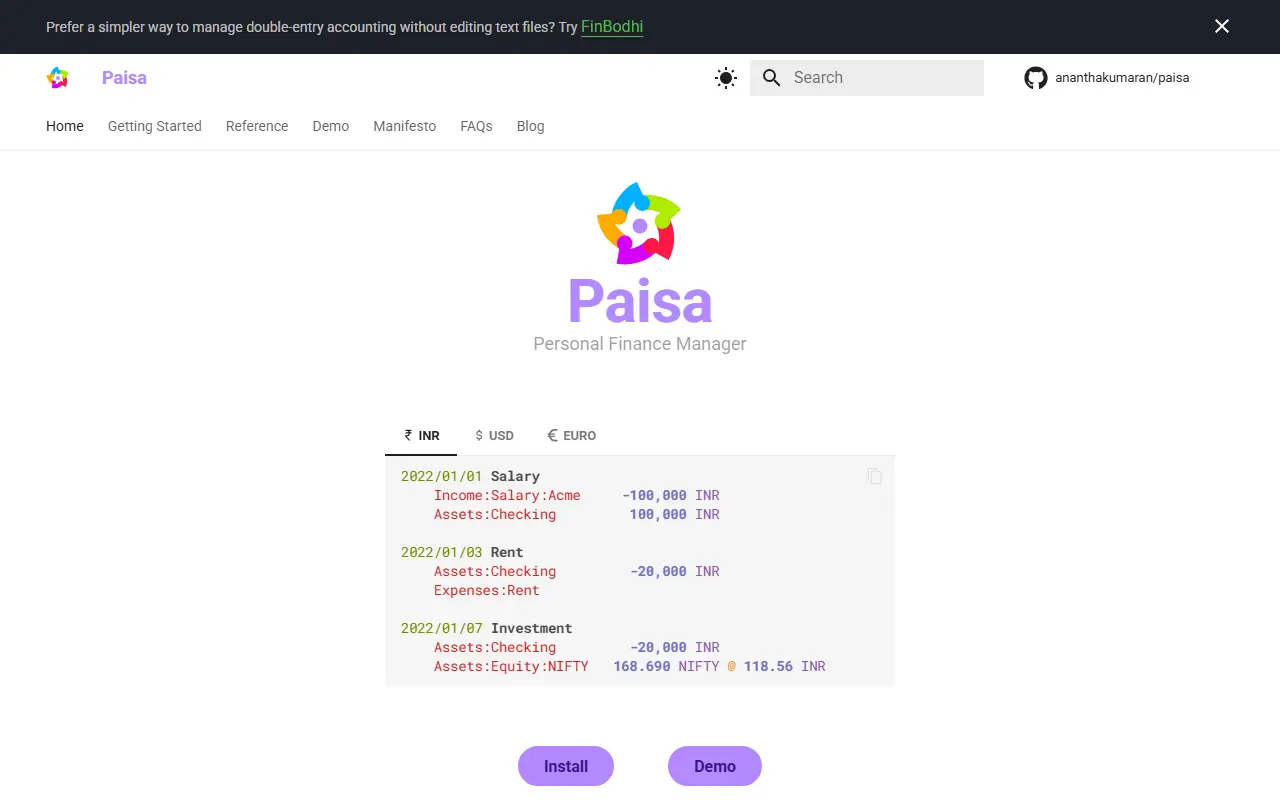
paisa.fyiPaisa homepage screenshot

Paisa is an open-source personal finance manager that builds on top of the ledger double-entry accounting tool. Your financial records live in plain-text journal and configuration files, and Paisa reads them to produce a web interface for visualizing your money. The project states that your financial data never leaves your system.

It helps with tracking investments such as mutual funds and stocks, categorizing expenses, budgeting and money management in general. The documentation covers accounts, commodities, the journal, allocation targets, budgets, bulk edit, imports, recurring transactions, spreadsheets, goals for retirement and savings, credit cards, and tax analysis including capital gains and tax harvesting. Example journals show Indian rupee, US dollar and euro setups.

Paisa is for people comfortable keeping accounts in text files who want charts and analysis on top. It is licensed under AGPL 3 or later, and a public demo shows the interface. The author uses it for personal finances, and questions can be raised through GitHub or a Matrix chat. A separate product is suggested on the site for those who prefer not to edit text files.

Key features

  • Built on ledger double-entry accounting
  • Investment tracking for stocks and mutual funds
  • Expense categorization and budgets
  • Retirement and savings goals
  • Tax and capital gains analysis
  • Multi-currency journals
  • Public demo of the web interface

Pricing: Free and open source under AGPL 3 or later.

Fava

Fava is a web interface for the Beancount double-entry accounting system, built to make plain-text bookkeeping easier to explore.

GitHub stars
2.6k
Last commit
today
Licence
MIT
Self-hosted
Yes
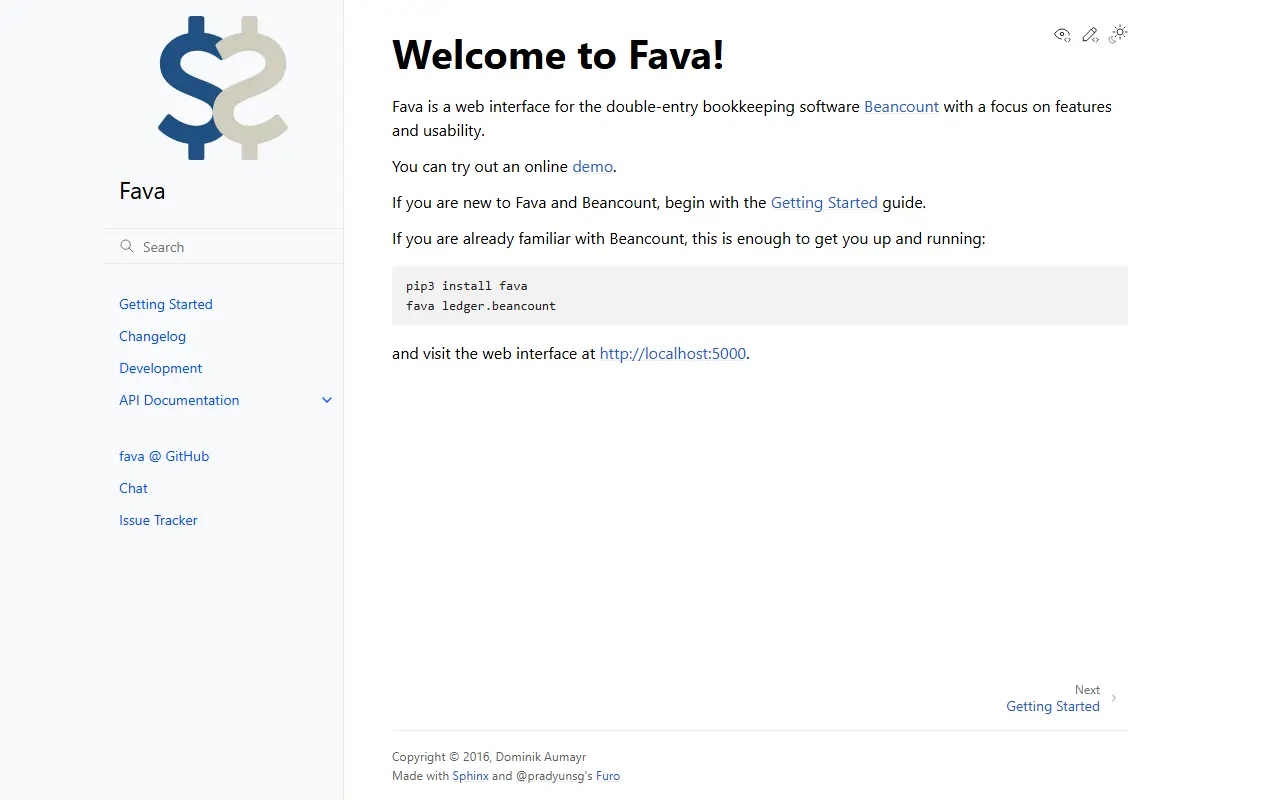
beancount.github.ioFava homepage screenshot

Fava is a web interface for Beancount, a double-entry bookkeeping tool that keeps your accounts in plain text files. Fava focuses on features and usability: it reads your ledger and presents it in a browser so you can view reports and explore your finances without working only from the command line.

If you already know Beancount, getting started is short. You install Fava with pip, point it at your Beancount file with the fava command, and open the interface at localhost on port 5000. New users are directed to a Getting Started guide, and there is an online demo to try first. The documentation also covers the Python API and extension points.

The project is written in Python and licensed under MIT. It ships a changelog, development notes and API documentation for modules such as the core, beans, plugins and extension system, and it offers a chat room and an issue tracker for support. It is a good fit for people who already keep their accounts in Beancount and want a visual front end.

Key features

  • Web interface for Beancount ledgers
  • Runs locally with a single command
  • Online demo available
  • Extension system for custom features
  • Python API documentation

Pricing: Free and open source under the MIT license.

Beancount

Beancount is a double-entry accounting system that works from plain text files, with command-line tools for reports and queries.

GitHub stars
6k
Last commit
1 mo ago
Licence
GPL-2.0
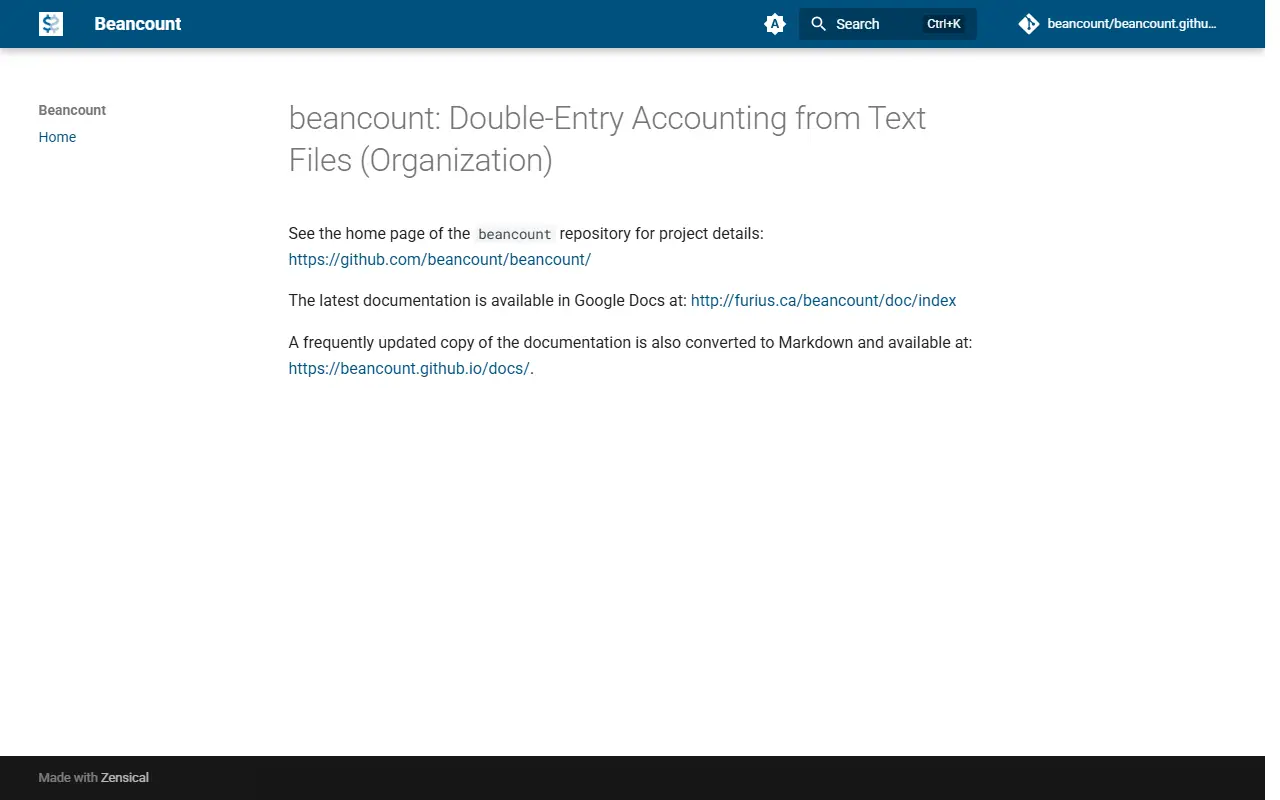
beancount.github.ioBeancount homepage screenshot

Beancount is a double-entry accounting system in which your financial records live in plain text files. The project describes itself as double-entry accounting from text files, and the approach is popular with people who prefer to keep their books in version control and process them with scripts. The software is written in Python and licensed under GPL-2.0.

The main repository holds the project details, while the website points to documentation. The latest documentation is hosted in Google Docs, and a frequently updated copy converted to Markdown is available at beancount.github.io. The project's topics tag it for plain-text accounting and its category is finance and accounting.

Beancount is a command-line oriented toolset and a text format, so it usually pairs with other software to present results. One commonly used companion is Fava, a separate web interface for browsing a Beancount ledger. It is suited to people who are comfortable editing text files and want transparent, auditable personal or small-business bookkeeping.

Key features

  • Double-entry bookkeeping from text files
  • Plain-text ledger format suited to version control
  • Python implementation
  • Documentation in Google Docs and Markdown
  • Works with the Fava web interface

Pricing: Free and open source under the GPL-2.0 license.

Money Manager Ex

Money Manager Ex is a free, cross-platform personal finance app for tracking accounts, budgets and cash flow, with portable and mobile versions.

GitHub stars
2.3k
Last commit
today
Latest release
v1.9.4
Licence
GPL-2.0
moneymanagerex.orgMoney Manager Ex homepage screenshot

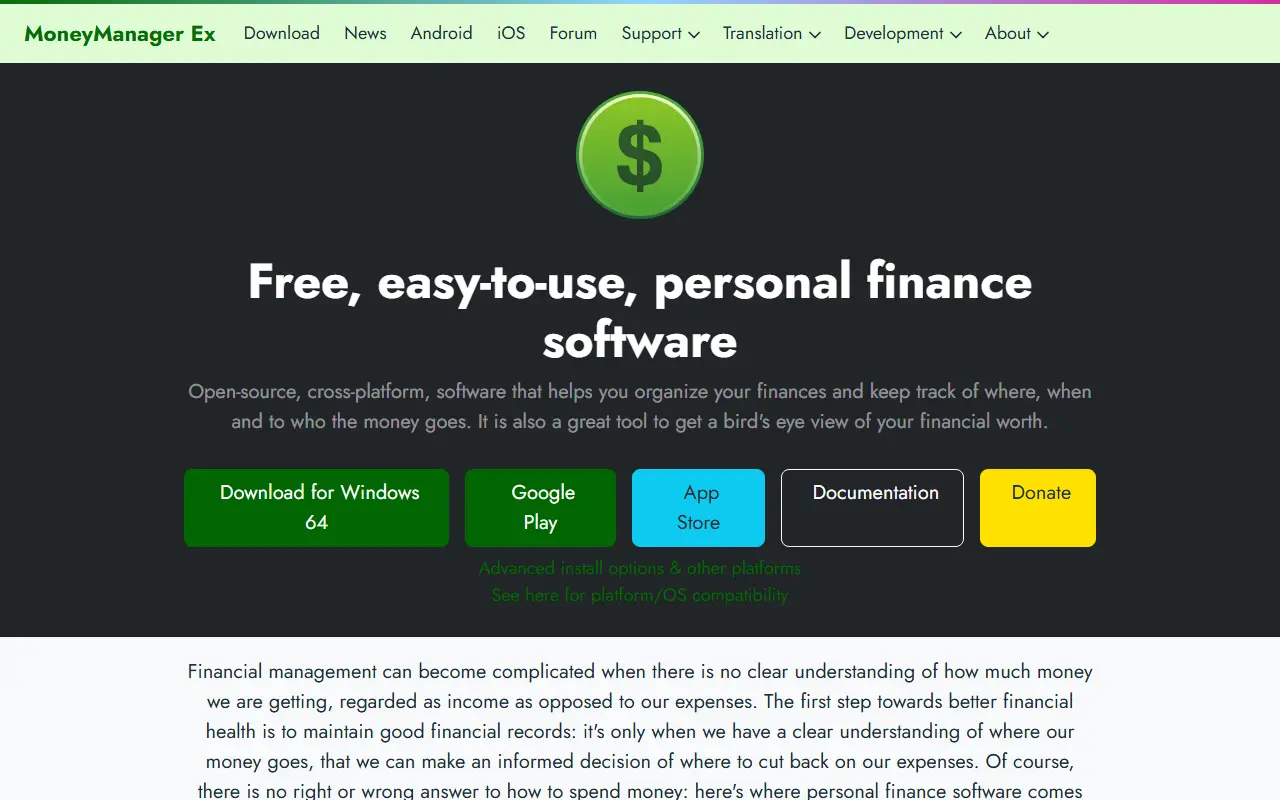
Money Manager Ex, or MMEX, is free, open-source, cross-platform personal finance software for organizing money and tracking cash flow. Its design goals are simplicity and user-friendliness, aiming for an application that people can use every day. It is written in C++ with wxWidgets and stores data in an SQLite database that supports AES encryption.

It supports checking, credit card, savings, stock investment and asset accounts, unlimited nested categories, multiple tags per split transaction, reminders for scheduled bills and deposits, budgeting and cash flow forecasting. One-click reports show graphs and charts, and custom reports are possible. Data can be imported from CSV and Quicken Interchange Format files.

Installation is not required because portable versions can run from a USB drive. Desktop builds exist for GNU/Linux, macOS and Windows, with mobile apps for Android through F-Droid and Google Play and for iOS through the App Store. The software is licensed under GPL-2.0, with stable and development releases offered and translations handled through Crowdin.

Key features

  • Checking, credit card, savings and investment accounts
  • Nested categories and split transaction tags
  • Bill and deposit reminders
  • Budgeting and cash flow forecasting
  • CSV and QIF import
  • Encrypted SQLite database
  • Portable, desktop and mobile versions

Pricing: Free and open source under the GPL-2.0 license.

1 more Quicken alternative

Quicken alternatives: questions

What is the best open-source alternative to Quicken?
Actual Budget is the top-ranked open-source alternative to Quicken on Enlisted: Actual is a local-first personal finance and envelope budgeting app that syncs between devices and can be self-hosted or run locally. Other strong options are Firefly III, Sure, ezBookkeeping and hledger.
Are these Quicken alternatives free?
All 11 are open source, so the code is free to use under its licence, and all of them can be self-hosted on your own server or computer. 1 also offers a paid or managed cloud version if you'd rather not host it yourself.
How is this list of Quicken alternatives ranked?
By a score built from GitHub stars, star growth over the last 30 days and how recently the code changed. 9 of these projects shipped code in the last 30 days. Data is refreshed daily, and nobody can pay to move up.

People also look for alternatives to…

View all