7,363 open-source and SaaS tools, with GitHub stats refreshed every day.

5 alternatives ranked by real activity

Open-source Muse alternatives

A curated, ranked list of the 5 best open-source alternatives to Muse.

The best open-source alternative to Muse is AFFiNE. If that doesn't suit you, other good options are Tldraw Offline, Ideon, InfiniPaint and Revezone.

Muse alternatives are mainly whiteboard tools, but some are also note-taking tools. 4 of them shipped code in the last 30 days, 5 can be self-hosted, and none uses a permissive licence.

Last updated October 2, 2026 · ranked by GitHub stars, growth and recent commits

AFFiNE

A privacy-focused, local-first workspace that merges docs, whiteboards and tables on one canvas, positioned as an open-source alternative to Notion and Miro.

GitHub stars
73k
Last commit
3 days ago
Latest release
v0.27.4
Self-hosted
Yes
Hosted version
Available
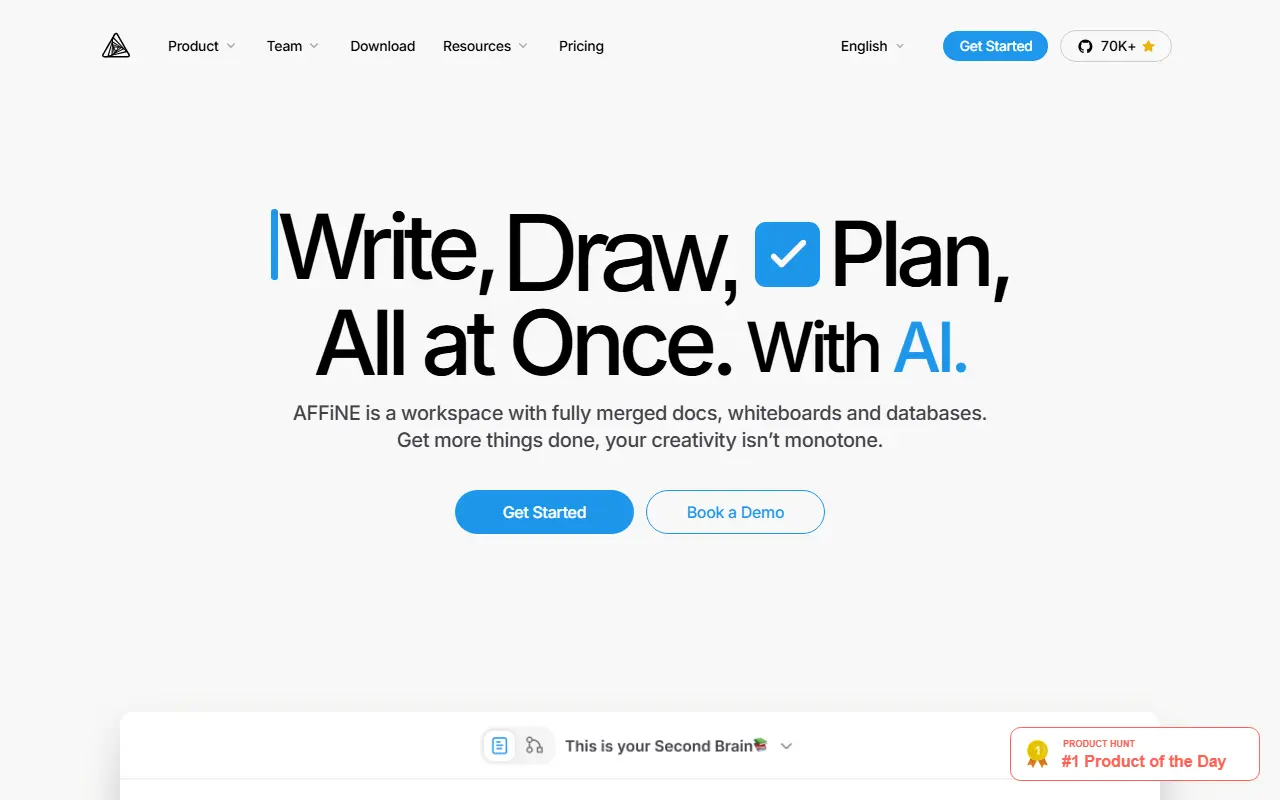
affine.proAFFiNE homepage screenshot

AFFiNE is an open-source workspace that combines writing, drawing and planning in a single app. Documents, an edgeless whiteboard and table views share the same blocks, so you can place rich text, sticky notes, embedded web pages, database views, linked pages, shapes and even slides anywhere on one canvas. It is presented as an alternative to Notion and Miro.

The project stresses local-first storage, meaning your data lives on your own device first, together with real-time collaboration. A multimodal AI assistant helps write reports, turn outlines into slides, summarize articles into mind maps and organize tasks. Under the hood it uses CRDTs for syncing and is built mostly in TypeScript and Rust, with Electron for the desktop app. It also supports Markdown, wiki and knowledge-base use, and presentations.

AFFiNE's license is listed as 'Other' on GitHub, so review it before commercial use. There is a live demo and documentation on the project site, a hosted version is available, and the app can also be self-hosted.

Key features

  • Docs, whiteboard and tables on one canvas
  • Local-first data storage on your device
  • Real-time multi-user collaboration
  • AI assistant for writing, slides and mind maps
  • Markdown editing and linked pages
  • Desktop app built on Electron

Pricing: Free plan with local use and 10 GB of cloud storage. Pro is $6.75 per month and Team $10 per seat per month; a $499.99 one-time Believer plan exists and Enterprise is custom-priced.

Tldraw Offline

tldraw offline is a desktop app for the tldraw infinite canvas that works without accounts or servers and saves portable .tldraw files.

GitHub stars
628
Last commit
2 days ago
Latest release
v1.21.0
Self-hosted
Yes
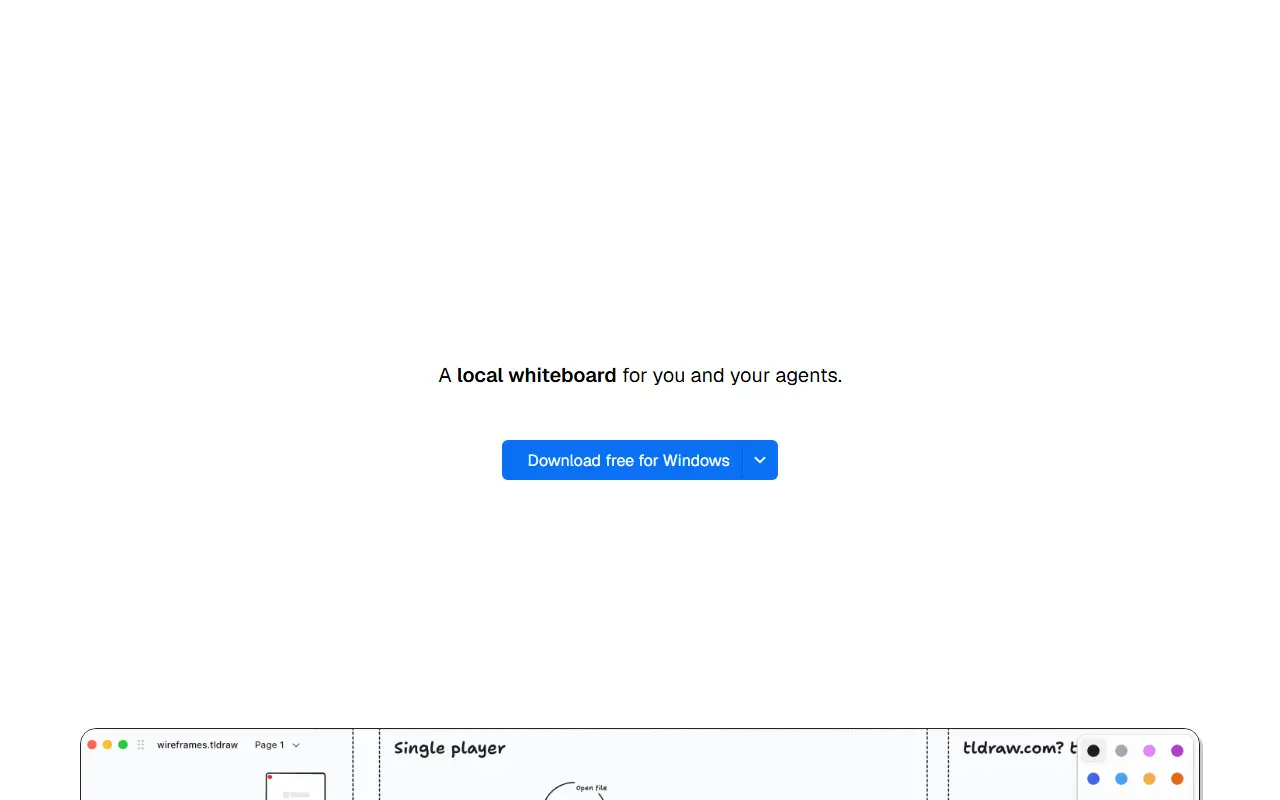
offline.tldraw.comTldraw Offline homepage screenshot

tldraw offline is a desktop application for drawing, diagramming and whiteboarding on tldraw's infinite canvas, described as a local whiteboard for you and your agents. There are no accounts or servers, and it works without an internet connection, with documents saved as portable .tldraw files you can keep private, back up or share.

Builds are available for macOS as a universal DMG for Apple silicon and Intel, for Windows as an installer for x64 or Arm64, and for Linux as an AppImage for x64 or Arm64 and a Debian package for x64, with a Homebrew option on macOS. Each document opens in its own window, the app keeps working copies of open documents and can restore unsaved work after an unexpected exit, and it checks for updates at startup. The .tldraw format holds the canvas, pages, stored media and any embedded document script, and legacy .tldr files can be opened and exported.

A user manual covers installation, file management, keyboard shortcuts, troubleshooting and agent setup. The repository metadata does not give a license, so check the project terms before use.

Key features

  • Infinite canvas whiteboard on the desktop
  • No account or server required
  • Portable .tldraw files
  • Automatic recovery of unsaved work
  • macOS, Windows and Linux builds
  • Support for agents working on documents

Ideon

Ideon is a self-hosted visual workspace where notes, files, repositories and to-dos live together on a shared infinite canvas.

GitHub stars
616
Last commit
2 days ago
Latest release
v0.9.8
Licence
AGPL-3.0
Self-hosted
Yes
theideon.comIdeon homepage screenshot

Ideon is a self-hosted visual workspace for projects. Instead of abstract folders and tabs, it uses spatial organization: you place blocks on a shared infinite canvas, and what sits close together is related, so a project's repositories, design notes and tasks can be seen on a single map.

Blocks can hold Markdown notes, images, links, files and to-dos, and live integrations embed repositories and issues from GitHub, GitLab, Gitea and Forgejo directly on the canvas. Teams can collaborate in real time, and a time travel feature shows historical snapshots of the workspace to trace past decisions. A hosted demo is available to try without setup.

Ideon runs with Docker and Docker Compose, using a PostgreSQL database and a persistent storage volume, and there is a one-click template for the Easypanel deployment platform. You set a secret key in an environment file before starting the stack and open the dashboard on port 3000. It is written in TypeScript and licensed under AGPL-3.0.

Key features

  • Infinite spatial canvas
  • Embedded repositories and issues
  • Markdown notes, images and files
  • Real-time multiplayer collaboration
  • Time travel snapshots
  • Docker Compose self-hosting

Pricing: The open source edition is free to self-host with Docker. The managed Cloud and Enterprise plans have no published prices and are handled by contacting sales.

InfiniPaint

Collaborative infinite-canvas drawing and note-taking app with no zoom limit, available as native desktop apps and in the browser, licensed under GPL-3.0.

GitHub stars
500
Last commit
yesterday
Latest release
v0.6.1
Licence
GPL-3.0
Hosted version
Available
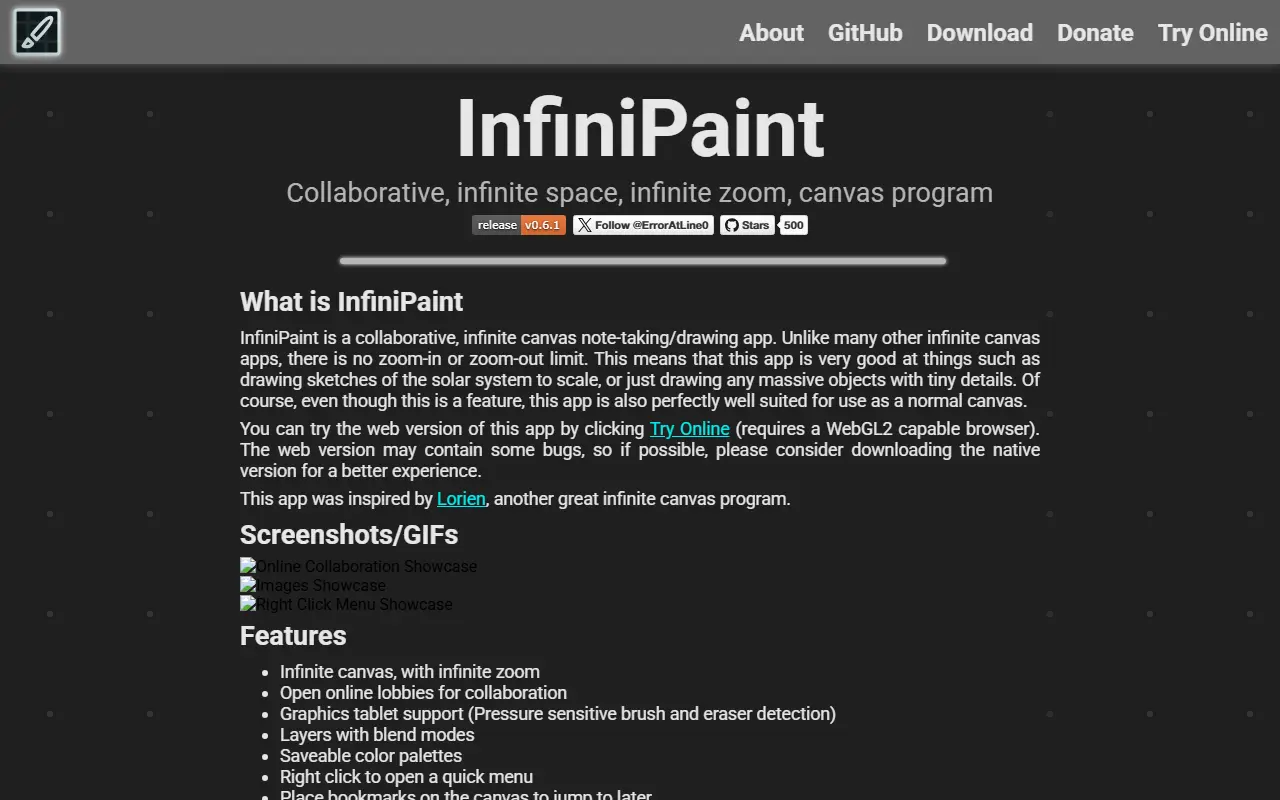
infinipaint.comInfiniPaint homepage screenshot

InfiniPaint is an open-source drawing and note-taking app built on an infinite canvas that you can zoom without a fixed limit, until your computer runs out of memory. That makes it handy for sketches that mix huge scale differences, such as a solar system drawn to scale, as well as for ordinary notes and doodles.

Collaboration is built in through online lobbies, which include text chat and the ability to jump to the position of other participants. The project is written in C++ and has a web version compiled with Emscripten that needs a WebGL2-capable browser, though the maintainer recommends the native build for a better experience. Drawing tablets are among the topics the project lists.

Native builds are offered for Windows (installer or portable zip), macOS on Apple Silicon, and Linux through Flathub or flatpak bundles. Files use the .infpnt extension. The author says it was inspired by the Lorien infinite canvas program, and the code is released under the GPL-3.0 licence.

Key features

  • Infinite canvas with unlimited zoom
  • Online lobbies for real-time collaboration
  • Text chat and jump-to-user navigation
  • Native apps for Windows, macOS and Linux
  • Browser version built with Emscripten
  • Tablet-friendly drawing and note-taking

Pricing: Free and open source under the GPL-3.0 licence.

Revezone

Revezone is a free, AGPL-licensed, local-first productivity app combining Excalidraw and Tldraw whiteboards with a Notion-like note editor, for building a personal second brain.

GitHub stars
2.7k
Last commit
2 yr ago
Latest release
1.0.0-alpha.18
Licence
AGPL-3.0
Self-hosted
Yes
Hosted version
Available

Revezone is a lightweight, graphic-centric productivity tool aimed at people building a personal knowledge base, often described as a second brain. It is local-first, meaning notes and boards are stored in the browser or on the local machine rather than requiring a cloud account, and it is currently in public beta.

It combines whiteboard functions based on both Excalidraw and Tldraw with a WYSIWYG, Notion-like note editor that supports slash commands and Markdown syntax. Notes and boards can be organized into folders in a left sidebar, with flexible layout allowing users to sort directories and split the screen by dragging and dropping. The Excalidraw-based board also supports custom fonts and double-link connections to notes within the desktop app.

Revezone can be used online, with data stored in the browser, or as a downloadable desktop app with data stored locally. It is written in TypeScript and released under the AGPL-3.0 license. This repository contains only the basic functionality of the project, according to its README.

Key features

  • Excalidraw and Tldraw whiteboard support
  • Notion-like WYSIWYG note editor with Markdown
  • Local-first data storage
  • Folder-based organization of notes and boards
  • Custom fonts and note linking on whiteboards
  • Desktop app with local data storage

Pricing: Free and open source under the AGPL-3.0 license; an online version and a downloadable desktop app are both available.

Muse alternatives: questions

What is the best open-source alternative to Muse?
AFFiNE is the top-ranked open-source alternative to Muse on Enlisted: A privacy-focused, local-first workspace that merges docs, whiteboards and tables on one canvas, positioned as an open-source alternative to Notion and Miro. Other strong options are Tldraw Offline, Ideon, InfiniPaint and Revezone.
Are these Muse alternatives free?
All 5 are open source, so the code is free to use under its licence, and all of them can be self-hosted on your own server or computer. 3 also offer a paid or managed cloud version if you'd rather not host it yourself.
How is this list of Muse alternatives ranked?
By a score built from GitHub stars, star growth over the last 30 days and how recently the code changed. 4 of these projects shipped code in the last 30 days. Data is refreshed daily, and nobody can pay to move up.

People also look for alternatives to…

View all