7,380 open-source and SaaS tools, with GitHub stats refreshed every day.

13 alternatives ranked by real activity

Open-source GitHub alternatives

A curated, ranked list of the 13 best open-source alternatives to GitHub.

The best open-source alternative to GitHub is Gitea. If that doesn't suit you, other good options are Gogs, Harness, GitLab and GitHub Desktop.

GitHub alternatives are mainly CI/CD & DevOps tools, but some are also developer tools and API tools. 11 of them shipped code in the last 30 days, 13 can be self-hosted, and 10 use a permissive licence.

Last updated October 2, 2026 · ranked by GitHub stars, growth and recent commits

Gitea

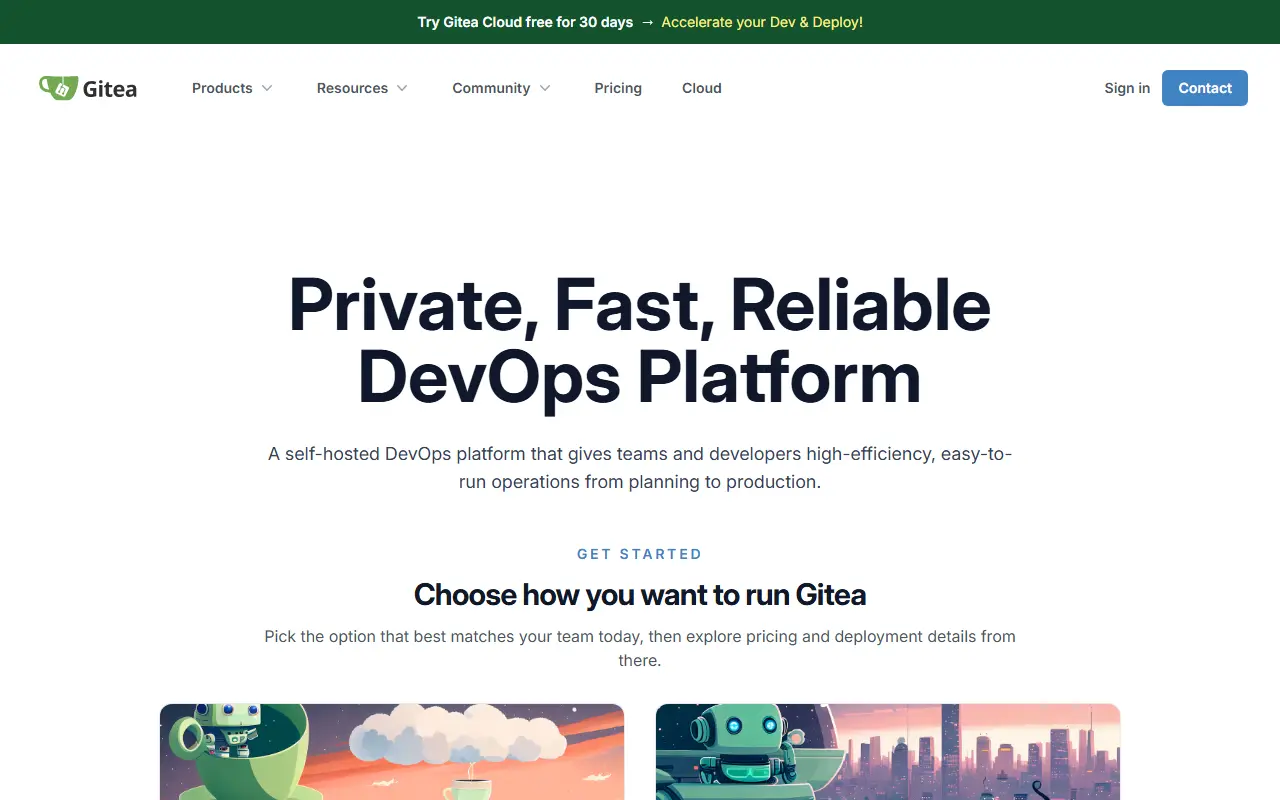
A lightweight self-hosted software development service combining Git hosting, code review, issues, wiki, package registry and CI/CD that can reuse GitHub Actions.

GitHub stars
58k
Last commit
yesterday
Latest release
v28.0.0
Licence
MIT
Self-hosted
Yes
Hosted version
Available
gitea.comGitea homepage screenshot

Gitea is a software development service written in Go that you host yourself and that brings the usual tooling together in one place. It combines Git hosting, code management and review, issue tracking, project kanban boards, a wiki, team collaboration, a package registry and CI/CD, with the aim of being the easiest and least painful way to run your own code platform. Its topics place it in the same space as GitHub and GitLab.

Because it is written in Go, Gitea runs on any platform Go supports: Linux, macOS, the BSDs and Windows, across x86, amd64, ARM, RISC-V 64 and PowerPC processors. Package registries such as Maven, npm and Docker are mentioned in its topics, and its CI/CD system can reuse GitHub Actions workflows, which eases migration of existing pipelines. Documentation covers installation, administration and development.

The project is MIT licensed. You can try a public demo at demo.gitea.com, use the free service at gitea.com with a limited number of repositories, start a trial of the managed Gitea Cloud, or deploy the official container image on your own server. It suits teams and individuals who want control over their source code hosting.

Key features

  • Git hosting with code review
  • Issue tracking and project kanban boards
  • Wiki and team collaboration
  • Package registry for common ecosystems
  • CI/CD that can reuse GitHub Actions
  • Official container image and cross-platform binaries

Pricing: The open-source edition is free to self-host. Enterprise is listed at $19 per user per month (a $9.5 price also appears, with a one-year commitment) and has a 30-day free trial.

Gogs

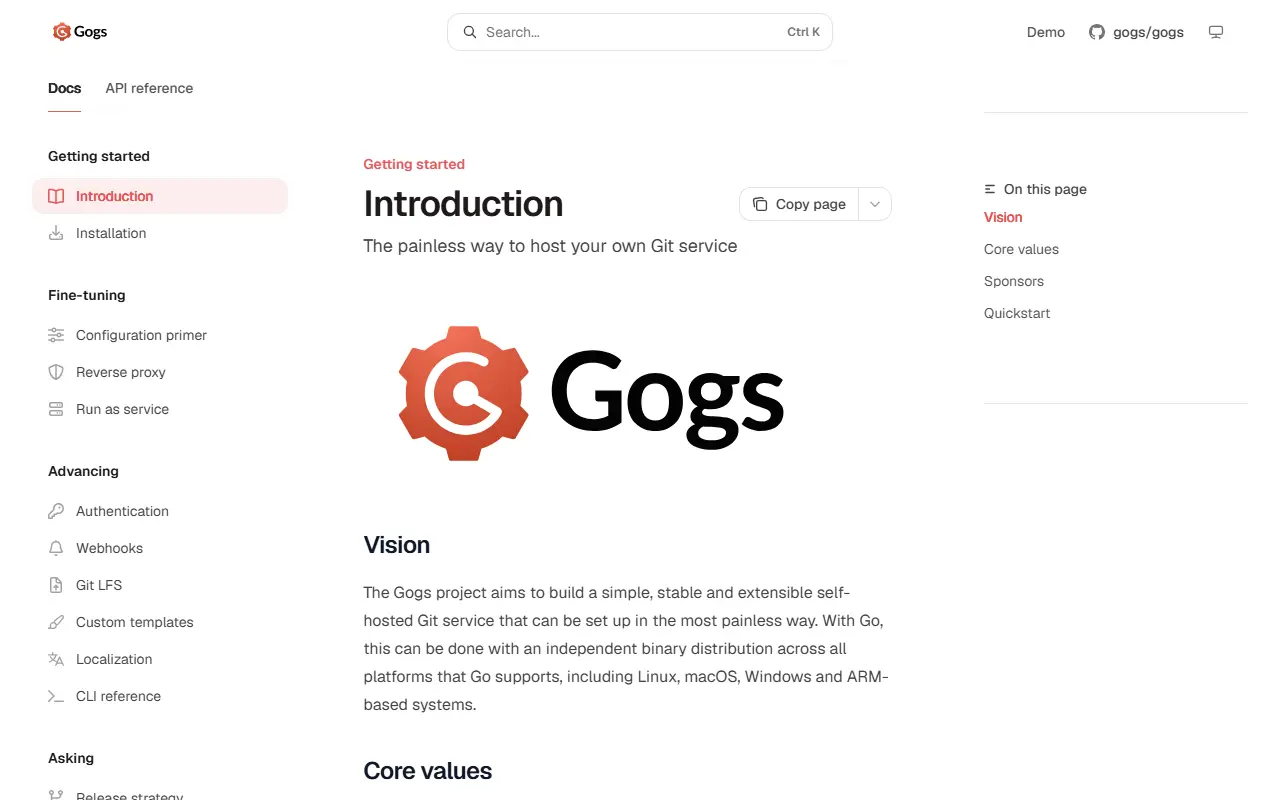
A lightweight, self-hosted Git service written in Go that installs as a single binary on Linux, macOS, Windows and ARM-based systems.

GitHub stars
48k
Last commit
20 days ago
Latest release
v0.14.3
Licence
MIT
Self-hosted
Yes
gogs.ioGogs homepage screenshot

Gogs is a self-hosted Git service that aims to be simple, stable and extensible and to be set up with as little pain as possible. Because it is written in Go, it can ship as a standalone binary on Linux, macOS, Windows and ARM-based systems, among other targets. It is released under the MIT license.

Features include a user dashboard, profiles and activity timeline, repository access over SSH, HTTP and HTTPS, and user, organization and repository management. Repositories get issues, pull requests, wikis, protected branches, webhooks for services like Slack, Discord and Dingtalk, Git hooks, deploy keys, Git LFS, mirroring and migration, a web file editor, and Jupyter Notebook and PDF rendering.

Authentication can use SMTP, LDAP, a reverse proxy, or GitHub accounts with two-factor support. PostgreSQL, MySQL, MariaDB and SQLite3 are supported, and the interface is localized in over 30 languages. An experimental API is documented. Gogs suits individuals and small teams who want a lightweight private code host, including on modest hardware such as a Raspberry Pi.

Key features

  • Single-binary Git hosting service
  • Repository access over SSH, HTTP and HTTPS
  • Issues, pull requests, wikis and protected branches
  • Webhooks, Git hooks, deploy keys and Git LFS
  • LDAP, SMTP and GitHub authentication with 2FA
  • PostgreSQL, MySQL, MariaDB and SQLite3 backends
  • Repository migration and mirroring

Pricing: Free and open source under the MIT license.

Harness

An open-source developer platform combining Git hosting, CI/CD pipelines, cloud development environments called Gitspaces and artifact registries, the successor to Drone.

GitHub stars
38k
Last commit
yesterday
Latest release
v2.28.2
Licence
Apache-2.0
Self-hosted
Yes
harness.ioHarness homepage screenshot

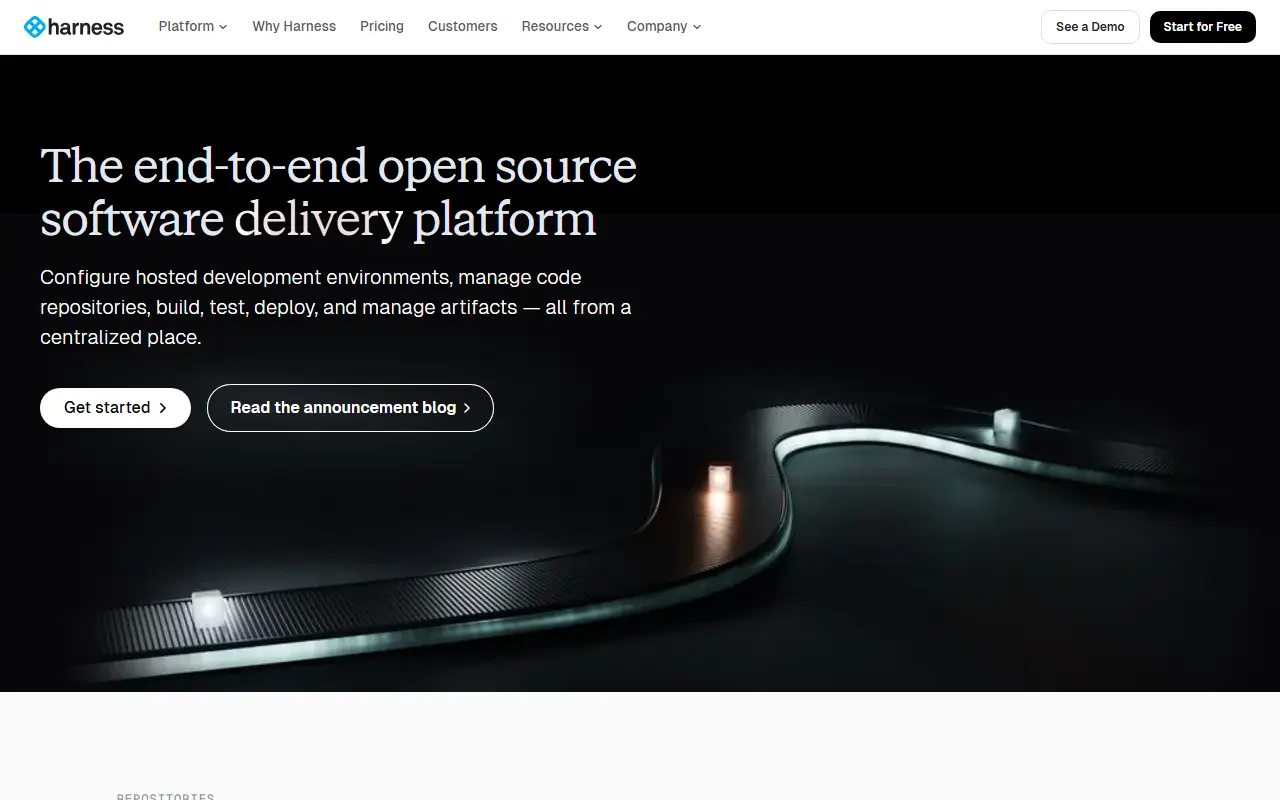
Harness Open Source is a developer platform written in Go that bundles source code hosting, automated pipelines, hosted development environments and artifact registries in one product. The idea is to give a team a complete, self-run DevOps toolchain rather than separate services for repositories, builds and package storage.

Its hosted development environments are called Gitspaces, and the platform also includes registries for build artifacts. Harness is presented as the next generation of Drone: Drone focused only on continuous integration, whereas Harness adds code hosting and developer environments. The maintainers say the goal is eventual parity with Drone's pipeline capabilities so users can migrate, and a snapshot of Drone lives on a separate branch so it can keep developing.

You can run Harness locally from the published Docker image and open it on port 3000. The image stores its database and repositories in a volume, so a bind mount or named volume is strongly recommended to avoid losing data when the container stops. The project is Apache-2.0 licensed, with documentation at developer.harness.io.

Key features

  • Git repository hosting
  • CI/CD pipelines for build automation
  • Gitspaces hosted development environments
  • Artifact registries for build outputs
  • Docker image for quick local setup
  • Migration path from Drone

Pricing: A free plan covers individual developers and small teams. The Essentials bundle and the modular Enterprise plan have no published prices and are quoted through sales.

GitLab

GitLab is a web platform for Git repositories, code review, CI/CD pipelines and issue tracking; this repository is its Community Edition mirror.

GitHub stars
25k
Last commit
today
Self-hosted
Yes
Hosted version
Available
about.gitlab.comGitLab homepage screenshot

GitLab is a platform for collaborating on code. This GitHub repository is a mirror of the Community Edition, written in Ruby on Rails, while the canonical source and all development take place on GitLab.com. Issues should be opened on the GitLab.com tracker rather than here. The platform manages Git repositories with fine-grained access controls, merge requests for code review, and per-project issue trackers, boards and wikis.

GitLab includes continuous integration and delivery pipelines to build, test and deploy applications. It follows an open-core model: most of the code is MIT-licensed, while files in the ee directory are proprietary but source-available. Three editions exist: Community Edition, free under the MIT Expat license; Enterprise Edition, with extra features aimed at organizations with more than 100 users and sold by subscription; and JiHu Edition for the Chinese market. A free trial of the Ultimate tier is available.

Key features

  • Git repository hosting with access controls
  • Merge requests for code review
  • Built-in CI/CD pipelines
  • Issue tracker, boards and wiki per project
  • Community Edition under the MIT Expat license
  • Enterprise Edition with subscription support

Pricing: Free for personal projects with usage limits. Premium costs $29 per user per month billed annually; Ultimate and the single-tenant Dedicated offering are quoted. Free trials are offered for paid tiers.

GitHub Desktop

GitHub Desktop is an open-source Electron app that gives a graphical interface for working with Git and GitHub on macOS and Windows.

GitHub stars
22k
Last commit
today
Latest release
release-3.6.6
Licence
MIT

GitHub Desktop is an open-source application for working with Git repositories and GitHub through a graphical interface, so you spend less time fighting command-line details. It is built with Electron and React and is written in TypeScript. The code is released under the MIT license, and the repository includes a document describing the focus of the product and who benefits most from it.

Official installers are provided for macOS, including Apple silicon, and Windows, including a machine-wide installer. A beta channel offers early builds, with an ARM64 Windows option. Linux is not officially supported, but community installers from a fork are listed. Community-supported package managers cover winget and Chocolatey on Windows and Homebrew on macOS. Past releases are archived online, and installed versions update themselves automatically. The contributing guidelines ask users to search open and closed issues and check known issues before reporting a problem.

Key features

  • Graphical Git client for GitHub workflows
  • Installers for macOS and Windows
  • Beta channel with early builds
  • Built with Electron, React and TypeScript
  • Package manager installs via winget and Homebrew
  • Automatic updates from installed versions

Pricing: Free and open source under the MIT license.

OneDev

A self-hosted development platform that combines Git hosting, issues, pull requests, CI/CD, package registries, a wiki and workspaces, with AI assistance.

GitHub stars
15k
Last commit
yesterday
Latest release
v16.8.3
Licence
MIT
Self-hosted
Yes
onedev.ioOneDev homepage screenshot

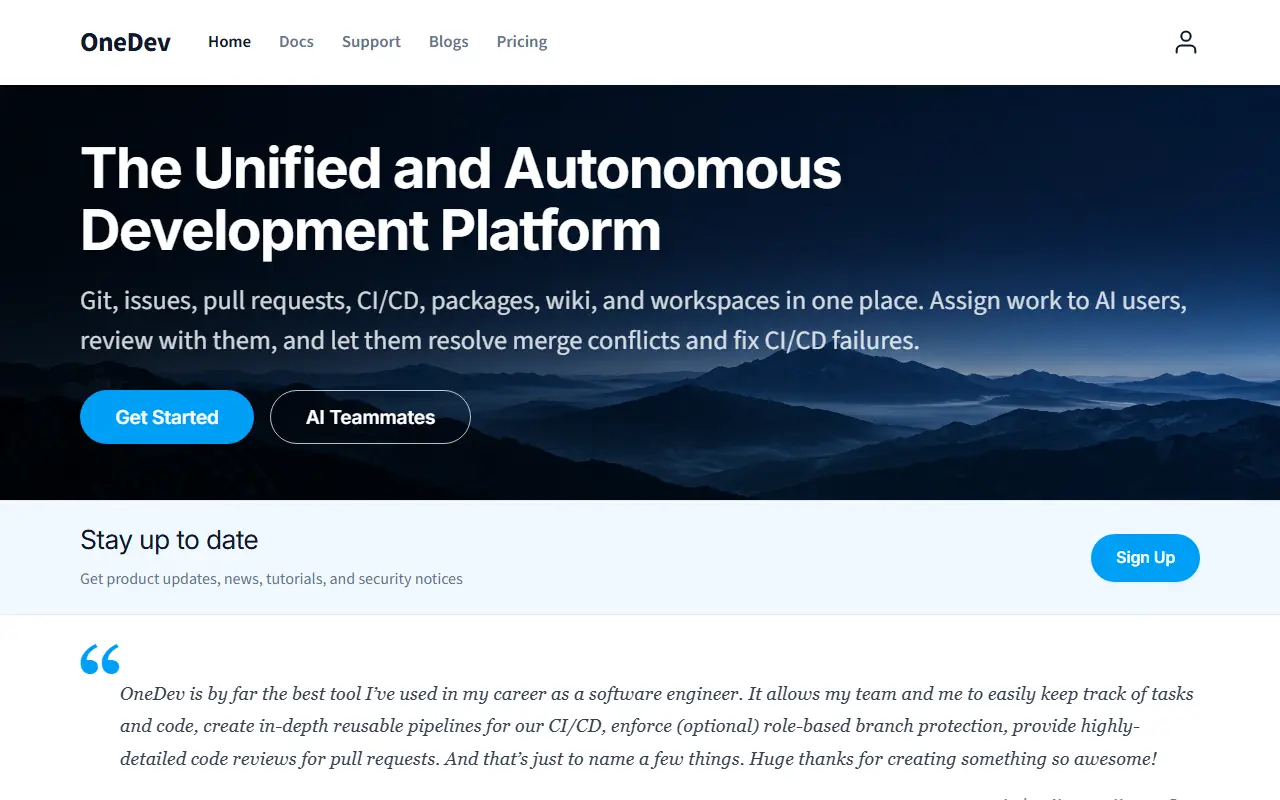
OneDev is a self-hosted platform that gathers Git hosting, issue tracking, pull requests, CI/CD, packages, a wiki and workspaces in one place. It is described as unified and autonomous, with AI teammates available to help with development work. The team develops OneDev on its own instance at code.onedev.io, where issues and pull requests are submitted.

The feature set emphasizes code review and quality. There is language-aware symbol search and navigation within any commit, fast code search with regular expressions, a Renovate integration that updates dependencies through pull requests which can merge automatically after approval or passing tests, and code annotated with coverage and problems found in the CI/CD pipeline. Discussions can be started on any code selection or diff and stay attached to the code, and versatile protection rules can require reviews or CI verification when particular users change particular files on particular branches. Topics also mention kanban boards.

OneDev is written in Java and licensed under MIT. You host it yourself, which suits teams wanting an all-in-one alternative to stitching together GitHub-like hosting, CI and project tools. Tutorials and demos on the project site show features such as dependency updates and protection rules in action.

Key features

  • Git hosting with pull requests
  • Built-in CI/CD pipelines
  • Issue tracking and kanban boards
  • Language-aware code search and navigation
  • Package registry and wiki
  • Branch protection rules and Renovate integration

Pricing: The Community Edition is free. The Enterprise Edition costs $6 per user per month with a 12 user-month minimum per order and a free trial.

GitBucket

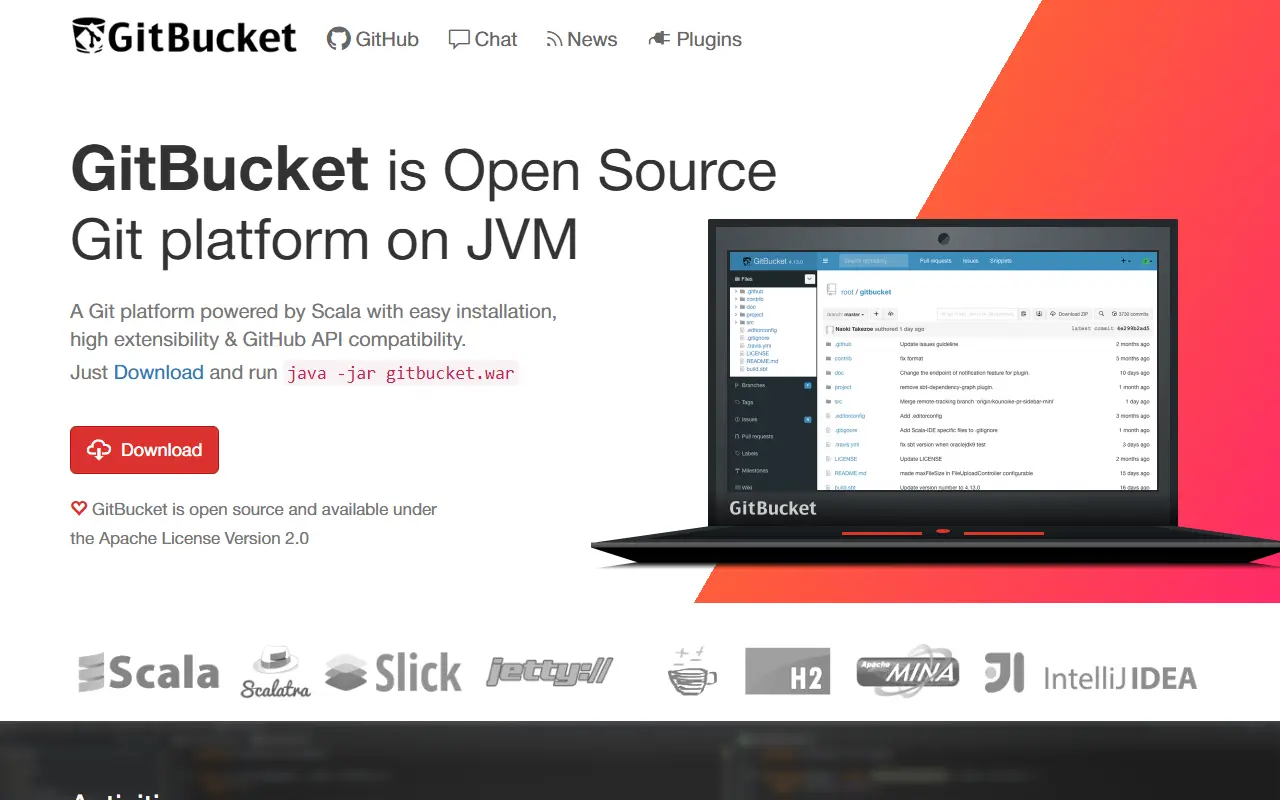
Self-hosted Git web platform written in Scala with repositories, issues, pull requests, wiki, plugins and a GitHub-compatible API.

GitHub stars
9.4k
Last commit
yesterday
Latest release
4.48.0
Licence
Apache-2.0
Self-hosted
Yes
gitbucket.github.ioGitBucket homepage screenshot

GitBucket is a Git web platform powered by Scala. It aims for easy installation, an intuitive interface, high extensibility through plugins and API compatibility with GitHub, so teams can host their own repositories without a heavy setup.

Features include public and private repositories over HTTP, HTTPS and SSH, Git LFS support, a repository viewer with an online file editor, and issues, pull requests and a wiki for each repository. There is an activity timeline with email notifications, account and group management with LDAP integration, and a plugin system. Officially provided plugins cover gists, emoji, pages and notifications, and the community publishes more.

GitBucket requires Java 17. You download gitbucket.war and run it with java -jar, or deploy it to a servlet container that supports Servlet 3.0 such as Jetty or Tomcat. Data is stored under the user's home directory, which makes backup a matter of copying one folder. The code is Apache-2.0 licensed.

Key features

  • Public and private Git repositories
  • Git LFS support
  • Issues, pull requests and wiki
  • LDAP integration and group management
  • Plugin system with official plugins
  • GitHub API compatibility

Pricing: Free and open source under the Apache-2.0 license.

Soft Serve

Soft Serve is a self-hostable Git server for the command line, with an SSH-accessible text interface, access control and Git LFS support.

GitHub stars
7.2k
Last commit
yesterday
Latest release
v0.12.2
Licence
MIT
Self-hosted
Yes

Soft Serve is a self-hostable Git server aimed at people who live in the terminal. It is shipped as a single binary called soft, and starting a server is a matter of running soft serve, which creates a data directory holding repositories, SSH keys and the database.

Users can browse repositories, files and commits through a text user interface available over SSH, print file contents over SSH, optionally with syntax highlighting, and clone over SSH, HTTP or the Git protocol. Repositories can be created on demand by SSH or by pushing, and Git LFS is supported through HTTP and SSH backends. Access control uses SSH public keys, optional anonymous access, collaborators, public or private repositories and user access tokens.

Soft Serve is written in Go by the Charm team and released under the MIT licence. Packages exist for Alpine, Debian and RPM, binaries cover Linux, macOS and Windows, and a Docker image is available. It can also browse local repositories with soft browse.

Key features

  • Git hosting over SSH, HTTP and Git protocol
  • Terminal UI over SSH
  • Git LFS support
  • Repository creation on demand
  • Public key access control and tokens
  • Single binary with Docker image

Pricing: Free and open source under the MIT licence.

Requestly

The community hub for Requestly's API client, a Git-native Postman alternative; note that the application itself is closed source and this repository tracks bugs and the roadmap.

GitHub stars
6.8k
Last commit
yesterday
Latest release
changelog-2026.03.23
Self-hosted
Yes
Hosted version
Available
requestly.comRequestly homepage screenshot

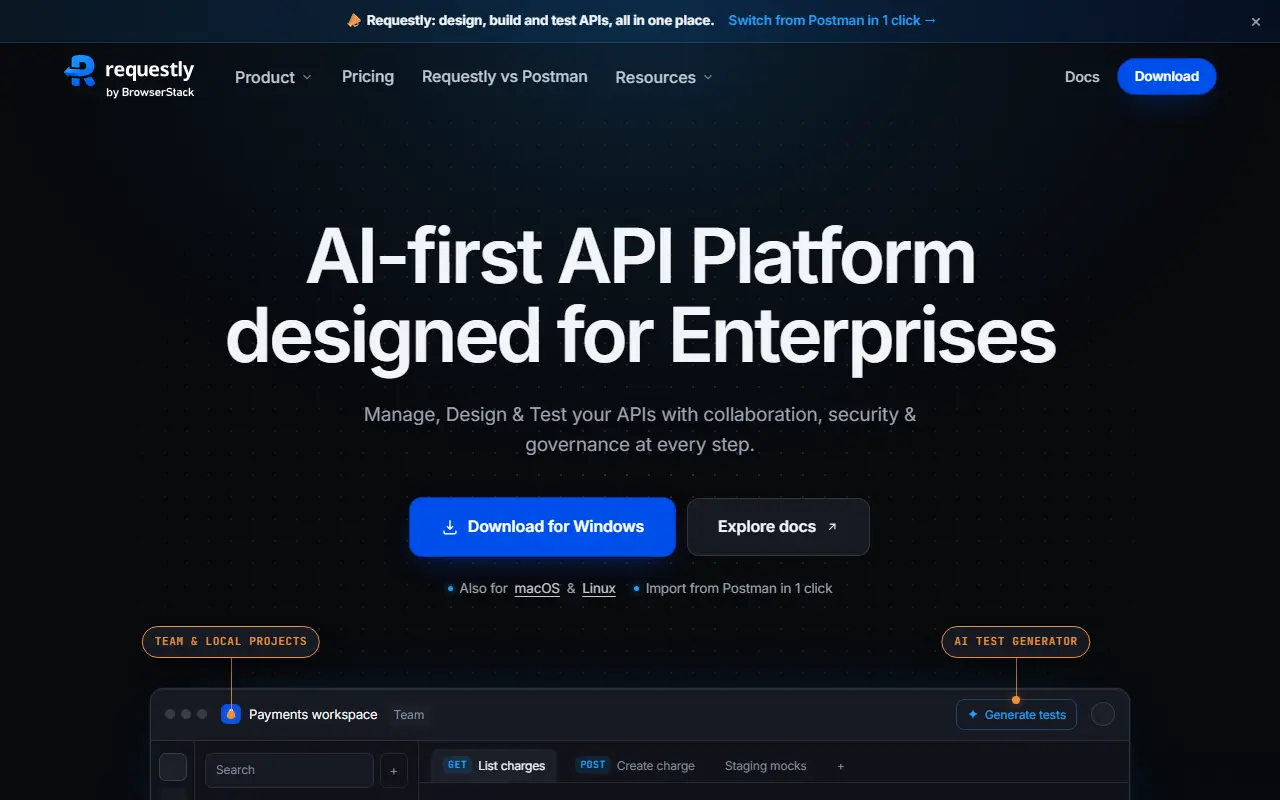
Requestly API Client is a tool for designing, building and testing APIs in one place, positioned as a privacy-first alternative to Postman. This GitHub repository is the community hub: it is where users report bugs, request features, ask questions and browse the roadmap, and the README states plainly that the application itself is closed source.

The client supports a REST API playground, pre and post scripts, import and export from cURL, Postman and OpenAPI, GraphQL with schema introspection and autocompletion, Git sync for keeping collections in a repository, and local workspaces stored as files with no cloud storage. Topics also mention gRPC and WebSocket. You can choose local, team sync or self-hosted setups to keep control of your data, and the project advertises flat pricing that is free for up to 10 collaborators.

Desktop downloads exist for macOS on Apple Silicon and Intel, Windows and Linux. Because the repository lists the license as Other and the app is closed source, readers looking for fully open-source software should not assume the client can be audited or modified.

Key features

  • REST API playground
  • Pre and post request scripts
  • Import from cURL, Postman and OpenAPI
  • GraphQL support with introspection
  • Git sync for API collections
  • Local workspaces with no cloud storage
  • Desktop apps for macOS, Windows and Linux

Pricing: No free plan is listed; a 30-day free start is offered. Team costs $10 and Team Pro $15 per user per month billed annually; Enterprise is by contract.

Tabby

A self-hosted AI coding assistant offering an on-premises, open-source alternative to GitHub Copilot, with code completion, chat and an answer engine.

GitHub stars
34k
Last commit
3 mo ago
Latest release
v0.32.0
Self-hosted
Yes
tabbyml.comTabby homepage screenshot

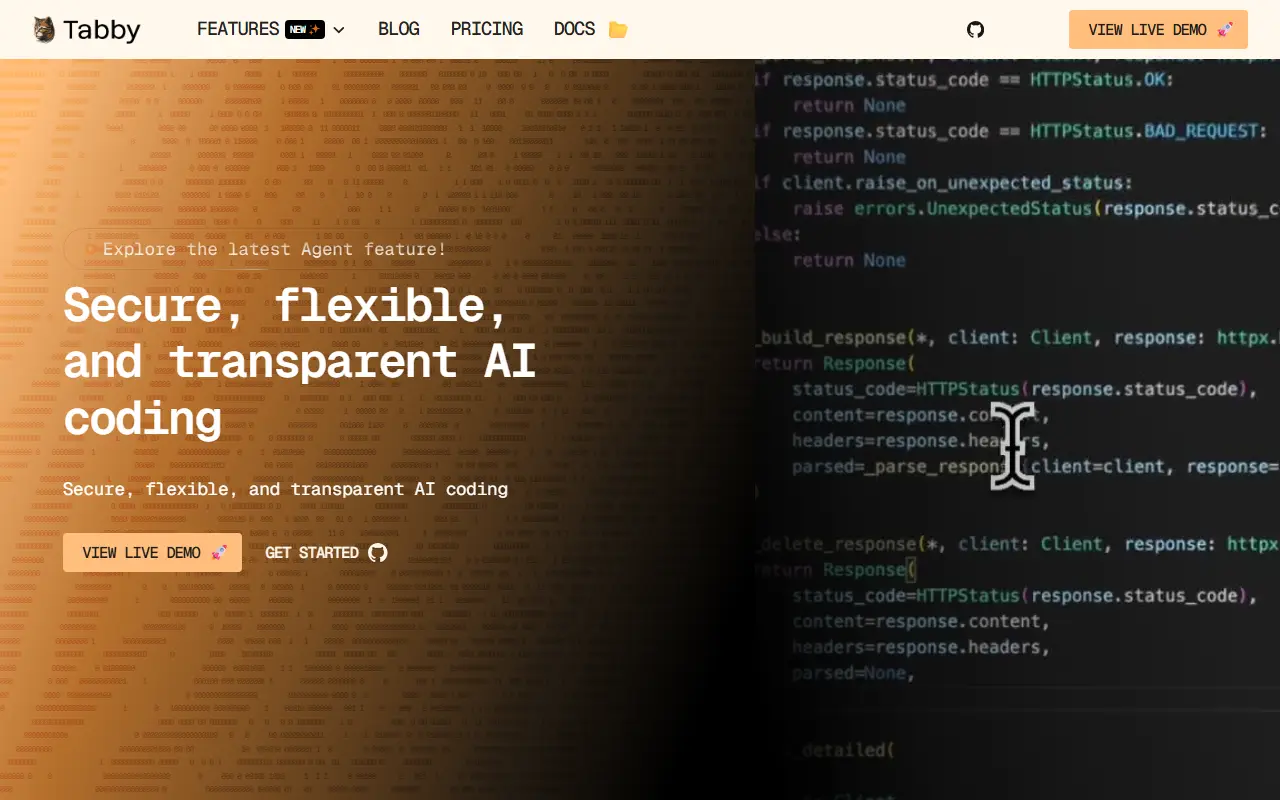
Tabby is an AI coding assistant that you host yourself, positioned as an on-premises, open-source alternative to GitHub Copilot. It is self-contained, so it needs no separate database management system or cloud service, and it exposes an OpenAPI interface that makes it easy to connect to existing infrastructure such as cloud IDEs.

It is designed to run on consumer-grade GPUs. Beyond code suggestions, the project has added a chat side panel, an Answer Engine whose conversations can be saved as shareable pages, the ability to switch between backend chat models, and the option to index repositories, your own documentation and GitLab merge requests as context. LDAP authentication and a VS Code extension with @-mentions for files are also covered in its updates.

Tabby is written in Rust and deployed on your own servers, which keeps source code and prompts inside your network. That suits organizations that cannot send code to a hosted service, and the docs, roadmap and a Slack community are linked from the repository.

Key features

  • Self-hosted AI code completion
  • Chat panel inside the IDE
  • Answer Engine with shareable pages
  • Repository and documentation indexing as context
  • OpenAPI interface for integrations
  • Runs on consumer-grade GPUs
  • LDAP authentication
  • Switchable backend chat models

Pricing: Free open-source Community plan for up to 5 users. Team costs $19 per seat per month for up to 50 users; Enterprise is custom and billed annually.

3 more GitHub alternatives

GitHub alternatives: questions

What is the best open-source alternative to GitHub?
Gitea is the top-ranked open-source alternative to GitHub on Enlisted: A lightweight self-hosted software development service combining Git hosting, code review, issues, wiki, package registry and CI/CD that can reuse GitHub Actions. Other strong options are Gogs, Harness, GitLab and GitHub Desktop.
Are these GitHub alternatives free?
All 13 are open source, so the code is free to use under its licence, and all of them can be self-hosted on your own server or computer. 3 also offer a paid or managed cloud version if you'd rather not host it yourself.
How is this list of GitHub alternatives ranked?
By a score built from GitHub stars, star growth over the last 30 days and how recently the code changed. 11 of these projects shipped code in the last 30 days. Data is refreshed daily, and nobody can pay to move up.

People also look for alternatives to…

View all