#1
A browser built for sharing with AI agents, where agents run automation in isolated Spaces while you keep browsing, using your real logged-in sessions.
- GitHub stars
- 23k
- Last commit
- yesterday
- Latest release
- v2.2.0
- Licence
- MIT
- Self-hosted
- Yes
lite.ego.app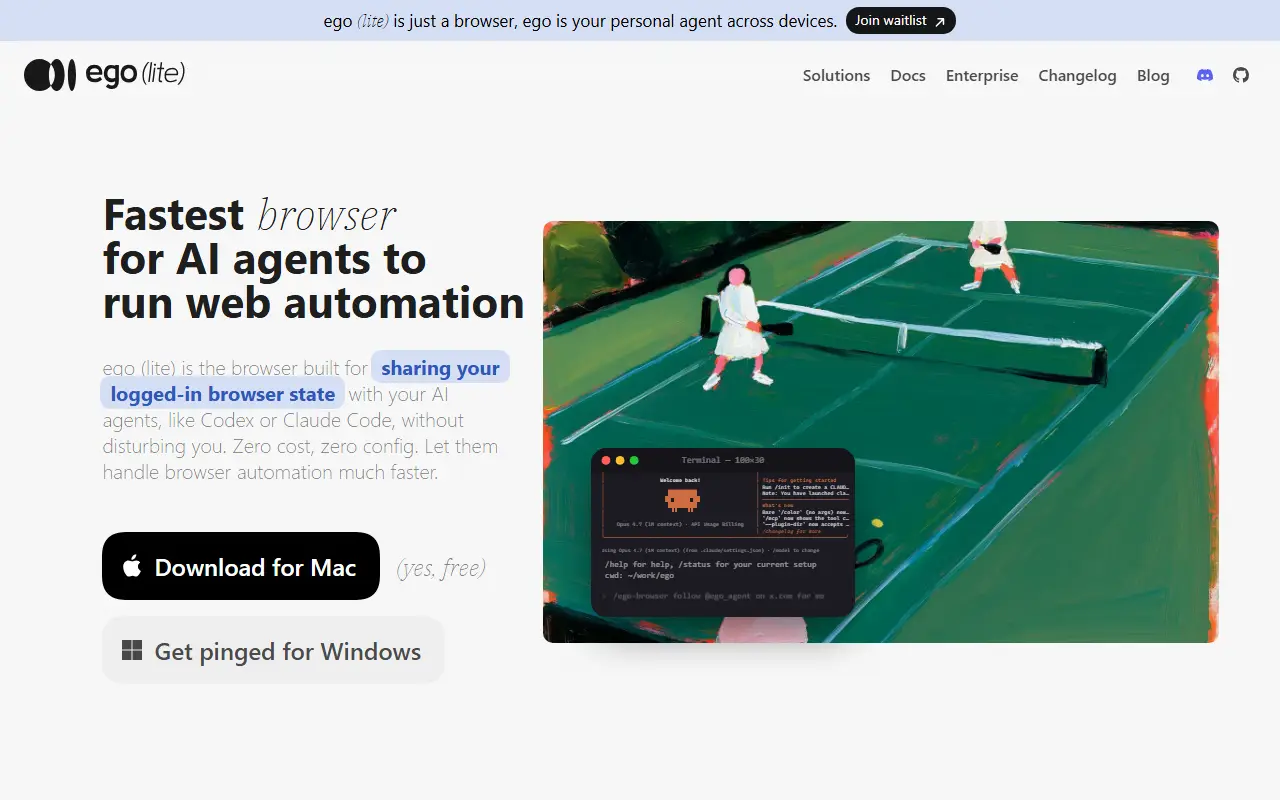
ego lite is a browser designed so that you and your AI agents can work in parallel. Agents carry out browser tasks in their own Spaces, which are isolated workspaces inside the same browser, while you carry on browsing in yours, so an agent never takes control of the window you are using. The project claims the automation itself finishes faster and with fewer tokens.
The pitch contrasts with tools like browser-use and agent-browser, which it describes as bridges to a browser rather than browsers in their own right: they need a separate browser to drive, your data rarely carries over intact, connections can be unstable, and you and the agent may fight over control. With ego lite, an agent can use your real logins and open tabs by way of ego-browser, so it works with your existing sessions. It is meant for agents such as Codex, Claude Code and Hermes, and ships agent skills.
ego lite runs on macOS today, with a Windows closed beta coming and Linux on the roadmap. It is MIT licensed and written in JavaScript, and it is described as zero cost and zero config. It suits developers automating web tasks with coding agents.
Key features
- Isolated Spaces for each agent
- Shares your logged-in browser state with agents
- Works with Codex and Claude Code
- Agent skills included
- Runs on macOS today
- No extra setup or cost
Pricing: Free and open source under the MIT license.
#2
A Firefox-based desktop web browser with a focus on productivity and a calmer browsing experience, developed in the open under the MPL-2.0 license.
- GitHub stars
- 46k
- Last commit
- yesterday
- Latest release
- 1.24.2b
- Licence
- MPL-2.0
zen-browser.app
Zen is a web browser built on Firefox, with the stated aim of taking productivity to a new level. Its tagline invites users to a calmer internet. The source is developed in the open on GitHub under the MPL-2.0 license, and GitHub reports C++ as its main language.
Zen is published in two update channels. The Release channel follows stable builds, and the Twilight channel follows release candidates, and both are built against a specific Firefox version listed in the README. The project provides downloads, documentation and release notes on its website.
Bug reports go to the GitHub issue tracker and feature requests to GitHub Discussions, and contributors are asked to read the contribution guidelines first. Because it builds on Firefox, it suits people who want the Firefox engine with a different interface and workflow focus. The repository also lists partner organizations that support the project.
Key features
- Built on the Firefox engine
- Focus on productivity and a calmer web
- Release and Twilight update channels
- Open source under MPL-2.0
- Community bug reports and feature requests on GitHub
Pricing: Free and open source under the MPL-2.0 license.
#3
An open-source, Chromium-based browser built for AI agents, letting tools like Claude Code and Codex run web tasks in parallel with your logged-in accounts on your own machine.
- GitHub stars
- 14k
- Last commit
- today
- Latest release
- browserclaw/v0.52.0
- Licence
- AGPL-3.0
- Self-hosted
- Yes
browseros.com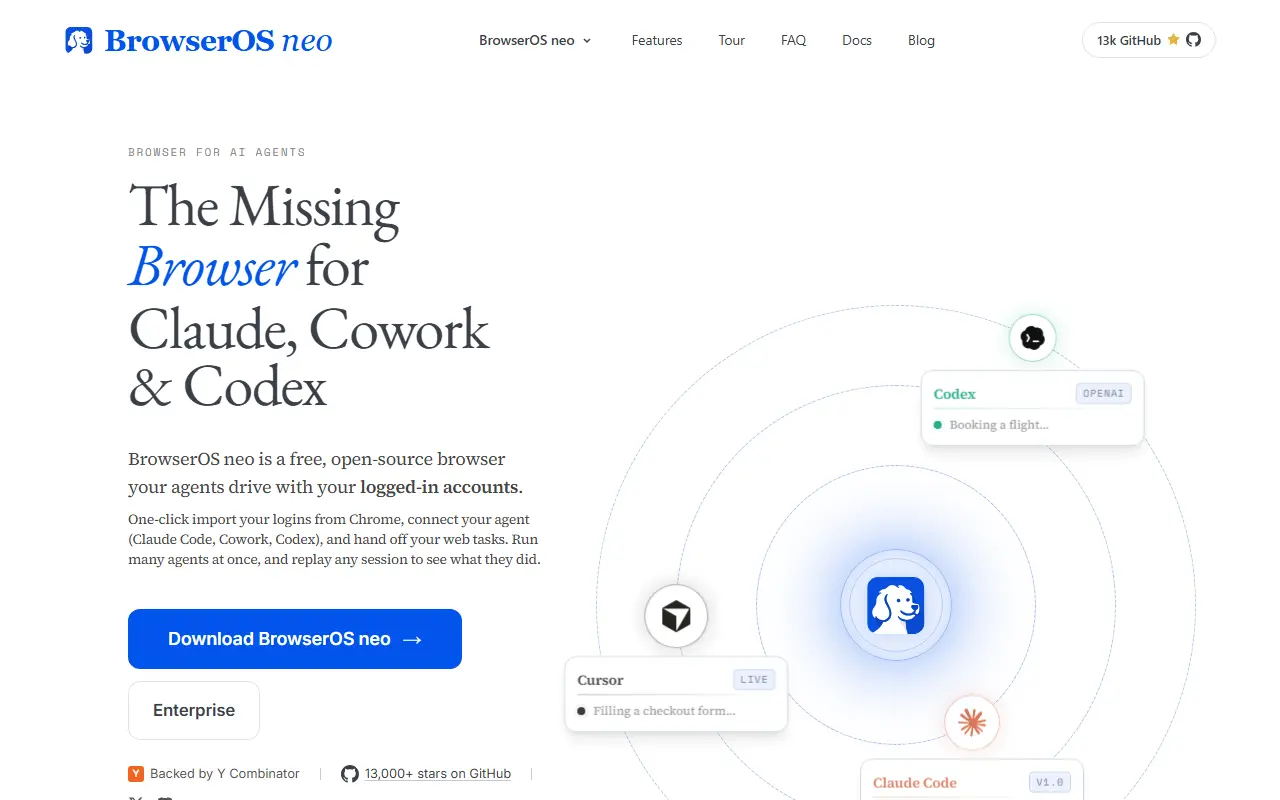
BrowserOS is an open-source browser designed to be used by AI agents. It is positioned as a secondary browser that sits alongside Chrome rather than replacing it, giving agents a place to carry out web tasks while you keep browsing normally. The project presents itself as an alternative to AI browsers such as ChatGPT Atlas, Perplexity Comet and Dia.
You can import logins, bookmarks and extensions from Chrome in one click so agents work with your real accounts, then connect agents such as Claude Code, Codex, Cursor or VS Code, which BrowserOS detects on your machine. Agents run in parallel in their own tabs. A live dashboard on the new tab page shows which site each agent is on, and every session is saved as a replayable video with a step-by-step action timeline.
Everything runs locally on your machine and the project is free under the AGPL-3.0 licence. Its topics point to local model tooling such as Ollama and LM Studio and it exposes tools through the Model Context Protocol. Typical tasks include posting to social media, clearing an inbox, updating a CRM or filing expenses. An enterprise offering is linked from the repository.
Key features
- Chromium-based browser for AI agents
- One-click import of Chrome logins and extensions
- Auto-connects to Claude Code, Codex and Cursor
- Parallel agents in separate tabs
- Live dashboard of running agent tasks
- Replayable session recordings with action timeline
- Runs locally with MCP tools
Pricing: Free and open source under AGPL-3.0; the project also links to an Enterprise offering.
#4
Source repository of Mozilla's Firefox web browser, a privacy-focused open-source browser developed by a non-profit organization.
- GitHub stars
- 14k
- Last commit
- yesterday
firefox.com
Firefox is a web browser built by the non-profit Mozilla organization, and this is its official source repository. The project describes the browser as fast, reliable and private, and it competes with browsers from commercial vendors by being developed in the open under an organization that is not a company.
The repository is the starting point for contributors. Mozilla points developers to a Quick Reference for contributors, to the Firefox Source Docs as the primary documentation, and to Firefox Nightly for development builds. Bugs are filed on bugzilla.mozilla.org rather than in GitHub issues, and developer questions are handled on Matrix at chat.mozilla.org.
Most of the source is JavaScript, alongside lower-level code, and the code is distributed under Mozilla's open-source licenses, mainly the Mozilla Public License. Anyone can read and build the code, track development, or contribute fixes by following the documented workflow, while end users normally install released builds from the Firefox website.
Key features
- Official Firefox browser source code
- Firefox Source Docs for developers
- Nightly development builds available
- Bug tracking on Bugzilla
- Developer chat on Matrix
Pricing: Free to use; the source code is open.
#5
Brave is a Chromium-based web browser for desktop and mobile; this repository holds its issues, releases and wiki.
- GitHub stars
- 24k
- Last commit
- yesterday
- Latest release
- v1.99.56
- Licence
- MPL-2.0
brave.com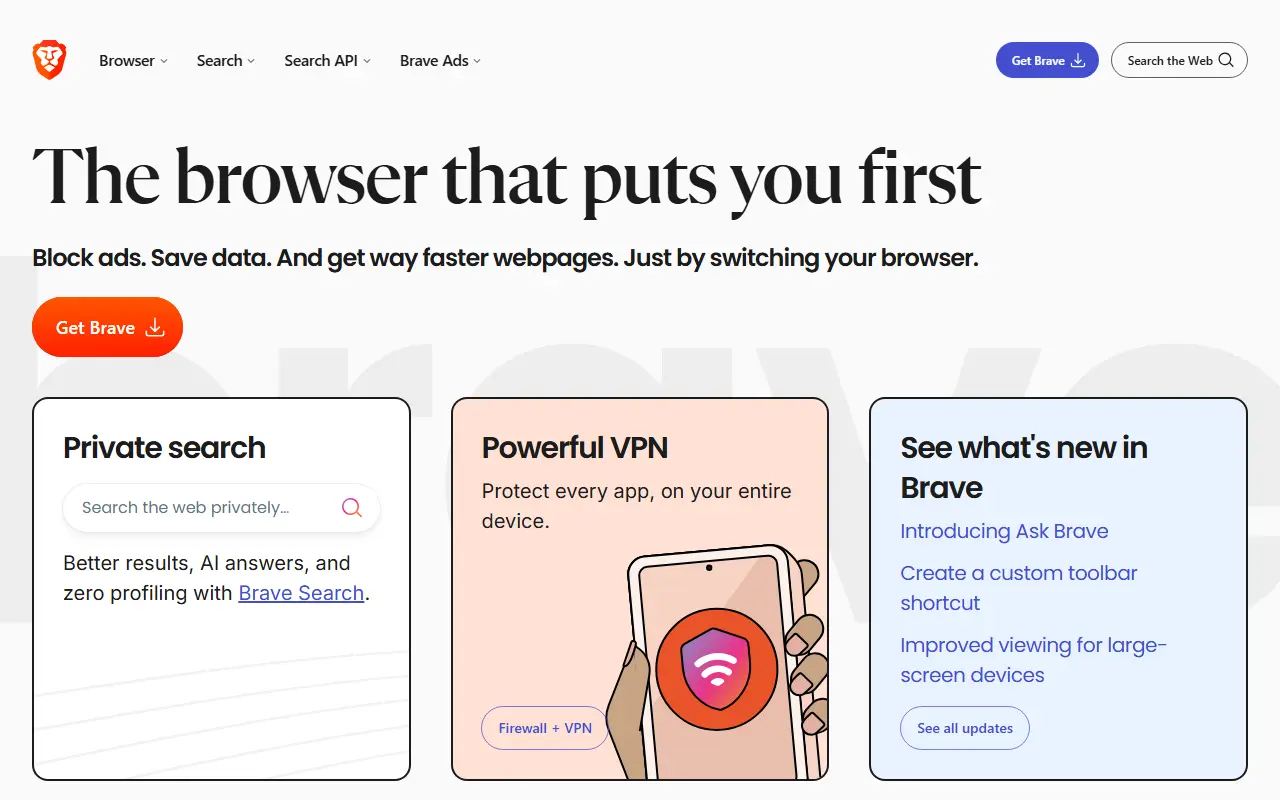
Brave is a web browser built on Chromium and available for Android, iOS, Linux, macOS and Windows. This GitHub repository is not needed to build the browser: it holds only issues, releases and the wiki, while the source code and contributions live in the brave-core repository. Brave is released under the MPL-2.0 license, and the browser is also known for including ad and tracker blocking by default.
The repository's wiki provides documentation for developers, administrators and power users, and the Brave help center covers user-facing questions. A release schedule explains how versions are published, and a security policy describes how to report problems. The community has a Q&A forum, a guest channel on Slack and a Transifex project where people can contribute translations. The latest stable release is available from the Brave website.
Key features
- Chromium-based browser for desktop and mobile
- Runs on Android, iOS, Linux, macOS and Windows
- Issue tracker and release downloads
- Wiki for developers and administrators
- Translations contributed through Transifex
- Source code kept in the brave-core repository

Nanobrowser is an open-source Chrome extension that runs multi-agent AI web automation in your browser using your own LLM API key.
- GitHub stars
- 14k
- Last commit
- 3 days ago
- Latest release
- v0.3.0
- Licence
- Apache-2.0
- Self-hosted
- Yes
nanobrowser.ai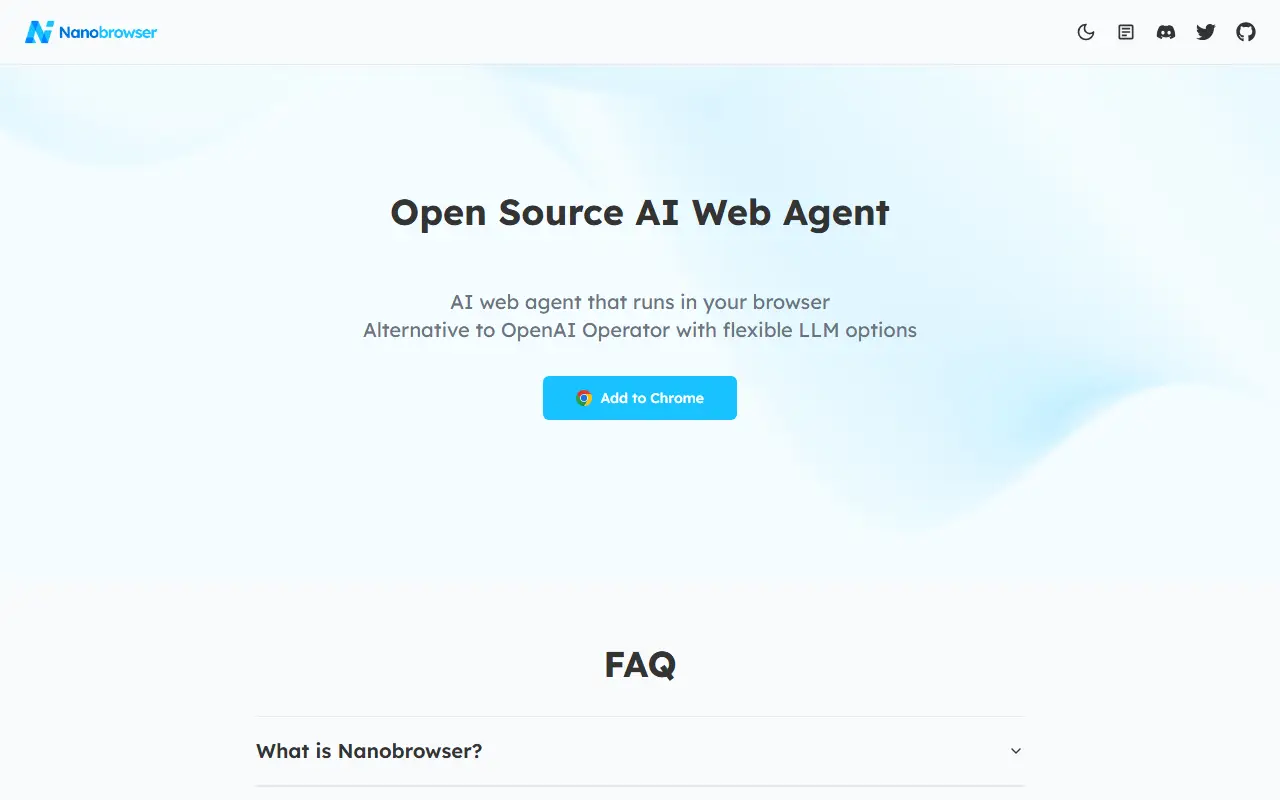
Nanobrowser is an AI web automation tool delivered as a Chrome extension. You describe a task, and a team of AI agents carries it out in your browser. The project presents itself as a free, open-source alternative to OpenAI Operator, with the flexibility of choosing which language model provider you use.
Its multi-agent design splits the work: a Planner analyzes the task and corrects course when it runs into obstacles, while a Navigator carries out the steps on web pages. Everything runs locally in the browser, and you supply your own LLM API key, so there is no required vendor account. Topics mention browser automation, Playwright and n8n. It is available from the Chrome Web Store and is written in TypeScript.
Nanobrowser is licensed under Apache-2.0. It suits people who want agentic browsing and web task automation with their own model keys, without handing control to a hosted browser agent. Support comes from community sponsorship and a Discord server.
Key features
- Chrome extension for AI web automation
- Multi-agent Planner and Navigator system
- Bring your own LLM API key
- Runs locally in your browser
- Self-correcting task execution
- Available from Chrome Web Store
Pricing: Free and open source under Apache-2.0; you pay your own LLM provider for API usage.
#7
Keyboard-driven, vim-style web browser built on Python and Qt, with a minimal interface for people who prefer not to use the mouse.
- GitHub stars
- 12k
- Last commit
- 2 days ago
- Latest release
- v3.7.0
- Licence
- GPL-3.0
qutebrowser.org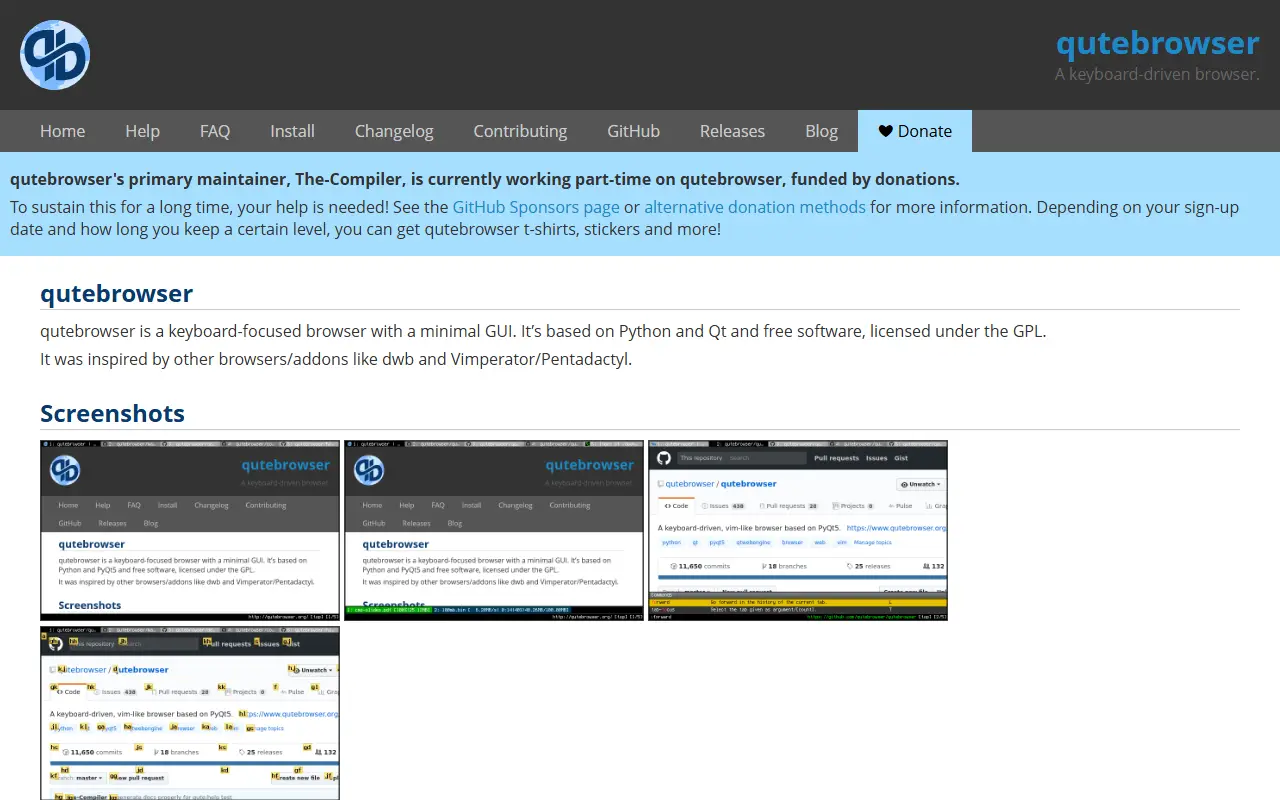
qutebrowser is a keyboard-focused browser with a minimal graphical interface. It is written in Python and uses Qt and QtWebEngine, and it takes inspiration from earlier tools such as dwb and Vimperator/Pentadactyl. The design suits people who like vim-style modal navigation and prefer to avoid reaching for the mouse.
The browser can be installed from GitHub releases or following the INSTALL file for each platform, and the project site includes a FAQ, a changelog, a blog and a help page with documentation and support channels. Bugs can be reported with the built-in :report command, a crash dialog, the issue tracker or the mailing list, with separate routes for security reports.
qutebrowser is free software released under the GPL, specifically GPL-3.0. Its primary maintainer works part-time on the project, funded by donations through GitHub Sponsors and other methods, with perks such as stickers and shirts for some supporters. Contribution guidelines are published for people who want to help.
Key features
- Vim-like keyboard-driven navigation
- Minimal graphical interface
- Built on Python and QtWebEngine
- Built-in :report bug command
- Installers and notes for multiple platforms
Pricing: Free software under the GPL-3.0 license; development is funded by donations.
#8
Min is an open-source web browser that focuses on speed and privacy, with features like ad blocking, tab management, and full-text search.
- GitHub stars
- 9.3k
- Last commit
- 4 days ago
- Latest release
- v1.35.7
- Licence
- Apache-2.0
minbrowser.org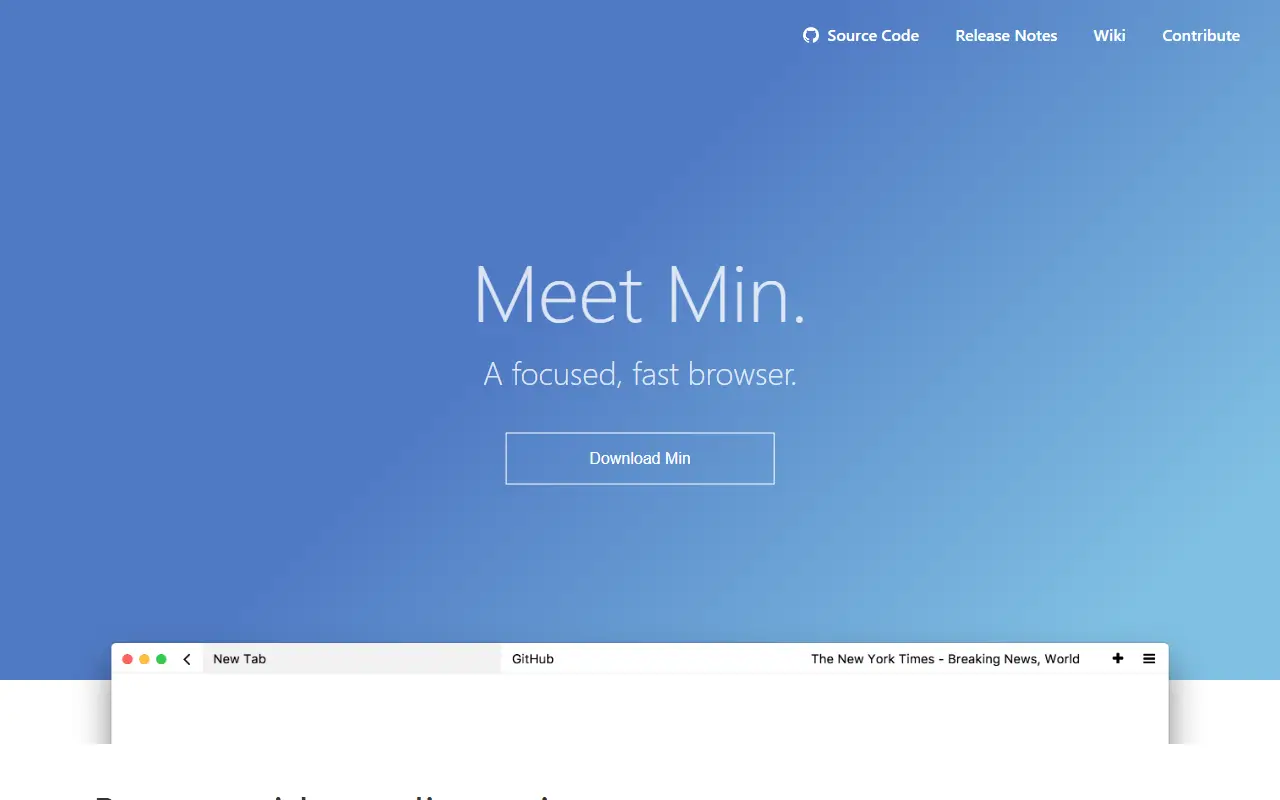
Min is a web browser designed to be fast and minimal, with a focus on privacy. It automatically blocks most ads and trackers, and does not share browsing history. The browser is written entirely in JavaScript and is available as open-source software on GitHub.
Min aims to reduce distractions while browsing. It uses compact tabs, fades out pages not viewed recently, and includes a Focus Mode that hides other tabs. Users can organize bookmarks with tags and search the full text of visited pages locally on their device.
Key features
- Blocks most ads and trackers automatically
- Tabs take up less space and fade out when not viewed recently
- Focus Mode hides other tabs to prevent distractions
- Full-text search of every visited page on the device
- Tags for organizing bookmarks and automatic suggestions of similar pages
- Tasks to group and organize tabs, with keyboard shortcuts and auto-collapse

Floorp is a free, open-source web browser based on Mozilla Firefox and its Gecko engine, built to support an open, private and sustainable web.
- GitHub stars
- 8.5k
- Last commit
- yesterday
- Latest release
- v12.21.1
- Licence
- MPL-2.0
floorp.app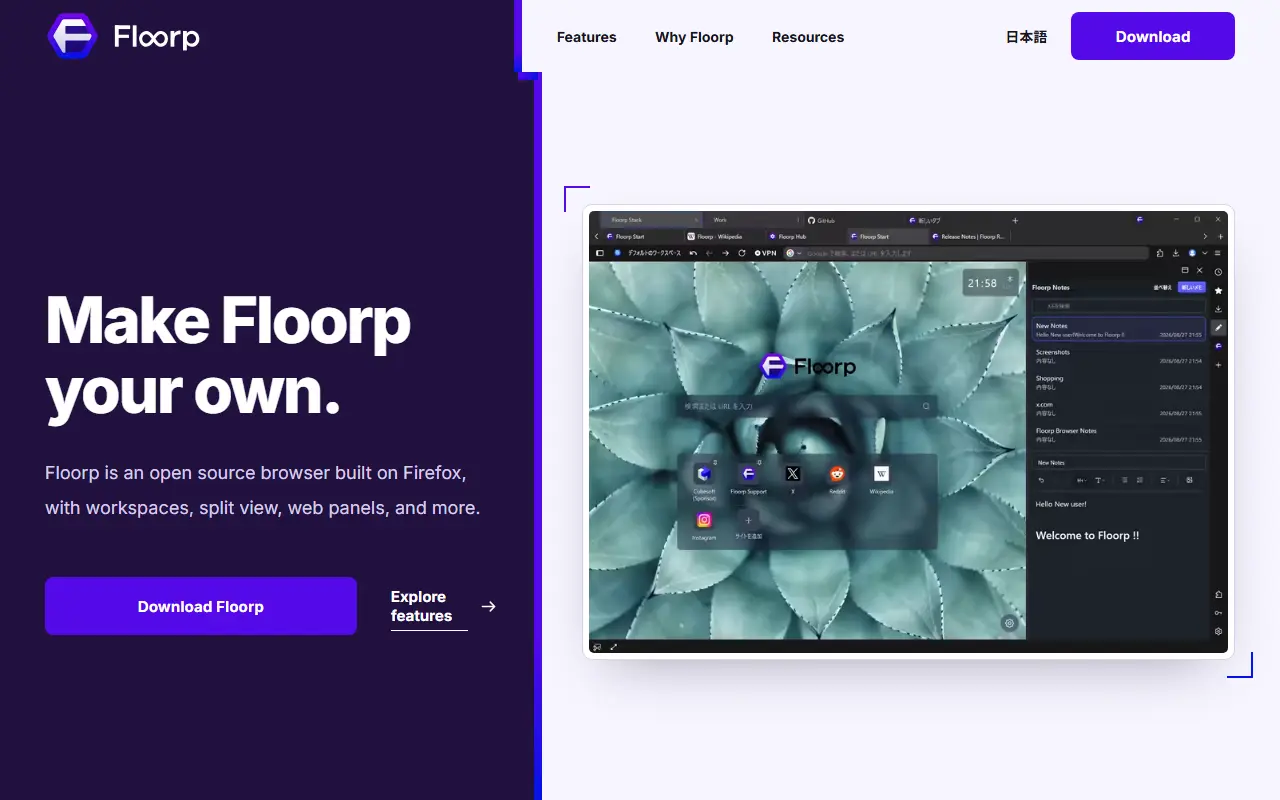
Floorp is a free and open-source web browser based on Mozilla Firefox. The project describes its mission as keeping an open, private and sustainable web alive, and it builds on Firefox's Gecko engine for rendering pages.
The repository holds the source code for Floorp 12 and is written mostly in TypeScript. The project provides an official site with downloads, a blog with release notes, a Discord server and documentation. It is funded through sponsorship, including GitHub Sponsors, which helps cover development and server costs, and several companies are named as special sponsors.
Floorp is released under the MPL-2.0 licence, the same licence family used by Firefox. As a browser it is installed as a desktop application from the official download page, and the README lists the supported operating systems and getting-started steps for users.
Key features
- Browser based on Mozilla Firefox
- Gecko rendering engine
- Free and open-source project
- Official documentation and release notes
- Community Discord server
Pricing: Free and open source under the MPL-2.0 licence; development is funded by sponsorship.
#10
Waterfox is a free, open-source, customizable web browser based on Mozilla Firefox, with built-in ad blocking, anonymized DNS and no telemetry.
- GitHub stars
- 6.4k
- Last commit
- 6 days ago
- Latest release
- 6.7.8
waterfox.com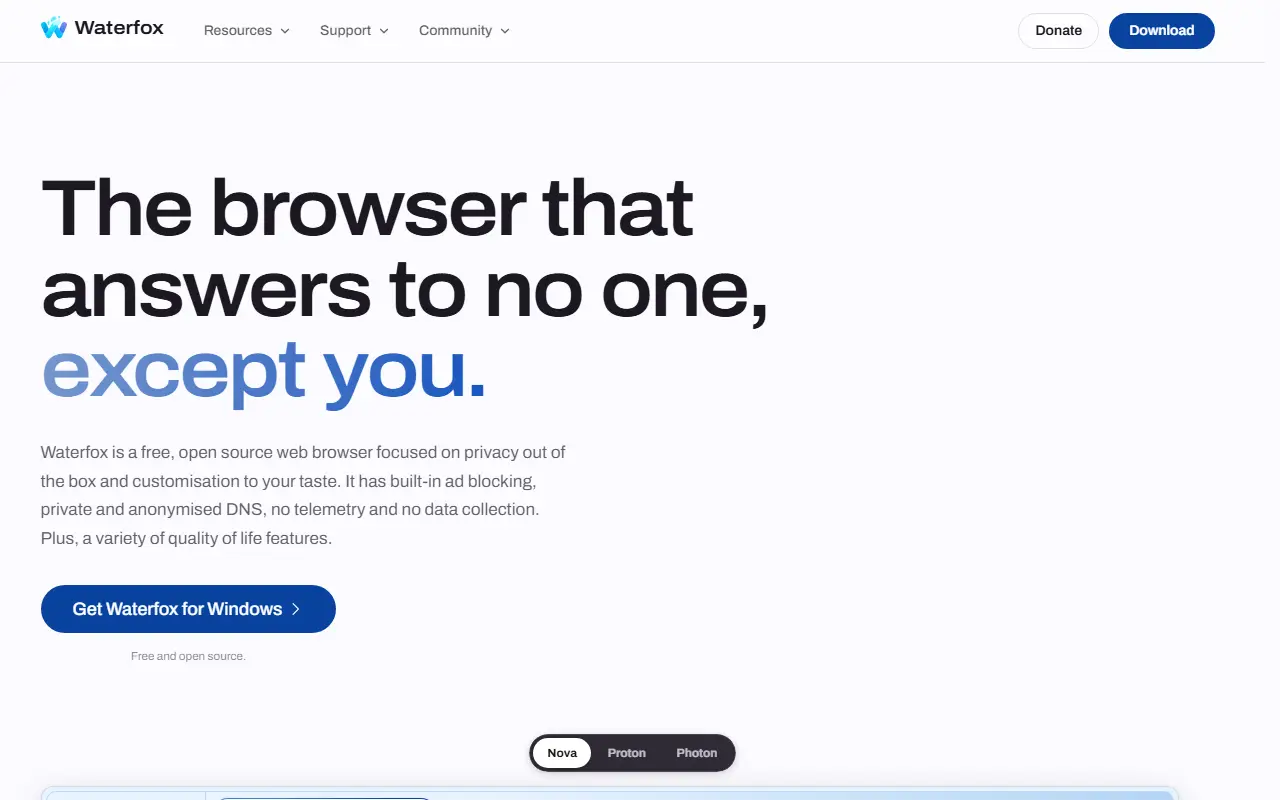
Waterfox is a customizable web browser based on Mozilla Firefox. The official repository holds Mozilla platform code together with Waterfox's own product code, branding, features and packaging, plus release files, and it is built with the Mozilla build system using the usual mach entry points.
According to the project website, Waterfox focuses on privacy out of the box and on customization. It includes built-in ad blocking, private and anonymized DNS, and no telemetry or data collection, along with a variety of quality-of-life features. The site shows an interactive preview where you can choose a browser design, a color palette, light or dark mode and horizontal or vertical tabs, and offers downloads for Android, Linux, macOS and Windows.
Waterfox is free and open source, and development is supported by donations. Most Firefox development documentation still applies to its source tree, and the project provides a blog, changelog, help center and community channels.
Key features
- Browser built on Mozilla Firefox
- Built-in ad blocking
- Private, anonymized DNS
- No telemetry or data collection
- Vertical tabs and color palettes
- Builds for Android, Linux, macOS and Windows
Pricing: Free and open source; donations support development.
Dia alternatives: questions
- What is the best open-source alternative to Dia?
- Ego Lite is the top-ranked open-source alternative to Dia on Enlisted: A browser built for sharing with AI agents, where agents run automation in isolated Spaces while you keep browsing, using your real logged-in sessions. Other strong options are Zen Browser, BrowserOS, Firefox and Brave Browser.
- What are the best commercial alternatives to Dia?
- ChatGPT Atlas, Perplexity Comet, Google Chrome, Microsoft Edge and Safari are among the hosted, closed-source alternatives to Dia listed on Enlisted, which lists 26 in total. Compare their pricing and features on each tool page.
- Are these Dia alternatives free?
- All 12 are open source, so the code is free to use under its licence, and all of them can be self-hosted on your own server or computer.
- How is this list of Dia alternatives ranked?
- By a score built from GitHub stars, star growth over the last 30 days and how recently the code changed. 11 of these projects shipped code in the last 30 days. Data is refreshed daily, and nobody can pay to move up.
 TrackMedia
 TrackRev