7,363 open-source and SaaS tools, with GitHub stats refreshed every day.

7 alternatives ranked by real activity

Open-source DEVONthink alternatives

A curated, ranked list of the 7 best open-source alternatives to DEVONthink.

The best open-source alternative to DEVONthink is SiYuan. If that doesn't suit you, other good options are Trilium Notes, Zotero, Anytype and TagSpaces.

DEVONthink alternatives are mainly note-taking tools, but some are also productivity tools and file storage & sharing tools. 5 of them shipped code in the last 30 days, 7 can be self-hosted, and 1 uses a permissive licence.

Last updated October 2, 2026 · ranked by GitHub stars, growth and recent commits

SiYuan

A privacy-first, self-hostable personal knowledge management system with block-level references, Markdown WYSIWYG editing, flashcards and optional AI chat.

GitHub stars
47k
Last commit
yesterday
Latest release
v3.8.6
Licence
AGPL-3.0
Self-hosted
Yes
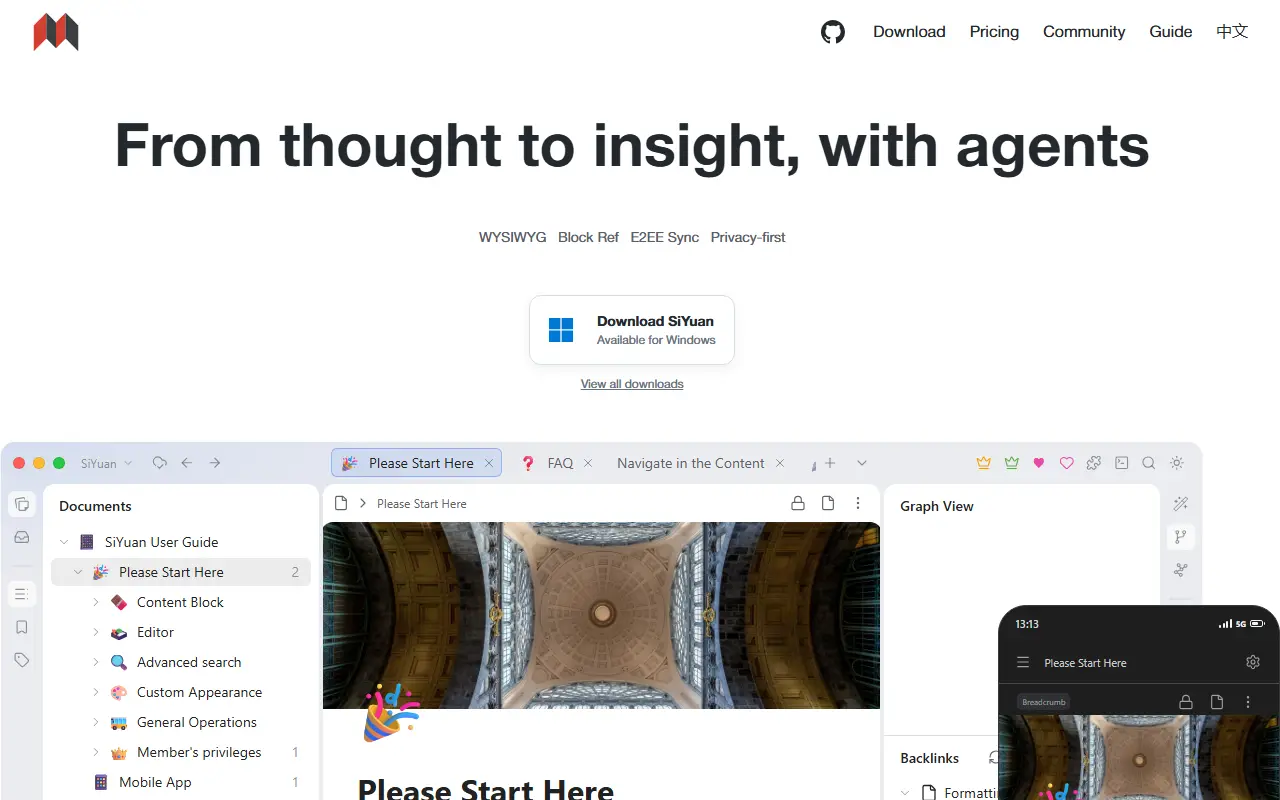
b3log.orgSiYuan homepage screenshot

SiYuan is an open-source, privacy-first personal knowledge management system. Its distinctive feature is fine-grained, block-level referencing: any block can be linked to or embedded elsewhere, with two-way links, custom attributes and SQL query embeds. Editing is Markdown WYSIWYG, and the project describes itself as a workspace where humans and AI agents work together. It is local-first and self-hostable.

The editor supports block-style writing, list outlines, block zoom-in, very large documents, math formulas, charts, flowcharts and Gantt charts. Web clipping, PDF annotation links, flashcards with spaced repetition, a database table view, Tesseract OCR and multi-tab split-screen layouts are included. You can export blocks and embeds, standard Markdown with assets, or PDF, Word and HTML. AI writing and Q and A chat can use the OpenAI API, and template and JavaScript or CSS snippets allow customization.

SiYuan is AGPL-3.0 licensed and available as desktop apps, mobile apps for Android, iOS and HarmonyOS, an installation package, a package manager, and Docker, Kubernetes, Unraid and TrueNAS hosting. A command line interface and an app market for extensions exist. Most features are free, even for commercial use.

Key features

  • Block-level references and two-way links
  • Markdown WYSIWYG editor
  • Flashcards with spaced repetition
  • SQL query embeds and database table views
  • Export to Markdown, PDF, Word and HTML
  • AI writing and Q and A chat
  • Docker, Kubernetes and mobile apps

Pricing: Most features are free, even for commercial use; check the project FAQ for any paid options.

Read more about SiYuanWebsite GitHub

Trilium Notes

A cross-platform hierarchical note-taking app for building large personal knowledge bases, with a rich editor, note cloning, versioning and scripting.

GitHub stars
38k
Last commit
today
Latest release
v0.106.0
Licence
AGPL-3.0
Self-hosted
Yes
triliumnotes.orgTrilium Notes homepage screenshot

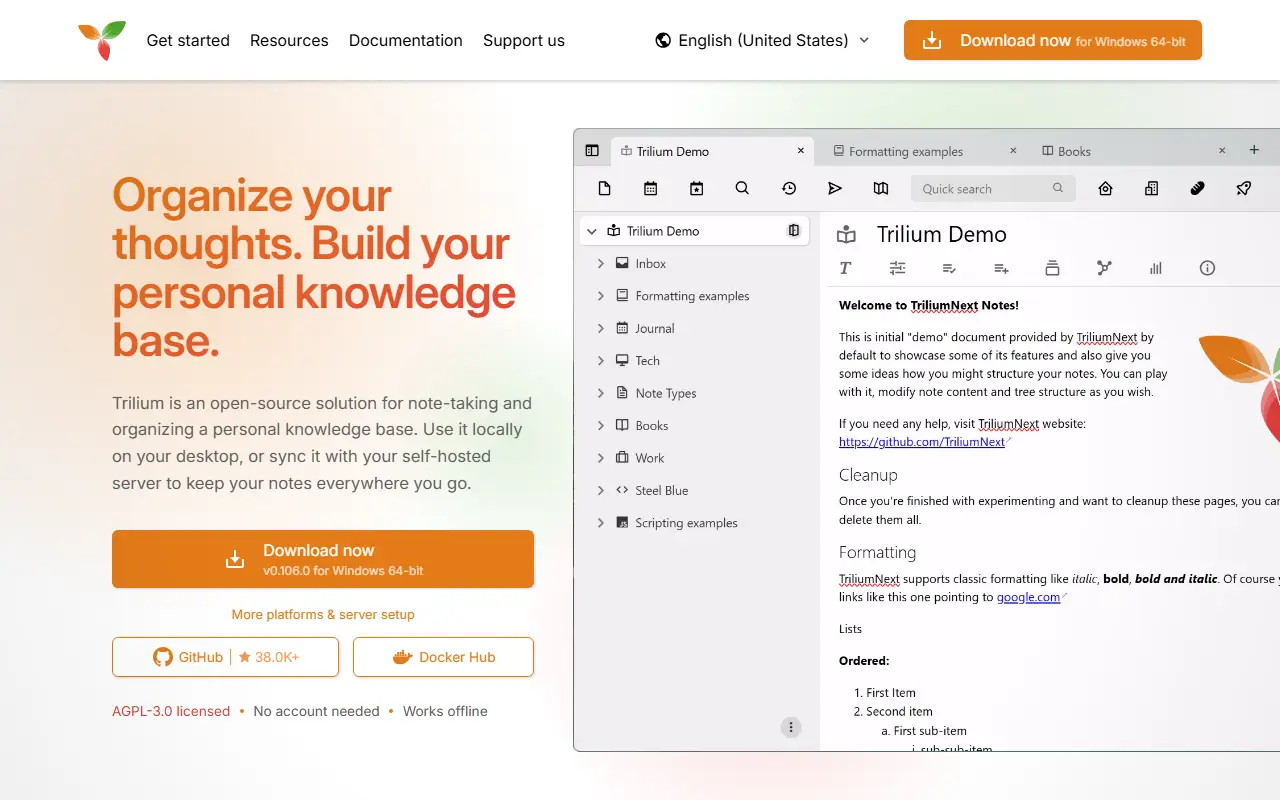
Trilium Notes is a free, open-source, cross-platform note-taking application focused on building large personal knowledge bases. Notes are arranged in a tree of arbitrary depth, and a single note can be cloned into several places in the tree, which lets you organize the same material along different lines without duplicating it.

The editor is a rich WYSIWYG one with tables, images, math and Markdown autoformatting, and there is also support for source code notes with syntax highlighting. Navigation relies on fast jumps between notes, full-text search and note hoisting. Notes are versioned automatically, and attributes can be used to organize, query and script notes. The interface is available in several languages, and built-in documentation opens with F1.

The project, now maintained as TriliumNext, is AGPL-3.0 licensed and built with TypeScript and Electron. It provides desktop builds as well as a server setup with Docker, so you can keep your notes on your own hardware. Stable releases are recommended, with nightly builds available for those who want the newest changes.

Key features

  • Arbitrarily deep note tree with cloning
  • WYSIWYG editor with tables, images and math
  • Code notes with syntax highlighting
  • Full-text search and note hoisting
  • Automatic note versioning
  • Attributes and scripting for advanced use
  • Docker server setup

Pricing: Free and open source under the AGPL-3.0 license.

Zotero

Zotero is a free, open-source reference manager that collects, organizes, annotates, cites and shares research sources.

GitHub stars
15k
Last commit
today
Self-hosted
Yes
Hosted version
Available
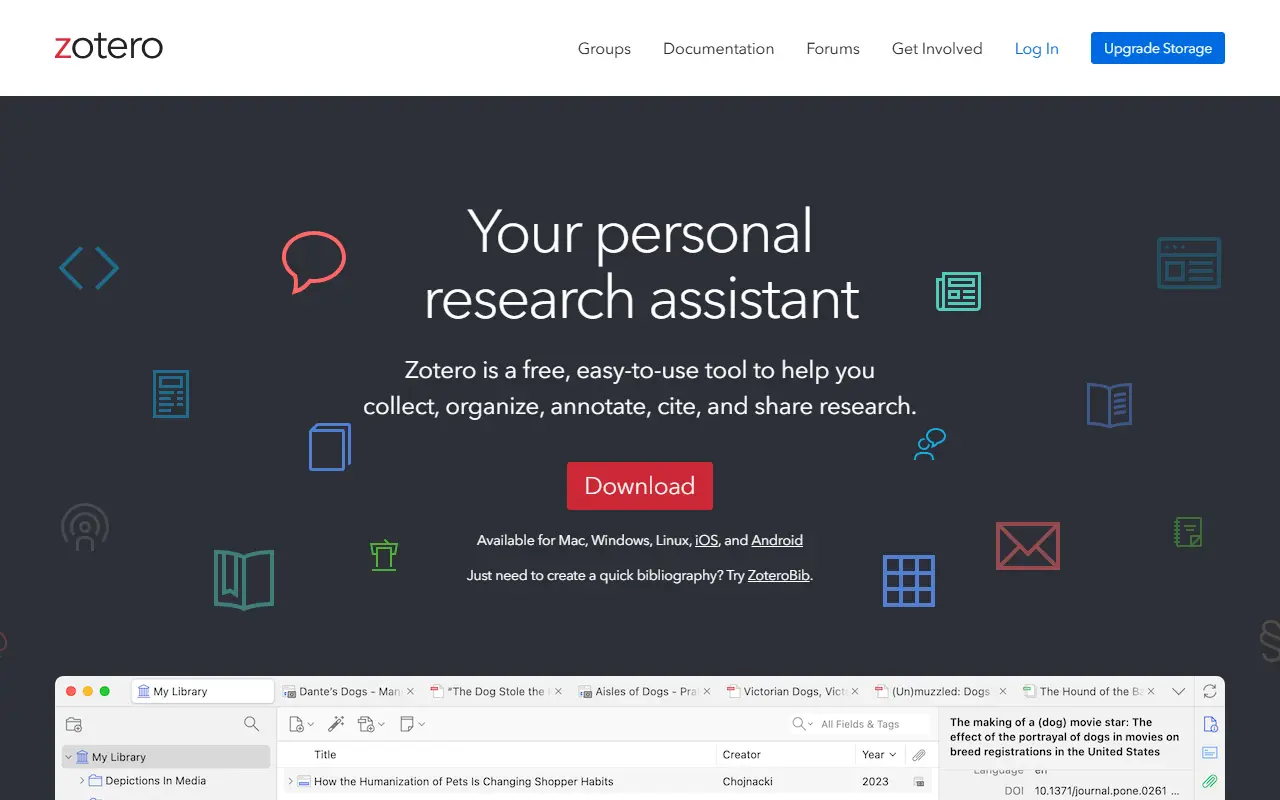
zotero.orgZotero homepage screenshot

Zotero is a free tool for managing research. It collects references as you browse the web, organizes them into collections with tags and saved searches, and helps you annotate, cite and share them. It is available for Mac, Windows, Linux, iOS and Android, and the source code in this repository is open.

A browser connector senses research material on sites it recognizes and saves it with a click. Citations and bibliographies can be generated for any text editor and directly inside Word, LibreOffice and Google Docs, with support for over 9,000 citation styles. A companion web tool, ZoteroBib, creates quick bibliographies without installing anything.

Syncing across devices is optional, and synced data can also be reached from a web browser. Libraries can be shared in groups, for co-writing a paper, distributing course materials or building a collaborative bibliography, with no limit on how many people join at no cost. The site also offers paid storage upgrades for synced files.

Key features

  • One-click capture of web research
  • Collections, tags and saved searches
  • Citations in over 9,000 styles
  • Word, LibreOffice and Google Docs integration
  • Optional sync across devices
  • Shared group libraries

Pricing: Free and open source to use; the website offers optional paid storage upgrades for synced files.

Read more about ZoteroWebsite GitHub

Anytype

Anytype Desktop is the official client for Anytype, a local-first, end-to-end encrypted knowledge base for notes, tasks, wikis and custom data types.

GitHub stars
8.9k
Last commit
today
Latest release
v0.57.3
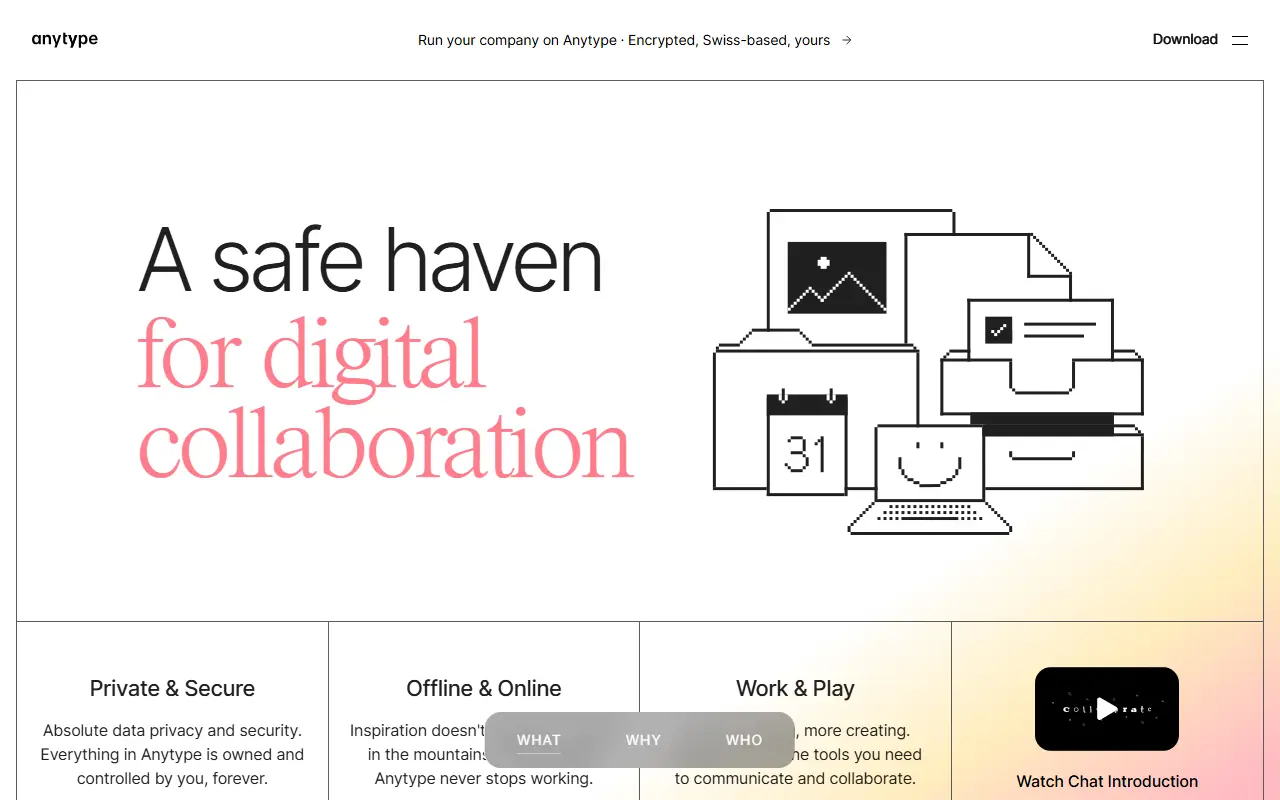
anytype.ioAnytype homepage screenshot

Anytype Desktop is the official desktop client for Anytype, a personal knowledge base for macOS, Windows and Linux. It lets you collect pages, tasks, wikis and journals and link them together, while keeping data stored locally and encrypted across your devices.

The client is built around composable blocks such as text, databases, kanban boards and calendars, and you can define your own Types to shape the data model. Storage is offline-first with optional peer-to-peer sync, and encryption relies on the any-sync protocol. It is an Electron application written in TypeScript, and it can be extended through a gRPC API and AI agents described in the repository.

Sign-in uses an Any-ID, and installers are published on the releases page and the download site. The code is published under the Any Source Available License 1.0 rather than a standard open-source licence, and the README includes instructions for building from source and updating the middleware.

Key features

  • Offline-first local storage
  • Optional peer-to-peer sync
  • End-to-end encryption through any-sync
  • Block-based pages, databases, kanban and calendar
  • Custom Types for your own data model
  • gRPC API for extensions

TagSpaces

TagSpaces is an offline, open-source file and document manager that organizes local files with tags, with a web clipper browser extension.

GitHub stars
5.3k
Last commit
4 days ago
Latest release
v6.13.12
Licence
AGPL-3.0
Self-hosted
Yes
tagspaces.orgTagSpaces homepage screenshot

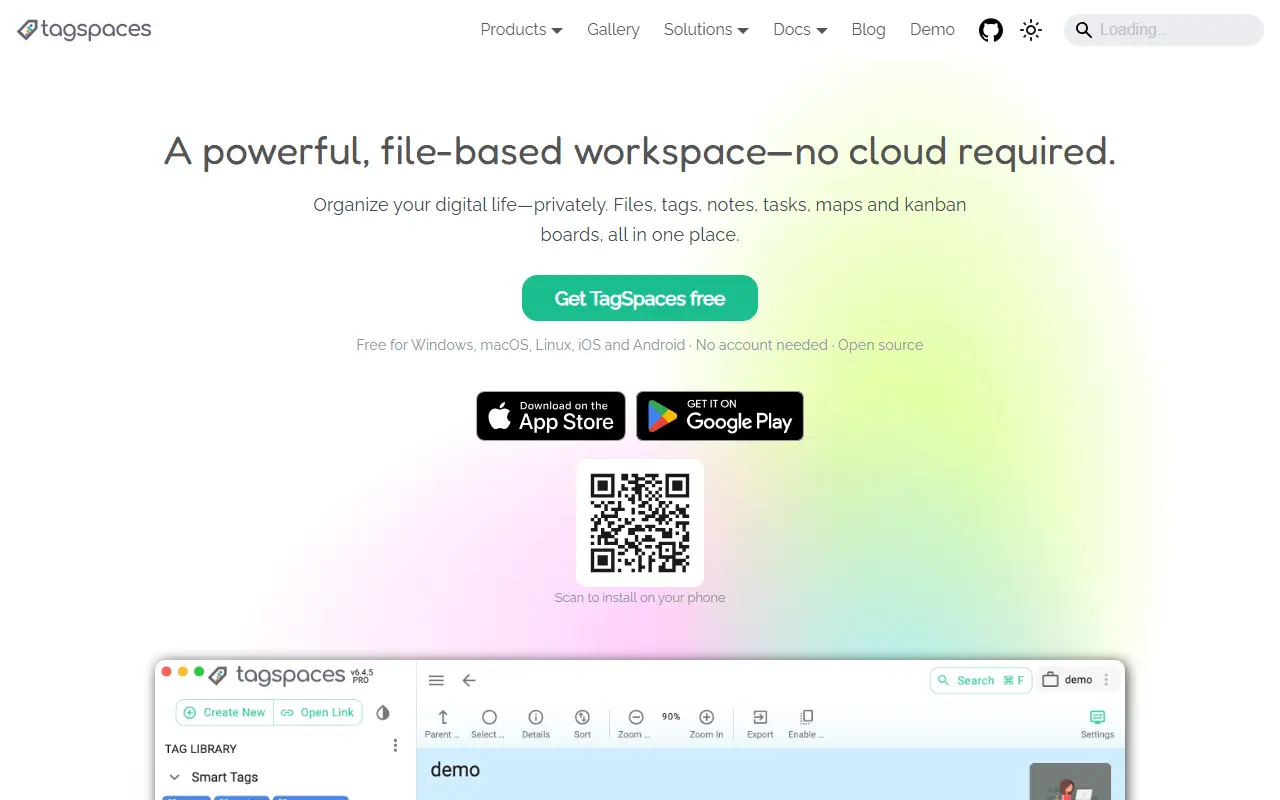
TagSpaces is a free, open-source app for sorting, labeling and handling the files stored on your own computer. It works completely offline, with no cloud service, internet connection or vendor lock-in, and it keeps your documents as ordinary files and folders on your own disk.

It runs on Windows, Linux and macOS and includes a Web Clipper browser extension for Firefox, Edge and Chrome that captures online content as local files. Repository topics include note taking, offline-first and self-hosting, and the app offers file and folder management plus tagging so information can be found without a proprietary database. The desktop app is built with Electron and TypeScript.

TagSpaces is licensed under AGPL-3.0 and distributed as downloadable releases, with documentation, a blog and a community forum. It suits people who want a personal knowledge and document archive that stays readable by other tools.

Key features

  • Tagging for local files and folders
  • Fully offline operation
  • Web Clipper for Firefox, Edge and Chrome
  • File and folder management
  • Built-in note taking
  • Windows, Linux and macOS apps

Pricing: TagSpaces Lite is free and open source. Pro costs $45 per year per user or $112 as a one-time license; a custom edition is quoted on request.

Teedy

Teedy, from Sismics, is a lightweight open-source document management system with OCR, full-text search, workflows, tags and a REST API.

GitHub stars
2.6k
Last commit
1 mo ago
Latest release
v1.11
Licence
GPL-2.0
Self-hosted
Yes
teedy.ioTeedy homepage screenshot

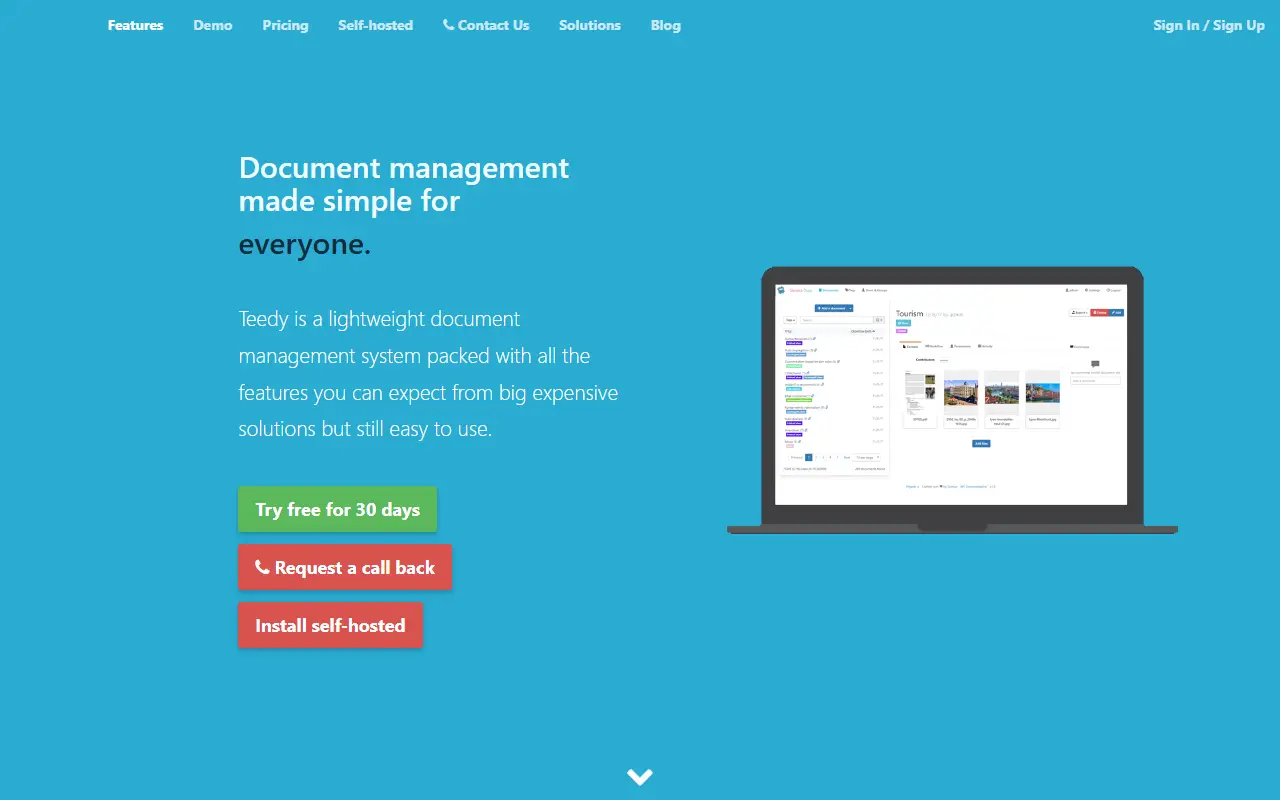
Teedy is an open-source, lightweight document management system for individuals and businesses, developed by Sismics. It is meant to offer the features of larger commercial document systems in a simpler package that you host yourself, with a responsive web interface and a fully featured Android client.

Features include optical character recognition, support for images, PDFs, ODT, DOCX, PPTX and video files, full-text search with suggestions and highlighting, Dublin Core and custom metadata, nested tags, file versioning, 256-bit AES encryption of stored files, a workflow system, LDAP authentication, two-factor authentication, user and group permissions, an audit log, comments, quotas, sharing by URL, email import and inbox scanning, a REST API and webhooks. The project says it has been tested with up to one million documents.

Teedy is built with Java and JavaScript and licensed under GPL-2.0. A preconfigured Docker image includes OCR and media conversion tools and listens on port 8080, using an embedded database for testing and PostgreSQL for production. It suits small organizations and individuals who want to digitize and search paperwork on their own server.

Key features

  • OCR and full-text search across documents
  • Tags, metadata, and file versioning
  • Workflow system and audit log
  • LDAP and two-factor authentication
  • 256-bit AES encryption of stored files
  • REST API, webhooks, and Android client

Pricing: Free and open source under the GPL-2.0 licence.

Read more about TeedyWebsite GitHub

Eclaire

Local-first, self-hosted AI assistant that organizes and searches your tasks, notes, documents, photos and bookmarks using models you run yourself.

GitHub stars
922
Last commit
4 mo ago
Latest release
v0.6.3
Licence
MIT
Self-hosted
Yes
eclaire.coEclaire homepage screenshot

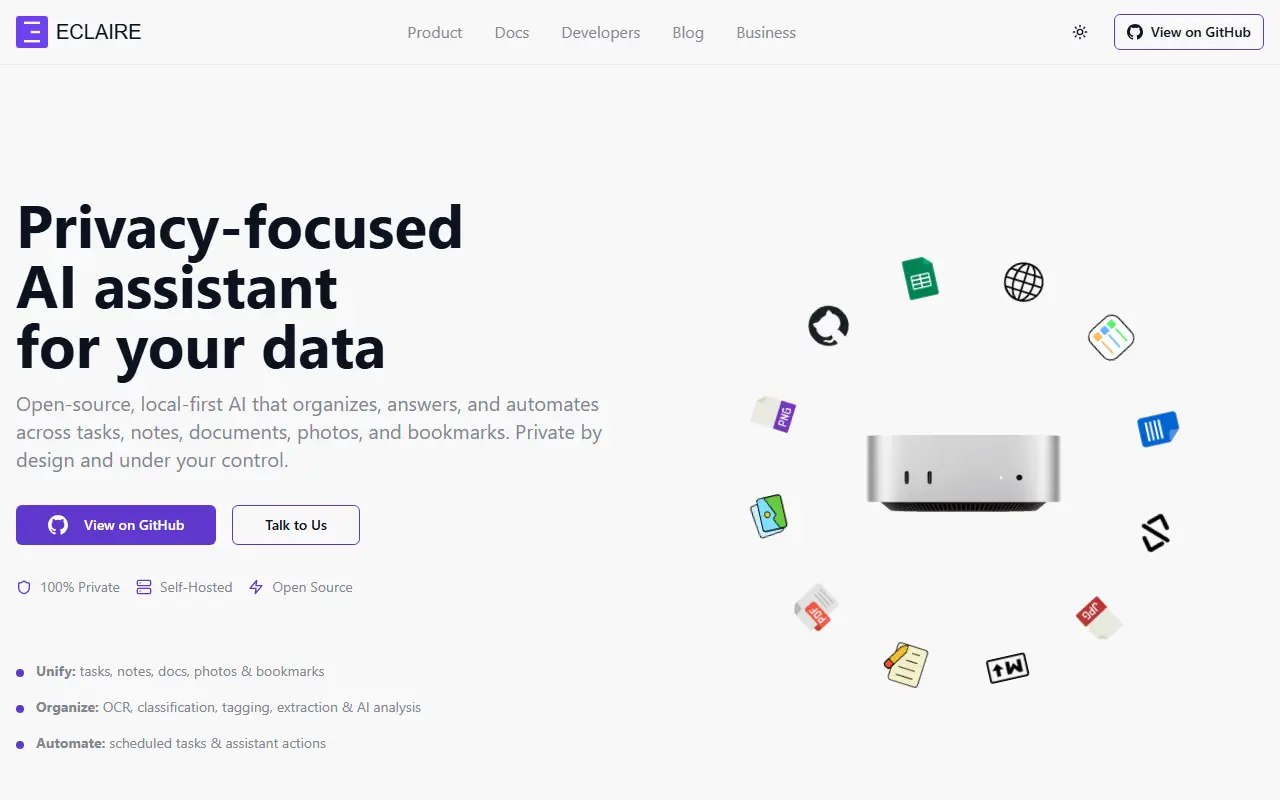
Eclaire is an open-source, privacy-focused AI assistant that works across your personal data: tasks, notes, documents, photos, bookmarks and more. It aims to be a complete product rather than a framework, assembling proven building blocks into something you can run on your own hardware with local models and local data storage. It targets people who want AI help with personal or sensitive information without using hosted services.

The README lists four ideas: self-hosting, unified data so the AI can see and connect everything in one place, AI-powered features such as content understanding, search, classification, OCR and automation, and open-source extensibility through APIs. It also has sections on selecting models, architecture and development.

The project carries two prominent warnings. It is pre-release and under active development, so breaking changes are expected and backups are advised. It must also not be exposed directly to the public internet, and the authors recommend placing it behind Tailscale, Cloudflare Tunnels or an authenticating reverse proxy. Eclaire is written in TypeScript and licensed under MIT.

Key features

  • Unifies tasks, notes, documents, photos and bookmarks
  • Runs with local models on your hardware
  • Content classification and OCR
  • AI-powered search and automation
  • APIs for extension
  • Self-hosted data storage

Pricing: Free and open source under the MIT license.

DEVONthink alternatives: questions

What is the best open-source alternative to DEVONthink?
SiYuan is the top-ranked open-source alternative to DEVONthink on Enlisted: A privacy-first, self-hostable personal knowledge management system with block-level references, Markdown WYSIWYG editing, flashcards and optional AI chat. Other strong options are Trilium Notes, Zotero, Anytype and TagSpaces.
Are these DEVONthink alternatives free?
All 7 are open source, so the code is free to use under its licence, and all of them can be self-hosted on your own server or computer. 1 also offers a paid or managed cloud version if you'd rather not host it yourself.
How is this list of DEVONthink alternatives ranked?
By a score built from GitHub stars, star growth over the last 30 days and how recently the code changed. 5 of these projects shipped code in the last 30 days. Data is refreshed daily, and nobody can pay to move up.

People also look for alternatives to…

View all