#1
An open-source AI coding agent for the terminal, with a beta desktop app and separate agents for building and read-only planning.
- GitHub stars
- 226k
- Last commit
- yesterday
- Latest release
- v1.19.5
- Licence
- MIT
opencode.ai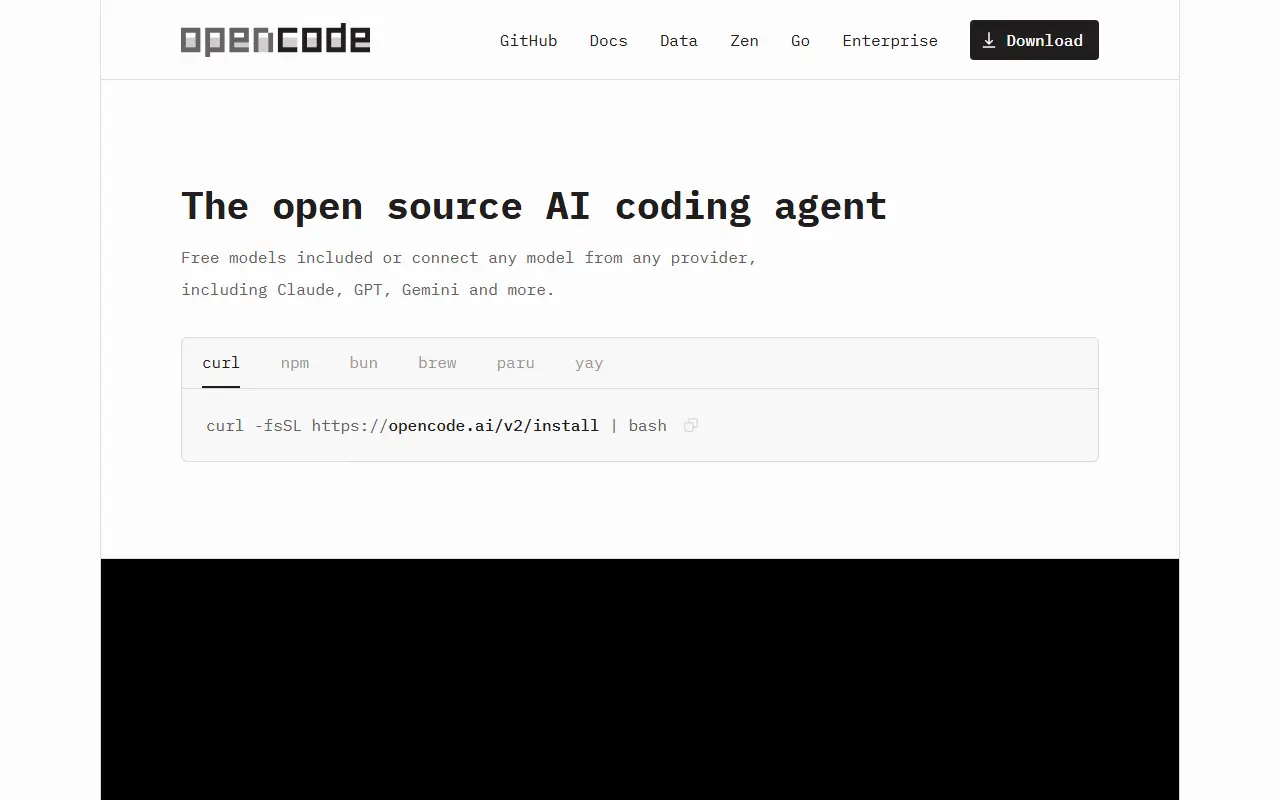
OpenCode is an open-source coding agent that helps developers write, change and understand code using AI models. It is built in TypeScript, released under the MIT license, and installed through an install script or, in beta, as a desktop application for macOS, Windows and Linux.
It ships with two built-in agents that you switch between with the Tab key. The build agent has full access for everyday development work, while the plan agent is read-only: it denies file edits by default and asks permission before running shell commands, which suits exploring an unfamiliar codebase or planning a change. A general subagent handles complex searches and multistep tasks and can be called with @general in messages.
Configuration is covered in the project documentation, and the install location can be controlled with environment variables. OpenCode suits developers who prefer working from the command line and want an agent whose source code they can read and modify.
Key features
- Built-in build agent with full development access
- Read-only plan agent for code exploration
- Permission prompts before running shell commands
- General subagent for multistep searches
- Desktop app in beta for macOS, Windows and Linux
- Tab key to switch between agents
Pricing: Free and open source under the MIT license.
#2
OpenAI's Apache-2.0 coding agent written in Rust that runs locally in your terminal, with IDE, desktop and cloud counterparts.
- GitHub stars
- 135k
- Last commit
- yesterday
- Latest release
- rust-v0.167.1
- Licence
- Apache-2.0
Codex CLI is a coding agent from OpenAI that runs on your own computer from the terminal. The repository describes it as lightweight and written mainly in Rust. Once installed, you start it by running the codex command.
Installation on Mac or Linux uses a curl script, and on Windows a PowerShell script. The installers download from releases.openai.com and fall back to GitHub Releases, and an environment variable can force GitHub Releases. It can also be installed with npm or Homebrew, or from release archives for Apple Silicon and Intel macOS and for x86_64 and arm64 Linux.
For sign-in, the README recommends choosing Sign in with ChatGPT so Codex counts as part of a Plus, Pro, Business, Edu or Enterprise plan. An API key also works but needs extra setup. Related products are named too: an IDE install for VS Code, Cursor and Windsurf, a desktop app opened with codex app, and the cloud agent Codex Web.
Key features
- Coding agent that runs locally in a terminal
- Install script for Mac and Linux
- Install script for Windows via PowerShell
- Also installable with npm and Homebrew
- Sign in with a ChatGPT account
- Available in editors such as VS Code, Cursor and Windsurf
- Desktop app launched with the codex app command

Kiro Crew is an open-source persistent workspace for AI-assisted development that runs on your hardware, continues across sessions and learns over time.
- GitHub stars
- 4.9k
- Last commit
- today
- Latest release
- v0.12.2
- Licence
- Apache-2.0
- Self-hosted
- Yes
kiro.dev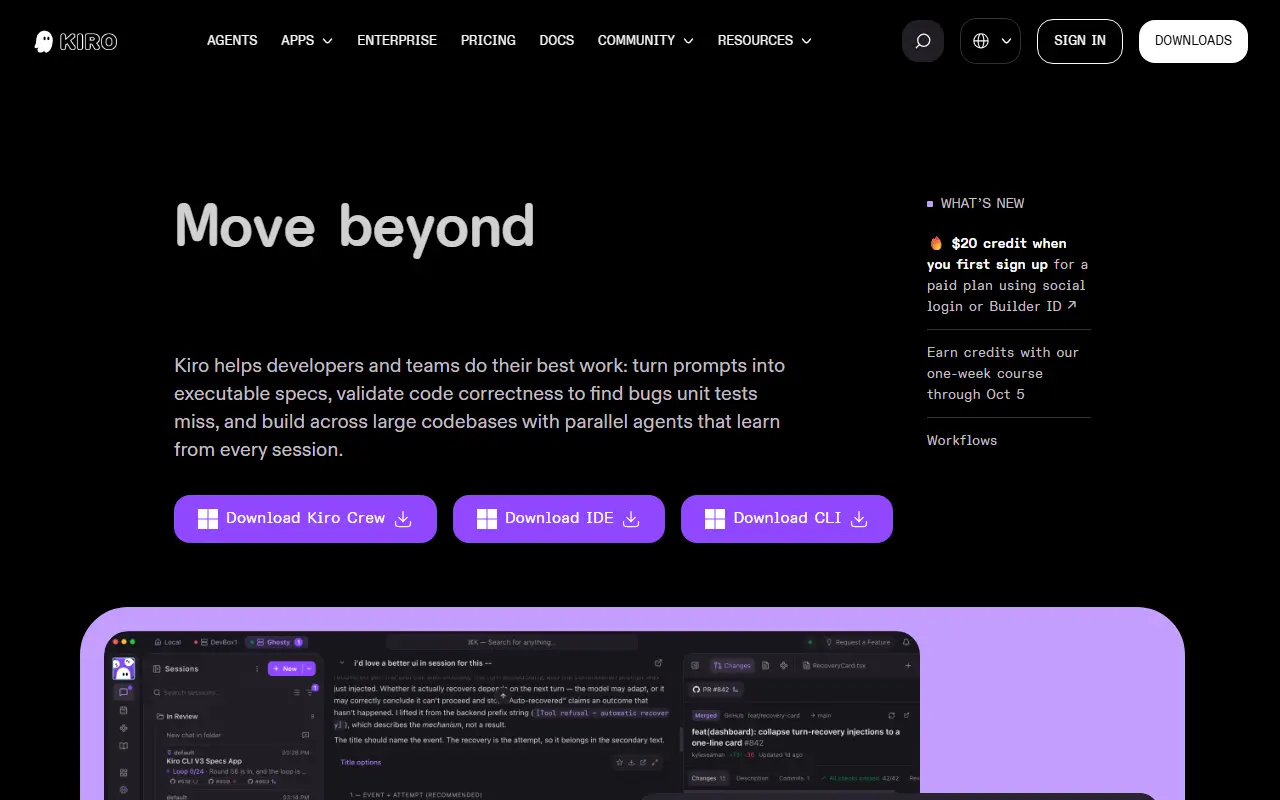
Kiro Crew is an open-source workspace for development work that you can run on your own machine or a remote server. It is designed to be persistent, self-learning and self-evolving, so work carries on beyond a single session instead of starting from scratch each time.
You can work with it from a desktop app, a web dashboard or a CLI, or continue the same work through chat tools such as Slack and Discord. Multi-step tasks can run unattended, recurring jobs follow a schedule you set, and heartbeat checks watch over systems until something calls for your attention. Kiro Crew Apps tailor the experience to a particular job, combining a purpose-built interface with agents and skills. The project is written in Python.
It is released under the Apache-2.0 license and is installed on your own machines or servers. It suits developers who want long-running, schedulable AI agents with a memory of past work, rather than one-off chat sessions. The repository is distinct from the Kiro IDE.
Key features
- Persistent, self-improving agent workspace
- Desktop app, web dashboard and CLI
- Unattended multi-step tasks
- Scheduled recurring jobs
- Heartbeat monitoring of systems
- Slack and Discord connection tools
Pricing: Kiro subscriptions, which can also be used with Kiro Crew, have a free tier with 50 credits. Paid plans run from $20 (Pro) to $200 (Power) per user per month; Enterprise is quoted on request.
#4
A self-hosted control center for running coding agents, including OpenHands, Claude Code and Codex, locally, in Docker or in the cloud, with automations.
- GitHub stars
- 93k
- Last commit
- yesterday
- Latest release
- v1.39.0
- Licence
- MIT
- Self-hosted
- Yes
- Hosted version
- Available
openhands.dev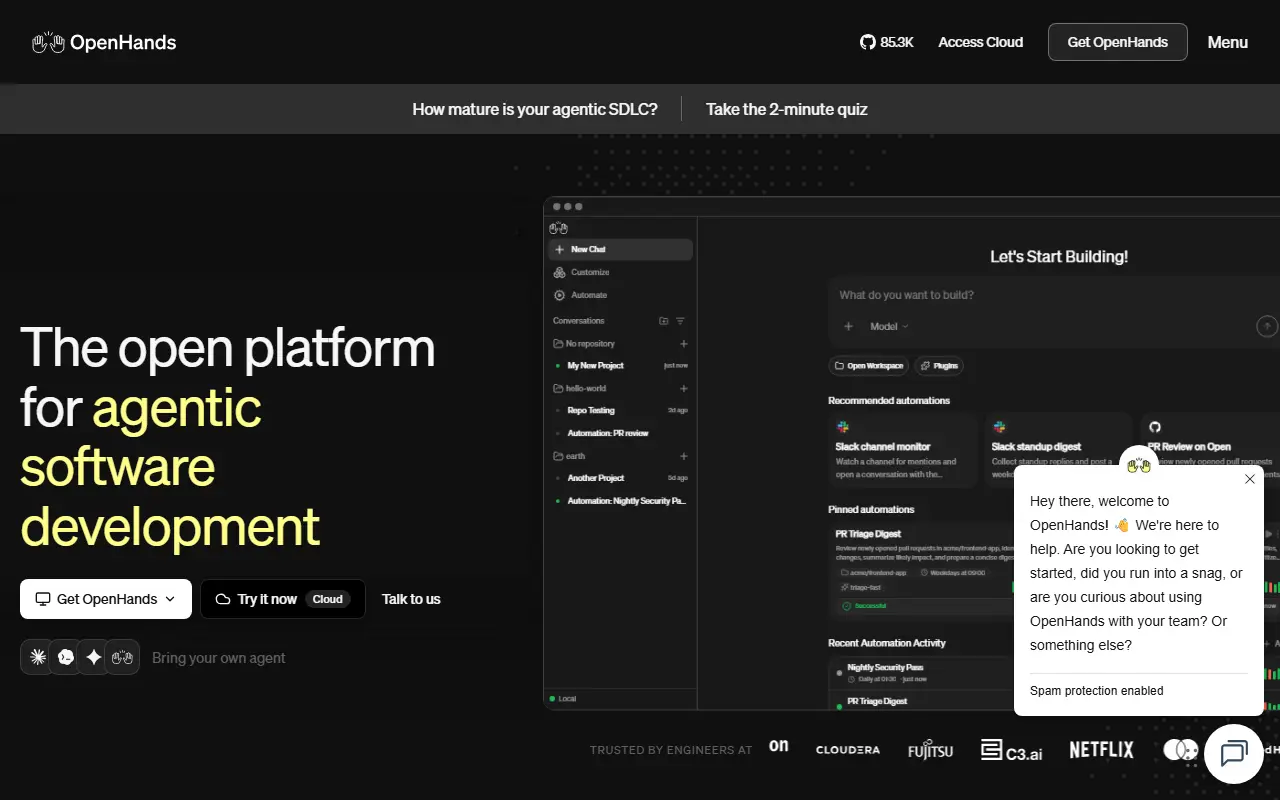
OpenHands is an open-source project for AI-driven software development. Its current README centers on Agent Canvas, a self-hosted developer control center for starting conversations with coding agents and automating everyday engineering tasks. It is written mainly in TypeScript and released under the MIT license.
By default Agent Canvas uses the open-source OpenHands agent, but it can also drive third-party agents such as Claude Code, Codex and Gemini, or any ACP-compatible agent. It runs locally by default and can connect to several agent backends, including Docker containers, virtual machines and company infrastructure, so agents can be moved between local, remote and cloud setups without interrupting your work.
Automations can be triggered on a timetable or by incoming webhook events and connect with tools such as Slack, GitHub, Linear and Notion, for example publishing reports to Slack or breaking GitHub issues into tasks. Agents can optionally run on OpenHands Cloud or OpenHands Enterprise. It suits engineering teams that want to coordinate several coding agents from one self-managed place.
Key features
- Self-hosted control center for coding agents
- Runs OpenHands, Claude Code, Codex and Gemini
- Local, Docker, VM and cloud agent backends
- Scheduled and webhook-triggered automations
- Integrations with Slack, GitHub, Linear and Notion
- Optional OpenHands Cloud and Enterprise hosting
Pricing: Local open-source use and the hosted Individual tier are free (model usage is passed through at cost). Enterprise, in the cloud or self-hosted in your VPC, has custom pricing.
#5
An open-source autonomous coding agent available as a CLI, desktop app, VS Code extension, JetBrains plugin and SDK.
- GitHub stars
- 72k
- Last commit
- yesterday
- Latest release
- v4.1.26
- Licence
- Apache-2.0
cline.bot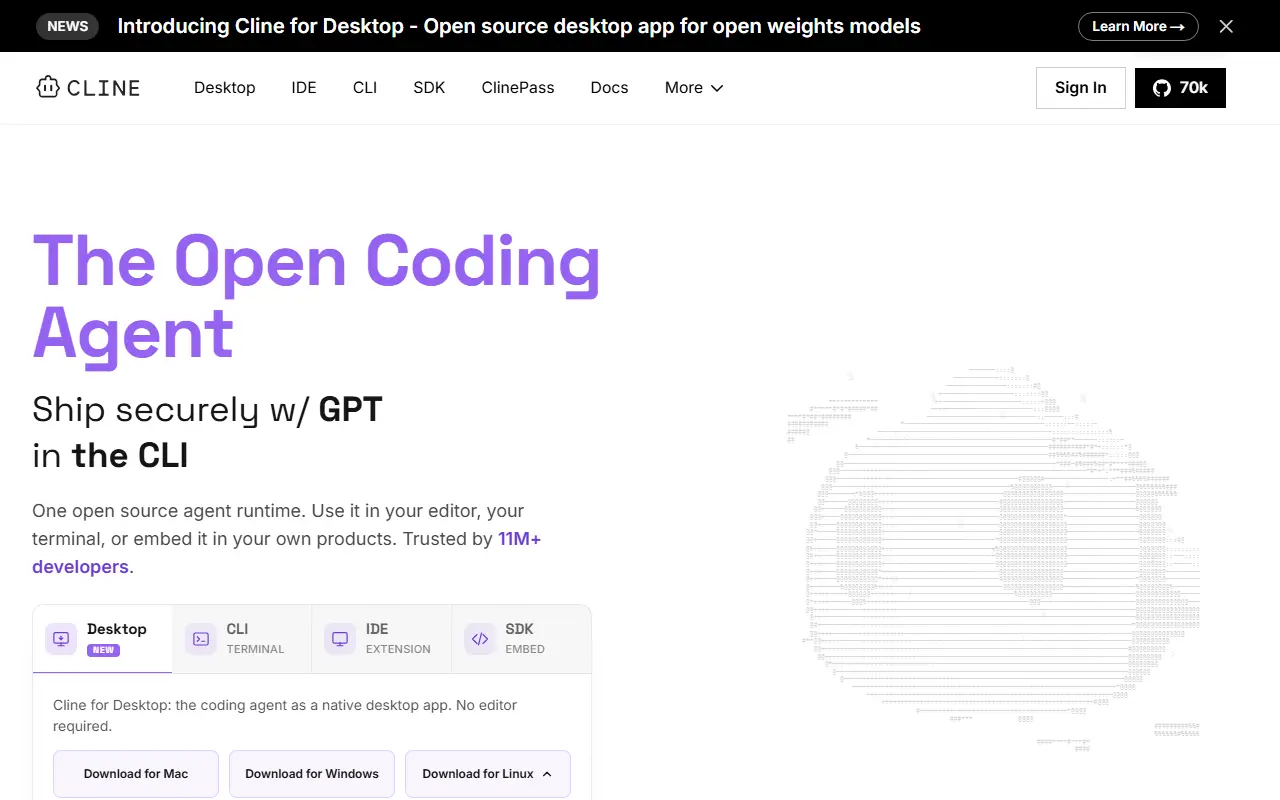
Cline is an open-source coding agent that works in your IDE, terminal and desktop. It can edit code across a project, create files, run commands and browse the web, with human-in-the-loop approval for tools in the editor. It is written in TypeScript and released under the Apache-2.0 license.
The same agent engine is offered in several forms: a CLI with an interactive mode and a headless mode for CI/CD and scripting, a native desktop app for macOS and Windows that works from any folder, schedules recurring routines and manages models, plugins and MCP servers, a VS Code extension, a JetBrains plugin for IntelliJ IDEA, PyCharm, WebStorm, GoLand and others, and an SDK.
The SDK is a Node.js programmatic API for building custom agents with custom tools, multi-agent teams, connectors and scheduled automations. The README notes that the JetBrains plugin is not open-sourced. Cline suits developers who want one coding agent across their editor, terminal and automation pipelines.
Key features
- CLI with interactive and headless modes
- VS Code extension with approval prompts
- JetBrains plugin for the IntelliJ family
- Desktop app for macOS and Windows
- Node.js SDK for custom agents
- Scheduled routines and MCP server management
Pricing: The open-source extension is free for individual developers, who pay only for AI inference or use their own API keys. Enterprise adds SSO, SLA and dedicated support at custom pricing.
#6
An open-source, general-purpose AI agent written in Rust, available as a desktop app, CLI and API, that works with many model providers and MCP extensions.
- GitHub stars
- 56k
- Last commit
- yesterday
- Latest release
- v1.59.0
- Licence
- Apache-2.0
goose-docs.ai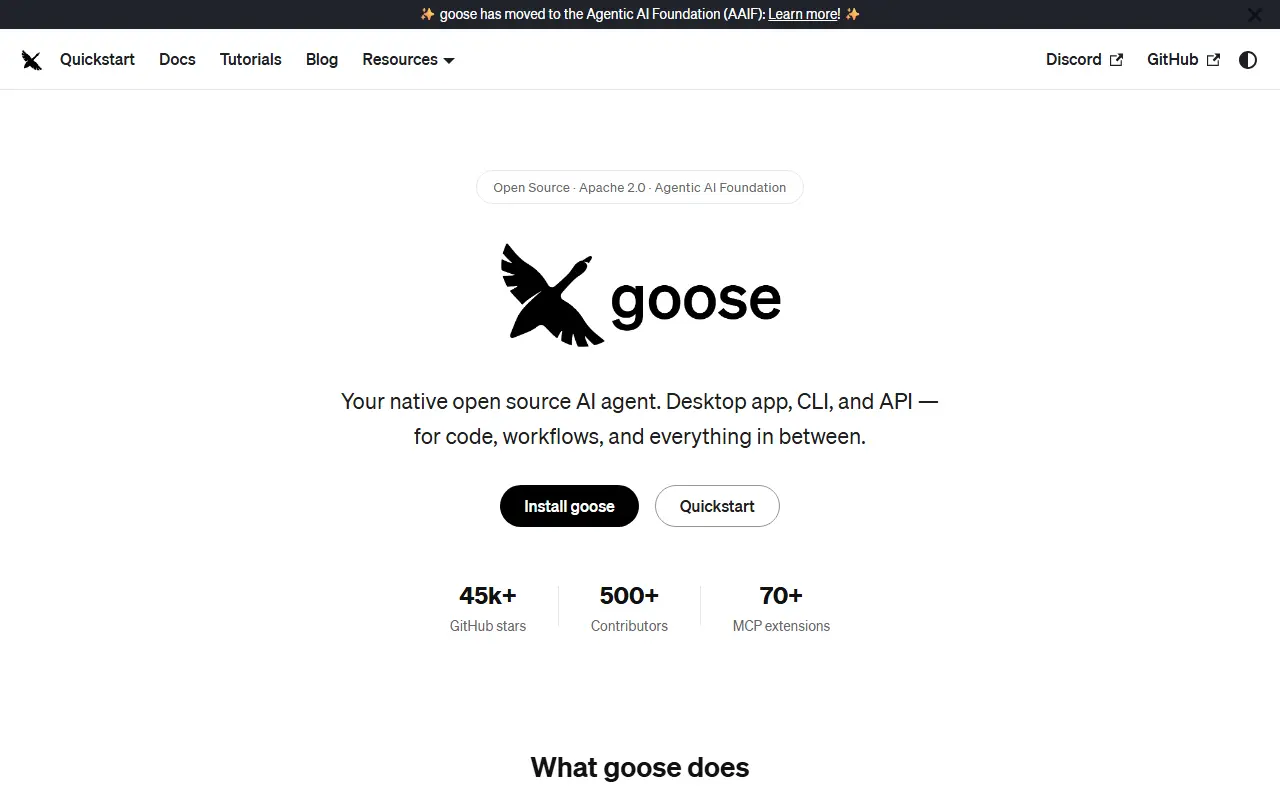
goose is an AI agent for general tasks that runs locally on your own machine. It is not limited to coding: the project suggests using it for research, writing, automation, data analysis and similar tasks. It is built in Rust, released under the Apache-2.0 license, and available as a desktop application on Windows, Linux and macOS, a full CLI for terminal workflows, and an API for embedding it elsewhere.
goose works with more than a dozen model providers, including Anthropic, OpenAI, Google, Ollama, OpenRouter, Azure and Bedrock, and can use existing Claude, ChatGPT or Gemini subscriptions through ACP as an alternative to API keys. It connects to many extensions through the Model Context Protocol open standard, and custom distributions let teams ship their own goose build with preconfigured providers, extensions and branding.
The project is part of the Agentic AI Foundation at the Linux Foundation, and its documentation covers a quickstart, installation, tutorials and governance. It suits developers and knowledge workers who want a configurable local agent that is not tied to a single model vendor.
Key features
- Desktop app for Windows, Linux and macOS
- Full CLI for terminal workflows
- API for embedding the agent elsewhere
- Works with many model providers
- Extensions through the Model Context Protocol
- Custom distributions with preset providers and branding
Pricing: Free and open source under the Apache-2.0 license; model usage depends on the provider or subscription you connect.
#7
Continue is an open-source coding agent for the command line, VS Code and JetBrains; the repository is now read-only and no longer maintained.
- GitHub stars
- 36k
- Last commit
- 8 days ago
- Latest release
- v2.0.0-vscode
- Licence
- Apache-2.0
continue.dev
Continue is an open-source coding agent that was offered as a command-line tool, a VS Code extension and a JetBrains plugin. It is written in TypeScript and released under the Apache-2.0 license. According to the README, the project's GitHub repository has stopped receiving active maintenance and is now read-only, so new features and fixes should not be expected from it.
The team shipped a final 2.0.0 release for the VS Code extension, the CLI and the JetBrains plugin. That release removed anonymous telemetry and authentication, and fixed a batch of bugs. The maintainers recommend the CLI over the JetBrains plugin, and they point to the documentation for configuration and customization. The project describes the codebase as a foundation that others can build on, which makes it relevant as reference code more than as an actively developed product.
Key features
- Agent-style assistant usable from a terminal CLI
- VS Code extension and JetBrains plugin
- Configurable through project documentation
- Final release removed telemetry and authentication
- Apache-2.0 codebase open for reuse
- Repository archived as read-only
Pricing: Free and open source under the Apache-2.0 license.
#8
Aider is an open-source command-line tool for pair programming with large language models, editing your codebase and committing changes through git.
- GitHub stars
- 50k
- Last commit
- 5 mo ago
- Latest release
- v0.86.0
- Licence
- Apache-2.0
aider.chat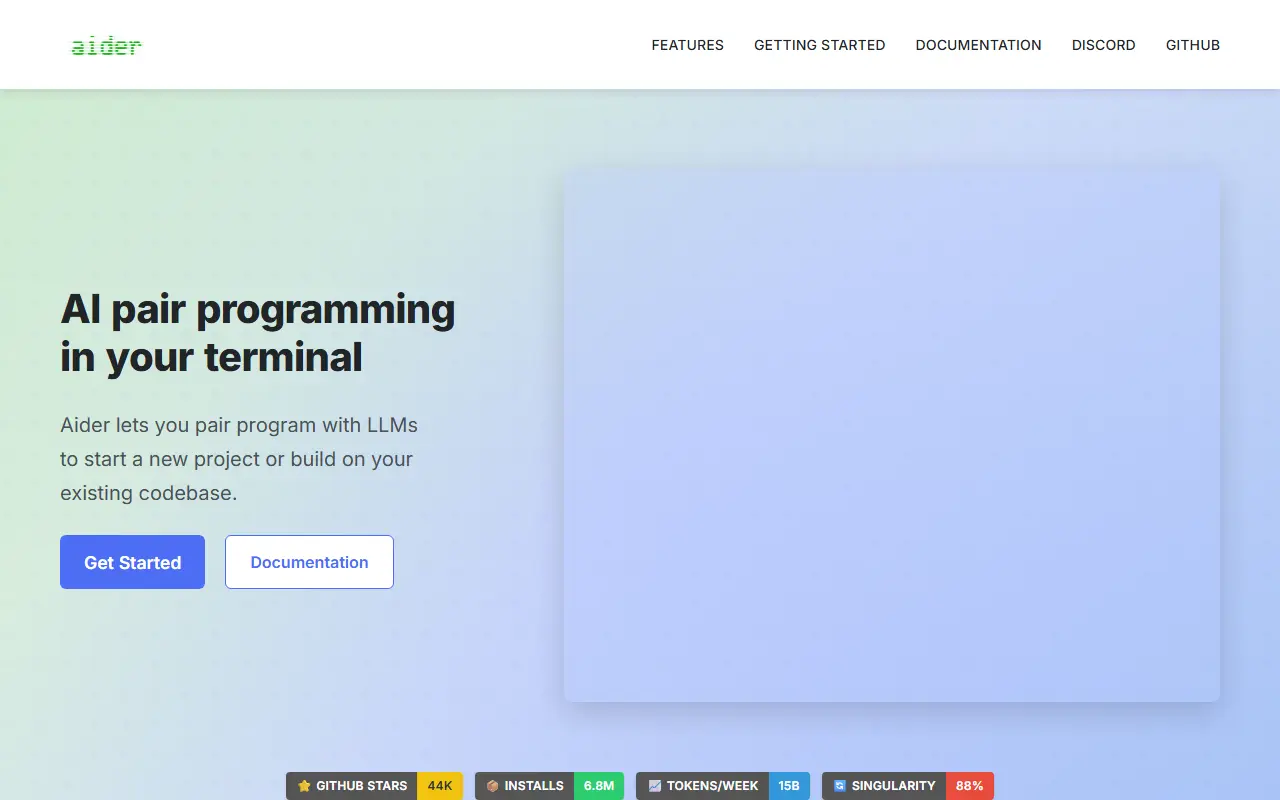
Aider is AI pair programming in your terminal. It lets you work with large language models to start a new project or build on an existing codebase, asking for changes in plain language and letting the model edit the files in your repository.
It builds a map of the whole codebase to help in larger projects, supports more than 100 programming languages and commits changes to git with descriptive messages, so you can diff or undo AI edits with familiar tools. It can connect to cloud models and local models, accept images and web pages as context, take voice instructions, and run linters and tests after each change, attempting to fix problems they report. It can also be used from an IDE through code comments, or via copy and paste with a model's web chat.
Aider is written in Python and licensed under Apache-2.0. The README names a handful of commercial models it has been used with most, but says it can connect to almost any model, and installation and usage guides are available in the documentation.
Key features
- Codebase map for larger projects
- Works with cloud and local LLMs
- Automatic git commits with clear messages
- Support for 100+ programming languages
- Image and web page context
- Voice-to-code requests
- Automatic linting and testing after edits
Pricing: Free and open source under the Apache-2.0 licence; model usage is billed by whichever LLM provider you connect.
#9
A self-hosted AI coding assistant offering an on-premises, open-source alternative to GitHub Copilot, with code completion, chat and an answer engine.
- GitHub stars
- 34k
- Last commit
- 4 mo ago
- Latest release
- v0.32.0
- Self-hosted
- Yes
tabbyml.com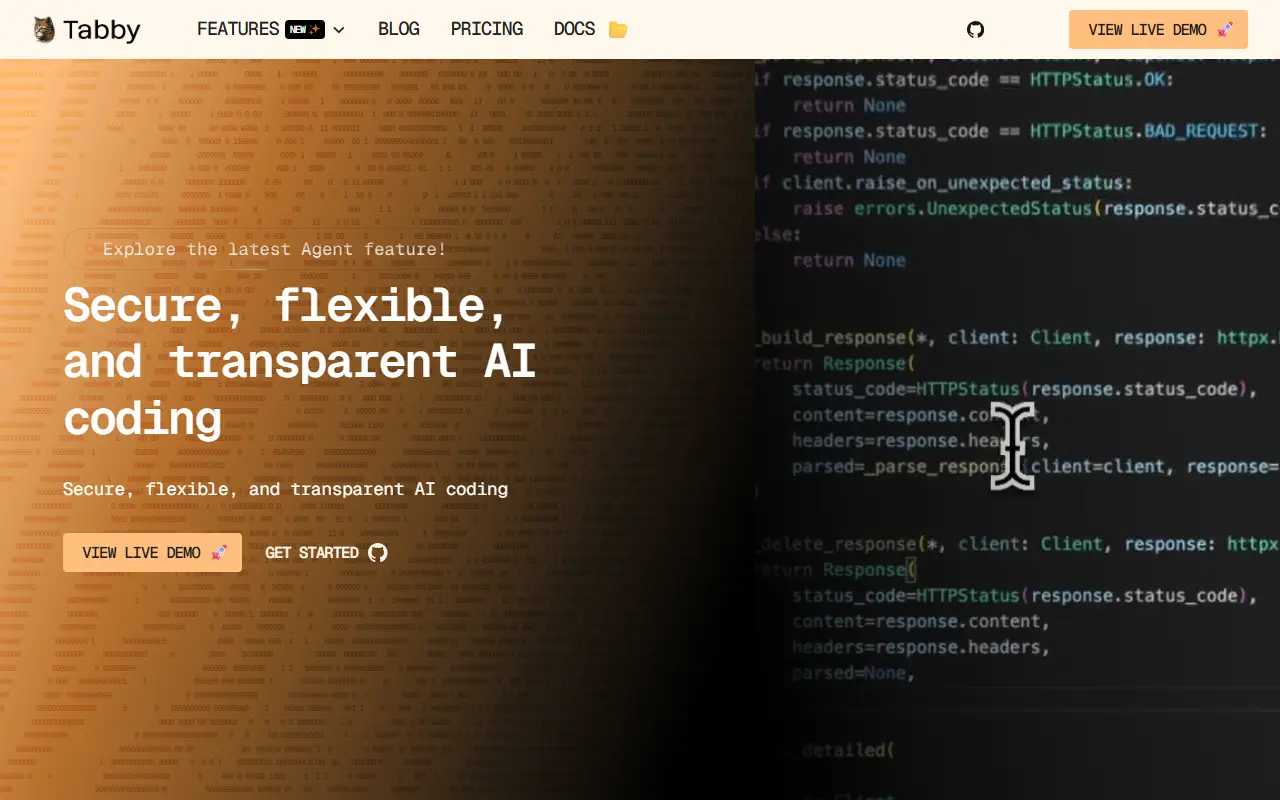
Tabby is an AI coding assistant that you host yourself, positioned as an on-premises, open-source alternative to GitHub Copilot. It is self-contained, so it needs no separate database management system or cloud service, and it exposes an OpenAPI interface that makes it easy to connect to existing infrastructure such as cloud IDEs.
It is designed to run on consumer-grade GPUs. Beyond code suggestions, the project has added a chat side panel, an Answer Engine whose conversations can be saved as shareable pages, the ability to switch between backend chat models, and the option to index repositories, your own documentation and GitLab merge requests as context. LDAP authentication and a VS Code extension with @-mentions for files are also covered in its updates.
Tabby is written in Rust and deployed on your own servers, which keeps source code and prompts inside your network. That suits organizations that cannot send code to a hosted service, and the docs, roadmap and a Slack community are linked from the repository.
Key features
- Self-hosted AI code completion
- Chat panel inside the IDE
- Answer Engine with shareable pages
- Repository and documentation indexing as context
- OpenAPI interface for integrations
- Runs on consumer-grade GPUs
- LDAP authentication
- Switchable backend chat models
Pricing: Free open-source Community plan for up to 5 users. Team costs $19 per seat per month for up to 50 users; Enterprise is custom and billed annually.
#10
winfunc is an AI security platform where autonomous agents audit codebases, prove exploitability, and deliver fixes as pull requests.
- GitHub stars
- 20k
- Last commit
- 1 yr ago
- Licence
- MIT
- Hosted version
- Available
winfunc.com
winfunc is an AI security platform that uses autonomous agents to audit codebases. The agents identify vulnerabilities, prove which ones are exploitable, and provide evidence for each finding. The platform then opens a pull request with the fix for engineers to review.
The platform is SOC 2 Type II audited and backed by Y Combinator. It has disclosed 22 CVEs across 25 open-source projects. The service is scoped with the customer and delivered with evidence attached to every finding.
Key features
- Autonomous AI security agents audit codebases
- Proof attached to every finding
- Patch opened as a pull request
- SOC 2 Type II audited
- Disclosure log of CVEs
Devin alternatives: questions
- What is the best open-source alternative to Devin?
- OpenCode is the top-ranked open-source alternative to Devin on Enlisted: An open-source AI coding agent for the terminal, with a beta desktop app and separate agents for building and read-only planning. Other strong options are Codex CLI, Kiro Crew, OpenHands and Cline.
- What are the best commercial alternatives to Devin?
- Cursor, Augment Code, Factory, Kiro and Claude Code are among the hosted, closed-source alternatives to Devin listed on Enlisted, which lists 29 in total. Compare their pricing and features on each tool page.
- Are these Devin alternatives free?
- All 11 are open source, so the code is free to use under its licence, and all of them can be self-hosted on your own server or computer. 2 also offer a paid or managed cloud version if you'd rather not host it yourself.
- How is this list of Devin alternatives ranked?
- By a score built from GitHub stars, star growth over the last 30 days and how recently the code changed. 7 of these projects shipped code in the last 30 days. Data is refreshed daily, and nobody can pay to move up.
 TrackMedia
 TrackRev