6,598 open-source and SaaS tools, with GitHub stats refreshed every day.

9 alternatives ranked by real activity

Open-source Claude Cowork alternatives

A curated, ranked list of the 9 best open-source alternatives to Claude Cowork.

The best open-source alternative to Claude Cowork is OpenClaw. If that doesn't suit you, other good options are Goose, AionUi, OpenWork and Suna.

Claude Cowork alternatives are mainly AI Tools tools. 8 of them shipped code in the last 30 days, 9 can be self-hosted, and 3 use a permissive licence.

Last updated October 3, 2026 · ranked by GitHub stars, growth and recent commits

OpenClaw

An open-source personal AI assistant that runs on your own hardware and talks to you through chat apps such as Slack, Telegram and WhatsApp.

GitHub stars
391k
Last commit
today
Latest release
v2026.9.7
Self-hosted
Yes
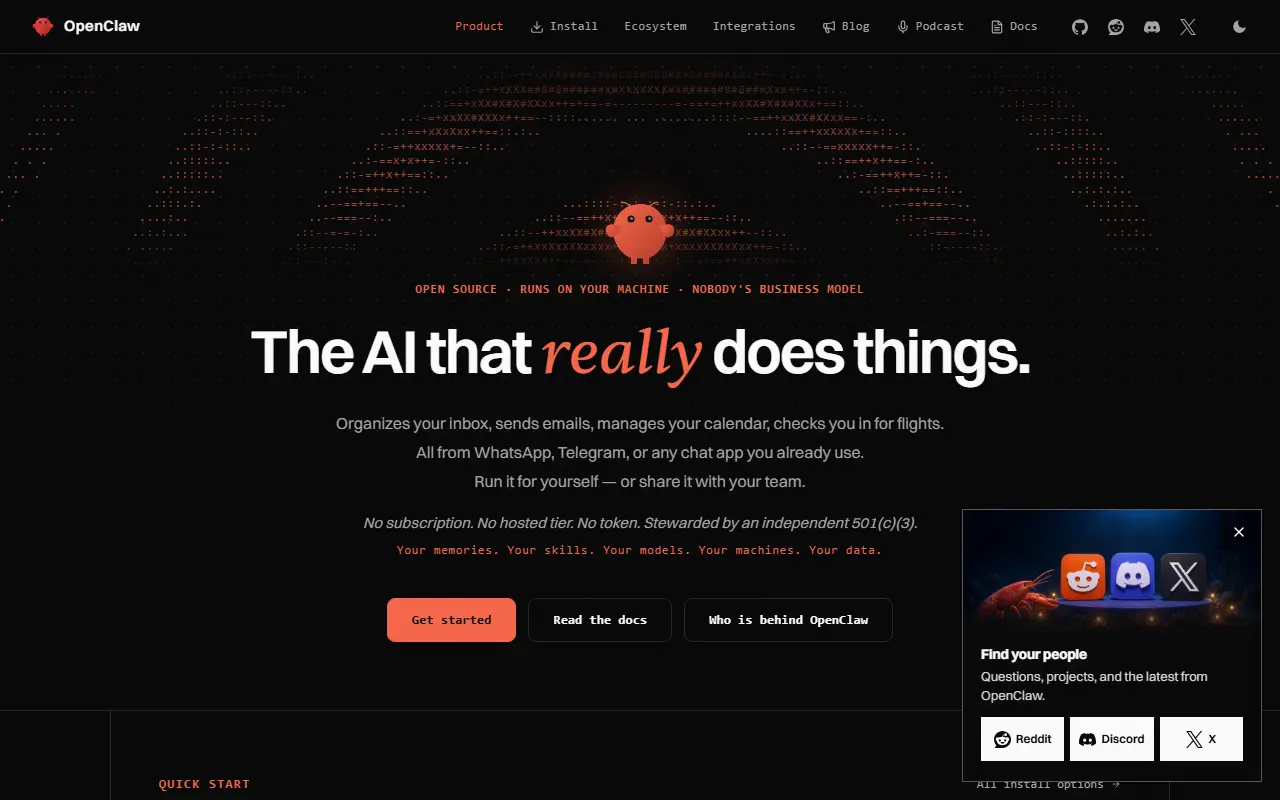
openclaw.aiOpenClaw homepage screenshot

OpenClaw is an AI assistant, open source, that you run on your own computer. Instead of living inside a single website, it connects to the messaging channels you already use, including Discord, iMessage, Slack, Teams, Telegram and WhatsApp, with more than twenty others supported according to the project. Native desktop and mobile apps cover macOS, iOS, Android, Windows and Linux.

A single Gateway process runs the assistant, either as a personal setup on one laptop or as a deployment shared across a team, with configuration being the main difference between the two. State, memory and credentials stay on your hardware, and the model or agent harness is a swappable plugin, so you can use hosted models such as Claude or Codex, or local models, without changing the rest of the setup.

OpenClaw is stewarded by an independent nonprofit foundation, and the project says it offers no paid plan, no hosted service and no token. By default it only contacts its servers for a daily version check, and anonymous statistics are opt-in. GitHub lists the license as 'Other', so check the repository for the exact terms. It suits people who want a private assistant they control themselves.

Key features

  • Connects to Discord, Slack, Telegram, WhatsApp and more
  • Native apps across desktop and mobile platforms
  • Swappable model providers and agent harnesses as plugins
  • Memory and credentials stored on your own hardware
  • Single gateway for personal or shared team use
  • Opt-in anonymous usage statistics

Pricing: Free and open source; the project says it has no paid plan, hosted offering or token.

Read more about OpenClawWebsite GitHub

Goose

An open-source, general-purpose AI agent written in Rust, available as a desktop app, CLI and API, that works with many model providers and MCP extensions.

GitHub stars
55k
Last commit
today
Latest release
v1.52.0
Licence
Apache-2.0
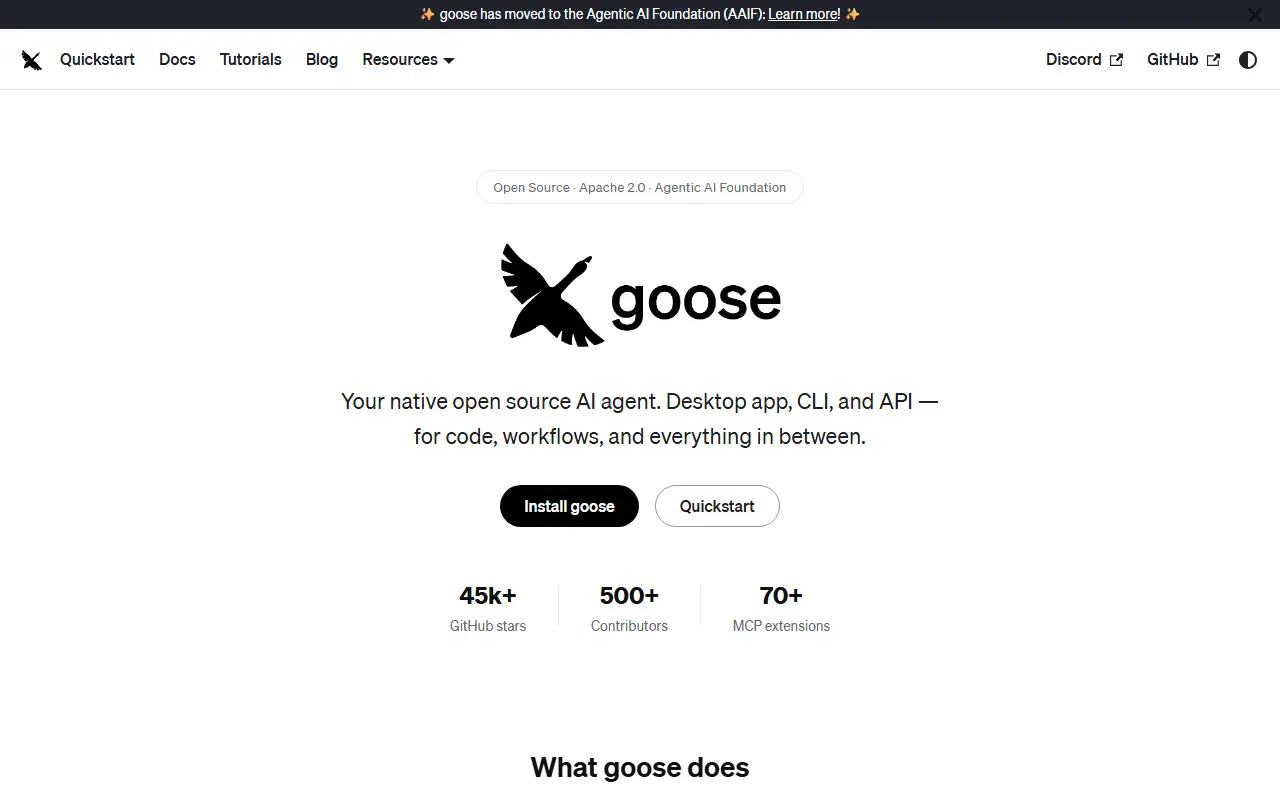
goose-docs.aiGoose homepage screenshot

goose is an AI agent for general tasks that runs locally on your own machine. It is not limited to coding: the project suggests using it for research, writing, automation, data analysis and similar tasks. It is built in Rust, released under the Apache-2.0 license, and available as a desktop application on Windows, Linux and macOS, a full CLI for terminal workflows, and an API for embedding it elsewhere.

goose works with more than a dozen model providers, including Anthropic, OpenAI, Google, Ollama, OpenRouter, Azure and Bedrock, and can use existing Claude, ChatGPT or Gemini subscriptions through ACP as an alternative to API keys. It connects to many extensions through the Model Context Protocol open standard, and custom distributions let teams ship their own goose build with preconfigured providers, extensions and branding.

The project is part of the Agentic AI Foundation at the Linux Foundation, and its documentation covers a quickstart, installation, tutorials and governance. It suits developers and knowledge workers who want a configurable local agent that is not tied to a single model vendor.

Key features

  • Desktop app for Windows, Linux and macOS
  • Full CLI for terminal workflows
  • API for embedding the agent elsewhere
  • Works with many model providers
  • Extensions through the Model Context Protocol
  • Custom distributions with preset providers and branding

Pricing: Free and open source under the Apache-2.0 license; model usage depends on the provider or subscription you connect.

Read more about GooseWebsite GitHub

AionUi

An open-source desktop and web app for working alongside AI agents that can read files, run tasks and automate on a schedule, including external CLI agents.

GitHub stars
33k
Last commit
23 days ago
Latest release
v2.2.2
Licence
Apache-2.0
Self-hosted
Yes
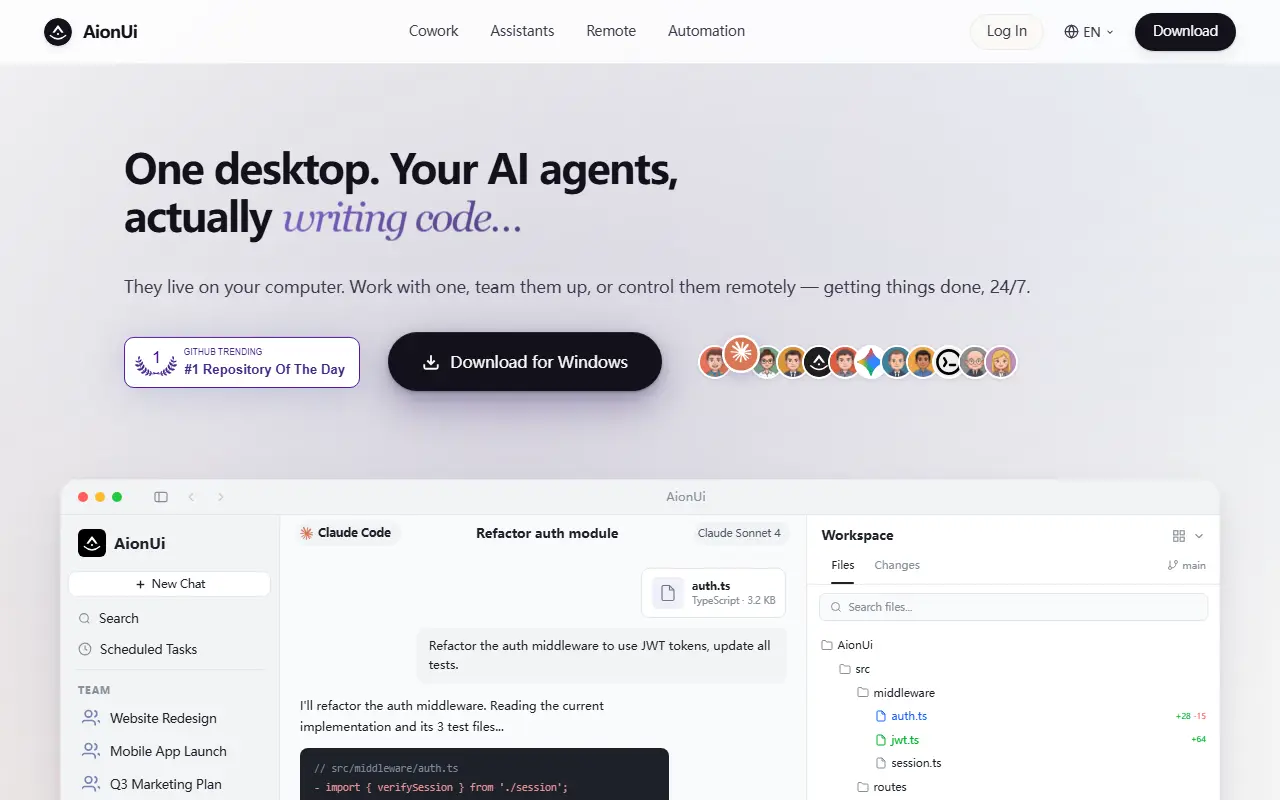
aionui.comAionUi homepage screenshot

AionUi is an open-source app built around the idea of cowork rather than simple chat: AI agents share your computer with you, opening files, writing code, browsing the web and automating chores, while you can see everything the agent does and stay in control. It runs on multiple platforms.

A built-in agent works with zero setup, and you can bring any API key. For heavier use, AionUi can run many external CLI agents in one interface, including Claude Code, Codex, Qwen Code, Hermes Agent and Cursor Agent, with multi-agent teams and customizable assistants. Remote access is possible through a WebUI and through Telegram, Lark, DingTalk and WeChat, and cron-based scheduling lets automations run unattended around the clock. The project says this contrasts with traditional AI chat clients, which can rarely act on files or execute multi-step tasks.

AionUi is written in TypeScript and licensed under Apache-2.0. It is free and open source, and it fits developers and office users who want agents that act on local files and tools rather than only answering questions.

Key features

  • Built-in agent with file access
  • Runs external CLI agents such as Claude Code and Codex
  • Multi-agent teams and custom assistants
  • Remote access via WebUI and chat apps
  • Cron-based 24/7 scheduled automation
  • Cross-platform desktop app

Pricing: Free and open source under the Apache-2.0 license.

Read more about AionUiWebsite GitHub

OpenWork

A free, open-source desktop app where AI agents work on your files, built on OpenCode, compatible with 50+ model providers and shareable skills and MCP servers.

GitHub stars
24k
Last commit
today
Latest release
v0.18.54
Self-hosted
Yes
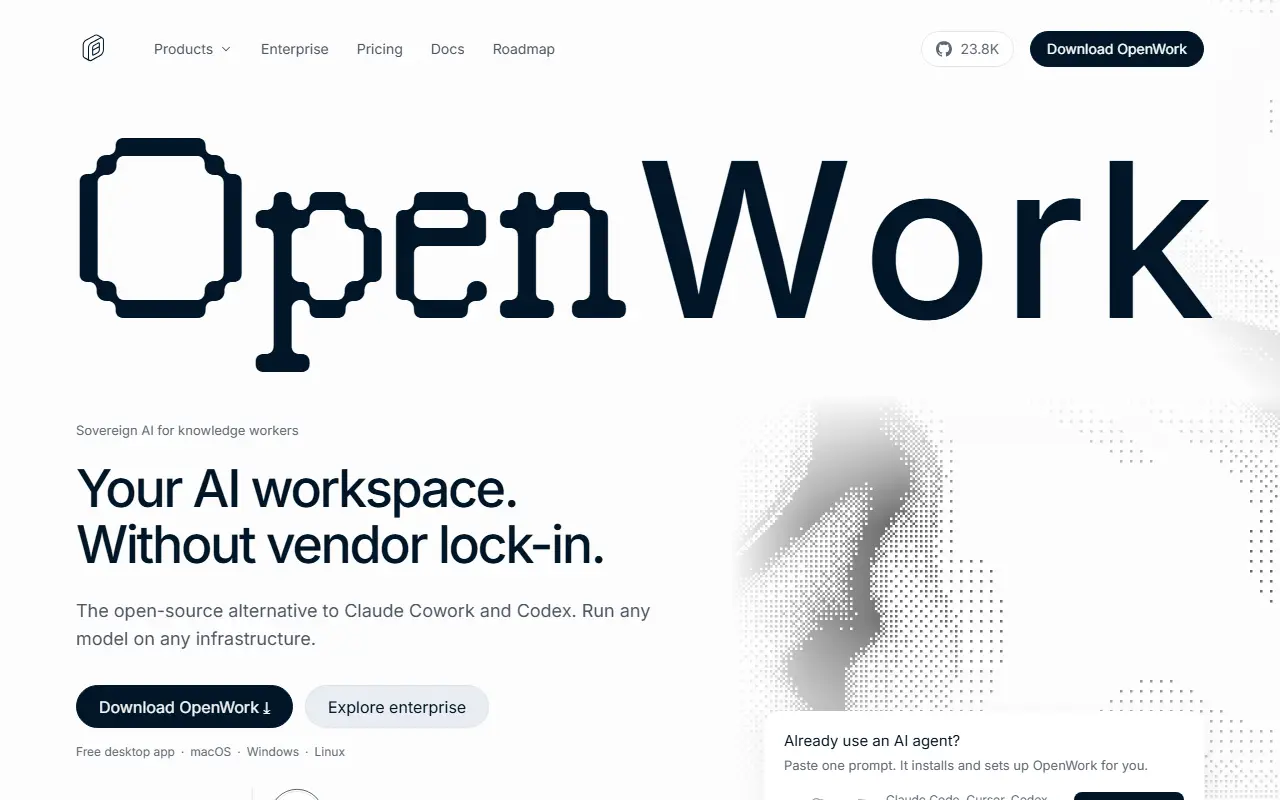
openworklabs.comOpenWork homepage screenshot

OpenWork is a free, open-source desktop application, available on macOS, Windows and Linux, in which AI agents work on your own files. It is presented as an alternative to Claude Cowork and Codex and is built on OpenCode. It is model-agnostic: connect more than fifty providers with your own API keys, or run local models through Ollama, and no OpenWork account is needed to use it locally.

A key idea is sharing: teams can distribute skills and MCP servers, and attaching one OpenWork MCP server to Codex, Claude Code, Cursor or a similar agent lets you carry the same skills, MCPs and connected services across tools, teammates and machines. The desktop app gives you a dedicated workspace but is optional, because the capabilities work from whichever agent you already use. For bigger organizations an admin interface lets administrators release capabilities, control who can use them and set up either shared or per-user connections.

The desktop app is MIT licensed according to the README, while the repository license is listed as 'Other' on GitHub, so confirm what applies to each component. It suits individuals and teams who want agentic automation of file-based work with control over models and data.

Key features

  • Desktop app for macOS, Windows and Linux
  • Agents working on your local files
  • Any model: 50+ providers or local via Ollama
  • Shareable skills and MCP servers
  • Single MCP to reuse skills across other agents
  • Admin interface for access and connections

Pricing: The first 5 cloud seats are free and self-hosting is free for up to 5 users. Team costs $10 per seat per month; Enterprise is custom, and self-hosting is free to evaluate for 30 days at any size.

Read more about OpenWorkWebsite GitHub

Suna

Suna, published as Kortix, is an open-source platform for running AI agents that produce finished work, with any model and your own infrastructure.

GitHub stars
20k
Last commit
today
Latest release
v0.13.47
Self-hosted
Yes
Hosted version
Available

Suna is the repository of Kortix, which describes itself as an open-source AI Management System. Instead of a single chatbot, it organizes AI agents that carry out tasks and deliver finished work such as reports, code and replies. Agents, the skills they share, company memory and connectors to other services are all kept as files in a git repository, so configuration is versioned and can be reviewed like code.

Each agent session runs in an isolated cloud sandbox on its own branch, and the result lands as a change request that a human approves before it is merged. The platform works with any model provider using your own API keys, rather than being tied to a single model vendor.

The project positions itself as an open alternative to closed, hosted agent products such as ChatGPT, offering source access and the option to run on your own cloud or on-premise network. The repository lists its license as 'Other', so check the license file before commercial use. A managed cloud edition is also available.

Key features

  • AI agents that deliver finished work
  • Isolated cloud sandbox for each session
  • Agents, skills and memory stored in git
  • Human-approved change requests
  • Works with any model provider and your API keys
  • Self-host or use the managed cloud

Pricing: Self-hosting is described as free; the README lists the managed cloud at $40 per seat per month plus usage.

Read more about SunaWebsite GitHub

Kun

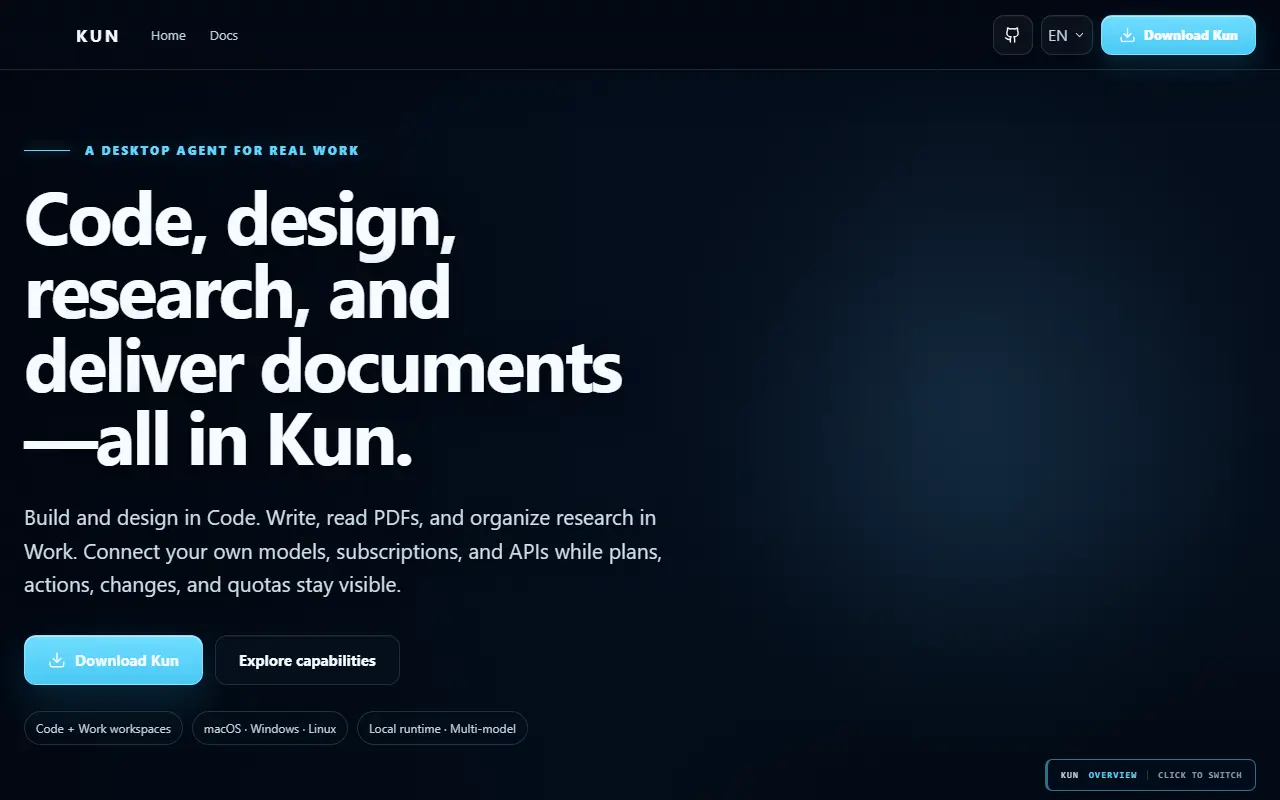
Kun is a desktop and terminal workspace where AI agents handle coding, writing, design and research, running locally on one shared runtime.

GitHub stars
6.3k
Last commit
today
Latest release
v0.3.12
Self-hosted
Yes
kun-agent.comKun homepage screenshot

Kun is a local-first workspace where AI agents plan, execute and verify work in real projects instead of only answering questions. Its desktop GUI and terminal interface share the same local runtime, so threads, goals, plans, approvals and background tasks carry over between them.

The workspace is organized into modes. Code covers software delivery with project context, file editing, a terminal, Git and worktrees, diffs, tests and review, with a Design canvas available inside the same task. Work handles Markdown editing, PDF and Office document analysis, spreadsheets and presentations built from outlines. Rooms let several agents collaborate through private and group chats. Agents read workspace context, call tools and run checks.

Repository topics list MCP, OpenAI-compatible endpoints, DeepSeek and multi-agent support. It is built with Electron, React and TypeScript and published under a license GitHub lists as 'Other'. The README is primarily in Chinese, with an English version linked.

Key features

  • Code mode with Git, diffs and tests
  • Design canvas for prototypes
  • Work mode for documents and spreadsheets
  • Multi-agent Rooms with group chat
  • Shared desktop GUI and terminal runtime
  • Approval flow for agent actions
Read more about KunWebsite GitHub

LobsterAI

LobsterAI is an open-source desktop AI agent from NetEase Youdao that works on your local files and apps, and takes commands from phone chat apps.

GitHub stars
6.1k
Last commit
yesterday
Latest release
2026.9.23
Licence
MIT
Self-hosted
Yes

LobsterAI is a desktop AI agent built by NetEase Youdao that can work in your real computing environment, including local files, shell commands, browser workflows, office documents, spreadsheets, slides, scheduled jobs and project workspaces. It is aimed at office-style tasks such as data analysis, slide and document creation, video work and web research.

The app is organized around Cowork, its product and session layer, which keeps local persistence, permissions, interface state, artifacts, agents, memory and instant-messaging bindings. OpenClaw is the runtime and gateway beneath it that actually executes agent tasks. Users can send commands from their phone through WeChat, Feishu, DingTalk or Telegram, and MCP is among its repository topics.

LobsterAI is built with Electron, React and TypeScript, and it is licensed under MIT. It runs as a desktop application on your own computer rather than as a hosted service. It suits users who want an agent with real local access and mobile messaging control.

Key features

  • Desktop agent with local file and terminal access
  • Cowork sessions for long-running tasks
  • Command input via WeChat, Feishu and DingTalk
  • Telegram control from your phone
  • Document, spreadsheet and slide generation
  • OpenClaw runtime for agent execution

Pricing: Free and open source under the MIT license.

Read more about LobsterAIWebsite GitHub

Abu Cowork

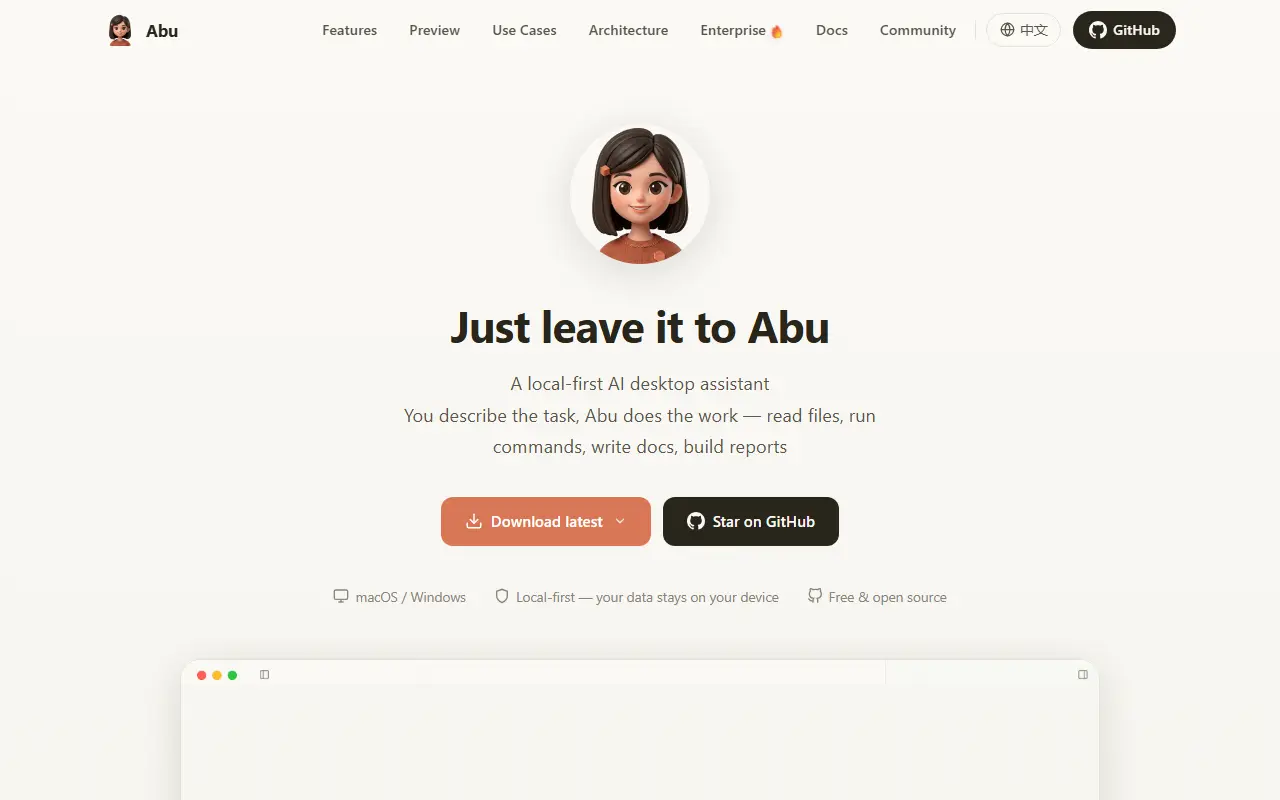
Local-first desktop AI agent app, built with Tauri and React, that reads files, runs commands and automates tasks on your machine using the model of your choice.

GitHub stars
389
Last commit
yesterday
Latest release
v0.50.0
Self-hosted
Yes
myabu.cnAbu Cowork homepage screenshot

Abu Cowork is an open-source desktop assistant that runs AI agents locally, inspired by the Cowork mode of Claude Code and listed as an alternative to it. You describe what you need, and the agent reads files, runs commands, writes documents and builds reports on your own computer, with the project emphasizing that data stays local.

The README compares it with regular chat and with traditional automation, pointing to autonomous planning and execution, reading and writing local files, natural language interaction, a set of built-in skills that can grow on their own, grouping of several conversations into projects, scheduled tasks and event triggers, bots for Lark, DingTalk, WeCom and Slack, parallel multi-agent work and browser and computer control. Recent updates added a workspace file tree with a code editor, a progress panel, inline charts and Mermaid diagrams, and provider presets.

It works with multiple models, is written in TypeScript with React and Tauri, and lists an in-progress DeepSeek harness integration. The repository metadata gives its licence as other.

Key features

  • Local-first agent that reads files and runs commands
  • Multiple model providers
  • Built-in skills that can evolve
  • Scheduled tasks and event triggers
  • IM bots for Lark, DingTalk, WeCom and Slack
  • Multi-agent parallel execution
  • Browser and computer control
Read more about Abu CoworkWebsite GitHub

DeepSeek Cowork

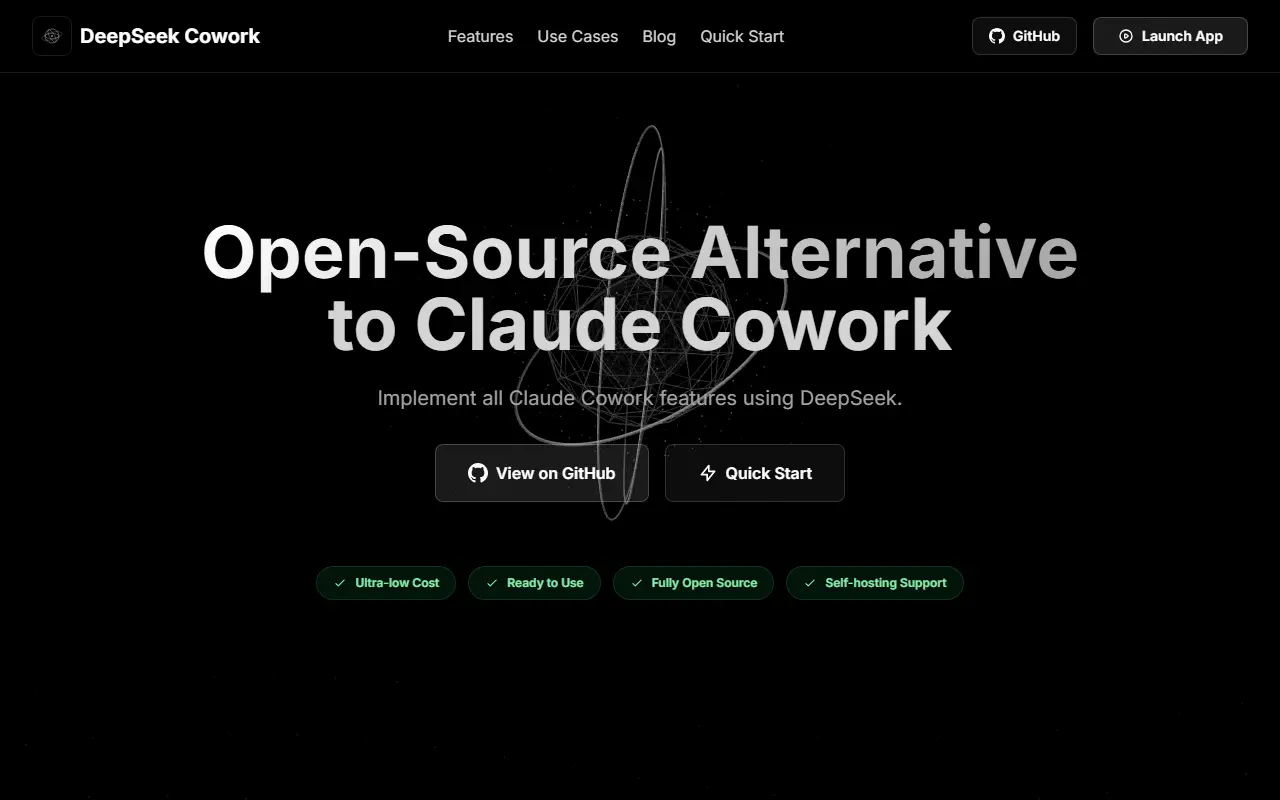
DeepSeek Cowork is an open-source, self-hostable AI assistant and browser automation tool powered by DeepSeek models, built as a lower-cost alternative to Claude Cowork.

GitHub stars
220
Last commit
3 mo ago
Latest release
v0.3.0
Self-hosted
Yes
deepseek-cowork.comDeepSeek Cowork homepage screenshot

DeepSeek Cowork is an open-source AI assistant aimed at people who want a Claude Cowork-style workflow assistant without the cost or access restrictions of a closed commercial product. It was created shortly after Claude Cowork's release as a fully open alternative that anyone can self-host and run against DeepSeek's models.

The project turns natural-language requests into multi-step AI workflows, handling tasks such as coordinating multi-step actions, browsing and organizing files in a workspace, and maintaining persistent memory of conversation context and user habits across sessions. It is built around browser automation combined with an AI assistant layer rather than a single fixed script.

DeepSeek Cowork is written in JavaScript and relies on DeepSeek's API for the underlying language model, so usage of that API is billed separately by DeepSeek at its own rates. The repository metadata does not state a license, so check the repository before relying on it for commercial use; documentation is provided in English and Chinese.

Key features

  • Natural-language task coordination
  • Browser automation workflows
  • File browsing and workspace organization
  • Persistent conversation memory
  • Self-hosted private deployment

Pricing: Free and open source; no license is stated in the repository metadata. It relies on the DeepSeek API, which is billed separately at DeepSeek's rates.

Claude Cowork alternatives: questions

What is the best open-source alternative to Claude Cowork?
OpenClaw is the top-ranked open-source alternative to Claude Cowork on Enlisted: An open-source personal AI assistant that runs on your own hardware and talks to you through chat apps such as Slack, Telegram and WhatsApp. Other strong options are Goose, AionUi, OpenWork and Suna.
Are these Claude Cowork alternatives free?
All 9 are open source, so the code is free to use under its licence, and 9 of them can be self-hosted on your own server. 1 also offer a paid or managed cloud version if you'd rather not host it yourself.
How is this list of Claude Cowork alternatives ranked?
By a score built from GitHub stars, star growth over the last 30 days and how recently the code changed. 8 of these projects shipped code in the last 30 days. Data is refreshed daily, and nobody can pay to move up.

People also look for alternatives to…

View all