7,363 open-source and SaaS tools, with GitHub stats refreshed every day.

9 alternatives ranked by real activity

Open-source Amplenote alternatives

A curated, ranked list of the 9 best open-source alternatives to Amplenote.

The best open-source alternative to Amplenote is AppFlowy. If that doesn't suit you, other good options are AFFiNE, Joplin, SiYuan and Logseq.

Amplenote alternatives are mainly note-taking tools. 8 of them shipped code in the last 30 days, 9 can be self-hosted, and none uses a permissive licence.

Last updated October 2, 2026 · ranked by GitHub stars, growth and recent commits

AppFlowy

An open-source AI collaborative workspace for notes, wikis, tasks and projects, built as a Notion alternative that keeps you in control of your data.

GitHub stars
77k
Last commit
2 days ago
Latest release
0.14.6
Licence
AGPL-3.0
Self-hosted
Yes
Hosted version
Available
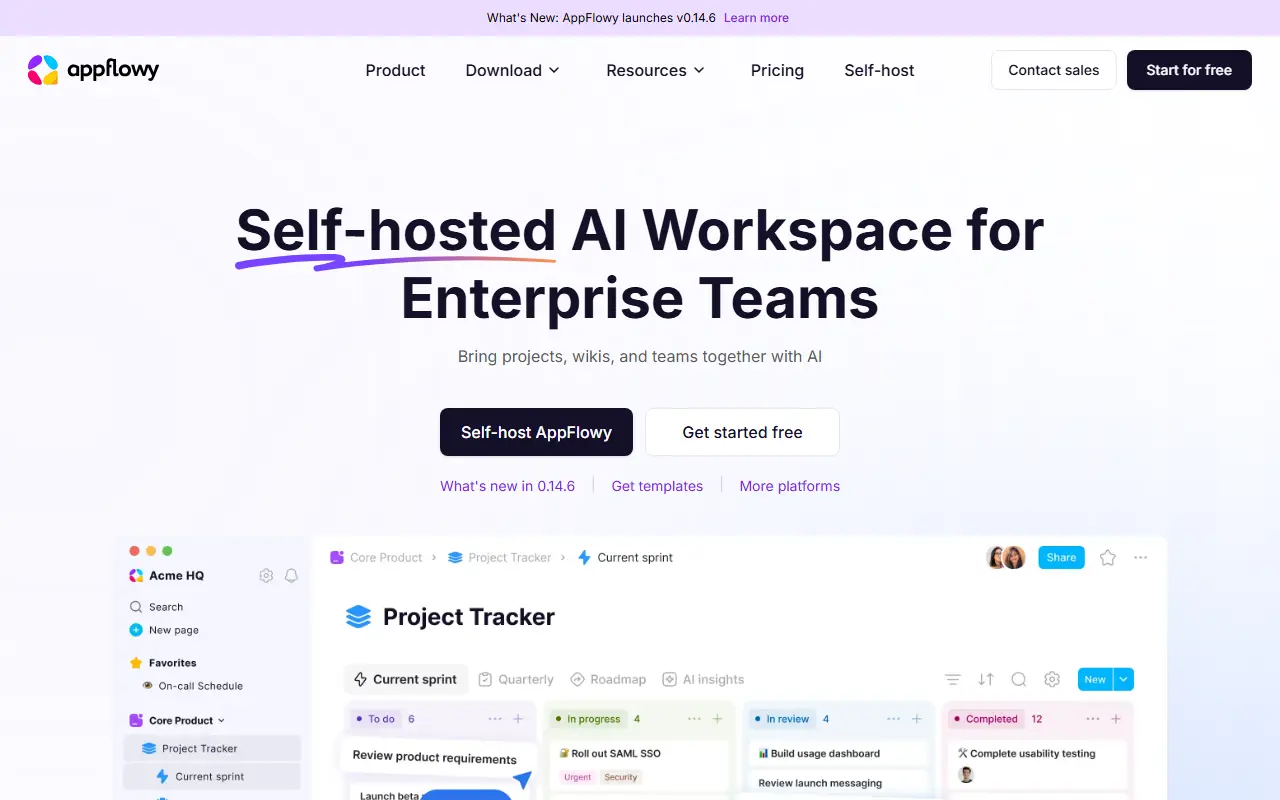
appflowy.comAppFlowy homepage screenshot

AppFlowy is an open-source workspace that brings documents, wikis, project and task management and team collaboration into one app. It is presented as an alternative to Notion, and its topics also tag it as a Confluence alternative, with the emphasis on keeping control of your own data.

The client is built with Flutter and a Rust core, giving apps for macOS, Windows and Linux plus iOS and Android versions. Desktop builds can be downloaded directly or from channels such as Flathub and Snapcraft. AI features are part of the workspace, and a public roadmap and active forum let users propose features. Translations are contributed through JSON files and tools such as inlang.

The project is AGPL-3.0 licensed and has documentation for self-hosting the server side, so organizations can keep content on their own infrastructure. A hosted version is available through appflowy.com for people who do not want to run servers. It suits teams looking for a Notion-style workspace with a privacy-first stance.

Key features

  • Notes, wikis and documentation in one workspace
  • Project and task management
  • AI features built into the workspace
  • Apps for desktop, iOS and Android
  • Self-hosting option for your own data
  • Public roadmap and community translations

Pricing: Free plan for up to 2 members. Pro costs $12.50 per user per month, or $10 billed annually. Self-hosted plans range from Free to Enterprise but their prices are not listed.

AFFiNE

A privacy-focused, local-first workspace that merges docs, whiteboards and tables on one canvas, positioned as an open-source alternative to Notion and Miro.

GitHub stars
73k
Last commit
2 days ago
Latest release
v0.27.4
Self-hosted
Yes
Hosted version
Available
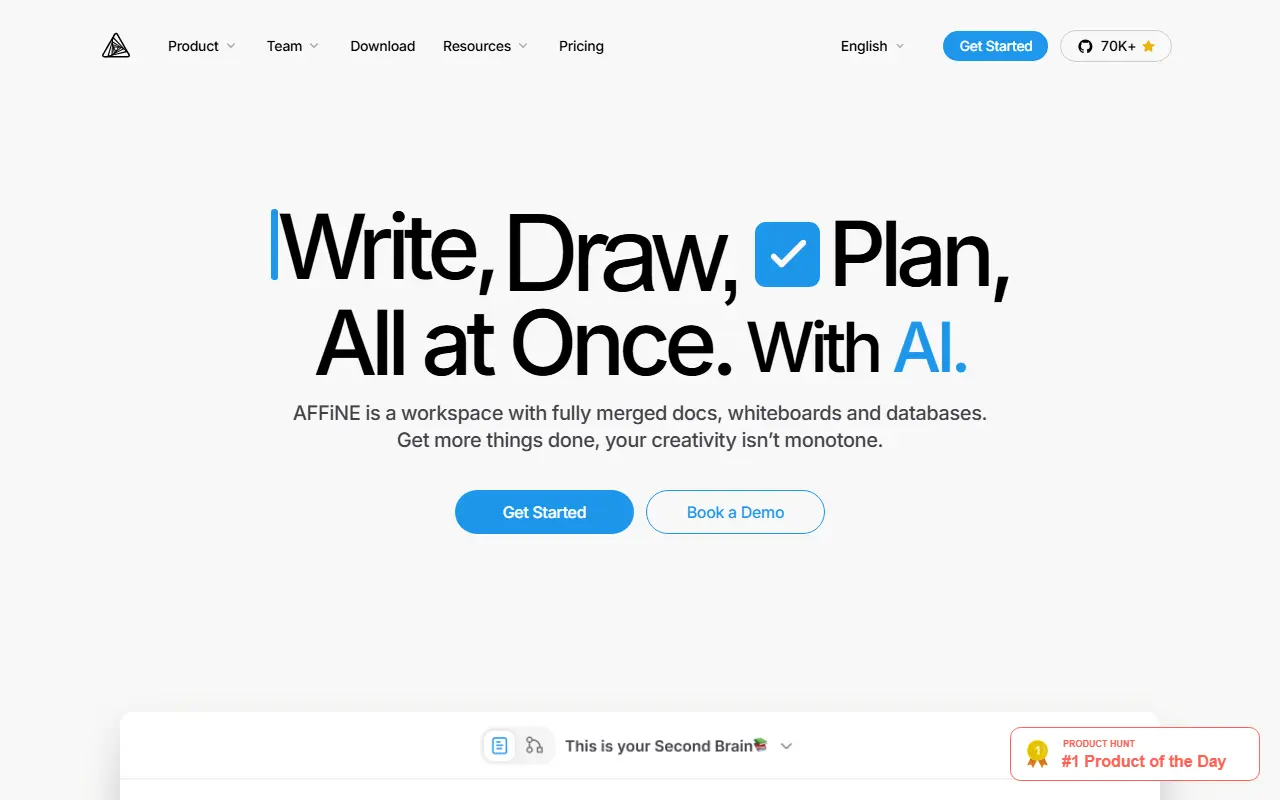
affine.proAFFiNE homepage screenshot

AFFiNE is an open-source workspace that combines writing, drawing and planning in a single app. Documents, an edgeless whiteboard and table views share the same blocks, so you can place rich text, sticky notes, embedded web pages, database views, linked pages, shapes and even slides anywhere on one canvas. It is presented as an alternative to Notion and Miro.

The project stresses local-first storage, meaning your data lives on your own device first, together with real-time collaboration. A multimodal AI assistant helps write reports, turn outlines into slides, summarize articles into mind maps and organize tasks. Under the hood it uses CRDTs for syncing and is built mostly in TypeScript and Rust, with Electron for the desktop app. It also supports Markdown, wiki and knowledge-base use, and presentations.

AFFiNE's license is listed as 'Other' on GitHub, so review it before commercial use. There is a live demo and documentation on the project site, a hosted version is available, and the app can also be self-hosted.

Key features

  • Docs, whiteboard and tables on one canvas
  • Local-first data storage on your device
  • Real-time multi-user collaboration
  • AI assistant for writing, slides and mind maps
  • Markdown editing and linked pages
  • Desktop app built on Electron

Pricing: Free plan with local use and 10 GB of cloud storage. Pro is $6.75 per month and Team $10 per seat per month; a $499.99 one-time Believer plan exists and Enterprise is custom-priced.

Joplin

A free, open-source, offline-first note-taking and to-do app with Markdown notes, end-to-end encrypted sync, plugins and apps for desktop and mobile.

GitHub stars
57k
Last commit
yesterday
Latest release
v3.7.21
Self-hosted
Yes
Hosted version
Available
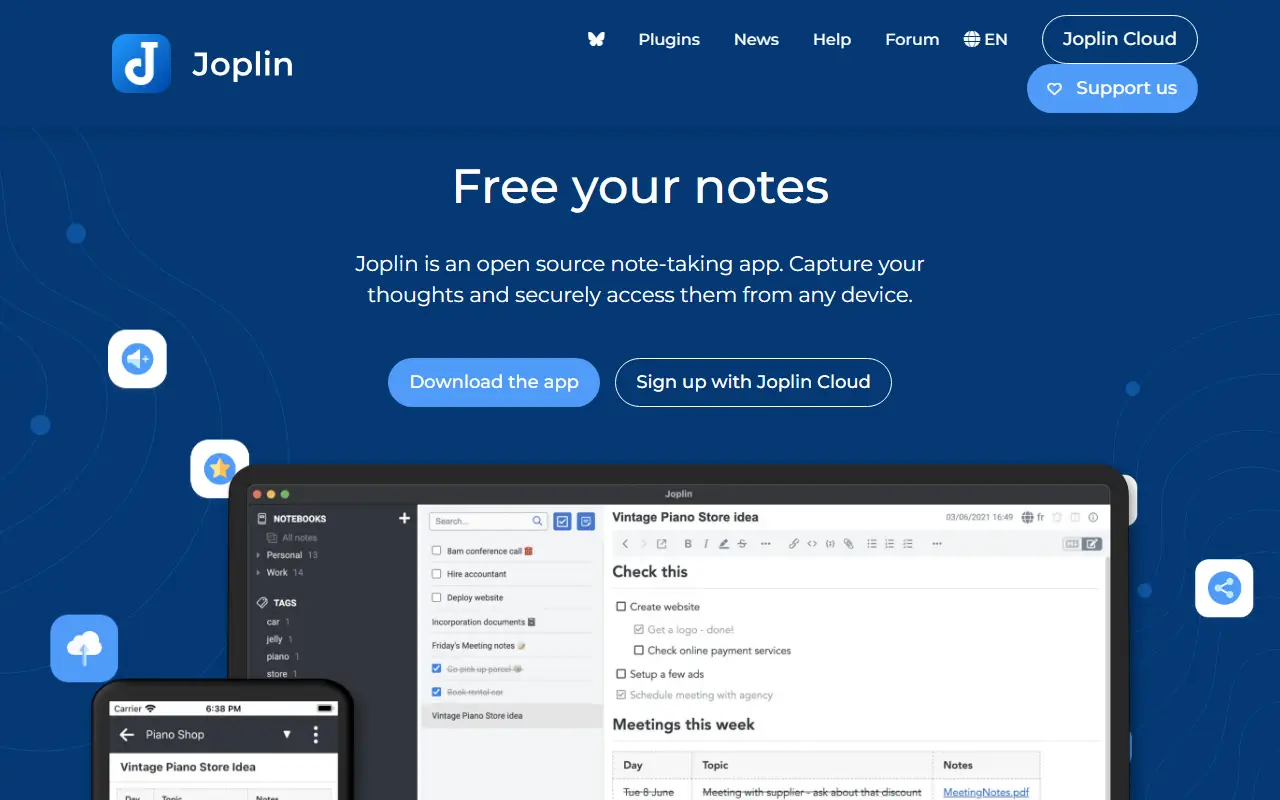
joplinapp.orgJoplin homepage screenshot

Joplin is a note-taking and to-do application, free and open source, that can manage large collections of notes organized into notebooks. Notes are written in Markdown, are searchable, can be tagged, and can be edited either in the app or in your own text editor. Apps are available for Windows, macOS, Linux, Android and iOS.

The app is offline first, so all your data lives on your phone or computer and stays accessible without a connection. Notes can be synchronized with end-to-end encryption through services such as Nextcloud, Dropbox, OneDrive and Joplin Cloud, and topics also mention WebDAV. Full-text search is available on every platform, and plugins and themes let you customize the app. A web clipper saves pages, and notes exported from Evernote can be imported with formatting, attachments and metadata intact; plain Markdown files can be imported as well.

The repository license is listed as 'Other', so check its terms if you plan to redistribute. Joplin is a popular choice for people who want an Evernote replacement that keeps data local or on storage they already control.

Key features

  • Markdown notes organized into notebooks
  • Offline-first storage on your own devices
  • End-to-end encrypted sync via Nextcloud, Dropbox or OneDrive
  • Evernote import with attachments and metadata
  • Plugins and themes
  • Web clipper for saving pages
  • Apps for desktop and mobile

Pricing: Joplin Cloud costs 2.99€ (Basic), 5.99€ (Pro) or 9.99€ (Pro 100 GB) per month, and Teams 7.99€ per user per month. Self-hosted Server Business is 3.33€ per user per month; 14-day trial.

SiYuan

A privacy-first, self-hostable personal knowledge management system with block-level references, Markdown WYSIWYG editing, flashcards and optional AI chat.

GitHub stars
47k
Last commit
yesterday
Latest release
v3.8.6
Licence
AGPL-3.0
Self-hosted
Yes
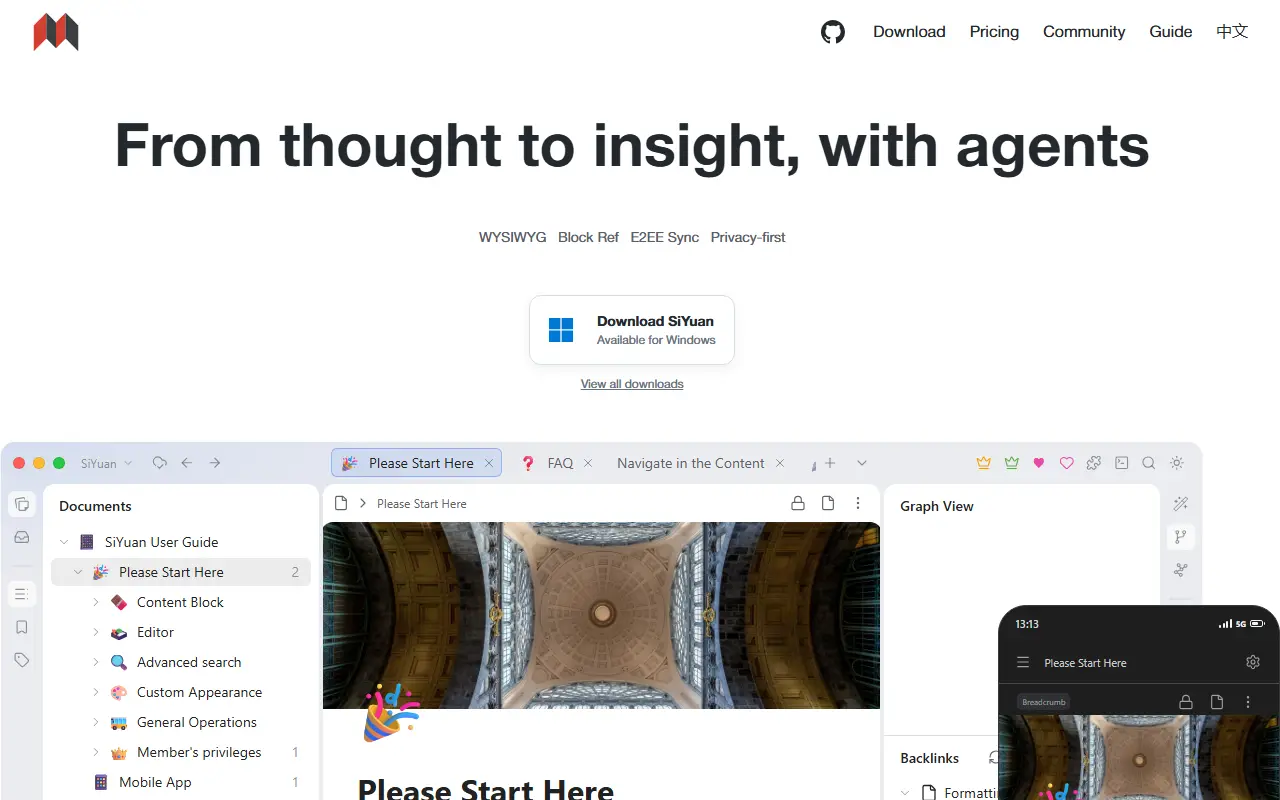
b3log.orgSiYuan homepage screenshot

SiYuan is an open-source, privacy-first personal knowledge management system. Its distinctive feature is fine-grained, block-level referencing: any block can be linked to or embedded elsewhere, with two-way links, custom attributes and SQL query embeds. Editing is Markdown WYSIWYG, and the project describes itself as a workspace where humans and AI agents work together. It is local-first and self-hostable.

The editor supports block-style writing, list outlines, block zoom-in, very large documents, math formulas, charts, flowcharts and Gantt charts. Web clipping, PDF annotation links, flashcards with spaced repetition, a database table view, Tesseract OCR and multi-tab split-screen layouts are included. You can export blocks and embeds, standard Markdown with assets, or PDF, Word and HTML. AI writing and Q and A chat can use the OpenAI API, and template and JavaScript or CSS snippets allow customization.

SiYuan is AGPL-3.0 licensed and available as desktop apps, mobile apps for Android, iOS and HarmonyOS, an installation package, a package manager, and Docker, Kubernetes, Unraid and TrueNAS hosting. A command line interface and an app market for extensions exist. Most features are free, even for commercial use.

Key features

  • Block-level references and two-way links
  • Markdown WYSIWYG editor
  • Flashcards with spaced repetition
  • SQL query embeds and database table views
  • Export to Markdown, PDF, Word and HTML
  • AI writing and Q and A chat
  • Docker, Kubernetes and mobile apps

Pricing: Most features are free, even for commercial use; check the project FAQ for any paid options.

Logseq

A privacy-first, local-first knowledge management app built around linked, outliner-style notes in Markdown or Org-mode, with a graph view and plugin support.

GitHub stars
45k
Last commit
today
Latest release
2.0.1
Licence
AGPL-3.0
Self-hosted
Yes
logseq.comLogseq homepage screenshot

Logseq is an open-source platform for knowledge management and collaboration that puts privacy and local storage first. Notes are organized as linked blocks in an outliner, forming a knowledge graph, and topics show it works with both Markdown and Org-mode files and can be backed by Git.

The project is moving toward a database-backed version that introduces DB graphs. That version is in beta, comes with a new iOS mobile app in alpha and a Real Time Collaboration approach to syncing graphs across devices or working with others, also in alpha. Because data loss is possible while these features mature, the maintainers recommend automated backups. A plugin API, themes and a public roadmap round out the ecosystem.

Logseq is written in Clojure and ClojureScript under the AGPL-3.0 license, and desktop builds are available from the releases page. It appeals to researchers, students and knowledge workers who want a personal wiki with bidirectional links and full ownership of their files.

Key features

  • Outliner-style linked notes
  • Markdown and Org-mode support
  • Knowledge graph of connected pages
  • Local-first storage with Git compatibility
  • Plugin API and themes
  • Real Time Collaboration sync in alpha

Pricing: Free and open source under the AGPL-3.0 license.

Trilium Notes

A cross-platform hierarchical note-taking app for building large personal knowledge bases, with a rich editor, note cloning, versioning and scripting.

GitHub stars
38k
Last commit
today
Latest release
v0.106.0
Licence
AGPL-3.0
Self-hosted
Yes
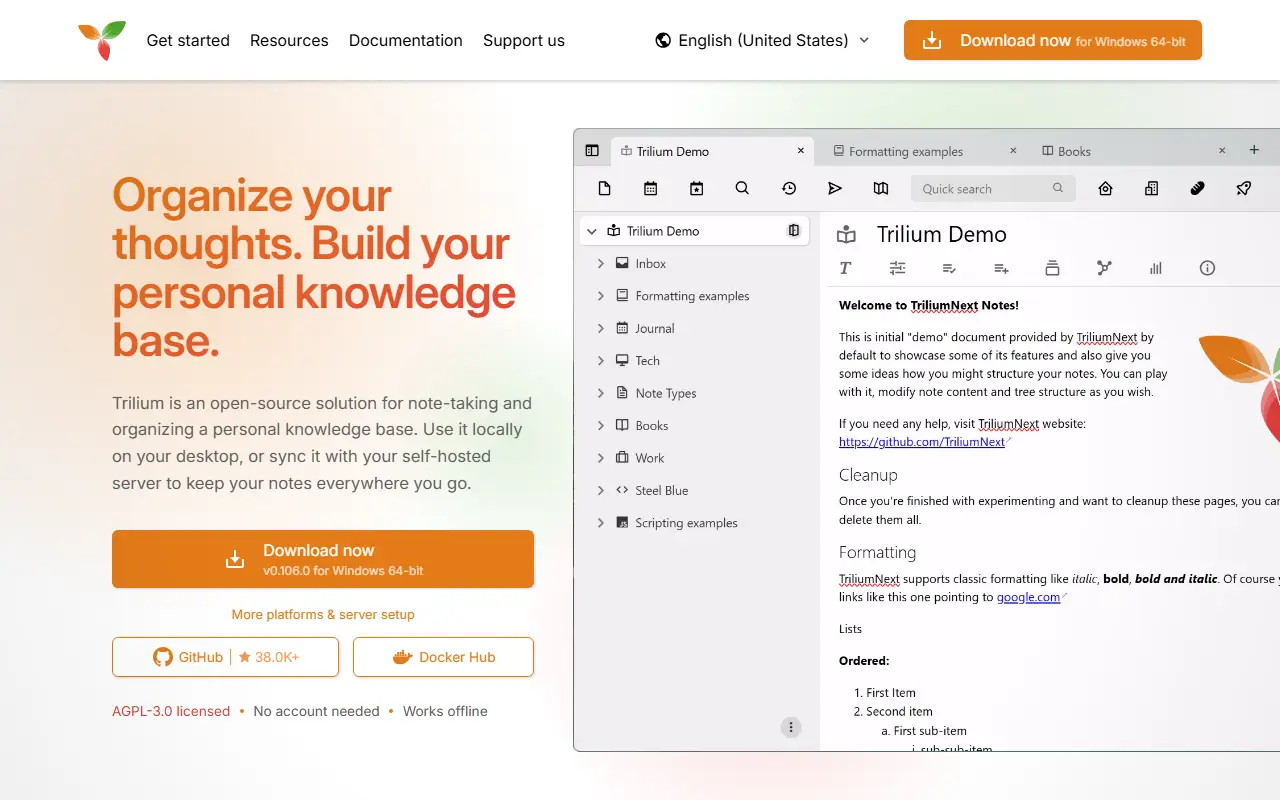
triliumnotes.orgTrilium Notes homepage screenshot

Trilium Notes is a free, open-source, cross-platform note-taking application focused on building large personal knowledge bases. Notes are arranged in a tree of arbitrary depth, and a single note can be cloned into several places in the tree, which lets you organize the same material along different lines without duplicating it.

The editor is a rich WYSIWYG one with tables, images, math and Markdown autoformatting, and there is also support for source code notes with syntax highlighting. Navigation relies on fast jumps between notes, full-text search and note hoisting. Notes are versioned automatically, and attributes can be used to organize, query and script notes. The interface is available in several languages, and built-in documentation opens with F1.

The project, now maintained as TriliumNext, is AGPL-3.0 licensed and built with TypeScript and Electron. It provides desktop builds as well as a server setup with Docker, so you can keep your notes on your own hardware. Stable releases are recommended, with nightly builds available for those who want the newest changes.

Key features

  • Arbitrarily deep note tree with cloning
  • WYSIWYG editor with tables, images and math
  • Code notes with syntax highlighting
  • Full-text search and note hoisting
  • Automatic note versioning
  • Attributes and scripting for advanced use
  • Docker server setup

Pricing: Free and open source under the AGPL-3.0 license.

Anytype

Anytype Desktop is the official client for Anytype, a local-first, end-to-end encrypted knowledge base for notes, tasks, wikis and custom data types.

GitHub stars
8.9k
Last commit
today
Latest release
v0.57.3
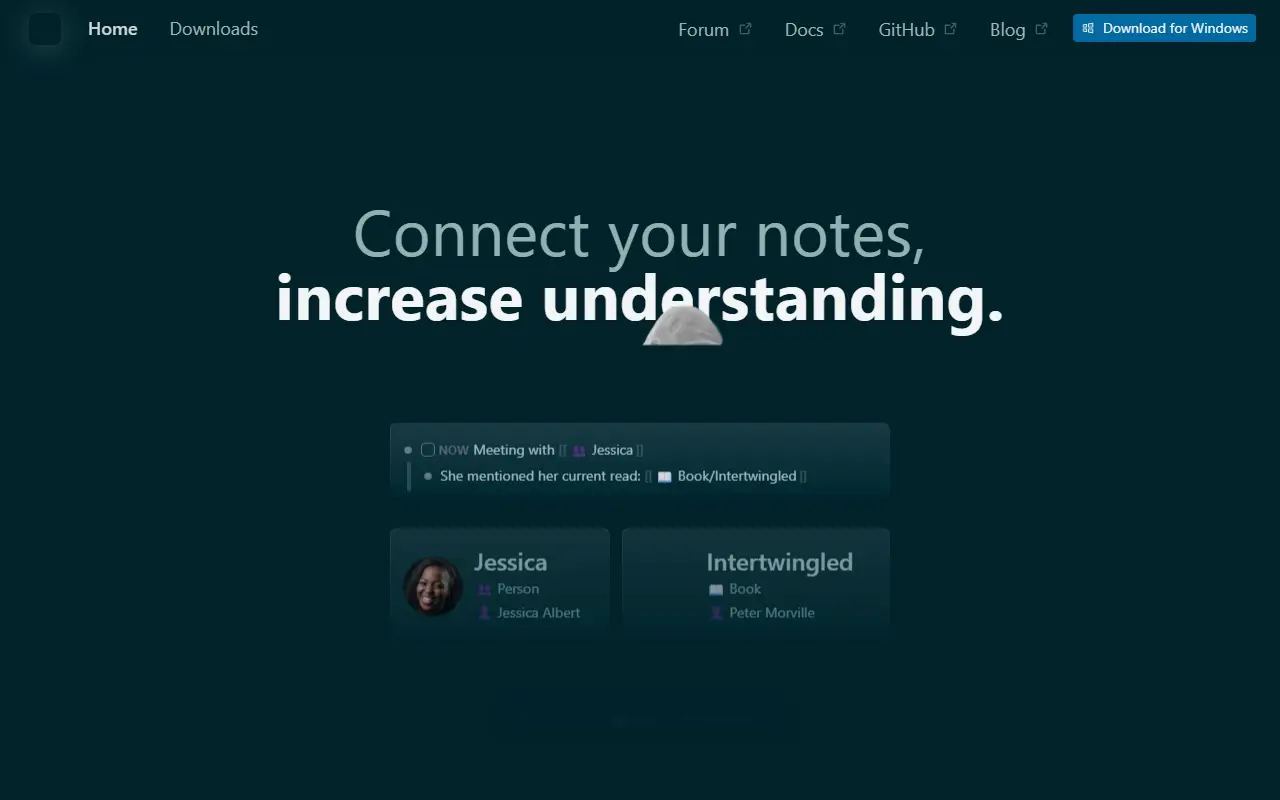
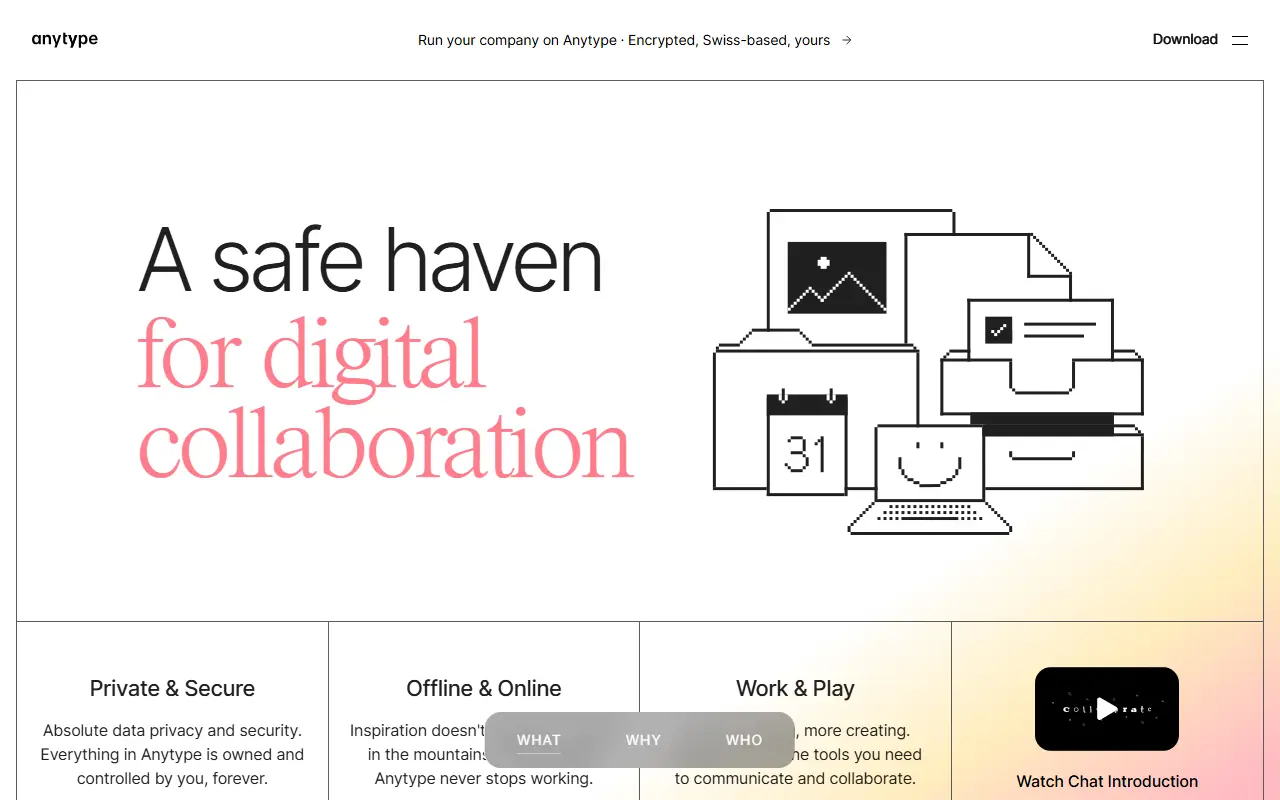
anytype.ioAnytype homepage screenshot

Anytype Desktop is the official desktop client for Anytype, a personal knowledge base for macOS, Windows and Linux. It lets you collect pages, tasks, wikis and journals and link them together, while keeping data stored locally and encrypted across your devices.

The client is built around composable blocks such as text, databases, kanban boards and calendars, and you can define your own Types to shape the data model. Storage is offline-first with optional peer-to-peer sync, and encryption relies on the any-sync protocol. It is an Electron application written in TypeScript, and it can be extended through a gRPC API and AI agents described in the repository.

Sign-in uses an Any-ID, and installers are published on the releases page and the download site. The code is published under the Any Source Available License 1.0 rather than a standard open-source licence, and the README includes instructions for building from source and updating the middleware.

Key features

  • Offline-first local storage
  • Optional peer-to-peer sync
  • End-to-end encryption through any-sync
  • Block-based pages, databases, kanban and calendar
  • Custom Types for your own data model
  • gRPC API for extensions

QOwnNotes

QOwnNotes is an open-source desktop notepad and to-do manager that stores Markdown plain-text files and syncs through Nextcloud or ownCloud.

GitHub stars
5.9k
Last commit
today
Latest release
v26.10.0
Licence
GPL-2.0
Self-hosted
Yes
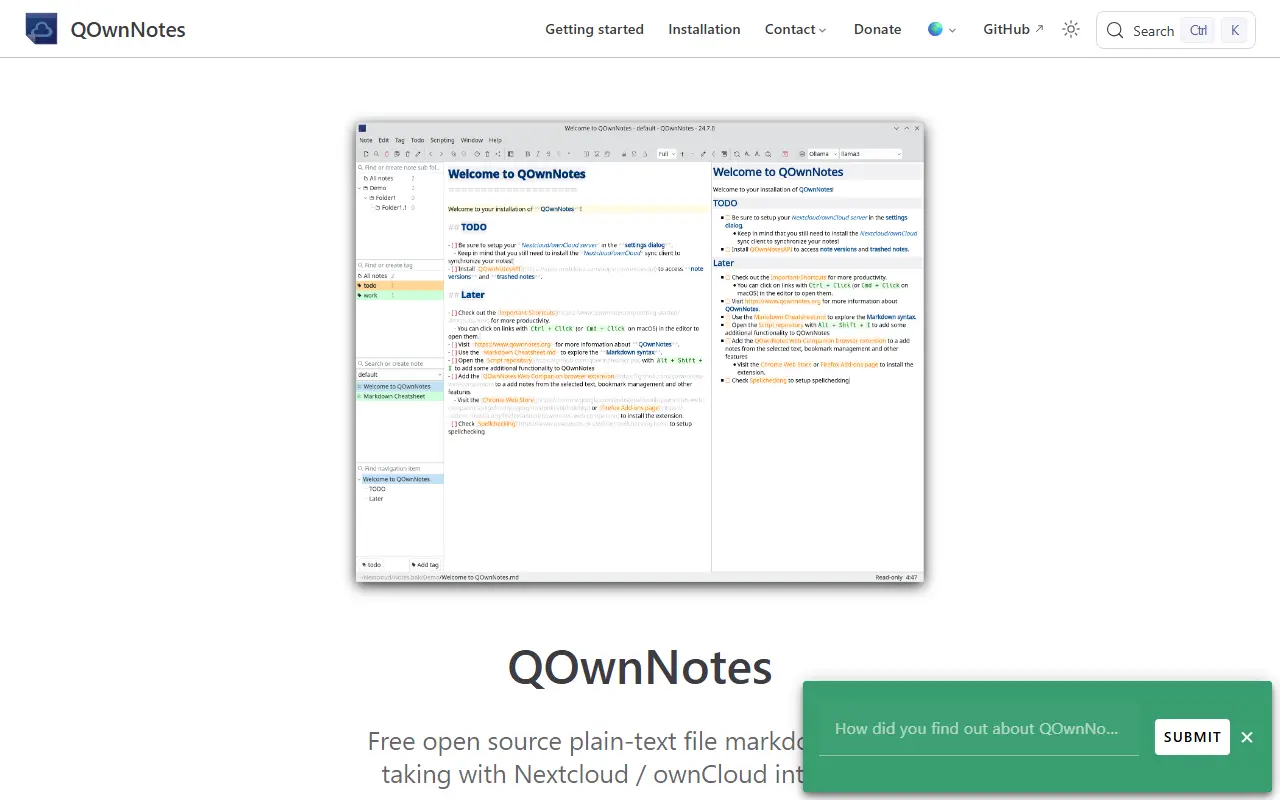
qownnotes.orgQOwnNotes homepage screenshot

QOwnNotes is a notepad and to-do list manager for GNU/Linux, macOS and Windows. Notes are kept as plain-text Markdown files, so they stay readable and portable, and the app works together with Nextcloud Notes and ownCloud Notes so the same notes can be reached from other devices.

Around the desktop application the project offers an Android companion app, a web app, and web companion extensions for Firefox and Chrome. Repository topics point to CalDAV task support, bookmark handling, personal knowledge management and local-first design. The program is built with Qt in C++ and the project links to community channels including Matrix, Telegram and IRC.

QOwnNotes is licensed under GPL-2.0 and runs locally on your computer, so there is no server to host unless you choose to use Nextcloud or ownCloud for syncing. It suits people who want a local-first Markdown notes app that works with their own cloud storage.

Key features

  • Notes stored as plain Markdown files
  • Nextcloud and ownCloud Notes integration
  • To-do list manager
  • Desktop apps for Linux, macOS and Windows
  • Android app and browser companion extensions
  • Qt-based native interface

Pricing: Free and open source under GPL-2.0.

Liubai

Local-first notes, schedule and to-do app with AI assistants, WeChat integration and collaboration, built with Vue 3 as a progressive web app.

GitHub stars
863
Last commit
3 mo ago
Latest release
v0.34.3
Licence
AGPL-3.0
Hosted version
Available
my.liubai.ccLiubai homepage screenshot

Liubai is a combined notes, schedule, to-do and task app with AI features, documented mainly in Chinese. Each item is an atomic card that can hold text, images, multi-level tags, status and files, and cards can be synced to the cloud. It is aimed at individuals and small groups who want personal note-taking and light collaboration in one place, and it works in layouts from phone to desktop widths.

The README lists integration with large language models such as DeepSeek, Kimi, MiniMax, Stepfun and Zhipu, which are made available inside WeChat through the official customer-service message API. For privacy, each card can be set to stay local only or to refuse AI reading. The app is local first, using a PWA service worker so it works offline on the web, and it supports light and dark modes, Chinese and English, a rich text editor with light Markdown, and a VS Code extension for quick notes. WeChat integration covers schedule reminders and picking collaborators from contacts.

The repository is split into a Laf-based back end with cloud functions, VitePress documentation, a Vue 3 front end using Vite, Dexie.js and TipTap, a WeChat mini program and the VS Code extension. A hosted instance is available at my.liubai.cc, and the project is licensed under AGPL-3.0.

Key features

  • Atomic cards with text, images, tags and files
  • Cloud sync with local-first offline use
  • AI assistants inside WeChat
  • Per-card local-only and no-AI settings
  • Schedule reminders through WeChat
  • VS Code extension for quick notes
  • Responsive progressive web app

Amplenote alternatives: questions

What is the best open-source alternative to Amplenote?
AppFlowy is the top-ranked open-source alternative to Amplenote on Enlisted: An open-source AI collaborative workspace for notes, wikis, tasks and projects, built as a Notion alternative that keeps you in control of your data. Other strong options are AFFiNE, Joplin, SiYuan and Logseq.
Are these Amplenote alternatives free?
All 9 are open source, so the code is free to use under its licence, and all of them can be self-hosted on your own server or computer. 4 also offer a paid or managed cloud version if you'd rather not host it yourself.
How is this list of Amplenote alternatives ranked?
By a score built from GitHub stars, star growth over the last 30 days and how recently the code changed. 8 of these projects shipped code in the last 30 days. Data is refreshed daily, and nobody can pay to move up.

People also look for alternatives to…

View all