
About Zulip Desktop
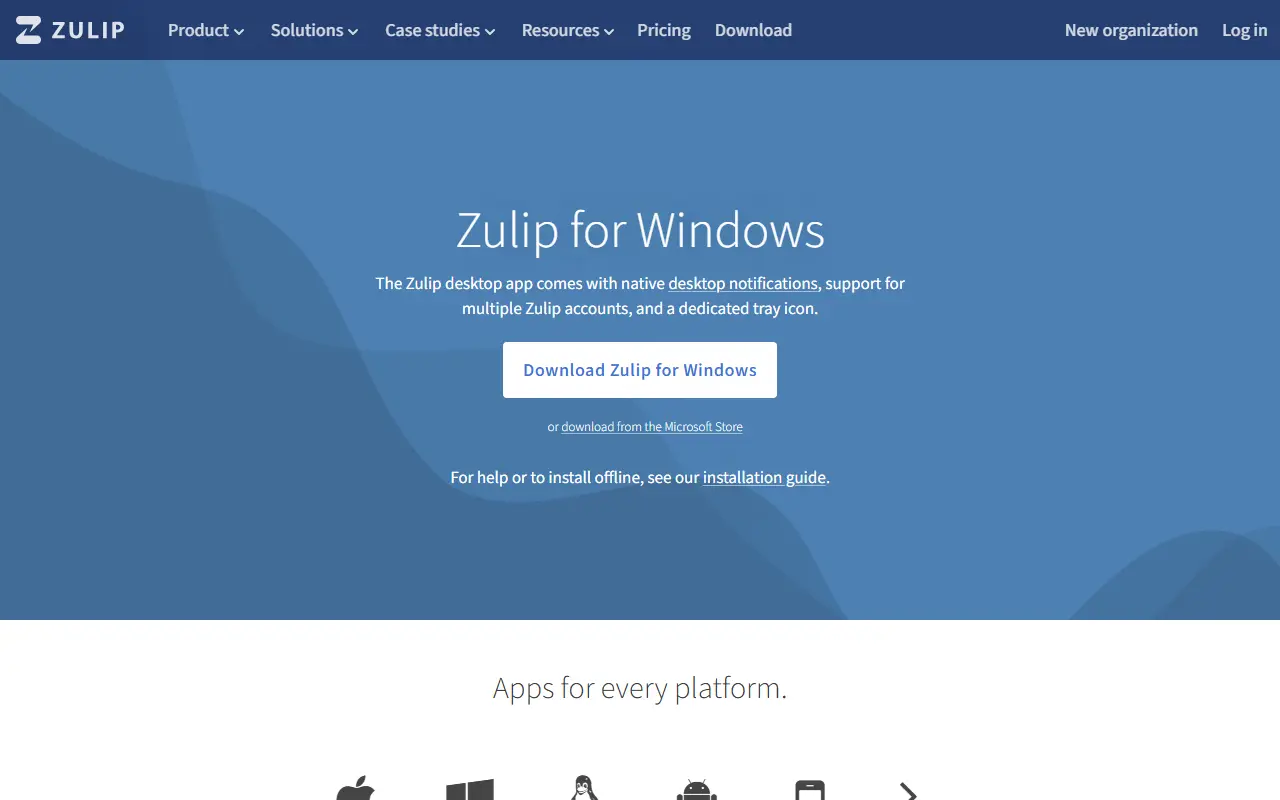
Zulip Desktop is the official desktop application for Zulip, the team chat platform. It packages the Zulip web app in a native Electron shell for macOS, Windows and Linux, so conversations get their own window, dock or tray icon and system notifications instead of living in a browser tab. The client connects to a Zulip server, whether that server is self-hosted or run by a cloud provider.
The app lets you sign in to several organizations at once and switch between them, shows desktop notifications with an inline reply box, integrates with the tray and dock, includes a multi-language spell checker and updates itself automatically. Because it shares most of its code with the web app, issues about chat behavior inside a window belong in the Zulip server and web app project, while problems with the app shell and its settings are tracked in the desktop repository.
The desktop client is released under the Apache-2.0 license and is written mostly in TypeScript. It is a client only, so you still need an account on a Zulip server; installation instructions for each platform are on the Zulip apps page.
Key features
- Sign in to multiple organizations
- Desktop notifications with inline reply
- Tray and dock integration
- Multi-language spell checker
- Automatic app updates
- Builds for macOS, Windows and Linux
Good fit for
- →Teams using Zulip who prefer a dedicated app
- →Switching between several Zulip organizations
- Tags
- zulip
- team-chat
- desktop-app
- electron
- messaging
- cross-platform
Open-source alternatives to Zulip Desktop
See all
Rocket.Chat Desktop
Team Chat
The Secure CommsOS™ for mission-critical operations
MITvs Slack★ 1.7k
Rocket.Chat
Team Chat
The Secure CommsOS™ for mission-critical operations
OSSvs Slack★ 46k
Mattermost
Team Chat
Mattermost is an open source platform for secure collaboration across the entire software
OSSvs Slack★ 39k
Zulip
Team Chat
Zulip server and web application. Open-source team chat that helps teams stay productive a
Apache-2.0vs Slack★ 26k
Element
Team Chat
A glossy Matrix collaboration client for the web.
AGPL-3.0vs Slack★ 14k
Campfire
Team Chat
Super simple group chat, without a subscription
MITvs Slack★ 4.7k
SaaS alternatives to Zulip Desktop
See all
Slack
Team Chat
Slack is a team messaging platform with channels, huddles, canvases, workflows and AI features, now part of Salesforce.
SaaS
Chanty
Team Chat
Team chat with tasks, voice and video calls aimed at small teams
SaaS
Flock
Team Chat
Team messenger with channels, video calls, to-dos and file sharing
SaaS
Google Chat
Team Chat
Messaging and spaces inside Google Workspace with Meet and Docs integration
SaaS
Pumble
Team Chat
Slack-style team chat with channels, threads and calls
SaaS
Troop Messenger
Team Chat
Business messaging platform with SaaS and on-premise deployment options
SaaS