About Writely
Writely is a browser extension that brings GPT-powered writing assistance to any text field on the web, rather than being limited to a single app like Notion. It is aimed at people who want AI help writing emails, articles or social media replies wherever they happen to be typing, without switching to a dedicated AI writing tool.
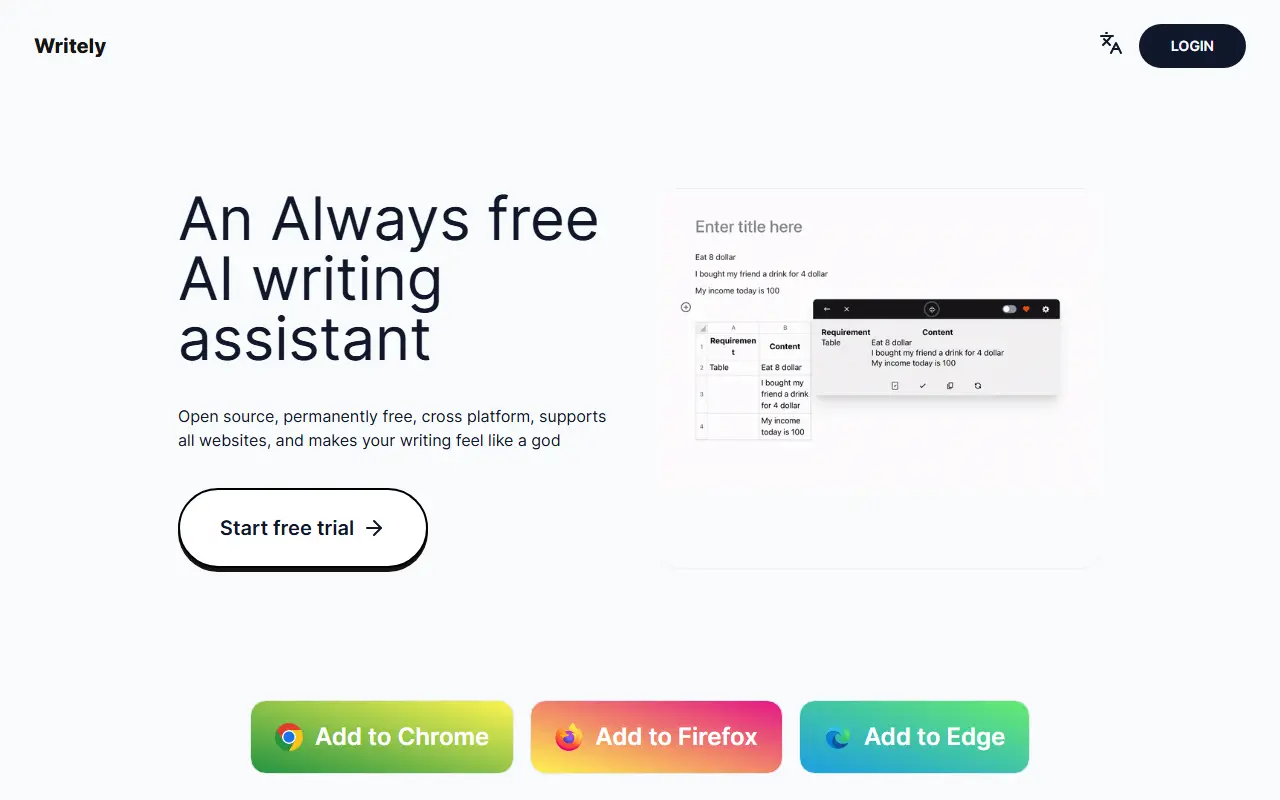
Built on OpenAI's GPT models, it offers a writing assistant usable on virtually any editor webpage, and it can also perform query translation and reading assistance to help users understand and respond to content faster. Example uses mentioned in the README include drafting emails, writing articles, replying to posts on platforms like Twitter and Weibo, and writing stories on Zhihu. After selecting text on a page, a small 'W' icon appears near the cursor that opens the assistant.
Writely is available for Chrome, Firefox and Edge, and requires the user to supply their own OpenAI API key, obtained from OpenAI's platform and entered into the extension's settings. It is written in TypeScript, currently in beta, and released under the MIT license, with a Discord community for users and contributors.
Key features
- AI writing assistant on any editable webpage
- Query translation and reading assistance
- Works across Chrome, Firefox and Edge
- Bring-your-own OpenAI API key
- Quick-access icon on selected text
Good fit for
- →AI-assisted writing across any website
- →An alternative to Notion AI outside of Notion
- Built with
- TypeScript
- Tags
- chrome-extension
- ai-writing
- openai
- notion-ai-alternative
- chatgpt
- typescript
Writely: questions and answers
- What is Writely used for?
- Writely is a free, MIT-licensed Chrome extension powered by OpenAI's GPT models that adds an AI writing assistant to any editable webpage, positioned as going beyond Notion AI. It is a good fit for AI-assisted writing across any website.
- Is Writely open source?
- Yes. Writely is open source under the MIT licence. Its source code is on GitHub at anc95/writely and is written mainly in TypeScript.
- Is Writely free?
- Yes. Writely is open source, so the software itself is free to use.
- Can I self-host Writely?
- Yes. Writely can be self-hosted on your own server or infrastructure.
- What is Writely an alternative to?
- Writely is an open-source alternative to Wordtune, QuillBot and Notion. Other open-source alternatives to Wordtune include LanguageTool.
- Is Writely actively maintained?
- The most recent commit to Writely was on 23 February 2025, and the latest release is v0.0.31, published on 23 February 2025. The project has 1.3k stars on GitHub.
Open-source alternatives to Writely
See all
LanguageTool
AI Tools
Style and Grammar Checker for 25+ Languages
LGPL-2.1vs Grammarly★ 15k
Anytype
Note Taking
Official Anytype client for MacOS, Linux, and Windows
OSSvs Notion★ 8.9k
HedgeDoc
Docs & Wikis
HedgeDoc - Ideas grow better together
AGPL-3.0vs Google Docs★ 7.5k
LifeForge
Productivity
A self-hosted solution to streamline and organize all aspects of your life.
OSSvs Notion★ 1.7k
Hubble.md
Note Taking
The best notepad for you and your agents
MITvs Notion★ 1.5kNote Mark
Note Taking
Note Mark is a lighting fast, web-based Markdown notes app.
AGPL-3.0vs Evernote★ 769
SaaS alternatives to Writely
See all
Wordtune
AI Tools
AI writing companion that rewrites, shortens and improves sentences
SaaS
QuillBot
AI Tools
Paraphrasing, grammar checking, summarizing and translation tools for writers
SaaS
Notion
Note Taking
Notion is an AI-enabled workspace for notes, docs, wikis and projects, with agents, meeting notes and search across connected apps.
SaaS
Caretly
AI Tools
Chrome extension that improves selected text anywhere on the web for clarity and readability in one click
SaaS
BeLikeNative
AI Tools
Chrome extension that rewrites selected text so it reads naturally with one keystroke
SaaS
ClarifierAI
AI Tools
iPhone keyboard that rewrites text for clarity and translates it into 113 languages in any app
SaaS