
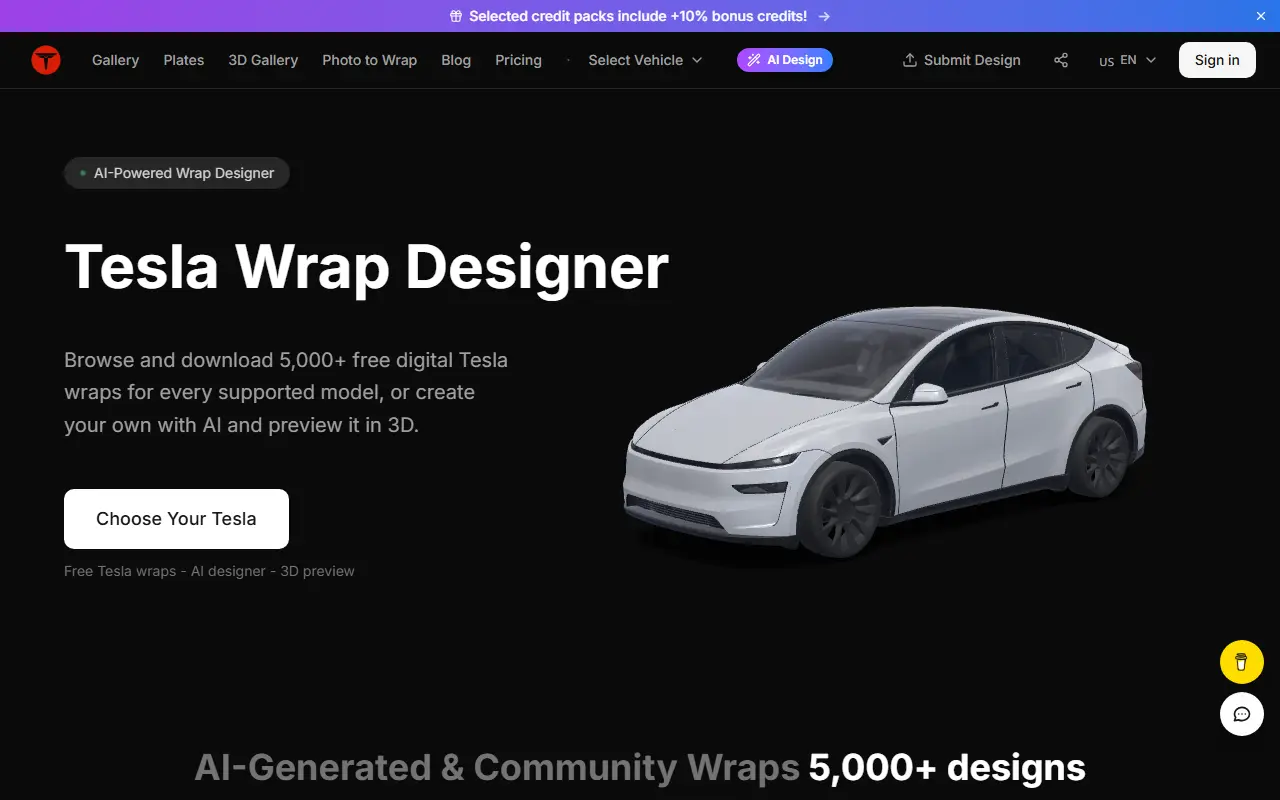
About Tesla Wrap Designer
Tesla Wrap Designer lets Tesla owners create and download digital wraps, the custom paint images that can be loaded through Tesla's Paint Shop feature. You choose your model, such as Model 3, Model Y, Model S, Model X or Cybertruck, and design in the browser with Tesla's official UV templates, with the design automatically cropped to the template area, then preview it in 3D and export a PNG for Paint Shop.
A gallery holds over five thousand designs made with AI or contributed by owners, which can be browsed and downloaded for free by model. An AI generator creates wraps from prompts, a photo-to-wrap feature turns pictures into designs and users can submit their own. The site works without installing software, and the editor runs locally in the browser, while saved projects and AI images are stored on Cloudflare R2.
The site says core features are free with no account required, and there is a pricing page for any extras. A plate designer and blog are also included, and designs are shown with the owner's handle and the vehicle model they were made for.
Key features
- Wrap design with official Tesla UV templates
- 3D preview of the design
- Paint Shop PNG export
- AI wrap generation from prompts
- Photo to wrap conversion
- Gallery of 5,000+ community designs
- No software or account needed
Good fit for
- Tesla owners creating a custom wrap for Paint Shop
- Browsing community designs for a specific model
Tesla Wrap Designer: questions and answers
- What is Tesla Wrap Designer used for?
- Tesla Wrap Designer is a browser-based studio for designing Tesla Paint Shop wraps with AI, 3D preview and PNG export, plus a gallery of thousands of free community designs. It is a good fit for tesla owners creating a custom wrap for Paint Shop and browsing community designs for a specific model.
- Is Tesla Wrap Designer free?
- Yes. Tesla Wrap Designer has a free plan. Editing and exporting are free, while AI wrap generation uses credits. One-time credit packs cost $4.90, $9.90 and $19.90, and credits never expire.
- Is Tesla Wrap Designer open source?
- No. Tesla Wrap Designer is proprietary (closed-source) software and can't be self-hosted. In the Design category, open-source options include OpenPencil, Penpot and Graphite.
- What are some alternatives to Tesla Wrap Designer?
- Tesla Wrap Designer competes with Carwrap.
Open-source alternatives to Tesla Wrap Designer
See all
OpenPencil
Design
Generate complete, multi-screen product interfaces on a live canvas. Refine every layer wi
MITvs Figma★ 6.1k
Penpot
Design
Penpot: The open-source design platform for Product teams that need scalable collaboration
MPL-2.0vs Figma★ 61k
Graphite
Design
Community-built comprehensive 2D content creation appplication for graphic design, digital
Apache-2.0vs Affinity★ 27k
Krita
Design
Krita is a free and open source cross-platform application that offers an end-to-end solut
GPL-3.0vs Adobe Photoshop★ 10k
GIMP
Design
Read-only mirror of https://gitlab.gnome.org/GNOME/gimp
OSSvs Adobe Photoshop★ 6.5k
TiXL
Design
TiXL is an open source software to create realtime motion graphics.
MITvs Adobe After Effects★ 5.1k
SaaS alternatives to Tesla Wrap Designer
See all
Carwrap
Design
AI tool for designing and exploring custom vehicle wrap concepts, colors and styles
SaaS
AI Decorator
Design
Mobile app that uses AI to visualize interior and exterior design changes for homes and gardens
SaaS
AI Designer
Design
AI design platform for UI, logos, brand kits, images and marketing graphics
SaaS
AI Garden Design
Design
Upload a photo of your outdoor space and get a photorealistic AI redesign with chosen styles and elements
SaaS
AI Home Design
Design
Mobile app that redesigns kitchens, bedrooms and gardens with AI and a furniture and decor planner
SaaS
AI Kitchen Design
Design
Upload a room photo, pick a style and get an AI-redesigned kitchen or interior in seconds
SaaS