 TrackMedia
 TrackRev

 Oracle SQL Developer
 Microsoft Project
 Aqua Data Studio
 SQLyog
 SQLPro Studio
About SQL Server Management Studio
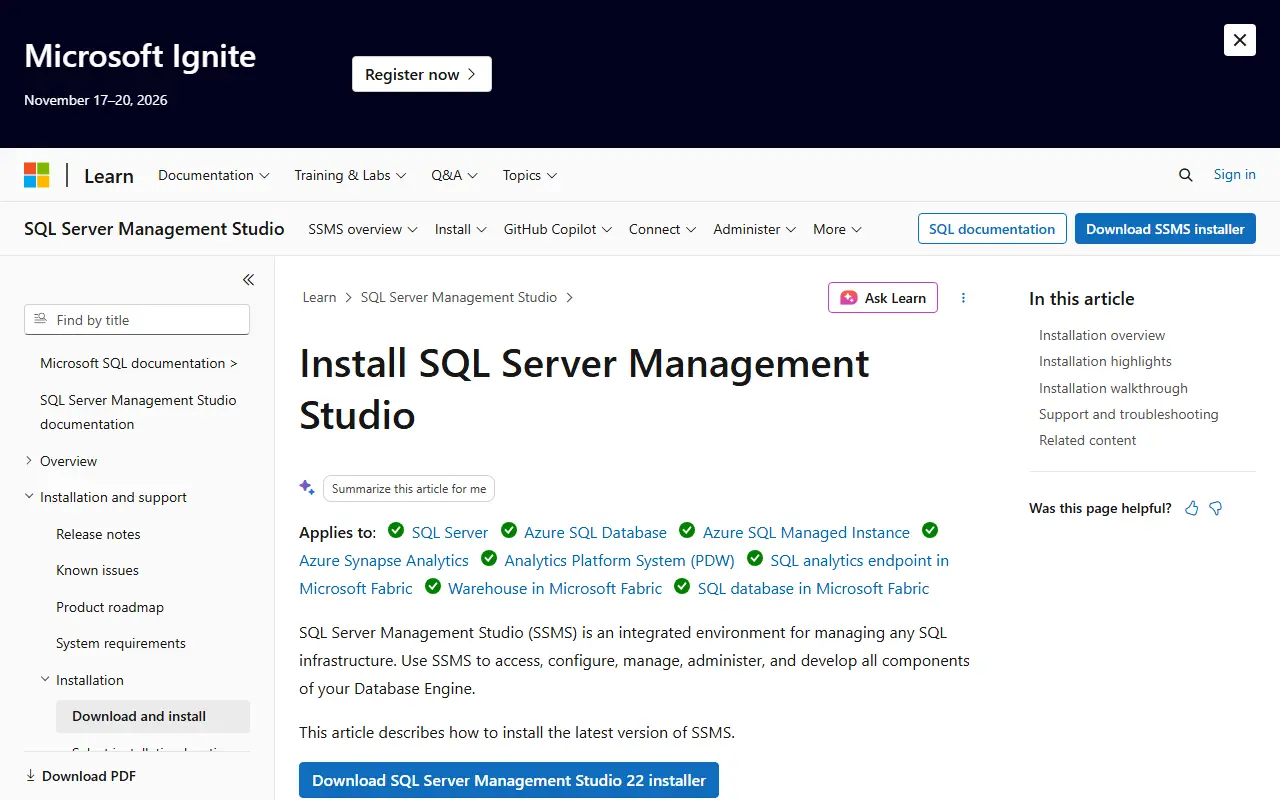
SQL Server Management Studio is described by Microsoft as an integrated environment for managing any SQL infrastructure. It is used to access, configure, manage, administer and develop all components of the Database Engine.
The current release, SSMS 22, works with SQL Server 2014 (12.x) and later, plus Azure SQL Database, Azure SQL Managed Instance, Azure Synapse Analytics and SQL database in Microsoft Fabric. Older server versions are handled through the release history, which lets you install a specific SSMS version.
SSMS 22 installs through the Visual Studio Installer. The download link fetches a small stub installer, vs_SSMS.exe, that launches the installer; updates go through the same route, and an offline layout can be created for disconnected or managed installs. A command-line install is also documented.
Key features
- Integrated environment for managing SQL infrastructure
- Access, configure and develop Database Engine components
- Supports SQL Server 2014 and later
- Works with several Azure and Fabric SQL services
- Offline layouts for disconnected or managed installs
- Scripted command-line installation
Good fit for
- Administering the Database Engine
- Developing against Azure SQL
- Scripted or offline enterprise deployment
SQL Server Management Studio: questions and answers
- What is SQL Server Management Studio used for?
- SQL Server Management Studio (SSMS) is Microsoft's environment for configuring, administering and developing SQL Server and Azure SQL databases. It is a good fit for administering the Database Engine, developing against Azure SQL and scripted or offline enterprise deployment.
- Is SQL Server Management Studio free?
- Yes. SQL Server Management Studio is free to use.
- Is SQL Server Management Studio open source?
- No. SQL Server Management Studio is proprietary (closed-source) software. Open-source alternatives to SQL Server Management Studio include Dbx, DBeaver and Beekeeper Studio.
- What are some alternatives to SQL Server Management Studio?
- SQL Server Management Studio competes with DataGrip, dbForge Studio and Navicat. For open-source options, see Enlisted's ranked list of open-source SQL Server Management Studio alternatives.
Open-source alternatives to SQL Server Management Studio
See all
Dbx
Database Tools
25 MB lightweight cross-platform database client for 100+ databases, including MySQL, Post
Apache-2.0vs DataGrip★ 30k
DBeaver
Database Tools
Free universal database tool and SQL client
Apache-2.0vs DataGrip★ 52k
Beekeeper Studio
Database Tools
Modern and easy to use SQL client for MySQL, Postgres, SQLite, SQL Server, and more. Linux
OSSvs DataGrip★ 24k
Chat2DB
Database Tools
Chat2DB is a free, cross-platform, local-first database client and SQL workspace for devel
OSSvs DataGrip★ 28k
DbGate
Database Tools
Database manager for MySQL, PostgreSQL, SQL Server, MongoDB, SQLite and others. Runs under
GPL-3.0vs DataGrip★ 7.4kAdminer
Database Tools
Database management in a single PHP file
OSSvs DataGrip★ 8k
SaaS alternatives to SQL Server Management Studio
See all
DataGrip
Database Tools
JetBrains IDE for SQL with code completion and multi-database support
SaaS
dbForge Studio
Database Tools
Devart IDE suite for developing and managing MySQL, SQL Server, Oracle and PostgreSQL
SaaS
Navicat
Database Tools
Database administration and development client for many SQL and NoSQL systems
SaaS
DbVisualizer
Database Tools
Universal database client with a free edition and a paid Pro tier
SaaS
TablePlus
Database Tools
Native database client for PostgreSQL, MySQL, SQLite, Redis and more
SaaS
Toad
Database Tools
Quest tools for database development and administration across Oracle and SQL Server
SaaS