
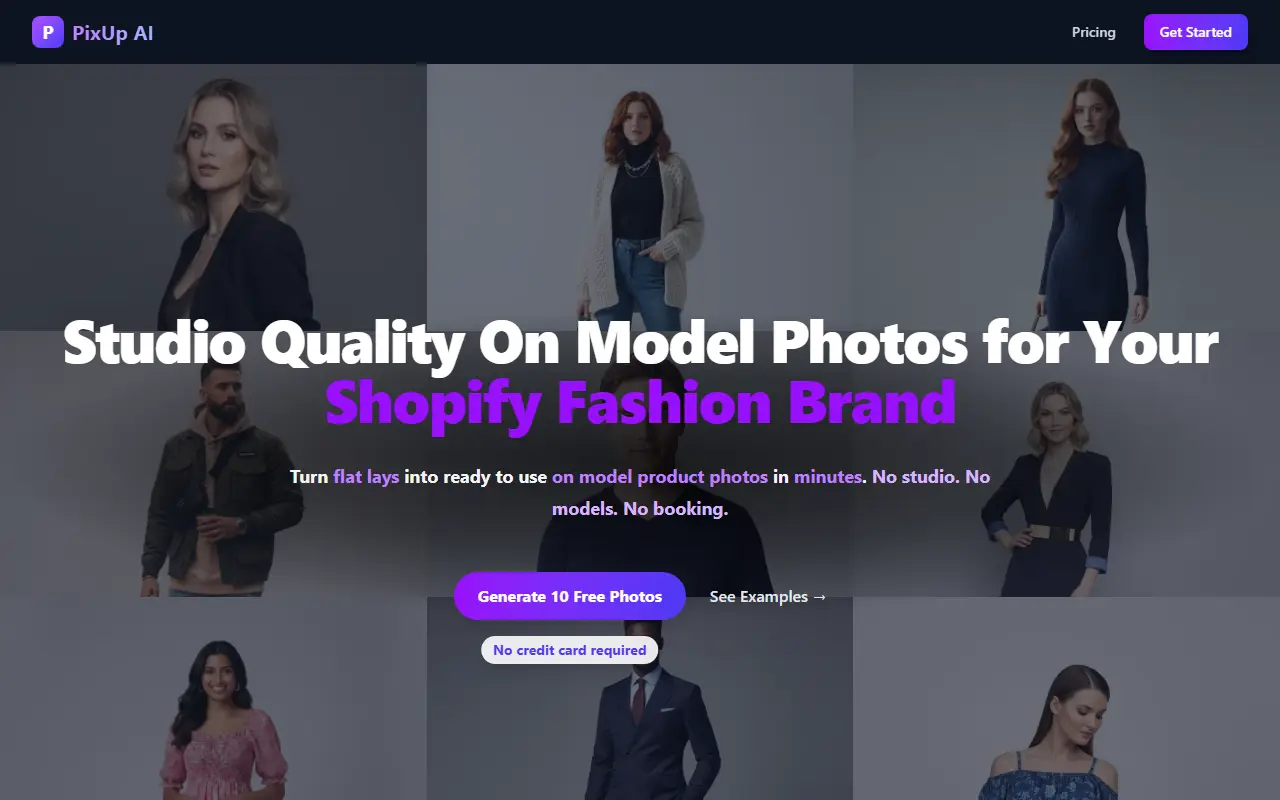
About PixUp AI
PixUp AI replaces some fashion photoshoots with AI. You upload a product image, choose a model from a range of diverse fashion models, and generate on-model photos in minutes, with no studio or model booking. Models can be swapped for the same product to test different audiences, and the same model, lighting and visual style can be kept across a collection so product pages and ads look cohesive.
Scenes can be plain studio setups or livelier lifestyle settings suited to product pages, lookbooks and social campaigns, and a virtual try-on feature lets customers visualize how items look when worn. Images can be regenerated at any time, and the site says model and background variations are unlimited.
It targets Shopify fashion brands, print-on-demand sellers and fashion startups launching new collections. Ten free photos are offered with no credit card, and plans start at $49. The site also has free tools, a blog and a help center.
Key features
- Flat-lay to on-model photo generation
- Choice of diverse AI fashion models
- Model swap for the same product
- Consistent model and style across a collection
- Studio and lifestyle backgrounds
- Virtual try-on for shoppers
- Instant regeneration of images
Good fit for
- Launching a new clothing collection without a shoot
- Testing different model looks for an audience
- Keeping product pages visually consistent
PixUp AI: questions and answers
- What is PixUp AI used for?
- PixUp AI turns flat-lay product images into on-model photos for Shopify fashion brands, with model swaps, consistent looks and studio or lifestyle scenes. It is a good fit for launching a new clothing collection without a shoot, testing different model looks for an audience and keeping product pages visually consistent.
- How much does PixUp AI cost?
- PixUp AI is a paid product with no free plan. 10 free photos with no credit card; paid plans start at $49.
- Is PixUp AI open source?
- No. PixUp AI is proprietary (closed-source) software and can't be self-hosted. In the Photos & Images category, open-source options include Immich, PhotoPrism and Ente.
- What are some alternatives to PixUp AI?
- PixUp AI competes with Photoroom and ecomshot.ai.
Open-source alternatives to PixUp AI
See all
Immich
Photos & Images
Self-hosted photo and video management solution. Easily back up, organize, and manage your
AGPL-3.0vs Google Photos★ 116k
PhotoPrism
Photos & Images
AI-powered, privacy-first, self-hosted app for browsing, organizing, and sharing photos an
OSSvs Google Photos★ 40k
Ente
Photos & Images
💚 End-to-end encrypted cloud for everything.
AGPL-3.0vs Google Photos★ 29k
Darktable
Photos & Images
darktable is an open source photography workflow application and raw developer
GPL-3.0vs Adobe Lightroom★ 13k
LibrePhotos
Photos & Images
LibrePhotos is a self-hosted, open source photo management service. Faces, places, events
MITvs Google Photos★ 8.1k
Photoview
Photos & Images
Photoview is a simple and user-friendly Photo Gallery for self-hosted personal servers. It
AGPL-3.0vs Google Photos★ 6.5k
SaaS alternatives to PixUp AI
See all
Photoroom
AI Tools
Product photo editor with AI background removal, scenes and batch editing
SaaS
ecomshot.ai
Photos & Images
Generates professional product photos for e-commerce stores with AI
SaaS
Fabric Studio Lab
Photos & Images
AI platform that creates on-model visuals for clothing brands in place of physical photoshoots
SaaS
Outfit.fm
Photos & Images
AI tool for trying on outfits and making product photos and videos from a phone shot
SaaS
vtry AI
Photos & Images
AI fashion photo studio and virtual try-on that generates outfit images from garments and people
SaaS
Novv AI
Photos & Images
AI fashion photography that places your product photos on AI models for e-commerce brands
SaaS