
About Pitchframe
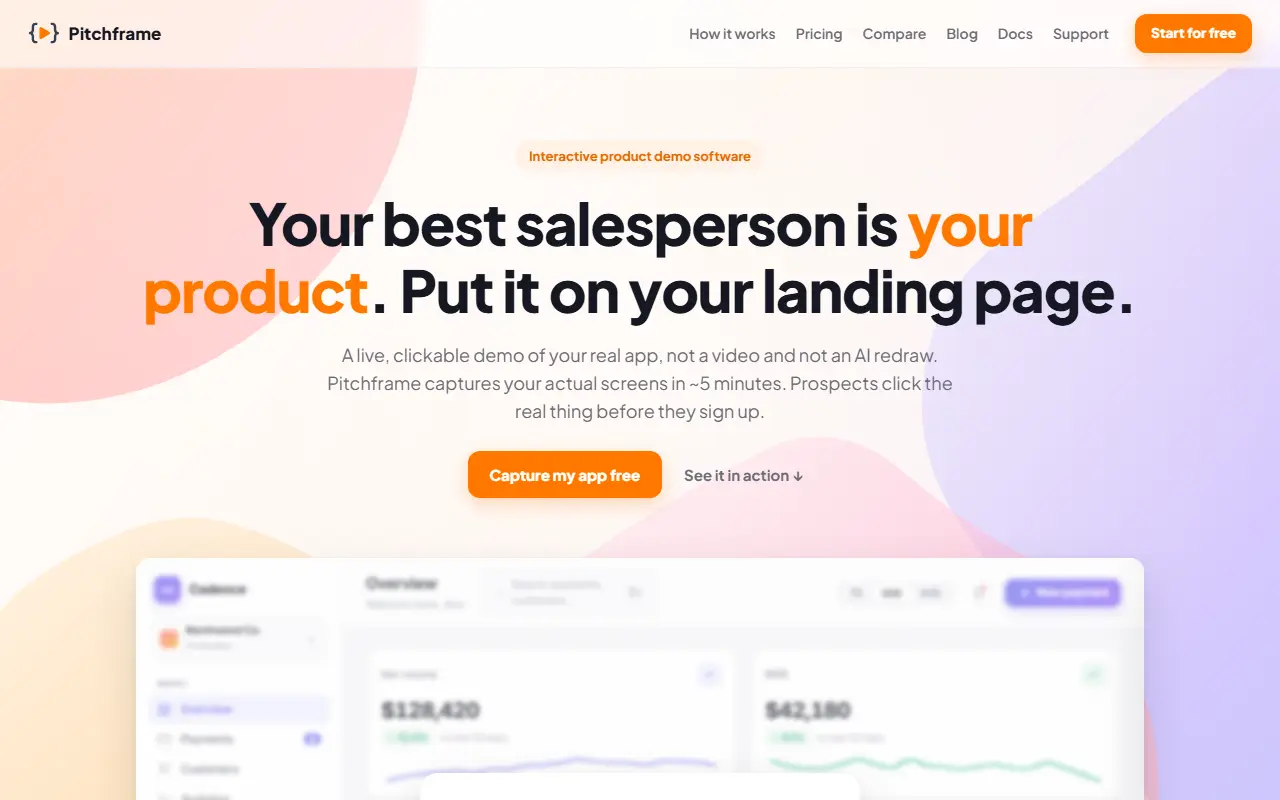
Pitchframe creates interactive product demos from your actual application rather than a video or a redraw. It clicks through your app and captures the real screens in about five minutes with no browser extension, including desktop and localhost apps. From that one capture you can turn it into an open sandbox, a guided walkthrough or a video, and either embed it with a single line of code or send a link. When the app changes you re-capture and the demos update.
An AI drafts a click-by-click tour from the capture, fully editable, with autoplay, looping or letting visitors take control, and a tour can be played back as a cursor-led video exported to MP4 or WebM. You can click any element in a captured screen to edit text, swap images or redact it, and add email gates and in-tour forms for lead capture. For agent workflows there is an API, an MCP server and a skill file, so Claude Code or Cursor can capture an app and assemble a tour.
Analytics cover views, engagement, completion and step drop-off, with click heatmaps and session journeys showing who watched. Pricing starts at $29 per month flat, and the site compares itself with HowdyGo, Supademo, Storylane and Navattic.
Key features
- Real-screen capture in about five minutes
- Free-roam sandbox, guided tour and video modes
- AI-drafted click-by-click tours
- One-line embed or share link
- Click-to-edit text, images and redactions
- Lead capture with email gates
- Analytics with heatmaps and drop-off
- API, MCP server and agent skill
Good fit for
- Putting a live demo on a landing page
- Building onboarding tours for new users
- Letting an AI agent produce product tutorials
Pitchframe: questions and answers
- What is Pitchframe used for?
- Pitchframe captures your real app screens into clickable HTML demos, guided tours and embeds you can put on a landing page, with built-in analytics. It is a good fit for putting a live demo on a landing page, building onboarding tours for new users and letting an AI agent produce product tutorials.
- Is Pitchframe free?
- Yes. Pitchframe has a free plan, and paid plans start at $29 per month.
- Is Pitchframe open source?
- No. Pitchframe is proprietary (closed-source) software and can't be self-hosted. In the Marketing & SEO category, open-source options include Dub, OpenSEO and YOURLS.
- What are some alternatives to Pitchframe?
- Pitchframe competes with Navattic.
Open-source alternatives to Pitchframe
See all
Dub
Marketing & SEO
The modern link attribution platform. Loved by world-class marketing teams like Framer, Pe
OSSvs Bitly★ 25k
OpenSEO
Marketing & SEO
OpenSEO is the open source alternative to Ahrefs and Semrush. Keyword research, backlinks,
MITvs Semrush★ 22k
YOURLS
Marketing & SEO
🔗 The 𝘥𝘦 𝘧𝘢𝘤𝘵𝘰 standard, self hosted, powerful and customizable, URL shortener in
MITvs Bitly★ 12k
Sink
Marketing & SEO
⚡ A Simple, Speedy, Secure, and Serverless Link Shortener with Analytics, Running Entirely
AGPL-3.0vs Short.io★ 7.2k
Kutt
Marketing & SEO
Free Modern URL Shortener.
MITvs Bitly★ 11kPolr
Marketing & SEO
:aerial_tramway: A modern, powerful, and robust URL shortener
GPL-2.0vs Rebrandly★ 5.1k
SaaS alternatives to Pitchframe
See all
Navattic
Marketing & SEO
Interactive product demo platform for B2B SaaS marketing and sales teams
SaaS
Mirage
Marketing & SEO
Turns your app into a clickable, directed product demo that lives on your landing page
SaaS
Rendemo
Marketing & SEO
Interactive demo software that records a workflow once as an embeddable demo, share link, MP4 and in-product tour
SaaS
flagon
Marketing & SEO
Agentic demo platform that walks prospects through a SaaS product and passes qualified leads to sales
SaaS
AgentPlanners
Marketing & SEO
AI agents that plan, create, manage and optimize marketing and advertising campaigns
SaaS
AppLaunchPage
Marketing & SEO
No-code landing pages for mobile apps with built-in visit, store-click and conversion analytics
SaaS