
About PhotoForge
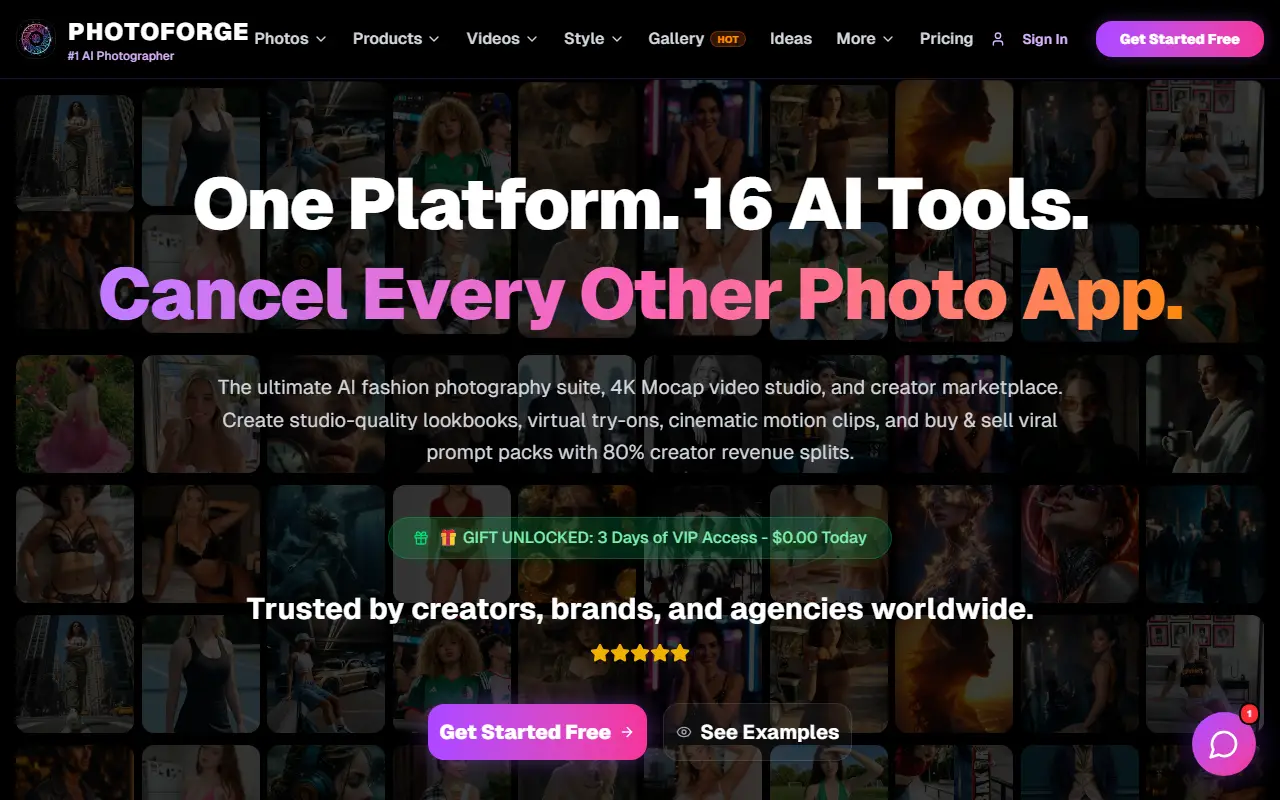
PhotoForge bundles several AI image and video tools in one platform, with the site citing 16 tools. Magic Studio edits an uploaded photo by swapping clothes, changing lighting or transforming the background, and includes hair and makeup retouching and background replacement. Virtual Try-On shows uploaded outfits on any person for e-commerce and UGC use, with realistic fabric texture.
The AI Photoshoot tool accepts up to four reference images to keep a subject consistent across frames, and an engine hub lets you switch between Flux 2 Max, Grok Imagine and Gemini 3.1, or generate from text alone. Other features include 4K motion-capture video, anime and cartoon style transforms such as Studio Ghibli and 3D cartoon looks, face swaps and UGC videos.
A creator marketplace lets users buy and sell prompt packs and copy prompt patterns from community images. The site advertises getting started free along with a gift of three days of VIP access, and billing is on a separate page.
Key features
- Magic Studio for clothes, light and background edits
- Virtual try-on for outfits
- AI photoshoots with up to four reference images
- Choice of Gemini, Grok Imagine and Flux models
- 4K motion-capture video
- Anime and cartoon style transforms
- Prompt pack marketplace
Good fit for
- Creating fashion lookbooks without a shoot
- Previewing garments on models for e-commerce
- Sharing and selling prompt packs
PhotoForge: questions and answers
- What is PhotoForge used for?
- PhotoForge is an AI photo suite for virtual try-ons, fashion photoshoots, headshots, face swaps and videos, with a marketplace for prompt packs. It is a good fit for creating fashion lookbooks without a shoot, previewing garments on models for e-commerce, and sharing and selling prompt packs.
- How much does PhotoForge cost?
- PhotoForge is a paid product with no free plan. Free to get started with a 3-day VIP access offer; paid plans are listed on the billing page.
- Is PhotoForge open source?
- No. PhotoForge is proprietary (closed-source) software and can't be self-hosted. In the Photos & Images category, open-source options include Immich, PhotoPrism and Ente.
- What are some alternatives to PhotoForge?
- PhotoForge competes with Photoroom, Remini and Clipdrop.
Open-source alternatives to PhotoForge
See all
Immich
Photos & Images
Self-hosted photo and video management solution. Easily back up, organize, and manage your
AGPL-3.0vs Google Photos★ 116k
PhotoPrism
Photos & Images
AI-powered, privacy-first, self-hosted app for browsing, organizing, and sharing photos an
OSSvs Google Photos★ 40k
Ente
Photos & Images
💚 End-to-end encrypted cloud for everything.
AGPL-3.0vs Google Photos★ 29k
Darktable
Photos & Images
darktable is an open source photography workflow application and raw developer
GPL-3.0vs Adobe Lightroom★ 13k
LibrePhotos
Photos & Images
LibrePhotos is a self-hosted, open source photo management service. Faces, places, events
MITvs Google Photos★ 8.1k
Photoview
Photos & Images
Photoview is a simple and user-friendly Photo Gallery for self-hosted personal servers. It
AGPL-3.0vs Google Photos★ 6.5k
SaaS alternatives to PhotoForge
See all
Photoroom
AI Tools
Product photo editor with AI background removal, scenes and batch editing
SaaS
Remini
Photos & Images
AI photo enhancer that sharpens and restores low-quality images
SaaS
Clipdrop
Photos & Images
AI image tools for background removal, upscaling and relighting
SaaS
AI Headshot Generator
Photos & Images
Turns a set of selfies into realistic professional headshots with AI
SaaS
Arcads
AI Tools
AI platform that generates actor-style video ads from a script
SaaS
Photo Studio
Photos & Images
AI image generation and editing for headshots, product photos and visuals with background removal and upscaling
SaaS