
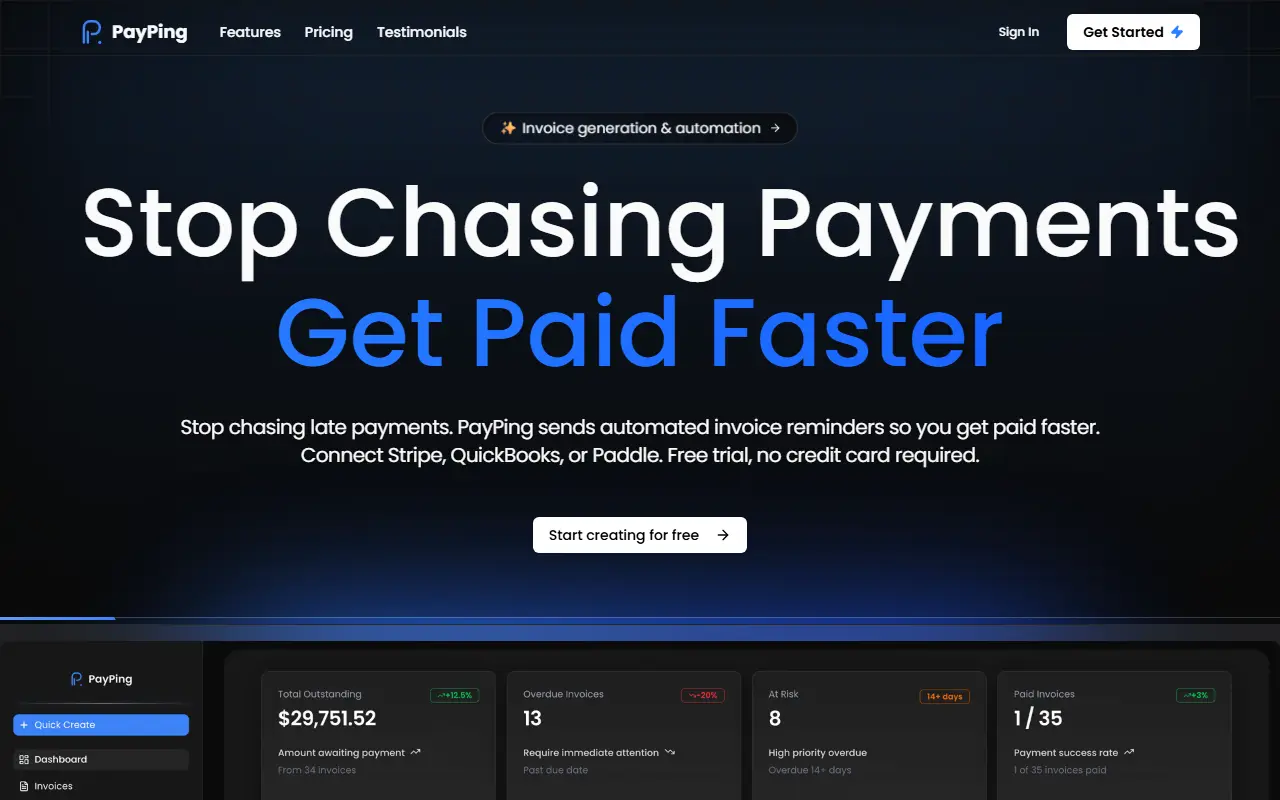
About PayPing
PayPing is an invoice follow-up tool for freelancers and small businesses who dislike chasing late payments. You can create invoices with your logo and business details from three PDF templates, send them by email with a PDF attached, or import existing invoices from Stripe, Paddle, QuickBooks or a CSV file, which sync automatically every six hours.
Once invoices are tracked, a five-step reminder sequence sends follow-ups on its own, with custom reminder templates on paid plans. A client management area keeps payment history, and analytics and reporting show cash flow patterns and payment behavior.
The Free plan covers up to 20 invoices per month, Pro is listed at $29 per month for up to 60 invoices with integrations, custom email templates and advanced analytics, and Business is listed at $49 per month with unlimited invoices and clients and advanced automation workflows. A free trial needs no credit card.
Key features
- Branded invoices with PDF templates
- Invoices sent by email with PDF attached
- Five-step automated reminder sequence
- Stripe, Paddle and QuickBooks sync
- CSV import of existing invoices
- Client management with payment history
- Analytics and reporting
Good fit for
- Freelancers automating overdue invoice follow-ups
- Small businesses syncing Stripe invoices for reminders
- Tracking which clients pay late
PayPing: questions and answers
- What is PayPing used for?
- PayPing generates branded invoices, sends them by email and runs automated reminder sequences to chase overdue payments, with Stripe, Paddle and QuickBooks sync. It is a good fit for freelancers automating overdue invoice follow-ups, small businesses syncing Stripe invoices for reminders and tracking which clients pay late.
- Is PayPing free?
- Yes. PayPing has a free plan, and paid plans start at $40 per month. A free trial is also available.
- Is PayPing open source?
- No. PayPing is proprietary (closed-source) software and can't be self-hosted. In the Finance & Accounting category, open-source options include Akaunting, Invoice Ninja and Bigcapital.
- What are some alternatives to PayPing?
- PayPing competes with FreshBooks, Zoho Invoice and QuickBooks.
Open-source alternatives to PayPing
See all
Akaunting
Finance & Accounting
Online Accounting Software
OSSvs QuickBooks★ 10k
Invoice Ninja
Finance & Accounting
A source-available invoice, quote, project and time-tracking app built with Laravel
OSSvs FreshBooks★ 10k
Bigcapital
Finance & Accounting
💵 Independent financial accounting with intelligent reporting, alternative to Quickbooks,
AGPL-3.0vs QuickBooks★ 3.9k
InvoicePlane
Finance & Accounting
A self-hosted open source application for managing your invoices, clients and payments.
OSSvs QuickBooks★ 3.2k
Midday
Finance & Accounting
Invoicing, Time tracking, File reconciliation, Storage, Financial Overview & your own Assi
AGPL-3.0vs QuickBooks★ 15k
Money Manager Ex
Finance & Accounting
Money Manager Ex is an easy to use, money management application built with wxWidgets
GPL-2.0vs Quicken★ 2.3k
SaaS alternatives to PayPing
See all
FreshBooks
Finance & Accounting
Cloud accounting and invoicing software for freelancers and small businesses
SaaS
Zoho Invoice
Finance & Accounting
Online invoicing and time billing tool from Zoho
SaaS
QuickBooks
Finance & Accounting
QuickBooks is Intuit's accounting software family for small businesses, covering bookkeeping, invoicing, payments, payroll and time tracking.
SaaS
Wave
Finance & Accounting
Accounting and invoicing for small businesses with a free starter plan
SaaS
Inpayd
Finance & Accounting
Automates payment reminders and tracks overdue invoices for businesses
SaaS
BillSlip
Finance & Accounting
Lightweight invoicing tool for freelancers and consultants to create client-ready PDF invoices
SaaS