
About PatentFig
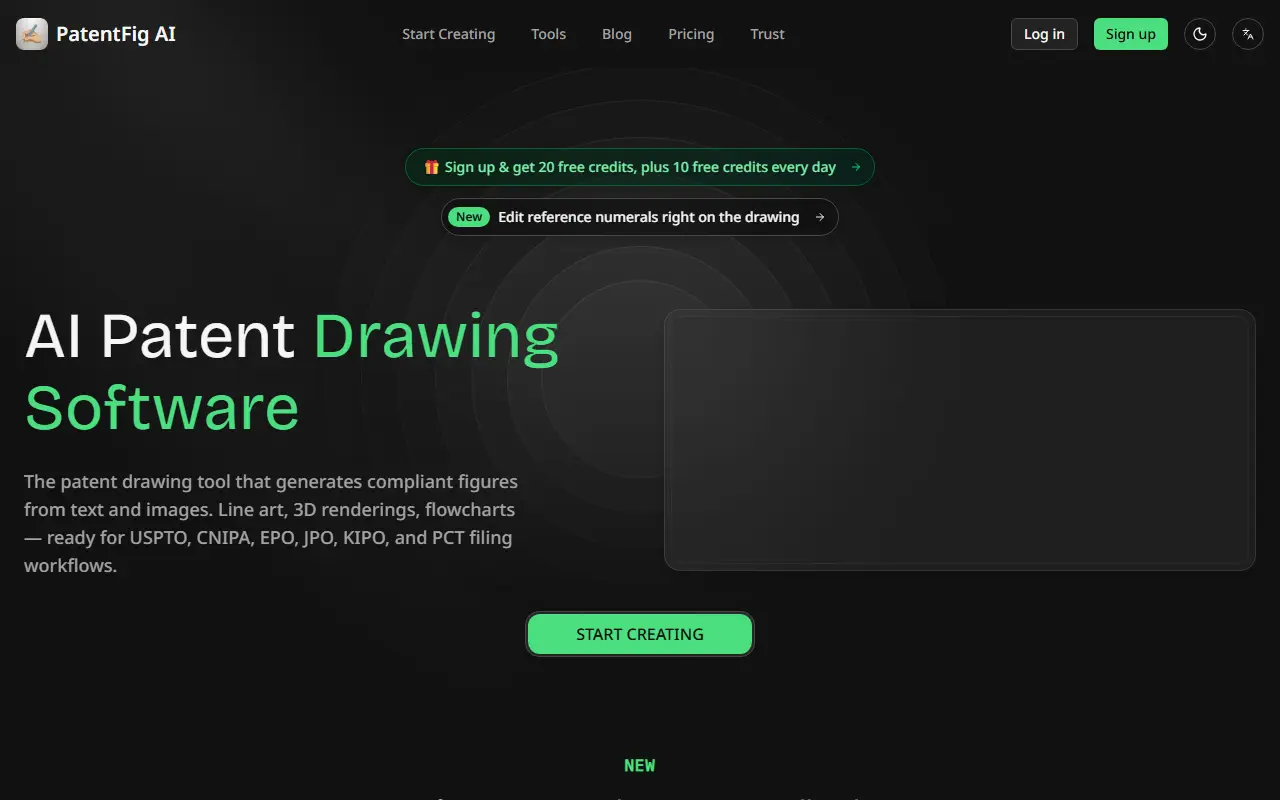
PatentFig AI is a drawing tool for patent professionals. You describe an invention in text or upload a sketch or reference image, choose the view angles you want, and it produces line art, 3D renderings, multi-view figures, flowcharts and block diagrams. The AI places reference numerals and leader lines in line with patent office practice, and you can later move, add or renumber them.
A distinguishing feature is that numerals are an editable layer on each figure instead of being baked into the image, so a wrong number does not mean redrawing it. The editor reads the numerals already on a figure, flags duplicate numerals, empty labels and crossing leaders, and saves every edit as a new version while the original stays in the history. For SVG figures, the numerals stay as live text.
The whole figure set can be exported as filing sheets laid out for the USPTO, EPO, PCT, CNIPA, JPO or KIPO, with the page size, margins, figure labels and sheet numbering adapted to each office's own rules, as black-and-white 300 DPI PDF or TIFF with a compliance report. New accounts get 20 free credits plus 10 free credits each day, and paid plans and credit packs are available.
Key features
- Patent figures from text, sketches or photos
- Line art, 3D renderings and multi-view drawings
- Flowcharts and block diagrams
- Editable reference numerals and leader lines
- Numbering error detection
- Filing sheets for six patent offices
- Version history for every edit
Good fit for
- Patent attorneys preparing figures for a draft
- Inventors turning a sketch into formal drawings
- Formatting figure sets for different filing offices
PatentFig: questions and answers
- What is PatentFig used for?
- PatentFig AI generates patent drawings from descriptions, sketches or photos, with editable reference numerals and filing sheets for six patent offices. It is a good fit for patent attorneys preparing figures for a draft, inventors turning a sketch into formal drawings and formatting figure sets for different filing offices.
- Is PatentFig free?
- Yes. PatentFig has a free plan, and paid plans start at $50 per month.
- Is PatentFig open source?
- No. PatentFig is proprietary (closed-source) software and can't be self-hosted. In the AI Tools category, open-source options include OpenClaw, Open WebUI and ComfyUI.
- What are some alternatives to PatentFig?
- Other SaaS products in the AI Tools category include FlowLeap, 360Cruising AI and 628 VC.
Open-source alternatives to PatentFig
See all
OpenClaw
AI Tools
The AI that really does things. Any OS. Any Platform. The lobster way. 🦞
OSSvs ChatGPT★ 391k
Open WebUI
AI Tools
Run AI on your own terms. Connect any model, extend with code, and protect what matters wi
OSSvs ChatGPT★ 154k
ComfyUI
AI Tools
The most powerful and modular diffusion model GUI, api and backend with a graph/nodes inte
GPL-3.0vs Midjourney★ 136k
LobeHub
AI Tools
🤯 LobeHub is your Chief Agent Operator, organizing your agents into 7×24 operations by hi
OSSvs ChatGPT★ 83k
AnythingLLM
AI Tools
Stop renting your intelligence. Own it with AnythingLLM. Everything you need for a powerfu
MITvs ChatGPT★ 67k
openpilot
AI Tools
openpilot is an operating system for robotics. Currently, it upgrades the driver assistanc
MIT★ 64k
SaaS alternatives to PatentFig
See all
FlowLeap
AI Tools
Desktop workspace with a patent-trained agent that searches patent databases live and drafts cited patent documents
SaaS
360Cruising AI
AI Tools
AI assistant that answers cruise questions with line-specific advisors and live deal and itinerary search
SaaS628 VC
AI Tools
AI tool that gives founders instant feedback on their venture context and investor pitch
SaaS
7Running
AI Tools
AI-generated running training plans that adapt to your training data
SaaS
AbMaxx
AI Tools
Fitness app that uses AI to analyze your abs and build a personalised workout plan
SaaS
Abridge
AI Tools
AI clinical documentation tool that turns patient conversations into notes
SaaS