 TrackMedia
 TrackRev

About Napari
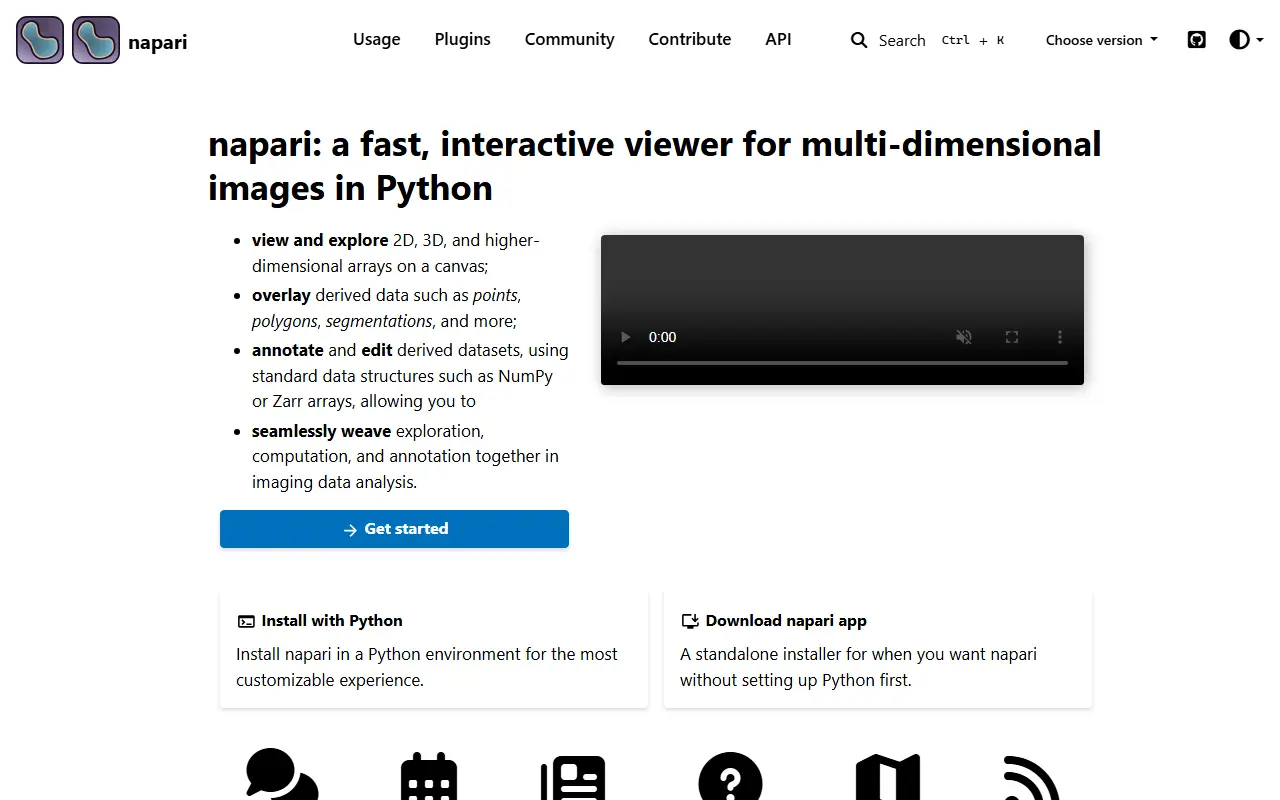
napari is an open-source, interactive viewer for multi-dimensional images in Python. It is designed for browsing, annotating and analyzing large image datasets, and it plugs into the scientific Python ecosystem. The GUI is built on Qt, GPU rendering uses vispy, and data handling relies on numpy and scipy. It is released under the BSD-3-Clause license.
The viewer supports six main layer types: Image, Labels, Points, Vectors, Shapes and Surface. Each corresponds to a data type with its own visualization and interactivity, and layers can be stacked in one view. You can open the viewer from an IPython shell, pass your own array to the imshow function, or call napari.run() inside a script, so it fits into existing analysis code.
Installation is recommended inside a virtual environment, with pip, uv or conda-forge routes described in the documentation. Sample images are available from the File menu to get started quickly. Development happens in the open, with a public roadmap and an invitation to test new releases and contribute ideas and code. The documentation lives at napari.org.
Key features
- Interactive viewing of multi-dimensional images
- Six layer types including Image, Labels and Points
- GPU-based rendering with vispy
- Python scripting and IPython integration
- Annotation and analysis of large images
- Sample data for quick start
Good fit for
- Microscopy and bioimage analysis in Python
- Annotating labels on large image volumes
Napari: questions and answers
- What is Napari used for?
- napari is a fast, interactive viewer for multi-dimensional images in Python, used to browse, annotate and analyze large datasets. It is a good fit for microscopy and bioimage analysis in Python, and annotating labels on large image volumes.
- Is Napari open source?
- Yes. Napari is open source under the BSD-3-Clause licence. Its source code is on GitHub at napari/napari and is written mainly in Python.
- Is Napari free?
- Yes. Napari is open source, so the software itself is free to use.
- Can I self-host Napari?
- Yes. Napari can be self-hosted on your own server or infrastructure.
- What are some alternatives to Napari?
- Similar open-source tools in the Photos & Images category include 3D Slicer, Immich and Ente. SaaS products in the same category include 100xglow, 500px and AceFace.
- Is Napari actively maintained?
- Yes. The most recent commit to Napari was on 12 November 2026, and the latest release is v0.10.0, published on 30 October 2026. The project has 2.8k stars on GitHub, with 25 added in the last 30 days.
Open-source alternatives to Napari
See all
3D Slicer
Photos & Images
Multi-platform, free open source software for visualization and image computing.
OSS★ 2.7k
Immich
Photos & Images
Self-hosted photo and video management solution. Easily back up, organize, and manage your
AGPL-3.0vs Google Photos★ 119k
Ente
Photos & Images
💚 End-to-end encrypted cloud for everything.
AGPL-3.0vs Google Photos★ 30k
PhotoPrism
Photos & Images
AI-powered, privacy-first, self-hosted app for browsing, organizing, and sharing photos an
OSSvs Google Photos★ 40k
Darktable
Photos & Images
darktable is an open source photography workflow application and raw developer
GPL-3.0vs Adobe Lightroom★ 13k
Fossify Gallery
Photos & Images
Browse your memories without any interruptions with this photo and video gallery
GPL-3.0vs Google Photos★ 3.9k
SaaS alternatives to Napari
See all
100xglow
Photos & Images
AI photo tool that turns a few selfies into realistic photos in new settings without altering your face
SaaS
500px
Photos & Images
Photo-sharing community and licensing marketplace for photographers
SaaS
AceFace
Photos & Images
AI tool that generates realistic business portraits for LinkedIn, resumes and team pages
SaaS
Adobe Lightroom
Photos & Images
Photo editing and organizing app with cloud sync and AI-assisted adjustments
SaaSAdobe Stock
Photos & Images
Stock photo, video and template marketplace integrated with Adobe apps
SaaS
Aftershoot
Photos & Images
AI culling and editing tool for professional photographers
SaaS