
About Aftershoot
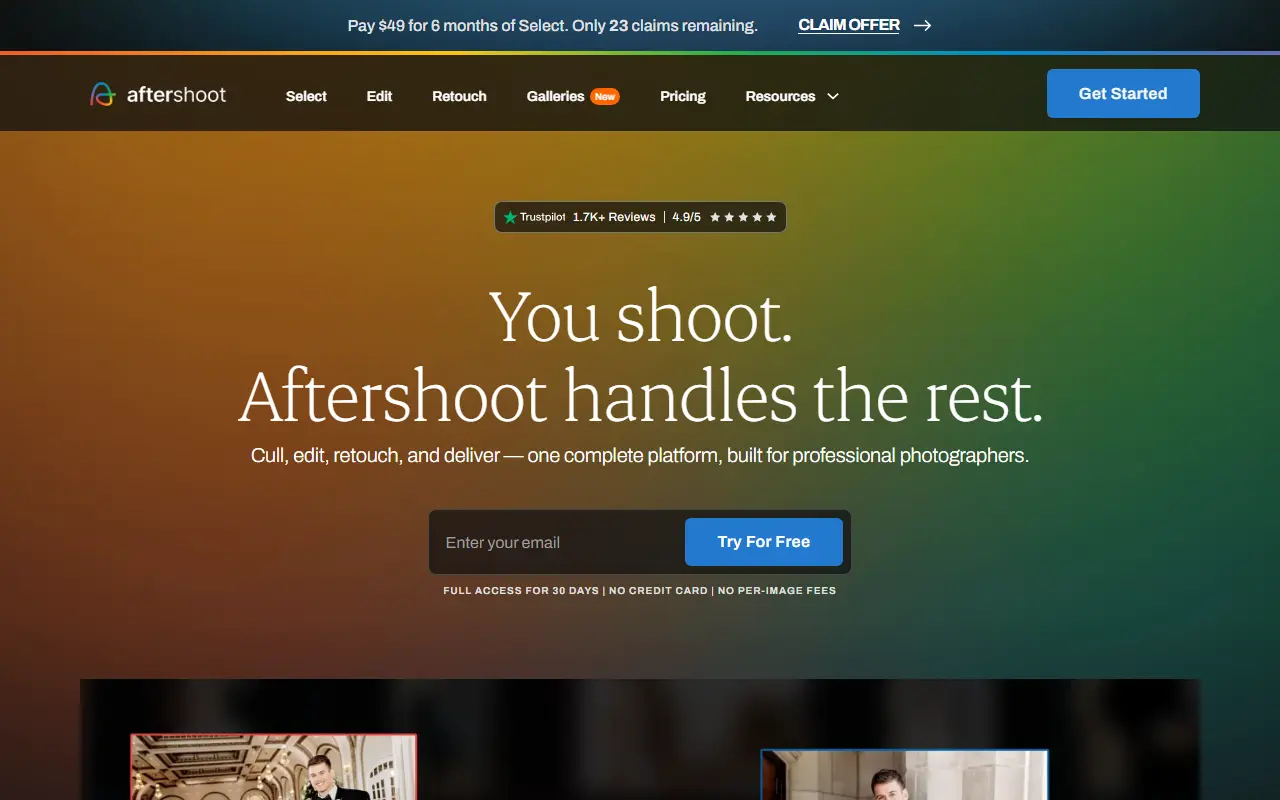
Aftershoot is a post-production tool that uses AI to take photographers from a full shoot to delivered images. It handles four stages: culling thousands of frames to final selections, editing in the photographer's own style, retouching, and delivering branded galleries to clients.
Culling can run fully automated or in an assisted mode where the photographer stays in control. Editing uses personal AI profiles that apply a signature look across different lighting, gear and venues, and retouching touches up skin, hair, glare and backgrounds. The vendor says it works offline so files stay on the user's machine.
Aftershoot is a commercial product with flat subscription pricing and no per-image fees. It offers a 30-day full-access free trial with no credit card, and it is aimed at wedding, portrait and event photographers who want to reduce time spent on repetitive edits.
Key features
- AI culling to select final images
- Edits in a personal style with AI profiles
- AI retouching of skin, hair and backgrounds
- Branded client galleries
- Works offline on your own machine
- Flat pricing without per-image fees
Good fit for
- →Wedding photographers culling large shoots
- →Keeping a consistent look across sessions
- →Delivering client galleries faster
- Tags
- photo-culling
- ai-editing
- retouching
- photography
- wedding-photography
- galleries
Aftershoot: questions and answers
- What is Aftershoot used for?
- Aftershoot is an AI platform for professional photographers that culls, edits and retouches photos, and delivers client galleries. It is a good fit for wedding photographers culling large shoots, keeping a consistent look across sessions and delivering client galleries faster.
- How much does Aftershoot cost?
- Paid plans for Aftershoot start at $10 per month, and there is no free plan. A free trial is available.
- Is Aftershoot open source?
- No. Aftershoot is proprietary (closed-source) software. In the Photos & Images category, open-source options include Darktable, Photoview and RawTherapee.
- What are some alternatives to Aftershoot?
- Aftershoot competes with Imagen AI, FilterPixel and Photo Mechanic.
Open-source alternatives to Aftershoot
See all
Darktable
Photos & Images
darktable is an open source photography workflow application and raw developer
GPL-3.0vs Adobe Lightroom★ 13k
Photoview
Photos & Images
Photoview is a simple and user-friendly Photo Gallery for self-hosted personal servers. It
AGPL-3.0vs Google Photos★ 6.5k
RawTherapee
Photos & Images
A powerful cross-platform raw photo processing program
GPL-3.0vs Adobe Lightroom★ 4.2k
Piwigo
Photos & Images
Manage your photos with Piwigo, a full featured open source photo gallery application for
GPL-2.0vs Google Photos★ 3.9k
Immich
Photos & Images
Self-hosted photo and video management solution. Easily back up, organize, and manage your
AGPL-3.0vs Google Photos★ 115k
PhotoPrism
Photos & Images
AI-powered, privacy-first, self-hosted app for browsing, organizing, and sharing photos an
OSSvs Google Photos★ 40k
SaaS alternatives to Aftershoot
See all
Imagen AI
Photos & Images
AI photo editing service that learns a photographer's editing style
SaaS
FilterPixel
Photos & Images
AI photo culling and editing assistant for photographers
SaaS
Photo Mechanic
Photos & Images
Fast photo browser and culling tool used by photojournalists and event photographers
SaaS
Adobe Lightroom
Photos & Images
Photo editing and organizing app with cloud sync and AI-assisted adjustments
SaaS
Batch Studio
Photos & Images
AI batch image editor that edits up to 1,000 images at once
SaaS
Luminar Neo
Photos & Images
AI-assisted photo editor from Skylum
SaaS