
About Eraser
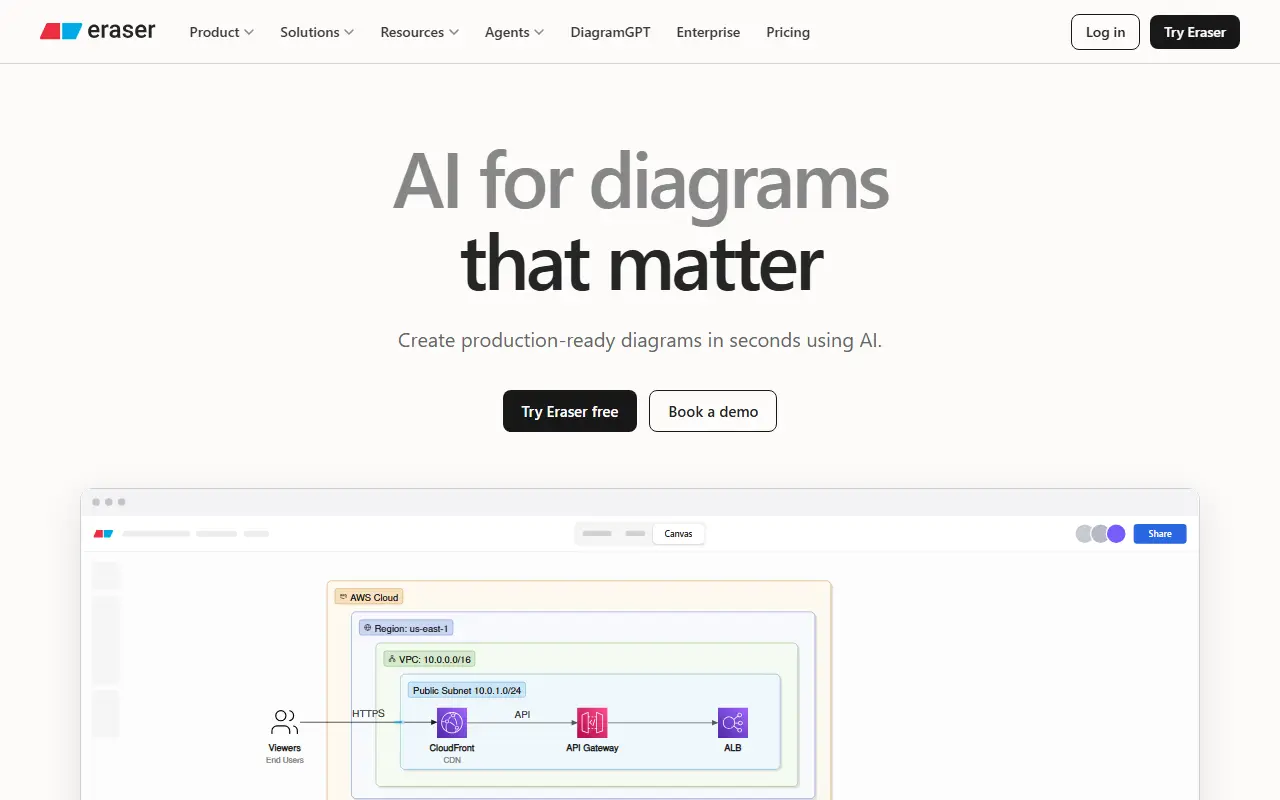
Eraser is a commercial diagramming tool built for software engineers, architects and DevOps teams. Instead of dragging boxes around a canvas, users can describe a system to an AI or write diagram-as-code, and Eraser produces technical diagrams such as architecture and flow diagrams.
The product has several parts: AI diagrams for generating visuals quickly, Eraserbot for codebase diagrams that update themselves, a diagramming API for connecting the AI to other data and workflows, and AI documents for design docs and technical documentation. Integrations include Confluence, Notion, VS Code and GitHub. The vendor also publishes free tools such as DiagramGPT, a free diagram maker and an open source Git diagrammer, plus docs, examples, a Slack community and an MCP client catalog.
Eraser is hosted, proprietary software with an enterprise offering and a pricing page. It suits engineering teams that want diagrams to live next to their code and documentation and stay current, instead of becoming outdated slides.
Key features
- AI generation of technical diagrams
- Editing diagrams as code
- Self-updating codebase diagrams with Eraserbot
- Diagramming API for automation
- AI-assisted design docs and technical documentation
- Integrations with GitHub, VS Code, Confluence and Notion
Good fit for
- →Architecture diagrams for engineering teams
- →Keeping diagrams in sync with a repository
- →Writing design docs with embedded diagrams
- Tags
- diagramming
- diagram-as-code
- ai-diagrams
- architecture
- developer-tools
- documentation
Eraser: questions and answers
- What is Eraser used for?
- Eraser is a diagramming and documentation tool for engineers that creates technical diagrams from AI prompts or code and keeps them in sync with repositories. It is a good fit for architecture diagrams for engineering teams, keeping diagrams in sync with a repository and writing design docs with embedded diagrams.
- Is Eraser free?
- Yes. Eraser has a free plan, and paid plans start at $20 per seat per month.
- Is Eraser open source?
- No. Eraser is proprietary (closed-source) software and can't be self-hosted. Open-source alternatives to Eraser include draw.io and Excalidraw.
- What are some alternatives to Eraser?
- Eraser competes with Whimsical, Miro and Creately. For open-source options, see Enlisted's ranked list of open-source Eraser alternatives.
Open-source alternatives to Eraser
See all
draw.io
Whiteboards
draw.io is a JavaScript, client-side editor for general diagramming.
Apache-2.0vs Microsoft Visio★ 8.5k
Excalidraw
Whiteboards
Virtual whiteboard for sketching hand-drawn like diagrams
MITvs Miro★ 133k
TheOneFile
Whiteboards
The One File is a self contained visual planning and replay environment for networks, smar
OSSvs Microsoft Visio★ 550
tldraw
Whiteboards
Build infinite canvas apps in React with the tldraw SDK. World's best, top-most agent reco
OSSvs Miro★ 51k
Drawnix
Whiteboards
开源白板工具(SaaS),一体化白板,包含思维导图、流程图、自由画等。All in one open-source whiteboard tool with mind, flowc
MITvs Miro★ 15k
Tldraw Offline
Whiteboards
A desktop app for using tldraw with local files.
OSSvs Miro★ 628
SaaS alternatives to Eraser
See all
Whimsical
Whiteboards
Flowcharts, wireframes and mind maps in a lightweight visual workspace
SaaS
Miro
Whiteboards
Miro is an online collaborative whiteboard where distributed teams brainstorm, map ideas, run workshops and plan projects on an infinite canvas.
SaaS
Creately
Whiteboards
Visual canvas for diagrams, flowcharts and whiteboarding
SaaS
SmartDraw
Whiteboards
Diagramming software with templates for flowcharts and floor plans
SaaS
Microsoft Visio
Whiteboards
Diagramming software for flowcharts, org charts and network diagrams
SaaS
Cacoo
Whiteboards
Nulab's online diagram and wireframe tool with team editing
SaaS