 TrackMedia
 TrackRev

About Browserling
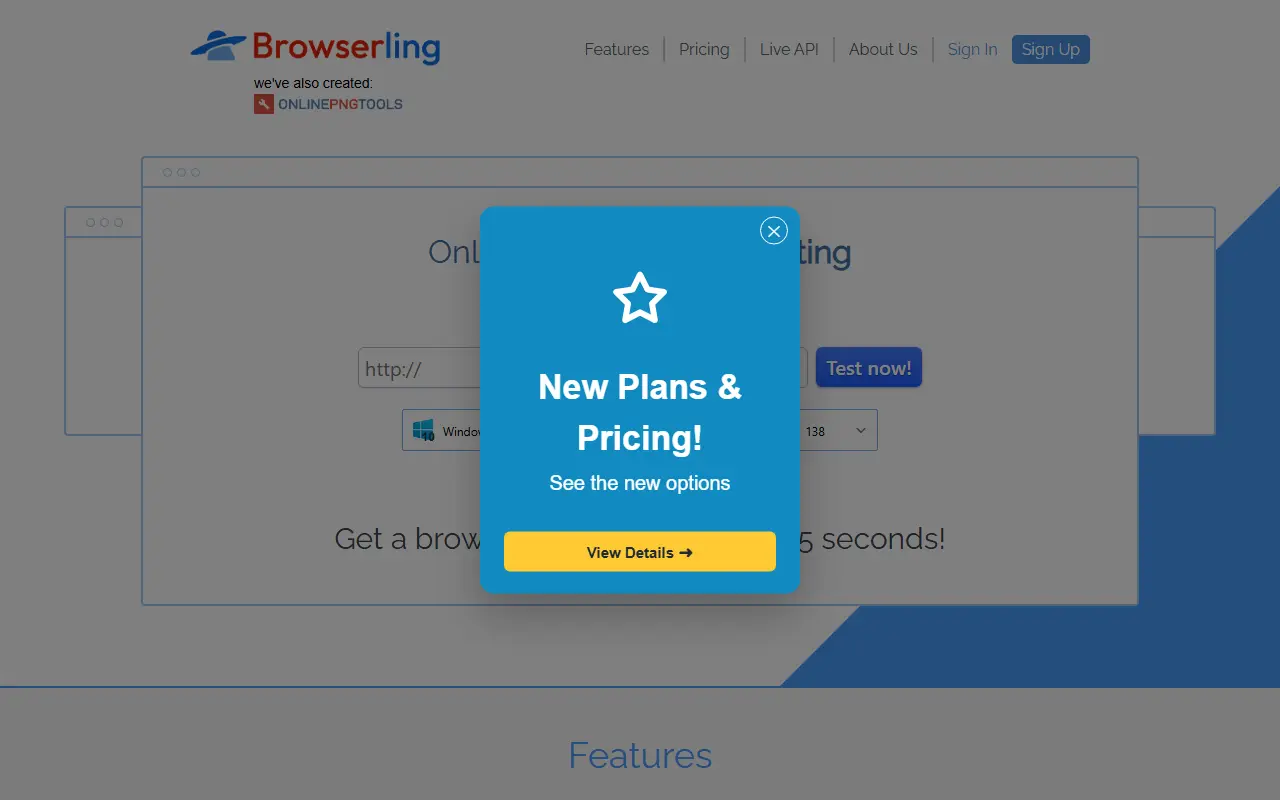
Browserling provides online cross-browser testing. Real desktop browsers run in virtual machines on its servers, and users interact with them live instead of looking at screenshots. Versions of Chrome, Internet Explorer, Firefox and Opera are listed, and newly released browsers are added quickly.
Testing aids include screenshots with annotation, adjustable resolution, SSH tunnels for local servers and a Live API for embedding browsers in other applications. A second line of the product, Browserling Cybersecurity, offers sandboxed sessions for opening suspicious links and files, sold in Free Sandbox, Analyst, Researcher and SOC plans.
Key features
- Live interactive sessions in real browsers
- Real desktop browsers instead of emulators
- SSH tunnels for testing local servers
- Geo-browsing from 100+ locations
- Live API to embed and automate browsers
Good fit for
- Cross-browser testing
- Responsive layout checks
- Phishing link triage
- Testing local sites through tunnels
Browserling: questions and answers
- What is Browserling used for?
- Browserling runs real browsers on its servers so you can test sites interactively, with a separate cybersecurity sandbox product. It is a good fit for cross-browser testing, responsive layout checks and phishing link triage.
- Is Browserling open source?
- No. Browserling is proprietary (closed-source) software. In the Testing & QA category, open-source options include Appium, Robot Framework and Apache JMeter.
- What are some alternatives to Browserling?
- Browserling competes with BrowserStack and Sauce Labs.
Open-source alternatives to Browserling
See all
Appium
Testing & QA
Cross-platform automation framework for all kinds of apps, built on top of the W3C WebDriv
Apache-2.0vs BrowserStack★ 22k
Robot Framework
Testing & QA
Generic automation framework for acceptance testing and RPA
Apache-2.0vs Katalon★ 12k
Apache JMeter
Testing & QA
Apache JMeter open-source load testing tool for analyzing and measuring the performance of
Apache-2.0vs OpenText LoadRunner★ 9.6k
QA Wolf CLI
Testing & QA
QA Wolf from anywhere — your terminal, your CI, your AI agent.
Apache-2.0★ 3.5k
Taiko
Testing & QA
A node.js library for testing modern web applications
MITvs Ghost Inspector★ 3.7k
SoapUI
Testing & QA
SoapUI is a free and open source cross-platform functional testing solution for APIs and w
OSSvs Apidog★ 1.7k
SaaS alternatives to Browserling
See all
BrowserStack
Testing & QA
Cloud platform for testing websites and mobile apps on real browsers and devices
SaaS
Sauce Labs
Testing & QA
Cloud testing platform for automated web and mobile tests across devices
SaaS
Applitools
Testing & QA
Visual AI testing platform that detects UI differences across browsers and devices
SaaS
Cypress Cloud
Testing & QA
Dashboard and parallelization service for Cypress end-to-end test runs
SaaS
Functionize
Testing & QA
AI-driven test automation platform for web and enterprise applications
SaaS
Ghost Inspector
Testing & QA
Browser testing and monitoring tool with a recorder for web apps
SaaS