 TrackMedia
 TrackRev
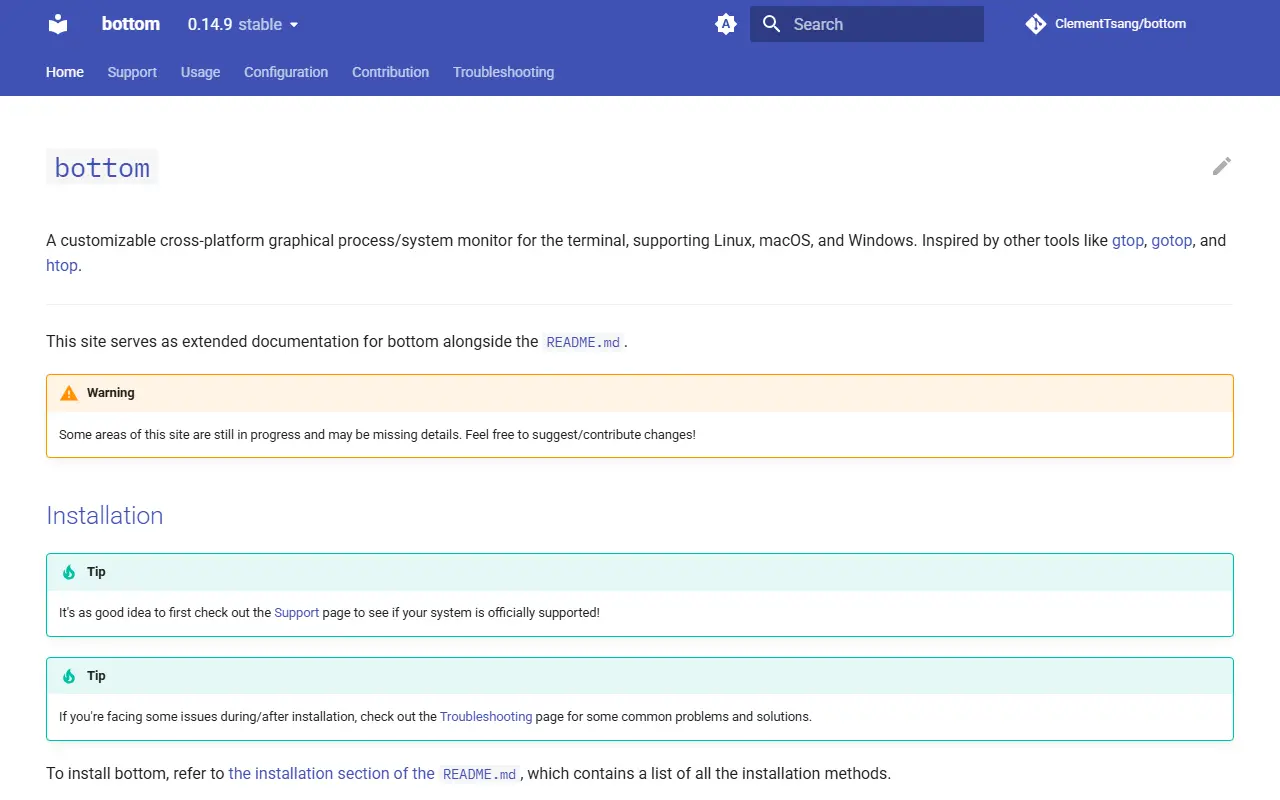
About Bottom
bottom is a terminal-based system monitor, run with the command btm, inspired by gtop, gotop and htop. It draws graphs over time for CPU usage at average and per-core level, RAM and swap, network I/O, temperature and disk I/O, and has widgets for disk capacity, temperature sensors and battery usage.
A process widget handles displaying, sorting and searching processes, sending kill signals, and a tree mode. Behaviour is configurable through command-line options for temporary changes or a config file for permanent ones, covering colour themes, widget behaviour, layout and filtering. It also offers an htop-inspired basic mode and can expand a single widget to full screen.
Official support covers macOS (x86_64, aarch64), Linux (x86_64, i686, aarch64) and Windows (x86_64, i686), and the README lists many unofficial targets such as FreeBSD and Android. Installation methods range from cargo install to packages for Alpine, Arch, Debian, Fedora, Nix, Homebrew, Chocolatey, Scoop, winget and more. It is MIT licensed.
Key features
- Graph widgets for CPU, RAM, swap, network, temperature and disk I/O
- Widgets for disk usage, temperature sensors and battery
- Process widget with sorting, search, kill signals and tree mode
- Custom and built-in colour themes
- Configurable widget layout and entry filtering
- htop-inspired basic mode and single-widget focus
- Zoom the time interval on graphs
Good fit for
- Watching CPU, memory and network over time
- Finding and killing a runaway process
- Monitoring a remote machine from a terminal
Bottom: questions and answers
- What is Bottom used for?
- bottom (btm) is a customizable terminal process and system monitor with graphical widgets, written in Rust for Linux, macOS and Windows. It is a good fit for watching CPU, memory and network over time; finding and killing a runaway process; and monitoring a remote machine from a terminal.
- Is Bottom open source?
- Yes. Bottom is open source under the MIT licence. Its source code is on GitHub at ClementTsang/bottom and is written mainly in Rust.
- Is Bottom free?
- Yes. Bottom is open source, so the software itself is free to use.
- What are some alternatives to Bottom?
- Similar open-source tools in the Monitoring & Observability category include NeoHtop, s-tui and kmon. SaaS products in the same category include Cortex for Mac, Airbrake and AircoAlert.
- Is Bottom actively maintained?
- Yes. The most recent commit to Bottom was on 12 November 2026, and the latest release is 0.15.0, published on 1 November 2026. The project has 14k stars on GitHub, with 100 added in the last 30 days.
Open-source alternatives to Bottom
See all
NeoHtop
Monitoring & Observability
💪🏻 Blazing-fast system monitoring for your desktop (built with Rust, Tauri & Svelte)
MIT★ 9.5ks-tui
Monitoring & Observability
Terminal-based CPU stress and monitoring utility
GPL-2.0★ 5.1kkmon
Monitoring & Observability
Linux Kernel Manager and Activity Monitor 🐧💻
GPL-3.0★ 3k
ctop
Monitoring & Observability
Top-like interface for container metrics
MIT★ 18k
Sampler
Monitoring & Observability
Tool for shell commands execution, visualization and alerting. Configured with a simple YA
GPL-3.0vs Systems★ 15k
System Informer
Monitoring & Observability
A free, powerful, multi-purpose tool that helps you monitor system resources, debug softwa
MIT★ 16k
SaaS alternatives to Bottom
See all
Cortex for Mac
Monitoring & Observability
Activity Monitor alternative for macOS
SaaS
Airbrake
Monitoring & Observability
Error and performance monitoring for application exceptions
SaaS
AircoAlert
Monitoring & Observability
Stock tracker for the Midea PortaSplit air conditioner that emails an alert when retailers restock
SaaS
AircoRadar
Monitoring & Observability
Live stock tracker for the Midea PortaSplit air conditioner with email alerts across several retailers
SaaS
Amazon CloudWatch
Monitoring & Observability
AWS service for metrics, logs, alarms and dashboards
SaaS
AppDynamics
Monitoring & Observability
Cisco application performance monitoring that maps technical metrics to business impact
SaaS