7,363 open-source and SaaS tools, with GitHub stats refreshed every day.

7 alternatives ranked by real activity

Open-source Toad alternatives

A curated, ranked list of the 7 best open-source alternatives to Toad.

The best open-source alternative to Toad is DBeaver. If that doesn't suit you, other good options are Chat2DB, Dbx, Beekeeper Studio and Adminer.

Toad alternatives are mainly database tools. 7 of them shipped code in the last 30 days, 7 can be self-hosted, and 3 use a permissive licence.

Last updated October 2, 2026 · ranked by GitHub stars, growth and recent commits

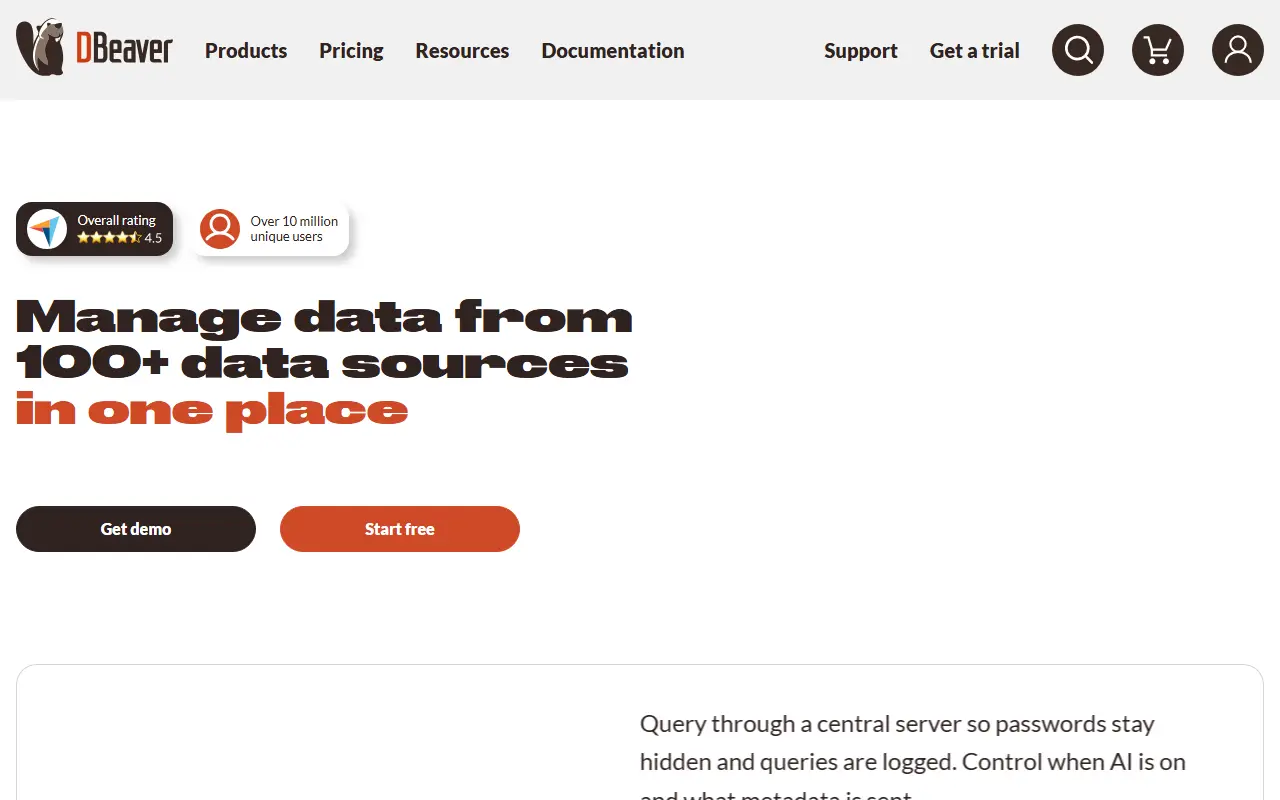
DBeaver

A free multi-platform desktop database tool and SQL client for developers, DBAs and analysts, supporting over 100 databases through JDBC and ODBC drivers.

GitHub stars
52k
Last commit
today
Latest release
26.2.1
Licence
Apache-2.0
Self-hosted
Yes
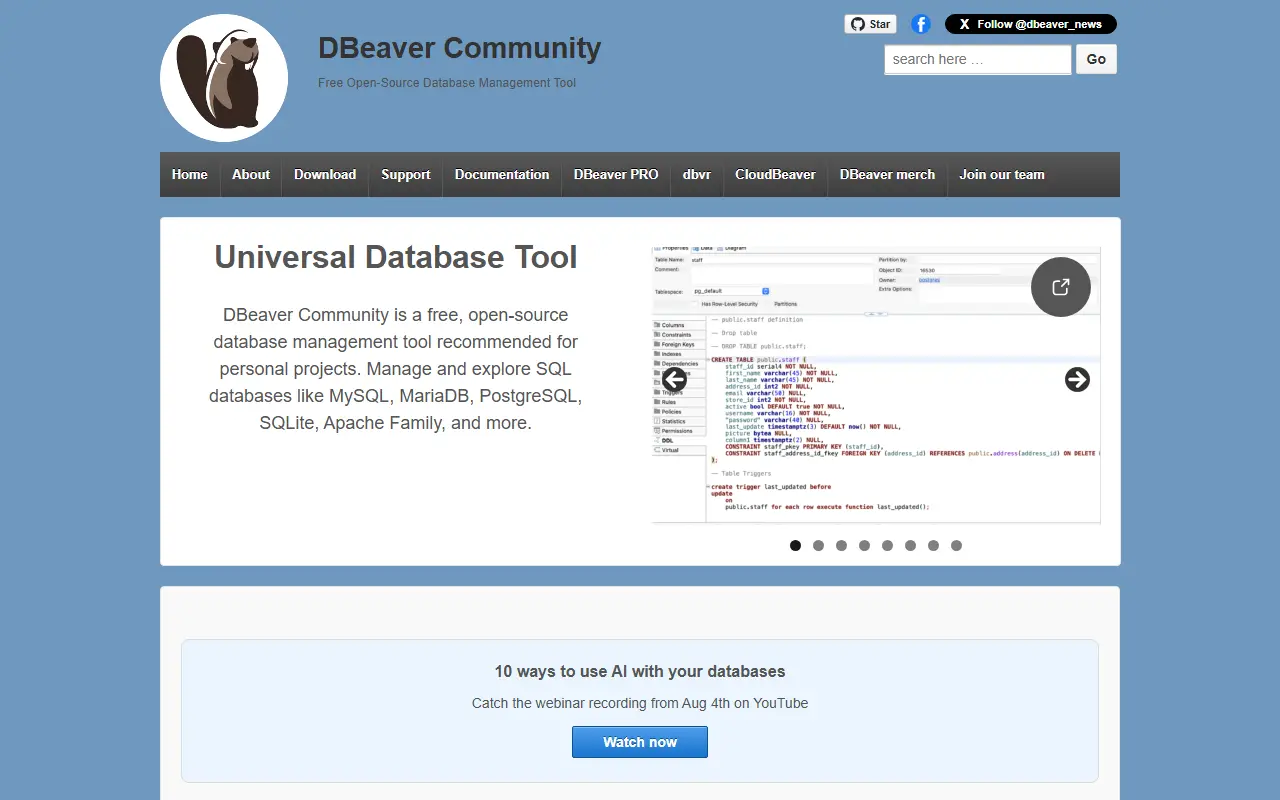
dbeaver.ioDBeaver homepage screenshot

DBeaver is a free, multi-platform database tool aimed at developers, SQL programmers, database administrators and analysts. A single desktop application lets you browse schemas, write and run SQL, edit data and administer many different database systems, instead of switching between vendor-specific clients.

Its feature set covers a schema editor, an SQL editor, a data editor, ER diagrams, data export, import and migration, SQL execution plans, administration tools, database dashboards, a spatial data viewer, proxy and SSH tunneling, and an editor for custom database drivers. An AI chat integrates AI tools for working with data, SQL and database structure. More than 100 drivers are supported out of the box, and anything with a JDBC or ODBC driver can be connected.

DBeaver is a Java application, with OpenJDK included in all distributions so no separate Java install is needed. It is Apache-2.0 licensed and can be downloaded as prebuilt binaries from the website or GitHub releases, with an Early Access build published daily. The vendor also sells paid editions with additional capabilities.

Key features

  • SQL editor with execution plans
  • Schema editor and ER diagrams
  • Data editor with export, import and migration
  • 100+ database drivers plus any JDBC or ODBC source
  • SSH tunneling and proxy support
  • Built-in AI chat for SQL and data
  • Database dashboards and spatial data viewer

Pricing: The Community Edition is free and open source under Apache-2.0; the vendor also sells paid editions.

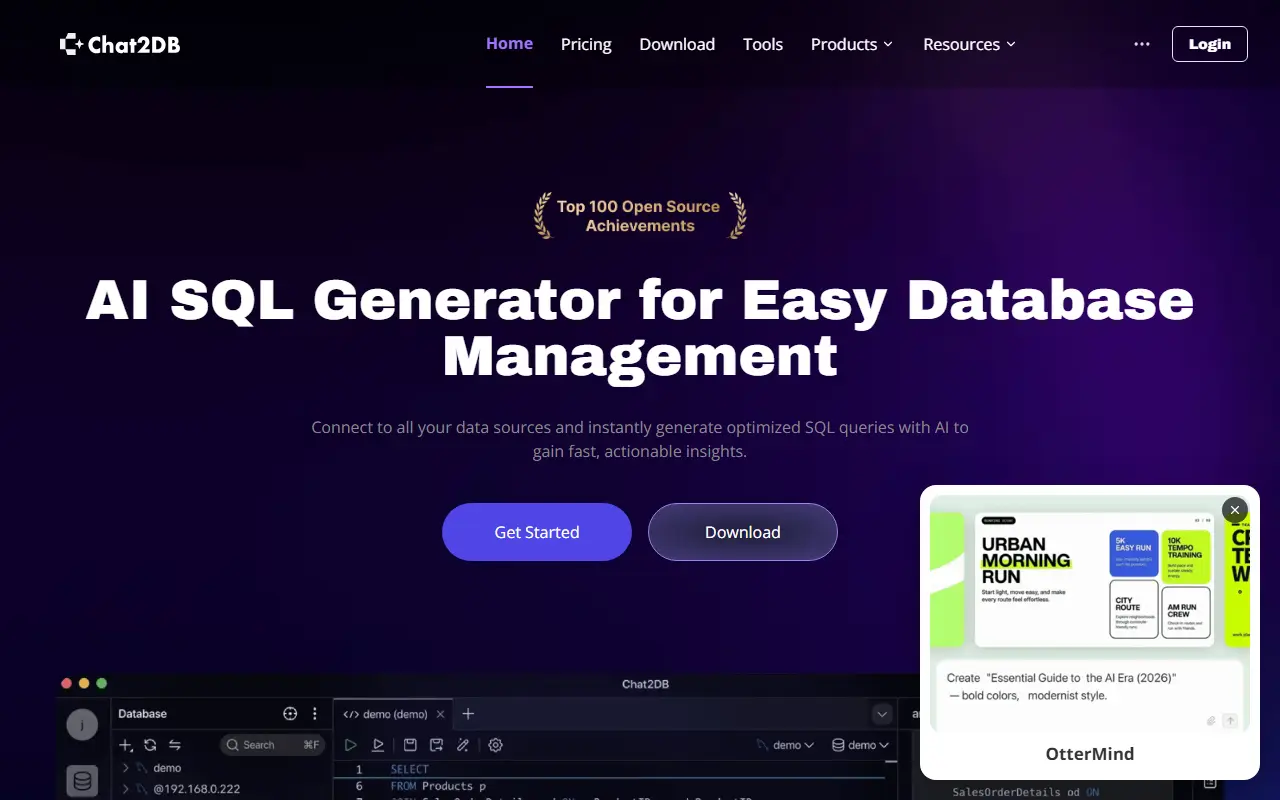
Chat2DB

A free, local-first desktop database client and SQL workspace that supports 40+ databases and lets you connect your own AI model to write, explain and optimize SQL.

GitHub stars
28k
Last commit
2 days ago
Latest release
v5.3.7
Self-hosted
Yes
chat2db.aiChat2DB homepage screenshot

Chat2DB is a free desktop database client and SQL workspace aimed at developers, DBAs, analysts and data teams on any platform. The Community edition runs entirely on your own machine on Windows, macOS and Linux, and pairs a full SQL editor with an AI assistant that you connect to the model of your choice rather than one bundled with the app.

It connects to more than 40 databases, including MySQL, Oracle, PostgreSQL, SQL Server, MongoDB, Redis, ClickHouse, SQLite, MariaDB, TiDB, Snowflake and BigQuery, and new JDBC databases can be added through configuration alone. The SQL workspace covers editing, completion, formatting, execution, saved queries and history. Database management features let you browse metadata, manage tables and other objects and edit data in place, and there are tools for data import and export, dashboards and charts, plus a command line interface.

The AI assistant generates, explains and optimizes SQL from natural-language requests, and topics mention MCP support. Chat2DB is written in Java and powered by OtterMind, and its license is listed as 'Other' on GitHub, so check the terms before redistribution. It suits people who want one tool for many databases and would like to keep queries and credentials local.

Key features

  • Connects to 40+ databases via JDBC
  • SQL editor with completion and history
  • Bring-your-own-model AI for SQL generation
  • Table and object management with in-place editing
  • Data import, export, dashboards and charts
  • Runs locally on Windows, macOS and Linux

Pricing: A free Community edition is available and the Pro plan has a 30-day free trial. Local and Pro prices are not shown in the page text; Enterprise is by contact.

Dbx

A lightweight Rust and Tauri database client for 100+ databases with a built-in AI assistant, MCP server, CLI and Docker option, in roughly 25 MB.

GitHub stars
24k
Last commit
today
Latest release
v0.6.30
Licence
Apache-2.0
Self-hosted
Yes
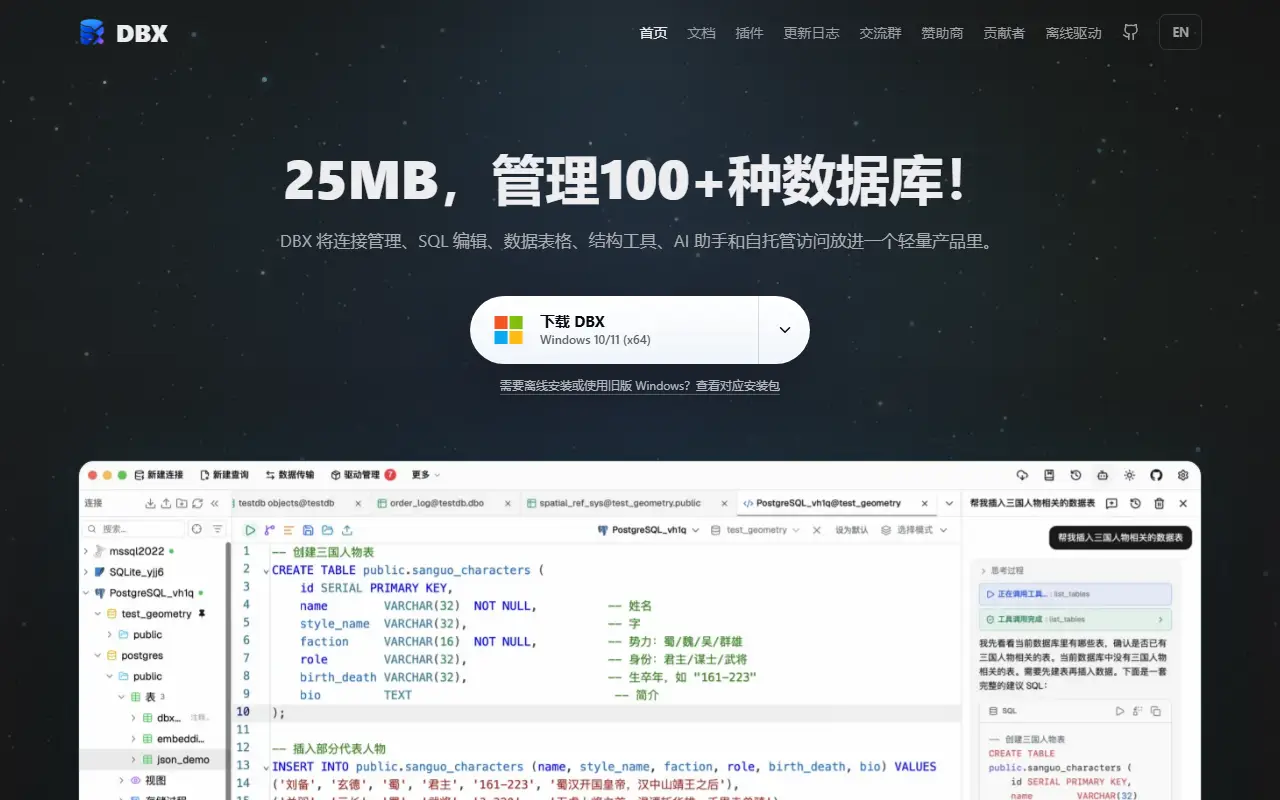
dbxio.comDbx homepage screenshot

DBX is a cross-platform database client built with Rust and Tauri, billed as lightweight at around 25 MB. It connects to more than a hundred databases, among them SQLite, MySQL, PostgreSQL, MongoDB, Redis, DuckDB, SQL Server and Dameng, and aims to cover many systems with one small application instead of several heavier tools.

Beyond the desktop app, it can be run through Docker and a command line interface, and it includes a built-in AI assistant and an MCP server, so AI tools can query and work with your databases through a standard protocol. The interface is built with Vue, and topics highlight support for ClickHouse, MySQL, MongoDB, PostgreSQL, Redis, SQL Server and SQLite along with general database management features. The project was created in 2026 and its documentation includes Chinese-language material.

DBX is Apache-2.0 licensed. It is meant for developers and administrators who want a fast, small client that works across relational and NoSQL systems, and who like the idea of connecting AI assistants to databases through MCP.

Key features

  • Supports 100+ databases
  • Lightweight Rust and Tauri desktop app
  • Built-in AI assistant
  • MCP server for AI tools
  • Command line interface
  • Docker deployment option

Pricing: Free and open source under the Apache-2.0 license.

Beekeeper Studio

A cross-platform SQL editor and database manager for Linux, macOS and Windows that supports PostgreSQL, MySQL, SQLite, SQL Server and many more databases.

GitHub stars
24k
Last commit
yesterday
Latest release
v6.1.4
Self-hosted
Yes
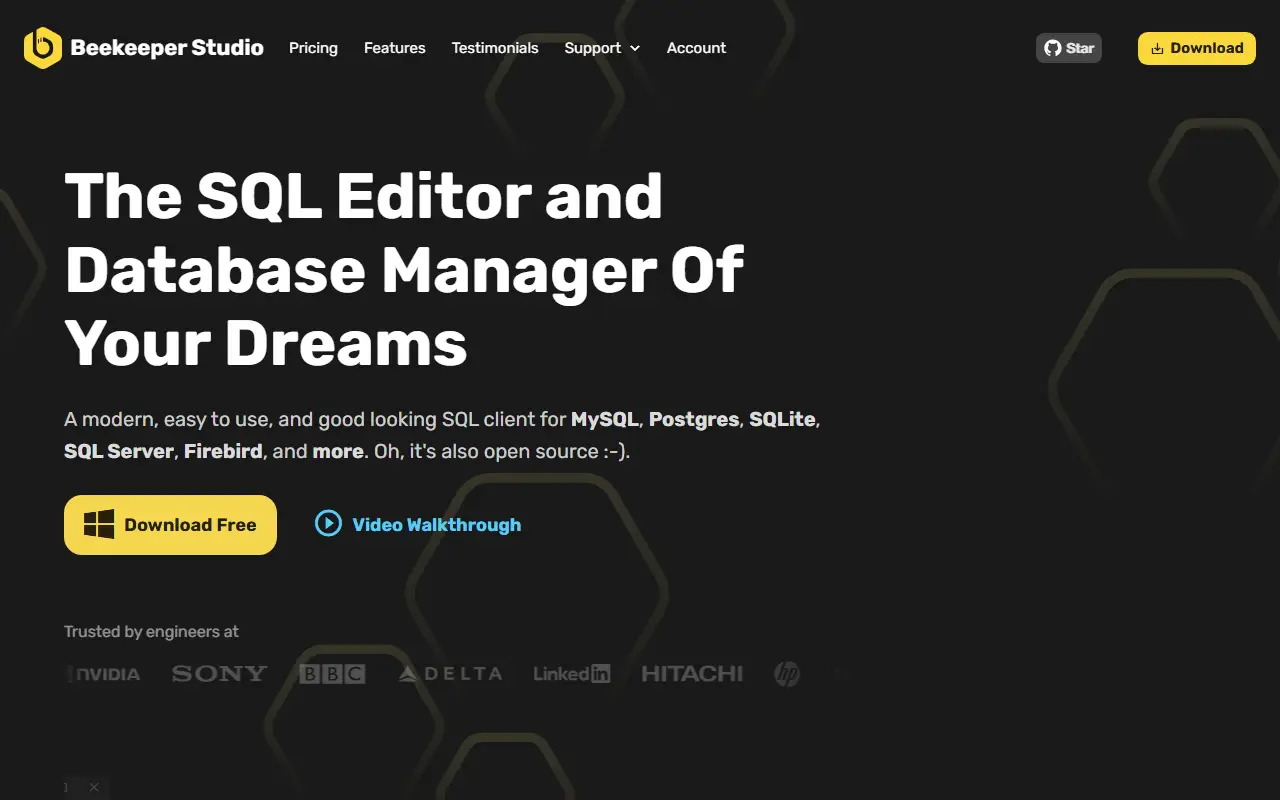
beekeeperstudio.ioBeekeeper Studio homepage screenshot

Beekeeper Studio is a modern, easy-to-use SQL editor and database manager for Linux, macOS and Windows. It supports a long list of databases, including PostgreSQL, MySQL, SQLite, SQL Server, Amazon Redshift, CockroachDB, BigQuery, Cassandra and Firebird, and is built with TypeScript and Electron.

It is free to download and offers many features at no cost, with no sign-up, registration or credit card required. Some premium features are sold under a paid license. The repository explains the arrangement: most of the code is open source under the GPLv3, while the paid features live in the same repository under a commercial source-available license. A table in the README shows which databases have full support in the community and paid editions.

The project welcomes community contributions and has translated READMEs in a dozen languages. Because its license is listed as 'Other' on GitHub, it is worth reading the terms to see which parts are free. It suits developers and analysts who want a clean, approachable client for everyday querying and schema browsing.

Key features

  • SQL editor and database manager
  • Supports PostgreSQL, MySQL, SQLite and SQL Server
  • Also supports Redshift, CockroachDB and BigQuery
  • Apps for Linux, macOS and Windows
  • No sign-up required for free use
  • Optional paid premium features

Pricing: The Community edition is free. Indie is $18, Professional $28 and Business $35 per user per month, or $9, $14 and $18 on yearly billing; paid features stay usable after 12 months of payments. Free trial available.

Adminer

A database management tool delivered as a single PHP file that works with MySQL, MariaDB, PostgreSQL, SQLite, MS SQL, Oracle and more through plugins.

GitHub stars
7.9k
Last commit
3 days ago
Latest release
v6.1.1
Self-hosted
Yes
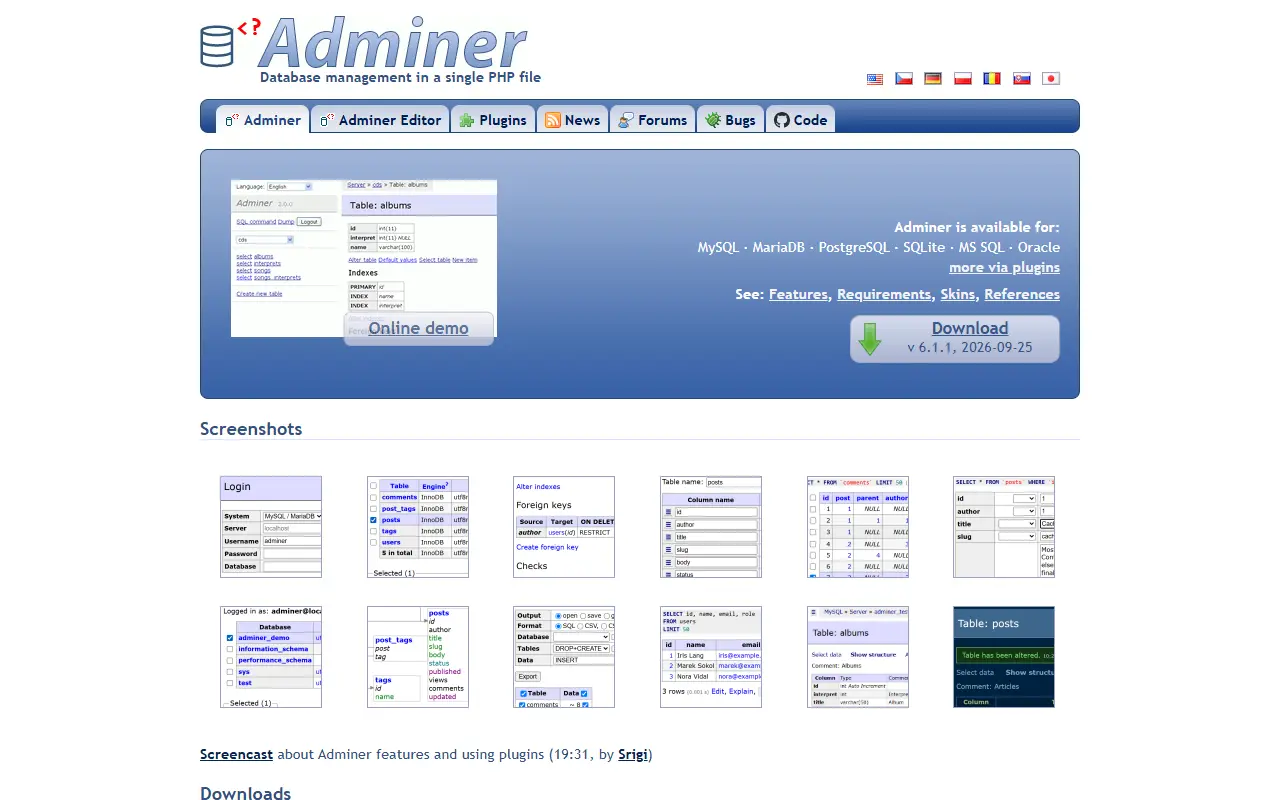
adminer.orgAdminer homepage screenshot

Adminer is a database management tool written in PHP and distributed as a single file that you drop onto a server. It offers a web interface for browsing, querying and editing databases, and serves as a lighter alternative to heavier admin suites.

Supported systems are MySQL, MariaDB, PostgreSQL, CockroachDB, SQLite, MS SQL and Oracle, with plugins adding Elasticsearch, OpenSearch, SimpleDB, MongoDB, Redis, Firebird, ClickHouse, IGDB and IMAP. A related tool, Adminer Editor, provides data manipulation for end users rather than administrators. The compiled single file needs PHP 5.3 or later, while the source code needs PHP 7.4 or later, and many user-contributed plugins are listed on the plugins page.

The development version can be run from the adminer and editor directories, a compile script produces the single-file build, translations are updated with a language script, and end-to-end tests use Playwright. The repository lists the license as Other. Adminer suits developers and administrators who need quick access to a database from the browser.

Key features

  • Single-file PHP deployment
  • Works with MySQL, PostgreSQL and SQLite
  • Support for MS SQL, Oracle and CockroachDB
  • Plugins for MongoDB, Redis and Elasticsearch
  • Adminer Editor for end-user data editing
  • Translations and community plugins

Pricing: Free to use; the repository lists the license as Other.

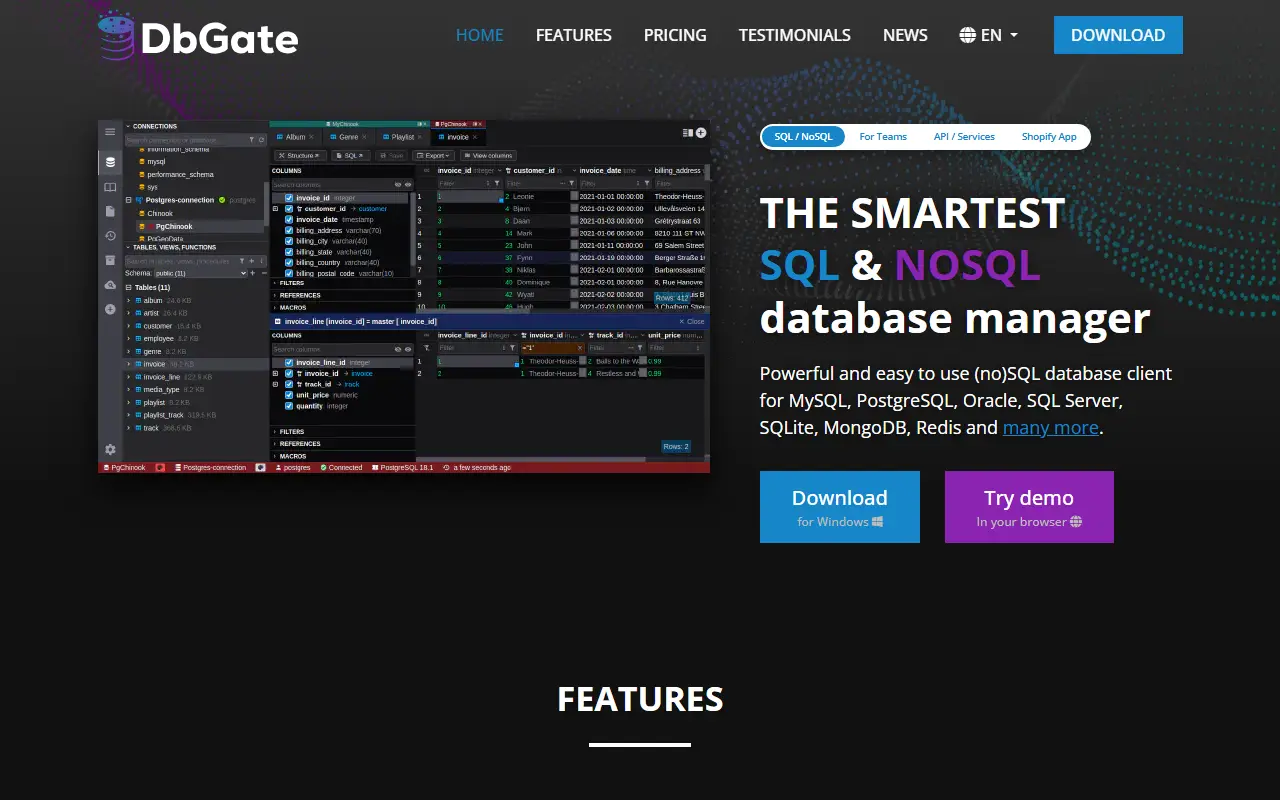
DbGate

DbGate is a cross-platform database manager for SQL and NoSQL systems, running as a desktop app or web application with query design and schema tools.

GitHub stars
7.3k
Last commit
yesterday
Latest release
v7.3.1
Licence
GPL-3.0
Self-hosted
Yes
dbgate.ioDbGate homepage screenshot

DbGate is a cross-platform database client for working with several databases at once. It supports SQL and NoSQL systems including MySQL, PostgreSQL, SQL Server, Oracle, MongoDB, Redis, SQLite, MariaDB, CockroachDB, ClickHouse, Cassandra and DuckDB, and runs on Windows, Linux and macOS or as a web application.

Day-to-day tools include table browsing with Excel-like and multi-value filters, table data editing with a preview of the generated SQL change script, schema editing for indexes and keys, and an SQL editor. More advanced features include comparing and synchronizing database structure, ER diagrams, a visual query designer that builds queries without hand-written SQL, master/detail views, foreign key lookups, a JSON view for MongoDB collections, and batch export and import.

The Community edition is licensed under GPL-3.0 and is free to use for any purpose. The web version can be run as an NPM package or Docker image, a Node.js scripting interface is available, and an online demo lets you try it first. The README marks some database drivers, such as Amazon Redshift and CosmosDB, as Premium.

Key features

  • Client for SQL and NoSQL databases
  • Table data browsing with advanced filters
  • Visual query designer without writing SQL
  • Compare and synchronize database structure
  • ER diagrams and schema editing
  • Batch export and import
  • Desktop app or Docker web version

Pricing: Free open-source Community edition. Premium costs $12 per month for one user and Team Premium $15 per user per month, with $120 and $150 yearly options and a 30-day trial.

CloudBeaver

CloudBeaver is the web-based Community Edition of DBeaver, a self-hosted database manager with a browser interface served by a Java backend.

GitHub stars
5.2k
Last commit
today
Licence
Apache-2.0
Self-hosted
Yes
dbeaver.comCloudBeaver homepage screenshot

CloudBeaver is a cloud database manager that brings database browsing and querying into the web browser. The Community Edition is a web server whose backend is a Java application and whose web interface is written in TypeScript and React, so teams can give users access to databases without installing a desktop client.

It is free to use and open source, can be run with the official Docker image, and has a live demo server plus a wiki and official documentation. The changelog in the README shows ongoing work, including an AI Assistant in which users can configure their own API tokens. It belongs to the DBeaver family of database tools.

CloudBeaver Community is licensed under Apache-2.0. You host it on your own infrastructure, which suits teams that want shared, browser-based access to many databases with central configuration. The DBeaver vendor also sells commercial editions with more features.

Key features

  • Web-based database management interface
  • Java server with React front end
  • Official Docker image for deployment
  • Live demo server available
  • AI Assistant with user-supplied API tokens
  • Multi-database access from a browser

Pricing: Community Edition is free under Apache-2.0; the vendor sells commercial editions.

Toad alternatives: questions

What is the best open-source alternative to Toad?
DBeaver is the top-ranked open-source alternative to Toad on Enlisted: A free multi-platform desktop database tool and SQL client for developers, DBAs and analysts, supporting over 100 databases through JDBC and ODBC drivers. Other strong options are Chat2DB, Dbx, Beekeeper Studio and Adminer.
Are these Toad alternatives free?
All 7 are open source, so the code is free to use under its licence, and all of them can be self-hosted on your own server or computer.
How is this list of Toad alternatives ranked?
By a score built from GitHub stars, star growth over the last 30 days and how recently the code changed. 7 of these projects shipped code in the last 30 days. Data is refreshed daily, and nobody can pay to move up.

People also look for alternatives to…

View all