7,380 open-source and SaaS tools, with GitHub stats refreshed every day.

6 alternatives ranked by real activity

Open-source RunCloud alternatives

A curated, ranked list of the 6 best open-source alternatives to RunCloud.

The best open-source alternative to RunCloud is Coolify. If that doesn't suit you, other good options are Dokploy, 1Panel, CapRover and HestiaCP.

RunCloud alternatives are mainly hosting & PaaS tools. 6 of them shipped code in the last 30 days, 6 can be self-hosted, and 1 uses a permissive licence.

Last updated October 3, 2026 · ranked by GitHub stars, growth and recent commits

Coolify

A self-hostable platform for deploying apps, databases and one-click services to your own servers over SSH, an open-source alternative to Heroku, Vercel and Netlify.

GitHub stars
62k
Last commit
today
Latest release
v4.3.23
Licence
Apache-2.0
Self-hosted
Yes
Hosted version
Available
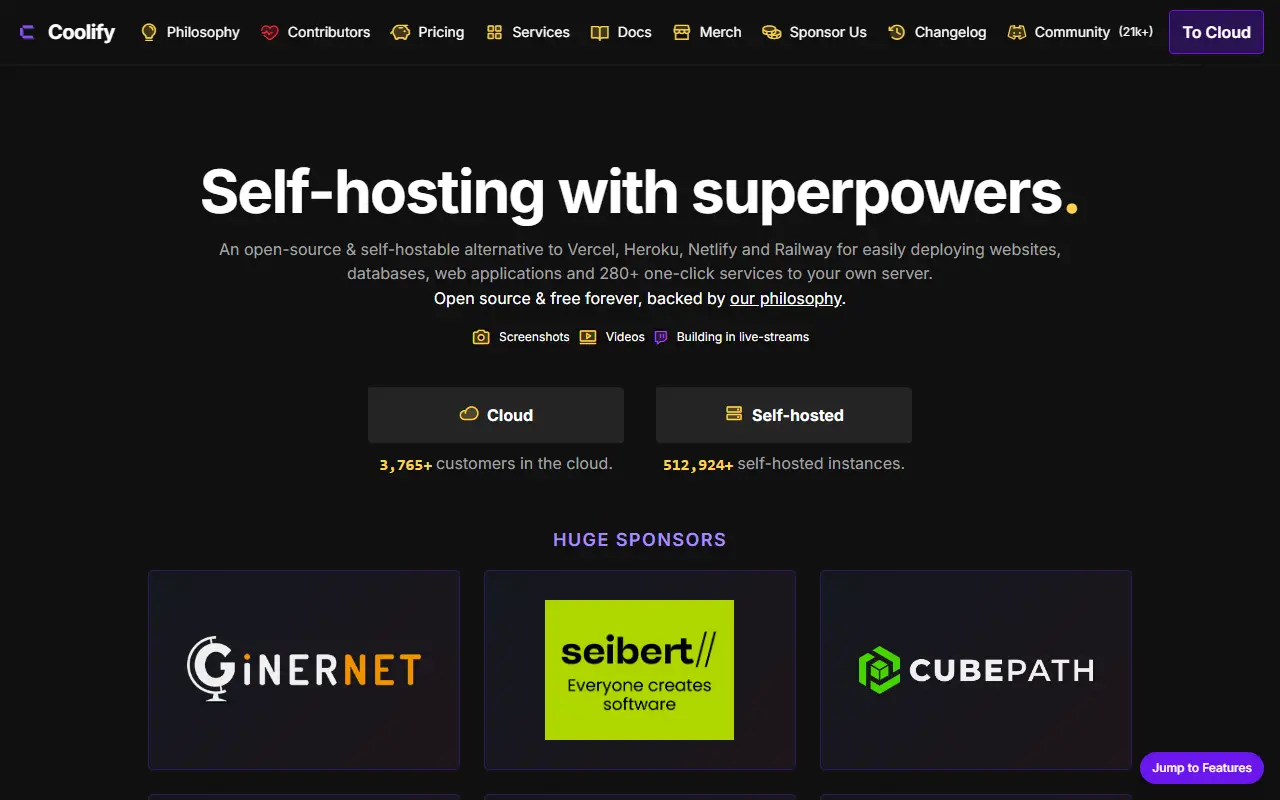
coolify.ioCoolify homepage screenshot

Coolify is an open-source, self-hostable alternative to Heroku, Vercel and Netlify. It manages servers, applications and databases on hardware you control, and the only requirement is SSH access, so a VPS, a bare-metal machine or even a Raspberry Pi can serve as a target. Your configuration stays on your own servers, and if you stop using Coolify the resources it deployed keep running.

Applications can be built from GitHub, GitLab, Bitbucket or Gitea using Nixpacks, Railpack, a Dockerfile, Docker Compose or a prebuilt image. Hundreds of one-click services and managed-style databases come with persistent storage and generated credentials. Deployments can run on every push, create pull-request previews, call webhooks and roll back to retained images. Custom domains, automatic HTTPS, reverse proxies and health checks cover networking, while logs, container terminals and resource monitoring help with operations.

Backups, scheduled tasks, secrets, environment variables and notifications are built in, and resources can be managed through the dashboard, an API, a CLI or MCP, with team-based access controls. Coolify is Apache-2.0 licensed and built mainly with PHP; a hosted Coolify Cloud option exists for people who prefer not to run the control plane themselves.

Key features

  • Deploy from Git with Nixpacks, Dockerfile or Compose
  • Hundreds of one-click services and databases
  • Pull-request previews and rollbacks
  • Automatic HTTPS and custom domains
  • Database and storage backups
  • Multi-server management with team access controls
  • Dashboard, API, CLI and MCP management

Pricing: Self-hosting is free with no feature limits. Coolify Cloud is $5 per month including two connected servers, plus $3 per month for each additional server.


Dokploy

A free, self-hostable platform as a service for deploying apps, databases and Docker Compose stacks on your own servers, an alternative to Vercel, Netlify and Heroku.

GitHub stars
38k
Last commit
yesterday
Latest release
v0.30.8
Self-hosted
Yes
Hosted version
Available
dokploy.comDokploy homepage screenshot

Dokploy is an open-source, self-hostable platform as a service that simplifies deploying and managing applications and databases. It is positioned as an alternative to Heroku, Vercel and Netlify, and it runs on a VPS you control, installed with a single command.

It can deploy apps in languages such as Node.js, PHP, Python, Go and Ruby, create and manage MySQL, PostgreSQL, MongoDB, MariaDB, libsql and Redis databases, and schedule database backups to external storage. Docker Compose is supported natively, and multiple nodes can be clustered with Docker Swarm or managed as remote servers. One-click templates cover open-source apps such as Plausible, PocketBase and Cal.com, Traefik handles routing and load balancing, and live monitoring shows CPU, memory, storage and network usage per resource.

A CLI and API allow automation, and notifications about deploy success or failure can go to Slack, Discord, Telegram or email. The license is listed as 'Other', so check the repository terms before redistribution. For people who want to skip installation there is a hosted Dokploy Cloud.

Key features

  • Deploy apps in many languages
  • Managed databases with automated backups
  • Native Docker Compose support
  • Multi-node scaling with Docker Swarm
  • One-click open-source templates
  • Traefik routing and load balancing
  • Real-time resource monitoring

Pricing: Hobby costs $4.50 per server per month and Startup starts at $15 per month for up to 3 servers. Enterprise (cloud or self-hosted) and Agency plans are quoted by sales; there is a 7-day free trial.

1Panel

1Panel is an open-source Linux server management panel with a web interface for apps, websites, databases and containers, plus AI management.

GitHub stars
37k
Last commit
2 days ago
Latest release
v2.3.2
Licence
GPL-3.0
Self-hosted
Yes
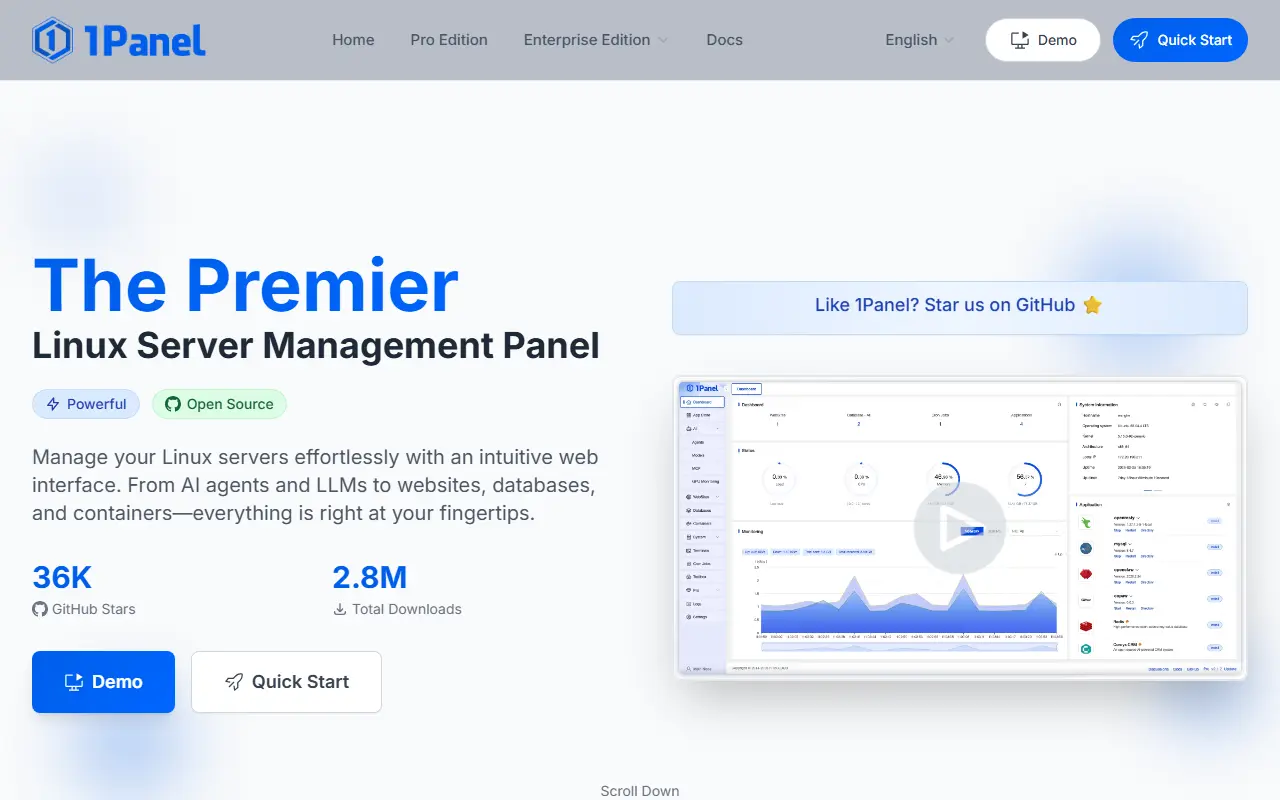
1panel.pro1Panel homepage screenshot

1Panel is an open-source Linux server management panel that also positions itself as a lightweight AI management platform. Through a web interface it covers monitoring of the host, files, databases and containers, so common server chores can be done without working only in a terminal. It is written in Go, uses Docker for app deployment and is released under the GPL-3.0 license.

A built-in app store offers one-click installation and upgrades of open-source applications, and website tooling integrates with builders such as WordPress and Halo, including domain binding and SSL certificate setup. Security features include a web application firewall and log auditing, and applications are deployed in containers to limit exposure. Backups and restores can be triggered in one click and sent to various cloud storage services. The project compares itself with panels such as cPanel, Plesk, aaPanel and Webmin.

Key features

  • Web GUI for Linux server management
  • One-click app store with installs and upgrades
  • Website deployment with domain and SSL setup
  • Docker container and database management
  • Backup and restore to cloud storage
  • AI gateway and agent management tools

Pricing: The open-source edition is free forever. The Pro Edition costs $80 per year as a subscription or $200 as a one-time perpetual license.

CapRover

A self-hosted app and database deployment platform that uses Docker, nginx and Let's Encrypt behind a simple web GUI and CLI, often described as a Heroku alternative.

GitHub stars
15k
Last commit
3 days ago
Latest release
v1.15.4
Self-hosted
Yes
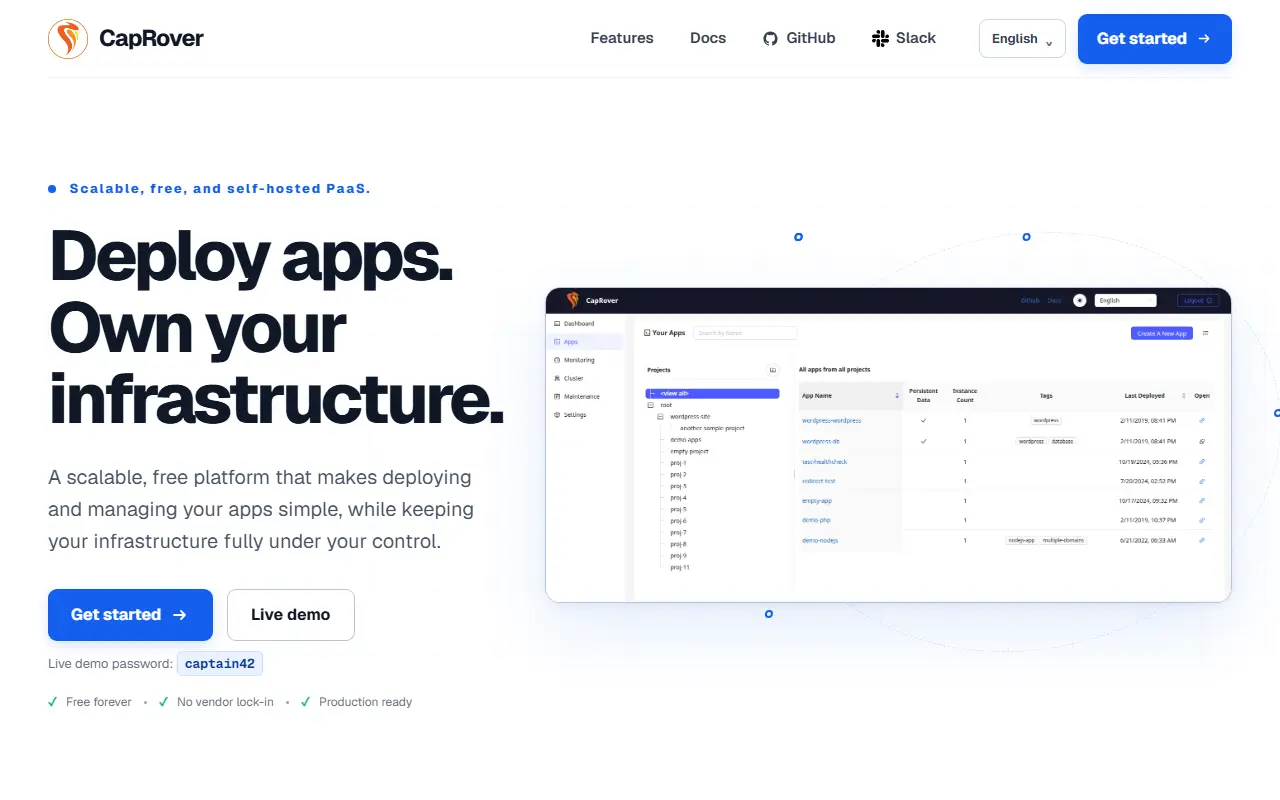
caprover.comCapRover homepage screenshot

CapRover is a deployment platform and web server manager that you install on your own server. It lets you run applications written in NodeJS, Python, PHP, ASP.NET, Ruby and Go, as well as databases like MariaDB, MySQL, MongoDB and Postgres, and apps such as WordPress, without needing deep Docker or nginx knowledge. It is often called a Heroku alternative.

Under the hood it uses Docker Swarm for containerization and clustering, nginx with a customizable template for load balancing, Let's Encrypt for free HTTPS certificates, and NetData for monitoring. You work through a web GUI for convenience or a CLI for automation and scripting. The project emphasizes that there is no lock-in: if you remove CapRover, your apps keep working. It targets developers who do not want to spend days setting up servers, builds, certificates and proxy configuration.

CapRover is written in TypeScript on Node.js, and its license is listed as 'Other' on GitHub, so confirm the terms. It is self-hosted software with no vendor service involved, and it suits small teams and solo developers running several apps on their own VPS.

Key features

  • Web GUI and CLI for deployment
  • Docker Swarm clustering
  • Nginx load balancing
  • Free HTTPS via Let's Encrypt
  • One-click databases and apps
  • No lock-in for deployed applications

HestiaCP

A web and command-line control panel for Linux servers that manages websites, mail, DNS and databases from one dashboard.

GitHub stars
4.5k
Last commit
today
Latest release
1.10.5
Licence
GPL-3.0
Self-hosted
Yes
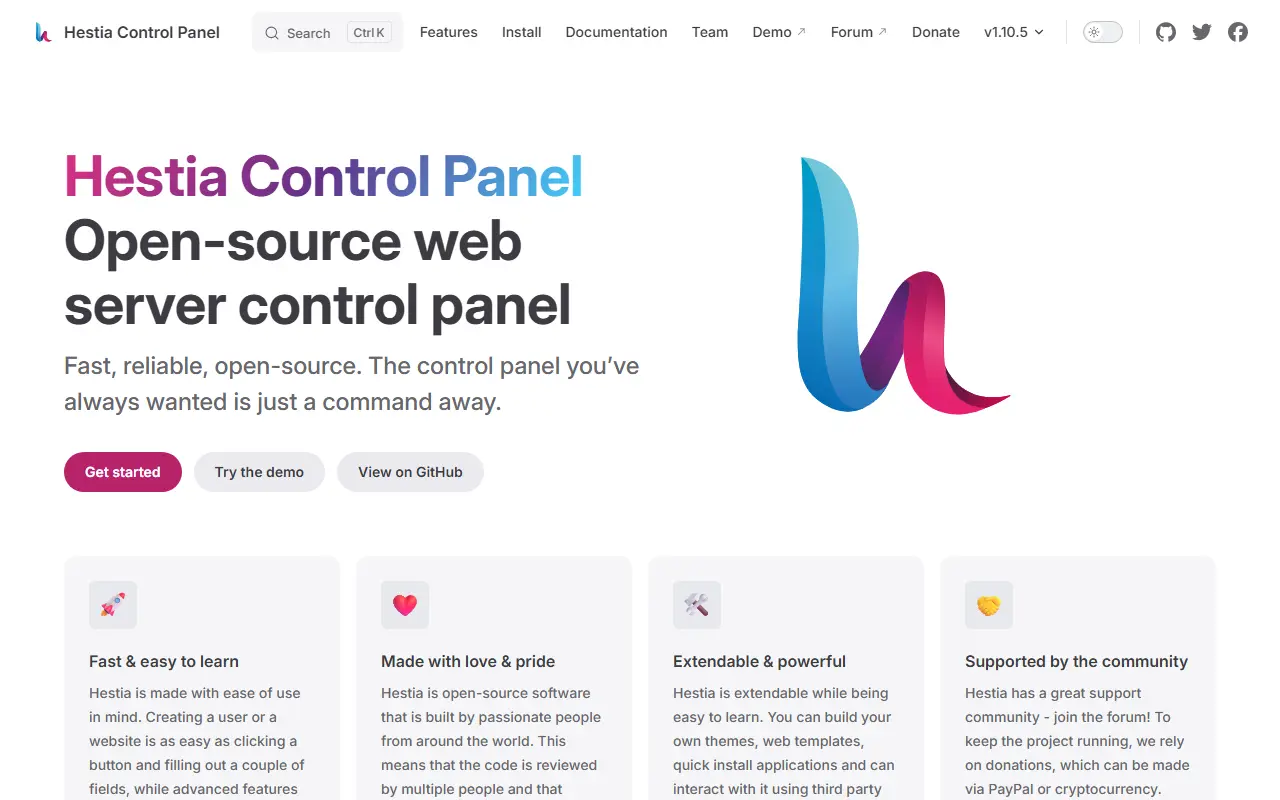
hestiacp.comHestiaCP homepage screenshot

Hestia Control Panel gives server administrators a web and command-line interface for deploying and managing web domains, mail accounts, DNS zones and databases from a single dashboard. It spares them from installing and configuring each underlying service by hand.

The stack it sets up includes Apache2 and NGINX with PHP-FPM and multiple PHP versions, a Bind DNS server with clustering, POP, IMAP and SMTP mail services with ClamAV, SpamAssassin, Sieve and Roundcube, MariaDB, MySQL or PostgreSQL databases, Let's Encrypt SSL with wildcard certificates, and a firewall with brute-force detection using iptables, fail2ban and ipset.

Hestia targets 64-bit Debian and Ubuntu LTS releases and should be installed on a fresh operating system. The project warns that OpenVZ 7 or lower can cause DNS and firewall issues, recommending KVM or LXC virtual servers. It is written in Shell and PHP, licensed under GPL-3.0, and offers documentation and a forum.

Key features

  • Web and command-line administration
  • Apache2 and NGINX with PHP-FPM
  • Multiple PHP versions
  • DNS server with clustering
  • Mail services with antivirus, antispam and webmail
  • MariaDB, MySQL and PostgreSQL databases
  • Let's Encrypt SSL with wildcard certificates
  • Firewall with brute-force detection

Pricing: Free and open source under the GPL-3.0 licence.

Websoft9

Self-hosted web console that deploys and manages over 300 open-source applications on a single server with one-click installs, domains, SSL, and backups.

GitHub stars
2.1k
Last commit
2 days ago
Latest release
2.4.2
Self-hosted
Yes
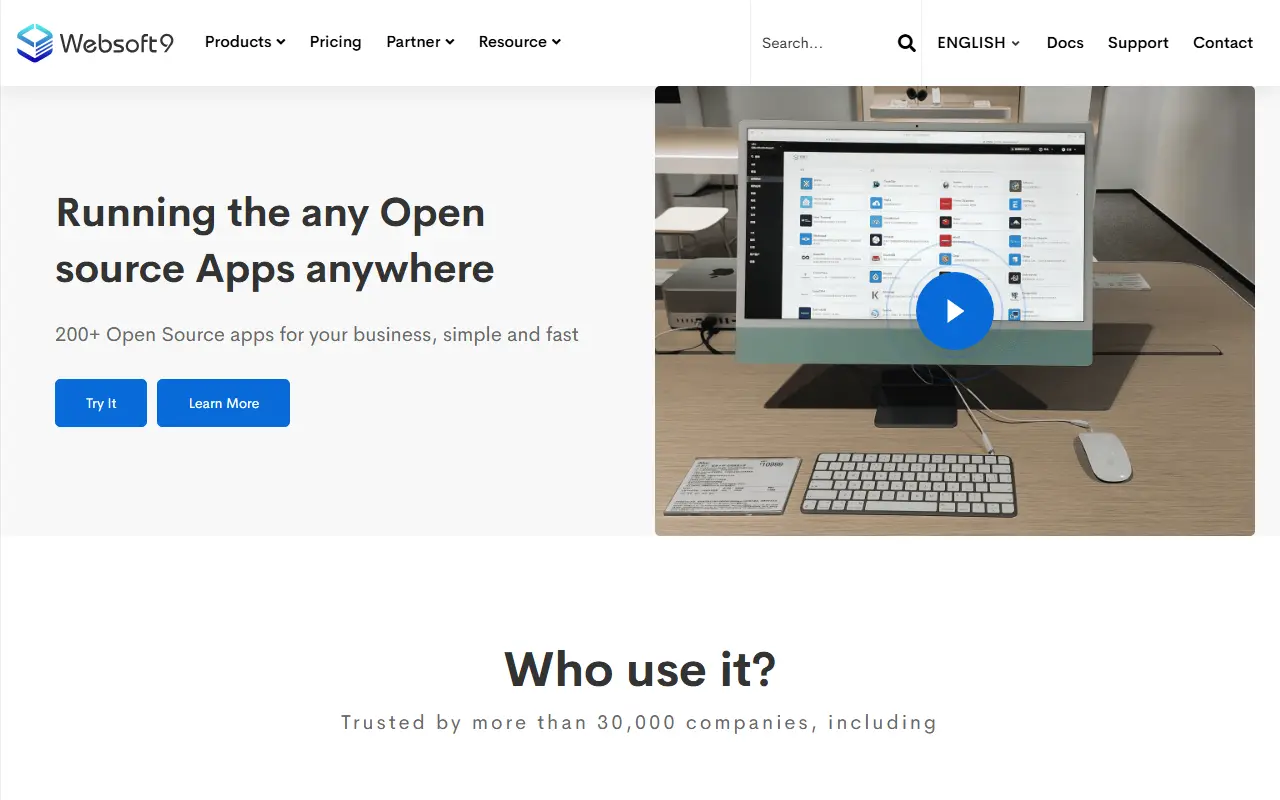
websoft9.comWebsoft9 homepage screenshot

Websoft9 is a self-hosted platform-as-a-service that lets you deploy and manage a large catalog of open-source applications, such as WordPress, GitLab, and Mattermost, on a single server without Kubernetes. It works like a private app store with a clean web console for one-click installs, domain and SSL management, and data backups. The input lists its license only as other.

Installation uses a script that serves the console on port 9000 by default, followed by a setup wizard. The project is described as a lightweight PaaS and Linux web panel, with topics referencing Docker and Docker Compose, Portainer, Cockpit, CI/CD, and marketplace listings. It is also listed on major cloud marketplaces with business support.

Websoft9 suits small businesses, freelancers, and agencies that want to host many tools on their own VPS without managing containers manually, and administrators who want a point-and-click alternative to hand-written Compose files.

Key features

  • One-click install of 300+ open-source apps
  • Web console for application management
  • Domain and SSL management
  • Data backups
  • Runs on a single server without Kubernetes
  • Cloud marketplace images with business support

Pricing: A free open-source edition supports 1 user and 2 apps. Starter is ¥20 and Standard ¥99 per month, or ¥240 and ¥999 per year, with a free trial offered.

RunCloud alternatives: questions

What is the best open-source alternative to RunCloud?
Coolify is the top-ranked open-source alternative to RunCloud on Enlisted: A self-hostable platform for deploying apps, databases and one-click services to your own servers over SSH, an open-source alternative to Heroku, Vercel and Netlify. Other strong options are Dokploy, 1Panel, CapRover and HestiaCP.
Are these RunCloud alternatives free?
All 6 are open source, so the code is free to use under its licence, and all of them can be self-hosted on your own server or computer. 2 also offer a paid or managed cloud version if you'd rather not host it yourself.
How is this list of RunCloud alternatives ranked?
By a score built from GitHub stars, star growth over the last 30 days and how recently the code changed. 6 of these projects shipped code in the last 30 days. Data is refreshed daily, and nobody can pay to move up.

People also look for alternatives to…

View all