7,363 open-source and SaaS tools, with GitHub stats refreshed every day.

9 alternatives ranked by real activity

Open-source Raindrop.io alternatives

A curated, ranked list of the 9 best open-source alternatives to Raindrop.io.

The best open-source alternative to Raindrop.io is Karakeep. If that doesn't suit you, other good options are Linkwarden, Wallabag, Linkding and Buku.

Raindrop.io alternatives are mainly productivity tools, but some are also note-taking tools. 7 of them shipped code in the last 30 days, 9 can be self-hosted, and 3 use a permissive licence.

Last updated October 3, 2026 · ranked by GitHub stars, growth and recent commits

Karakeep

A self-hostable bookmark-everything app for links, notes, images and PDFs with full-text and semantic search, AI auto-tagging and apps for browsers and phones.

GitHub stars
29k
Last commit
3 days ago
Latest release
v0.33.2
Licence
AGPL-3.0
Self-hosted
Yes
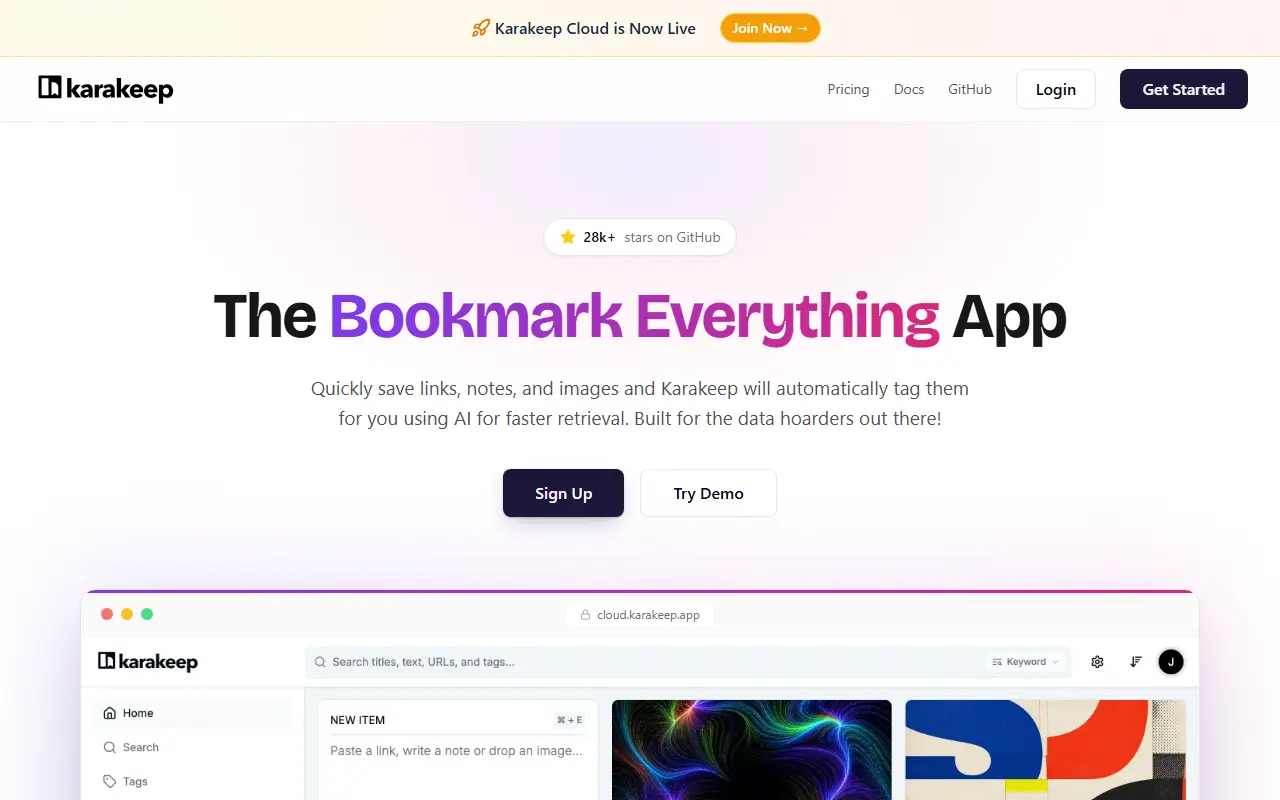
karakeep.appKarakeep homepage screenshot

Karakeep, previously named Hoarder, is a self-hostable app for saving everything you want to keep: links, short notes, images and PDFs. It automatically fetches titles, descriptions and images for links, and its AI features can suggest tags and write summaries, including with local models served by Ollama, which suits people who like to hoard data privately.

Saved content is sorted into lists that others can collaborate on, and search covers both full text and semantic meaning. Further features include OCR for extracting text from images, a rule-based engine for custom handling, highlights, bulk actions, SSO, automatic import from RSS feeds, and archiving of full pages and videos to guard against link rot. A CLI and official skills make it usable by LLM agents, and a REST API supports other clients.

You can capture content with Chrome, Firefox and Safari extensions, and there are iOS and Android apps with offline reading. Karakeep is AGPL-3.0 licensed and built with TypeScript, Next.js and React Native. It suits people replacing read-it-later services and bookmark managers with something they host.

Key features

  • Bookmarks, notes, images and PDFs in one place
  • Full-text and semantic search
  • AI auto-tagging and summaries with Ollama support
  • Full page and video archiving
  • Browser extensions and mobile apps
  • REST API, CLI and SSO

Pricing: A cloud free plan holds 10 bookmarks; Pro is $4 per month or $40 per year. Self-hosting is free forever, and team deployments are priced per seat on request.

Read more about KarakeepWebsite GitHub

Linkwarden

Linkwarden is a self-hostable, collaborative bookmark manager that saves pages as screenshots and PDFs and lets you read and annotate them.

GitHub stars
20k
Last commit
yesterday
Latest release
v2.16.3
Licence
AGPL-3.0
Self-hosted
Yes
Hosted version
Available
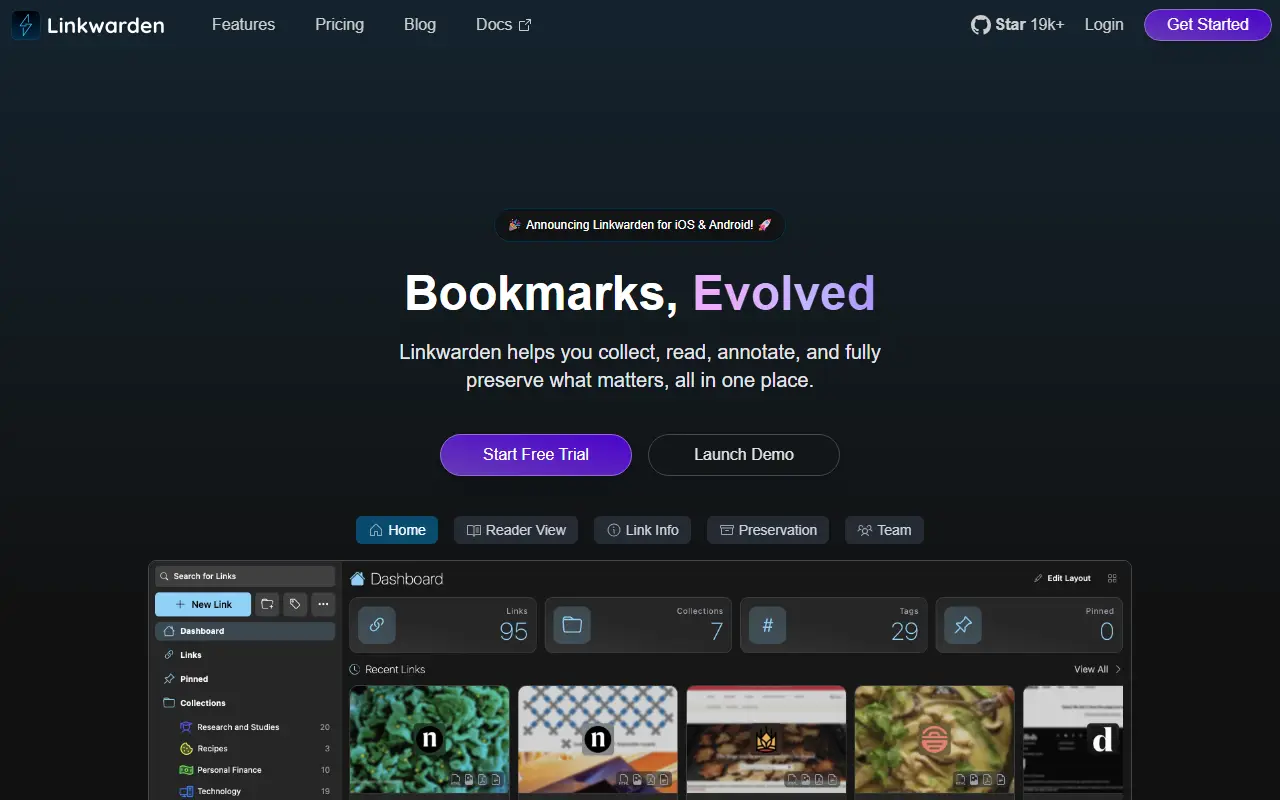
linkwarden.appLinkwarden homepage screenshot

Linkwarden is an open-source bookmark manager for collecting useful web pages in one place. Because pages can disappear over time, it saves a copy of each link as a screenshot, a PDF and a single HTML file, so the content stays accessible even when the original goes offline.

Beyond archiving, it offers a reader view where text can be highlighted and annotated, combining the convenience of a read-it-later tool with a web archive. Pages can optionally be sent to the Wayback Machine, and an optional local AI feature tags links automatically based on their content. Collections can be shared publicly or worked on with several users.

Linkwarden is written in TypeScript with Next.js, has a React Native mobile app, and is licensed under AGPL-3.0. You can host it yourself by following the installation docs, or use the official Cloud offering, whose subscriptions fund hosting and development.

Key features

  • Automatic screenshot, PDF and HTML capture of links
  • Reader view with highlights and annotations
  • Optional Wayback Machine snapshots
  • Optional local AI tagging
  • Shared and collaborative collections
  • Self-hosting or official cloud

Pricing: One hosted Cloud plan at $3 per user per month on yearly billing, with 30,000 links per user and a 14-day free trial.

Wallabag

Self-hostable read-it-later web app that saves web pages, strips clutter and lets you classify and read articles on your own schedule.

GitHub stars
13k
Last commit
5 days ago
Latest release
2.6.14
Licence
MIT
Self-hosted
Yes
Hosted version
Available
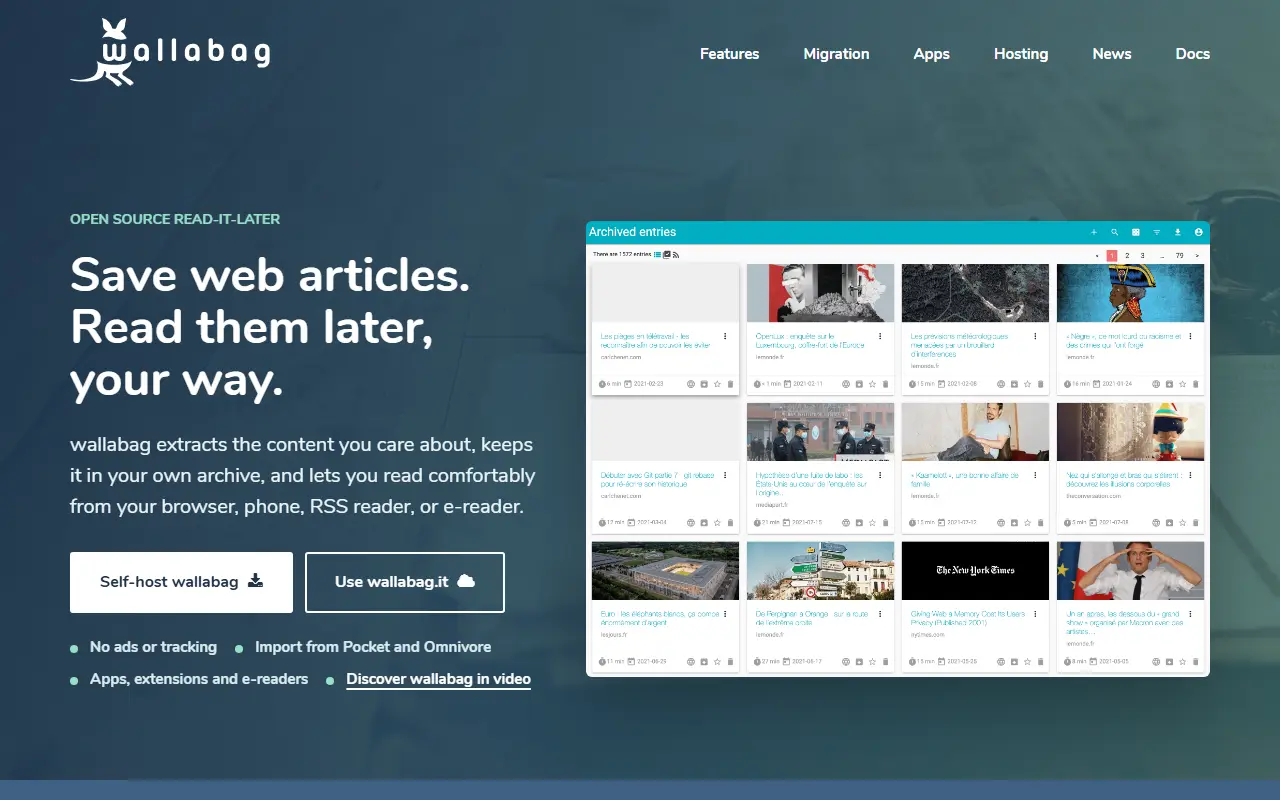
wallabag.orgWallabag homepage screenshot

wallabag is a web application for saving pages to read later. You click to save an article, and wallabag extracts the main content so that pop-ups and other page clutter do not get in the way when you open it again. Saved articles can be classified, so a growing reading list stays organized.

The project can be installed on your own server or used through an account on the hosted service at wallabag.it. Companion projects cover an Android app, an iOS app and a browser extension, and a GNOME desktop reader exists that is not maintained by the project itself. Content extraction relies on the Graby and php-readability libraries together with the ftr-site-config rules, and translations are managed on Weblate.

wallabag is written in PHP on the Symfony framework and released under the MIT license. Installation requires configuring a virtual host after running the documented commands, and other installation methods are described in the documentation at doc.wallabag.org. Its name is always written in lowercase, as the maintainers point out.

Key features

  • Save web pages for later reading
  • Content extraction that removes page clutter
  • Article classification and organization
  • Android and iOS apps
  • Browser extension for one-click saving
  • Self-hosted on a PHP and Symfony stack

Pricing: Free and open source under the MIT license; a hosted account is available at wallabag.it.

Read more about WallabagWebsite GitHub

Linkding

A minimal, fast, self-hosted bookmark manager that is easy to run with Docker, with tags, archiving, browser extensions and a REST API.

GitHub stars
11k
Last commit
yesterday
Latest release
v1.47.0
Licence
MIT
Self-hosted
Yes
Hosted version
Available
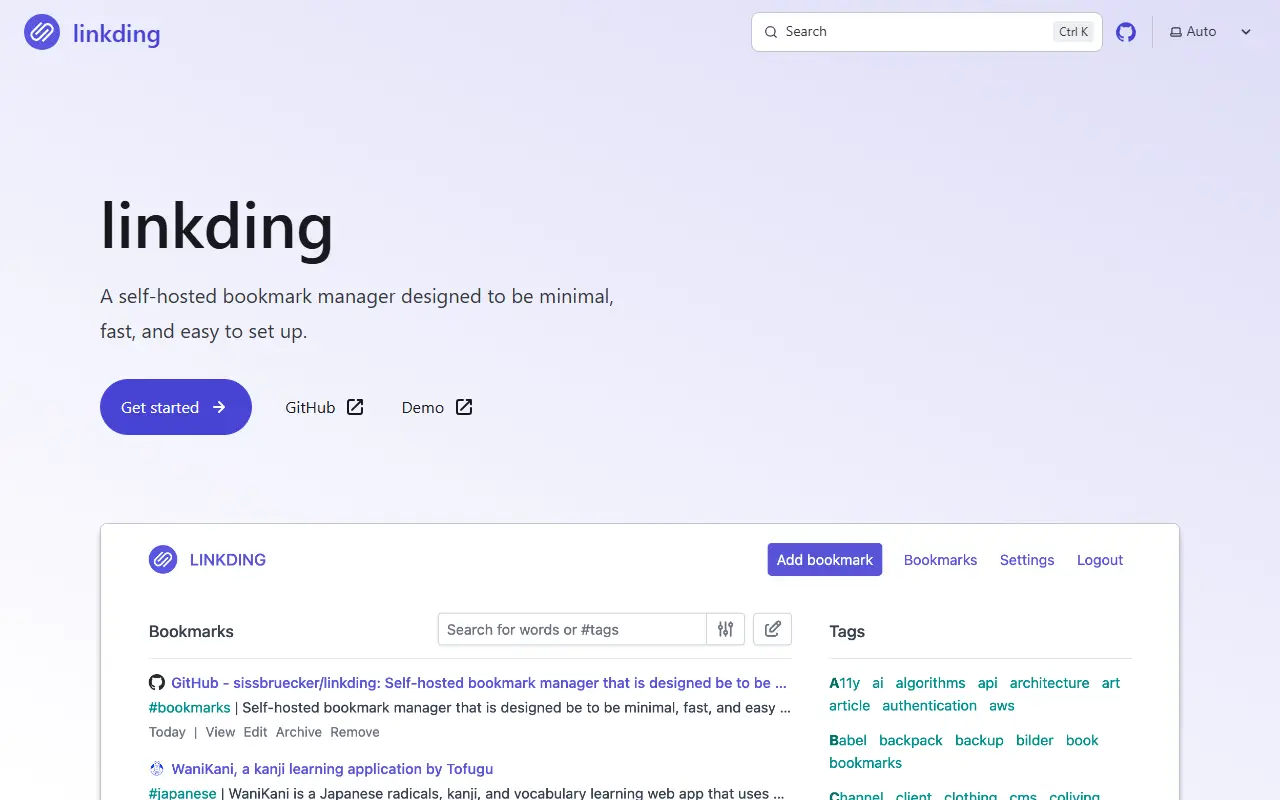
linkding.linkLinkding homepage screenshot

Linkding is a bookmark manager that you host yourself. It is built to be minimal, fast and straightforward to set up with Docker, and the name combines link with the German word Ding, meaning thing. The interface is clean and tuned for readability.

Bookmarks are organized with tags, and the tool supports bulk editing, Markdown notes and a read-it-later flow. It fetches titles, descriptions and icons automatically, can archive pages as local HTML files or via the Internet Archive, and imports and exports in the Netscape HTML format. Bookmarks can be shared with other users or guests. Extensions for Firefox and Chrome, a bookmarklet and a progressive web app make saving links easy, SSO is possible through OIDC or authentication proxies, and a REST API allows third-party apps.

Linkding is written in Python and licensed under MIT, with an admin panel for user self-service. A demo and full documentation are available, and community projects include mobile apps and libraries. The README also points to managed hosting options for people who do not want to run the server.

Key features

  • Tag-based bookmark organization
  • Automatic titles, descriptions and icons
  • Website archiving locally or on Internet Archive
  • Browser extensions and bookmarklet
  • REST API for third-party apps
  • OIDC and auth proxy SSO
  • Netscape HTML import and export

Pricing: Free and open source under the MIT licence; the project points to managed hosting options.

Read more about LinkdingWebsite GitHub

Buku

buku is a command-line bookmark manager with a private, portable database, instant search and browser import, plus an optional local web front end.

GitHub stars
7.2k
Last commit
18 days ago
Latest release
v5.1
Licence
GPL-3.0

buku is a bookmark manager and what its author calls a personal textual mini-web. It was written because the author could not find a flexible command-line tool with a private, portable and merge-able database and smooth GUI integration, and it works entirely from the terminal.

It can import bookmarks from browsers, fetch a page's title, tags and description from its URL, and let you add or update bookmarks in your favorite editor. Search supports multiple modes, including regex and a deep scan mode that is handy for URLs. It can check for broken links on the Wayback Machine and open cached pages. For people who prefer a graphical interface, bukuserver provides a browsable front end served from a local web host.

buku is written in Python and licensed under GPL-3.0, and it is also usable as a library, with related projects including a browser plug-in. The README states that it has no tracking, hidden history, usage analytics or homing, and the man page includes examples.

Key features

  • Command-line bookmark storage
  • Auto-fetched title, tags and description
  • Import from Firefox, Chrome, Brave and Edge
  • Instant search with regex and deep scan
  • Wayback Machine lookup for broken links
  • bukuserver local web front end

Pricing: Free and open source under the GPL-3.0 licence.

Read more about BukuGitHub

Shiori

A simple bookmark manager written in Go, usable from the command line or a web interface, distributed as a single binary with offline page archives.

GitHub stars
12k
Last commit
2 mo ago
Latest release
v1.8.0
Licence
MIT
Self-hosted
Yes

Shiori is a simple bookmark manager written in Go and described as a basic clone of Pocket. It can be used as a command-line application or as a web application, and it ships as a single portable binary, which makes it easy to install and run.

It handles adding, editing, deleting and searching bookmarks, and can import and export Netscape bookmark files as well as import from Pocket. Where possible it parses the readable content of a page and keeps an offline archive. Data is stored in SQLite, PostgreSQL, MariaDB or MySQL, and a beta web extension is available for Firefox and Chrome.

Shiori is released under the MIT license and documented in the docs folder of its repository, where readers can also submit corrections through pull requests. The command-line and web interfaces suit people who want a lightweight, self-managed read-it-later and bookmarking tool.

Key features

  • Bookmark add, edit, delete and search
  • Command-line and web interfaces
  • Offline archive of page content
  • Netscape bookmark import and export
  • Pocket import
  • SQLite, PostgreSQL, MariaDB and MySQL support
  • Single portable binary
  • Beta web extension for Firefox and Chrome

Pricing: Free and open source under the MIT licence.

Read more about ShioriGitHub

Shaarli

A personal, minimalist, database-free bookmarking and link-sharing service for a single user that you install on your own server.

GitHub stars
3.9k
Last commit
2 days ago
Latest release
v0.16.8
Self-hosted
Yes
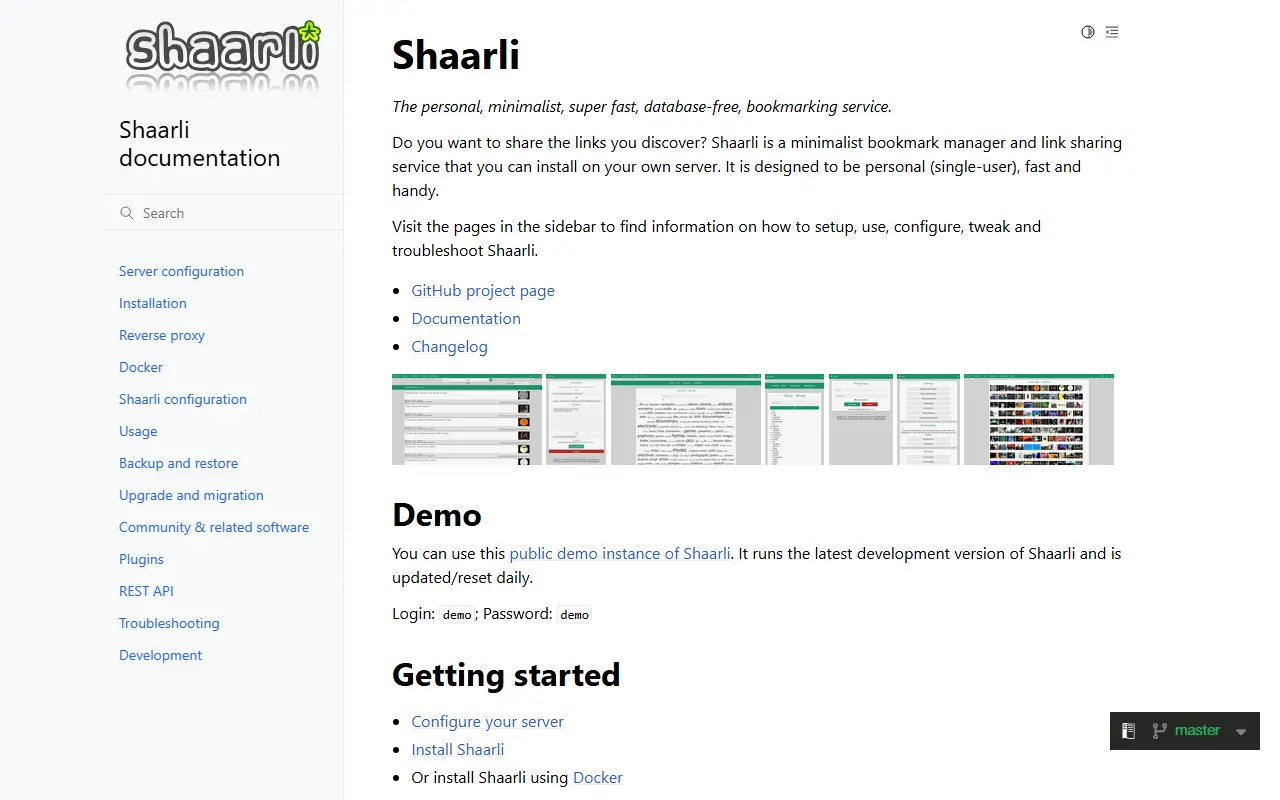
shaarli.readthedocs.ioShaarli homepage screenshot

Shaarli is a minimalist link-sharing and bookmarking service that you install on your own server. It is designed to be personal, with a single user, as well as fast and handy, and it works without a database.

The project describes itself as a way to share the links you discover. It is written in PHP, with documentation on Read the Docs, a change log, an issue tracker for bugs, feature requests and discussion, and a public demo instance that runs the latest development version and is reset daily.

Shaarli is free software, and its COPYING file lists the contributors and licenses of each individual component. Its topics identify it as a self-hosted bookmarks manager, and it fits people who want a lightweight alternative to cloud bookmarking services.

Key features

  • Single-user bookmarking and link sharing
  • Database-free storage
  • Minimalist, fast interface
  • Self-hosted on your own server
  • Public demo and online documentation

Pricing: Free software.

Read more about ShaarliWebsite GitHub

LinkAce

Self-hosted bookmark manager and link archive with lists, tags, link monitoring, multi-user sharing, and a full REST API.

GitHub stars
3.3k
Last commit
5 days ago
Latest release
v2.6.1
Licence
GPL-3.0
Self-hosted
Yes
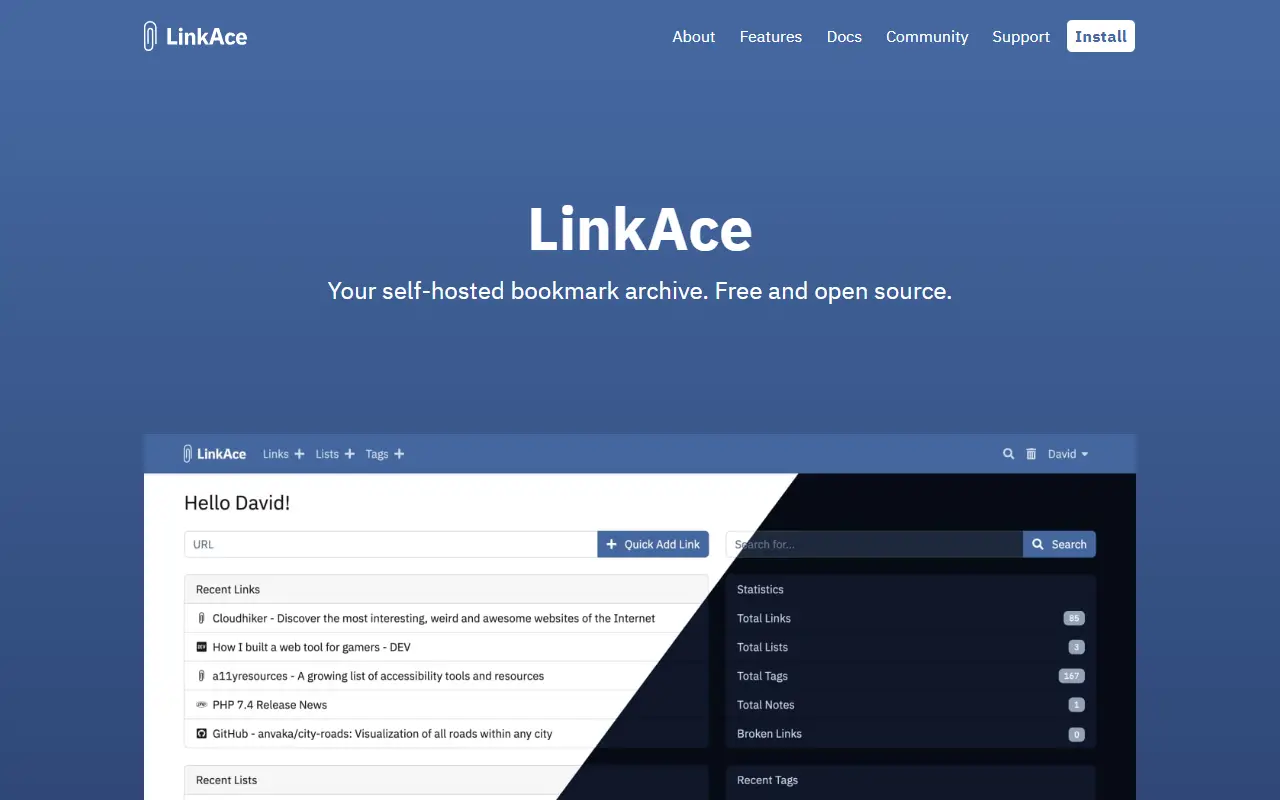
linkace.orgLinkAce homepage screenshot

LinkAce is a self-hosted application for collecting and organizing links from across the web. You can save articles to read later, bookmark useful tools, and keep a long-term record of pages you care about. It is not meant to replace browser bookmarks but to act as a searchable personal database. It is released under the GPL-3.0 license.

Links are organized with lists and tags, and the advanced search supports filters and ordering. Automated link monitoring tells you when a saved URL breaks or moves, and saved pages can be archived automatically through the Internet Archive. A bookmarklet saves links from any browser with the title and description filled in, and links can be marked private or public for sharing.

LinkAce supports multiple users with internal sharing, single sign-on through OAuth and OIDC, and a REST API that exposes all features to other applications, plus a Zapier integration. It is built with PHP and Laravel and ships Docker images, with light and dark themes. It suits researchers, professionals, and teams who want to keep their reading lists on their own server.

Key features

  • Lists and tags for organizing bookmarks
  • Automated broken-link monitoring
  • Archiving through the Internet Archive
  • Multi-user support with link sharing
  • OAuth and OIDC single sign-on
  • Full REST API
  • Browser bookmarklet for quick saves
  • Private and public link visibility

Pricing: Free and open source under the GPL-3.0 license.

Read more about LinkAceWebsite GitHub

Memex

Memex by WorldBrain is a browser extension for curating, annotating and discussing web content, with full-text search over what you have saved.

GitHub stars
4.7k
Last commit
10 mo ago
Latest release
2.2.0
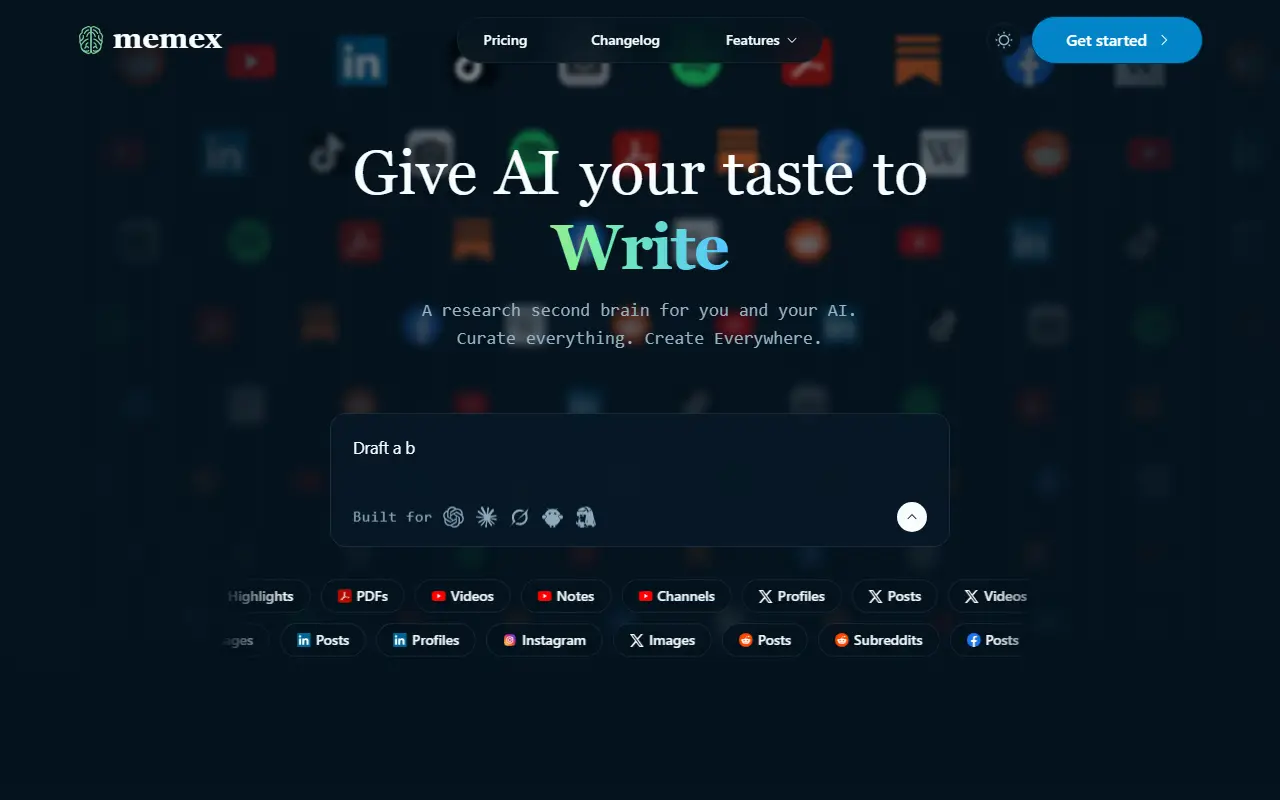
worldbrain.ioMemex homepage screenshot

Memex is a browser extension from WorldBrain for curating, annotating and discussing valuable content and ideas on the web, whether you work as an individual, a team or a community. It is available as an extension for Chrome and Firefox and focuses on research and note-taking from the pages you read.

The repository topics emphasize annotations and full-text search, so saved pages and your highlights and notes can be found again later. The product's homepage also states that Memex exposes its dashboard actions through the Model Context Protocol (MCP), with a discovery manifest and a gateway that returns matching actions on demand, so AI tools can work with it.

The code is written in TypeScript and is public on GitHub, but the repository metadata does not give a license, so check the project terms before reuse. The extension runs inside your browser, and sharing and discussion features depend on the vendor's own services.

Key features

  • Annotate and highlight web pages
  • Full-text search of saved content
  • Curate collections for sharing
  • Browser extension for Chrome and Firefox
  • MCP access to dashboard actions
Read more about MemexWebsite GitHub

Raindrop.io alternatives: questions

What is the best open-source alternative to Raindrop.io?
Karakeep is the top-ranked open-source alternative to Raindrop.io on Enlisted: A self-hostable bookmark-everything app for links, notes, images and PDFs with full-text and semantic search, AI auto-tagging and apps for browsers and phones. Other strong options are Linkwarden, Wallabag, Linkding and Buku.
Are these Raindrop.io alternatives free?
All 9 are open source, so the code is free to use under its licence, and all of them can be self-hosted on your own server or computer. 3 also offer a paid or managed cloud version if you'd rather not host it yourself.
How is this list of Raindrop.io alternatives ranked?
By a score built from GitHub stars, star growth over the last 30 days and how recently the code changed. 7 of these projects shipped code in the last 30 days. Data is refreshed daily, and nobody can pay to move up.

People also look for alternatives to…

View all