7,363 open-source and SaaS tools, with GitHub stats refreshed every day.

6 alternatives ranked by real activity

Open-source Playground alternatives

A curated, ranked list of the 6 best open-source alternatives to Playground.

The best open-source alternative to Playground is ComfyUI. If that doesn't suit you, other good options are Open Generative AI, InvokeAI, Stable Diffusion WebUI and Fooocus.

Playground alternatives are mainly AI tools. 4 of them shipped code in the last 30 days, 6 can be self-hosted, and 3 use a permissive licence.

Last updated October 3, 2026 · ranked by GitHub stars, growth and recent commits

ComfyUI

A modular, node-based interface and backend for building and running diffusion model workflows such as Stable Diffusion on your own machine.

GitHub stars
136k
Last commit
today
Latest release
v0.38.0
Licence
GPL-3.0
Self-hosted
Yes
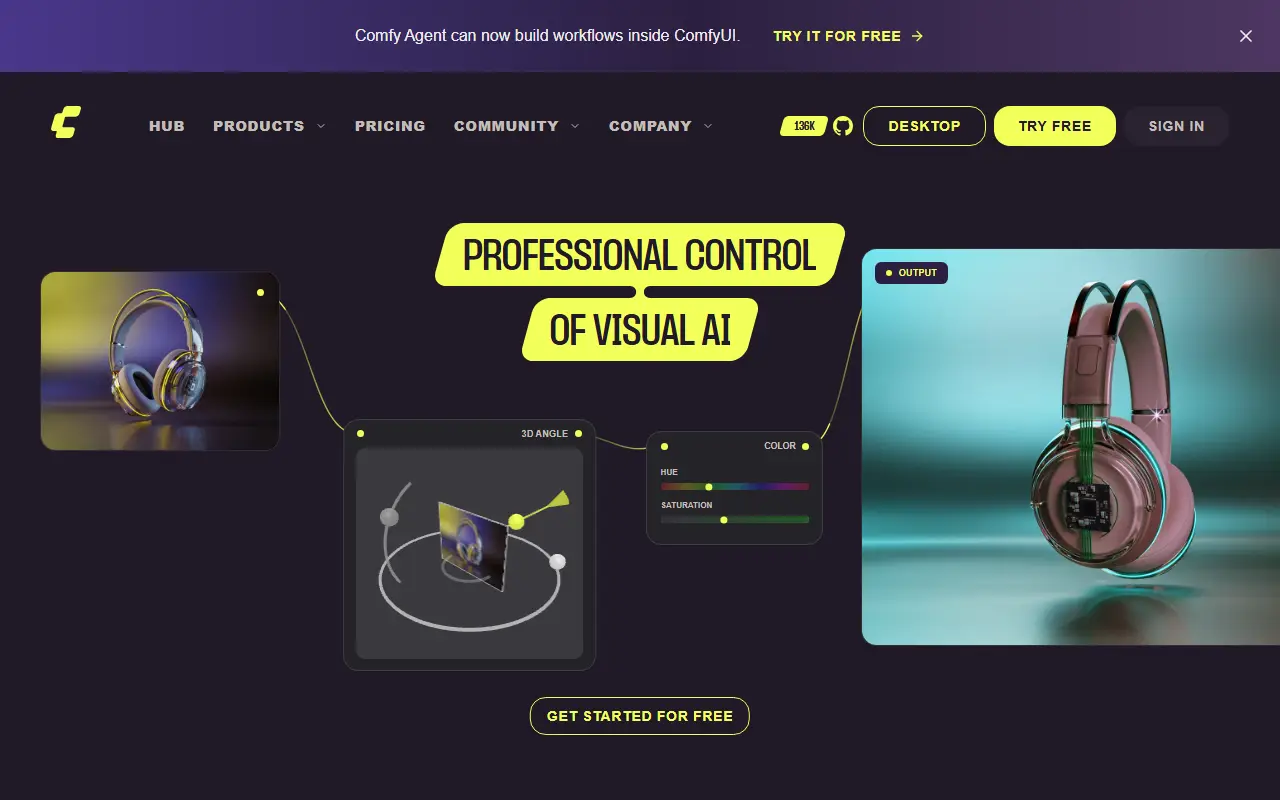
comfy.orgComfyUI homepage screenshot

ComfyUI is an open-source application for creating images and other media with diffusion models. Instead of a fixed form, you build a workflow as a graph of connected nodes, where each node handles a step such as loading a model, encoding a prompt or sampling. It is written in Python on top of PyTorch and licensed under GPL-3.0.

The project provides a graphical interface, an API and a backend in one package. The modular design means workflows can be saved, shared and extended, and new capabilities are added through additional nodes. Because inference runs locally, users keep control over their models and outputs. The maintainers describe it more broadly as an engine for AI content creation.

The code is maintained by Comfy Org, which also runs the website at comfy.org, and releases are published on GitHub. ComfyUI suits artists, researchers and developers who want fine control over image generation pipelines and are comfortable wiring nodes together rather than using a simple prompt box.

Key features

  • Node-and-graph editor for diffusion workflows
  • Modular backend with an API
  • Local inference on your own hardware
  • Support for Stable Diffusion models
  • Reusable, shareable workflows
  • Extensible through additional nodes

Pricing: Local ComfyUI is free and Comfy Cloud offers 5 free runs without a card. Cloud plans cost $20 (Standard), $35 (Creator), $100 (Pro) and $700 (Team) per month, cheaper billed yearly; Enterprise is custom.

Open Generative AI

A self-hostable studio front end for generating AI images and videos with many third-party models, advertised as having no content filters.

GitHub stars
30k
Last commit
yesterday
Latest release
v2.0.0
Licence
MIT
Self-hosted
Yes

Open Generative AI is a JavaScript application that presents itself as a free, open-source alternative to commercial AI image and video platforms. It bundles a set of generation studios for creating images and video from prompts, and the README advertises access to several hundred models, including well-known image and video model families.

The project promotes itself as unrestricted, with no content filters, no closed ecosystem and no subscription fees for the app itself. The generation is performed through a third-party model API service called MuAPI, which the README also promotes through a white-label offering for people who want to launch their own branded studio. Because the app has no built-in filters, operators who run it are responsible for how it is used and for complying with applicable laws and provider terms.

The code is MIT licensed, and topics tag it as an alternative to Midjourney and Sora-style tools. Community help is available through Discord. Anyone considering it should review what data is sent to external services and what usage costs the underlying API will bill.

Key features

  • Image and video generation studios
  • Hundreds of supported models via an API service
  • Text-to-video and image-to-video tools
  • Self-hostable web application
  • White-label option through MuAPI
  • Discord community support

Pricing: The app is free and open source under the MIT license; generation depends on a third-party API that may charge for usage.

InvokeAI

InvokeAI is an open-source creative engine for Stable Diffusion models with a locally hosted web UI, canvas and workflow tools.

GitHub stars
28k
Last commit
today
Latest release
v6.14.2
Licence
Apache-2.0
Self-hosted
Yes
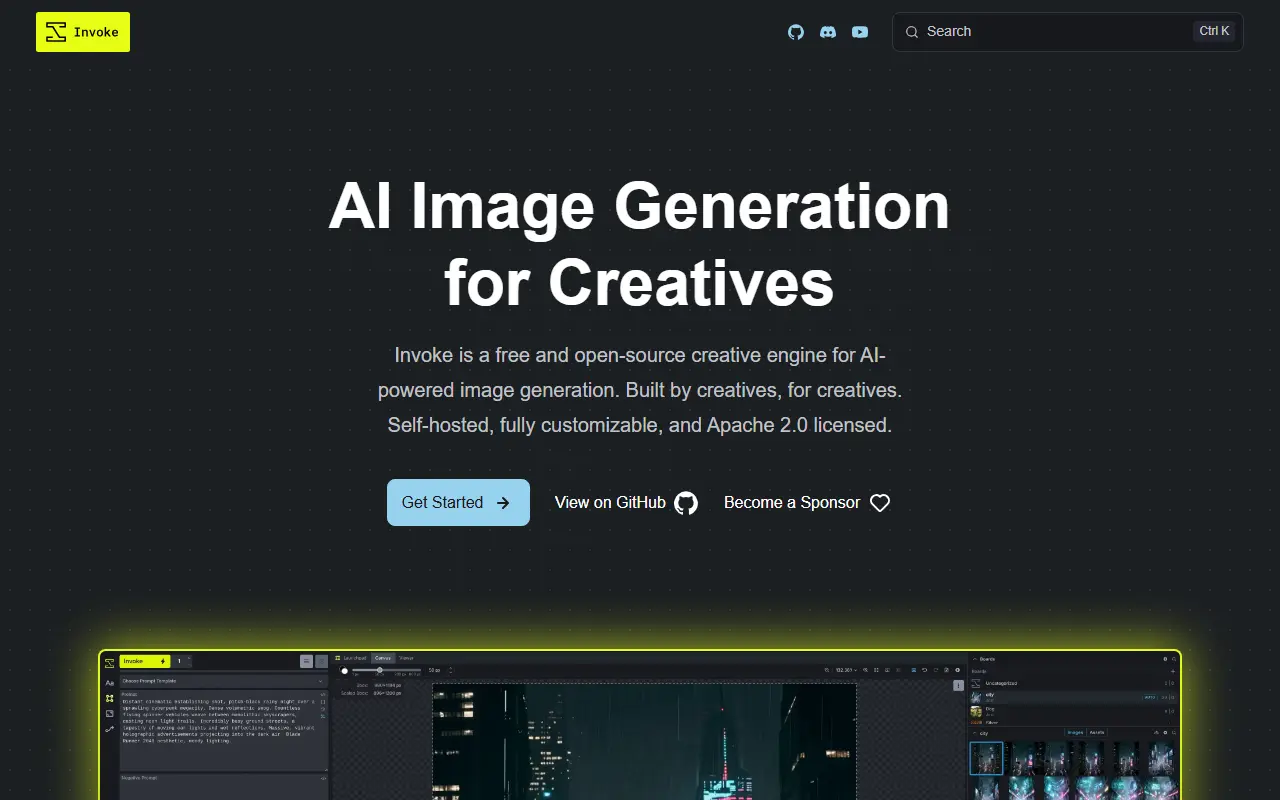
invoke-ai.github.ioInvokeAI homepage screenshot

InvokeAI, also called Invoke, is a creative engine for Stable Diffusion models aimed at professionals, artists and enthusiasts who want to generate and refine visual media. It runs a locally hosted web server with a React interface, and the project says it also serves as the base for several commercial products. The code is Apache-2.0 licensed, which the README describes as commercially friendly.

You download and install it on compatible hardware using the Launcher, then generate and iterate on images and build workflows. Features include a Unified Canvas for editing, and repository topics list text-to-image, image-to-image, inpainting and outpainting. It runs on Windows, macOS and Linux. Documentation covers installation, updates and tutorials, and the FAQ and Discord server handle common installation problems. Because generation runs locally, results depend on your GPU and the models you load.

Key features

  • Locally hosted web UI built with React
  • Unified Canvas for editing and composing
  • Text-to-image and image-to-image generation
  • Inpainting and outpainting tools
  • Node-based workflow building
  • Launcher-based installer for Windows, macOS and Linux

Pricing: Free to use under the Apache-2.0 license.

Stable Diffusion WebUI

Stable Diffusion web UI is a Gradio-based browser interface for running Stable Diffusion image generation locally.

GitHub stars
165k
Last commit
7 mo ago
Latest release
v1.10.1
Licence
AGPL-3.0
Self-hosted
Yes

Stable Diffusion web UI, created by AUTOMATIC1111, is a browser interface for Stable Diffusion built with the Gradio library. It lets you generate images from text prompts or from existing images on your own hardware, and it has become a common base for community extensions. It is written in Python with PyTorch and released under the AGPL-3.0 license.

The feature list includes txt2img and img2img modes, inpainting and outpainting, color sketch, prompt matrix, a Stable Diffusion upscale mode, loopback processing, X/Y/Z plots for comparing parameters, and textual inversion with multiple embeddings. Prompt syntax lets you weight parts of the text, and the Extras tab bundles face restoration with GFPGAN and CodeFormer plus upscalers such as RealESRGAN, ESRGAN, SwinIR and LDSR. A one-click install script exists, though Python and git must be installed first, and the README mentions support for video cards with 4 GB of memory.

Key features

  • Text-to-image and image-to-image generation
  • Inpainting and outpainting editing modes
  • Prompt weighting and prompt matrix tools
  • Textual inversion embedding training
  • Face restoration and upscaling in Extras tab
  • X/Y/Z plots for comparing settings

Pricing: Free and open source under the AGPL-3.0 license.

Fooocus

Fooocus is a free, offline, open-source image generator built on Stable Diffusion XL that lets users focus on prompts instead of manual tuning.

GitHub stars
53k
Last commit
10 mo ago
Latest release
v2.5.5
Licence
GPL-3.0
Self-hosted
Yes

Fooocus is an offline, open-source image generation tool built on the Stable Diffusion XL architecture. Its design aim is to resemble online image generators such as Midjourney, so users concentrate on writing prompts and judging results without a lot of manual parameter tweaking.

The project simplifies installation so that going from download to a first generated image takes only a few clicks. The README gives a minimum of 4 GB of GPU memory on Nvidia hardware. It runs on your own computer, which means generation does not depend on a hosted service. The README also warns that fake websites impersonate the project in search results and points to the official repository as the only genuine source.

Fooocus is released under GPL-3.0 and written in Python. The project is now in limited long-term support, which means bug fixes only and no plans to adopt newer model architectures. For models such as Flux, the maintainers suggest WebUI Forge, ComfyUI or SwarmUI instead.

Key features

  • Offline image generation on local hardware
  • Built on Stable Diffusion XL
  • Prompt-focused workflow without manual tuning
  • Short installation path
  • Runs with 4 GB of Nvidia GPU memory

Pricing: Free and open source under the GPL-3.0 licence; it runs offline on your own GPU.

Read more about FooocusGitHub

SD.Next

SD.Next is an open-source web UI and server for AI image and video generation, captioning and processing, built on Stable Diffusion and diffusers.

GitHub stars
7.4k
Last commit
yesterday
Licence
Apache-2.0
Self-hosted
Yes
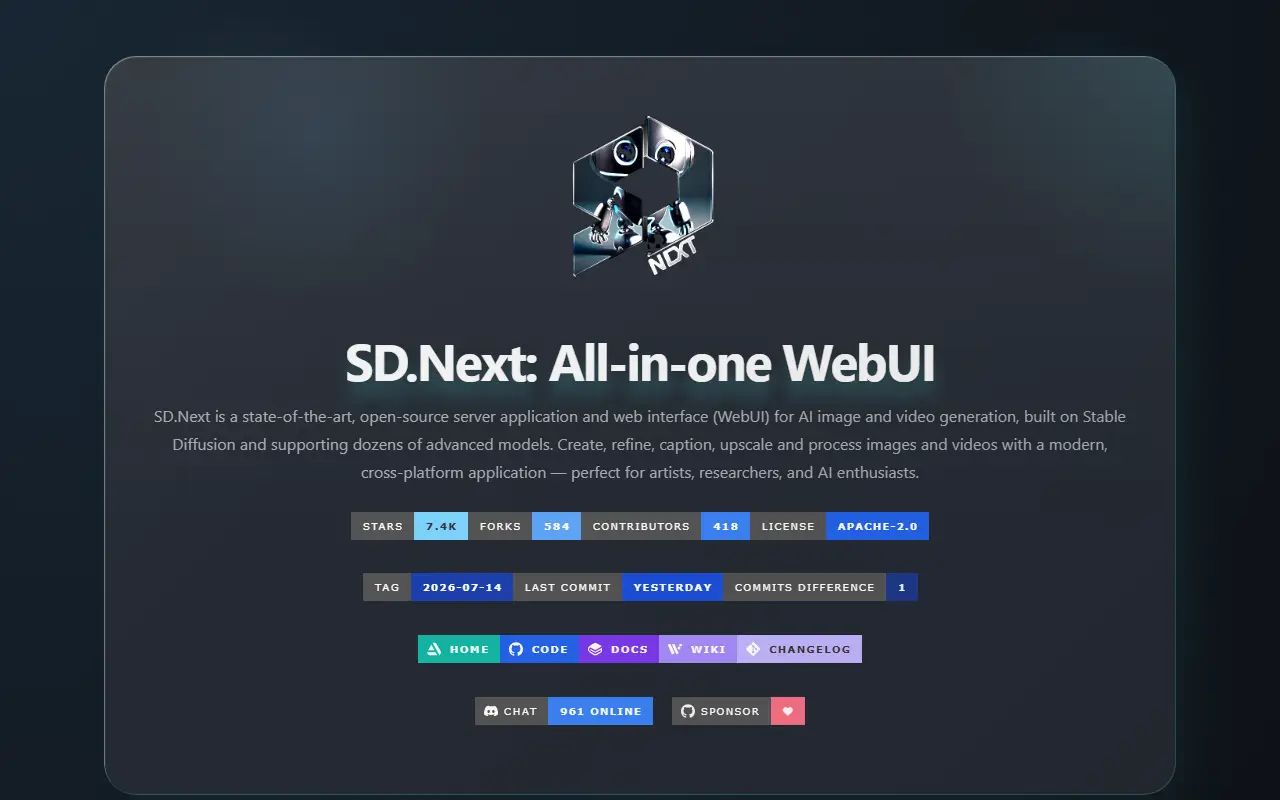
vladmandic.github.ioSD.Next homepage screenshot

SD.Next is an all-in-one web interface and server application for AI image and video generation. It is built on Stable Diffusion and supports dozens of models, and it is aimed at artists, researchers and hobbyists who want to create, refine, caption, upscale and process media from a single cross-platform application.

Its README lists features such as automatic model download from a list of reference models, automatic detection of models you add yourself and SDNQ, a quantization engine that can cut VRAM use by up to 4x. Balanced Offload shifts load between CPU and GPU memory so larger models fit on modest hardware. SD.Next can also caption and enhance images with more than 25 built-in language and vision models plus taggers, offers image processing and color-grading tools, and is localized into 15 languages.

SD.Next is written in Python with PyTorch and Hugging Face diffusers and is licensed under Apache-2.0. It performs platform-specific detection and tuning at install time, and it runs on your own computer or server.

Key features

  • Web UI for image and video generation
  • Automatic model download and detection
  • SDNQ quantization to reduce VRAM use
  • Balanced Offload for limited hardware
  • Captioning with built-in language and vision models
  • Image processing and color-grading tools
  • Interface localized into 15 languages

Pricing: Free and open source under the Apache-2.0 licence.

Playground alternatives: questions

What is the best open-source alternative to Playground?
ComfyUI is the top-ranked open-source alternative to Playground on Enlisted: A modular, node-based interface and backend for building and running diffusion model workflows such as Stable Diffusion on your own machine. Other strong options are Open Generative AI, InvokeAI, Stable Diffusion WebUI and Fooocus.
Are these Playground alternatives free?
All 6 are open source, so the code is free to use under its licence, and all of them can be self-hosted on your own server or computer.
How is this list of Playground alternatives ranked?
By a score built from GitHub stars, star growth over the last 30 days and how recently the code changed. 4 of these projects shipped code in the last 30 days. Data is refreshed daily, and nobody can pay to move up.

People also look for alternatives to…

View all