7,363 open-source and SaaS tools, with GitHub stats refreshed every day.

4 alternatives ranked by real activity

Open-source Otter.ai alternatives

A curated, ranked list of the 4 best open-source alternatives to Otter.ai.

The best open-source alternative to Otter.ai is Meetily. If that doesn't suit you, other good options are Buzz, Pluely and Call.md.

Otter.ai alternatives are mainly AI tools. 3 of them shipped code in the last 30 days, 3 can be self-hosted, and 2 use a permissive licence.

Last updated October 2, 2026 · ranked by GitHub stars, growth and recent commits

Meetily

A privacy-first AI meeting assistant written in Rust that records, transcribes and summarizes meetings entirely on your own machine, with no cloud required.

GitHub stars
31k
Last commit
17 days ago
Latest release
v0.4.1
Licence
MIT
Self-hosted
Yes
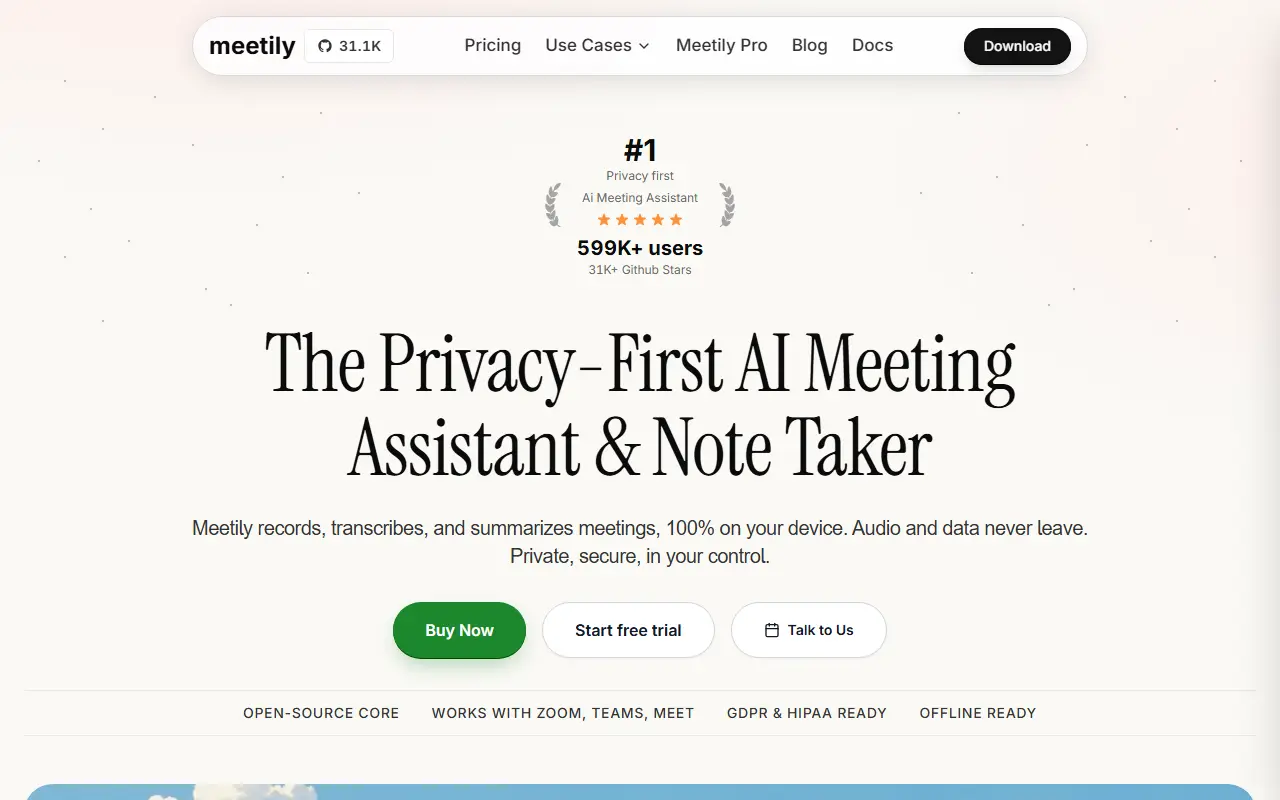
meetily.aiMeetily homepage screenshot

Meetily is an open-source AI meeting assistant that records, transcribes and condenses meetings entirely on your local machine, so audio and notes never leave your infrastructure. It is aimed at professionals and enterprises that need meeting intelligence without giving up privacy, compliance or control.

Transcription runs locally using Whisper or Parakeet models, and summaries are generated through Ollama with open-source language models, which avoids paying for external APIs. It works offline and supports multiple meeting platforms. The project mentions speaker diarization, and the desktop app is built with Rust for macOS and Windows. Because it is open source, you can self-host and modify it for your own needs.

The community edition is MIT licensed. A paid Meetily PRO tier is offered for users who want better accuracy, richer export options, customizable summary workflows and team features. It suits people who sit in many calls and want searchable notes without sending recordings to a third-party cloud.

Key features

  • Local real-time meeting transcription
  • Whisper and Parakeet speech models
  • Summaries generated through Ollama
  • Works fully offline
  • Speaker diarization support
  • Desktop apps for macOS and Windows

Pricing: The Community edition is free and open source. Pro costs $120 per user per year (shown as $10 per user per month billed yearly), with a 14-day free trial; Enterprise is custom.

Buzz

Buzz is a desktop app that transcribes and translates audio on your own computer using OpenAI's Whisper models, with no cloud service involved.

GitHub stars
22k
Last commit
yesterday
Latest release
v1.4.5
Licence
MIT
Self-hosted
Yes
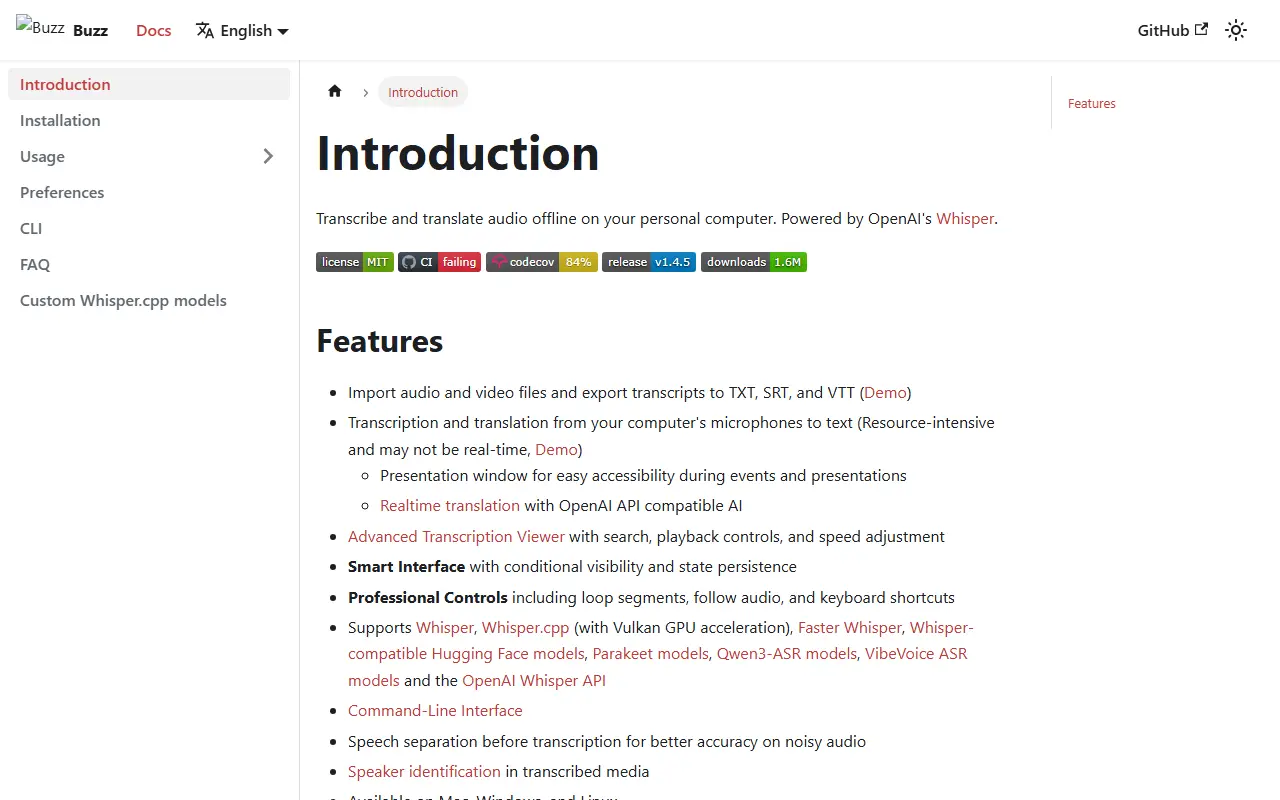
chidiwilliams.github.ioBuzz homepage screenshot

Buzz is a desktop application that turns recorded speech into text and translates it, all on the user's own computer. It builds on OpenAI's Whisper speech recognition models, so audio files do not have to be uploaded to a third-party transcription service. The project is written in Python and released under the MIT license.

The app is distributed for Windows, macOS and Linux. Windows users get an installer, Linux users can choose Flatpak, Snap or AppImage packages, and a PyPI package exists for people who prefer a pip-based setup with ffmpeg installed. Nvidia GPU acceleration through CUDA is supported for faster transcription, and recent releases require Apple silicon on Macs.

Because processing happens locally, Buzz suits people who handle sensitive recordings or want to avoid per-minute fees from cloud transcription services. It runs as a local program rather than a hosted service, so there is no account to create.

Key features

  • Offline audio transcription with Whisper models
  • Speech translation on the local machine
  • Installers for Windows, macOS and Linux
  • Flatpak, Snap and AppImage packages for Linux
  • Optional Nvidia CUDA GPU acceleration
  • Installable from PyPI with Python 3.12

Pricing: Free and open source under the MIT license.

Pluely

Lightweight cross-platform desktop AI assistant that overlays your screen to transcribe conversations and answer questions during calls and meetings.

GitHub stars
2.7k
Last commit
12 days ago
Latest release
app-v1.1.0
Licence
GPL-3.0
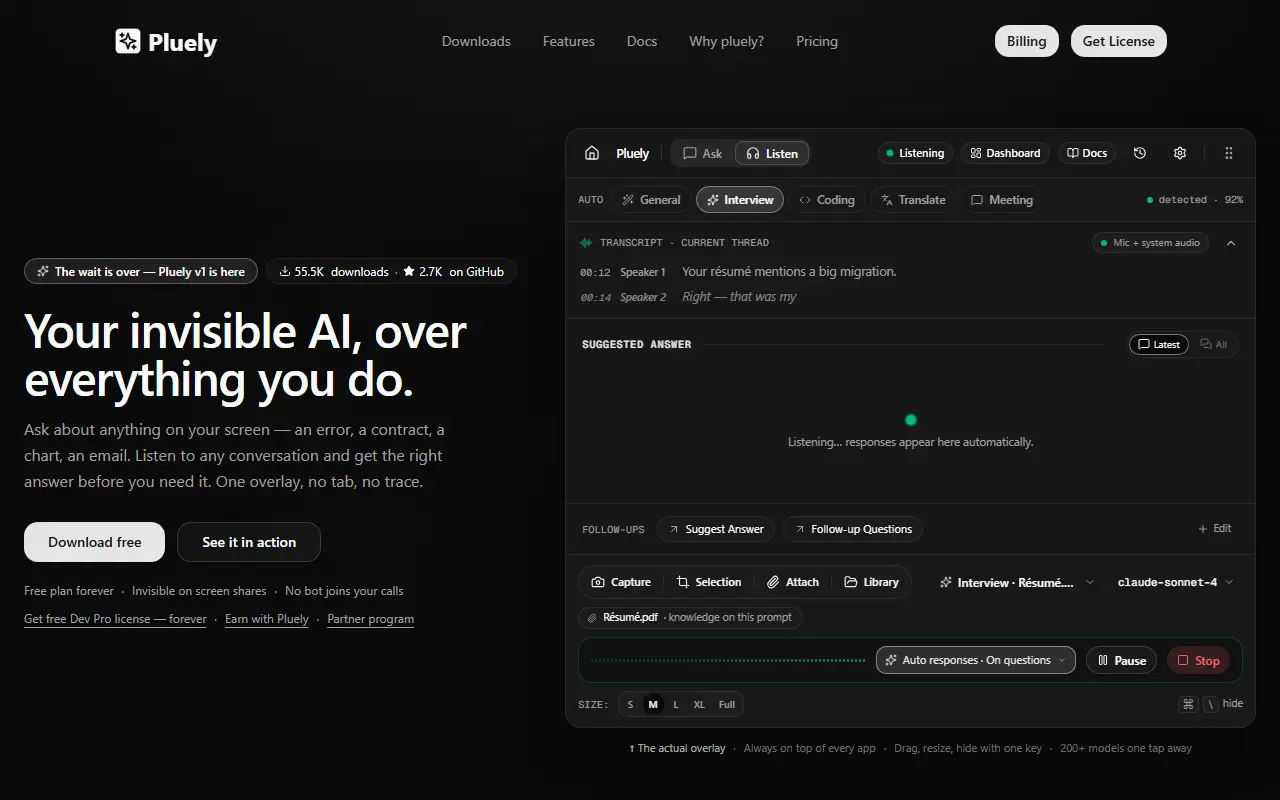
pluely.comPluely homepage screenshot

Pluely is a desktop AI assistant built with Tauri, Rust, and React. It runs as a translucent overlay with two modes, Ask and Listen, plus a dashboard for chats, meetings, files, prompts, and settings. Ask lets you query anything visible on screen, and Listen transcribes a conversation and suggests answers as it goes. It is positioned as an open alternative to Cluely.

The overlay is designed to stay out of screen shares, and no bot joins a call. The project lists interviews, sales calls, standups, lectures, and live debugging as moments where switching to a browser tab would be disruptive. Builds are provided as .dmg for macOS, .msi or .exe for Windows, and .deb, .rpm, or AppImage for Linux, with a free plan and no account needed to start.

An important change is described in the README: version 1 is distributed as signed binaries rather than open source, because the earlier code was repackaged and sold as clones. The input metadata still lists GPL-3.0, so check the repository for current terms before relying on it as open source.

Key features

  • Translucent overlay with Ask and Listen modes
  • Live transcription of conversations
  • Answers based on on-screen content
  • Dashboard for chats, meetings, and prompts
  • Built with Tauri for a small native app
  • Installers for macOS, Windows, and Linux

Pricing: A free plan is always available. Paid Limited Pro, Unlimited Pro and Dev Pro licenses exist, but the page text does not show their prices.

Call.md

Call.md is an Electron desktop app that records, transcribes and analyzes meetings with real-time AI, using the VideoDB capture service.

GitHub stars
1.5k
Last commit
1 mo ago
Self-hosted
No
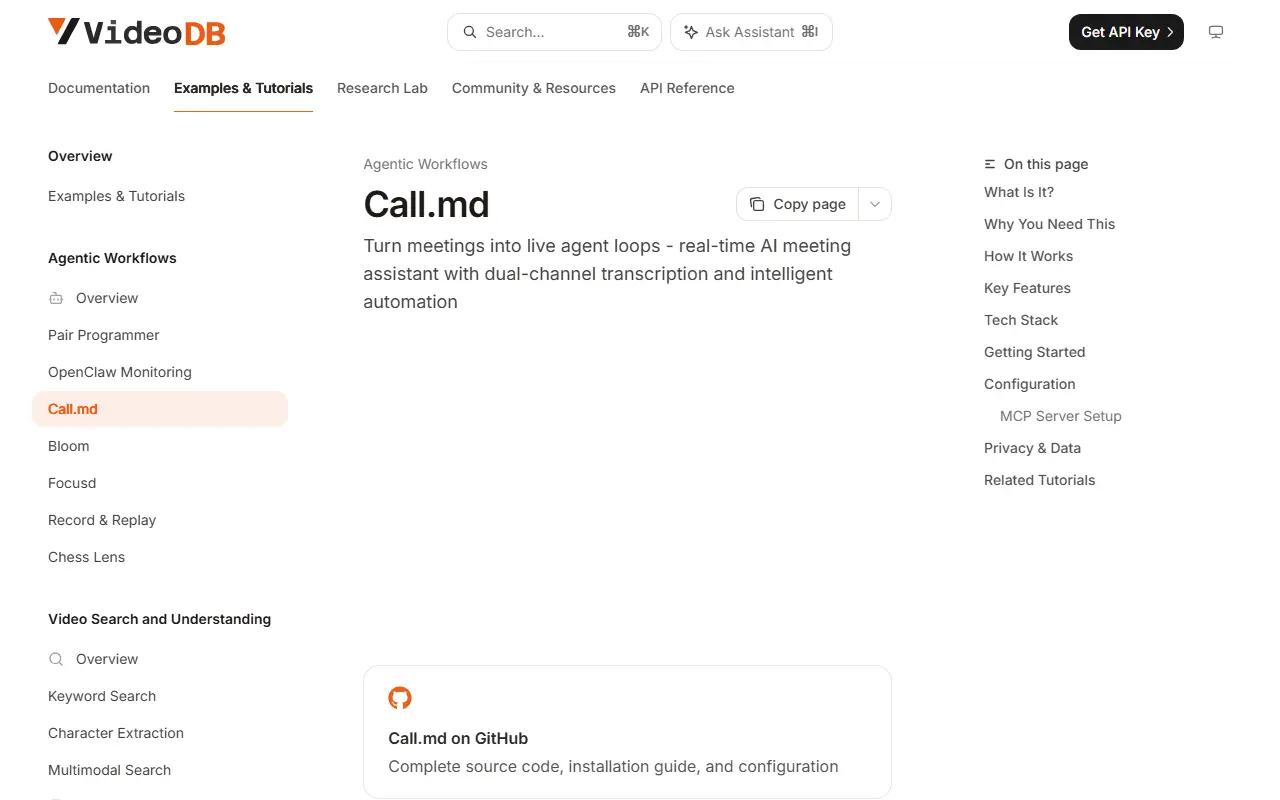
docs.videodb.ioCall.md homepage screenshot

Call.md turns meetings into live agent loops: it records, transcribes and analyzes meetings with AI before, during and after calls. It is an Electron desktop app, built with React and TypeScript, and it works alongside AI agents through MCP and skills.

Installation on macOS 12 and later, on Apple Silicon and Intel, uses a curl command. After launching, you grant microphone and screen-recording permissions, register with a VideoDB API key, and can optionally connect Google Calendar. The README notes that the VideoDB capture SDK ships recording binaries for macOS on both architectures and Windows x64; Windows x64 can be built from source with no hosted installer yet, while Linux builds have app features but recording is not supported and Windows ARM64 is not supported.

Because recording and capture rely on the VideoDB service and an API key, it is not a fully offline tool. The repository metadata does not state a license, so check the project terms before using or redistributing it.

Key features

  • Meeting recording and transcription
  • Real-time AI analysis during calls
  • Optional Google Calendar connection
  • MCP and skills for agent workflows
  • macOS installer with permission setup
  • Build from source for Windows

Otter.ai alternatives: questions

What is the best open-source alternative to Otter.ai?
Meetily is the top-ranked open-source alternative to Otter.ai on Enlisted: A privacy-first AI meeting assistant written in Rust that records, transcribes and summarizes meetings entirely on your own machine, with no cloud required. Other strong options are Buzz, Pluely and Call.md.
Are these Otter.ai alternatives free?
All 4 are open source, so the code is free to use under its licence, and 3 of them can be self-hosted on your own server or computer.
How is this list of Otter.ai alternatives ranked?
By a score built from GitHub stars, star growth over the last 30 days and how recently the code changed. 3 of these projects shipped code in the last 30 days. Data is refreshed daily, and nobody can pay to move up.

People also look for alternatives to…

View all