7,363 open-source and SaaS tools, with GitHub stats refreshed every day.

8 alternatives ranked by real activity

Open-source Notejoy alternatives

A curated, ranked list of the 8 best open-source alternatives to Notejoy.

The best open-source alternative to Notejoy is AppFlowy. If that doesn't suit you, other good options are Outline, Docmost, La Suite Docs and HedgeDoc.

Notejoy alternatives are mainly documentation & wiki tools, but some are also note-taking tools. 7 of them shipped code in the last 30 days, 8 can be self-hosted, and 4 use a permissive licence.

Last updated October 3, 2026 · ranked by GitHub stars, growth and recent commits

AppFlowy

An open-source AI collaborative workspace for notes, wikis, tasks and projects, built as a Notion alternative that keeps you in control of your data.

GitHub stars
77k
Last commit
2 days ago
Latest release
0.14.6
Licence
AGPL-3.0
Self-hosted
Yes
Hosted version
Available
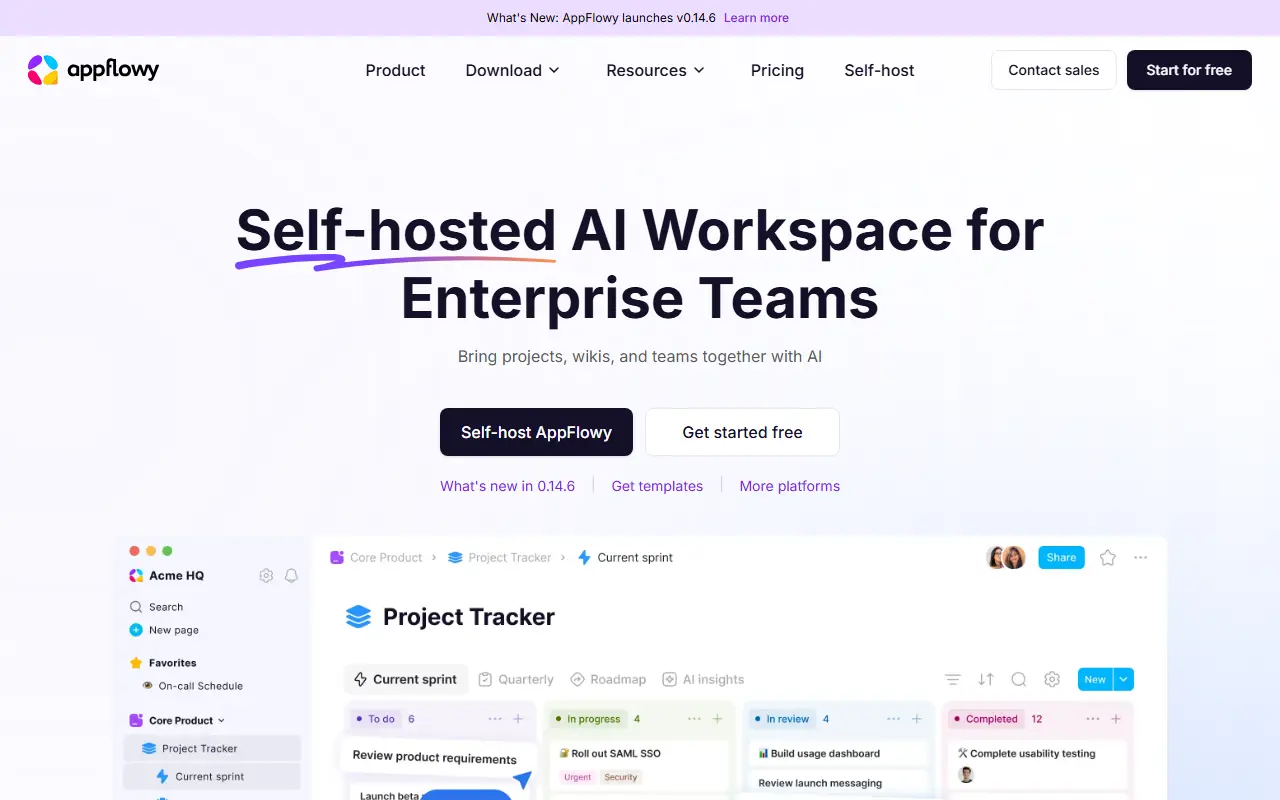
appflowy.comAppFlowy homepage screenshot

AppFlowy is an open-source workspace that brings documents, wikis, project and task management and team collaboration into one app. It is presented as an alternative to Notion, and its topics also tag it as a Confluence alternative, with the emphasis on keeping control of your own data.

The client is built with Flutter and a Rust core, giving apps for macOS, Windows and Linux plus iOS and Android versions. Desktop builds can be downloaded directly or from channels such as Flathub and Snapcraft. AI features are part of the workspace, and a public roadmap and active forum let users propose features. Translations are contributed through JSON files and tools such as inlang.

The project is AGPL-3.0 licensed and has documentation for self-hosting the server side, so organizations can keep content on their own infrastructure. A hosted version is available through appflowy.com for people who do not want to run servers. It suits teams looking for a Notion-style workspace with a privacy-first stance.

Key features

  • Notes, wikis and documentation in one workspace
  • Project and task management
  • AI features built into the workspace
  • Apps for desktop, iOS and Android
  • Self-hosting option for your own data
  • Public roadmap and community translations

Pricing: Free plan for up to 2 members. Pro costs $12.50 per user per month, or $10 billed annually. Self-hosted plans range from Free to Enterprise but their prices are not listed.

Outline

A collaborative team knowledge base and wiki with realtime editing and Markdown compatibility, built with React and Node.js and available hosted or self-run.

GitHub stars
41k
Last commit
yesterday
Latest release
v1.10.1
Self-hosted
Yes
Hosted version
Available
getoutline.comOutline homepage screenshot

Outline is a knowledge base for teams, built with React and Node.js. It focuses on fast, collaborative writing: documents are edited together in realtime, stay compatible with Markdown, and are organized into collections so a growing team can find what it has written down.

The maintainers offer a hosted version at getoutline.com, and the repository contains the source that runs Outline and its associated services. If you only want to use Outline you do not need to run the code yourself, while teams that want their own copy can follow the documentation for a production configuration and use the published container images. Topics also mention a Slack integration.

The repository license is listed as 'Other', so review it before commercial redistribution. Outline suits teams looking for a wiki or internal documentation tool with a clean editor, as an alternative to products such as Confluence or Notion for company knowledge. The project does not accept AI-generated pull requests.

Key features

  • Realtime collaborative editing
  • Markdown-compatible document editing
  • Collections for organizing a wiki
  • Integration with Slack workspaces
  • Hosted service at getoutline.com
  • Container images for self-running

Pricing: Cloud pricing is by team size: $10 per month for 1-10 members, $79 for 11-100 and $249 for 101-200. The first 30 days are free; larger teams are quoted.

Docmost

An open-source collaborative wiki and documentation tool, positioned as an alternative to Confluence and Notion, with real-time editing, diagrams and permissions.

GitHub stars
22k
Last commit
2 days ago
Latest release
v0.96.0
Licence
AGPL-3.0
Self-hosted
Yes
Hosted version
Available
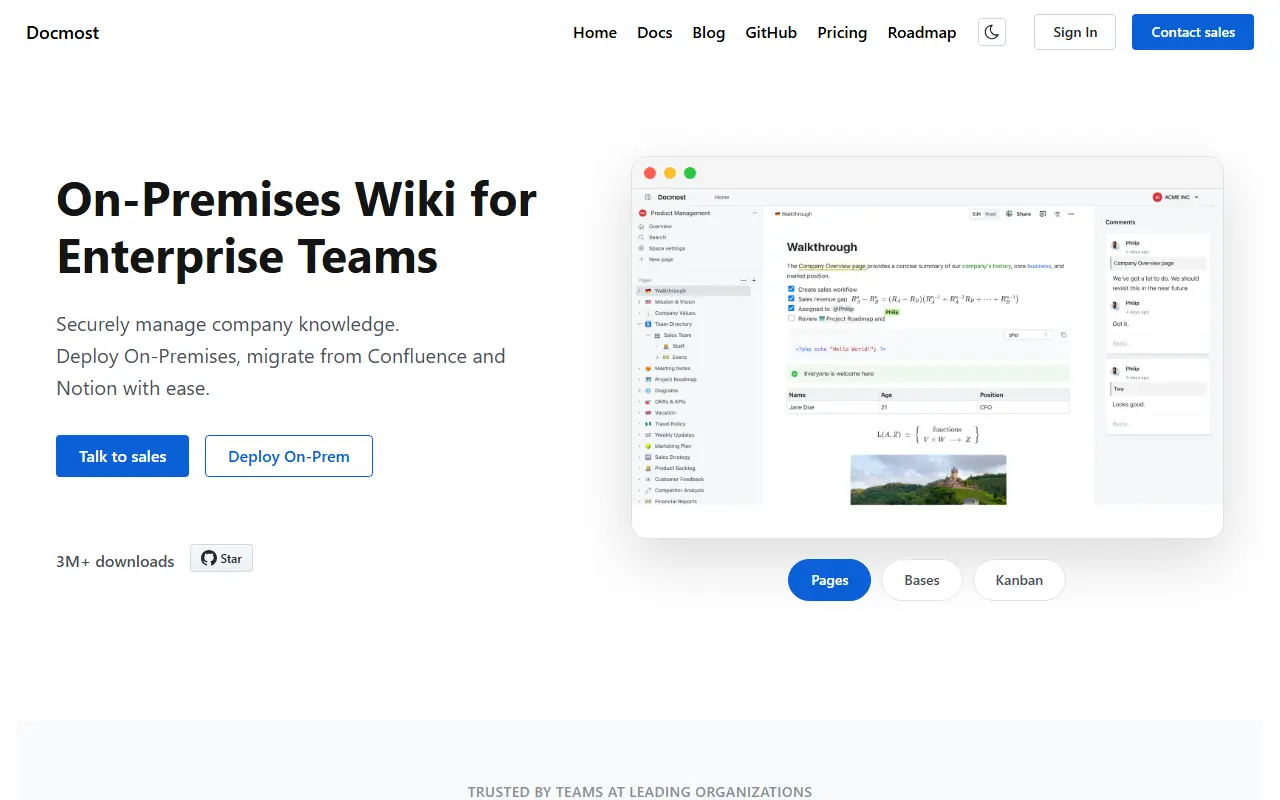
docmost.comDocmost homepage screenshot

Docmost is a collaborative wiki and documentation tool, open source and presented as an alternative to Confluence and Notion with a focus on secure, on-premise use. Teams write and organize knowledge together in real time, and the project emphasizes that its self-hosted deployment fits organizations with strict compliance requirements.

Its feature list covers real-time collaboration, diagrams through Draw.io, Excalidraw and Mermaid, spaces for organizing content, permission management with groups, comments, page history, search, file attachments and embeds for tools such as Airtable, Loom and Miro. The interface is translated into more than ten languages. Topics mention an AI feature, real-time collaboration and drop-in migration from other wikis.

The Docmost core is licensed under AGPL-3.0, while enterprise features sit in specific directories under a separate enterprise license. You can follow the documentation to self-host it or try the cloud version. It suits teams looking for an internal knowledge base or documentation hub with a lighter footprint than Confluence.

Key features

  • Real-time collaborative editing
  • Diagrams with Draw.io, Excalidraw and Mermaid
  • Spaces, groups and permission management
  • Comments and page history
  • Full-text search and file attachments
  • Embeds for Airtable, Loom and Miro

Pricing: The self-managed Community edition is free. Business costs $6 per seat per month billed annually with a 10-seat minimum; Enterprise is custom and trial licenses are available.

La Suite Docs

La Suite Docs is an open-source collaborative editor and Notion or Google Docs alternative with real-time editing, subpages, access control and self-hosting.

GitHub stars
17k
Last commit
today
Latest release
v5.7.0
Licence
MIT
Self-hosted
Yes
Hosted version
Available
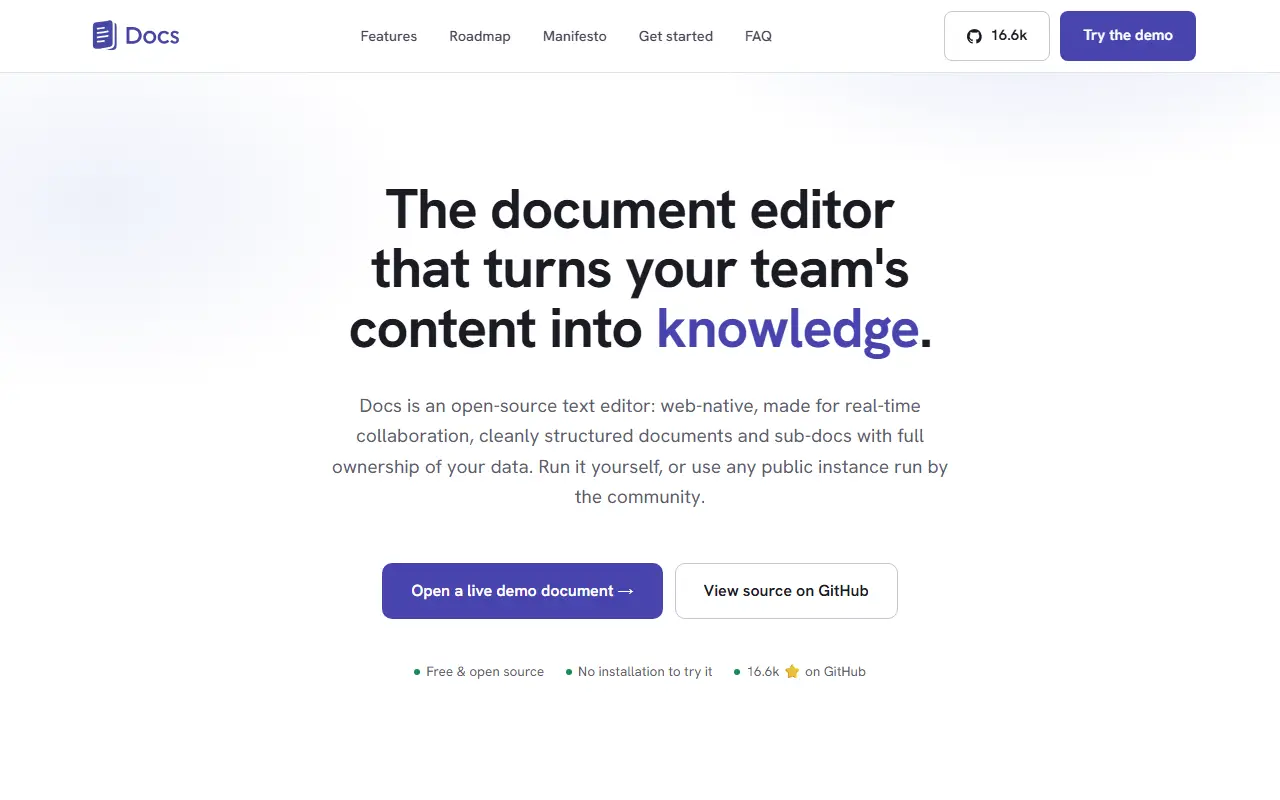
docs.la-suite.euLa Suite Docs homepage screenshot

Docs, from the La Suite initiative, is an open-source collaborative text editor presented as an alternative to Notion and Google Docs. It is built for real-time collaboration, cleanly structured documents with sub-documents, knowledge organization and full ownership of your data, and it targets public organizations, companies and open communities.

Writing features include rich-text and Markdown editing, slash commands and a block system, offline editing, and optional AI helpers to rewrite, summarize, translate or fix typos. Collaboration covers live cursors and presence, comments and sharing with granular access control. Knowledge management relies on subpages, hierarchy and search. Documents can also be turned into presentations using simple delimiters, with a full-screen mode, PDF export and keyboard navigation. Import and export options are provided.

The back end is built with Django and the front end with React, using collaborative-editing tooling such as Yjs and BlockNote according to its topics. Docs is MIT licensed, can be self-hosted, and has a hosted instance you can try. It suits teams in government and enterprises that need sovereign, self-controlled documentation tools.

Key features

  • Real-time collaborative editing
  • Rich-text and Markdown with slash commands
  • Subpages and document hierarchy
  • Comments, sharing and granular permissions
  • Presentation mode with PDF export
  • Optional AI writing helpers

Pricing: Free and open source under the MIT license.

HedgeDoc

HedgeDoc is an open-source platform for writing real-time collaborative markdown notes that teams can host themselves.

GitHub stars
7.5k
Last commit
today
Latest release
1.12.0
Licence
AGPL-3.0
Self-hosted
Yes
hedgedoc.orgHedgeDoc homepage screenshot

With HedgeDoc you write markdown notes together in real time. Several people can edit a document together in the browser, which makes it useful for meeting notes, drafts, documentation and brainstorming, and its tagline is that ideas grow better together.

Repository topics mention markdown, diagrams, collaboration and real-time editing, and the project grew out of the CodiMD and HackMD lineage. The README explains where the project stands: HedgeDoc 1.x is stable and widely used but in maintenance mode, while HedgeDoc 2 is a complete rewrite, split into backend and frontend, that is still in alpha and does not yet implement every feature. A demo instance and features page let you try it first.

HedgeDoc is written in TypeScript and licensed under AGPL-3.0. You install it yourself by following the install guide, and support is available through a Matrix chat and community forums. Translations are handled through POEditor.

Key features

  • Real-time collaborative markdown editing
  • Diagram support in notes
  • Browser-based editor
  • Demo instance to try before installing
  • HedgeDoc 2 rewrite in progress

Pricing: Free and open source under the AGPL-3.0 licence.

SilverBullet

SilverBullet is a self-hosted, browser-based Markdown knowledge base with wiki links, a built-in query language and Lua scripting.

GitHub stars
6.2k
Last commit
today
Latest release
2.11.1
Licence
MIT
Self-hosted
Yes
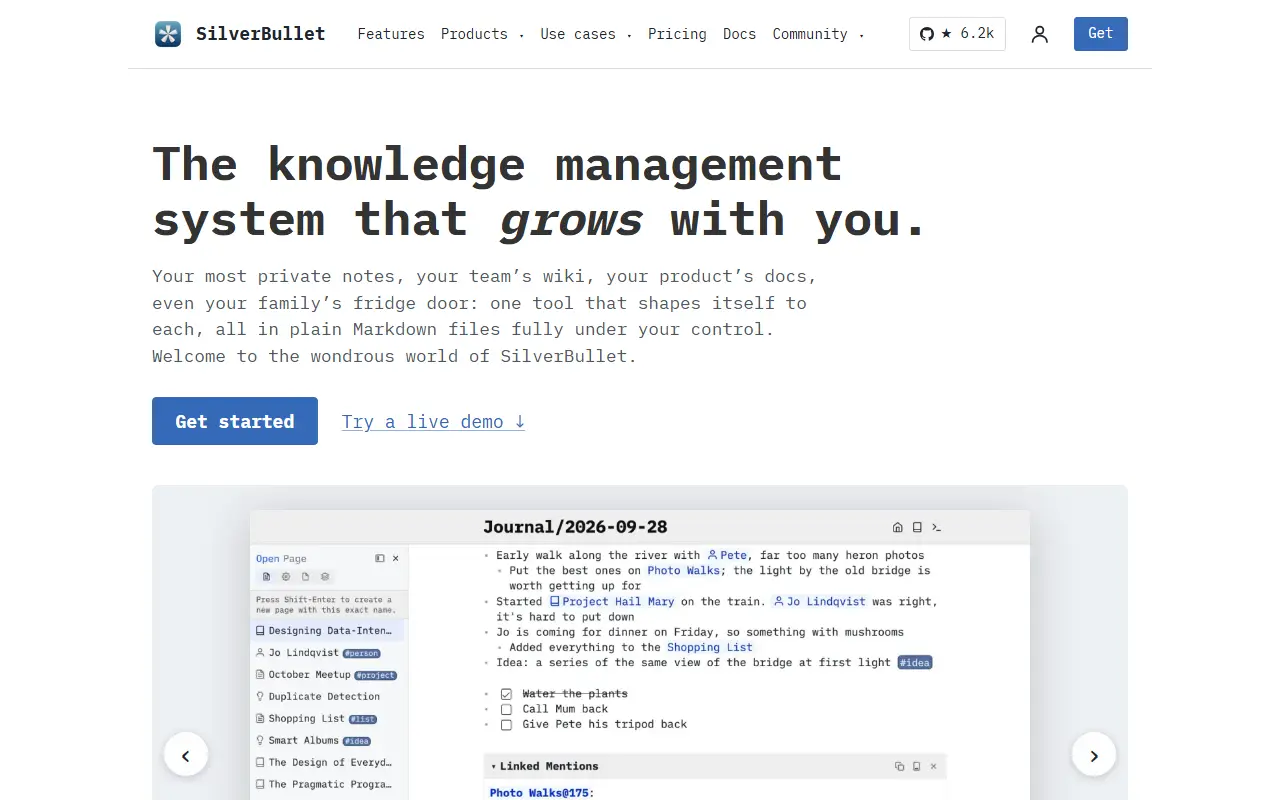
silverbullet.mdSilverBullet homepage screenshot

SilverBullet is a personal knowledge base that runs in the browser and is hosted on your own server. Your content is stored as Markdown pages grouped into a Space, which you can open from a page picker as in a classic notes app, or reach through two-way wiki-style links. The project describes itself with a tongue-in-cheek phrase as a notes app on steroids.

What sets it apart is that notes can be programmed. A live-preview editor is paired with an integrated database and query syntax, and a Lua scripting environment called Space Lua lets you extend the system, build custom views and automate tasks. Repository topics highlight knowledge management, personal knowledge management, note taking and end-user programming.

SilverBullet is written in TypeScript and licensed under MIT. Because it is designed for self-hosting and plain Markdown files, it suits individuals and small teams who want a private, hackable wiki and are comfortable with a little scripting. There is no hosted service from the project.

Key features

  • Markdown pages with live preview editor
  • Bi-directional wiki-style links
  • Built-in database and query language
  • Space Lua scripting environment
  • Page picker for fast navigation
  • Self-hosted and browser-based

Pricing: The server and personal desktop app are free. Desktop Pro for work use costs $50 per user per year; hosted Cloud on PikaPods starts at $2 per month.

Alexandrie

Self-hosted, offline-first knowledge base with an extended Markdown editor, team workspaces, OIDC single sign-on, and one-command Docker deployment.

GitHub stars
2.8k
Last commit
8 days ago
Latest release
v8.14.2
Licence
MIT
Self-hosted
Yes
alexandrie-hub.frAlexandrie homepage screenshot

Alexandrie is an open-source, self-hosted wiki and knowledge management platform for individuals and teams. It combines an extended Markdown editor with offline support, collaboration tools, and fine-grained permissions, and is pitched as an alternative to Notion, Obsidian, and Confluence. It is released under the MIT license.

The Markdown engine supports LaTeX, custom containers, interactive checkboxes, frames, snippets, and integrated diagrams. Content is organized in a multi-tenant structure of teams, workspaces, categories, and nested documents. It works as an offline-first progressive web app that can be installed on devices, and it supports OIDC single sign-on and local S3 backups. The topics also mention kanban boards.

The whole stack comes up with one Docker command. It uses a Go backend and a Nuxt and Vue front end. Alexandrie suits teams and individuals who want a private knowledge base with enterprise-style permissions and who prefer to keep their notes on their own infrastructure.

Key features

  • Extended Markdown editor with LaTeX and diagrams
  • Teams, workspaces, categories, and nested documents
  • Offline-first installable web app
  • OIDC single sign-on
  • Local S3 backups
  • One-command Docker deployment

Pricing: Free and open source under the MIT license.

Colanode

Colanode is an open-source, local-first workspace with chat, Notion-style pages, databases and files that you can self-host.

GitHub stars
5.2k
Last commit
6 mo ago
Latest release
v0.4.7
Licence
Apache-2.0
Self-hosted
Yes
colanode.comColanode homepage screenshot

Colanode is an all-in-one collaboration platform built around data privacy and control. It combines real-time chat, rich-text pages for documents, wikis and notes, customizable databases and file management in one workspace, positioned as an open-source alternative to Slack and Notion.

It has a client app, available on the web and as an Electron desktop app, and a self-hosted server. One app can connect to several servers, each holding one or more workspaces for different teams or projects. Databases support custom fields and table, kanban and calendar views. The local-first design writes every change to a local SQLite database first and syncs it in the background, so reads are immediate and people can keep working when offline.

The topics reference CRDTs and Yjs for real-time collaboration. Colanode is written in TypeScript and licensed under Apache-2.0, and because you run the server yourself you decide where the data is stored. It suits individuals, small projects and larger teams that want to avoid depending on a hosted vendor.

Key features

  • Real-time team chat
  • Rich-text pages and wikis
  • Databases with table, kanban and calendar views
  • File management in workspaces
  • Local-first SQLite sync
  • Web and desktop clients

Pricing: Cloud plans include unlimited users and scale by storage: free Seed (10GB), Forge $20, Scale $100 and Titan $500 per month. Enterprise and custom deployments are by contact.

Notejoy alternatives: questions

What is the best open-source alternative to Notejoy?
AppFlowy is the top-ranked open-source alternative to Notejoy on Enlisted: An open-source AI collaborative workspace for notes, wikis, tasks and projects, built as a Notion alternative that keeps you in control of your data. Other strong options are Outline, Docmost, La Suite Docs and HedgeDoc.
Are these Notejoy alternatives free?
All 8 are open source, so the code is free to use under its licence, and all of them can be self-hosted on your own server or computer. 4 also offer a paid or managed cloud version if you'd rather not host it yourself.
How is this list of Notejoy alternatives ranked?
By a score built from GitHub stars, star growth over the last 30 days and how recently the code changed. 7 of these projects shipped code in the last 30 days. Data is refreshed daily, and nobody can pay to move up.

People also look for alternatives to…

View all