#1
A tool for downloading and running open large language models locally through a command line and REST API, with Docker support and many integrations.
- GitHub stars
- 187k
- Last commit
- yesterday
- Latest release
- v0.40.16
- Licence
- MIT
- Self-hosted
- Yes
ollama.com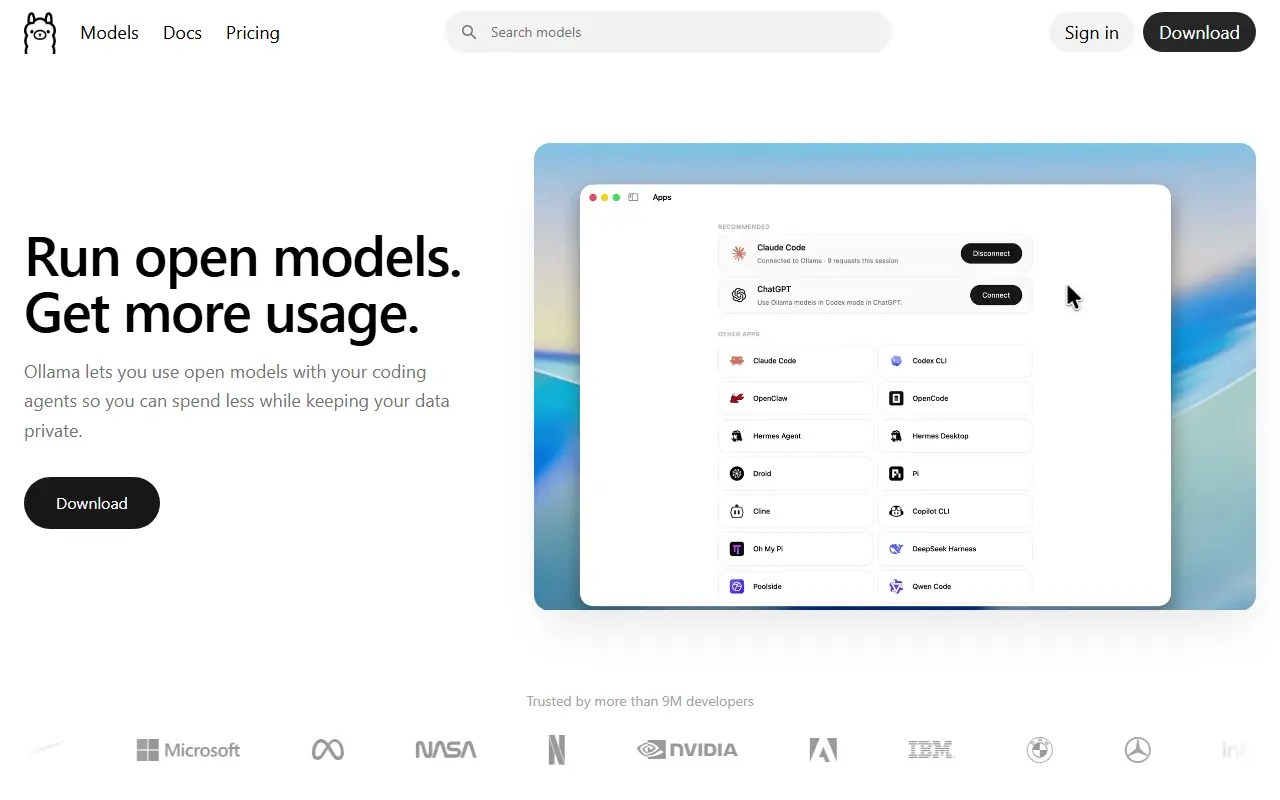
Ollama makes it straightforward to run open large language models on your own machine. You install it on macOS, Windows or Linux, or use the official Docker image, then pull a model and chat with it from the command line. It is written in Go and released under the MIT license, and it builds on the llama.cpp project for inference.
Besides the CLI, Ollama provides a REST API for managing and running models, with official Python and JavaScript client libraries. Models can be imported and customized through a Modelfile, and an online library lists what is available. It can be connected to coding agents and assistants such as Claude Code, OpenCode, Codex and OpenClaw, and many community chat interfaces, including Open WebUI and LibreChat, work with it.
Because models run on your own hardware, Ollama can serve as a self-hosted alternative to cloud assistants such as ChatGPT and Perplexity when privacy, offline use or cost control matter. It is aimed at developers and hobbyists experimenting with open models, and at teams that want to wire local models into their own applications.
Key features
- Run open language models locally from the CLI
- REST API for managing and running models
- Official Python and JavaScript libraries
- Modelfile for customizing and importing models
- Official Docker image
- Integrations with coding agents and chat interfaces
Pricing: Running models locally is free, and the Free plan includes starter cloud credits. Pro costs $20, Max $100 and Team $500 per month with included usage credits; Enterprise is custom.
#2
A self-hosted chat interface for local and cloud language models, supporting Ollama and OpenAI-compatible APIs, with RAG, user roles and a plugin system.
- GitHub stars
- 158k
- Last commit
- yesterday
- Latest release
- v0.13.3
- Self-hosted
- Yes
openwebui.com
Open WebUI is a self-hosted web interface for working with large language models. It connects to Ollama for local models and to any OpenAI-compatible endpoint, so one deployment can front LM Studio, Groq, Mistral, OpenRouter, vLLM and similar backends side by side. It is designed to keep working fully offline when you rely only on local models.
Administrators get role-based access control with user groups and per-group permissions, which suits shared team or household installs. Beyond chat there is retrieval-augmented generation over your documents, custom models that bundle instructions, tools and knowledge into agents, and an extension system made of filters, actions, pipes, tools and skills. External services attach through MCP, MCPO and OpenAPI tool servers, and an optional Open Terminal feature gives agents a filesystem to work in.
You can install it with pip, uv or Docker, or deploy it to Kubernetes using kubectl, kustomize or Helm, and container images are tagged for bundled Ollama and for CUDA. The project lists an enterprise plan for organizations that want vendor support. Its license is listed as custom rather than a standard one, so review the terms before reselling or rebranding it.
Key features
- Connects to Ollama and OpenAI-compatible APIs
- Role-based access control with user groups
- Retrieval-augmented generation over your own documents
- Plugin system with filters, tools and pipes
- MCP and OpenAPI tool server support
- Custom agents combining models, tools and knowledge
- Install via pip, Docker or Kubernetes
Pricing: Free to self-host; an enterprise plan is available through the vendor's sales team.
#3
An open-source platform that organizes AI agents into continuous operations, with options to self-host through Docker or major cloud platforms.
- GitHub stars
- 85k
- Last commit
- yesterday
- Latest release
- v2.3.2
- Self-hosted
- Yes
lobehub.com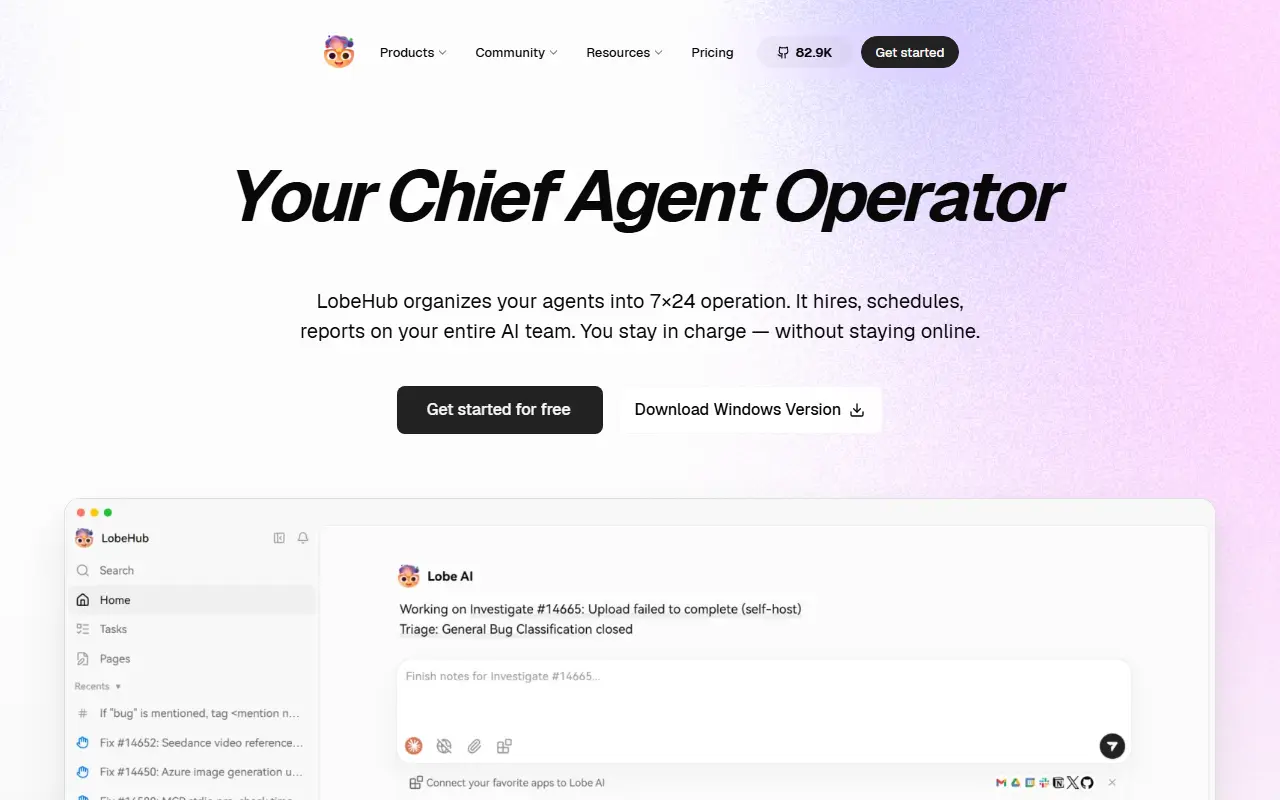
LobeHub describes itself as a Chief Agent Operator that organizes your AI agents into around-the-clock operation. It is designed to take on the hiring, scheduling and reporting for a whole team of agents so that you stay in charge without having to stay online. The project is written in TypeScript, and its GitHub topics point to chat, agent, knowledge base and MCP functionality.
The README groups its features around four ideas: Operator, Create, Collaborate and Evolve, which cover treating agents as the unit of work, scaling new kinds of collaboration networks, and the co-evolution of humans and agents. A plugin ecosystem extends the platform, and the project's topics reference model providers such as OpenAI, Claude, Gemini and DeepSeek.
LobeHub can be self-hosted: the README documents deployment on Vercel, Zeabur, Sealos and Alibaba Cloud, as well as Docker, and describes the environment variables used for configuration. GitHub lists the license as 'Other', so check the repository for the exact terms. It suits individuals and teams who want to run a shared workspace of AI agents on infrastructure they choose.
Key features
- Agents organized into continuous operations
- Scheduling and reporting for agent teams
- Knowledge base, skills and MCP support
- Plugin ecosystem for extending agents
- Docker and cloud platform deployment
- Support for major model providers
Pricing: Free plan with 500,000 monthly credits. Starter costs $12.90, Premium $24.90 and Ultimate $49.90 per month billed monthly, or about $9.90, $19.90 and $39.90 billed yearly; Enterprise Edition is by contact.
#4
A self-hostable, open-source ChatGPT-style chat interface that works with many AI providers and includes agents, MCP support, artifacts and multi-user auth.
- GitHub stars
- 47k
- Last commit
- yesterday
- Licence
- MIT
- Self-hosted
- Yes
librechat.ai
LibreChat is an open-source chat interface modeled on ChatGPT that you can self-host. It is written in TypeScript and released under the MIT license. Rather than being tied to one vendor, it connects to many providers, including OpenAI, Anthropic, Azure, AWS, Google Vertex AI and Gemini, Mistral, Groq, DeepSeek and OpenRouter, and lets you switch between models within a conversation.
Its feature set includes agents, MCP and skills, artifacts, a code interpreter, image generation, OpenAPI actions and functions, presets, message search and secure multi-user authentication. The recent README highlights an agent management API in beta, optional attached workspaces for code workers that are described as highly experimental, code approval controls, manual context compaction and unified file attachments.
Administrators can set role-based grants and approval modes for sensitive actions such as file writes and command execution. LibreChat suits individuals and organizations that want a private alternative to ChatGPT with a choice of models, and teams that need multi-user access control on infrastructure they manage.
Key features
- Chat with many AI providers in one interface
- Switch models within a conversation
- Agents, skills and MCP support
- Artifacts and code interpreter
- Message search and presets
- Secure multi-user authentication
- Agent management API in beta
Pricing: Free and open source under the MIT license.
#5
An all-in-one AI application for chatting with your documents and running AI agents locally, with multi-user support and desktop and Docker versions.
- GitHub stars
- 68k
- Last commit
- yesterday
- Latest release
- v1.19.0
- Licence
- MIT
- Self-hosted
- Yes
- Hosted version
- Available
anythingllm.com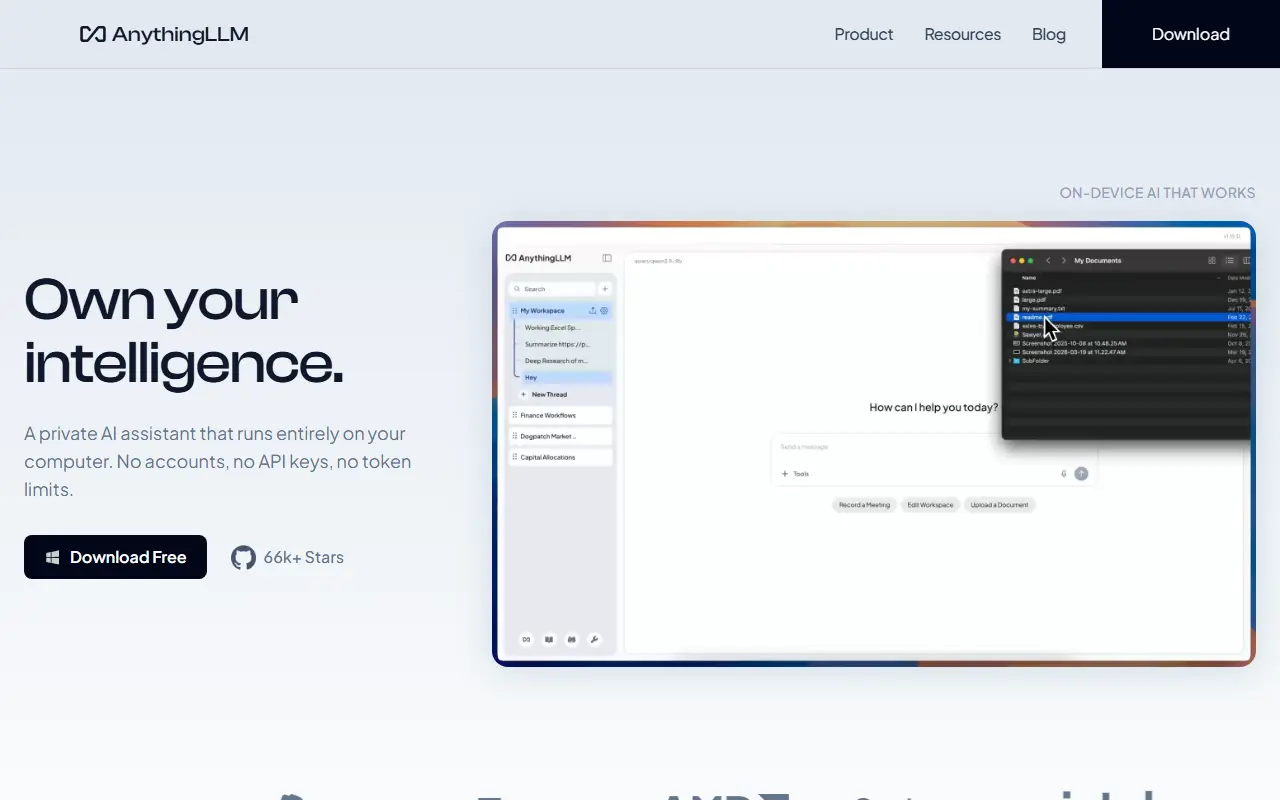
AnythingLLM is an all-in-one AI application for chatting with your own documents and automating work with AI agents. It runs locally by default, lets you connect local or cloud language models, and is written in JavaScript under the MIT license. The README describes it as a way to build a private, fully featured assistant in the style of ChatGPT.
Vector databases, document processing pipelines, multi-user support and agents all come included. Newer features listed include dynamic model routing based on rules you define, automatic and user-managed memories, scheduled tasks with agent capabilities, skill selection, a no-code agent builder, MCP compatibility and multi-modal support for both closed and open-source models.
It is available as a desktop app for Mac, Windows and Linux, as a Docker version that adds multi-user access control, and as a hosted instance, and there is an open-source Android app. Administrators can control access and experience per user. It suits individuals and teams who want a private document-chat and agent workspace without much setup.
Key features
- Chat with your documents using RAG
- Built-in AI agents and no-code agent builder
- Multi-user access control in Docker version
- Connects to local or cloud LLMs
- Vector database and document pipeline support
- MCP compatibility and scheduled tasks
- Desktop apps for Mac, Windows and Linux
Pricing: Self-hosting with Docker is free. Hosted Cloud costs $50 per month (Basic) or $99 per month (Pro); Enterprise with on-premise deployment is quoted on request.
#6
A cross-platform desktop AI client that supports many LLM providers and local models, with prebuilt assistants, document handling and MCP support.
- GitHub stars
- 53k
- Last commit
- yesterday
- Latest release
- v2.2.0
- Licence
- AGPL-3.0
cherryai.com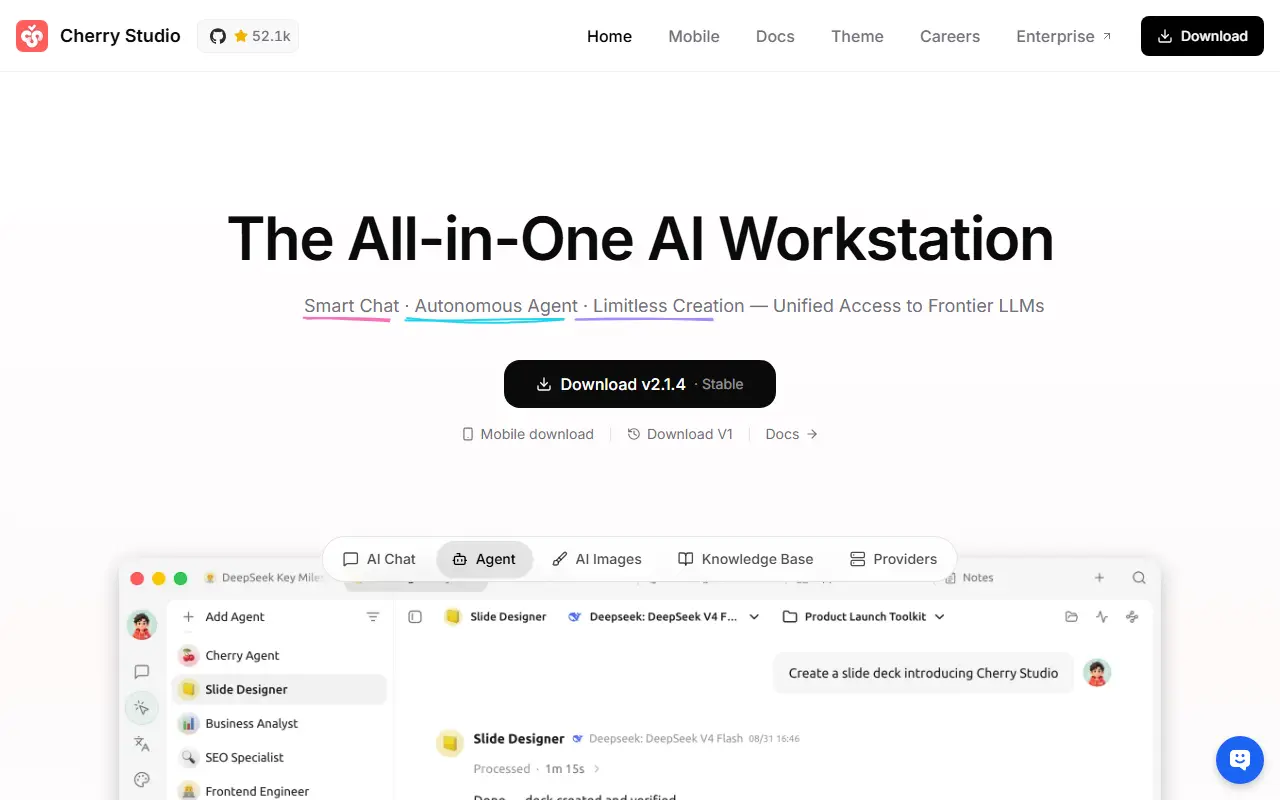
Cherry Studio is a desktop client for working with multiple large language model providers, available for Windows, Mac and Linux. It is written in TypeScript and licensed under AGPL-3.0, and it is described as an AI productivity studio offering chat, autonomous agents and a large library of ready-made assistants.
It can connect to major cloud LLM services such as OpenAI, Gemini and Anthropic, to AI web services like Claude, Perplexity and Poe, and to local models through Ollama and LM Studio. Conversations can involve several models at once, and users can pick from more than 300 preconfigured assistants or create their own.
Other tools include handling of text, images, Office files and PDFs, WebDAV backup, Mermaid chart rendering, code highlighting, global search, topic management, AI translation, mini programs and an MCP server. Themes and complete Markdown rendering are included, and no environment setup is needed. It suits individuals who want one desktop app for many models.
Key features
- Support for many cloud and local LLM providers
- Over 300 preconfigured AI assistants
- Multi-model simultaneous conversations
- Text, image, Office and PDF handling
- WebDAV backup and Mermaid chart rendering
- MCP server and mini programs
- Light and dark themes
Pricing: Free and open source under the AGPL-3.0 license.
#7
An open-source AI engine that runs LLMs, vision, voice, image and video models on your own hardware behind OpenAI-compatible APIs, with no GPU required.
- GitHub stars
- 50k
- Last commit
- yesterday
- Latest release
- v4.12.1
- Licence
- MIT
- Self-hosted
- Yes
localai.io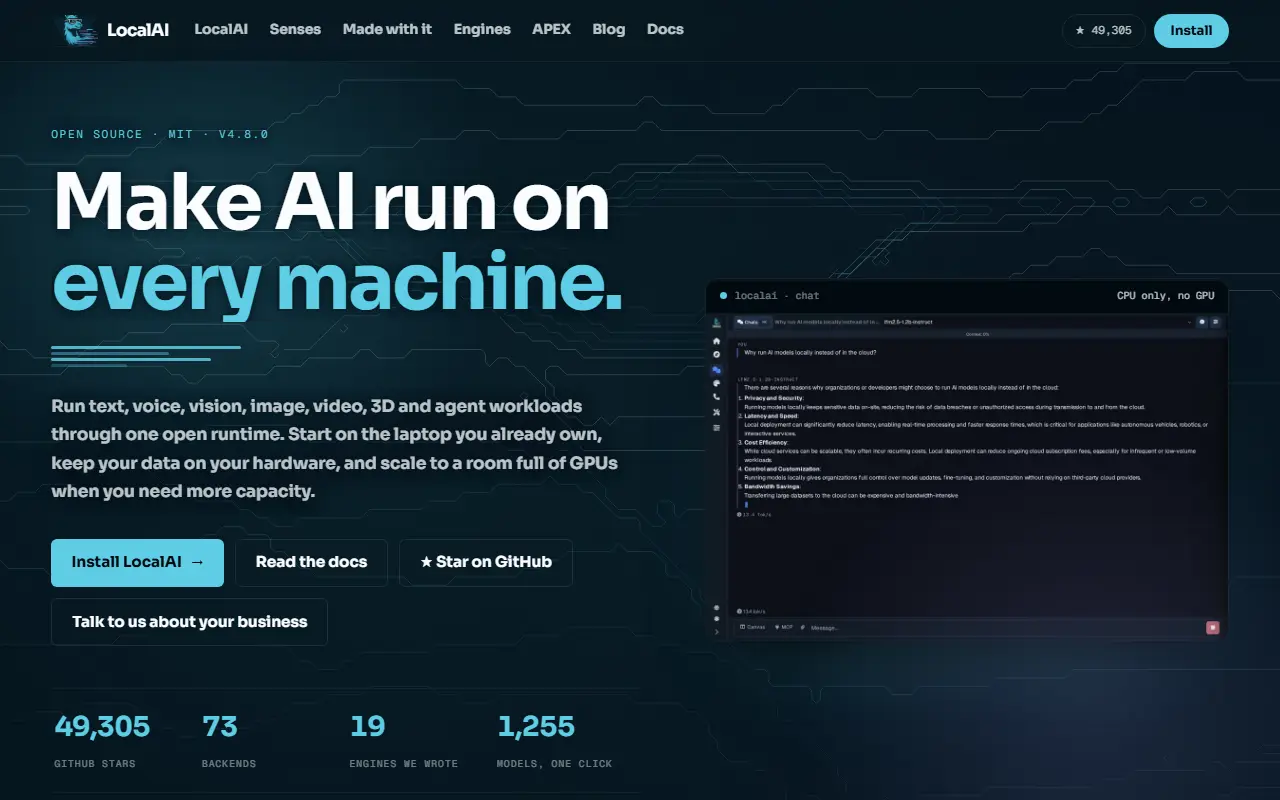
LocalAI is an open-source AI engine for running models of many kinds, including language, vision, voice, image and video models, on your own hardware. A GPU is not required. It is written in Go and released under the MIT license, was started by Ettore Di Giacinto and is looked after by the LocalAI team.
Its design is a small core with separate backends that are pulled on demand, so nothing unused gets installed. Backends wrap engines such as llama.cpp, vLLM, whisper.cpp, stable-diffusion and MLX, and you can write your own in any language against an open interface. It can run on CPU alone, through Vulkan, or on NVIDIA, AMD, Intel and Apple Silicon hardware.
APIs are drop-in compatible with OpenAI, Anthropic and ElevenLabs across every backend. Multi-user features include API key authentication, user quotas and role-based access, and built-in agents support tool use, RAG, MCP and skills. The project stresses that data stays on your infrastructure. It suits developers and teams who want a private, self-hosted replacement for cloud AI APIs.
Key features
- Runs LLM, vision, voice, image and video models
- Composable backends pulled on demand
- OpenAI, Anthropic and ElevenLabs API compatibility
- Runs on CPU, NVIDIA, AMD, Intel and Apple Silicon
- API key authentication, quotas and role-based access
- Built-in agents with tools, RAG and MCP
Pricing: Free and open source under the MIT license.
#8
An open-source desktop app that acts as a ChatGPT replacement, running local language models offline or connecting to cloud providers, with an OpenAI-compatible local server.
- GitHub stars
- 46k
- Last commit
- yesterday
- Latest release
- v0.8.8
- Self-hosted
- Yes
jan.ai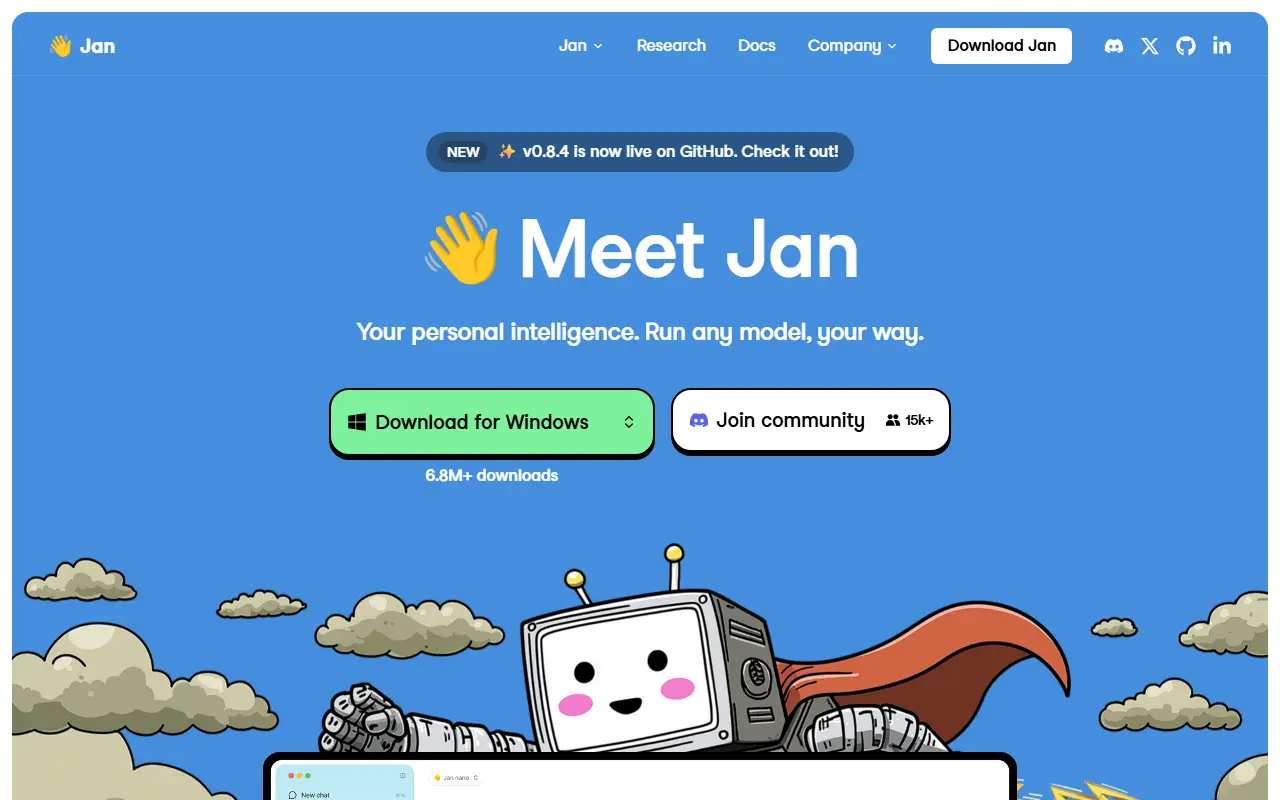
Jan is an open-source desktop application that serves as a ChatGPT alternative you control. It can download and run language models such as Llama, Gemma, Qwen and GPT-oss from Hugging Face entirely on your own computer, so conversations stay private and work without an internet connection.
When you want more capability than local hardware allows, Jan can connect to cloud models from OpenAI, Anthropic, Mistral, Groq, MiniMax and others from the same interface. You can create custom assistants for specific tasks, and Model Context Protocol support adds agentic abilities. A built-in local server on localhost port 1337 exposes an OpenAI-compatible API, so other applications can use your local models as a drop-in backend.
Jan is built with Rust and Tauri and ships installers for Windows, macOS and Linux in deb and AppImage form. Its license is listed as 'Other' on GitHub, so check the repository terms before redistributing it. It is meant for people who want local AI with a polished interface rather than a command line.
Key features
- Download and run local LLMs from Hugging Face
- Connect to OpenAI, Anthropic, Mistral and Groq
- Custom assistants for specific tasks
- OpenAI-compatible local server
- Model Context Protocol integration
- Installers for Windows, macOS and Linux
Pricing: Free and open source; running local models costs nothing beyond your own hardware, and cloud providers bill you separately.
#9
NextChat is an open-source AI chat client for the web, desktop and mobile that connects to Claude, GPT, Gemini, DeepSeek and other model providers.
- GitHub stars
- 89k
- Last commit
- 24 days ago
- Latest release
- v2.16.1
- Licence
- MIT
- Self-hosted
- Yes
- Hosted version
- Available
nextchat.club
NextChat is a lightweight AI chat assistant that works with several model providers, including Claude, GPT, Gemini and DeepSeek, and local runtimes such as Ollama. It is available as a web app and PWA, with desktop apps for Windows, macOS and Linux built using Tauri, and mobile apps. The code is written in TypeScript with Next.js and React, and it is released under the MIT license.
You can deploy your own instance, for example on Vercel, or use the hosted NextChatAI service, which the project describes as pay-as-you-go and not requiring your own API key. The README also notes support for the Model Context Protocol when an environment flag is set before building. An Enterprise Edition targets companies that need private deployment, brand customization, centralized management of AI resources, permission controls and integration of internal knowledge bases.
Key features
- Chat with Claude, GPT, Gemini and DeepSeek
- Web, PWA, desktop and mobile clients
- Deploy your own instance on Vercel or Docker
- Model Context Protocol support when enabled
- Hosted NextChatAI option without own API key
- Enterprise edition with admin and permission controls
Pricing: Open source under the MIT license; the hosted NextChatAI service is pay-as-you-go and an Enterprise Edition is available.
#10
A desktop AI client for ChatGPT, Claude, Gemini, Ollama and other LLMs on Windows, Mac and Linux, open sourced as a community edition under GPLv3.
- GitHub stars
- 42k
- Last commit
- yesterday
- Latest release
- v1.24.3
- Licence
- GPL-3.0
chatboxai.app
Chatbox is a desktop client for talking to ChatGPT, Claude and other large language models, available for Windows, Mac and Linux. This repository holds the Community Edition, which is published as open source under GPLv3, and the maintainers say they regularly sync code between it and their pro repository. It is written in TypeScript.
It works with multiple providers, including OpenAI, Azure OpenAI, Claude, Google Gemini and Ollama, which makes local models such as Llama, Mistral and Mixtral available, plus ChatGLM-6B, and it can generate images through DALL-E 3. Setup is a matter of downloading an installer, launching the app and entering your provider settings.
System requirements listed are Windows 10, macOS 11 on Intel or Apple Silicon, or Ubuntu 20.04 and compatible AppImage-capable distributions. Download links for iOS and Android, including an APK, are mentioned alongside the desktop builds. Chatbox suits people who want a single desktop front end for several AI services, using their own API keys or local models.
Key features
- Desktop client for ChatGPT, Claude and Gemini
- Local model access through Ollama
- Azure OpenAI and ChatGLM support
- Image generation with DALL-E 3
- Windows, macOS and Linux installers
- Community Edition under GPLv3
Pricing: A free plan covers light use. Chatbox AI Lite is $3.99, Pro $19.99 and Pro+ $39.99 per month, with lower annual-billing rates.
5 more Microsoft Copilot alternatives
Commercial Microsoft Copilot alternatives
Hosted, closed-source products that compete with Microsoft Copilot. Showing 12 of 31.
- View tool
xAI's chat assistant with live web and X post search, image generation and reasoning
SaaS
- View tool
Meta's AI assistant for chat and image generation, also built into its apps
SaaS
- View tool
Perplexity is an AI answer engine that responds to questions with summarized answers and cited web sources.
SaaS
- View tool
ChatGPT is OpenAI's conversational AI assistant for answering questions, writing, coding and analysis through web and mobile apps.
SaaS
- View tool
AI assistant from Anthropic for writing, analysis, coding and document work
SaaS
- View tool
AI assistant from Mistral AI with web search, document analysis and image generation
SaaS
- View tool
AI assistant from Alibaba built on its Qwen models, with image and document features
SaaS
- View tool
AI chat assistant and API built on DeepSeek reasoning and language models
SaaS
- View tool
AI assistant from ByteDance for chat, search and content creation
SaaS
- View tool
Google AI assistant for chat, writing, coding, research and image generation
SaaS
- View tool
Conversational AI assistant from Inflection AI focused on personal chat
SaaS
- View tool
One chat app to talk to many AI models and build custom bots
SaaS
See every Microsoft Copilot alternative on its tool page
Microsoft Copilot alternatives: questions
- What is the best open-source alternative to Microsoft Copilot?
- Ollama is the top-ranked open-source alternative to Microsoft Copilot on Enlisted: A tool for downloading and running open large language models locally through a command line and REST API, with Docker support and many integrations. Other strong options are Open WebUI, LobeHub, LibreChat and AnythingLLM.
- What are the best commercial alternatives to Microsoft Copilot?
- Grok, Meta AI, Perplexity, ChatGPT and Claude are among the hosted, closed-source alternatives to Microsoft Copilot listed on Enlisted, which lists 31 in total. Compare their pricing and features on each tool page.
- Are these Microsoft Copilot alternatives free?
- All 15 are open source, so the code is free to use under its licence, and all of them can be self-hosted on your own server or computer. 5 also offer a paid or managed cloud version if you'd rather not host it yourself.
- How is this list of Microsoft Copilot alternatives ranked?
- By a score built from GitHub stars, star growth over the last 30 days and how recently the code changed. 13 of these projects shipped code in the last 30 days. Data is refreshed daily, and nobody can pay to move up.
 TrackMedia
 TrackRev