6,598 open-source and SaaS tools, with GitHub stats refreshed every day.

12 alternatives ranked by real activity

Open-source Le Chat alternatives

A curated, ranked list of the 12 best open-source alternatives to Le Chat.

The best open-source alternative to Le Chat is Open WebUI. If that doesn't suit you, other good options are LobeHub, AnythingLLM, Cherry Studio and LibreChat.

Le Chat alternatives are mainly AI Tools tools. 10 of them shipped code in the last 30 days, 12 can be self-hosted, and 5 use a permissive licence.

Last updated October 3, 2026 · ranked by GitHub stars, growth and recent commits

Open WebUI

A self-hosted chat interface for local and cloud language models, supporting Ollama and OpenAI-compatible APIs, with RAG, user roles and a plugin system.

GitHub stars
154k
Last commit
today
Latest release
v0.11.4
Self-hosted
Yes
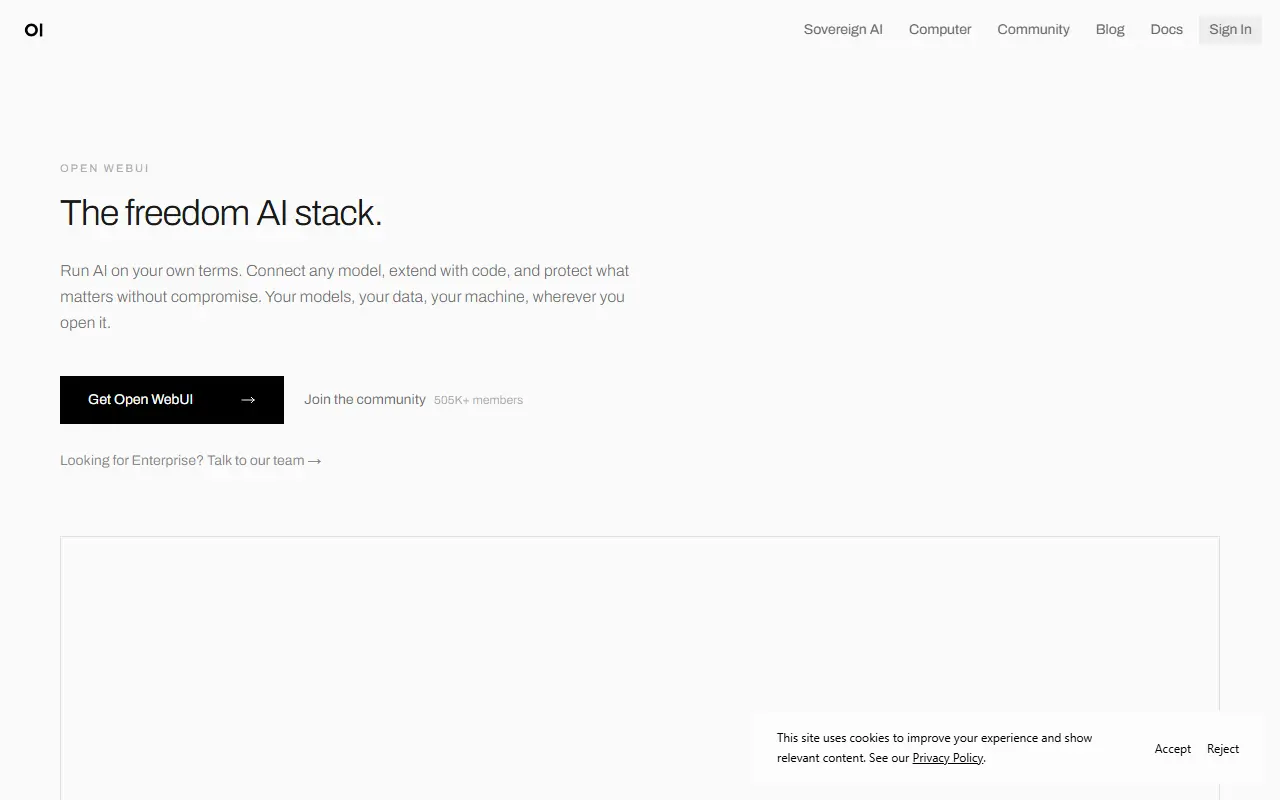
openwebui.comOpen WebUI homepage screenshot

Open WebUI is a self-hosted web interface for working with large language models. It connects to Ollama for local models and to any OpenAI-compatible endpoint, so one deployment can front LM Studio, Groq, Mistral, OpenRouter, vLLM and similar backends side by side. It is designed to keep working fully offline when you rely only on local models.

Administrators get role-based access control with user groups and per-group permissions, which suits shared team or household installs. Beyond chat there is retrieval-augmented generation over your documents, custom models that bundle instructions, tools and knowledge into agents, and an extension system made of filters, actions, pipes, tools and skills. External services attach through MCP, MCPO and OpenAPI tool servers, and an optional Open Terminal feature gives agents a filesystem to work in.

You can install it with pip, uv or Docker, or deploy it to Kubernetes using kubectl, kustomize or Helm, and container images are tagged for bundled Ollama and for CUDA. The project lists an enterprise plan for organizations that want vendor support. Its license is listed as custom rather than a standard one, so review the terms before reselling or rebranding it.

Key features

  • Connects to Ollama and OpenAI-compatible APIs
  • Role-based access control with user groups
  • Retrieval-augmented generation over your own documents
  • Plugin system with filters, tools and pipes
  • MCP and OpenAPI tool server support
  • Custom agents combining models, tools and knowledge
  • Install via pip, Docker or Kubernetes

Pricing: Free to self-host; an enterprise plan is available through the vendor's sales team.

LobeHub

An open-source platform that organizes AI agents into continuous operations, with options to self-host through Docker or major cloud platforms.

GitHub stars
83k
Last commit
today
Latest release
v2.2.18
Self-hosted
Yes
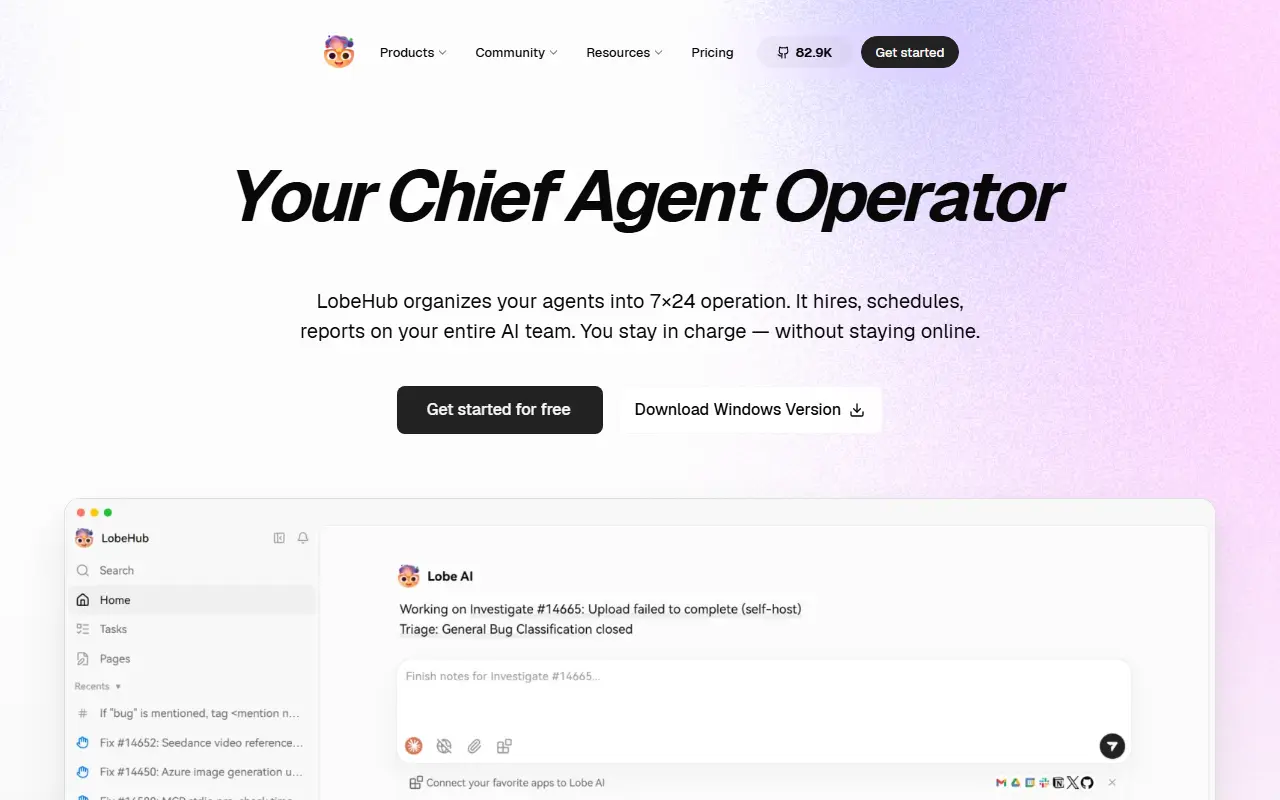
lobehub.comLobeHub homepage screenshot

LobeHub describes itself as a Chief Agent Operator that organizes your AI agents into around-the-clock operation. It is designed to take on the hiring, scheduling and reporting for a whole team of agents so that you stay in charge without having to stay online. The project is written in TypeScript, and its GitHub topics point to chat, agent, knowledge base and MCP functionality.

The README groups its features around four ideas: Operator, Create, Collaborate and Evolve, which cover treating agents as the unit of work, scaling new kinds of collaboration networks, and the co-evolution of humans and agents. A plugin ecosystem extends the platform, and the project's topics reference model providers such as OpenAI, Claude, Gemini and DeepSeek.

LobeHub can be self-hosted: the README documents deployment on Vercel, Zeabur, Sealos and Alibaba Cloud, as well as Docker, and describes the environment variables used for configuration. GitHub lists the license as 'Other', so check the repository for the exact terms. It suits individuals and teams who want to run a shared workspace of AI agents on infrastructure they choose.

Key features

  • Agents organized into continuous operations
  • Scheduling and reporting for agent teams
  • Knowledge base, skills and MCP support
  • Plugin ecosystem for extending agents
  • Docker and cloud platform deployment
  • Support for major model providers

Pricing: Free plan with 500,000 monthly credits. Starter costs $12.90, Premium $24.90 and Ultimate $49.90 per month billed monthly, or about $9.90, $19.90 and $39.90 billed yearly; Enterprise Edition is by contact.

AnythingLLM

An all-in-one AI application for chatting with your documents and running AI agents locally, with multi-user support and desktop and Docker versions.

GitHub stars
67k
Last commit
yesterday
Latest release
v1.17.0
Licence
MIT
Self-hosted
Yes
Hosted version
Available
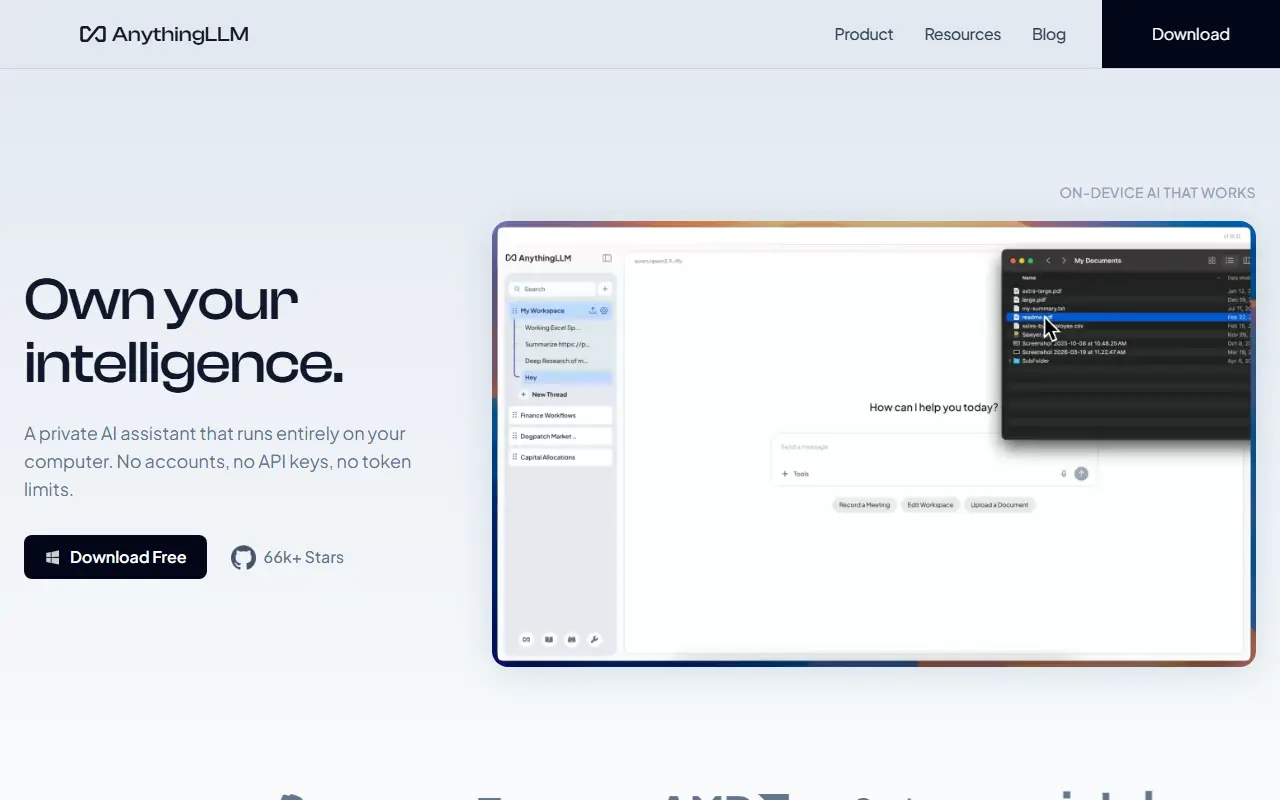
anythingllm.comAnythingLLM homepage screenshot

AnythingLLM is an all-in-one AI application for chatting with your own documents and automating work with AI agents. It runs locally by default, lets you connect local or cloud language models, and is written in JavaScript under the MIT license. The README describes it as a way to build a private, fully featured assistant in the style of ChatGPT.

Vector databases, document processing pipelines, multi-user support and agents all come included. Newer features listed include dynamic model routing based on rules you define, automatic and user-managed memories, scheduled tasks with agent capabilities, skill selection, a no-code agent builder, MCP compatibility and multi-modal support for both closed and open-source models.

It is available as a desktop app for Mac, Windows and Linux, as a Docker version that adds multi-user access control, and as a hosted instance, and there is an open-source Android app. Administrators can control access and experience per user. It suits individuals and teams who want a private document-chat and agent workspace without much setup.

Key features

  • Chat with your documents using RAG
  • Built-in AI agents and no-code agent builder
  • Multi-user access control in Docker version
  • Connects to local or cloud LLMs
  • Vector database and document pipeline support
  • MCP compatibility and scheduled tasks
  • Desktop apps for Mac, Windows and Linux

Pricing: Self-hosting with Docker is free. Hosted Cloud costs $50 per month (Basic) or $99 per month (Pro); Enterprise with on-premise deployment is quoted on request.

Cherry Studio

A cross-platform desktop AI client that supports many LLM providers and local models, with prebuilt assistants, document handling and MCP support.

GitHub stars
52k
Last commit
today
Latest release
v2.1.4
Licence
AGPL-3.0
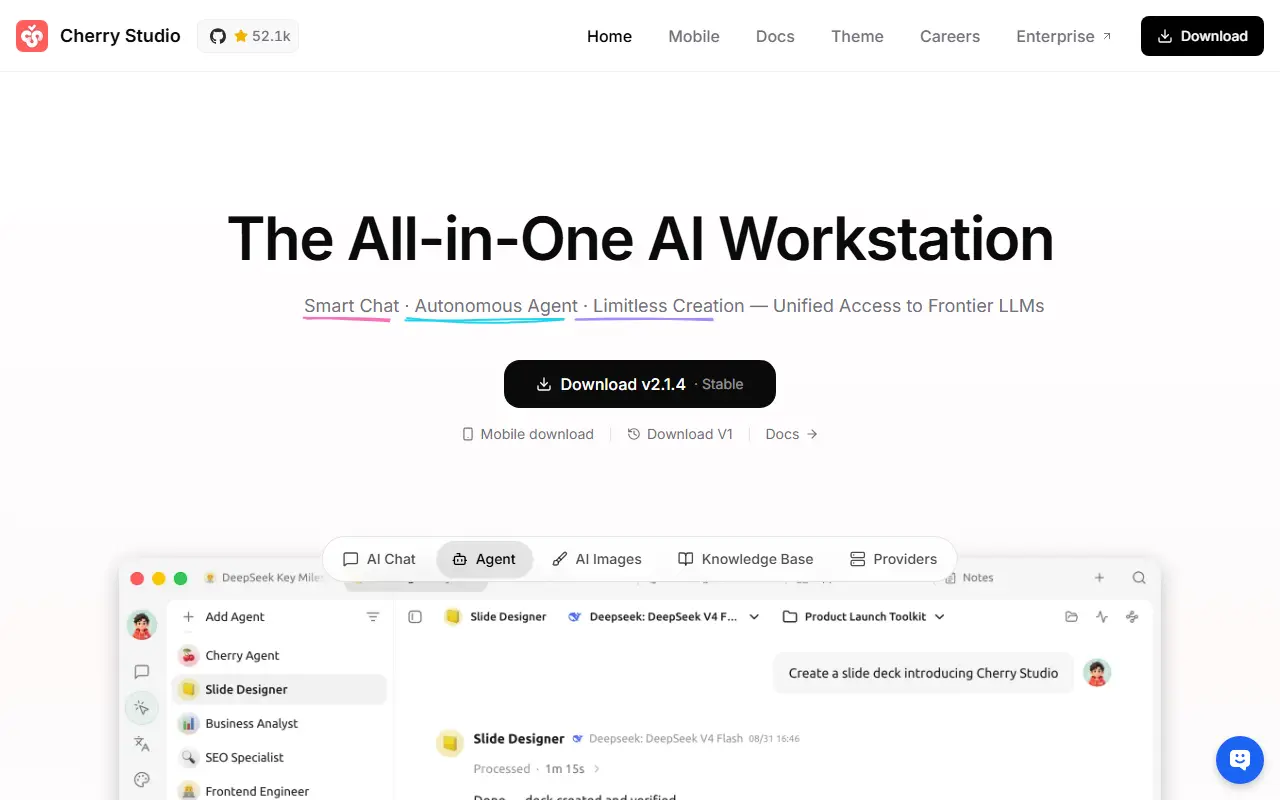
cherryai.comCherry Studio homepage screenshot

Cherry Studio is a desktop client for working with multiple large language model providers, available for Windows, Mac and Linux. It is written in TypeScript and licensed under AGPL-3.0, and it is described as an AI productivity studio offering chat, autonomous agents and a large library of ready-made assistants.

It can connect to major cloud LLM services such as OpenAI, Gemini and Anthropic, to AI web services like Claude, Perplexity and Poe, and to local models through Ollama and LM Studio. Conversations can involve several models at once, and users can pick from more than 300 preconfigured assistants or create their own.

Other tools include handling of text, images, Office files and PDFs, WebDAV backup, Mermaid chart rendering, code highlighting, global search, topic management, AI translation, mini programs and an MCP server. Themes and complete Markdown rendering are included, and no environment setup is needed. It suits individuals who want one desktop app for many models.

Key features

  • Support for many cloud and local LLM providers
  • Over 300 preconfigured AI assistants
  • Multi-model simultaneous conversations
  • Text, image, Office and PDF handling
  • WebDAV backup and Mermaid chart rendering
  • MCP server and mini programs
  • Light and dark themes

Pricing: Free and open source under the AGPL-3.0 license.

LibreChat

A self-hostable, open-source ChatGPT-style chat interface that works with many AI providers and includes agents, MCP support, artifacts and multi-user auth.

GitHub stars
45k
Last commit
today
Licence
MIT
Self-hosted
Yes
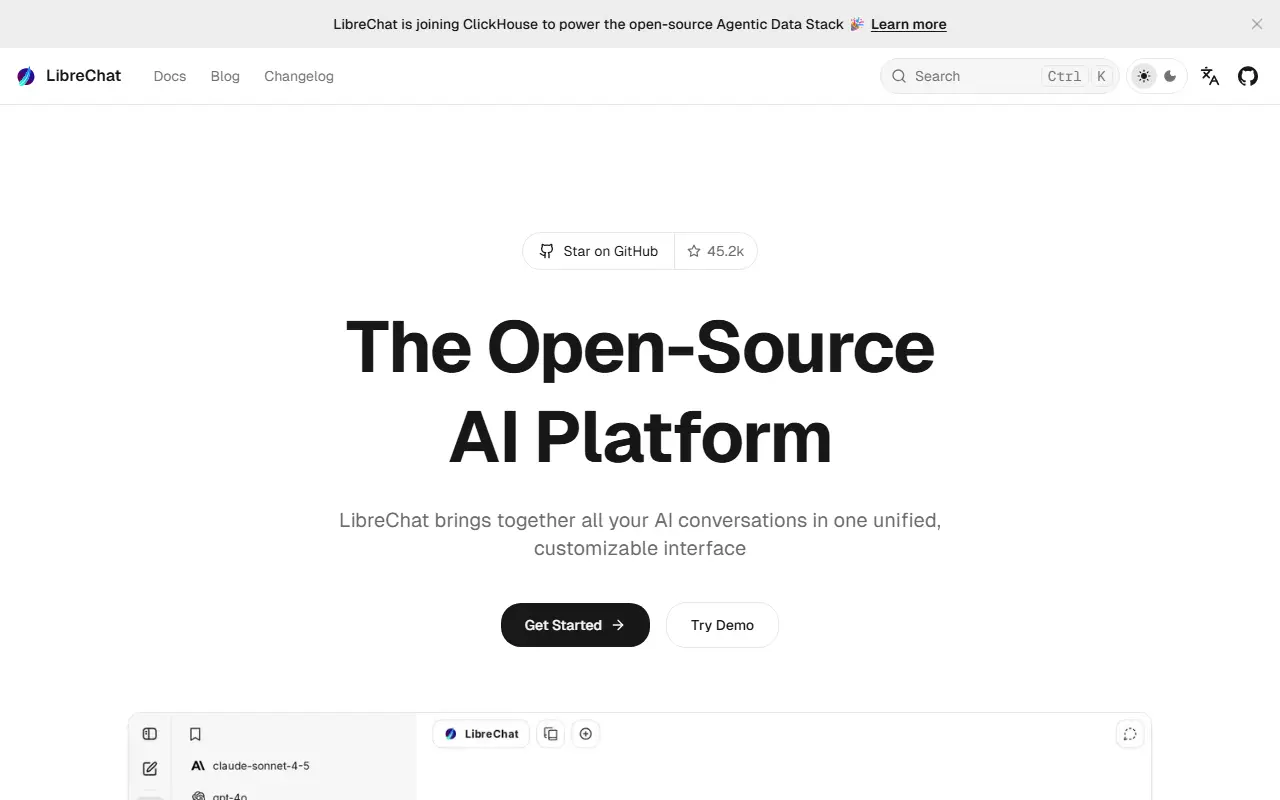
librechat.aiLibreChat homepage screenshot

LibreChat is an open-source chat interface modeled on ChatGPT that you can self-host. It is written in TypeScript and released under the MIT license. Rather than being tied to one vendor, it connects to many providers, including OpenAI, Anthropic, Azure, AWS, Google Vertex AI and Gemini, Mistral, Groq, DeepSeek and OpenRouter, and lets you switch between models within a conversation.

Its feature set includes agents, MCP and skills, artifacts, a code interpreter, image generation, OpenAPI actions and functions, presets, message search and secure multi-user authentication. The recent README highlights an agent management API in beta, optional attached workspaces for code workers that are described as highly experimental, code approval controls, manual context compaction and unified file attachments.

Administrators can set role-based grants and approval modes for sensitive actions such as file writes and command execution. LibreChat suits individuals and organizations that want a private alternative to ChatGPT with a choice of models, and teams that need multi-user access control on infrastructure they manage.

Key features

  • Chat with many AI providers in one interface
  • Switch models within a conversation
  • Agents, skills and MCP support
  • Artifacts and code interpreter
  • Message search and presets
  • Secure multi-user authentication
  • Agent management API in beta

Pricing: Free and open source under the MIT license.

Jan

An open-source desktop app that acts as a ChatGPT replacement, running local language models offline or connecting to cloud providers, with an OpenAI-compatible local server.

GitHub stars
45k
Last commit
today
Latest release
v0.8.4
Self-hosted
Yes
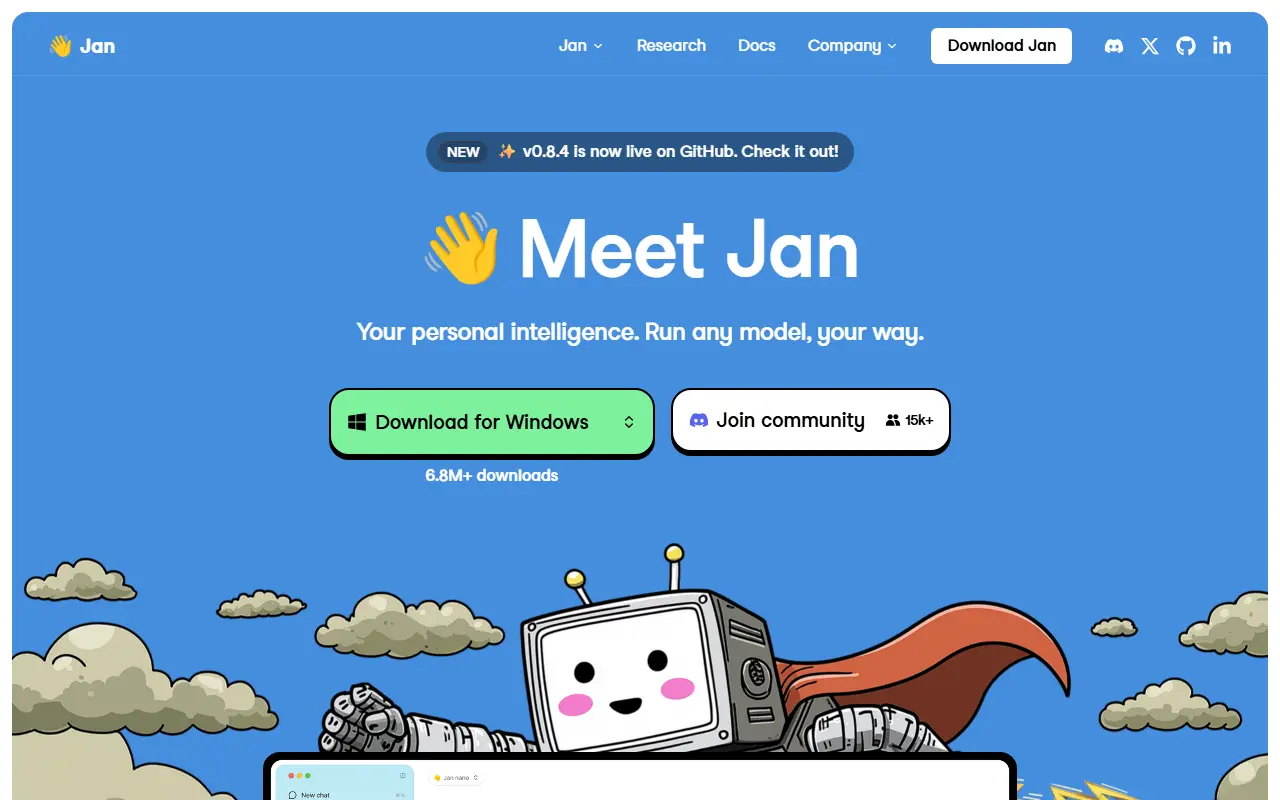
jan.aiJan homepage screenshot

Jan is an open-source desktop application that serves as a ChatGPT alternative you control. It can download and run language models such as Llama, Gemma, Qwen and GPT-oss from Hugging Face entirely on your own computer, so conversations stay private and work without an internet connection.

When you want more capability than local hardware allows, Jan can connect to cloud models from OpenAI, Anthropic, Mistral, Groq, MiniMax and others from the same interface. You can create custom assistants for specific tasks, and Model Context Protocol support adds agentic abilities. A built-in local server on localhost port 1337 exposes an OpenAI-compatible API, so other applications can use your local models as a drop-in backend.

Jan is built with Rust and Tauri and ships installers for Windows, macOS and Linux in deb and AppImage form. Its license is listed as 'Other' on GitHub, so check the repository terms before redistributing it. It is meant for people who want local AI with a polished interface rather than a command line.

Key features

  • Download and run local LLMs from Hugging Face
  • Connect to OpenAI, Anthropic, Mistral and Groq
  • Custom assistants for specific tasks
  • OpenAI-compatible local server
  • Model Context Protocol integration
  • Installers for Windows, macOS and Linux

Pricing: Free and open source; running local models costs nothing beyond your own hardware, and cloud providers bill you separately.

Chatbox

A desktop AI client for ChatGPT, Claude, Gemini, Ollama and other LLMs on Windows, Mac and Linux, open sourced as a community edition under GPLv3.

GitHub stars
42k
Last commit
8 days ago
Latest release
v1.23.5
Licence
GPL-3.0
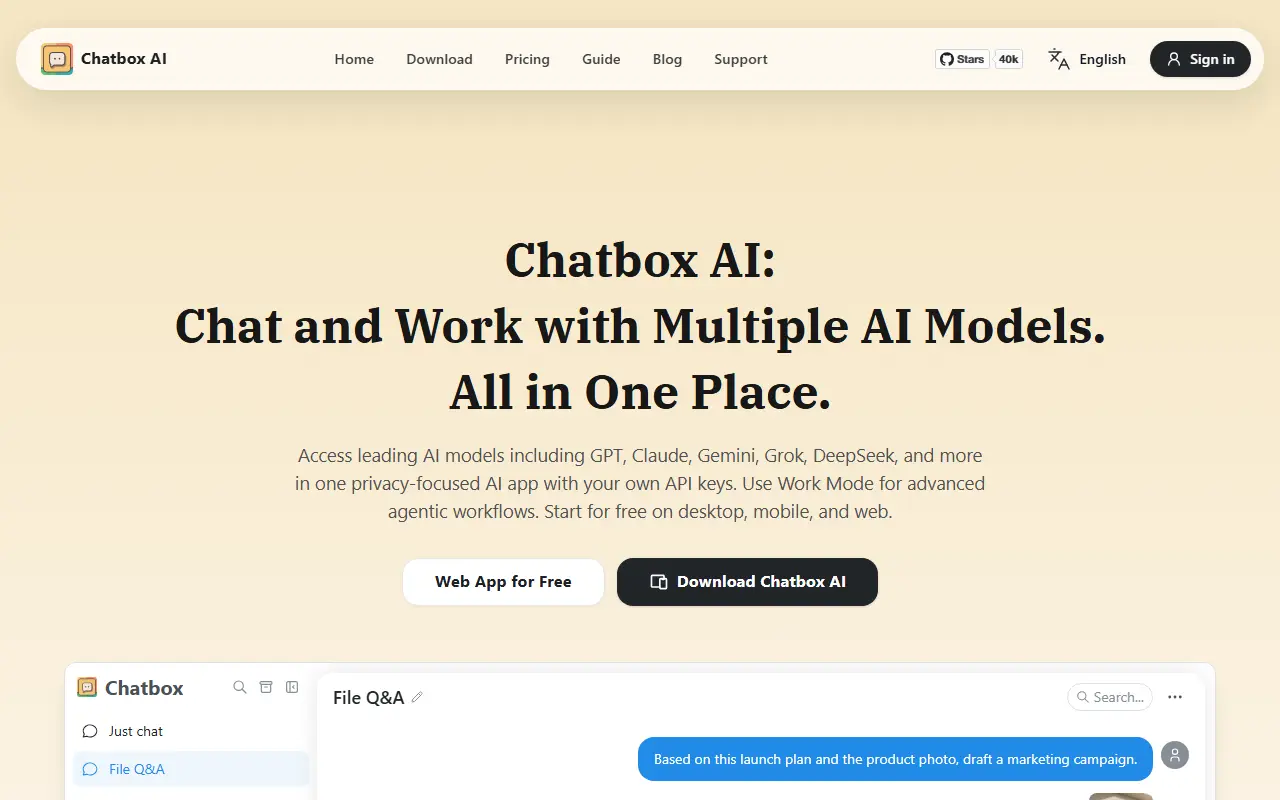
chatboxai.appChatbox homepage screenshot

Chatbox is a desktop client for talking to ChatGPT, Claude and other large language models, available for Windows, Mac and Linux. This repository holds the Community Edition, which is published as open source under GPLv3, and the maintainers say they regularly sync code between it and their pro repository. It is written in TypeScript.

It works with multiple providers, including OpenAI, Azure OpenAI, Claude, Google Gemini and Ollama, which makes local models such as Llama, Mistral and Mixtral available, plus ChatGLM-6B, and it can generate images through DALL-E 3. Setup is a matter of downloading an installer, launching the app and entering your provider settings.

System requirements listed are Windows 10, macOS 11 on Intel or Apple Silicon, or Ubuntu 20.04 and compatible AppImage-capable distributions. Download links for iOS and Android, including an APK, are mentioned alongside the desktop builds. Chatbox suits people who want a single desktop front end for several AI services, using their own API keys or local models.

Key features

  • Desktop client for ChatGPT, Claude and Gemini
  • Local model access through Ollama
  • Azure OpenAI and ChatGLM support
  • Image generation with DALL-E 3
  • Windows, macOS and Linux installers
  • Community Edition under GPLv3

Pricing: A free plan covers light use. Chatbox AI Lite is $3.99, Pro $19.99 and Pro+ $39.99 per month, with lower annual-billing rates.

NextChat

NextChat is an open-source AI chat client for the web, desktop and mobile that connects to Claude, GPT, Gemini, DeepSeek and other model providers.

GitHub stars
89k
Last commit
1 mo ago
Latest release
v2.16.1
Licence
MIT
Self-hosted
Yes
Hosted version
Available
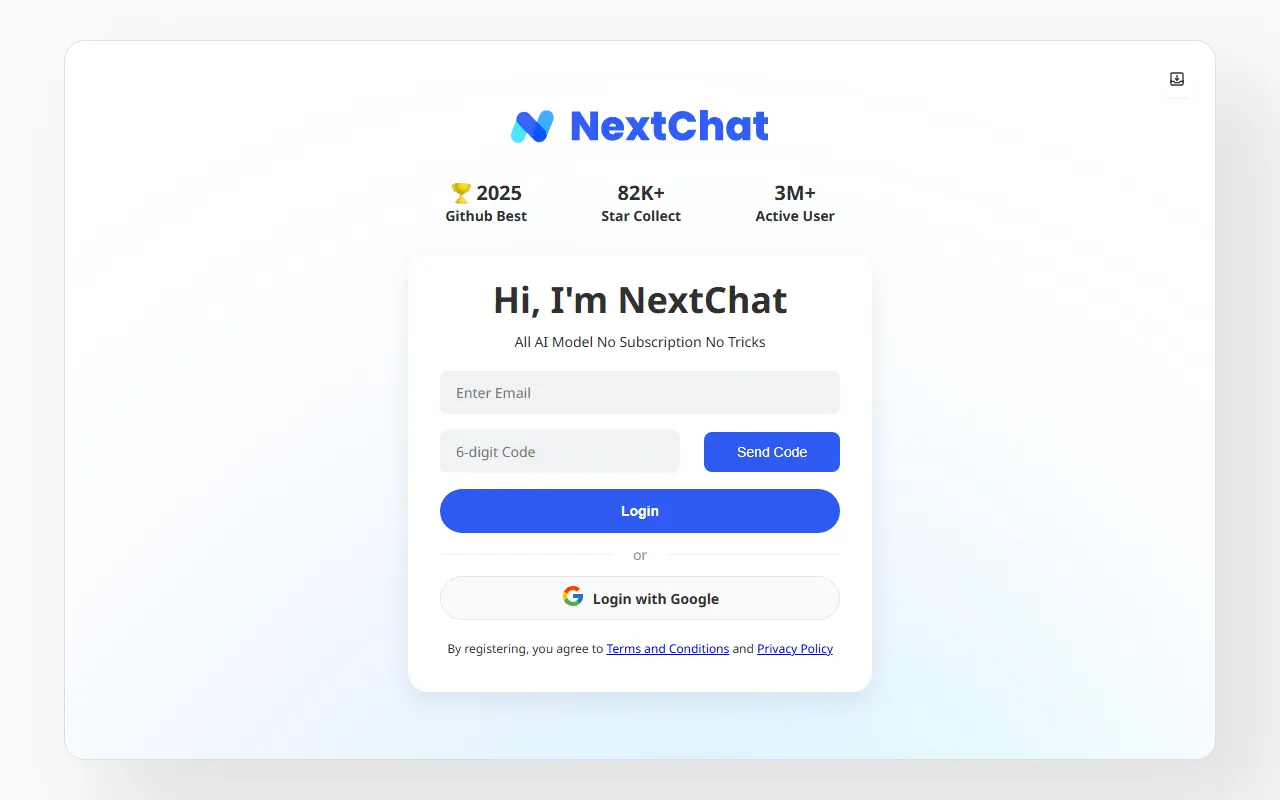
nextchat.clubNextChat homepage screenshot

NextChat is a lightweight AI chat assistant that works with several model providers, including Claude, GPT, Gemini and DeepSeek, and local runtimes such as Ollama. It is available as a web app and PWA, with desktop apps for Windows, macOS and Linux built using Tauri, and mobile apps. The code is written in TypeScript with Next.js and React, and it is released under the MIT license.

You can deploy your own instance, for example on Vercel, or use the hosted NextChatAI service, which the project describes as pay-as-you-go and not requiring your own API key. The README also notes support for the Model Context Protocol when an environment flag is set before building. An Enterprise Edition targets companies that need private deployment, brand customization, centralized management of AI resources, permission controls and integration of internal knowledge bases.

Key features

  • Chat with Claude, GPT, Gemini and DeepSeek
  • Web, PWA, desktop and mobile clients
  • Deploy your own instance on Vercel or Docker
  • Model Context Protocol support when enabled
  • Hosted NextChatAI option without own API key
  • Enterprise edition with admin and permission controls

Pricing: Open source under the MIT license; the hosted NextChatAI service is pay-as-you-go and an Enterprise Edition is available.

Onyx

An open-source AI platform for enterprise search and chat that indexes knowledge from 50+ apps and works with any LLM, deployable on your own infrastructure.

GitHub stars
32k
Last commit
today
Latest release
v4.8.3
Self-hosted
Yes
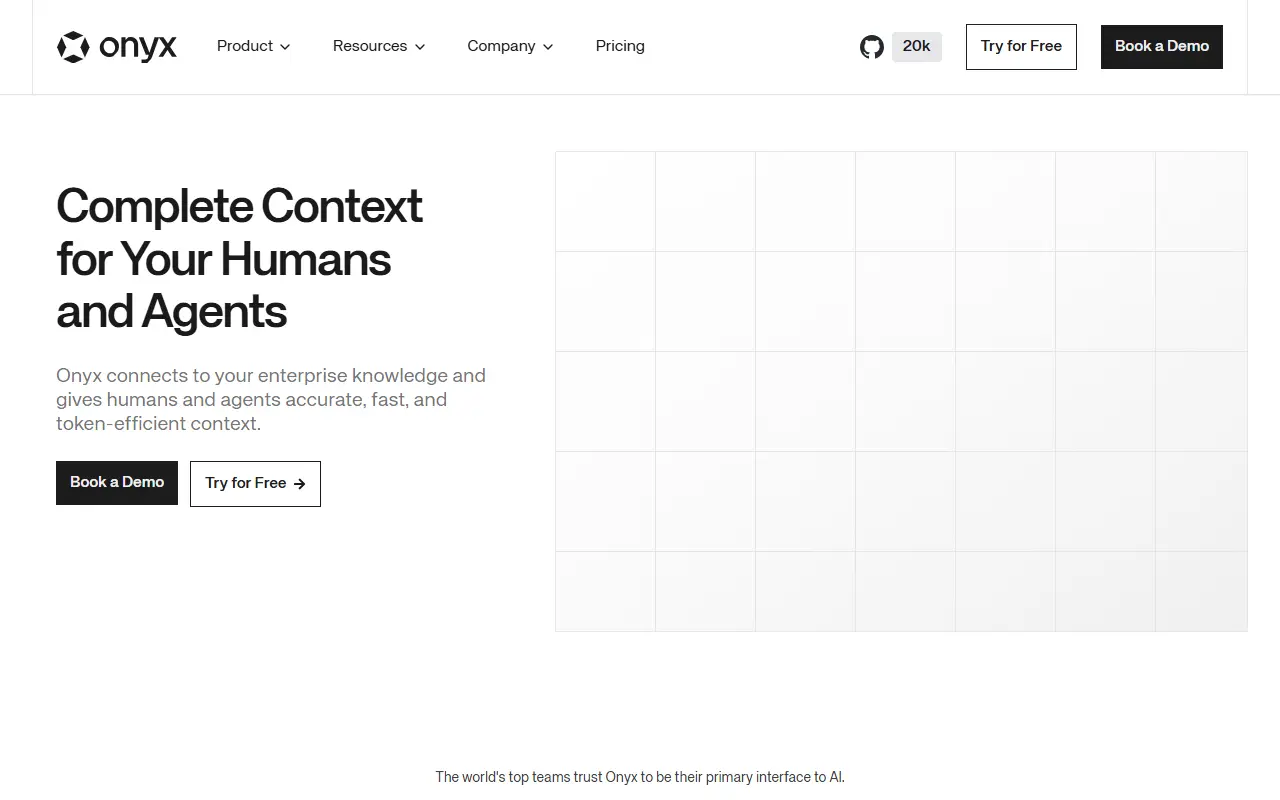
onyx.appOnyx homepage screenshot

Onyx is an open-source AI platform that acts as a knowledge and context layer for teams and their AI agents. It connects to more than 50 applications, pulls in documents along with their metadata and permissions, and builds an internal representation so that LLMs can answer questions grounded in what your company actually knows.

The project argues that this indexed approach gives more reliable, lower-latency and cheaper context than approaches that have an agent search many tools iteratively through MCP. Features include agentic RAG on a hybrid index, a Deep Research mode for multi-step reports, custom agents with their own knowledge, instructions and actions, and live web search through providers such as Serper, Google PSE, Brave and SearXNG. Sandboxes and skills extend what models can do, and the chat interface works with every major LLM.

Onyx emphasizes data sovereignty through flexible self-hosted deployments, with a single-command deploy option. The code is written in Python and Next.js, and the license is listed as 'Other' on GitHub, so check the terms for the enterprise features. It suits organizations that want a private, ChatGPT-style assistant connected to internal documents.

Key features

  • Connectors to 50+ workplace applications
  • Hybrid index with agentic RAG
  • Deep Research multi-step reports
  • Custom agents with their own knowledge
  • Web search via Serper, Brave and others
  • Works with any LLM
  • Indexing that respects source permissions

Pricing: Business costs $25 per user per month on monthly billing, or $20 per user per month billed annually, with a free trial. Enterprise pricing and deployment options are by contact.

Khoj

A self-hostable personal AI app that chats with local or cloud LLMs, answers from the web and your documents, builds custom agents and automates research.

GitHub stars
38k
Last commit
2 mo ago
Latest release
2.0.0-beta.28
Licence
AGPL-3.0
Self-hosted
Yes
Hosted version
Available
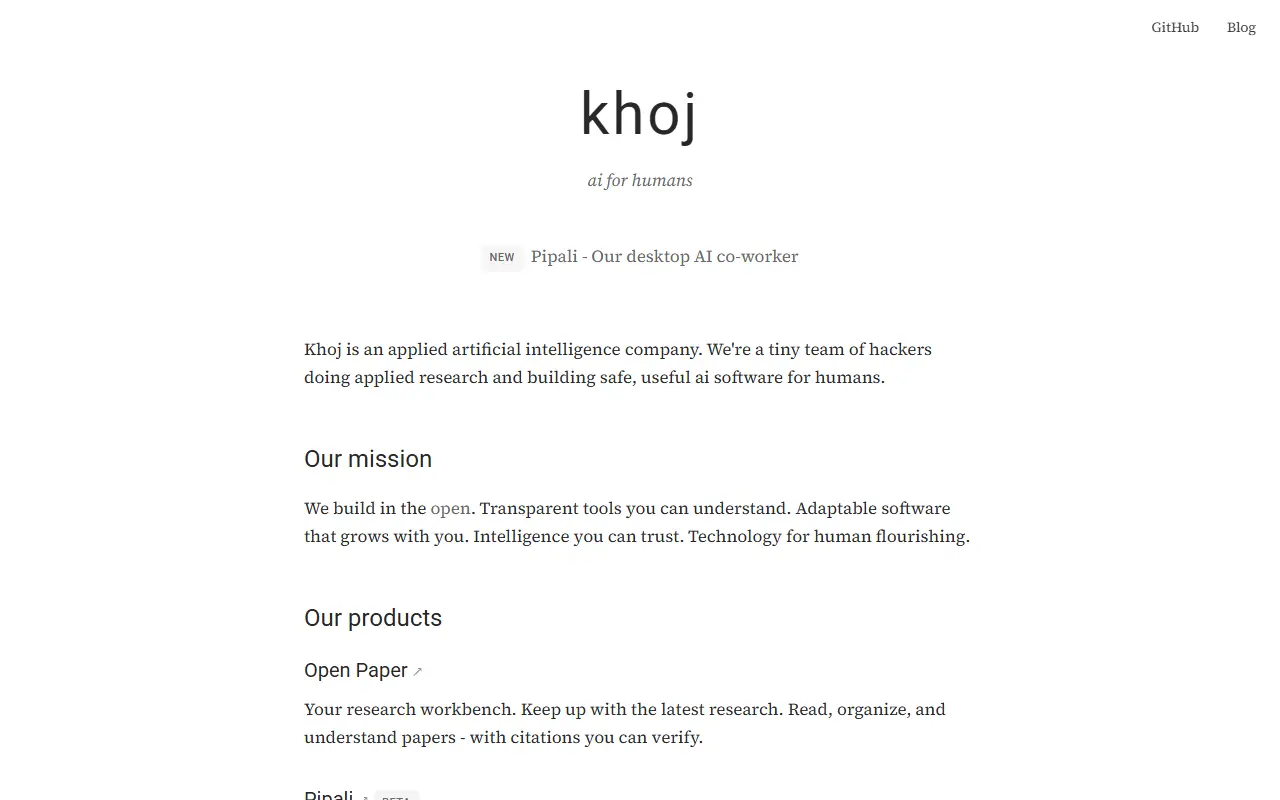
khoj.devKhoj homepage screenshot

Khoj is a personal AI app that you can run on your own machine or scale up to an enterprise cloud deployment. You can chat with local or online models, such as Llama, Qwen, Gemma, Mistral, GPT, Claude, Gemini and DeepSeek, and get answers drawn from the internet and from your own documents, including images, PDFs, Markdown, org-mode files, Word documents and Notion pages.

It can be reached from a browser, Obsidian, Emacs, a desktop app, a phone or WhatsApp. Users create agents with their own knowledge, persona, chat model and tools, set up automations that deliver personal newsletters and smart notifications by email, and use advanced semantic search to find relevant documents. It can also generate images and speak responses aloud. The README highlights benchmark results for retrieval and reasoning and introduces Pipali, a separate open-source AI coworker for your own computer.

Khoj is written in Python and licensed under AGPL-3.0. You can self-host it, with offline models via llama.cpp, or use the hosted app. It suits individuals and teams who want an AI assistant grounded in their notes and files while keeping a choice of model.

Key features

  • Chat with local or online LLMs
  • Answers from the web and your documents
  • Access from Obsidian, Emacs, WhatsApp and browser
  • Custom agents with their own knowledge and tools
  • Scheduled automations and newsletters
  • Semantic search over personal documents

2 more Le Chat alternatives

Le Chat alternatives: questions

What is the best open-source alternative to Le Chat?
Open WebUI is the top-ranked open-source alternative to Le Chat on Enlisted: A self-hosted chat interface for local and cloud language models, supporting Ollama and OpenAI-compatible APIs, with RAG, user roles and a plugin system. Other strong options are LobeHub, AnythingLLM, Cherry Studio and LibreChat.
Are these Le Chat alternatives free?
All 12 are open source, so the code is free to use under its licence, and 12 of them can be self-hosted on your own server. 5 also offer a paid or managed cloud version if you'd rather not host it yourself.
How is this list of Le Chat alternatives ranked?
By a score built from GitHub stars, star growth over the last 30 days and how recently the code changed. 10 of these projects shipped code in the last 30 days. Data is refreshed daily, and nobody can pay to move up.

People also look for alternatives to…

View all