#1
A customizable team communications platform with real-time chat and video, aimed at organizations with strict data protection needs and offered self-hosted, cloud or air-gapped.
- GitHub stars
- 46k
- Last commit
- today
- Latest release
- 9.0.0
- Self-hosted
- Yes
- Hosted version
- Available
rocket.chat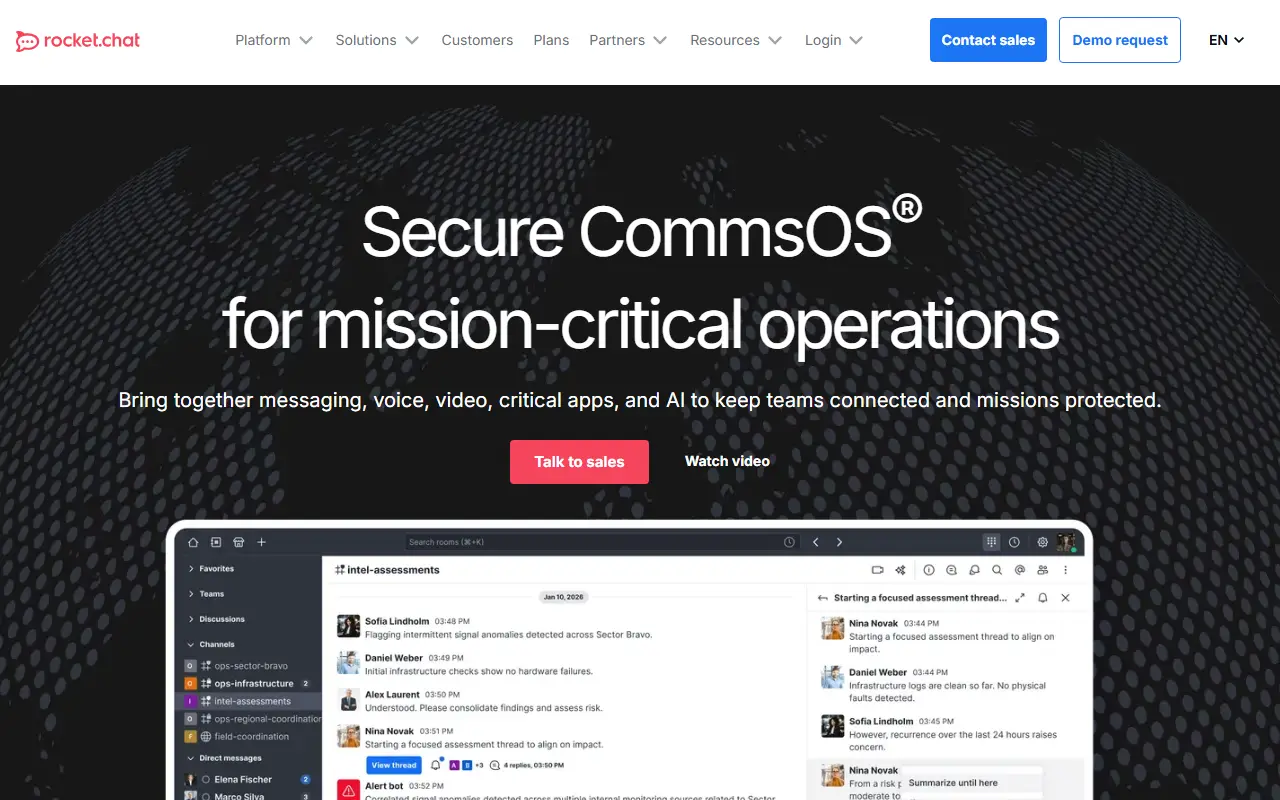
Rocket.Chat is a communications platform written in TypeScript for teams and organizations that care about data protection. It supports real-time conversations between colleagues, with partner companies, and with customers or citizens, and its topics place it in the same space as Slack, with WebRTC for calls and meetings.
The product emphasizes control over where and how it runs. Deployment options include self-hosted servers, a managed cloud and fully air-gapped environments, with a scalable architecture and performance monitoring for workspace administration. Security and sovereignty features, including identity management, are a core part of the pitch, and the platform is built to be highly customizable, so organizations can adapt it to their own workflows and integrations.
The repository's license is listed as 'Other' on GitHub, although the topics reference an MIT-licensed community core, so confirm which components fall under which terms before relying on it commercially. It suits government bodies, enterprises and regulated industries that want a Slack-style tool they can host themselves.
Key features
- Real-time team messaging and channels
- Video conferencing built on WebRTC
- Self-hosted, cloud and air-gapped deployment
- Scalable architecture with performance monitoring
- Identity and security controls for data sovereignty
- Highly customizable platform
Pricing: Rocket.Chat does not publish prices. Commercial, Government and Defense plans are quoted through its sales team, with on-premise and air-gapped deployment options.
#2
A self-hosted, open-core collaboration platform combining team chat, automated workflows, voice calls, screen sharing and AI integrations.
- GitHub stars
- 40k
- Last commit
- yesterday
- Latest release
- v12.0.2
- Self-hosted
- Yes
- Hosted version
- Available
mattermost.com
Mattermost is an open-core collaboration platform you host yourself, covering team chat, workflow automation, voice calls, screen sharing and AI integrations. This repository is the primary source for core development of the platform. The server is built with Go and React, ships as one Linux binary and depends on PostgreSQL. GitHub lists the license as 'Other'.
Each month, on the 16th, a newly compiled release is published under the MIT license. You can deploy Mattermost on-premises or try it in the cloud. The project highlights use cases such as DevSecOps, incident resolution and IT service desk, and it offers native clients for Android, iOS, Windows, macOS and Linux in addition to the web interface.
Installation options include Docker, Ubuntu, a tar archive, Kubernetes, Helm and an Omnibus package. Developers can build integrations through APIs, webhooks, slash commands, Apps and plugins, and the repository links product and developer documentation, security bulletins and contribution guides. It suits engineering, security and operations teams that want controlled, self-managed team messaging.
Key features
- Team chat with channels and threads
- Built-in workflow automation
- Voice calling and screen sharing
- Integration with AI tools
- Single Linux binary with PostgreSQL
- Native mobile and desktop apps
- APIs, webhooks, slash commands and plugins
Pricing: Mattermost does not publish prices. Professional, Enterprise and Enterprise Advanced are quoted through sales; a limited-use edition and a 1-hour trial environment are offered for evaluation.
#3
An open-source video conferencing platform that runs in the browser and mobile apps, usable as a standalone service or embedded in your own web application.
- GitHub stars
- 30k
- Last commit
- today
- Latest release
- stable/jitsi-meet_11248
- Licence
- Apache-2.0
- Self-hosted
- Yes
- Hosted version
- Available
jitsi.org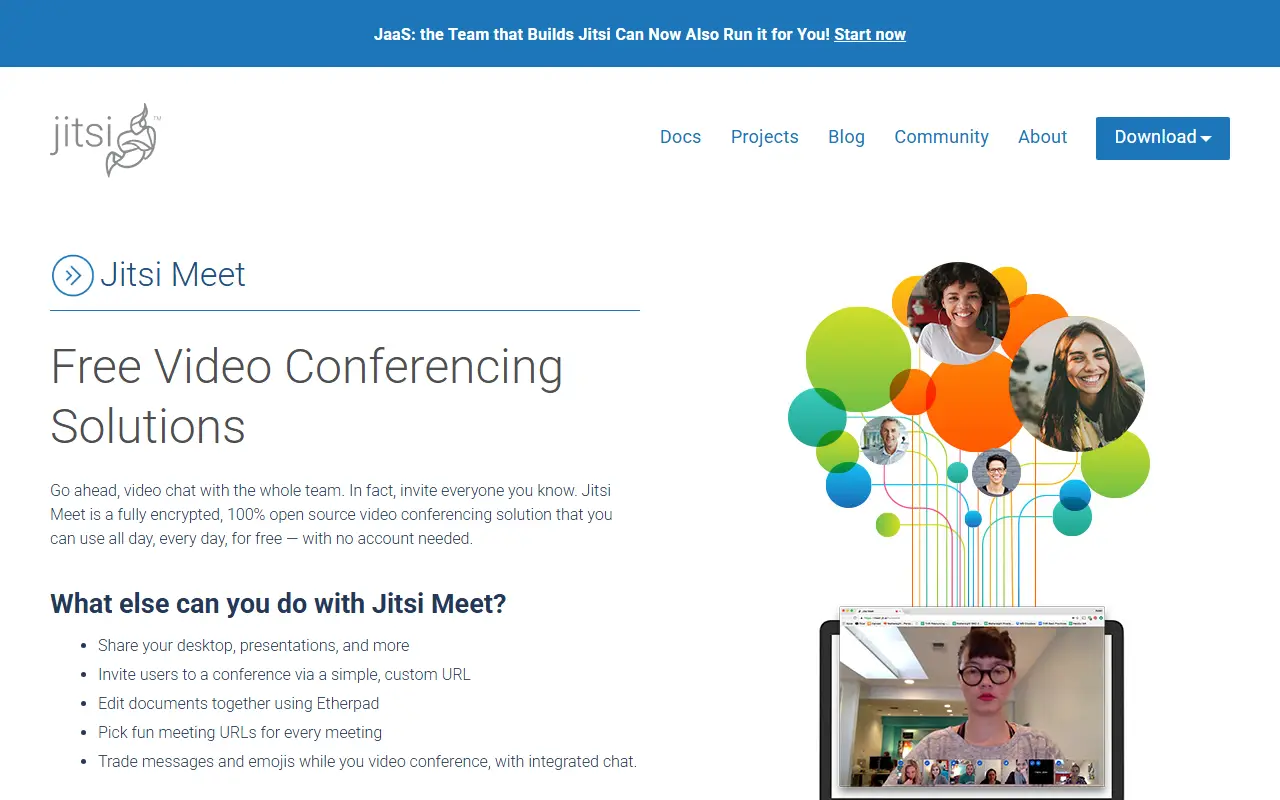
Jitsi Meet is a collection of open-source projects for hosting video conferences. It works in all current browsers and has Android and iOS apps, and it can be used as a ready-made service or embedded into other web applications through web and native SDKs. It is built on WebRTC with a selective forwarding unit to scale to larger meetings.
Meetings offer HD audio and video, content sharing, raised hands and reactions, chat with private conversations, polls and virtual backgrounds. The hosted service at meet.jit.si is free to use, and the README says you can start a meeting after signing in with an account from a major provider. Mobile users can use the browser or the full-featured apps, which are also available from F-Droid, and open beta programs let early adopters test features.
If you prefer control over your data, Jitsi can be deployed on your own infrastructure, with documentation for running your own instance. Jitsi Meet is Apache-2.0 licensed and written in TypeScript. It suits organizations, schools and communities that want an alternative to proprietary meeting software.
Key features
- Browser-based meetings with no install
- Android and iOS apps
- Screen and content sharing
- Chat, polls, reactions and raised hands
- Virtual background support
- Web and native SDKs for embedding
Pricing: Free and open source under Apache-2.0; the public meet.jit.si service is free to use.
#4
An open-source team chat app that organizes conversations into topic-based threads, designed for both live and asynchronous discussion, available hosted or self-hosted.
- GitHub stars
- 26k
- Last commit
- today
- Latest release
- 13.0
- Licence
- Apache-2.0
- Self-hosted
- Yes
- Hosted version
- Available
zulip.com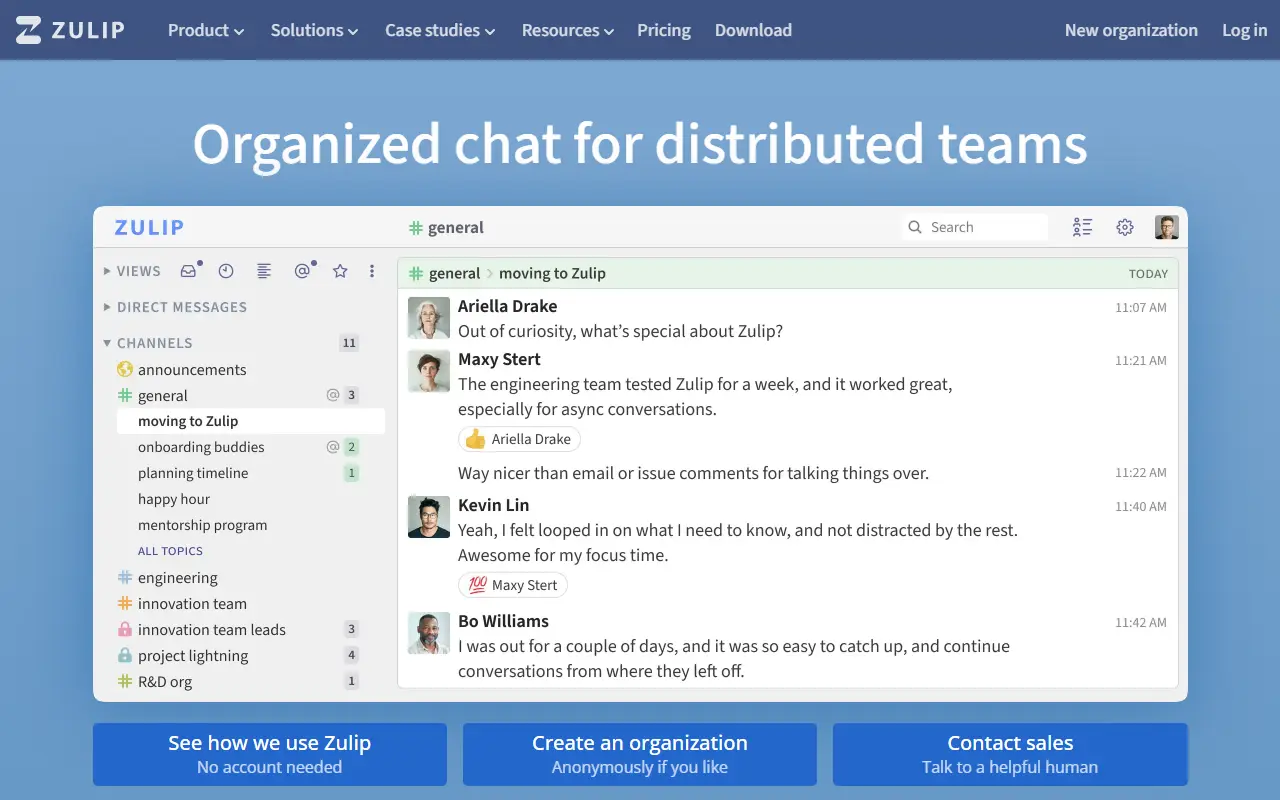
Zulip is an open-source team chat application whose defining feature is topic-based threading within channels. The idea is to blend the strengths of email and chat, so that remote and distributed teams can follow several conversations at once and catch up later without losing context. Its topics tag it as a Slack alternative.
The project is developed by a distributed community, with more than a thousand contributors and a steady flow of commits each month, and it says it has put effort into readable, tested code and extensive contributor documentation. The server is a Python web application, and there are web, desktop, built on Electron, and mobile clients, built with React Native. Zulip is used by companies and open-source projects alike, and the README says it is designed for both live and asynchronous communication.
Zulip is licensed under Apache-2.0. You can run the server on your own infrastructure, which gives full control over data, or use the hosted service operated by the project's company. It suits teams that find flat channel-based chat chaotic and want a more structured way to keep discussions organized.
Key features
- Topic-based threading in channels
- Live and asynchronous conversations
- Web, desktop and mobile clients
- Self-hosted server or hosted service
- Extensive contributor documentation
- Python and JavaScript codebase
Pricing: Cloud has a free plan, with Standard at $8 and Plus at $12 per user per month ($6.67 and $10 billed annually). Self-hosted is free, with Basic at $3.50 and Business at $8 per user per month; Enterprise is by contact.
#5
Web and desktop client for the Matrix network, offering encrypted chat, rooms and collaboration built on the Matrix JS SDK.
- GitHub stars
- 14k
- Last commit
- 2 days ago
- Latest release
- v1.12.34
- Licence
- AGPL-3.0
- Self-hosted
- Yes
- Hosted version
- Available
element.io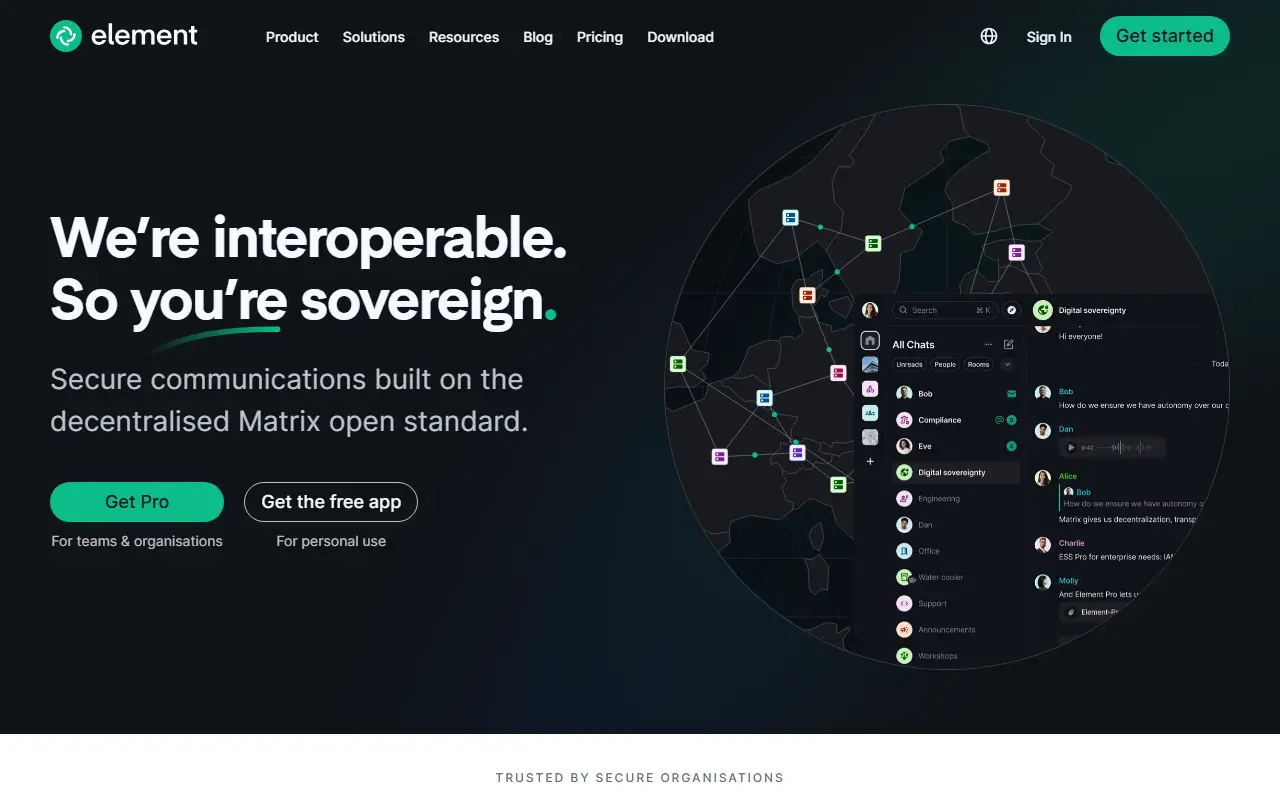
Element Web is a client for Matrix, the open protocol for decentralized messaging. It is the web and desktop application formerly known as Vector and Riot, and it lets people join rooms, chat in teams and communities, and collaborate across Matrix servers rather than inside a single vendor's network.
The client is built with TypeScript on top of the Matrix JS SDK. The README defines support tiers for browsers, covering recent versions of Chrome, Firefox, Edge and Safari on desktop, best-effort handling for ESR and extended-stable releases, and community support for mobile web. For phones and tablets the maintainers recommend the native Element X apps for Android and iOS.
It is released under the AGPL-3.0 license and is typically served from your own web host or used through the hosted app from the vendor, Element. Related products such as Element Call and the Enterprise Server Suite are mentioned as part of the wider Element offering. Changes are tracked on GitHub with regular release cycles.
Key features
- Matrix web client for rooms and chat
- Desktop app built from the same code
- Built on the Matrix JS SDK
- Documented browser support tiers
- Works alongside Element X mobile apps
Pricing: Element Enterprise is priced per seat per month and Sovereign per deployment, but no prices are published; buyers are directed to talk to an expert.
#6
An open-source virtual classroom and web conferencing system with real-time audio, video, slides, whiteboard, chat, polling and breakout rooms for online teaching.
- GitHub stars
- 9.3k
- Last commit
- today
- Latest release
- v4.0.2
- Licence
- LGPL-3.0
- Self-hosted
- Yes
bigbluebutton.org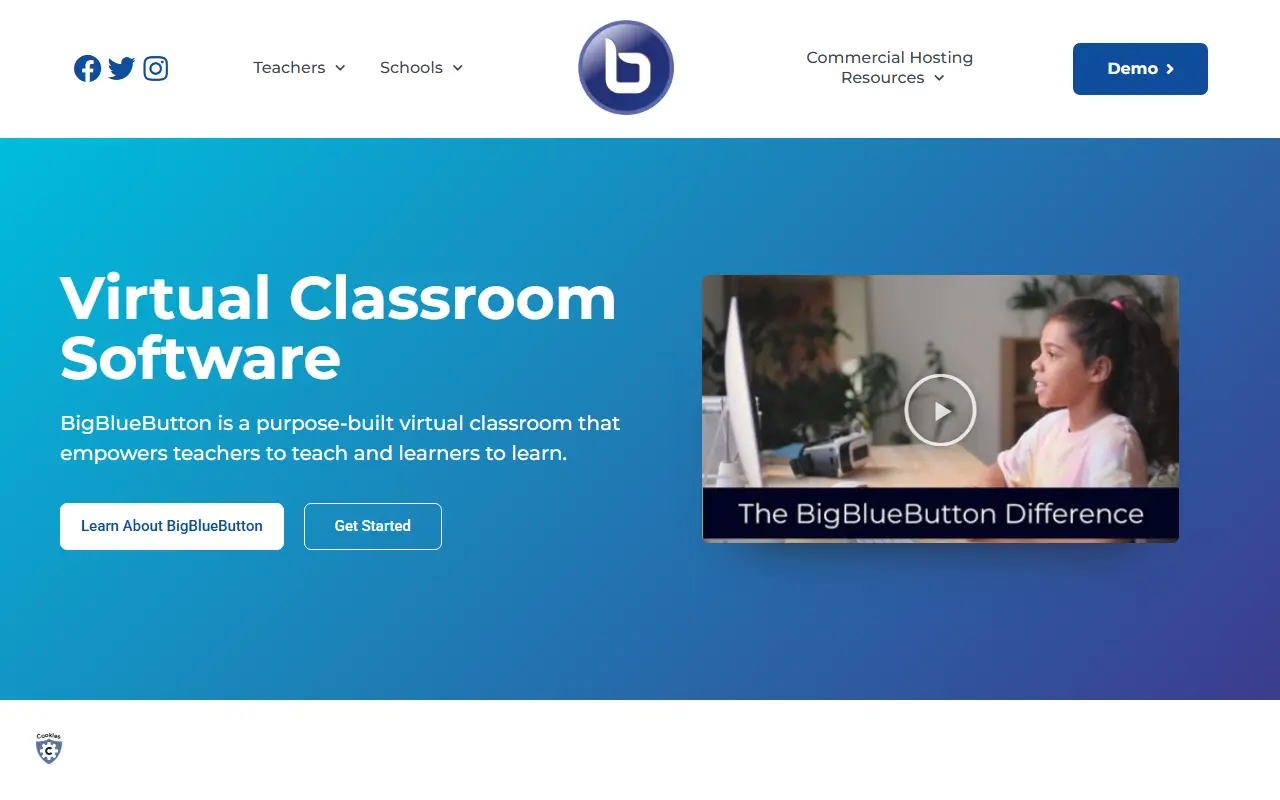
BigBlueButton is an open-source web conferencing system designed for online learning, intended to help teachers teach and learners learn. Participants can share audio, video, slides (with whiteboard annotations), chat messages and their screen in real time, and can also be used for many other meeting types beyond education.
To keep remote students involved, instructors can use polls, emoji reactions, whiteboards that several people can draw on, shared notes and breakout rooms. During a session it generates analytics shown to moderators on a Learning Analytics Dashboard, and presenters can record sessions for later playback and sharing. The README lists online tutoring, flipped classrooms, group collaboration and online classes as the educational scenarios it was built for. Its topics reference WebRTC.
The current major release is BigBlueButton 3.0, which can be installed on Ubuntu 22.04 with the bbb-install.sh script, and full documentation covers architecture, features, the API and GreenLight, the default front end. The software is licensed under LGPL-3.0, while the name and logo are trademarks of BigBlueButton Inc. It suits schools, universities and training providers that want to host their own conferencing.
Key features
- Real-time audio, video and screen sharing
- Slides with whiteboard annotations
- Polling, emojis and breakout rooms
- Multi-user whiteboard and shared notes
- Learning Analytics Dashboard
- Session recording and playback
- GreenLight default front end
Pricing: Free and open source under the LGPL-3.0 licence.
#7
The desktop sync client for Nextcloud, which keeps files on a Nextcloud server in sync with a Windows, macOS or Linux computer.
- GitHub stars
- 4k
- Last commit
- yesterday
- Latest release
- v35.0.3
- Licence
- GPL-2.0
nextcloud.com
The Nextcloud Desktop Client is an app that synchronizes files from a Nextcloud server with your computer. It is available for Windows, macOS and Linux and is the companion to a Nextcloud server that you run or use.
Official downloads, daily builds and release lists are available from the Nextcloud site, and user, administration and developer manuals are on the central documentation site. Contributors can follow the repository's guidelines and code of conduct, help with testing by installing daily builds, and report bugs in the issue tracker.
The client is written mostly in C++ with Qt6 since version 3.14, with Swift components on macOS, and builds with CMake and compilers such as clang or gcc. Windows 10 and 11, macOS 13 Ventura or newer and Linux are supported, and the build instructions use KDE Craft. The code is licensed under GPL-2.0.
Key features
- File synchronization with Nextcloud servers
- Windows, macOS and Linux clients
- Daily builds for testing
- Qt6-based C++ codebase
- User and admin manuals online
Pricing: Standard plan starts at 42€ per user per year for 100+ users; pricing decreases at higher user volumes.
#8
Openfire is a Java real-time collaboration server that implements XMPP, the open instant messaging protocol, under the Apache license.
- GitHub stars
- 3.1k
- Last commit
- yesterday
- Latest release
- v5.1.2
- Licence
- Apache-2.0
- Self-hosted
- Yes
igniterealtime.org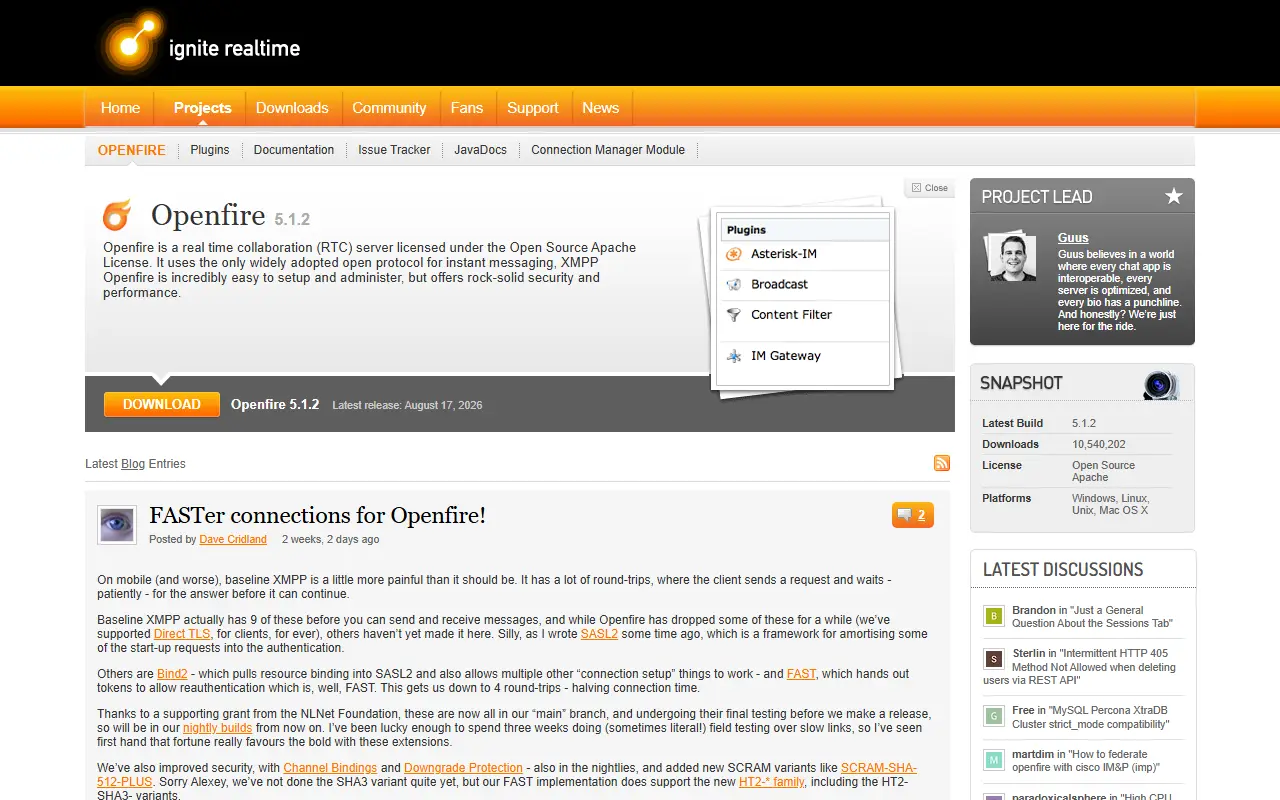
Openfire is a real-time collaboration server that implements XMPP, also called Jabber, which the project describes as the only widely adopted open protocol for instant messaging. It is written in Java, released under the Apache-2.0 license and maintained as an Ignite Realtime community project.
The project says Openfire is easy to set up and administer while still offering strong security and performance. Organizations use it to run their own messaging infrastructure instead of relying on a proprietary chat vendor, and because XMPP is an open standard, any compatible client can connect to it.
Support is community-based. Documentation lives on the Ignite Realtime site, discussion happens on a Discourse forum, and bugs are tracked in an issue tracker where new users are asked to post through the forum first. Nightly builds are available, translations are managed through Transifex, and the latest release listed is v5.1.2.
Key features
- XMPP real-time messaging server
- Open-standard Jabber protocol support
- Java-based and Apache licensed
- Nightly builds and documentation
- Community forum and issue tracker
Pricing: Free and open source under the Apache-2.0 license.
#9
Deprecated open-source collaboration suite offering team chat, file storage, calendar, tasks and video calls; its maintainers have moved to Twake Workplace.
- GitHub stars
- 1.9k
- Last commit
- 9 mo ago
- Latest release
- v2023.Q1.1223
- Licence
- AGPL-3.0
- Self-hosted
- Yes
- Hosted version
- Available
linagora.github.io
Twake, published by Linagora, was an open-source digital workplace combining team chat, file storage, a shared calendar, task management, video calls and real-time document collaboration. It was designed to improve organizational productivity, with kanban boards for tasks and a drive for files. This repository is the legacy codebase and is explicitly marked deprecated.
The README states that the repository is no longer actively maintained and directs users to the newer Twake-workplace repository for current features and support. The archived instructions describe running a local instance with Docker Compose, which serves on localhost, redirects to HTTPS and uses a self-signed certificate by default unless you disable SSL certificates in the compose file. The team also offered a hosted SaaS demo, plus documentation, a community forum and Weblate-based translations.
The code is written in TypeScript and licensed under AGPL-3.0. Anyone evaluating the product today should look at the successor project rather than adopt this repository for new deployments. It remains useful mainly for existing installations and as a reference for how the platform was built.
Key features
- Team chat and channels
- File storage and sharing
- Team calendar
- Task management with kanban boards
- Video calls and conferencing
- Real-time document collaboration
- Docker Compose self-hosting

Teamlinker is a team collaboration platform that combines projects, wiki, calendar, meetings, chat and network disk in a browser-based web OS.
- GitHub stars
- 522
- Last commit
- 2 yr ago
- Licence
- GPL-3.0
- Self-hosted
- Yes
team-linker.com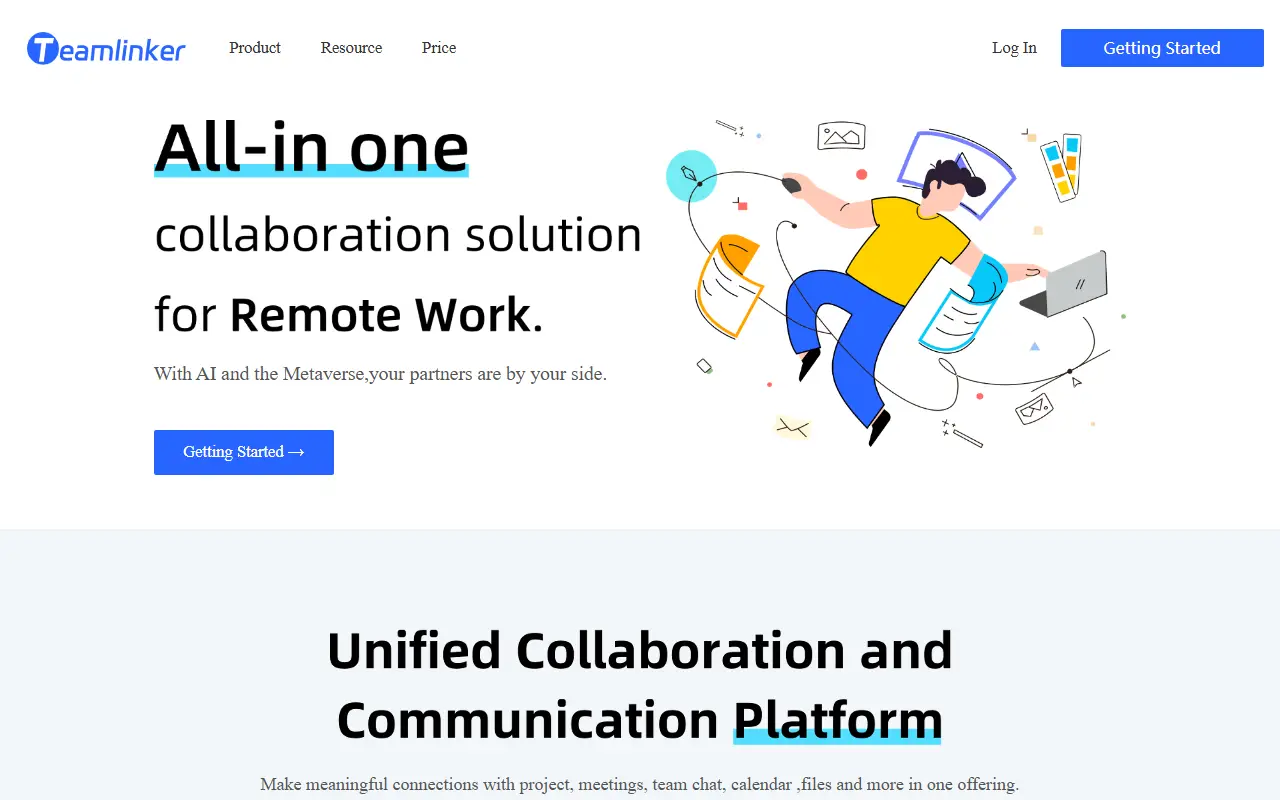
Teamlinker is a team collaboration platform that brings several tools into one place so companies do not need separate apps for project progress, colleague communication and client meetings. It is built on TeamOS, a web operating system in which users can run tasks in parallel in windows, similar to a desktop operating system.
It has six functional modules: project management, wiki, calendar, meetings, chat and a network disk. The web OS offers desktop management, multiple windows, multitasking, file drag and drop, upload and download. Meetings use WebRTC for multi-person video and voice, member invitations, screen sharing, virtual backgrounds, video blur, administrator controls and in-meeting chat. A custom block editor powers the wiki.
The stack is TypeScript throughout, with Node.js on the back end and Vue 3 on the front end, and mediasoup is listed among its topics. Related open-source components include TLCalendar, TLEditor, TLMeetingClient and TLMeetingServer. Teamlinker is licensed under GPL-3.0 and has documentation in English and Chinese.
Key features
- Project, wiki, calendar, chat and network disk modules
- Browser-based web OS with multiple windows
- WebRTC video meetings with screen sharing
- Virtual backgrounds and video blur
- Block-based wiki editor
- File drag, drop, upload and download
Pricing: Free and open source under GPL-3.0.
Commercial DingTalk alternatives
Hosted, closed-source products that compete with DingTalk. Showing 12 of 18.
- View tool
Business chat tool from Japan with group messaging and task assignment
SaaS
- View tool
Chat, docs, calendar and video meetings suite from ByteDance
SaaS
- View tool
Team messenger with channels, video calls, to-dos and file sharing
SaaS
- View tool
Business chat and collaboration suite from LINE with mail, drive and calendar
SaaS
- View tool
Messaging and spaces inside Google Workspace with Meet and Docs integration
SaaS
- View tool
Team messaging with channels, calls and bots inside the Zoho ecosystem
SaaS
- View tool
Slack is a team messaging platform with channels, huddles, canvases, workflows and AI features, now part of Salesforce.
SaaS
- View tool
Tencent instant messaging app with chat, file sharing and group features
SaaS
- View tool
Tencent's messaging and mobile payments app
SaaS
- View tool
Tencent enterprise messaging and collaboration app integrated with WeChat
SaaS
- View tool
Microsoft Teams is Microsoft's workspace for chat, video meetings and file collaboration, closely tied to Microsoft 365.
SaaS
- View tool

Basecamp
Project Management
Project management and team communication with to-dos, message boards and schedules
SaaS
See every DingTalk alternative on its tool page
DingTalk alternatives: questions
- What is the best open-source alternative to DingTalk?
- Rocket.Chat is the top-ranked open-source alternative to DingTalk on Enlisted: A customizable team communications platform with real-time chat and video, aimed at organizations with strict data protection needs and offered self-hosted, cloud or air-gapped. Other strong options are Mattermost, Jitsi Meet, Zulip and Element.
- What are the best commercial alternatives to DingTalk?
- Chatwork, Lark, Flock, LINE WORKS and Google Chat are among the hosted, closed-source alternatives to DingTalk listed on Enlisted, which lists 18 in total. Compare their pricing and features on each tool page.
- Are these DingTalk alternatives free?
- All 10 are open source, so the code is free to use under its licence, and all of them can be self-hosted on your own server or computer. 6 also offer a paid or managed cloud version if you'd rather not host it yourself.
- How is this list of DingTalk alternatives ranked?
- By a score built from GitHub stars, star growth over the last 30 days and how recently the code changed. 8 of these projects shipped code in the last 30 days. Data is refreshed daily, and nobody can pay to move up.
 TrackMedia
 TrackRev