10 open-source alternatives ranked by real activity

Open-source Base alternatives

A curated, ranked list of the 10 best open-source alternatives to Base.

The best open-source alternative to Base is DBeaver. If that doesn't suit you, other good options are Beekeeper Studio, TablePro, DB Browser for SQLite and DbGate.

Commercial alternatives to Base include Valentina Studio, SQLPro Studio, DataGrip and Navicat. See all 7.

Base alternatives are mainly database tools, but some are also search tools and note-taking tools. 6 of them shipped code in the last 30 days, 10 can be self-hosted, and 3 use a permissive licence.

Last updated November 13, 2026 · ranked by GitHub stars, growth and recent commits

DBeaver

A free multi-platform desktop database tool and SQL client for developers, DBAs and analysts, supporting over 100 databases through JDBC and ODBC drivers.

GitHub stars
52k
Last commit
today
Latest release
26.2.4
Licence
Apache-2.0
Self-hosted
Yes
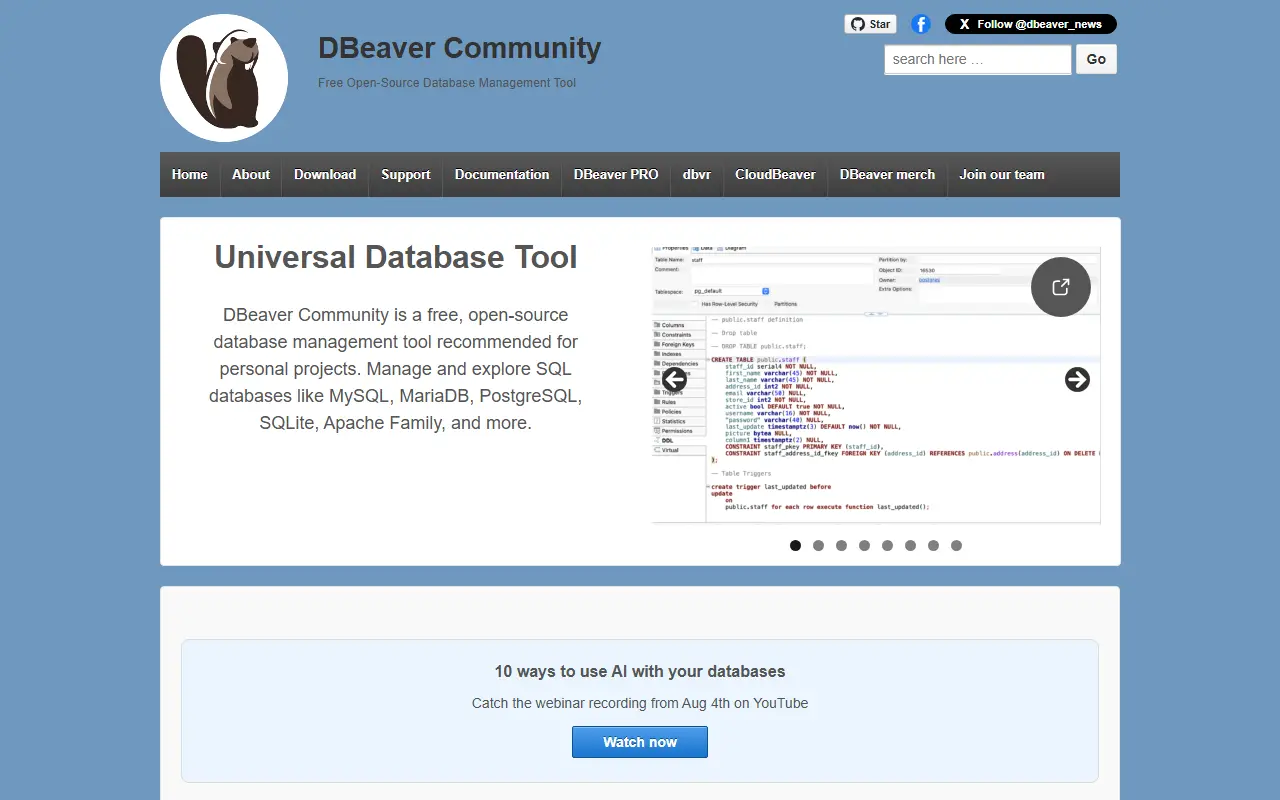
dbeaver.ioDBeaver homepage screenshot

DBeaver is a free, multi-platform database tool aimed at developers, SQL programmers, database administrators and analysts. A single desktop application lets you browse schemas, write and run SQL, edit data and administer many different database systems, instead of switching between vendor-specific clients.

Its feature set covers a schema editor, an SQL editor, a data editor, ER diagrams, data export, import and migration, SQL execution plans, administration tools, database dashboards, a spatial data viewer, proxy and SSH tunneling, and an editor for custom database drivers. An AI chat integrates AI tools for working with data, SQL and database structure. More than 100 drivers are supported out of the box, and anything with a JDBC or ODBC driver can be connected.

DBeaver is a Java application, with OpenJDK included in all distributions so no separate Java install is needed. It is Apache-2.0 licensed and can be downloaded as prebuilt binaries from the website or GitHub releases, with an Early Access build published daily. The vendor also sells paid editions with additional capabilities.

Key features

  • SQL editor with execution plans
  • Schema editor and ER diagrams
  • Data editor with export, import and migration
  • 100+ database drivers plus any JDBC or ODBC source
  • SSH tunneling and proxy support
  • Built-in AI chat for SQL and data
  • Database dashboards and spatial data viewer

Pricing: The Community Edition is free and open source under Apache-2.0; the vendor also sells paid editions.

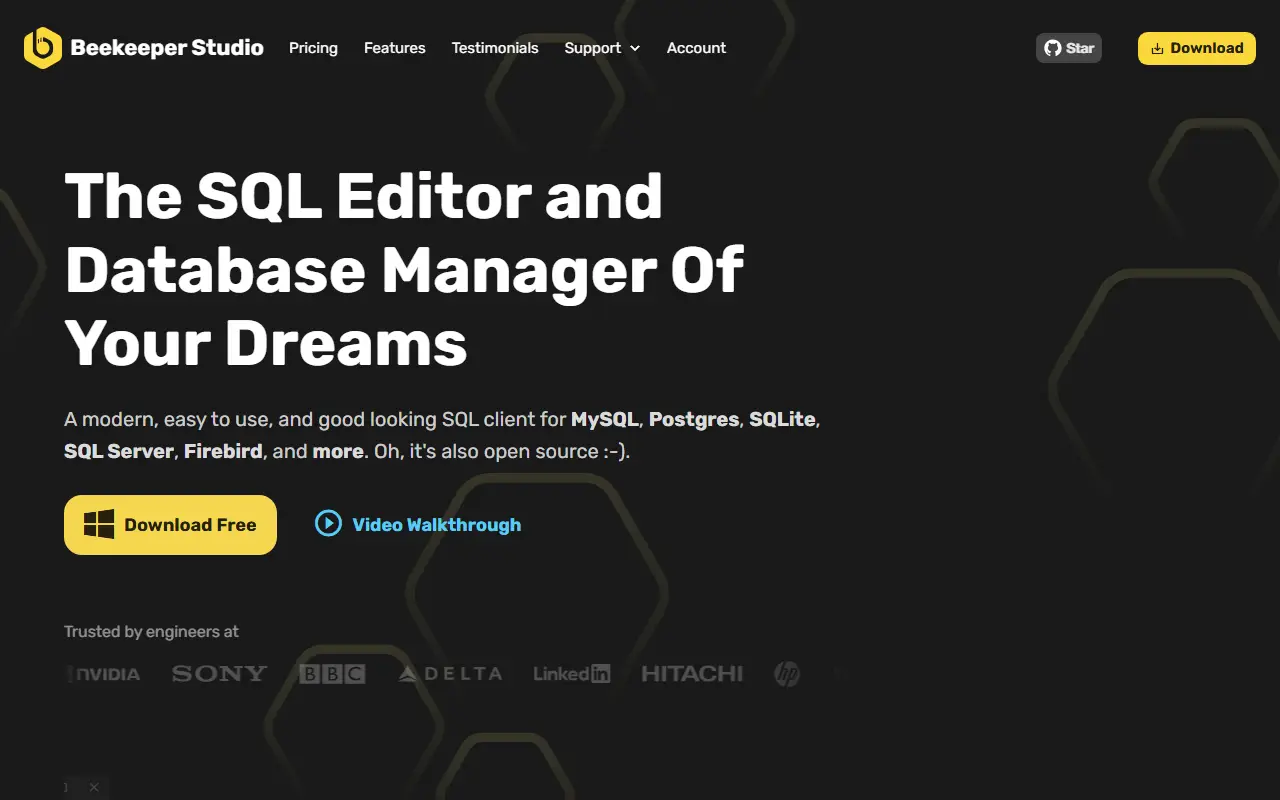
Beekeeper Studio

A cross-platform SQL editor and database manager for Linux, macOS and Windows that supports PostgreSQL, MySQL, SQLite, SQL Server and many more databases.

GitHub stars
24k
Last commit
today
Latest release
v6.2.2
Self-hosted
Yes
beekeeperstudio.ioBeekeeper Studio homepage screenshot

Beekeeper Studio is a modern, easy-to-use SQL editor and database manager for Linux, macOS and Windows. It supports a long list of databases, including PostgreSQL, MySQL, SQLite, SQL Server, Amazon Redshift, CockroachDB, BigQuery, Cassandra and Firebird, and is built with TypeScript and Electron.

It is free to download and offers many features at no cost, with no sign-up, registration or credit card required. Some premium features are sold under a paid license. The repository explains the arrangement: most of the code is open source under the GPLv3, while the paid features live in the same repository under a commercial source-available license. A table in the README shows which databases have full support in the community and paid editions.

The project welcomes community contributions and has translated READMEs in a dozen languages. Because its license is listed as 'Other' on GitHub, it is worth reading the terms to see which parts are free. It suits developers and analysts who want a clean, approachable client for everyday querying and schema browsing.

Key features

  • SQL editor and database manager
  • Supports PostgreSQL, MySQL, SQLite and SQL Server
  • Also supports Redshift, CockroachDB and BigQuery
  • Apps for Linux, macOS and Windows
  • No sign-up required for free use
  • Optional paid premium features

Pricing: The Community edition is free. Indie is $18, Professional $28 and Business $35 per user per month, or $9, $14 and $18 on yearly billing; paid features stay usable after 12 months of payments. Free trial available.

TablePro

TablePro is a free, open-source native macOS database client for MySQL, PostgreSQL, SQLite, MongoDB, Redis and more, with built-in AI features.

GitHub stars
6.5k
Last commit
today
Latest release
v0.86.0
Licence
AGPL-3.0
Self-hosted
Yes
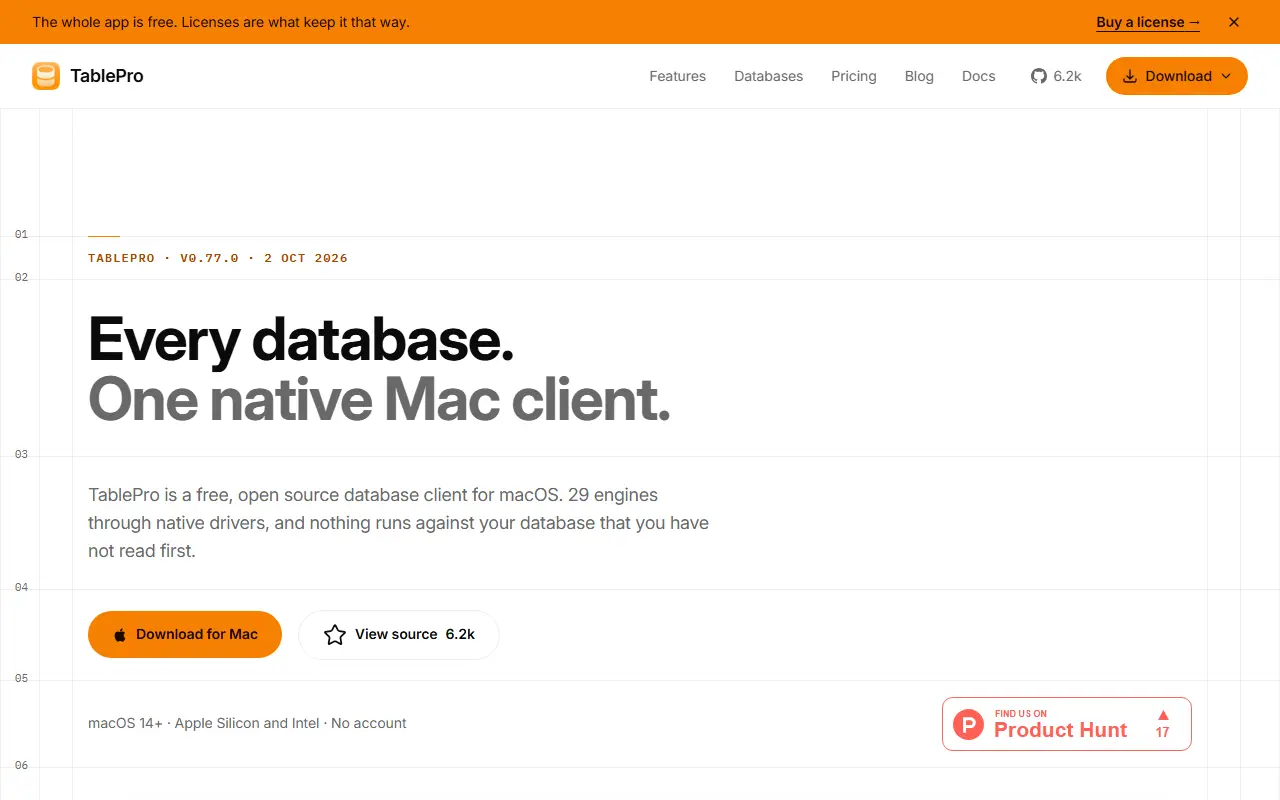
tablepro.appTablePro homepage screenshot

TablePro is a database client for macOS written in Swift with native frameworks, with no Electron, JDBC or JavaScript runtime involved. Its author describes it as the open-source, native tool they wished TablePlus would be, and the README compares it with single-database clients such as Sequel Ace for MySQL and Postico for PostgreSQL.

It connects to SQL and NoSQL databases through native drivers, including MySQL, PostgreSQL, SQLite, SQL Server, MongoDB and Redis, and offers a SQL editor and database GUI. AI is built in through chat, inline suggestions and an MCP server, so tools like Cursor, Raycast or Claude Desktop can work with your databases. You bring your own API key, choose your provider, or run models locally with Ollama.

TablePro is licensed under AGPL-3.0 and free to use. It runs as a desktop application on your Mac, so there is no server to host. It suits developers who want a fast native client and an open-source alternative to commercial macOS database tools.

Key features

  • Native Swift macOS database client
  • Drivers for SQL and NoSQL databases
  • SQL editor with database browser
  • Built-in AI chat and suggestions
  • MCP server for AI tool access
  • Bring your own AI key or use Ollama

Pricing: The app is free and open source. Starter adds licensed features for $2.99 per month, $24 per year or $59 once; Team is billed per seat from 5 seats, at $1.25 per seat per month.

DB Browser for SQLite

DB Browser for SQLite is a visual open-source tool for creating, designing and editing SQLite database files through a familiar spreadsheet-like interface.

GitHub stars
25k
Last commit
2 days ago
Latest release
v3.13.1
Self-hosted
Yes
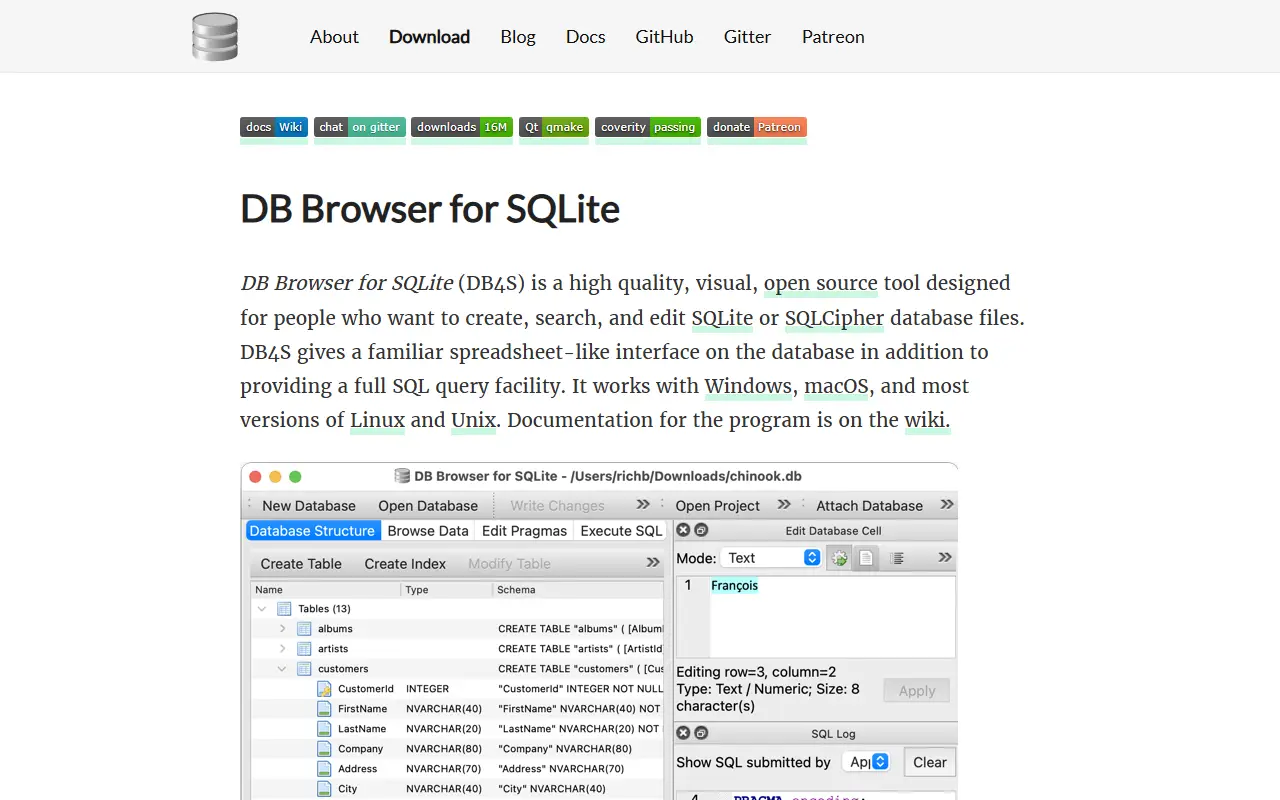
sqlitebrowser.orgDB Browser for SQLite homepage screenshot

DB Browser for SQLite, often abbreviated DB4S, is a visual, open-source tool for creating, designing and editing database files compatible with SQLite. It is aimed at people who build, query and modify databases and would rather not work purely in the command line, and it uses a familiar spreadsheet-like interface. The project was previously known as SQLite Database Browser.

It is a cross-platform desktop application written in C++ with the Qt toolkit, with builds and nightly versions for Windows, macOS and Linux, including packages for Arch Linux, Debian, Fedora, openSUSE, Ubuntu, FreeBSD, Snap, Nix and Flox. The README also has sections on what the tool is and is not, links to a wiki, build instructions and release history. Chat and donation channels support the community.

The repository's license is listed as 'Other' on GitHub, so check the terms for your use. As a local desktop program there is nothing to host; you open a SQLite file and work with it directly, which makes it popular with developers, students and analysts who handle SQLite databases.

Key features

  • Visual editor for SQLite databases
  • Spreadsheet-like data browsing
  • Create and modify tables and indexes
  • Cross-platform Qt application
  • Nightly builds and distro packages
  • Search and edit records

DbGate

DbGate is a cross-platform database manager for SQL and NoSQL systems, running as a desktop app or web application with query design and schema tools.

GitHub stars
7.4k
Last commit
yesterday
Latest release
v7.3.6
Licence
GPL-3.0
Self-hosted
Yes
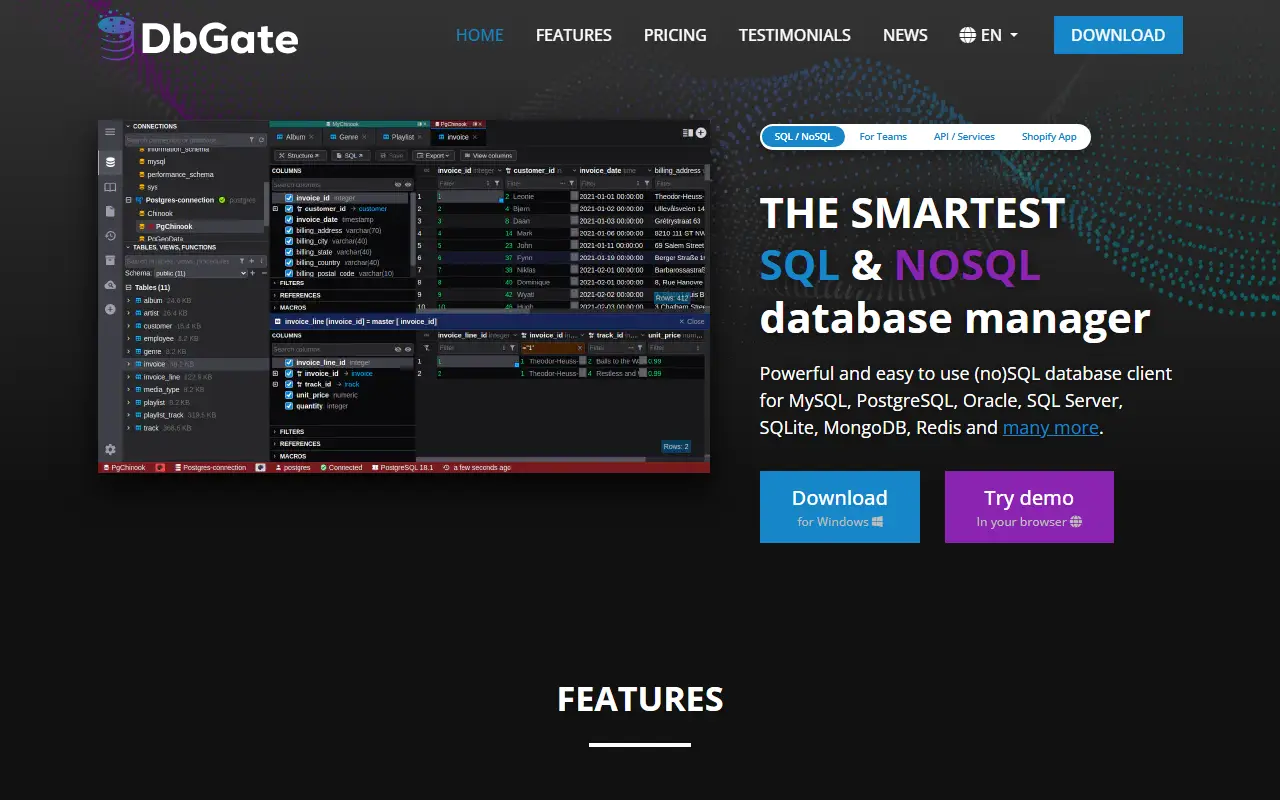
dbgate.ioDbGate homepage screenshot

DbGate is a cross-platform database client for working with several databases at once. It supports SQL and NoSQL systems including MySQL, PostgreSQL, SQL Server, Oracle, MongoDB, Redis, SQLite, MariaDB, CockroachDB, ClickHouse, Cassandra and DuckDB, and runs on Windows, Linux and macOS or as a web application.

Day-to-day tools include table browsing with Excel-like and multi-value filters, table data editing with a preview of the generated SQL change script, schema editing for indexes and keys, and an SQL editor. More advanced features include comparing and synchronizing database structure, ER diagrams, a visual query designer that builds queries without hand-written SQL, master/detail views, foreign key lookups, a JSON view for MongoDB collections, and batch export and import.

The Community edition is licensed under GPL-3.0 and is free to use for any purpose. The web version can be run as an NPM package or Docker image, a Node.js scripting interface is available, and an online demo lets you try it first. The README marks some database drivers, such as Amazon Redshift and CosmosDB, as Premium.

Key features

  • Client for SQL and NoSQL databases
  • Table data browsing with advanced filters
  • Visual query designer without writing SQL
  • Compare and synchronize database structure
  • ER diagrams and schema editing
  • Batch export and import
  • Desktop app or Docker web version

Pricing: Free open-source Community edition. Premium costs $12 per month for one user and Team Premium $15 per user per month, with $120 and $150 yearly options and a 30-day trial.

Letos

A cross-platform, free and open-source manager for SQLite databases, built in C++ with Qt and formerly named SQLiteStudio.

GitHub stars
6.8k
Last commit
23 days ago
Latest release
4.0.4
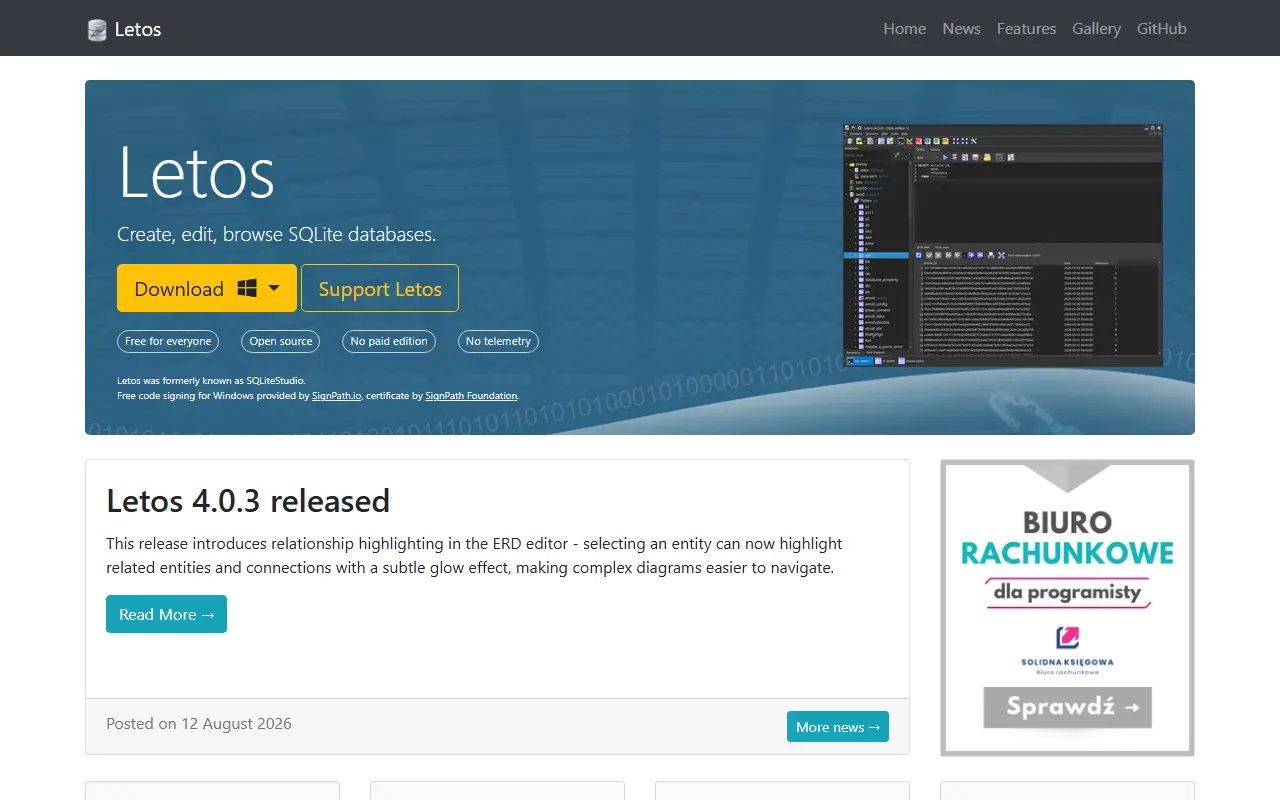
letos.orgLetos homepage screenshot

Letos is a free and open-source database manager for SQLite, written in C++ with the Qt framework and available on multiple platforms. It was previously called SQLiteStudio. The rename prevents confusion with the official SQLite project, since Letos is independent and not affiliated with the SQLite authors.

The topics mention SQLCipher and wxSQLite3 support alongside general database management. Downloads come from the releases page on GitHub or from operating system package managers, older 3.x and legacy 2.x versions are archived, and Windows builds use free code signing from SignPath. The official builds contain a proprietary Icons8 icon set that is licensed to the project.

Use is free, even in commercial settings, and the maintainer invites donations from people whom it saves time. Documentation lives in the project wiki, including how to compile from source and contribute. The repository lists the license as Other. It suits developers and analysts who need a graphical tool to browse, edit and query SQLite files.

Key features

  • Graphical SQLite database manager
  • Cross-platform Qt application
  • Support for SQLCipher encrypted databases
  • Signed Windows builds
  • Free for commercial use
  • Wiki with build and contribution guides

Pricing: Free to use, including commercially; donations are encouraged. The repository lists the license as Other.

Outerbase Studio

Browser-based database GUI from Outerbase for SQLite-family databases, with beta support for MySQL and PostgreSQL.

GitHub stars
6k
Last commit
7 mo ago
Latest release
v0.10.2
Licence
AGPL-3.0
Hosted version
Available
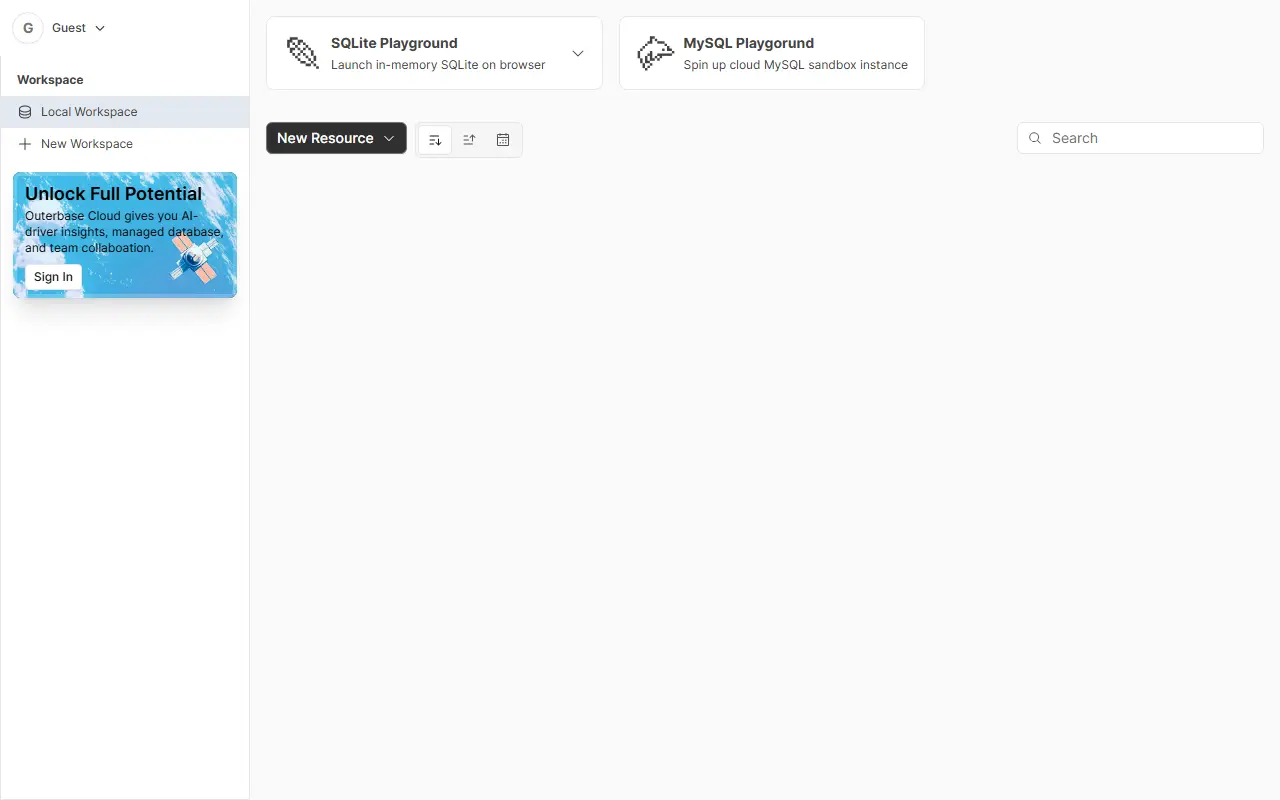
studio.outerbase.comOuterbase Studio homepage screenshot

Outerbase Studio is a lightweight graphical client for SQL databases that runs in the browser. It started as a tool for LibSQL and SQLite and now covers several SQLite-based services, including Turso, local SQLite files, Cloudflare D1, rqlite, StarbaseDB and Val.town. MySQL and PostgreSQL are supported in beta with a reduced feature set.

The query editor offers auto-completion and function hints and can run several queries at once. The data editor lets you stage edits and preview them before committing, and its table view is built to handle thousands of rows and columns. A schema editor creates, changes and removes columns without hand-written SQL, and a connection manager stores connections in the browser or on a server so they can be shared across devices.

A desktop edition for Windows and Mac wraps the web app in Electron, which allows drivers that cannot run inside a browser, such as the MySQL and PostgreSQL ones. The code is TypeScript and licensed under AGPL-3.0, and a hosted version is available at studio.outerbase.com.

Key features

  • Query editor with auto-completion and hints
  • Data editor with staged, previewable changes
  • Schema editor for columns without SQL
  • Connection manager with local or server storage
  • Works with Turso, SQLite, Cloudflare D1 and rqlite
  • Desktop app for Windows and Mac

Pricing: Open source under the AGPL-3.0 license, available as a browser app and as desktop apps for Windows and Mac.

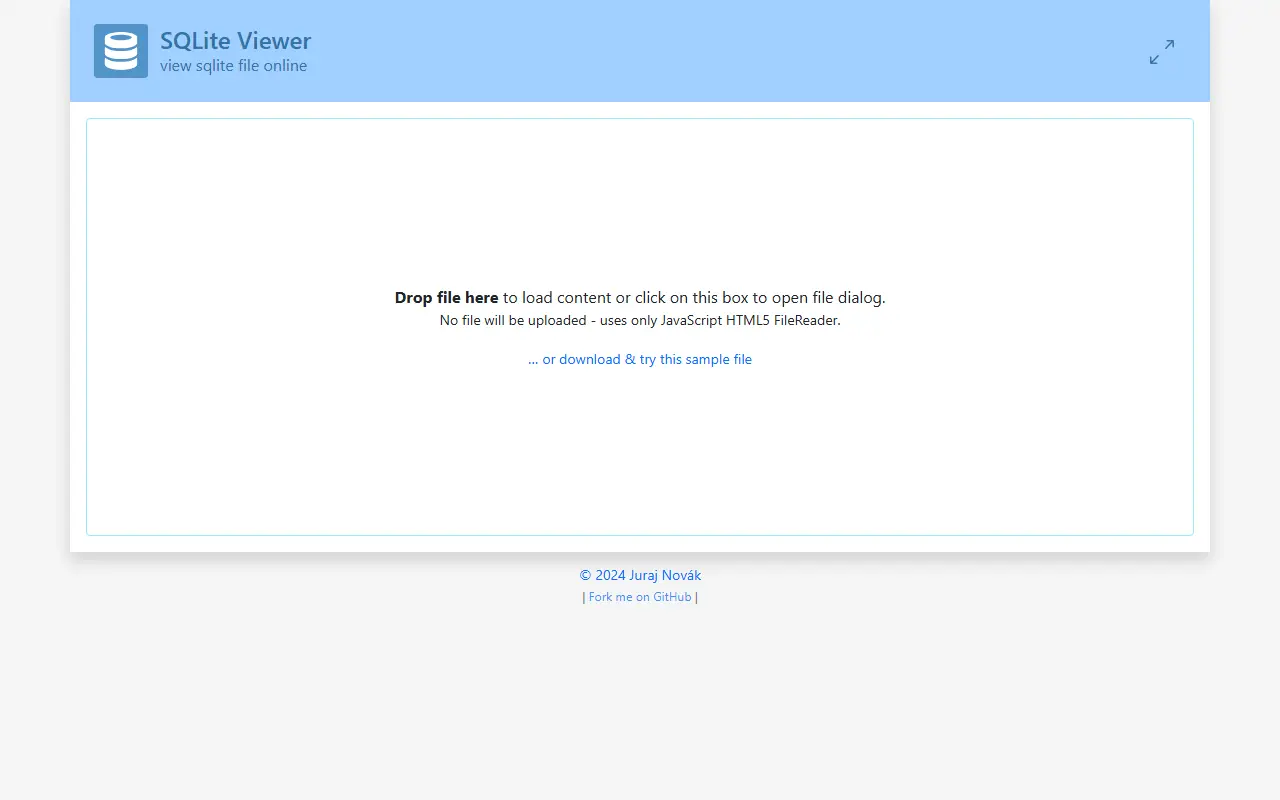
SQLite Viewer

A web-based tool that lets users view SQLite database files directly in the browser without uploading data.

GitHub stars
1.1k
Last commit
2 yr ago
Licence
Apache-2.0
Hosted version
Available
inloop.github.ioSQLite Viewer homepage screenshot

SQLite Viewer is a client-side web application for inspecting SQLite database files. It runs entirely in the browser using JavaScript and the HTML5 FileReader API, so no file is ever uploaded to a server.

The tool supports loading local .sqlite files, viewing table contents, and exporting data to CSV format. It is designed for users who need a quick, private way to examine SQLite databases without installing software.

Key features

  • Load SQLite files via drag-and-drop or file dialog
  • View table contents directly in the browser
  • Export all tables or selected tables to CSV
  • Execute SQL queries against the loaded database
  • No file uploads; processing happens locally

OpenGenus Quark

OpenGenus Quark is a Chrome extension and open-source project for offline code search and saving web pages for offline use.

GitHub stars
643
Last commit
4 yr ago
Licence
GPL-3.0
Self-hosted
Yes
chrome.google.comOpenGenus Quark homepage screenshot

OpenGenus Quark describes itself as an offline search engine for code, built by the OpenGenus Foundation. It lets you look up code for algorithms and data structures in your preferred language even without an internet connection, delivered mainly as a Chrome extension.

According to the README, the extension can also save web pages as a single HTML file or in the browser for offline reading, analyze web history, show images and games offline, and search offline code. The project is open source, built mainly in C++ and JavaScript, and welcomes contributors, including through Hacktoberfest.

Quark is licensed under GPL-3.0 and installed from the Chrome Web Store. It targets students and developers who study algorithms in places with poor connectivity, and the project is maintained by a community open-source organization.

Key features

  • Offline code search for algorithms
  • Save web pages as single HTML files
  • Offline reading of saved pages
  • Web history analysis
  • Chrome extension install

Pricing: Free and open source under GPL-3.0.

Noto

Noto is a minimal, ad-free Android note-taking app that stores notes and folders locally on the device.

GitHub stars
571
Last commit
2 yr ago
Latest release
v2.3.2
Licence
Apache-2.0
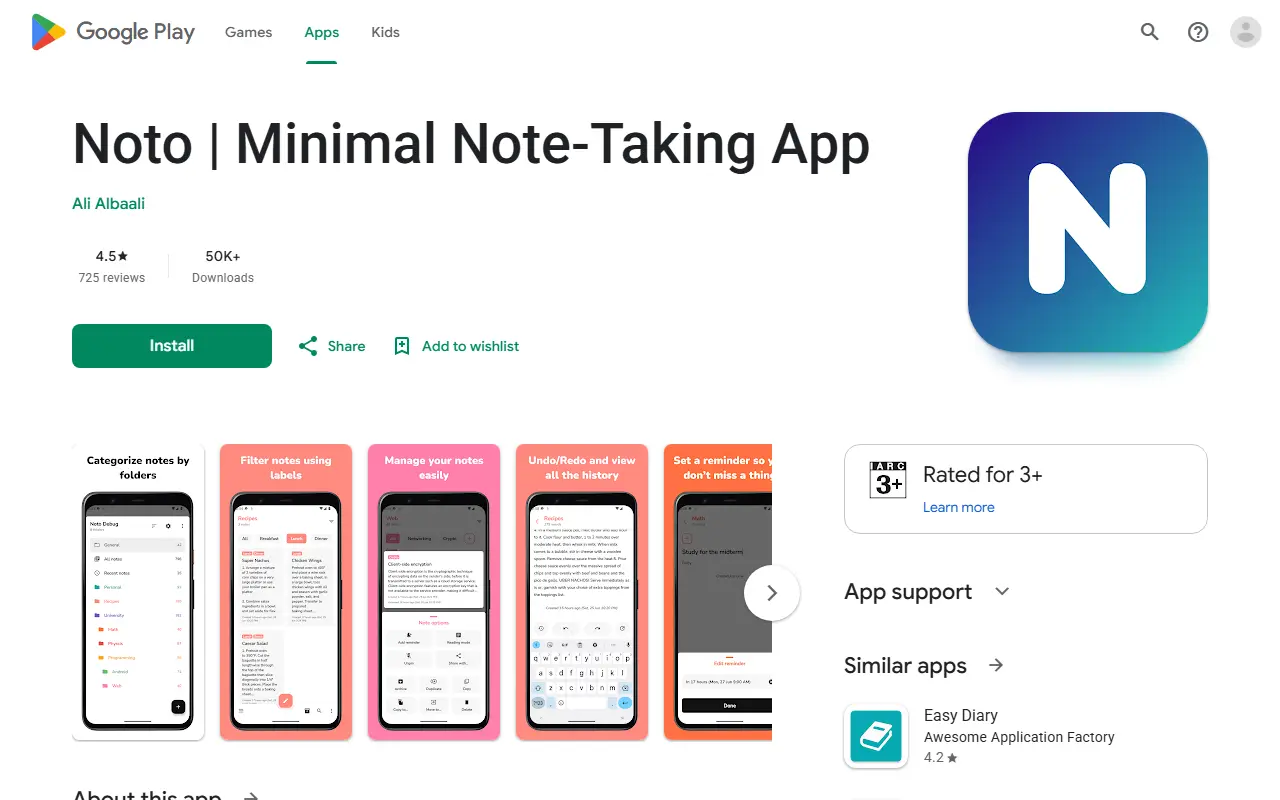
play.google.comNoto homepage screenshot

Noto is an open source note-taking app for Android, built in Kotlin and released under the Apache License 2.0. The developer describes the goal as a minimalistic, free note-taking application that meets users' expectations with privacy in mind, and the app has no ads.

All notes and folders are stored locally on the device, and the Play Store listing reports that no data is collected or shared with third parties. Notes live in colourful folders that can be pinned, archived, sorted and placed in a vault locked by passcode, fingerprint or face recognition.

Editing features include auto save, undo and redo with a history view, reminders, word count, labels for filtering, and a reading mode with paging. Home screen widgets and export or import of all app data are included. The APK is around 5 MB and the app supports Android 5.0 (API 21) and up.

Key features

  • Folders vault locked with passcode or biometrics
  • Undo and redo with a browsable history
  • Reminders attached to notes
  • Per-folder labels with inclusive or exclusive filtering
  • Reading mode with book-style paging
  • Export and import of all app data
  • Folder and note widgets for the home screen
  • Light, dark, black and system themes

Commercial Base alternatives

Hosted, closed-source products that compete with Base.

Base alternatives: questions

What is the best open-source alternative to Base?
DBeaver is the top-ranked open-source alternative to Base on Enlisted: A free multi-platform desktop database tool and SQL client for developers, DBAs and analysts, supporting over 100 databases through JDBC and ODBC drivers. Other strong options are Beekeeper Studio, TablePro, DB Browser for SQLite and DbGate.
What are the best commercial alternatives to Base?
Valentina Studio, SQLPro Studio, DataGrip, Navicat and TablePlus are among the hosted, closed-source alternatives to Base listed on Enlisted, which lists 7 in total. Compare their pricing and features on each tool page.
Are these Base alternatives free?
All 10 are open source, so the code is free to use under its licence, and all of them can be self-hosted on your own server or computer. 2 also offer a paid or managed cloud version if you'd rather not host it yourself.
How is this list of Base alternatives ranked?
By a score built from GitHub stars, star growth over the last 30 days and how recently the code changed. 6 of these projects shipped code in the last 30 days. Data is refreshed daily, and nobody can pay to move up.

People also look for alternatives to…

View all