
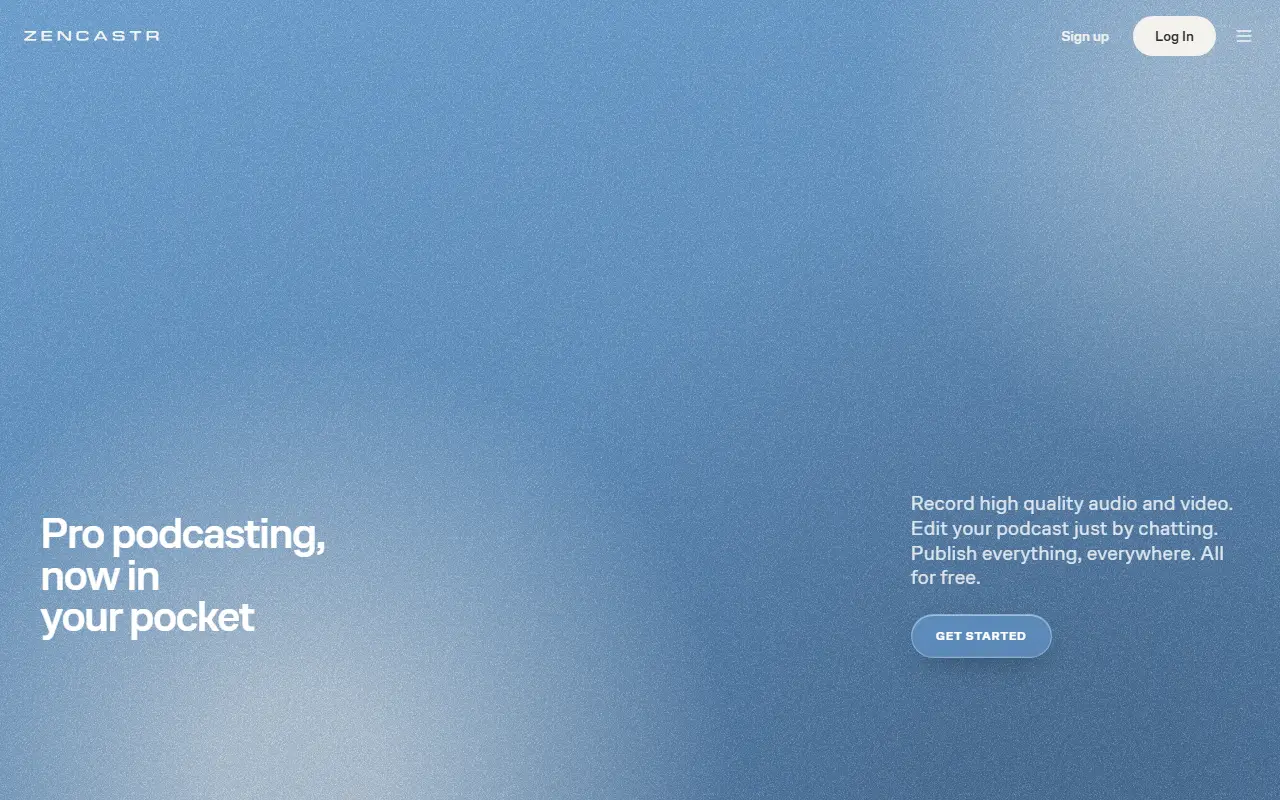
About Zencastr
Zencastr is a commercial platform for recording podcasts and video interviews with remote guests. Each participant's audio is captured locally and backed up to the cloud, which avoids the quality loss of recording a normal video call, and the result is a separate high-quality track per person.
Recording supports 4K video and 48 kHz audio, guest invitations, and HD livestreaming. After the session, editing is done by chatting with an assistant called a Producer that can tidy audio, cut pauses and filler words, and generate transcripts, cover art and show notes. Visual templates and intros can be applied, and finished episodes can be published to podcast destinations from within the product.
Zencastr is hosted, proprietary software. The vendor advertises a free tier with unlimited recording and hosting, and has a pricing page for paid options. It suits independent podcasters, small production teams and anyone who regularly interviews people in different locations.
Key features
- Separate local audio track for each guest
- Cloud backup of local recordings
- 4K video and 48 kHz audio capture
- HD livestreaming to audiences
- Chat-based audio and video editing
- Transcripts, show notes and cover art generation
- Publishing to podcast platforms
Good fit for
- →Recording remote podcast interviews
- →Producing video podcasts with guests
- →Turning episodes into transcripts and show notes
- Tags
- podcasting
- remote-recording
- audio
- video
- livestreaming
- transcripts
Zencastr: questions and answers
- What is Zencastr used for?
- Zencastr is a browser-based podcast studio for recording remote guests with separate local audio tracks, plus AI-assisted editing and publishing tools. It is a good fit for recording remote podcast interviews, producing video podcasts with guests, and turning episodes into transcripts and show notes.
- Is Zencastr free?
- Yes. Zencastr has a free plan.
- Is Zencastr open source?
- No. Zencastr is proprietary (closed-source) software and can't be self-hosted. In the Audio & Music Production category, open-source options include Audacity, LMMS and Mixxx.
- What are some alternatives to Zencastr?
- Zencastr competes with Riverside, Cleanfeed and StreamYard.
Open-source alternatives to Zencastr
See all
Audacity
Audio & Music Production
Audio Editor
OSSvs Adobe Audition★ 19k
LMMS
Audio & Music Production
Cross-platform music production software
GPL-2.0vs FL Studio★ 10k
Mixxx
Audio & Music Production
Mixxx is Free DJ software that gives you everything you need to perform live mixes.
OSSvs Native Instruments★ 7.2k
Ardour
Audio & Music Production
Mirror of Ardour Source Code
OSSvs Pro Tools★ 5.3k
MuseScore
Audio & Music Production
MuseScore is an open source and free music notation software. For support, contribution, b
OSSvs Avid Sibelius★ 15k
FFmpeg
Video Editing
Mirror of https://git.ffmpeg.org/ffmpeg.git
OSS★ 65k
SaaS alternatives to Zencastr
See all
Riverside
Video Editing
Browser-based studio for recording podcasts and video interviews in high quality
SaaS
Cleanfeed
Audio & Music Production
Browser-based studio for recording and broadcasting remote audio
SaaS
StreamYard
Video Editing
Browser-based live streaming studio with guests, overlays and multistreaming
SaaS
Descript
AI Tools
Edit video and podcasts by editing their transcript, with AI voice and cleanup tools
SaaS
Async (Podcastle)
Audio & Music Production
Web studio for recording and editing audio and video with AI cleanup, formerly Podcastle
SaaS
Adobe Podcast
Audio & Music Production
Web tool with AI speech enhancement and a podcast recording studio
SaaS