7,363 open-source and SaaS tools, with GitHub stats refreshed every day.

12 alternatives ranked by real activity

Open-source Smash alternatives

A curated, ranked list of the 12 best open-source alternatives to Smash.

The best open-source alternative to Smash is MicroBin. If that doesn't suit you, other good options are Zipline, Gokapi, Plik and Sharry.

Smash alternatives are mainly file storage & sharing tools. 8 of them shipped code in the last 30 days, 12 can be self-hosted, and 5 use a permissive licence.

Last updated October 2, 2026 · ranked by GitHub stars, growth and recent commits

MicroBin

A tiny self-hosted paste bin, file-sharing and URL shortening web app written in Rust, shipped as a single executable with optional encryption.

GitHub stars
4.6k
Last commit
24 days ago
Latest release
v2.1.0
Licence
BSD-3-Clause
Self-hosted
Yes

MicroBin is a small, self-contained and self-hosted paste bin web application written in Rust. It is quick to set up and needs only a few megabytes of memory and disk storage, and it ships as a single executable file.

An upload can be a pasted text, one or more attached files, or a URL redirection. Uploads can be private or public, editable or read-only, and set to expire automatically or never. Other features include server-side and client-side end-to-end encryption, QR code support, raw text serving, animal names as upload identifiers, automatic dark mode, and SQLite or JSON storage.

People use it to send long texts or large files, share sensitive documents, shorten URLs and serve configuration files or images through its raw endpoint. It can be installed through a Docker setup script or from Cargo, and is licensed under BSD-3-Clause. The project website offers screenshots, documentation and a roadmap.

Key features

  • Paste bin for text and code
  • File uploads with multiple attachments
  • URL shortening and redirection
  • Server-side and client-side E2E encryption
  • Expiring and non-expiring uploads
  • QR code support
  • SQLite and JSON database support
  • Single self-contained executable

Pricing: Free and open source under the BSD-3-Clause licence.

Zipline

Self-hosted file upload server built around ShareX, with short URLs, folders, tags, and sharing controls for people who want to run their own screenshot and file host.

GitHub stars
3.4k
Last commit
5 days ago
Latest release
v4.8.0
Licence
MIT
Self-hosted
Yes
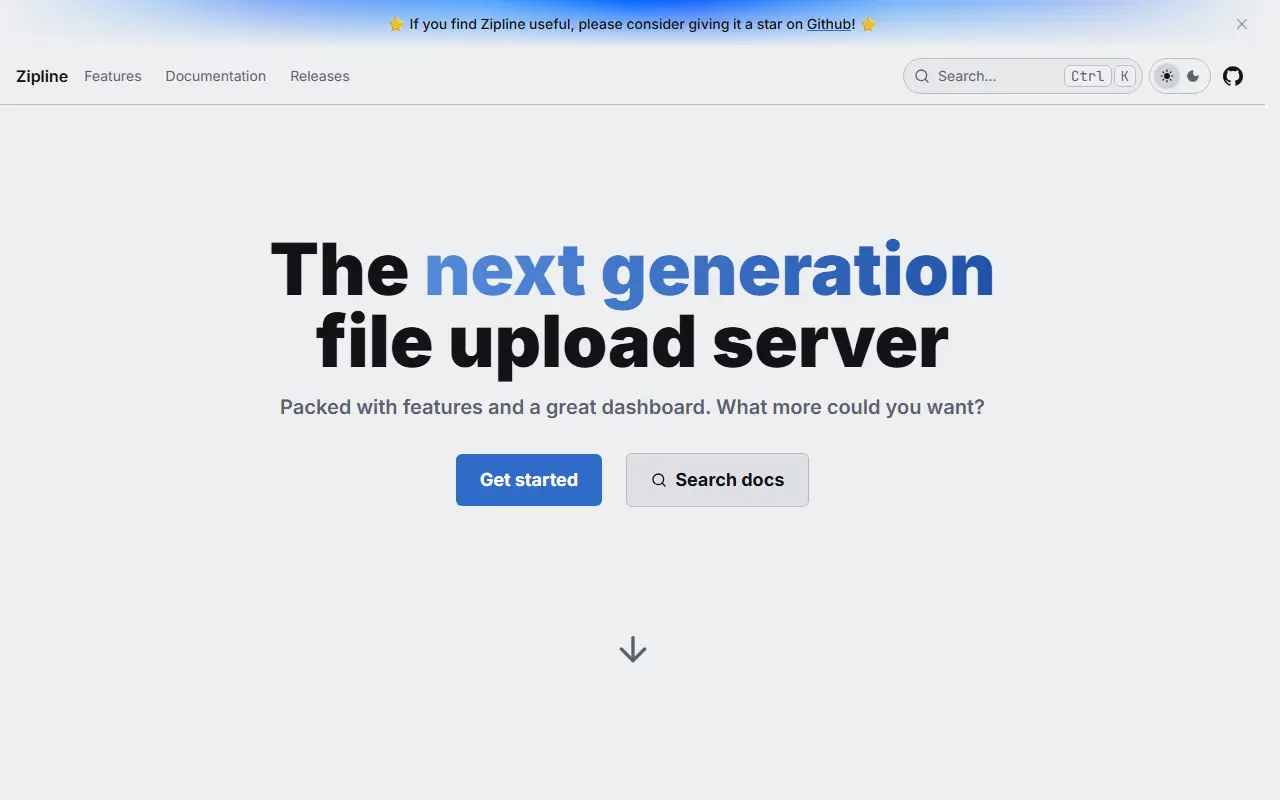
zipline.diced.shZipline homepage screenshot

Zipline is an open-source file upload server that you run yourself. It began as a destination for ShareX screenshot and file uploads and has grown into a general personal or team file host with a web interface, an API, and a gallery view for uploaded media. It is released under the MIT license.

Uploads can be organized into folders and tags, shortened into compact URLs, and shared with embeds that preview cleanly in chat apps. Access can be tightened with password-protected links, invite-only registration, per-user quotas, OAuth2 sign-in, two-factor authentication, and passkeys. Image compression, video thumbnails, and partial uploads help with larger files, and webhooks can notify Discord or any HTTP endpoint.

Deployment is Docker-based: you mount volumes for uploads, public assets, and custom themes, and set a secret value before the first start. The host CPU must support AVX instructions, because the project does not publish builds for older processors. Zipline suits individuals, communities, and small teams who want a private alternative to public image and file hosts.

Key features

  • ShareX-compatible upload endpoint
  • Folders and tags for organizing uploads
  • URL shortening for shared files
  • Password-protected links and invite-only signups
  • OAuth2, two-factor authentication, and passkeys
  • Image compression and video thumbnails
  • Discord and HTTP webhooks
  • Custom themes and per-user quotas

Pricing: Free and open source under the MIT license; you run it on your own server.

Gokapi

Gokapi is a lightweight, self-hosted file sharing server in the spirit of Firefox Send, with expiring links, encryption and S3 storage support.

GitHub stars
2.9k
Last commit
20 days ago
Latest release
v2.2.4
Licence
AGPL-3.0
Self-hosted
Yes

Gokapi is a self-hosted tool for sharing files, presented as an alternative to Firefox Send. It is written in Go and runs on Linux, macOS and Windows or in a Docker container. Unlike many upload services, it does not allow public uploads: only registered users can add files, which keeps the instance under the owner's control.

Shares can expire automatically after a set number of downloads or days. A file request feature gives outside parties a link to upload files that only the link's creator can see. Other features include user management with roles, file deduplication so identical files use no extra space, built-in encryption including end-to-end encrypted uploads, a REST API for automation and a UI that can be customized with CSS and JavaScript.

Storage can be local or AWS S3, including S3-compatible services such as Backblaze B2. OpenID Connect support allows sign-in through providers like Authelia or Keycloak. The minimum requirements are modest, around one CPU core and a few hundred megabytes of memory, and a setup wizard runs on first launch. Gokapi is licensed under AGPL-3.0.

Key features

  • Expiring file shares by downloads or days
  • Upload restricted to registered users
  • File requests for outside uploaders
  • File deduplication to save space
  • End-to-end encrypted uploads
  • S3 and Backblaze B2 storage support
  • OpenID Connect sign-in
  • REST API for automation

Pricing: Free and open source under AGPL-3.0.

Read more about GokapiGitHub

Plik

Scalable, self-hosted temporary file upload system in Go, similar to WeTransfer, with a Vue 3 web interface, CLI client, and several storage backends.

GitHub stars
1.8k
Last commit
yesterday
Latest release
1.4.2
Self-hosted
Yes

Plik is a temporary file upload system written in Go that works like WeTransfer but runs on your own infrastructure. It has a modern Vue 3 web interface with 12 languages and light, dark, and custom themes, along with a command-line client. The input lists its license only as other.

It supports several storage backends: local disk, S3, OpenStack Swift, and Google Cloud Storage. Metadata can be stored in SQLite, PostgreSQL, or MySQL, and multiple authentication providers are available. Topics also mention end-to-end encryption, Docker deployment, and an MCP interface. Uploads are temporary, expiring after a set time.

The project provides documentation, a live demo, and Telegram channels for discussion and release announcements. Plik suits teams and homelab users who want a simple way to send large files to others without accounts on third-party services.

Key features

  • Temporary file uploads with expiry
  • Vue 3 web interface in 12 languages
  • Command-line client
  • Local, S3, Swift, and Google Cloud storage
  • SQLite, PostgreSQL, or MySQL metadata
  • Multiple authentication providers

Sharry

Sharry is a self-hosted web application for sharing files through hard-to-guess links, with optional passwords and expiry times.

GitHub stars
1.3k
Last commit
4 days ago
Latest release
v1.16.0
Licence
GPL-3.0
Self-hosted
Yes
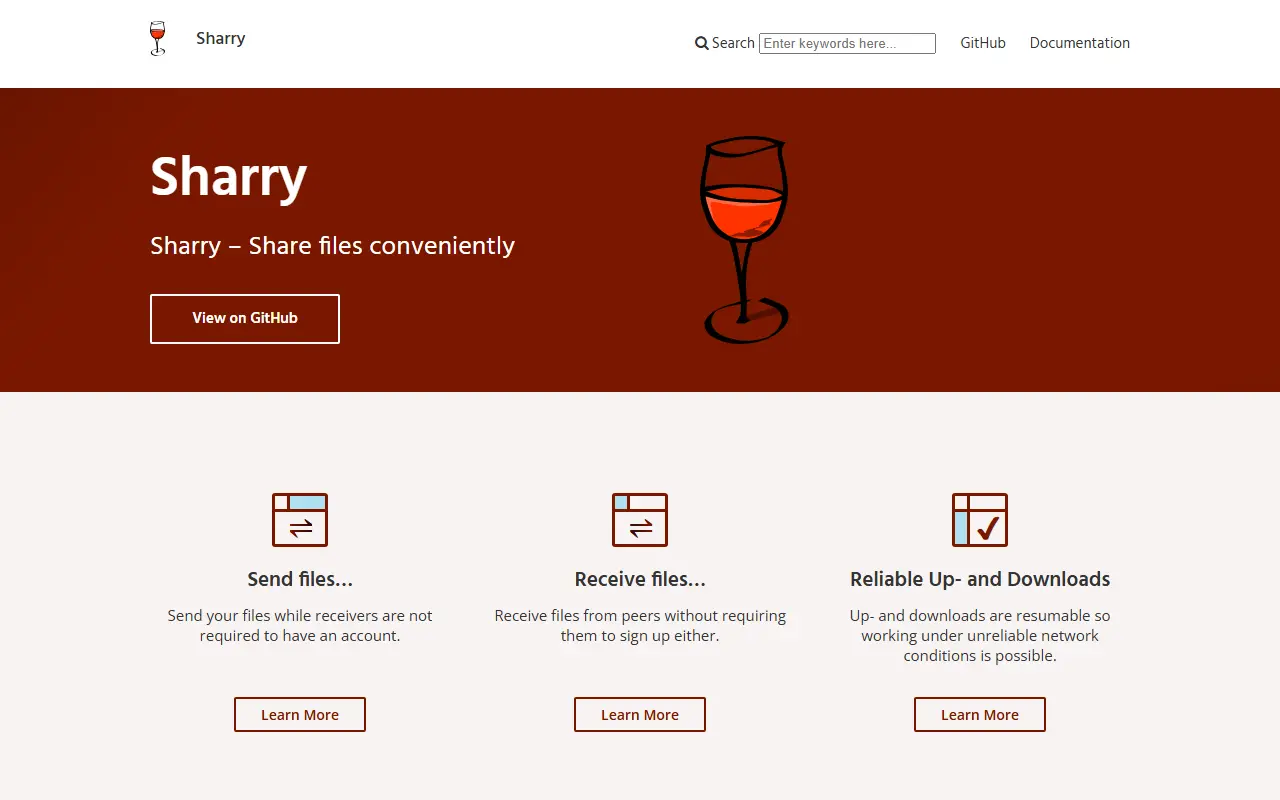
eikek.github.ioSharry homepage screenshot

Sharry is a self-hosted file sharing web application. The basic idea is simple: you upload files and receive a URL that you can pass on to others, instead of sending large attachments or using a third-party sharing service.

Authenticated users can upload files with an optional password and a time period that controls how long the files remain downloadable, and the resulting public link can be shared by email. In the other direction, each registered user can maintain alias pages behind hard-to-guess URLs, which let anyone upload files to that user with a description, optionally notifying them by email. Alias pages can be disabled or deleted at any time. The upload implementation follows the tus protocol.

Sharry is built with Scala and Elm and licensed under GPL-3.0. It can be installed from a Debian package or zip file, with the Nix package manager and a NixOS module, or with Docker. Documentation is published on its website. It suits individuals and small organizations that want a private way to exchange large files.

Key features

  • Upload files and share by link
  • Optional passwords and expiry periods
  • Alias pages for receiving uploads
  • Email notifications to users
  • Resumable uploads via the tus protocol
  • Install via deb, zip, Nix, or Docker

Pricing: Free and open source under the GPL-3.0 licence.

ffsend

A command-line client for Send file sharing that encrypts files on your machine and returns a private link with a password and expiry option.

GitHub stars
7.4k
Last commit
10 mo ago
Latest release
v0.2.77
Licence
GPL-3.0
Hosted version
Available
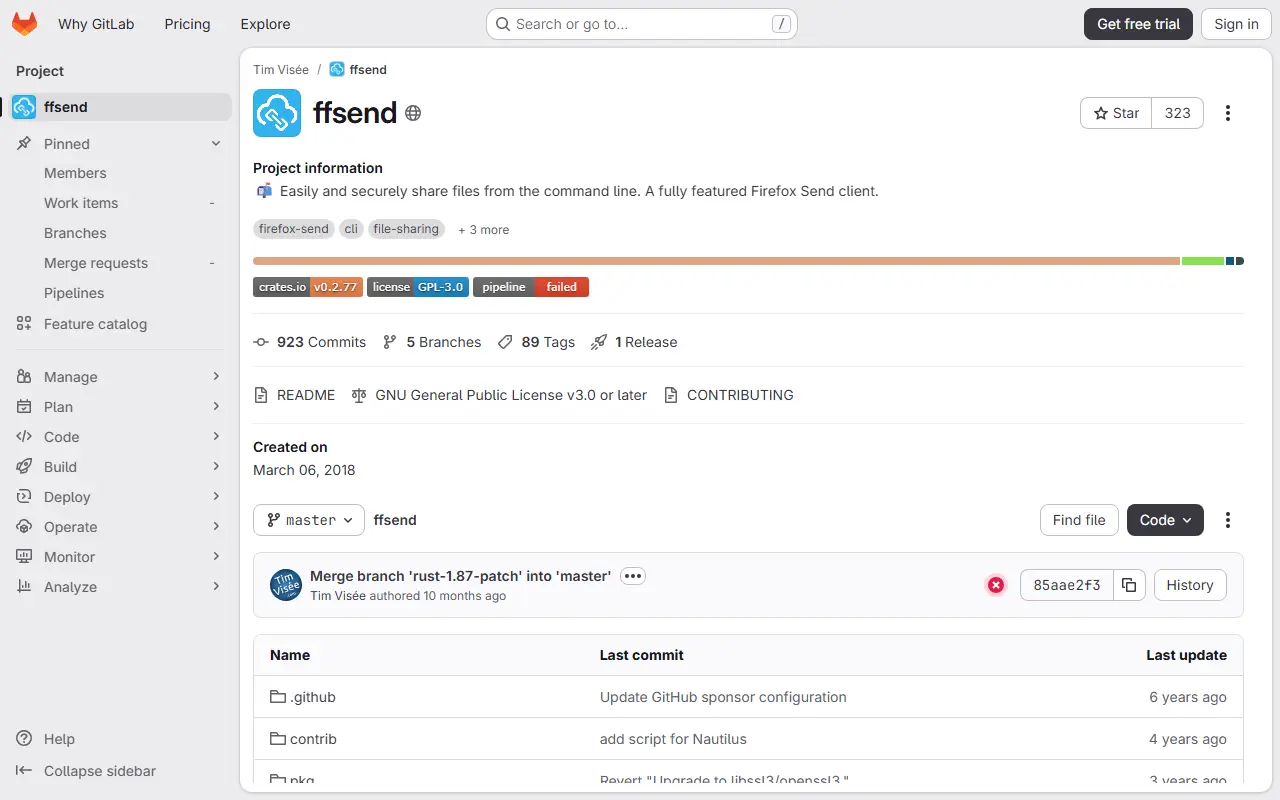
gitlab.comffsend homepage screenshot

ffsend is a command-line tool for sharing files and directories through encrypted links. It is a full-featured client for the Send service, originally known as Firefox Send, so you can upload from a terminal with one command and give the recipient a link that works in a browser or with the same tool.

Files are encrypted on your machine before upload and the secrets are never shared with the remote host. You can add a password, and the defaults limit a link to a single download or 24 hours, with options for up to 20 downloads, so files do not stay online forever. The README mentions a size limit of 1 GB on the public host. The default Send host is provided by the maintainer, who asks for donations to keep it running.

ffsend is written in Rust, licensed under GPL-3.0, and available for Linux, macOS, Windows, FreeBSD and Android, installable from crates.io and other package sources. Because it is a client, it can also point at other Send hosts. It suits developers and sysadmins who want to share files securely from the terminal.

Key features

  • Upload files and directories from the CLI
  • Client-side encryption of files
  • Optional password protection
  • Download count and time limits
  • Packages for Linux, macOS, Windows, and FreeBSD
  • Works with configurable Send hosts

Pricing: The client is free and open source under the GPL-3.0 licence; the default public host is run by the maintainer on donations.

Safebucket

Safebucket is an open-source, self-hosted file sharing platform where uploads and downloads go directly to storage via presigned URLs.

GitHub stars
964
Last commit
4 days ago
Latest release
v0.7.5
Licence
Apache-2.0
Self-hosted
Yes
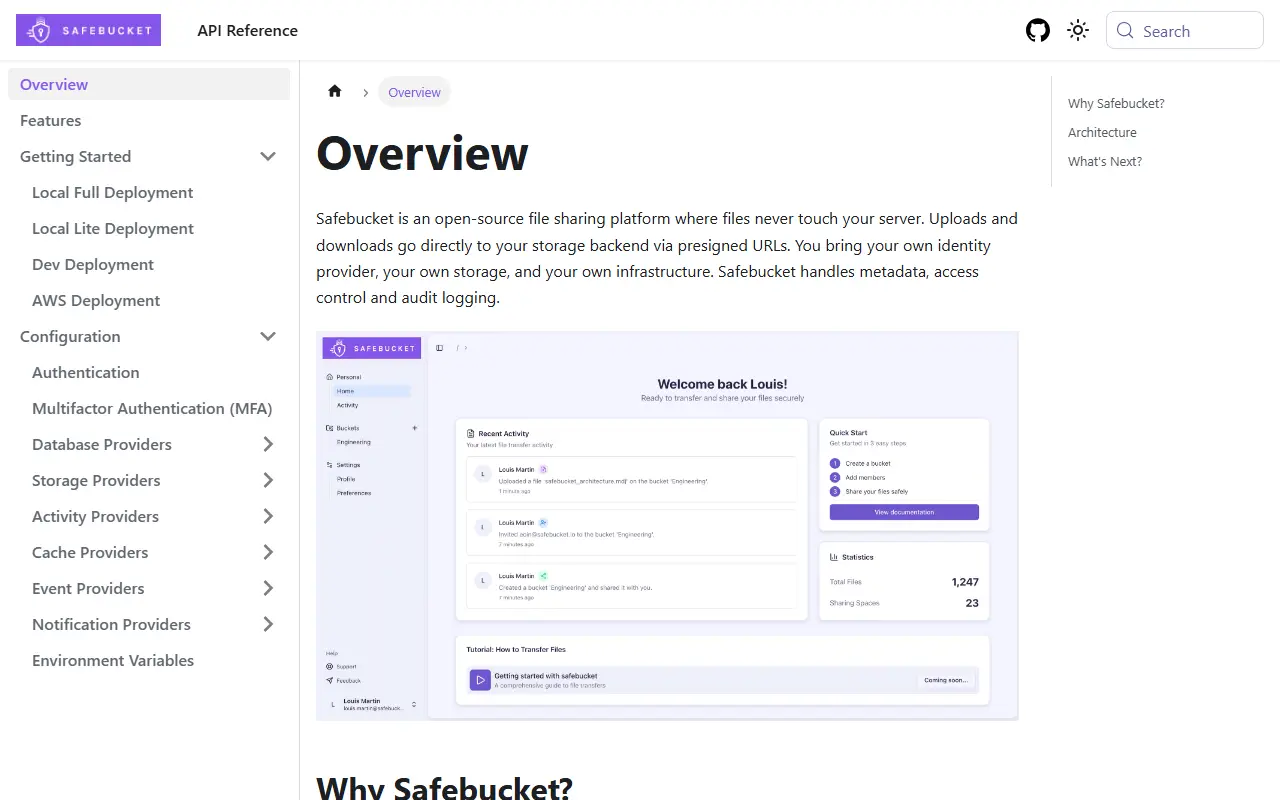
docs.safebucket.ioSafebucket homepage screenshot

Safebucket is an open-source platform for sharing files on infrastructure you control. Its distinguishing design choice is that uploads and downloads use presigned URLs, so file data goes straight between the user and the storage backend and bypasses the application server. That keeps the server light and avoids it becoming a bottleneck for large transfers.

The platform covers the sharing workflow with quick and reverse share links that can be protected by a password or limited by download or view count, role-based access control at platform and bucket level, and file expiration with a configurable trash retention period. Sign-in works through any OIDC provider, local accounts exist for external users, and TOTP multifactor authentication is supported. Administrators get an activity feed, audit logs and a dashboard with platform-wide statistics.

Each component, including storage, database, events, cache and notifier, can be swapped for another implementation. The backend is written in Go, is licensed under Apache-2.0 and ships as container images that are signed with cosign. A Docker-based quick start brings it up locally on port 8080.

Key features

  • Direct uploads via presigned URLs
  • Password-protected public share links
  • Reverse share for receiving files
  • OIDC single sign-on and TOTP
  • Role-based access at bucket level
  • Audit logs and admin dashboard
  • File expiration and configurable trash

Pricing: Free and open source under the Apache-2.0 license.

EasyTransfer

EasyTransfer is a free, anonymous web app for sending files peer to peer between devices over WebRTC with end-to-end encryption.

GitHub stars
692
Last commit
yesterday
Licence
GPL-3.0
Self-hosted
Yes
Hosted version
Available
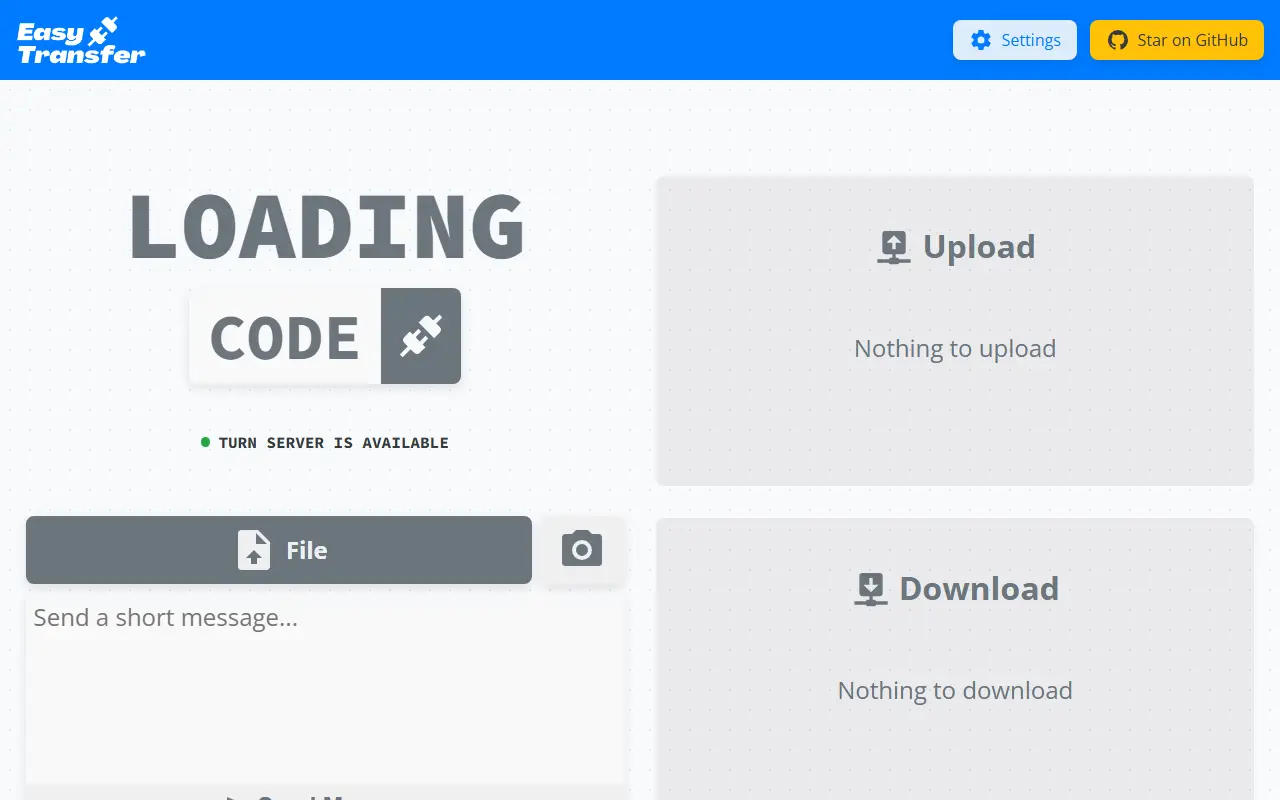
file.ch3nyang.topEasyTransfer homepage screenshot

EasyTransfer is a free, anonymous and encrypted file transfer tool that works in the browser. Two people open the same web page, enter a four-digit device code from one device on the other and connect, then drag and drop files or text across, with no account, login or personal information needed.

It is built with WebRTC and Vue.js, so files go directly from sender to receiver rather than through a server, and the project says it works across local and wide-area networks. You can send several files at once, text messages and photos, and the settings let you configure your own STUN and TURN servers and the maximum number of connections. The authors recommend running your own STUN/TURN server for better speed and stability.

All modules can be customized and deployed yourself, with deployment instructions in the project wiki, and a public instance is available. EasyTransfer is written in TypeScript and licensed under GPL-3.0.

Key features

  • Browser-based peer-to-peer file transfer
  • Four-digit device codes to connect
  • End-to-end encryption by default
  • Multiple files, text and photos
  • Configurable STUN and TURN servers
  • No account required

Pricing: Free and open source under the GPL-3.0 license.

Quickshare

Quickshare is a self-hosted file sharing and management server written in Go and React, with multi-user support, quotas and shareable folders.

GitHub stars
637
Last commit
14 days ago
Latest release
v0.11.4
Licence
LGPL-3.0
Self-hosted
Yes
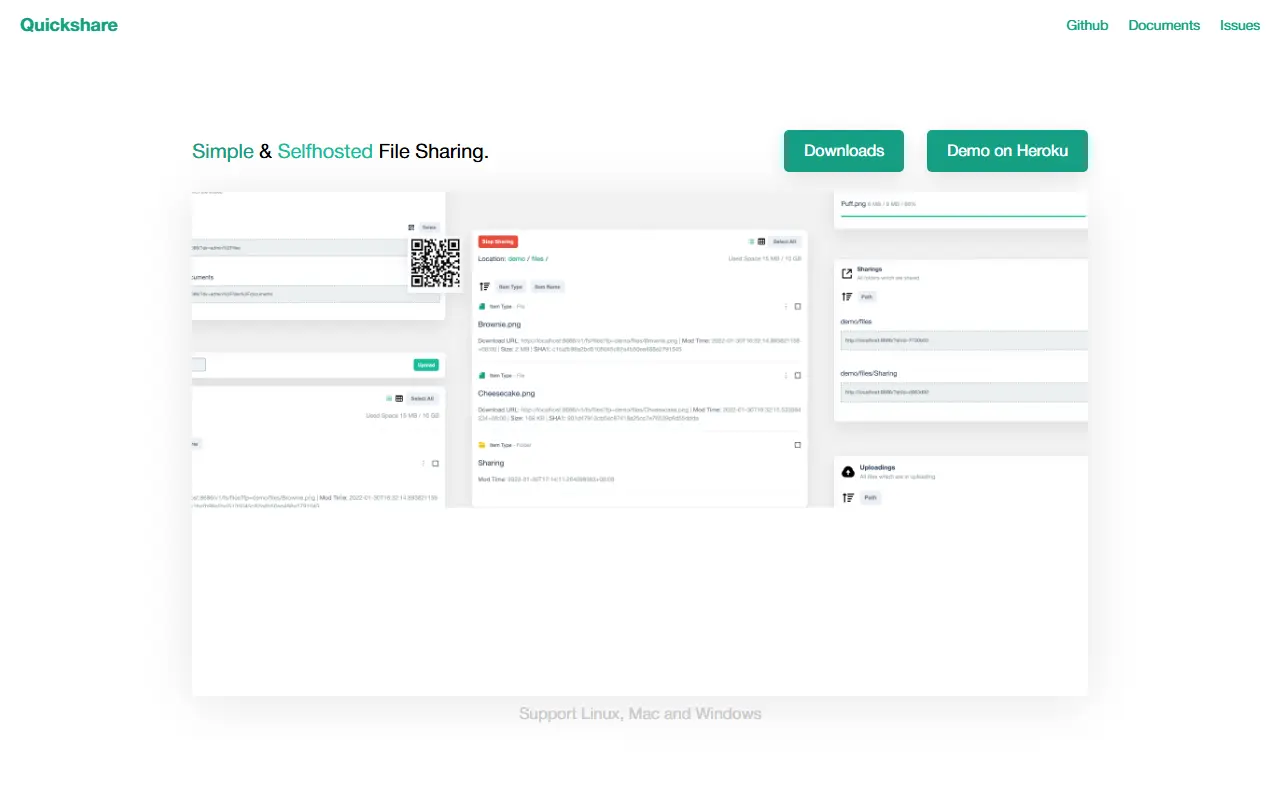
ihexxa.github.ioQuickshare homepage screenshot

Quickshare, published by ihexxa, is a quick and simple file sharing tool for moving files between different devices. It is a Go server with a React and TypeScript web interface that stores files on the machine where it runs, and it is described as still under active development, so full backward compatibility is not guaranteed.

File management covers uploading, downloading, creating, deleting and moving files and folders in the browser, fuzzy search, resumable uploads and downloads, uploading hundreds of files at once, QR codes to open shared folders, sharing directories with others including anonymous visitors, and streaming uploads that work behind a CDN or reverse proxy. Files can also be managed from the operating system. User management supports multiple users with user or admin roles, home directories, per-user upload and download speed limits and space quotas. The interface is adaptive, translated and supports wallpaper customization.

Quickshare can be run in Docker, built from source with Go, Node.js and Yarn, or started from a prebuilt executable on Linux, macOS and Windows. It is licensed under LGPL-3.0 and uses SQLite for its data.

Key features

  • Browser-based file management
  • Resumable uploads and downloads
  • Share folders with QR codes
  • Multi-user roles and home directories
  • Per-user speed limits and quotas
  • Docker and single-binary installs

Pricing: Free and open source under the LGPL-3.0 license.

Filedrop

Browser-based, end-to-end encrypted peer-to-peer file transfer and chat built on WebRTC, available as a free hosted site or self-hosted.

GitHub stars
965
Last commit
5 mo ago
Licence
BSD-3-Clause-Clear
Self-hosted
Yes
Hosted version
Available
drop.lolFiledrop homepage screenshot

Filedrop is a simple way to send files directly between devices through the browser. It uses WebRTC to connect peers wherever possible and encrypts everything end to end, including metadata and chat. The hosted site at drop.lol describes it as free and easy file sharing, and the project is built with React and Node.js in TypeScript. It is aimed at people who want to transfer files privately without creating accounts.

The feature list includes full end-to-end encryption, peer-to-peer transfer, a simple chat function with copy and paste, a minimalist interface, and availability as a progressive web application. Documentation covers usage and self-hosting, an FAQ and HTTPS setup, so you can run your own server rather than rely on the public one.

Filedrop is released under the BSD-3-Clause-Clear license. Because transfers are peer to peer, a signaling server is needed to introduce devices to each other, which is the part you host if you self-deploy. It suits ad hoc sharing between your own devices or with colleagues.

Key features

  • End-to-end encrypted transfers including metadata
  • Peer-to-peer connections over WebRTC
  • Built-in chat with copy and paste
  • Minimalist interface
  • Progressive web app
  • Self-hosting documentation

Pricing: The hosted site is described as free file sharing; the code is under BSD-3-Clause-Clear.

2 more Smash alternatives

Smash alternatives: questions

What is the best open-source alternative to Smash?
MicroBin is the top-ranked open-source alternative to Smash on Enlisted: A tiny self-hosted paste bin, file-sharing and URL shortening web app written in Rust, shipped as a single executable with optional encryption. Other strong options are Zipline, Gokapi, Plik and Sharry.
Are these Smash alternatives free?
All 12 are open source, so the code is free to use under its licence, and all of them can be self-hosted on your own server or computer. 3 also offer a paid or managed cloud version if you'd rather not host it yourself.
How is this list of Smash alternatives ranked?
By a score built from GitHub stars, star growth over the last 30 days and how recently the code changed. 8 of these projects shipped code in the last 30 days. Data is refreshed daily, and nobody can pay to move up.

People also look for alternatives to…

View all