#1
A free cross-platform app for sending files and messages to nearby devices over your local network, with no internet connection or account required.
- GitHub stars
- 99k
- Last commit
- 2 days ago
- Latest release
- v1.18.2
- Licence
- Apache-2.0
- Self-hosted
- Yes
localsend.org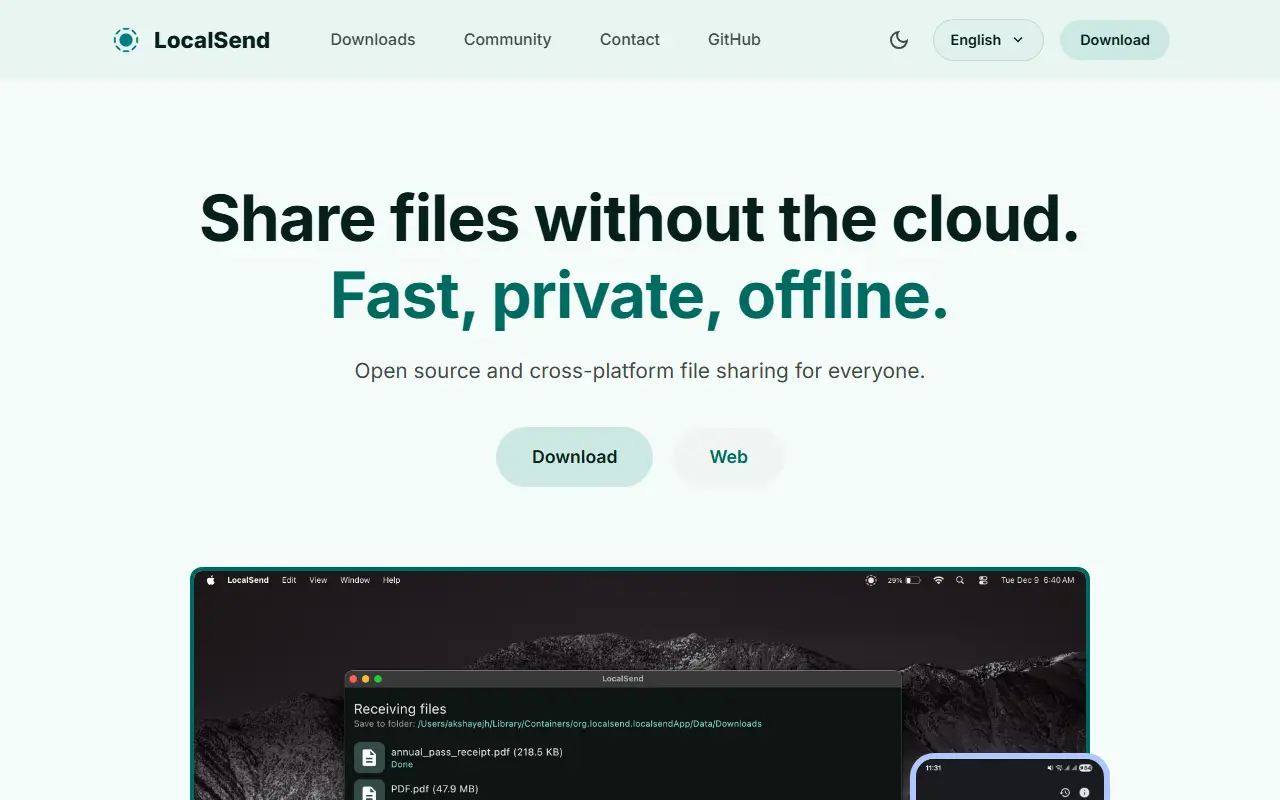
LocalSend is an open-source app for sharing files and messages between devices on the same local network. It is described as a cross-platform alternative to AirDrop, so phones, tablets and computers running different operating systems can exchange data directly without routing it through a cloud service.
Devices talk to each other through a REST API protected by HTTPS encryption, so no external servers or internet access are needed, which keeps transfers quick and files inside your network. The app is built with Flutter and Dart, and builds are documented for Android, iOS, macOS, Windows and Linux. There is also a command line interface, and community members contribute translations through Weblate.
LocalSend is free under the Apache-2.0 license. The maintainers recommend installing it from an app store or a package manager, and the source is available on both GitHub and Codeberg. Because it needs no account or sign-in, it is a lightweight option for people who regularly move files between their own devices.
Key features
- Sends files and text between nearby devices
- Works without internet or third-party servers
- HTTPS-encrypted transfers over a REST API
- Apps for Android, iOS, macOS, Windows and Linux
- Command line interface
- Translations contributed by the community
Pricing: Free and open source under the Apache-2.0 license.
#2
Free, open-source app for sending files directly between devices with peer-to-peer end-to-end encryption, no accounts, and no cloud storage or size limits.
- GitHub stars
- 2.2k
- Last commit
- 14 days ago
- Latest release
- v2.0.0
altersend.com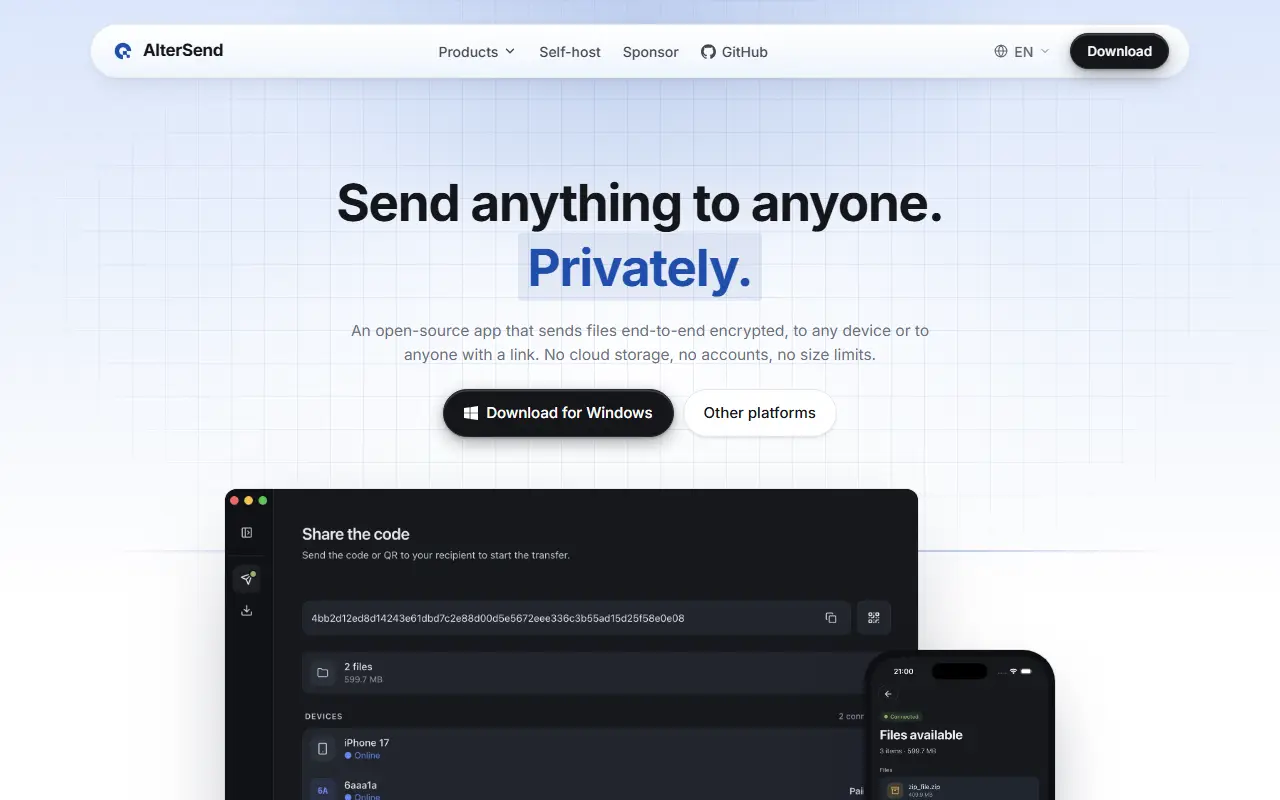
AlterSend is an app for transferring files directly between your devices over the internet. Files go peer to peer with end-to-end encryption, with no cloud storage, no uploads, no accounts, and no size limit. The README frames it as a replacement for WeTransfer, Dropbox, or Google Drive links when you only want to move a file from one device to another. The input lists its license only as other.
It uses techniques such as hole punching to connect devices behind routers. Installers are provided, including Homebrew for macOS and Flatpak for Linux, and the repository has sections on how it works, development setup, internationalization, the tech stack, crash reporting, and security. It is written in TypeScript and was created in 2026.
AlterSend suits people who regularly share large files, such as video or backups, and want privacy without relying on a cloud intermediary. Both devices generally need to be online at the same time for a transfer.
Key features
- Direct device-to-device file transfer
- End-to-end encryption
- No accounts and nothing stored
- No file size limit
- NAT hole punching
- Homebrew and Flatpak installation
Pricing: Free according to the project; see the repository for license terms.
#3
A cross-platform command line tool for sending files and folders between any two computers with end-to-end encryption, resumable transfers and no port forwarding.
- GitHub stars
- 41k
- Last commit
- yesterday
- Latest release
- v11.6.5
- Licence
- MIT
- Self-hosted
- Yes
getcroc.com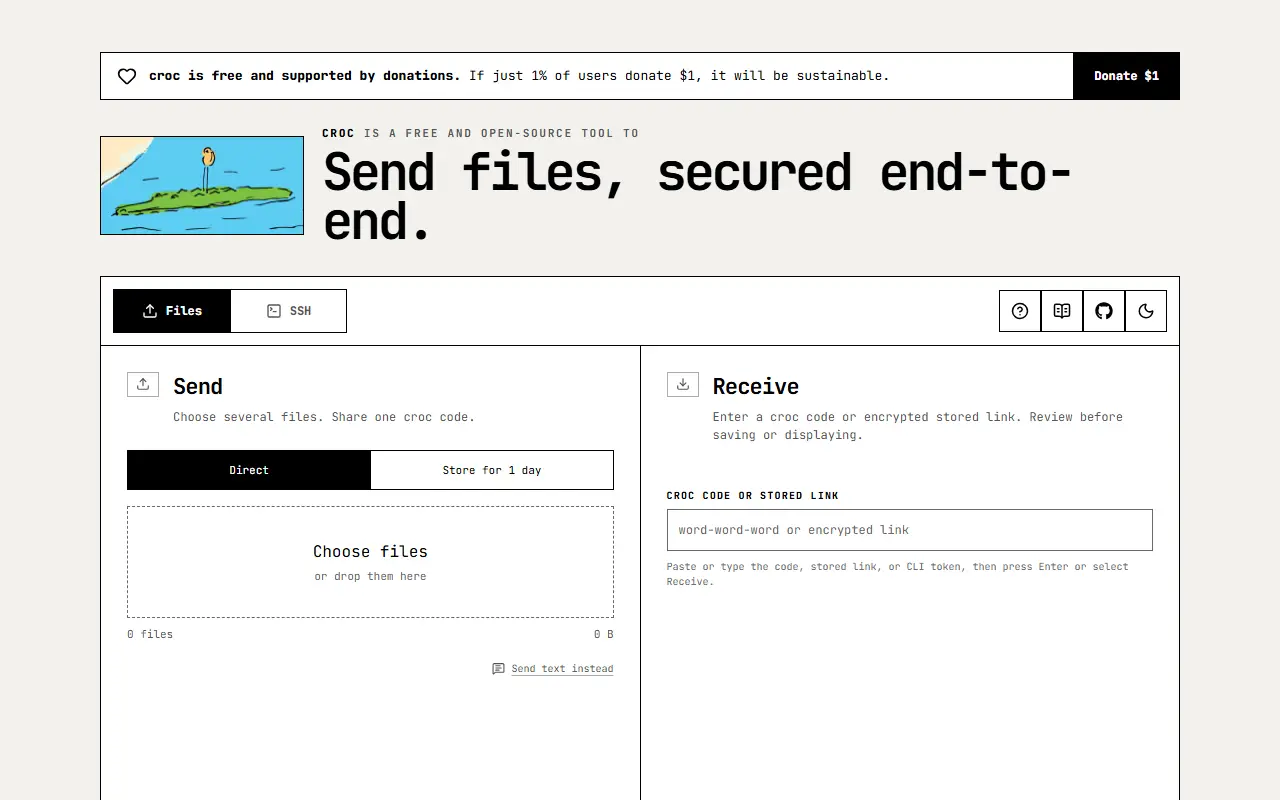
croc is a command line tool for transferring files and folders between any two computers. The sender gets a short code phrase, the receiver types it in, and the data moves directly between them where possible, falling back to a relay when a direct connection is not available. It is written in Go and runs on Windows, Linux and macOS.
Transfers are end-to-end encrypted using a password-authenticated key exchange, so the relay cannot read your files. Other capabilities include sending multiple files at once, resuming transfers that were interrupted, IPv6-first networking with IPv4 fallback, and routing through a proxy such as Tor. You do not need to set up a local server or forward ports. A browser version at getcroc.com is compatible with the command line client, so you can send and receive between them without installing anything.
croc is MIT licensed and can be installed from a release download or the command line. The maintainer notes that the project relies on community sponsorship. It suits anyone who regularly needs to move files between machines without cloud storage or accounts.
Key features
- Code phrase pairing for transfers
- End-to-end encryption using PAKE
- Peer-to-peer with relay fallback
- Resumable transfers and multiple files
- No server setup or port forwarding
- Browser version compatible with the CLI
Pricing: Free and open source under the MIT license.
#4
Magic Wormhole is a Python library and command-line tool for safely sending files, folders or text between two computers using short codes.
- GitHub stars
- 23k
- Last commit
- 6 days ago
- Licence
- MIT
magic-wormhole.readthedocs.io
Magic Wormhole is a Python package that provides a library and a command-line tool named wormhole. It moves files and directories of any size, or brief snippets of text, between two computers. The two ends are matched by an identical wormhole code: the sending machine generates and shows it, and the receiving person types it in. It is released under the MIT license.
Codes are short, single-use and human-pronounceable, drawn from a phonetically distinct word list, and the receiving side offers tab completion so usually only a few characters are needed. Nothing has to be memorized. The program relies on two servers, a mailbox server and a transit relay, whose source code lives in separate repositories. The library works with Python 3.10 and newer, packages exist in many operating systems, and complete documentation is on Read the Docs along with a PyCon 2016 talk.
Key features
- Send files, folders or text between computers
- Short single-use pronounceable codes
- Tab completion for entering codes
- Python library and wormhole CLI
- Mailbox server and transit relay components
- Packaged for many operating systems
Pricing: Free and open source under the MIT license.
#5
Browser-based AirDrop-style file sharing between devices on the same network or via temporary public rooms, with no setup or signup.
- GitHub stars
- 12k
- Last commit
- 6 mo ago
- Latest release
- v1.11.2
- Licence
- GPL-3.0
- Self-hosted
- Yes
- Hosted version
- Available
pairdrop.net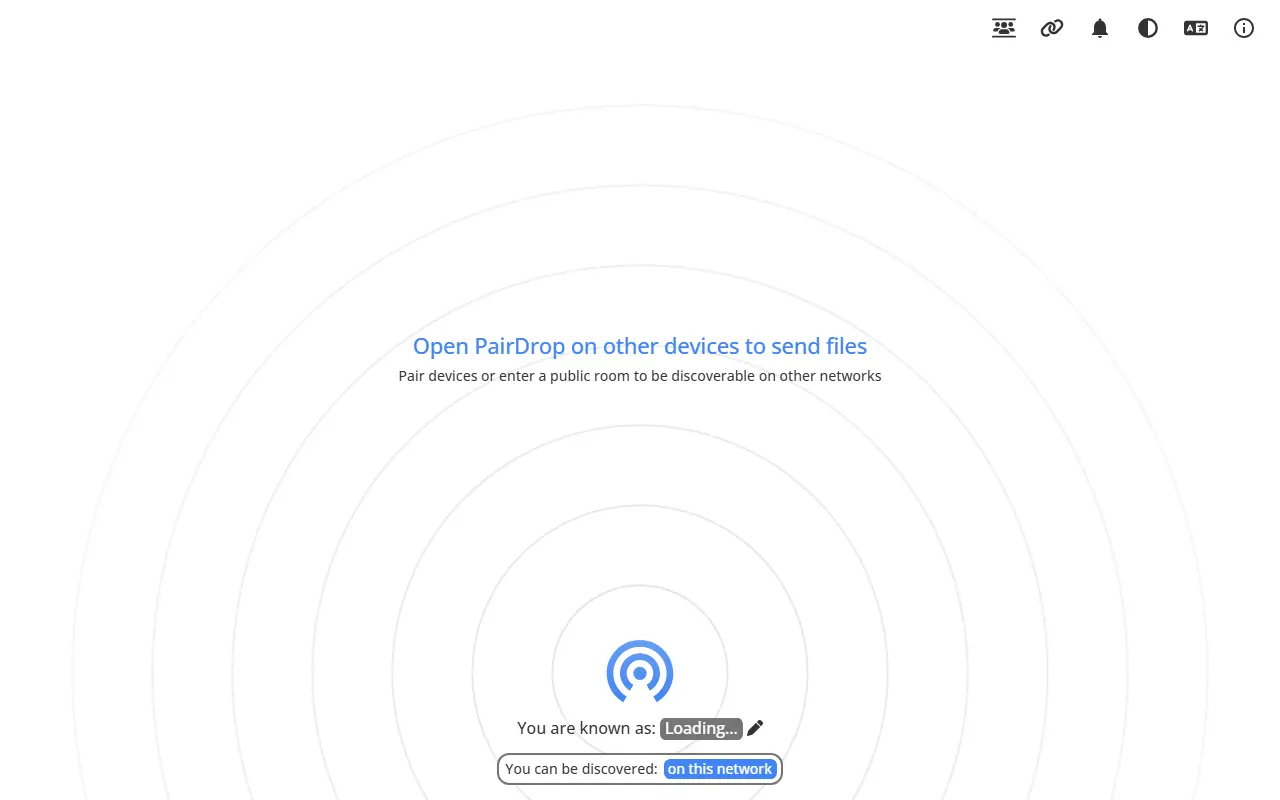
PairDrop is a web app for local file sharing in the browser, inspired by Apple's AirDrop. It is a fork of Snapdrop and works on all platforms with a modern browser, which makes it useful for moving files between a phone and a laptop or between Android and iOS devices. It is released under the GPL-3.0 license.
You can send images, documents, or text through peer-to-peer connections to devices on the same local network. For transfers over the internet, you join temporary public rooms to pair devices. It runs as a progressive web app using WebRTC and WebSockets on a Node.js server, and the README lists the differences from the Snapdrop project it is based on.
A public instance is available at pairdrop.net, and the app can be self-hosted. PairDrop suits anyone who needs quick, no-account file transfers across mixed operating systems and wants to keep files off third-party cloud storage.
Key features
- AirDrop-like sharing in the browser
- Peer-to-peer transfers on the local network
- Temporary public rooms for internet transfers
- Send files and text
- Progressive web app
- No setup or signup
Pricing: Free and open source under the GPL-3.0 license; a public instance runs at pairdrop.net.
PairDrop for Android is an open-source Android client for PairDrop local file sharing, with share-sheet integration.
- GitHub stars
- 1.1k
- Last commit
- 2 days ago
- Latest release
- v2.3.1
- Licence
- GPL-3.0
play.google.com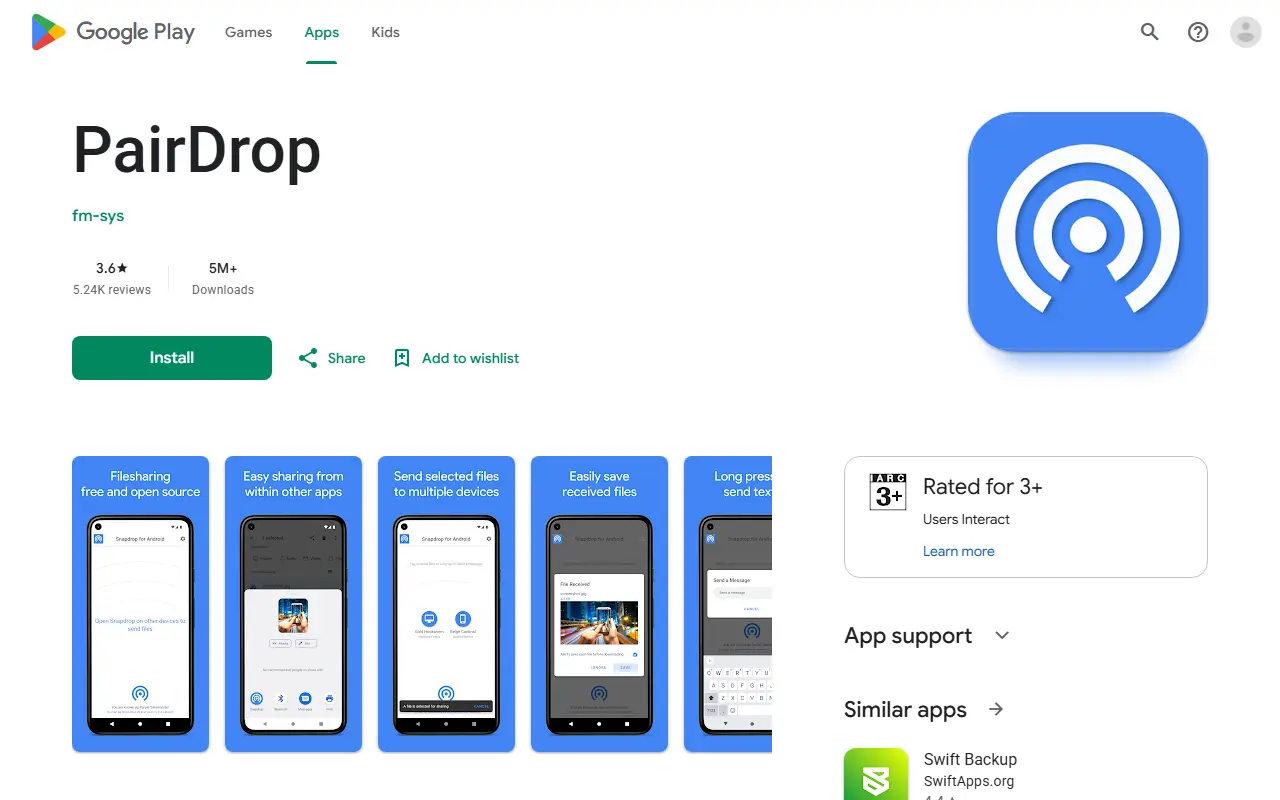
PairDrop for Android is an Android client for PairDrop, a local file sharing service that works in the browser. The README compares it to Apple's AirDrop but not limited to Apple devices: Windows, Linux, Android, iPhone and Mac are all named as working.
Although PairDrop works without installing anything, the app wraps it with Android integration, so you can pick PairDrop as the target from inside other apps when sharing. The repository description says it works with pairdrop.net and with a self-hosted snapdrop.
The app is available on Google Play and F-Droid under GPL-3.0. Translations are handled through Crowdin, and the maintainer invites issues and pull requests. The README also points to a Firefox web extension and lists AirDrop, Nearby Share and Windows Nearby Sharing as alternatives.
Key features
- Pick PairDrop from other apps' share menus
- Local file sharing that works in a browser
- Sharing across Windows, Linux, Android, iPhone and Mac
- Distributed on Google Play and F-Droid
- Translations managed through Crowdin

A Chinese-English browser-based peer-to-peer file transfer tool built on WebRTC that sends files and folders directly between devices.
- GitHub stars
- 1.3k
- Last commit
- 8 days ago
- Licence
- MIT
- Self-hosted
- Yes
- Hosted version
- Available
fastsend.ing
FastSend is a file transfer tool that runs in the browser and uses WebRTC to send files directly between two devices. Because the transfer is peer to peer and encrypted, the data does not need to be uploaded to and downloaded from a central file host, which suits quick sharing between your own devices or with someone nearby.
It supports sending single files and whole folders, and directory synchronization, which relies on the modern File System API and HTTPS. On a local network it optimizes the connection for faster transfers. The interface is simple, available in Chinese and English, and can be installed as a progressive web app. A public instance is available online, and the README warns that some networks may block peer-to-peer connections.
The project is built with Nuxt 4, Vue, Pinia and TypeScript, with a Nitro server handling WebSocket signaling, and it is licensed under MIT. It can be self-hosted with Docker or Docker Compose and should sit behind a reverse proxy in production. The README notes that the official Docker Hub image is shouchenicu/fastsend and warns about third-party images.
Key features
- Peer-to-peer encrypted file transfer
- File and folder sending
- Directory synchronization
- Local network speed optimization
- Chinese and English interface
- Installable as a progressive web app
Pricing: Free and open source under the MIT licence.
#8
EasyTransfer is a free, anonymous web app for sending files peer to peer between devices over WebRTC with end-to-end encryption.
- GitHub stars
- 691
- Last commit
- 5 days ago
- Licence
- GPL-3.0
- Self-hosted
- Yes
- Hosted version
- Available
file.ch3nyang.top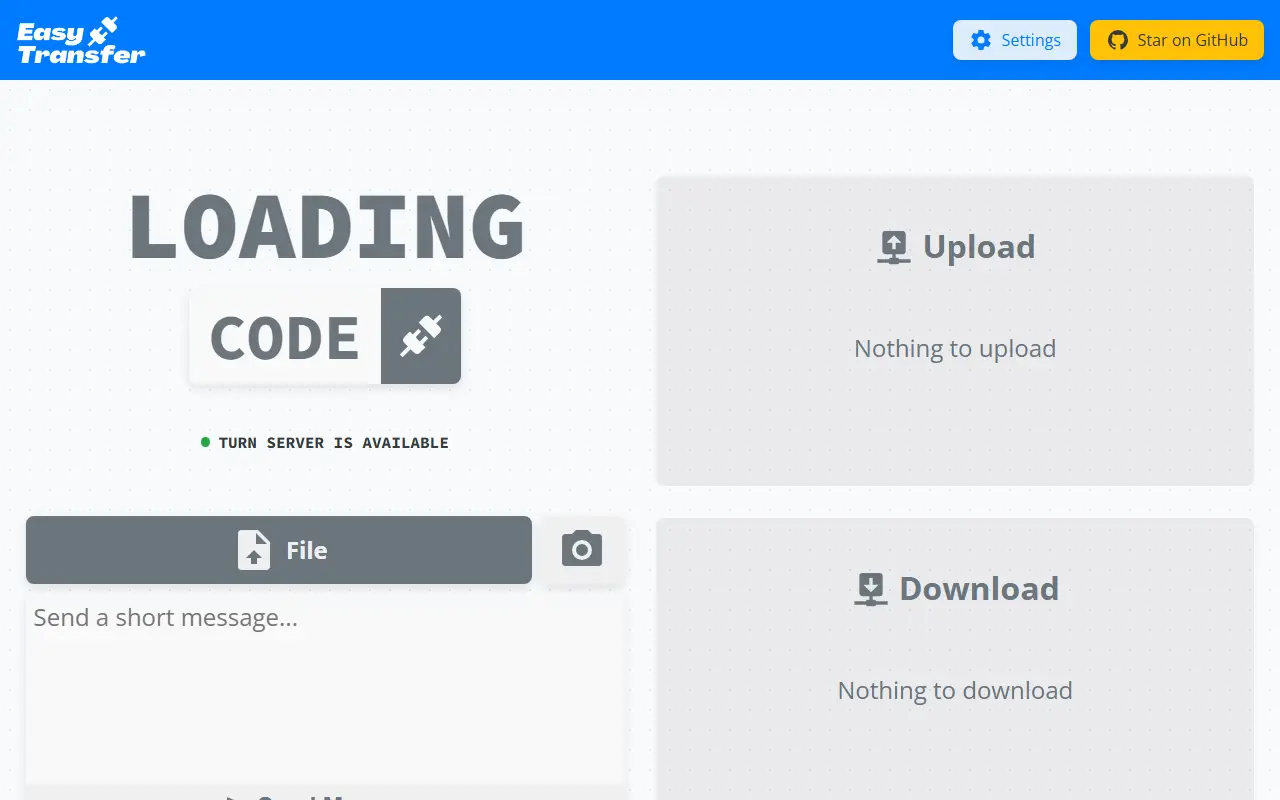
EasyTransfer is a free, anonymous and encrypted file transfer tool that works in the browser. Two people open the same web page, enter a four-digit device code from one device on the other and connect, then drag and drop files or text across, with no account, login or personal information needed.
It is built with WebRTC and Vue.js, so files go directly from sender to receiver rather than through a server, and the project says it works across local and wide-area networks. You can send several files at once, text messages and photos, and the settings let you configure your own STUN and TURN servers and the maximum number of connections. The authors recommend running your own STUN/TURN server for better speed and stability.
All modules can be customized and deployed yourself, with deployment instructions in the project wiki, and a public instance is available. EasyTransfer is written in TypeScript and licensed under GPL-3.0.
Key features
- Browser-based peer-to-peer file transfer
- Four-digit device codes to connect
- End-to-end encryption by default
- Multiple files, text and photos
- Configurable STUN and TURN servers
- No account required
Pricing: Free and open source under the GPL-3.0 license.
#9
Cross-platform file sharing app that sends files directly between devices over encrypted WebRTC connections, with no need to share a network.
- GitHub stars
- 670
- Last commit
- 2 mo ago
- Latest release
- v2.0.158
- Licence
- MIT
- Self-hosted
- Yes
- Hosted version
- Available
airdash-project.web.app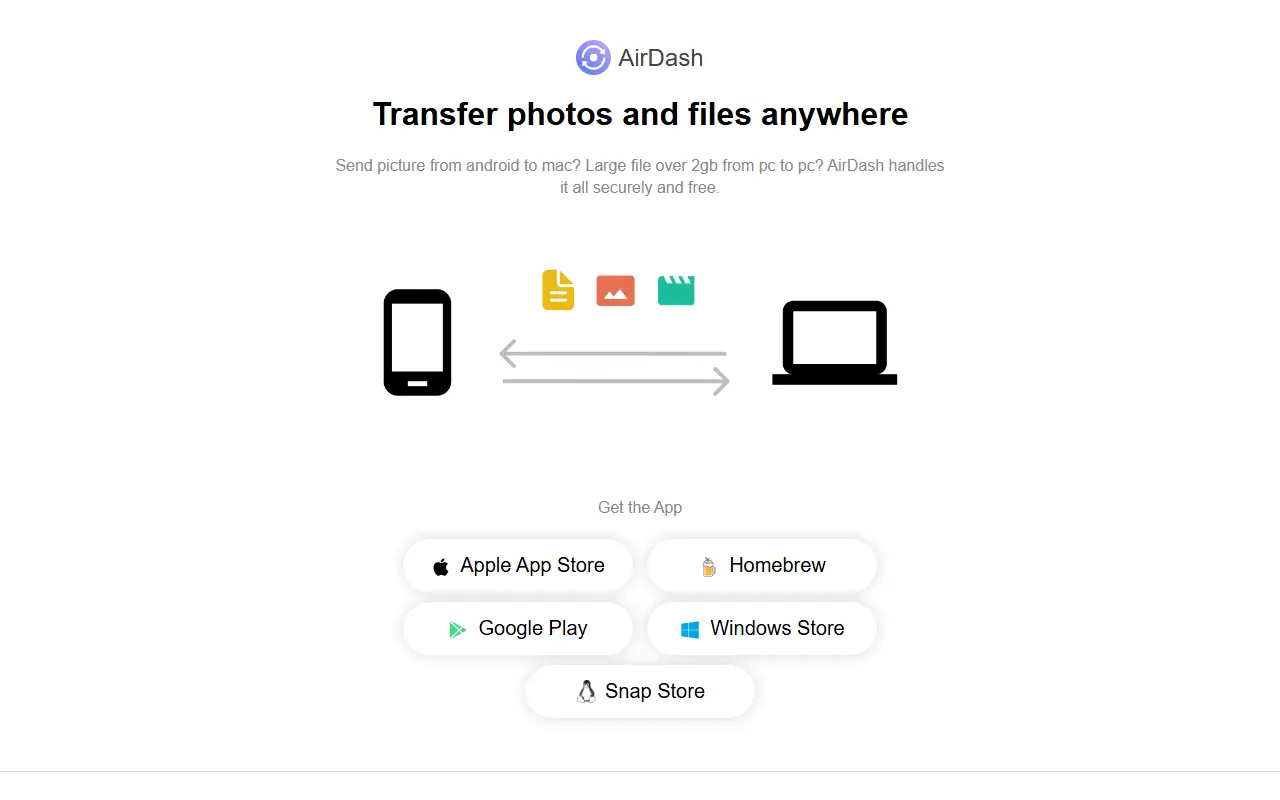
AirDash is a Flutter app for sending photos and files from one device to another, wherever the two devices are. Because transfers use WebRTC, files travel directly between devices rather than through a central server, and the README says they are fully encrypted in transit. The devices do not need to be on the same network or close to each other, and the app picks the fastest connection available, such as Wi-Fi, mobile data or Ethernet.
The app runs on iOS, macOS, Android, Windows and Linux and is distributed through the Apple App Store, Homebrew, Google Play, the Microsoft Store and the Snap Store. Transfers can be started from the native share sheet on mobile or by dragging and dropping on desktop. According to the README it is free to send any number of files of any size.
The project is MIT licensed and documents how to run your own copy. Firebase Firestore handles WebRTC signaling and configuration, Firebase Functions handle device pairing, and Firebase Hosting serves the website. To run it yourself you create a Firebase project, configure an environment file and deploy the pairing function. By default a Google STUN server helps peers connect.
Key features
- Direct encrypted device-to-device transfers
- Apps for iOS, macOS, Android, Windows and Linux
- Works across different networks
- Native share sheet and desktop drag and drop
- Automatic selection of fastest connection
- Flutter codebase with Firebase pairing backend
Pricing: The README states the apps are free to use for any number of files of any size.
#10
Browser-based, end-to-end encrypted peer-to-peer file transfer and chat built on WebRTC, available as a free hosted site or self-hosted.
- GitHub stars
- 968
- Last commit
- 6 mo ago
- Licence
- BSD-3-Clause-Clear
- Self-hosted
- Yes
- Hosted version
- Available
drop.lol
Filedrop is a simple way to send files directly between devices through the browser. It uses WebRTC to connect peers wherever possible and encrypts everything end to end, including metadata and chat. The hosted site at drop.lol describes it as free and easy file sharing, and the project is built with React and Node.js in TypeScript. It is aimed at people who want to transfer files privately without creating accounts.
The feature list includes full end-to-end encryption, peer-to-peer transfer, a simple chat function with copy and paste, a minimalist interface, and availability as a progressive web application. Documentation covers usage and self-hosting, an FAQ and HTTPS setup, so you can run your own server rather than rely on the public one.
Filedrop is released under the BSD-3-Clause-Clear license. Because transfers are peer to peer, a signaling server is needed to introduce devices to each other, which is the part you host if you self-deploy. It suits ad hoc sharing between your own devices or with colleagues.
Key features
- End-to-end encrypted transfers including metadata
- Peer-to-peer connections over WebRTC
- Built-in chat with copy and paste
- Minimalist interface
- Progressive web app
- Self-hosting documentation
Pricing: The hosted site is described as free file sharing; the code is under BSD-3-Clause-Clear.
5 more Send Anywhere alternatives
Send Anywhere alternatives: questions
- What is the best open-source alternative to Send Anywhere?
- LocalSend is the top-ranked open-source alternative to Send Anywhere on Enlisted: A free cross-platform app for sending files and messages to nearby devices over your local network, with no internet connection or account required. Other strong options are AlterSend, croc, Magic Wormhole and PairDrop.
- What are the best commercial alternatives to Send Anywhere?
- Filemail, Smash, TransferNow, WeTransfer and BetterFileTransfer are among the hosted, closed-source alternatives to Send Anywhere listed on Enlisted, which lists 13 in total. Compare their pricing and features on each tool page.
- Are these Send Anywhere alternatives free?
- All 15 are open source, so the code is free to use under its licence, and all of them can be self-hosted on your own server or computer. 6 also offer a paid or managed cloud version if you'd rather not host it yourself.
- How is this list of Send Anywhere alternatives ranked?
- By a score built from GitHub stars, star growth over the last 30 days and how recently the code changed. 7 of these projects shipped code in the last 30 days. Data is refreshed daily, and nobody can pay to move up.
 TrackMedia
 TrackRev