6 open-source alternatives ranked by real activity

Open-source Krea alternatives

A curated, ranked list of the 6 best open-source alternatives to Krea.

The best open-source alternative to Krea is Open Generative AI. If that doesn't suit you, other good options are ComfyUI, Upscayl, InvokeAI and SD.Next.

Commercial alternatives to Krea include Leonardo.Ai, Midjourney, Magnific and Freepik AI Suite. See all 54.

Krea alternatives are mainly AI tools. 4 of them shipped code in the last 30 days, 6 can be self-hosted, and 4 use a permissive licence.

Last updated November 12, 2026 · ranked by GitHub stars, growth and recent commits

Open Generative AI

Open Generative AI is an MIT-licensed image and video generation studio with desktop apps and a hosted version, built on the MuAPI model platform.

GitHub stars
34k
Last commit
yesterday
Latest release
v2.0.0
Licence
MIT
Hosted version
Available

Open Generative AI is a studio for generating images and videos, described in its README as using more than 600 models across 14 studios. It is MIT licensed, written mainly in JavaScript, and presented as an open source alternative to commercial AI video platforms with no subscription fee for the app itself.

It can be used in a browser on a hosted version at muapi.ai, where the listed studios include Image, Video, Audio, AI Clipping, Lip Sync, Cinema, Marketing, Workflows and Agents, or through desktop installers. Installers exist for macOS on Apple Silicon and Intel, Windows x64 and Linux as AppImage or deb. The macOS build is not notarized, so Gatekeeper blocks it on first launch.

Generation runs through MuAPI, a separate platform with a unified API for image, video and audio models whose pricing page lists per-generation rates. The README also advertises a MuAPI White Label plan, which lets someone launch a branded version of the app with their own pricing.

Key features

  • Image and video generation across many models
  • Hosted version that runs in the browser
  • Desktop installers for macOS, Windows and Linux
  • Linux packages as AppImage or deb
  • API examples for several model families
  • White-label option for branded versions

ComfyUI

A modular, node-based interface and backend for building and running diffusion model workflows such as Stable Diffusion on your own machine.

GitHub stars
146k
Last commit
yesterday
Latest release
v0.45.0
Licence
GPL-3.0
Self-hosted
Yes
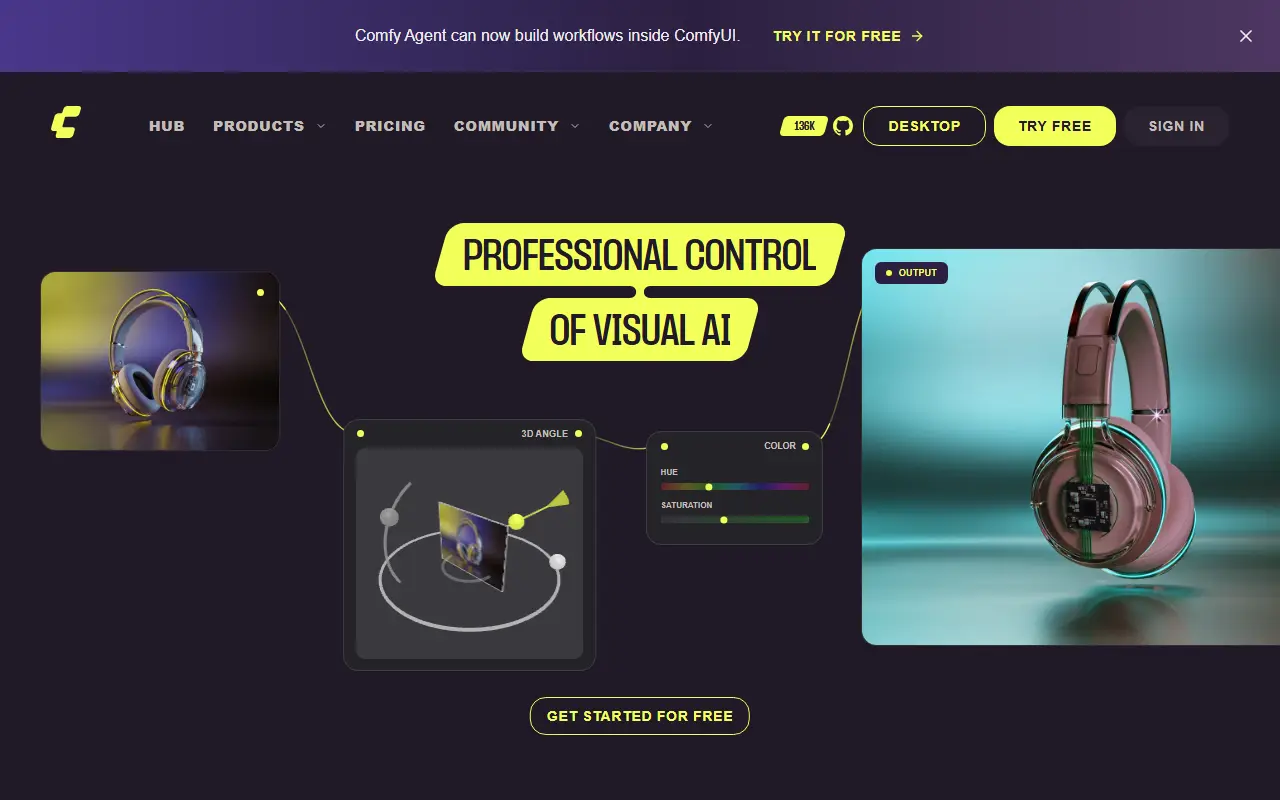
comfy.orgComfyUI homepage screenshot

ComfyUI is an open-source application for creating images and other media with diffusion models. Instead of a fixed form, you build a workflow as a graph of connected nodes, where each node handles a step such as loading a model, encoding a prompt or sampling. It is written in Python on top of PyTorch and licensed under GPL-3.0.

The project provides a graphical interface, an API and a backend in one package. The modular design means workflows can be saved, shared and extended, and new capabilities are added through additional nodes. Because inference runs locally, users keep control over their models and outputs. The maintainers describe it more broadly as an engine for AI content creation.

The code is maintained by Comfy Org, which also runs the website at comfy.org, and releases are published on GitHub. ComfyUI suits artists, researchers and developers who want fine control over image generation pipelines and are comfortable wiring nodes together rather than using a simple prompt box.

Key features

  • Node-and-graph editor for diffusion workflows
  • Modular backend with an API
  • Local inference on your own hardware
  • Support for Stable Diffusion models
  • Reusable, shareable workflows
  • Extensible through additional nodes

Pricing: Local ComfyUI is free and Comfy Cloud offers 5 free runs without a card. Cloud plans cost $20 (Standard), $35 (Creator), $100 (Pro) and $700 (Team) per month, cheaper billed yearly; Enterprise is custom.

Upscayl

A free, open-source desktop app that enlarges and enhances low-resolution images with AI upscaling models on Linux, macOS and Windows.

GitHub stars
52k
Last commit
1 mo ago
Latest release
v2.15.0
Licence
AGPL-3.0
upscayl.orgUpscayl homepage screenshot

Upscayl is an AI-powered image upscaler that is free, open source and available on Linux, macOS and Windows. It can scale up small, low-resolution pictures and improve their detail with AI models, aiming to avoid the usual loss in quality. It is built with TypeScript and Electron and released under the AGPL-3.0 license.

The README provides installation instructions for each operating system, plus tutorials and guides, before-and-after demo results, a roadmap and an FAQ. A Vulkan-compatible graphics card is required for upscaling, and the project notes that many integrated GPUs do not work. Topics reference ESRGAN-based upscaling models.

The app runs locally on your own computer, so images are not sent to an online service. It suits photographers, designers, game modders and anyone restoring old or small pictures who wants a free alternative to paid upscaling software.

Key features

  • AI image upscaling and enhancement
  • Runs locally on Linux, macOS and Windows
  • Desktop app built with Electron
  • ESRGAN-based upscaling models
  • Tutorials, guides and demo results
  • Requires a Vulkan-compatible GPU

Pricing: A free trial includes 10 credits. The Pro plan is $24.99 per month for 300 credits; larger credit amounts are selectable and Business pricing is by contact.

InvokeAI

InvokeAI is an open-source creative engine for Stable Diffusion models with a locally hosted web UI, canvas and workflow tools.

GitHub stars
29k
Last commit
yesterday
Latest release
v6.14.4
Licence
Apache-2.0
Self-hosted
Yes
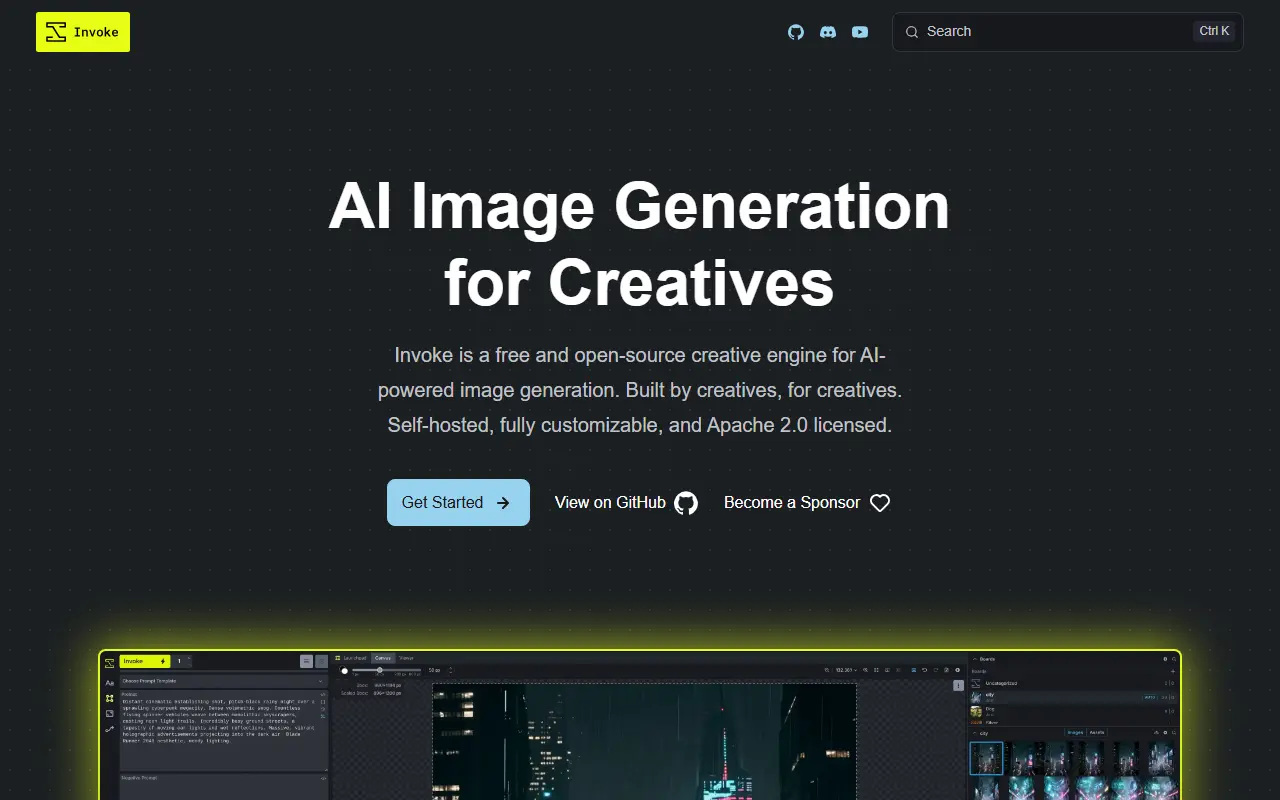
invoke-ai.github.ioInvokeAI homepage screenshot

InvokeAI, also called Invoke, is a creative engine for Stable Diffusion models aimed at professionals, artists and enthusiasts who want to generate and refine visual media. It runs a locally hosted web server with a React interface, and the project says it also serves as the base for several commercial products. The code is Apache-2.0 licensed, which the README describes as commercially friendly.

You download and install it on compatible hardware using the Launcher, then generate and iterate on images and build workflows. Features include a Unified Canvas for editing, and repository topics list text-to-image, image-to-image, inpainting and outpainting. It runs on Windows, macOS and Linux. Documentation covers installation, updates and tutorials, and the FAQ and Discord server handle common installation problems. Because generation runs locally, results depend on your GPU and the models you load.

Key features

  • Locally hosted web UI built with React
  • Unified Canvas for editing and composing
  • Text-to-image and image-to-image generation
  • Inpainting and outpainting tools
  • Node-based workflow building
  • Launcher-based installer for Windows, macOS and Linux

Pricing: Free to use under the Apache-2.0 license.

SD.Next

Open-source server and web interface for generating, captioning and processing AI images and video with Stable Diffusion and other diffusion models.

GitHub stars
7.4k
Last commit
2 days ago
Licence
Apache-2.0
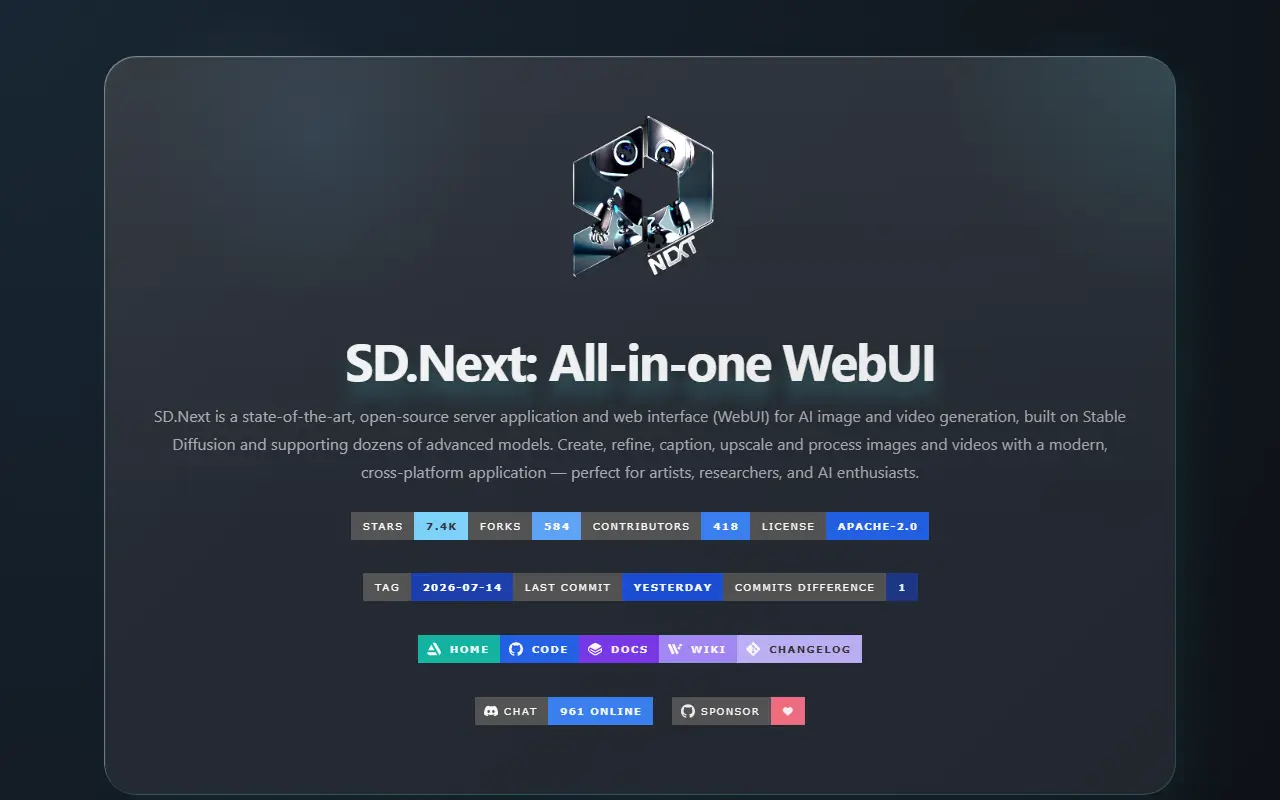
vladmandic.github.ioSD.Next homepage screenshot

SD.Next is an open-source server application with a web interface for AI image and video generation. It is built on Stable Diffusion and works with a long list of diffusion models, so one install covers text-to-image, image-to-image, text-to-video and image-to-video, along with editing steps such as inpainting, outpainting and detailer passes.

Models can be picked from a list of reference models and are fetched automatically, or you can add your own files and the interface detects them. Guidance options include LoRA, ControlNet and IPAdapters, and the processing side covers captioning, tagging, upscaling, interpolation, colorizing and filtering. Custom scripts and extensions add further workflows.

Memory use gets particular attention: a quantization engine called SDNQ and a balanced offload mode between CPU and GPU memory aim to let larger models run on limited hardware. The project lists support for NVIDIA, AMD and Intel Arc GPUs, Apple M1/M2, OpenVINO and CPU-only runs, plus Docker recipes and a built-in installer that handles updates.

Key features

  • Automatic download of reference models
  • SDNQ quantization to cut VRAM use
  • Balanced offload between CPU and GPU memory
  • Captioning and tagging with built-in LLM, VLM and tagger models
  • Interface translated into about 15 languages with themes
  • Built-in installer with automatic updates

Vibe Workflow

Vibe Workflow is an open-source, node-based visual builder for AI image and video generation pipelines, positioned as an alternative to Weavy AI and Krea Nodes.

GitHub stars
645
Last commit
1 mo ago
Licence
MIT
Self-hosted
Yes
Hosted version
Available
muapi.aiVibe Workflow homepage screenshot

Vibe Workflow is a free, open-source node-based AI workflow builder aimed at creators and developers who design, edit and compose generative image and video pipelines. It is presented as a self-hostable alternative to commercial node-based creative tools such as Weavy AI, Krea Nodes, Freepik Spaces and FloraFauna AI, with no vendor lock-in.

The editor lets you connect nodes visually to build modular pipelines around what the project calls Artistic Intelligence. The stack uses a Next.js front end and a FastAPI back end, and the topics mention ComfyUI and self-hosted AI. The author says the project was built because paid AI creative tools were getting expensive. Related projects in the same family include a self-hosted AI media studio that can act as the model backend and an autonomous design agent that can be embedded in workflows.

A fully managed hosted version is available at muapi.ai/workflow with API and embed support for plugging workflows into your own platform. The self-hosted code is licensed under MIT.

Key features

  • Node-based visual workflow editor
  • Image and video generation pipelines
  • Modular pipeline composition
  • Next.js front end and FastAPI back end
  • Self-hostable open-source code
  • Optional hosted version with API and embeds

Pricing: Free tier available for AI model API calls. Usage-based pricing with rates varying by model, starting from $0.03 per generation.

Commercial Krea alternatives

Hosted, closed-source products that compete with Krea. Showing 12 of 54.

See every Krea alternative on its tool page

Krea alternatives: questions

What is the best open-source alternative to Krea?
Open Generative AI is the top-ranked open-source alternative to Krea on Enlisted: Open Generative AI is an MIT-licensed image and video generation studio with desktop apps and a hosted version, built on the MuAPI model platform. Other strong options are ComfyUI, Upscayl, InvokeAI and SD.Next.
What are the best commercial alternatives to Krea?
Leonardo.Ai, Midjourney, Magnific, Freepik AI Suite and MkImage are among the hosted, closed-source alternatives to Krea listed on Enlisted, which lists 54 in total. Compare their pricing and features on each tool page.
Are these Krea alternatives free?
All 6 are open source, so the code is free to use under its licence, and all of them can be self-hosted on your own server or computer. 2 also offer a paid or managed cloud version if you'd rather not host it yourself.
How is this list of Krea alternatives ranked?
By a score built from GitHub stars, star growth over the last 30 days and how recently the code changed. 4 of these projects shipped code in the last 30 days. Data is refreshed daily, and nobody can pay to move up.

People also look for alternatives to…

View all