7,363 open-source and SaaS tools, with GitHub stats refreshed every day.

9 alternatives ranked by real activity

Open-source Kobo alternatives

A curated, ranked list of the 9 best open-source alternatives to Kobo.

The best open-source alternative to Kobo is KOReader. If that doesn't suit you, other good options are calibre, Calibre-Web, Audiobookshelf and Kavita.

Kobo alternatives are mainly media & streaming tools. 8 of them shipped code in the last 30 days, 9 can be self-hosted, and 1 uses a permissive licence.

Last updated October 3, 2026 · ranked by GitHub stars, growth and recent commits

KOReader

KOReader is an open-source document and ebook reader for e-ink devices, Android and Linux that supports PDF, DjVu, EPUB and many other formats.

GitHub stars
30k
Last commit
today
Latest release
v2026.07.1
Licence
AGPL-3.0
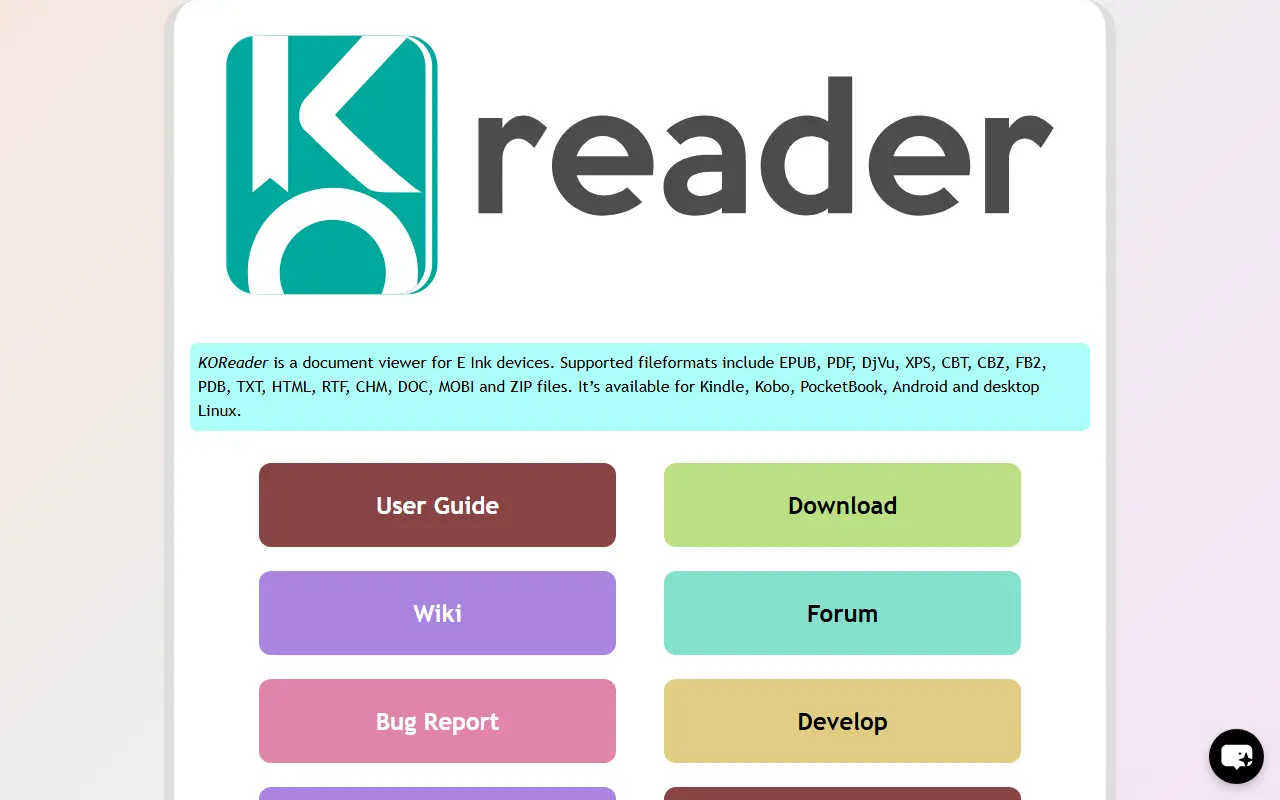
koreader.rocksKOReader homepage screenshot

KOReader is a document viewer aimed mainly at e-ink readers. It runs on Cervantes, Kindle, Kobo, PocketBook and reMarkable devices as well as Android and Linux computers, and developers can use an emulator on Linux and macOS. The project is written largely in Lua with LuaJIT and is released under the AGPL-3.0 license.

It handles fixed-page formats such as PDF, DjVu, CBZ and CBT, and reflowable formats including EPUB, FB2, Mobi, DOC, RTF, HTML, CHM and TXT. Scanned PDF and DjVu files can be reflowed with the bundled K2pdfopt library. Readers get customizable typesetting with arbitrary margins, line spacing, external fonts and hyphenation dictionaries. Integrations cover calibre, OPDS catalogs, Wallabag, Wikipedia and StarDict dictionaries, and the interface is tuned for e-ink with no animation and adjustable contrast. Plugins add further functionality.

Key features

  • PDF, DjVu, EPUB, FB2 and CBZ support
  • Reflow for scanned PDF and DjVu files
  • Custom margins, fonts and line spacing
  • calibre, OPDS and Wallabag integration
  • E-ink friendly interface without animation
  • Plugin system for extensions

Pricing: Free and open source under the AGPL-3.0 license.

calibre

calibre is a cross-platform e-book manager that views, converts, edits and catalogs e-books and syncs with e-reader devices.

GitHub stars
26k
Last commit
today
Latest release
v9.15.0
Licence
GPL-3.0
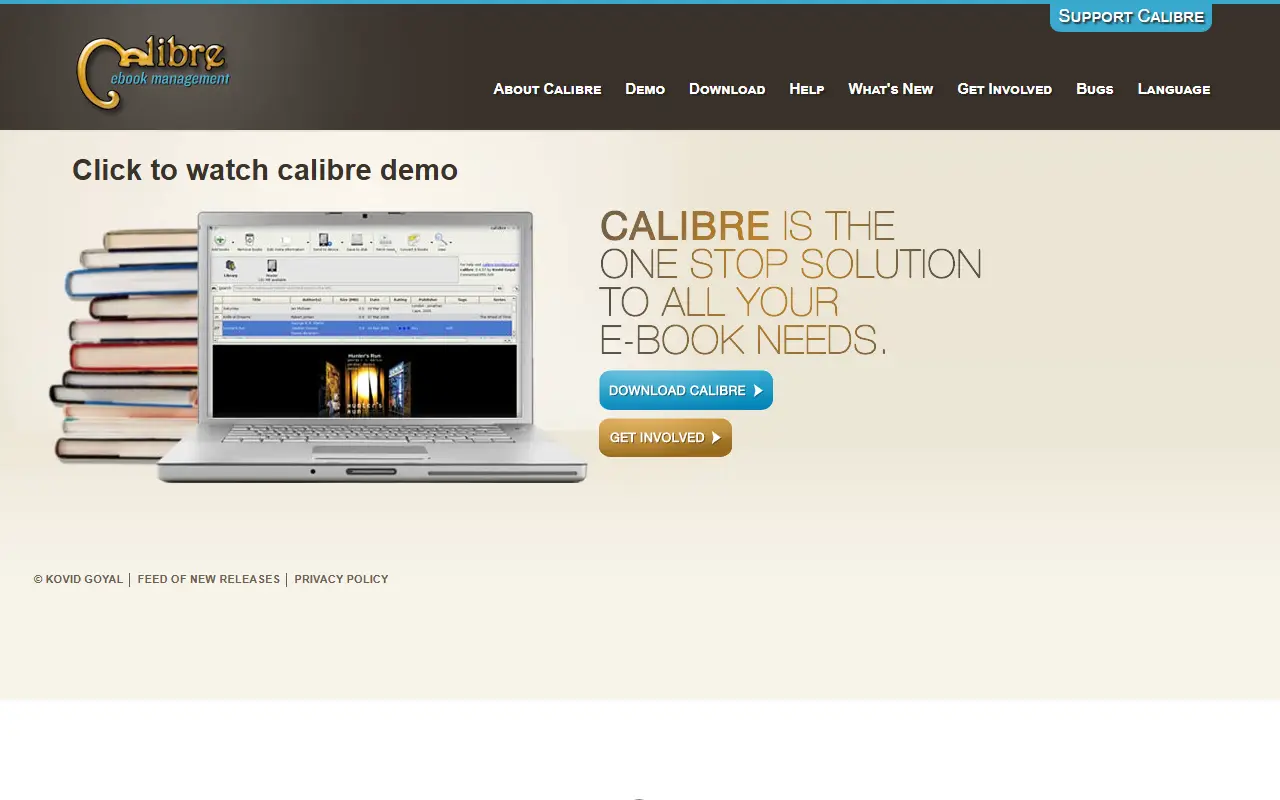
calibre-ebook.comcalibre homepage screenshot

calibre is an e-book manager that can view, convert, edit and catalog books across every major e-book format. It can communicate with e-reader devices, fetch metadata for your books from the internet, and download newspapers and convert them into e-books for reading. It runs on Linux, Windows and macOS, is written in Python, and is released under the GPL-3.0 license. The repository is the official source.

The project points to a user manual for usage, a screenshots page, and build instructions for creating binaries and installers for every supported platform. Bug reports and feature requests go to a tracker on Launchpad, while GitHub is used only for hosting code and pull requests. calibre is built by volunteers from around the world, and the project asks users who find it helpful to donate to support development. Source tarballs of each release are available.

Key features

  • View, convert, edit and catalog e-books
  • Supports all major e-book formats
  • Transfers books to e-reader devices
  • Fetches book metadata from the internet
  • Downloads news and converts it to e-books
  • Runs on Linux, Windows and macOS

Pricing: Free and open source under the GPL-3.0 license; donations support development.

Calibre-Web

Calibre-Web is a web app for browsing, reading and downloading eBooks from a Calibre database, with user management and OPDS support.

GitHub stars
18k
Last commit
13 days ago
Latest release
0.6.27
Licence
GPL-3.0
Self-hosted
Yes

Calibre-Web is a web application that puts a clean browser interface on top of an existing Calibre eBook library. It reads a valid Calibre database so that users can browse, read and download books from any device with a web browser. It is released under the GPL v3 license.

Administrators get a graphical setup, an admin interface and detailed user management with per-user permissions, and logins can use LDAP, Google or GitHub OAuth, or proxy authentication. Readers can search and filter, create shelves, read books in the browser in several formats, and use an OPDS feed with eBook reader apps. Books can be sent to e-readers in one click, and Kobo devices can be synced with the library.

Further features include metadata editing and downloading from various sources, eBook conversion through Calibre binaries, uploading new books (audio formats included), Calibre custom column support and hiding content per user. Installation is recommended through pip inside a virtual environment, and Docker images are also available.

Key features

  • Browser-based eBook browsing and reading
  • OPDS feed for eBook reader apps
  • Per-user permissions and admin interface
  • LDAP and OAuth authentication
  • Send to e-reader and Kobo sync
  • Metadata editing and eBook conversion

Pricing: Free and open source under the GPL v3 license.

Audiobookshelf

A self-hosted server for streaming audiobooks and podcasts, with multi-user accounts, synced listening progress, metadata fetching and companion mobile apps.

GitHub stars
15k
Last commit
yesterday
Latest release
v2.37.1
Licence
GPL-3.0
Self-hosted
Yes
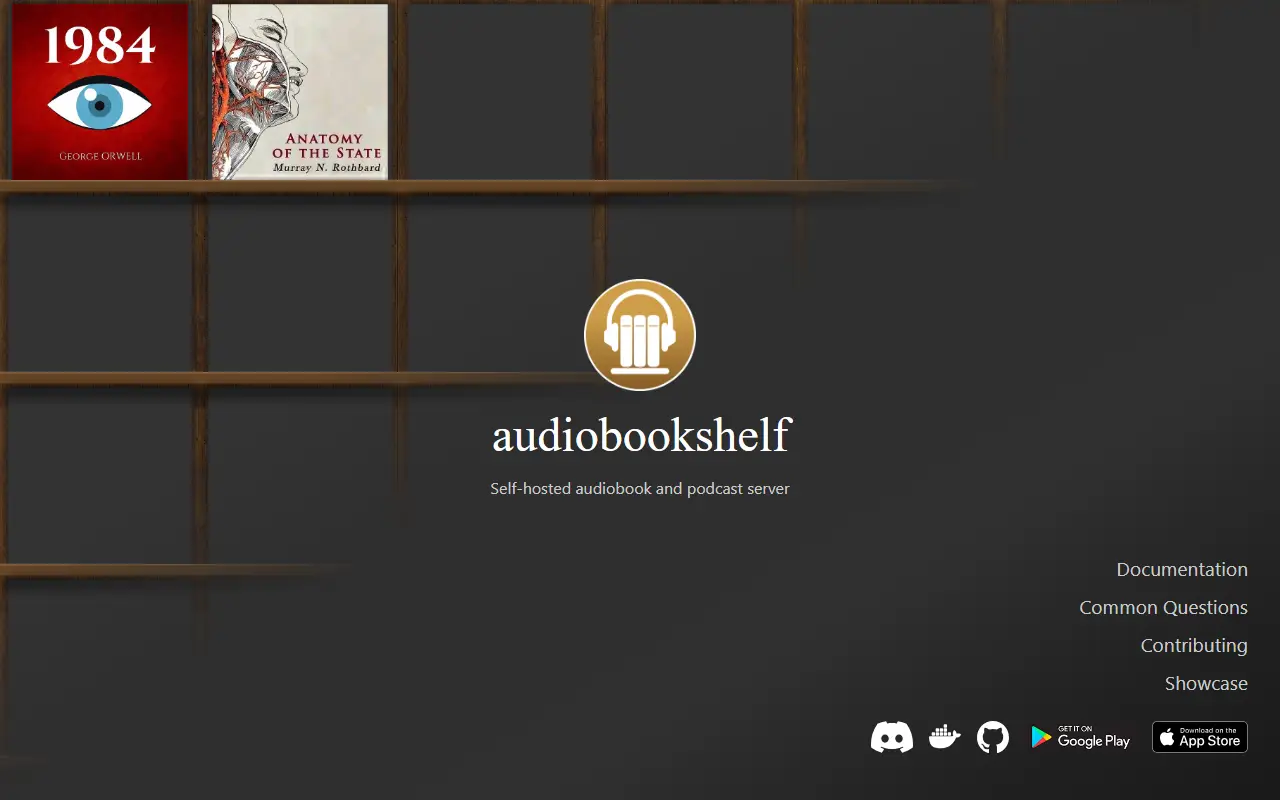
audiobookshelf.orgAudiobookshelf homepage screenshot

Audiobookshelf is a self-hosted server for audiobooks and podcasts. You point it at folders of audio files on your own hardware, and it serves them to a web player and companion mobile apps, so your collection stays on machines you control.

The server streams all audio formats on the fly, keeps listening progress per user and syncs it across devices, and supports multiple users with custom permissions. It can search for podcasts and auto-download new episodes, fetch metadata and cover art from several sources, edit chapters, merge files into a single m4b and embed metadata into audio files. Basic ebook support covers EPUB, PDF, CBR and CBZ, and ebooks can be sent to a device such as a Kindle.

Audiobookshelf is released under the GPL-3.0 licence and is fully open source, including the Android app and the iOS app, which are both in beta. A Progressive Web App, Chromecast support, automated daily backups and open RSS feeds are also available. Folder structure and naming affect how the library is detected, so the documentation on organizing media is worth reading first.

Key features

  • Streams all audio formats on the fly
  • Multi-user accounts with custom permissions
  • Per-user progress synced across devices
  • Podcast search with auto-download of episodes
  • Metadata and cover art fetching
  • Chapter editor and m4b merging
  • Basic ebook reader for EPUB and PDF
  • Android and iOS apps in beta

Pricing: Free and open source under the GPL-3.0 licence.

Kavita

A self-hosted reading server for comics, manga and ebooks that serves EPUB, PDF and comic archives through responsive web readers and shared libraries.

GitHub stars
12k
Last commit
yesterday
Latest release
v0.9.1.4
Licence
GPL-3.0
Self-hosted
Yes
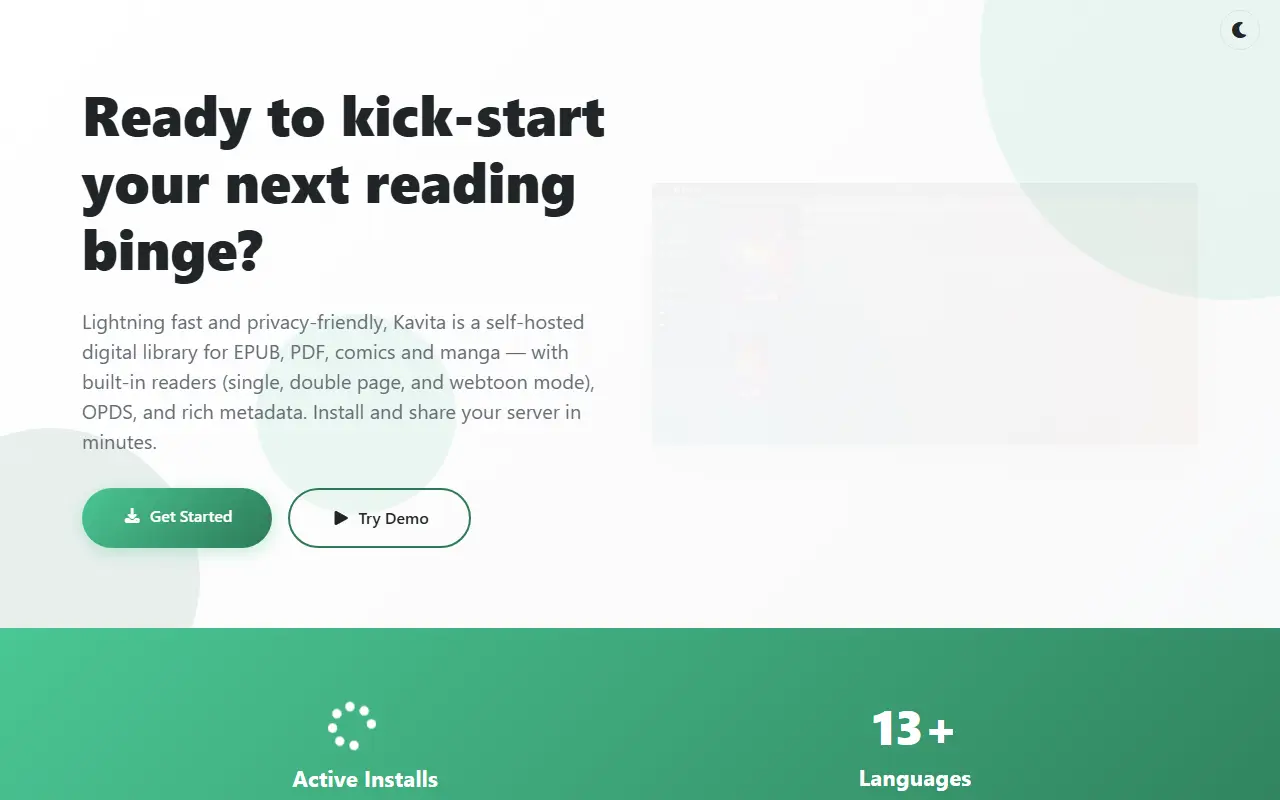
kavitareader.comKavita homepage screenshot

Kavita is a cross-platform reading server written in C#. You run it on your own machine, point it at your collection of comics, manga, webtoons and books, and read through responsive web readers on a phone, tablet or desktop, with the option to share the collection with friends and family.

It handles formats such as CBR, CBZ, ZIP, RAR, 7-Zip and raw images for comics, and EPUB and PDF for books. The library offers rich metadata with filters and smart filters, collections, reading lists with CBL import, and a want-to-read list. Readers support webtoon and continuous modes and virtual pages for EPUB, themes can be customized, and EPUB annotations and highlights are available. Role-based user management covers age restrictions and OIDC.

Extra metadata, reviews, ratings, recommendations and scrobbling are available via the optional Kavita+ service. Kavita is licensed under GPL-3.0, offers a public demo and a wiki for installation on various platforms, supports OPDS feeds, and the maintainers describe it as beta software until a 1.0.0 release.

Key features

  • Serves comics, manga and webtoons
  • Reads EPUB and PDF books
  • Responsive web readers for any device
  • Collections, reading lists and want-to-read
  • Role-based users with age restrictions
  • Smart filters and rich metadata
  • OPDS feeds and EPUB annotations

Pricing: Free and open source under the GPL-3.0 licence; extra metadata features are available via the optional Kavita+ service.

Komga

Komga is a self-hosted media server for comics, manga, BDs, magazines and eBooks, with a web reader, OPDS, a REST API and Kobo and KOReader sync.

GitHub stars
6.7k
Last commit
yesterday
Latest release
1.28.1
Licence
MIT
Self-hosted
Yes
komga.orgKomga homepage screenshot

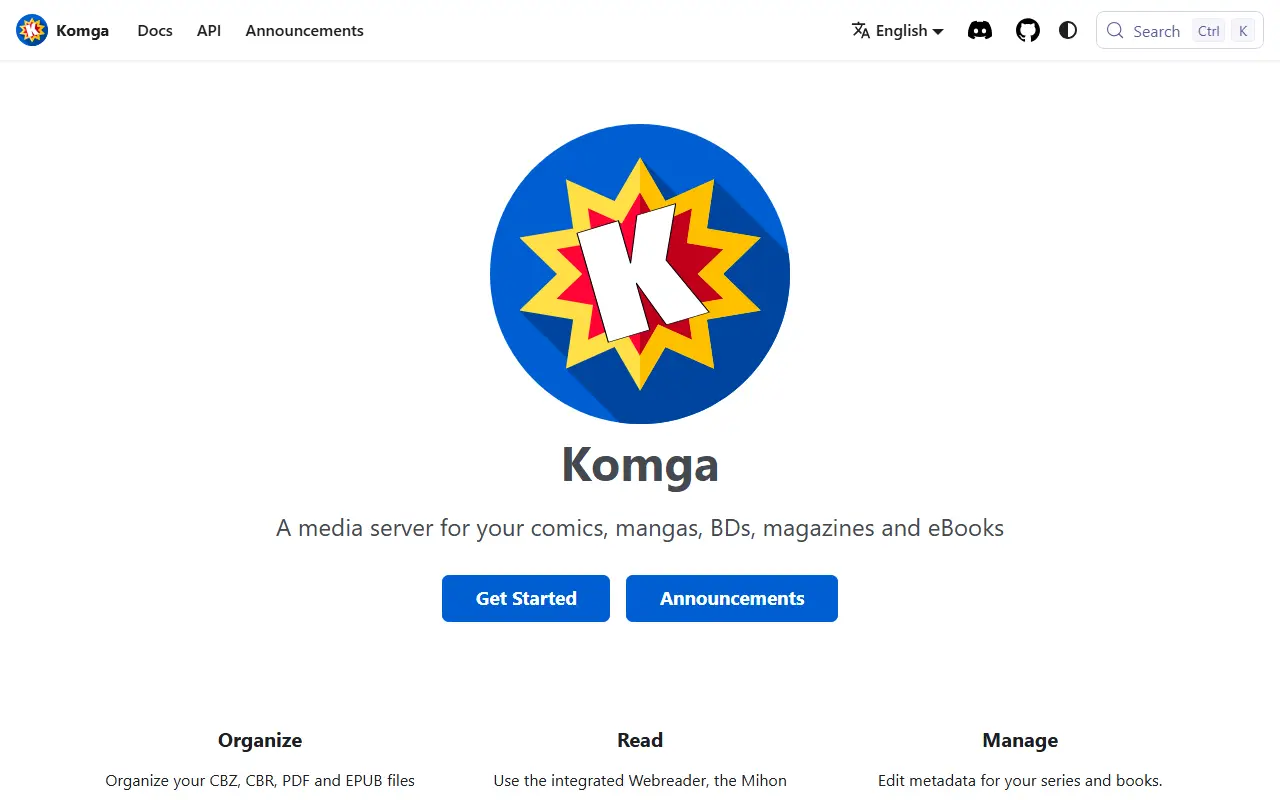
Komga is a media server for digital comics, manga, bandes dessinees, magazines and eBooks. You point it at your files, and it presents libraries, series and books through a responsive web interface that works on desktops, tablets and phones.

It supports collections and read lists for organizing a library, metadata editing and automatic import of embedded metadata. A built-in web reader offers several reading modes. Several users can be managed, with per-library access control, age restrictions and label restrictions. For other apps and devices it offers a REST API, OPDS v1 and v2 feeds, Kobo Sync for Kobo eReaders and KOReader Sync. Further tools include downloading books, series or read lists, duplicate file and duplicate page detection, and importing ComicRack read lists.

Komga is written in Kotlin on Spring Boot, released under the MIT licence and typically run with Docker. It is self-hosted software, with installation instructions and documentation on the project website and a Discord server for community help.

Key features

  • Responsive web UI for libraries and series
  • Web reader with multiple reading modes
  • Per-library access control and age restrictions
  • REST API and OPDS v1 and v2 feeds
  • Kobo Sync and KOReader Sync
  • Duplicate file and page detection
  • Collections and read lists

Pricing: Free and open source under the MIT licence.

Calibre-Web Automated

Calibre-Web Automated is a Docker-based eBook library server that extends Calibre-Web with automatic import, conversion and sync features.

GitHub stars
6.4k
Last commit
yesterday
Latest release
v4.0.8
Licence
GPL-3.0
Self-hosted
Yes

Calibre-Web Automated, formerly Calibre-Web Automator, builds on Calibre-Web to give you a self-hosted digital library that handles much of the routine work for you. It is aimed at readers who keep an eBook collection on a home server and want less manual upkeep.

The maintainer explains the motivation: containerized Calibre depends on a KasmVNC interface that is hard to use on mobile and heavy for small servers, while Calibre-Web is light and modern but lacks some core Calibre features, which leads many people to run both side by side. Calibre-Web Automated aims to combine the lightweight Calibre-Web interface with Calibre's feature set and add automations. Repository topics reference automatic import, format conversion, Kindle, Kobo and KEPUB support, and the README documents KOReader syncing and OAuth authentication.

The project is licensed under GPL-3.0 and is installed with Docker Compose, which the README recommends, including a path for users migrating from stock Calibre-Web. The maintainer states it will always be free and open source and accepts voluntary support.

Key features

  • Automatic import of new books
  • Ebook format conversion
  • KEPUB support for Kobo devices
  • KOReader sync (KOSync)
  • OAuth authentication setup
  • Docker Compose deployment

Pricing: Free and open source under the GPL-3.0 licence; the maintainer accepts voluntary contributions.

Grimmory

Grimmory is a self-hosted digital library for ebooks, comics and audiobooks, with smart shelves, metadata lookup, a built-in reader and device sync.

GitHub stars
4.5k
Last commit
yesterday
Latest release
v3.5.0
Licence
AGPL-3.0
Self-hosted
Yes
grimmory.orgGrimmory homepage screenshot

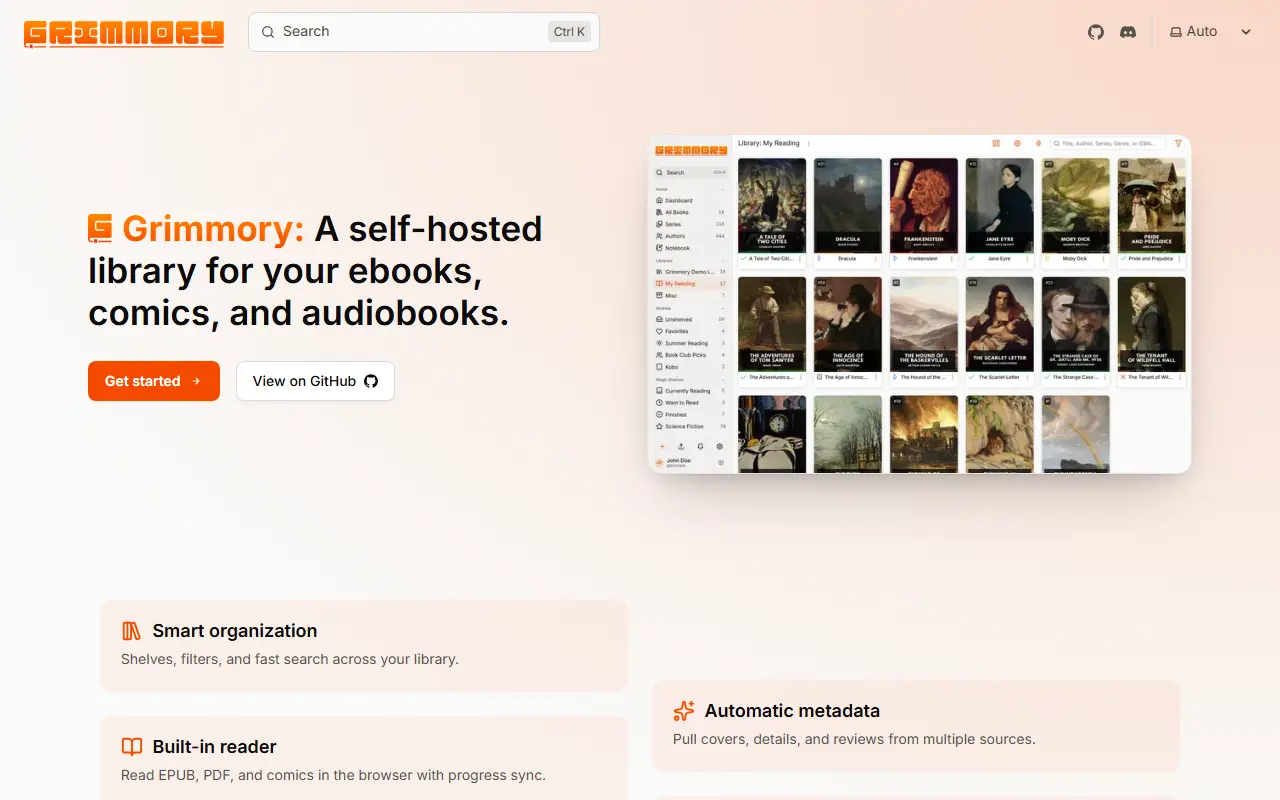
Grimmory is a digital library you host yourself, built for avid readers. It organizes ebooks, comics and audiobooks on your own server, with a web interface for browsing, searching and reading, so your collection is not locked inside a single vendor's store or app.

Features include smart shelves that filter by rules and tags and support full-text search, and metadata lookup that pulls covers, descriptions, reviews and ratings from Google Books, Open Library and Amazon, all of which can be edited. A built-in reader displays PDF, EPUB and comic files inside the browser, with support for annotations, highlights and progress tracking. Devices can sync through Kobo, any OPDS-compatible app or KOReader, and multiple users can have separate shelves. Topics list many formats and OIDC sign-in.

Grimmory is built with Java and Angular, licensed under AGPL-3.0, and documented with a quick start guide and Discord community. It suits book collectors and households that want a private, shared reading library.

Key features

  • Smart shelves with rule-based filtering
  • Metadata lookup from Google Books and Open Library
  • In-browser reader with annotations
  • Kobo, OPDS and KOReader sync
  • Separate shelves per user
  • Support for EPUB, PDF and comic formats

Pricing: Free and open source under AGPL-3.0.

Foliate

Foliate is a GTK-based e-book reader for Linux that opens EPUB, MOBI, AZW3, FB2 and comic book archives.

GitHub stars
8.8k
Last commit
5 mo ago
Latest release
3.3.0
Licence
GPL-3.0
johnfactotum.github.ioFoliate homepage screenshot

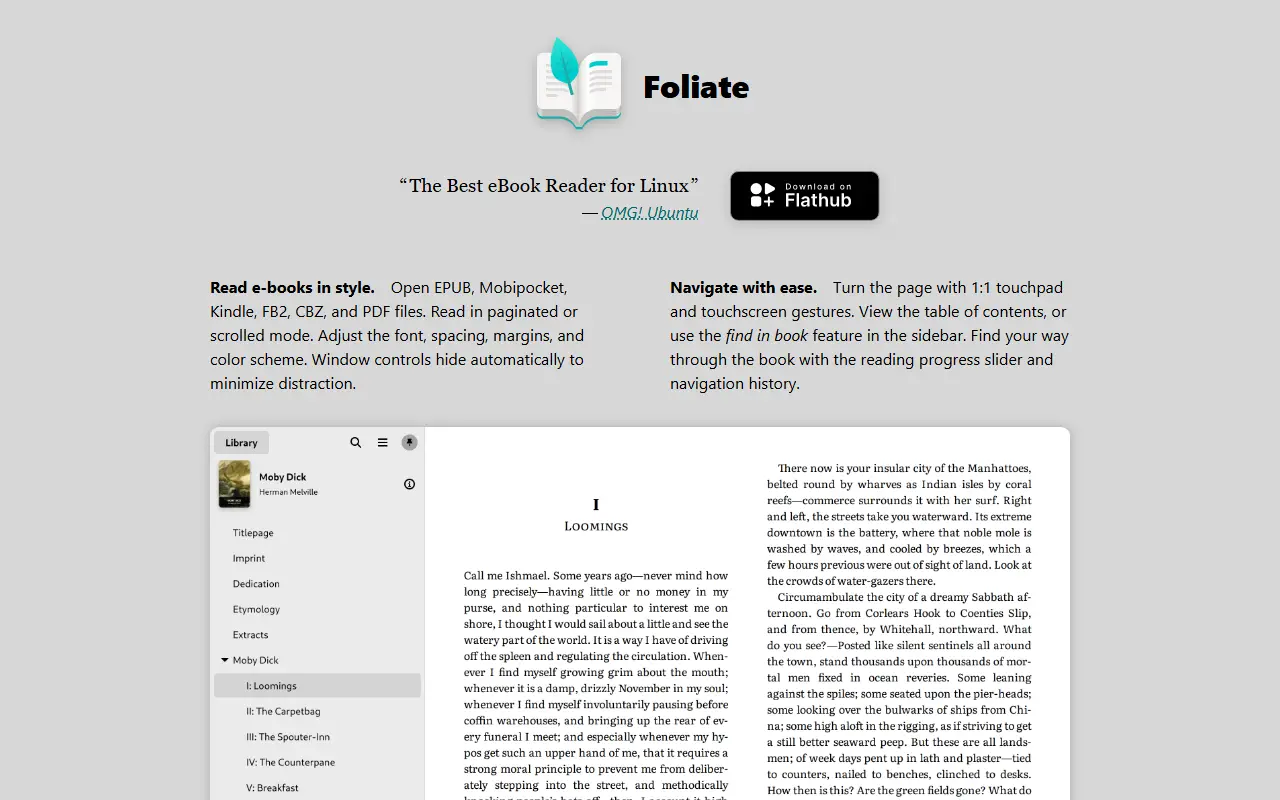
Foliate is an e-book reader for the GNOME desktop, written in JavaScript with GJS, GTK4 and libadwaita. The tagline is to read books in style, and the project topics list the formats it handles, including EPUB, MOBI, AZW, AZW3, FB2 and CBZ comic archives, as well as OPDS catalogs for finding books.

It uses WebKitGTK to render book content. Optional extras include hyphenation rules for automatic hyphenation, speech-dispatcher with an output module such as espeak-ng for text to speech, and Tracker to follow the location of files. Foliate is licensed under GPL-3.0, and the latest release listed is 3.3.0.

Foliate is available on Flathub as a Flatpak, which is the simplest way to install it. It can also be built with Meson from the source tarball or a git clone that includes submodules, or run directly from the source tree for quick testing. The README lists the minimum versions of GJS, GTK4, libadwaita and WebKitGTK that are required.

Key features

  • Reads EPUB, MOBI, AZW3, FB2 and CBZ
  • OPDS catalog support
  • Optional automatic hyphenation
  • Text to speech through speech-dispatcher
  • GTK4 and libadwaita interface
  • Available as a Flatpak on Flathub

Pricing: Free and open source under the GPL-3.0 license.

Kobo alternatives: questions

What is the best open-source alternative to Kobo?
KOReader is the top-ranked open-source alternative to Kobo on Enlisted: KOReader is an open-source document and ebook reader for e-ink devices, Android and Linux that supports PDF, DjVu, EPUB and many other formats. Other strong options are calibre, Calibre-Web, Audiobookshelf and Kavita.
Are these Kobo alternatives free?
All 9 are open source, so the code is free to use under its licence, and all of them can be self-hosted on your own server or computer.
How is this list of Kobo alternatives ranked?
By a score built from GitHub stars, star growth over the last 30 days and how recently the code changed. 8 of these projects shipped code in the last 30 days. Data is refreshed daily, and nobody can pay to move up.

People also look for alternatives to…

View all