7,363 open-source and SaaS tools, with GitHub stats refreshed every day.

6 alternatives ranked by real activity

Open-source Kiro alternatives

A curated, ranked list of the 6 best open-source alternatives to Kiro.

The best open-source alternative to Kiro is OpenCode. If that doesn't suit you, other good options are Zed, Cline, Continue and Kilo Code.

Kiro alternatives are mainly AI tools, but some are also developer tools. 5 of them shipped code in the last 30 days, 6 can be self-hosted, and 5 use a permissive licence.

Last updated October 3, 2026 · ranked by GitHub stars, growth and recent commits

OpenCode

An open-source AI coding agent for the terminal, with a beta desktop app and separate agents for building and read-only planning.

GitHub stars
211k
Last commit
today
Latest release
v1.18.34
Licence
MIT
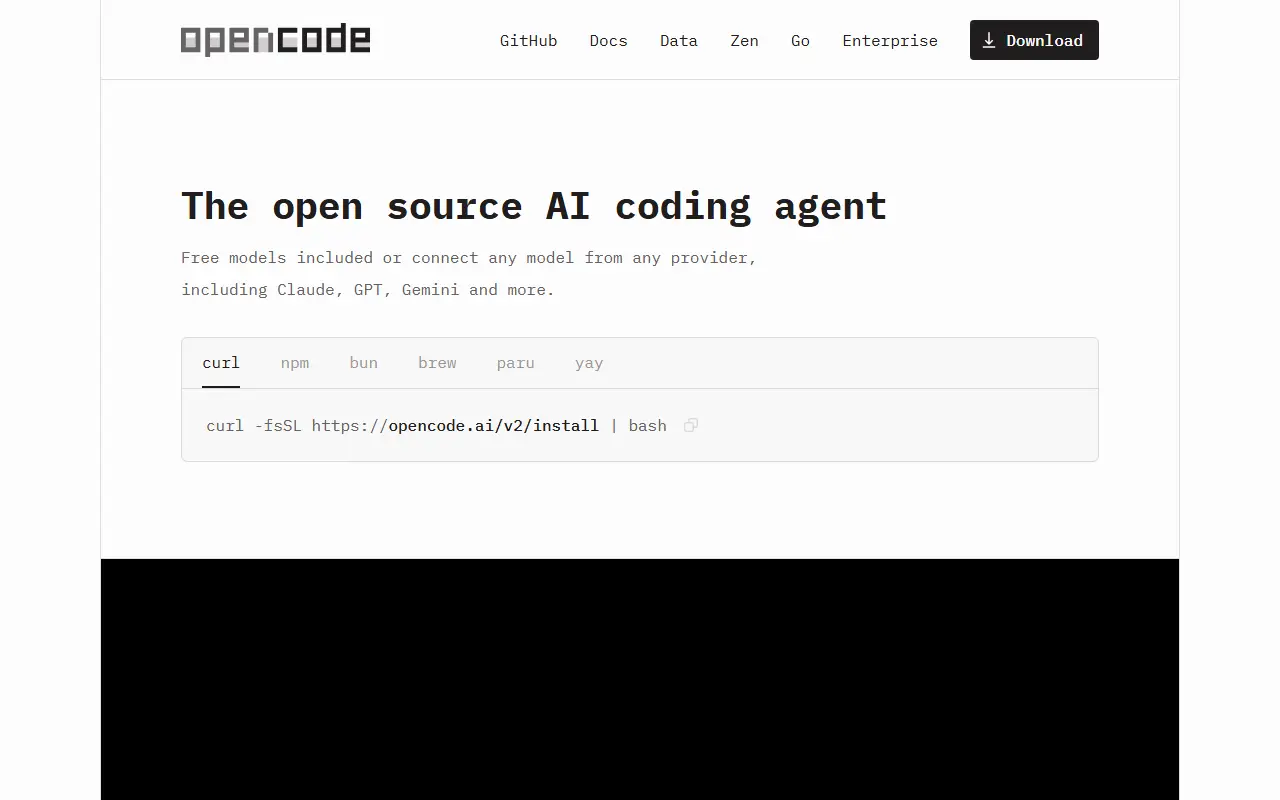
opencode.aiOpenCode homepage screenshot

OpenCode is an open-source coding agent that helps developers write, change and understand code using AI models. It is built in TypeScript, released under the MIT license, and installed through an install script or, in beta, as a desktop application for macOS, Windows and Linux.

It ships with two built-in agents that you switch between with the Tab key. The build agent has full access for everyday development work, while the plan agent is read-only: it denies file edits by default and asks permission before running shell commands, which suits exploring an unfamiliar codebase or planning a change. A general subagent handles complex searches and multistep tasks and can be called with @general in messages.

Configuration is covered in the project documentation, and the install location can be controlled with environment variables. OpenCode suits developers who prefer working from the command line and want an agent whose source code they can read and modify.

Key features

  • Built-in build agent with full development access
  • Read-only plan agent for code exploration
  • Permission prompts before running shell commands
  • General subagent for multistep searches
  • Desktop app in beta for macOS, Windows and Linux
  • Tab key to switch between agents

Pricing: Free and open source under the MIT license.

Zed

A performance-focused, multiplayer code editor written in Rust by the creators of Atom and Tree-sitter, available on macOS, Linux and Windows.

GitHub stars
91k
Last commit
today
Latest release
v1.22.0
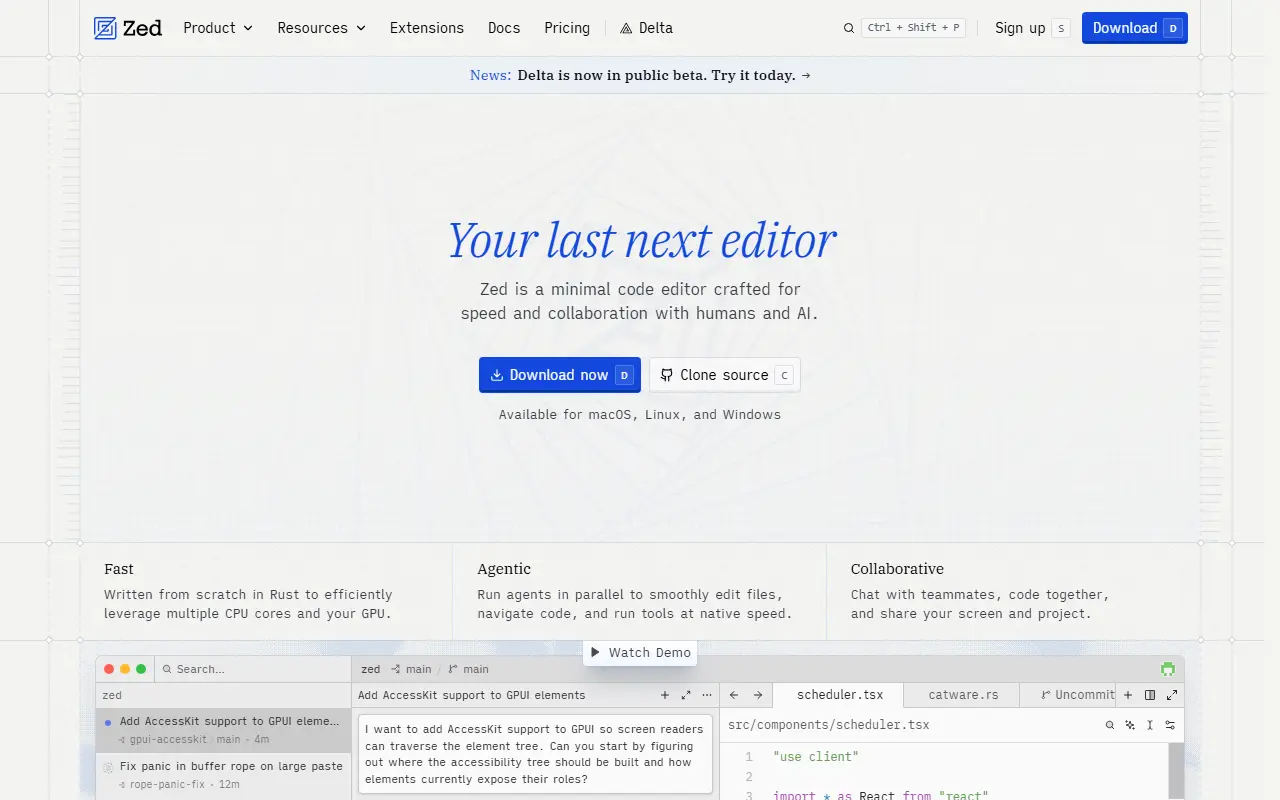
zed.devZed homepage screenshot

Zed is a code editor built for speed and for editing together with other people, created by the team behind Atom and Tree-sitter. It is written in Rust and available for macOS, Linux and Windows, with a web version still only under discussion. It is developed by Zed Industries, a for-profit company.

The code is mostly GPL-3.0-or-later, with some Apache-2.0 components that are labeled as such, and the project uses tooling to keep third-party license information correct. Installation is by direct download or through local package managers on each platform, and the repository documents how to build Zed for each operating system.

Zed suits developers who want a fast native editor with collaboration built in and are comfortable with a GPL-licensed codebase. Sponsorship donations through GitHub Sponsors go directly to the company, and contributions are welcome through the guidelines in CONTRIBUTING.md.

Key features

  • Native code editor written in Rust
  • Multiplayer editing with collaborators
  • Available on macOS, Linux and Windows
  • Built on the GPUI framework
  • Buildable from source on each platform

Pricing: Free Personal plan. Pro costs $10 per month with $5 of tokens included and a 14-day free trial; Business costs $30 per seat per month.

Cline

An open-source autonomous coding agent available as a CLI, desktop app, VS Code extension, JetBrains plugin and SDK.

GitHub stars
70k
Last commit
yesterday
Latest release
desktop-v0.0.42
Licence
Apache-2.0
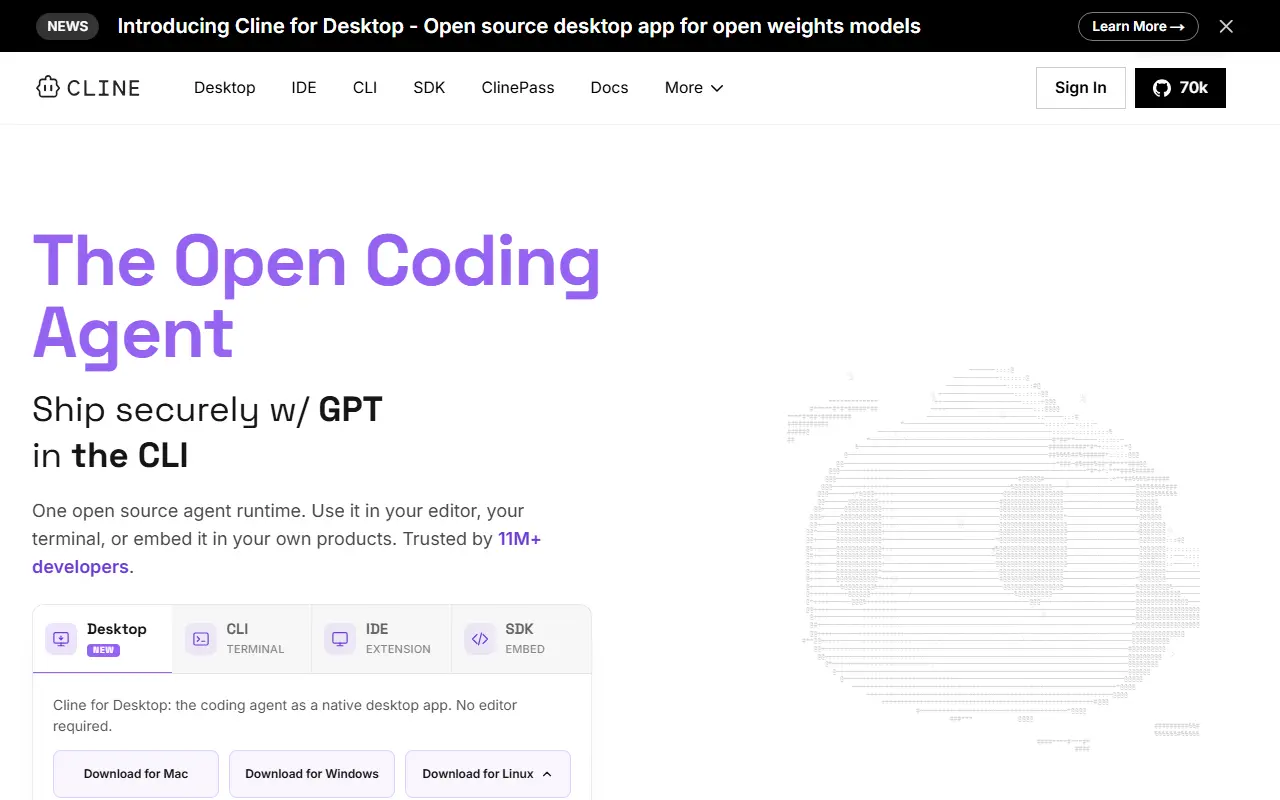
cline.botCline homepage screenshot

Cline is an open-source coding agent that works in your IDE, terminal and desktop. It can edit code across a project, create files, run commands and browse the web, with human-in-the-loop approval for tools in the editor. It is written in TypeScript and released under the Apache-2.0 license.

The same agent engine is offered in several forms: a CLI with an interactive mode and a headless mode for CI/CD and scripting, a native desktop app for macOS and Windows that works from any folder, schedules recurring routines and manages models, plugins and MCP servers, a VS Code extension, a JetBrains plugin for IntelliJ IDEA, PyCharm, WebStorm, GoLand and others, and an SDK.

The SDK is a Node.js programmatic API for building custom agents with custom tools, multi-agent teams, connectors and scheduled automations. The README notes that the JetBrains plugin is not open-sourced. Cline suits developers who want one coding agent across their editor, terminal and automation pipelines.

Key features

  • CLI with interactive and headless modes
  • VS Code extension with approval prompts
  • JetBrains plugin for the IntelliJ family
  • Desktop app for macOS and Windows
  • Node.js SDK for custom agents
  • Scheduled routines and MCP server management

Pricing: The open-source extension is free for individual developers, who pay only for AI inference or use their own API keys. Enterprise adds SSO, SLA and dedicated support at custom pricing.

Continue

Continue is an open-source coding agent for the command line, VS Code and JetBrains; the repository is now read-only and no longer maintained.

GitHub stars
36k
Last commit
yesterday
Latest release
v2.0.0-vscode
Licence
Apache-2.0
continue.devContinue homepage screenshot

Continue is an open-source coding agent that was offered as a command-line tool, a VS Code extension and a JetBrains plugin. It is written in TypeScript and released under the Apache-2.0 license. According to the README, the project's GitHub repository has stopped receiving active maintenance and is now read-only, so new features and fixes should not be expected from it.

The team shipped a final 2.0.0 release for the VS Code extension, the CLI and the JetBrains plugin. That release removed anonymous telemetry and authentication, and fixed a batch of bugs. The maintainers recommend the CLI over the JetBrains plugin, and they point to the documentation for configuration and customization. The project describes the codebase as a foundation that others can build on, which makes it relevant as reference code more than as an actively developed product.

Key features

  • Agent-style assistant usable from a terminal CLI
  • VS Code extension and JetBrains plugin
  • Configurable through project documentation
  • Final release removed telemetry and authentication
  • Apache-2.0 codebase open for reuse
  • Repository archived as read-only

Pricing: Free and open source under the Apache-2.0 license.

Kilo Code

Kilo Code is an open-source AI coding agent for VS Code, JetBrains and the command line that works with hundreds of models.

GitHub stars
27k
Last commit
today
Latest release
v7.8.3
Licence
MIT
Hosted version
Available
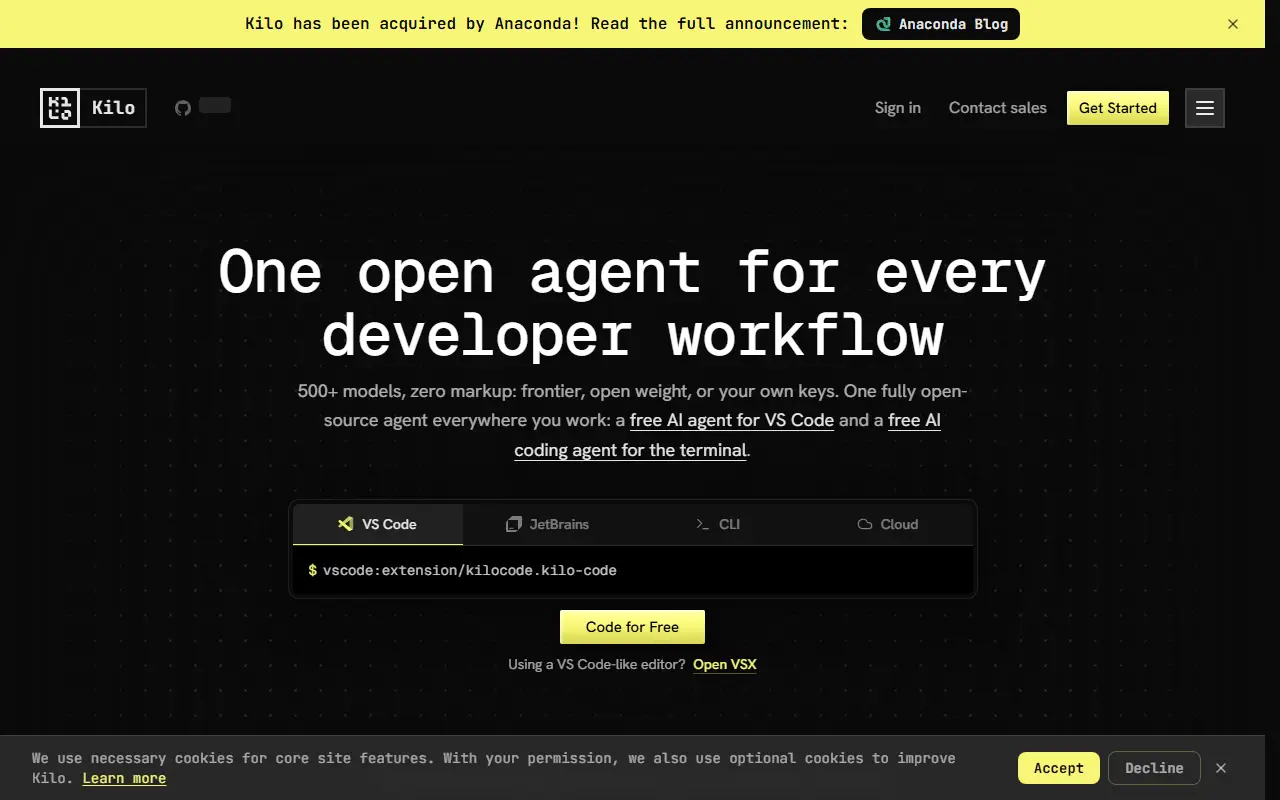
kilo.aiKilo Code homepage screenshot

Kilo Code is an AI coding agent that you can use in VS Code, in JetBrains IDEs or from the CLI. It is open source under the MIT license and written in TypeScript. According to the README, you can pick from more than 500 models and switch between them in the middle of a task, and you pay the model provider's rate with no markup. No API keys are needed to start.

Besides the local extensions, a Cloud Agent runs Kilo from the web without a local machine, and automated AI code reviews can be set up for pull requests. The CLI is started with the kilo command in a project directory and can be installed from release binaries for Windows, macOS on Apple Silicon and Intel, and Linux on x64 and ARM, with variants for older CPUs and Alpine-style images. The repository started in 2025 and its README is translated into many languages.

Key features

  • Agent for VS Code, JetBrains and CLI
  • Choice of hundreds of AI models
  • Switch models mid-task
  • Cloud Agent that runs from the web
  • Automated AI reviews for pull requests
  • CLI binaries for Windows, macOS and Linux

Pricing: The open-source extensions are free, with AI inference billed separately. Teams costs $15 per user per month with a 14-day trial; Enterprise is custom. Optional Kilo Pass credits start at $19 per month.

Aider

Aider is an open-source command-line tool for pair programming with large language models, editing your codebase and committing changes through git.

GitHub stars
49k
Last commit
4 mo ago
Latest release
v0.86.0
Licence
Apache-2.0
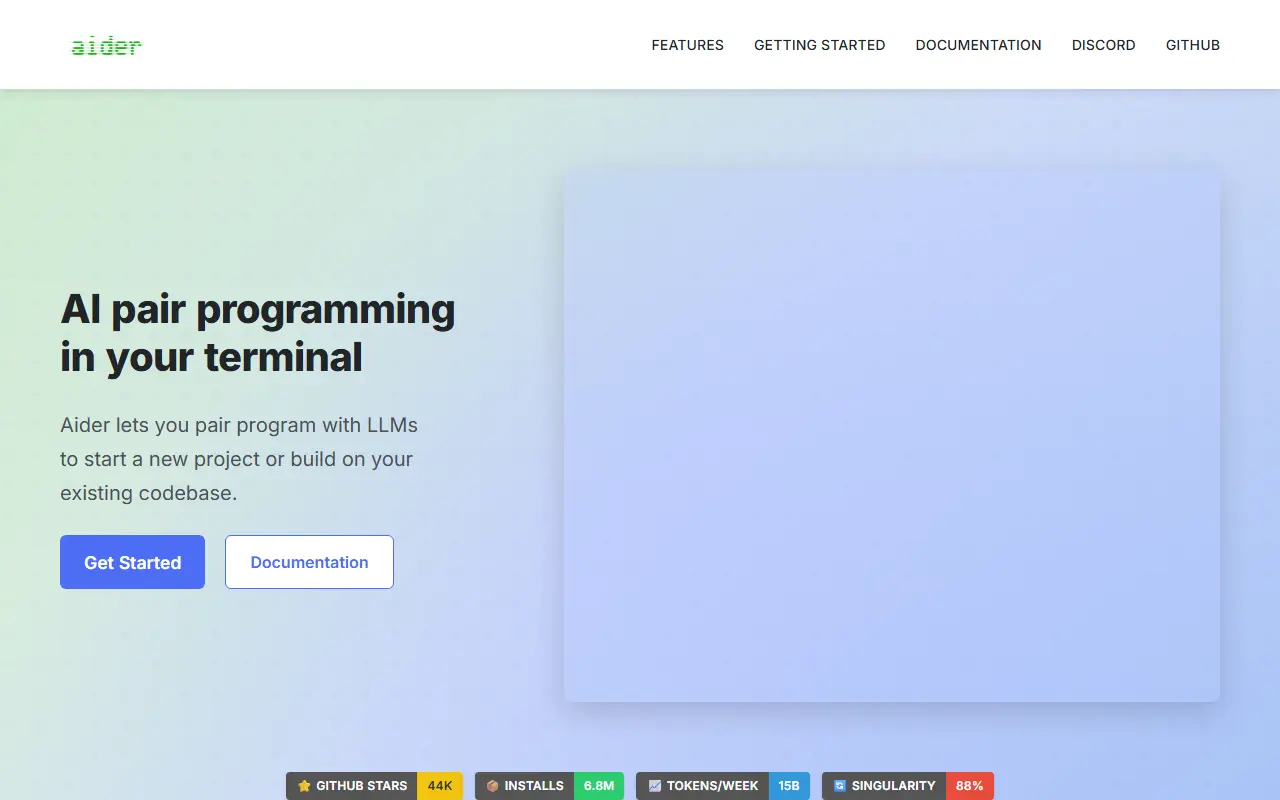
aider.chatAider homepage screenshot

Aider is AI pair programming in your terminal. It lets you work with large language models to start a new project or build on an existing codebase, asking for changes in plain language and letting the model edit the files in your repository.

It builds a map of the whole codebase to help in larger projects, supports more than 100 programming languages and commits changes to git with descriptive messages, so you can diff or undo AI edits with familiar tools. It can connect to cloud models and local models, accept images and web pages as context, take voice instructions, and run linters and tests after each change, attempting to fix problems they report. It can also be used from an IDE through code comments, or via copy and paste with a model's web chat.

Aider is written in Python and licensed under Apache-2.0. The README names a handful of commercial models it has been used with most, but says it can connect to almost any model, and installation and usage guides are available in the documentation.

Key features

  • Codebase map for larger projects
  • Works with cloud and local LLMs
  • Automatic git commits with clear messages
  • Support for 100+ programming languages
  • Image and web page context
  • Voice-to-code requests
  • Automatic linting and testing after edits

Pricing: Free and open source under the Apache-2.0 licence; model usage is billed by whichever LLM provider you connect.

Kiro alternatives: questions

What is the best open-source alternative to Kiro?
OpenCode is the top-ranked open-source alternative to Kiro on Enlisted: An open-source AI coding agent for the terminal, with a beta desktop app and separate agents for building and read-only planning. Other strong options are Zed, Cline, Continue and Kilo Code.
Are these Kiro alternatives free?
All 6 are open source, so the code is free to use under its licence, and all of them can be self-hosted on your own server or computer. 1 also offers a paid or managed cloud version if you'd rather not host it yourself.
How is this list of Kiro alternatives ranked?
By a score built from GitHub stars, star growth over the last 30 days and how recently the code changed. 5 of these projects shipped code in the last 30 days. Data is refreshed daily, and nobody can pay to move up.

People also look for alternatives to…

View all