7,363 open-source and SaaS tools, with GitHub stats refreshed every day.

6 alternatives ranked by real activity

Open-source Creately alternatives

A curated, ranked list of the 6 best open-source alternatives to Creately.

The best open-source alternative to Creately is Excalidraw. If that doesn't suit you, other good options are AFFiNE, tldraw, Drawnix and draw.io.

Creately alternatives are mainly whiteboard tools, but some are also note-taking tools. 5 of them shipped code in the last 30 days, 6 can be self-hosted, and 3 use a permissive licence.

Last updated October 2, 2026 · ranked by GitHub stars, growth and recent commits

Excalidraw

An open-source virtual whiteboard for sketching diagrams and wireframes in a hand-drawn style, with real-time collaboration and end-to-end encryption.

GitHub stars
133k
Last commit
yesterday
Latest release
v0.18.1
Licence
MIT
Self-hosted
Yes
Hosted version
Available
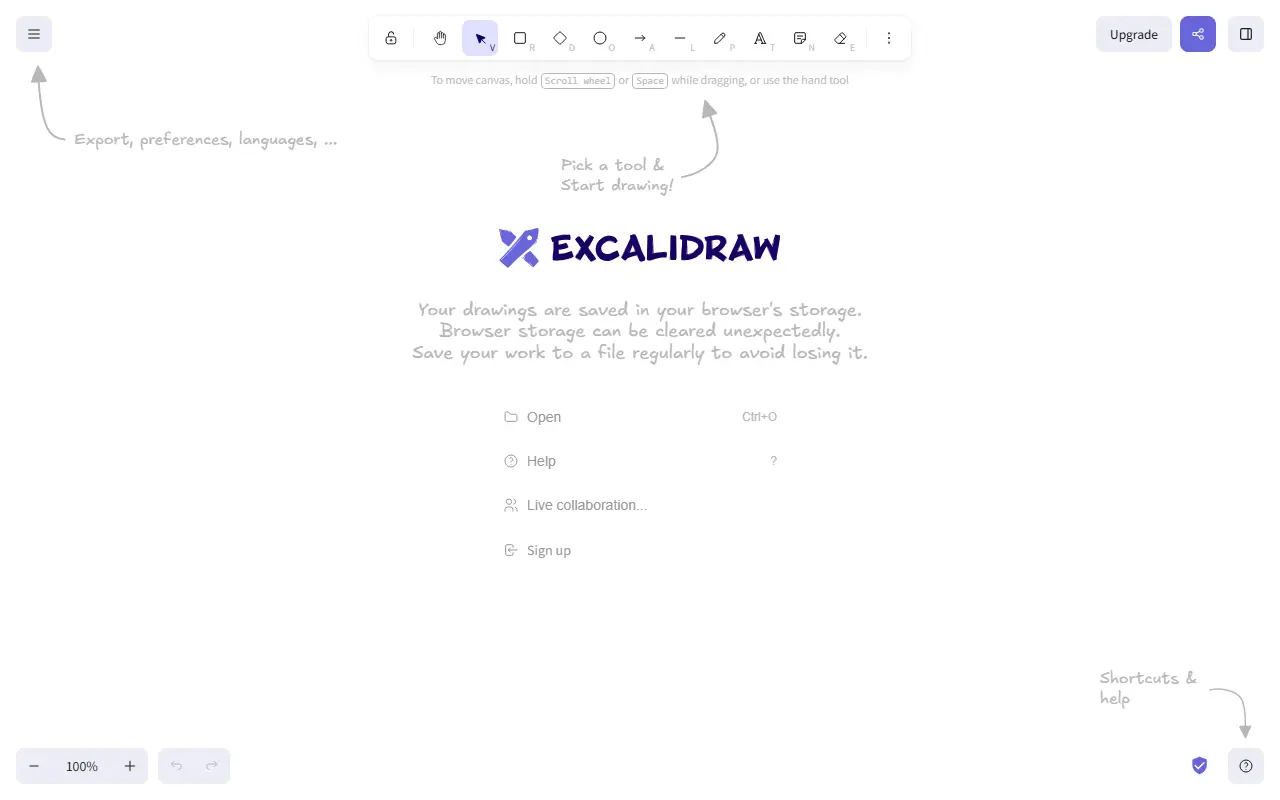
excalidraw.comExcalidraw homepage screenshot

Excalidraw is a browser-based whiteboard that renders shapes, arrows and text in a deliberately hand-drawn style, which makes diagrams feel like quick sketches rather than polished slides. It is used for architecture diagrams, wireframes, brainstorming and teaching, and works on an infinite canvas with zoom and pan.

The editor offers rectangles, circles, diamonds, arrows, lines, free-draw and an eraser, along with labeled arrows that stay bound to shapes, image support, shape libraries, dark mode and undo and redo. Drawings export to PNG, SVG or the clipboard, or to an open JSON-based .excalidraw file. The hosted app adds real-time collaboration with end-to-end encryption, offline use as a progressive web app, autosave in the browser and shareable read-only links.

The editor is also published as an npm package under the MIT license, so developers can embed it in their own products and customize it. A separate paid plan, Excalidraw+, is linked from the project for people who want a hosted workspace.

Key features

  • Infinite canvas with hand-drawn style shapes
  • Real-time collaboration with end-to-end encryption
  • Export to PNG, SVG or open .excalidraw files
  • Shape libraries and image support
  • Works offline as a progressive web app
  • Embeddable editor package on npm

Pricing: Free and open source under the MIT license; excalidraw.com is free to use, and a paid Excalidraw+ plan is also offered.

AFFiNE

A privacy-focused, local-first workspace that merges docs, whiteboards and tables on one canvas, positioned as an open-source alternative to Notion and Miro.

GitHub stars
73k
Last commit
2 days ago
Latest release
v0.27.4
Self-hosted
Yes
Hosted version
Available
affine.proAFFiNE homepage screenshot

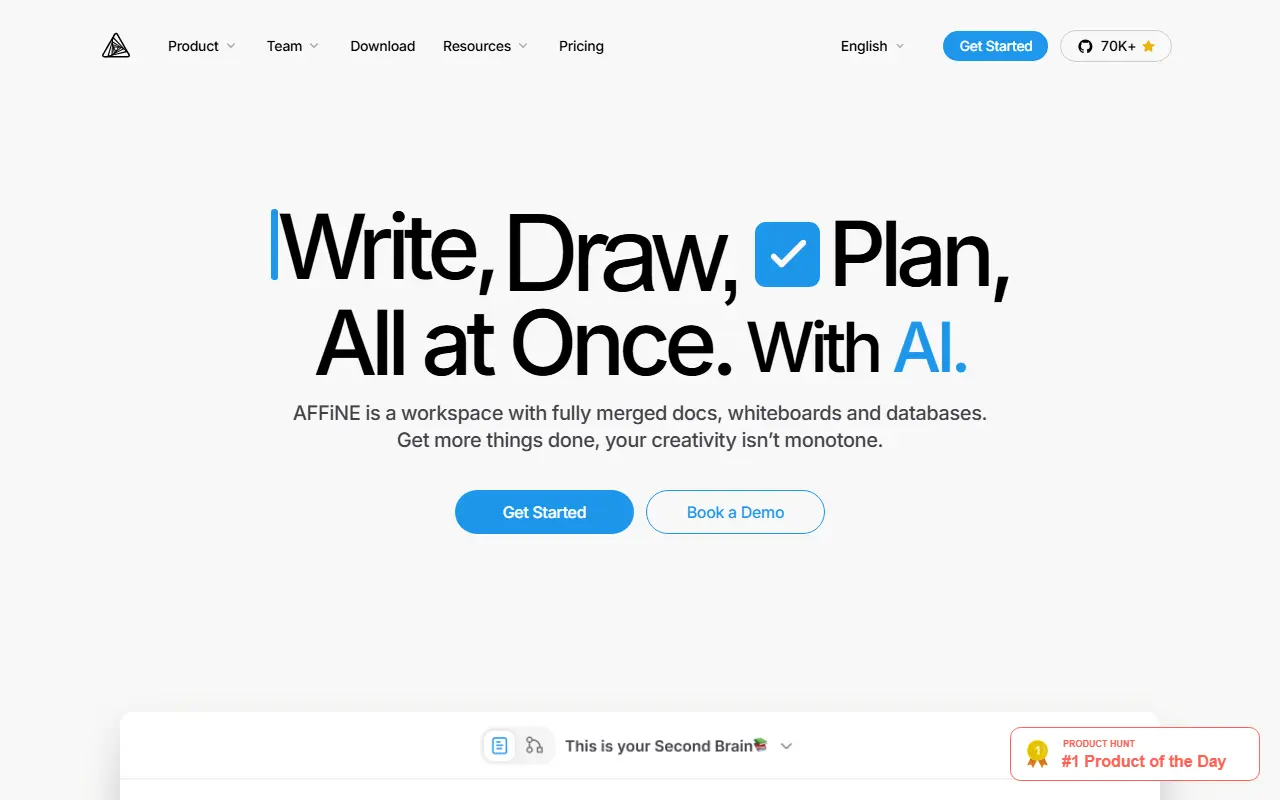
AFFiNE is an open-source workspace that combines writing, drawing and planning in a single app. Documents, an edgeless whiteboard and table views share the same blocks, so you can place rich text, sticky notes, embedded web pages, database views, linked pages, shapes and even slides anywhere on one canvas. It is presented as an alternative to Notion and Miro.

The project stresses local-first storage, meaning your data lives on your own device first, together with real-time collaboration. A multimodal AI assistant helps write reports, turn outlines into slides, summarize articles into mind maps and organize tasks. Under the hood it uses CRDTs for syncing and is built mostly in TypeScript and Rust, with Electron for the desktop app. It also supports Markdown, wiki and knowledge-base use, and presentations.

AFFiNE's license is listed as 'Other' on GitHub, so review it before commercial use. There is a live demo and documentation on the project site, a hosted version is available, and the app can also be self-hosted.

Key features

  • Docs, whiteboard and tables on one canvas
  • Local-first data storage on your device
  • Real-time multi-user collaboration
  • AI assistant for writing, slides and mind maps
  • Markdown editing and linked pages
  • Desktop app built on Electron

Pricing: Free plan with local use and 10 GB of cloud storage. Pro is $6.75 per month and Team $10 per seat per month; a $499.99 one-time Believer plan exists and Enterprise is custom-priced.

tldraw

A React SDK for building infinite canvas apps, with drawing and diagramming tools, an extensible editor API, AI integrations and self-hostable multiplayer sync.

GitHub stars
51k
Last commit
today
Latest release
v5.5.1
Self-hosted
Yes
tldraw.devtldraw homepage screenshot

tldraw is an SDK for building infinite canvas applications in React. It supplies a complete canvas engine that serves as the foundation for whiteboards, diagramming tools, design editors and other canvas products, and it ships a default whiteboarding tool set that you can use as is or replace with your own primitives.

Out of the box it offers pressure-sensitive drawing, geometric shapes, rich text, arrows with snapping, image and video support and image export. Developers can extend it with their own shapes, tools, bindings, interface components, side effects and event hooks, and can drive the canvas at runtime through the Editor API. Multiplayer collaboration is available through a self-hostable sync package, there are canvas primitives for building with LLMs, and the DOM-based rendering can embed websites such as YouTube, Figma and GitHub. It works in desktop and touch browsers.

Starter kits provide the custom shapes, tools and interface for common application types, and each kit is MIT licensed. The SDK itself is under tldraw's own license rather than a standard open-source one, so review the terms before shipping it in a commercial product.

Key features

  • Infinite canvas engine for React apps
  • Custom shapes, tools and bindings
  • Editor API for runtime control
  • Self-hostable multiplayer sync
  • AI integration primitives for LLMs
  • Embeds web content on the canvas
  • Starter kits for common app types

Pricing: A free hobby license is available. The commercial SDK license uses value-based pricing arranged with sales, with a 100-day free trial and discounted pricing for early-stage startups.

Drawnix

An open-source, browser-based whiteboard that combines mind maps, flowcharts and freehand drawing on one infinite canvas, for people who sketch ideas visually.

GitHub stars
15k
Last commit
25 days ago
Latest release
v0.4.0
Licence
MIT
Self-hosted
Yes
Hosted version
Available
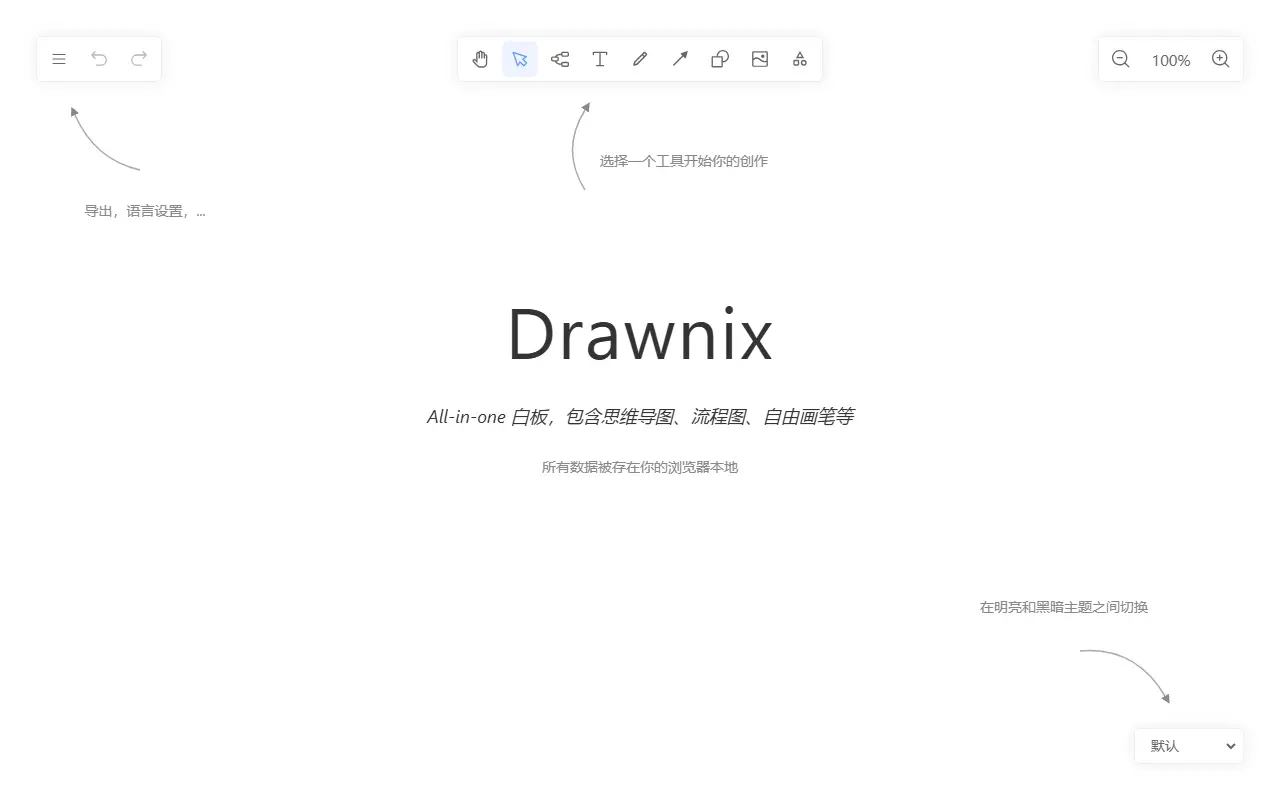
drawnix.comDrawnix homepage screenshot

Drawnix is a free, open-source whiteboard that brings mind maps, flowcharts and freehand drawing together in a single workspace. Instead of switching between separate diagramming apps, you can sketch ideas, structure them into diagrams and annotate everything on one infinite canvas that you can zoom and scroll freely.

The editor supports inserting images, undo and redo, copy and paste, light and dark themes, and a layout that adapts to mobile devices. Mermaid syntax can be converted into flowcharts and Markdown text into mind maps, while work is saved automatically in the browser and can be exported as PNG images or as .drawnix JSON files for later reuse.

Drawnix is released under the MIT licence and is built on Plait, an open-source drawing framework from the PingCode team, using a plugin architecture that can work with different UI frameworks. The hosted app at drawnix.com is a minimal version, and the repository includes Docker instructions for people who prefer to run their own copy.

Key features

  • Mind maps and flowcharts on one canvas
  • Freehand drawing with brush tools
  • Mermaid syntax converted into flowcharts
  • Markdown text converted into mind maps
  • Export to PNG or .drawnix JSON
  • Automatic saving in the browser
  • Infinite canvas with zoom and scrolling
  • Plugin architecture supporting multiple UI frameworks

Pricing: Free and open source under the MIT licence.

draw.io

A configurable client-side diagramming and whiteboarding editor in JavaScript, also available as the hosted app at diagrams.net.

GitHub stars
8.5k
Last commit
yesterday
Latest release
v31.6.1
Licence
Apache-2.0
Self-hosted
Yes
Hosted version
Available
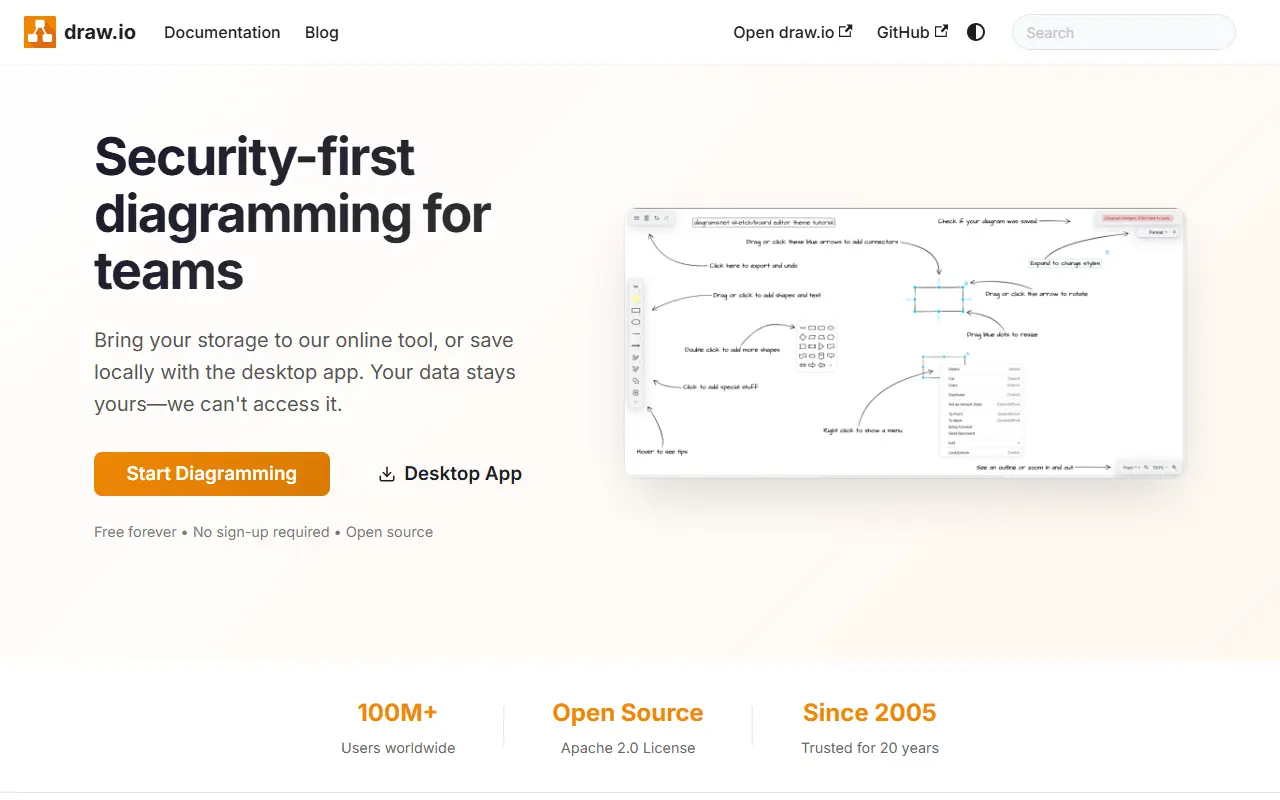
drawio.comdraw.io homepage screenshot

draw.io is a diagramming and whiteboarding application, with many configuration options, written in JavaScript and running entirely in the browser. It is co-owned and built by draw.io Ltd (formerly JGraph) and draw.io AG, and the same code powers the production deployment at app.diagrams.net.

The repository's source code uses the Apache License 2.0, while the icon sets, stencil libraries and diagram templates come with extra terms, including a restriction on using them in Atlassian products or marketplace plugins without written permission, although diagrams you create are unaffected and the project makes no copyright claim on them. The scope is diagramming and whiteboarding, not SVG editing, and this version does not offer real-time collaborative editing.

The team does not accept pull requests; development is done entirely by the core team. Because the editor is client-side, it can be embedded or hosted on your own infrastructure, and the hosted app is free to use in a browser. It suits anyone drawing flowcharts, architecture diagrams, network maps or UML.

Key features

  • Client-side diagram editor
  • Configurable shape libraries and stencils
  • Ready-made diagram templates
  • Export to image and document formats
  • Hosted version at app.diagrams.net
  • Apache 2.0 licensed source

Pricing: Source code under Apache-2.0; the hosted app at app.diagrams.net is run by the vendor. Icon sets have extra usage terms.

TheOneFile

TheOneFile is a self-contained, offline-first HTML tool for diagramming networks, smart homes, plays and mind maps with encryption, animation and optional multiplayer.

GitHub stars
550
Last commit
3 mo ago
Latest release
TOFV-2.0
Self-hosted
Yes
therecanonlybe.oneTheOneFile homepage screenshot

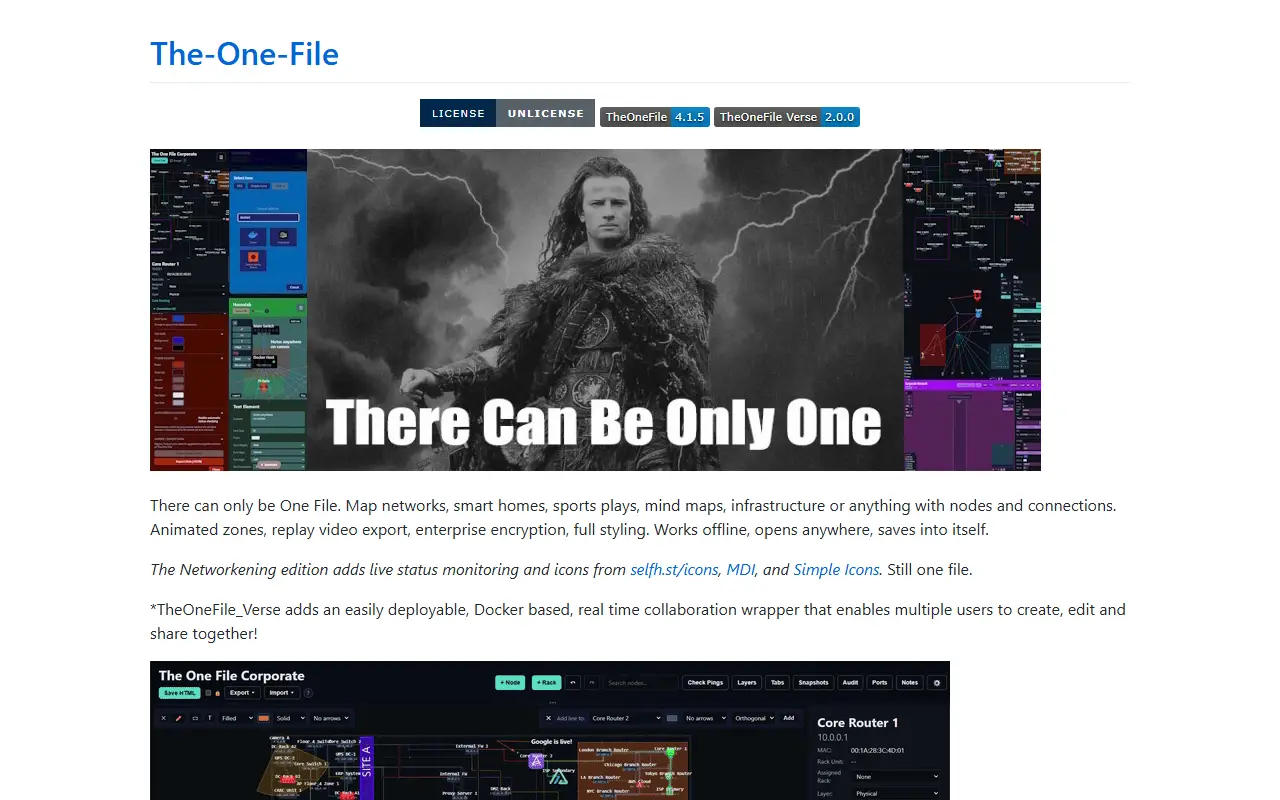
TheOneFile is a visual planning and replay environment that lives in a single HTML file. It lets you map anything made of nodes and connections, such as networks, smart homes, sports plays, mind maps, facilities and infrastructure, and it works offline, opens in a browser and saves changes back into itself.

The core edition offers shapes, lines and full styling, animated zones, replay video export and encryption of saved data. A Networkening edition adds live status monitoring and icon sets from selfh.st, Material Design Icons and Simple Icons while remaining a single file. TheOneFile Verse is a Docker-based wrapper that adds real-time collaboration so multiple users can create, edit and share diagrams together.

Online demos exist for corporate and homelab examples, and the repository topics point to use as air-gapped or break-glass documentation, with OIDC and SSO also mentioned. The repository metadata lists the license as Other, so check the license file for the exact terms.

Key features

  • Single self-contained HTML file
  • Offline-first, saves into itself
  • Animated zones and replay video export
  • Encrypted diagrams
  • Live status monitoring in Networkening edition
  • Real-time multiplayer through Docker-based Verse

Pricing: Free and open source. The repository lists the license as Other, so check the license file for the exact terms.

Creately alternatives: questions

What is the best open-source alternative to Creately?
Excalidraw is the top-ranked open-source alternative to Creately on Enlisted: An open-source virtual whiteboard for sketching diagrams and wireframes in a hand-drawn style, with real-time collaboration and end-to-end encryption. Other strong options are AFFiNE, tldraw, Drawnix and draw.io.
Are these Creately alternatives free?
All 6 are open source, so the code is free to use under its licence, and all of them can be self-hosted on your own server or computer. 4 also offer a paid or managed cloud version if you'd rather not host it yourself.
How is this list of Creately alternatives ranked?
By a score built from GitHub stars, star growth over the last 30 days and how recently the code changed. 5 of these projects shipped code in the last 30 days. Data is refreshed daily, and nobody can pay to move up.

People also look for alternatives to…

View all