5 open-source alternatives ranked by real activity

Open-source CodeSandbox alternatives

A curated, ranked list of the 5 best open-source alternatives to CodeSandbox.

The best open-source alternative to CodeSandbox is code-server. If that doesn't suit you, other good options are Coder, Theia, Gitpod and Che.

Commercial alternatives to CodeSandbox include StackBlitz, Ona, GitHub Codespaces and CodePen. See all 14.

CodeSandbox alternatives are mainly developer tools. 5 of them shipped code in the last 30 days, 5 can be self-hosted, and 1 uses a permissive licence.

Last updated November 12, 2026 · ranked by GitHub stars, growth and recent commits

code-server

Runs Visual Studio Code on a remote machine and serves it in the browser, so you can code from any device that has a web browser.

GitHub stars
80k
Last commit
yesterday
Latest release
v4.145.2
Licence
MIT
Self-hosted
Yes
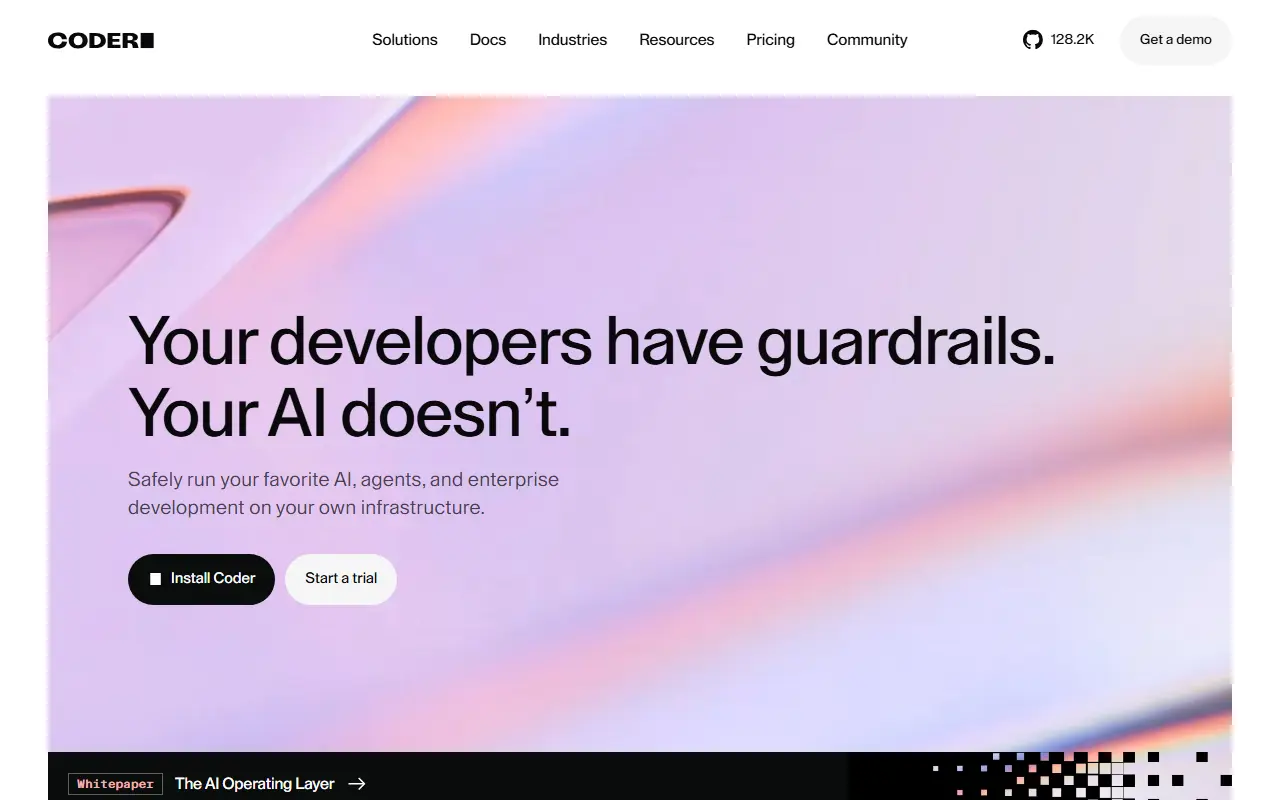
coder.comcode-server homepage screenshot

code-server is an open-source project that runs VS Code on a server and makes the editor available in a web browser. It lets developers keep their development environment on a remote machine and reach it from any device with a browser. The project is maintained by Coder, is written in TypeScript and is released under the MIT license.

Because the editor runs remotely, heavy work such as builds and language tooling happens on the server rather than on a laptop or tablet. Its GitHub topics highlight remote work, VS Code Remote and browser-based IDE use. Coder, the company behind it, also sells a commercial platform for self-hosted cloud development environments, while code-server is the simpler open-source editor-in-a-browser project.

It suits individuals who want a consistent coding environment across devices, remote teams working on shared servers, and users who want a browser-based IDE on their own hardware or a cloud instance they control.

Key features

  • VS Code running in the browser
  • Development environment hosted on a remote machine
  • Access from any device with a browser
  • Remote workflows similar to VS Code Remote
  • Runs on your own server or cloud instance

Pricing: Free and open source under the MIT license.

Coder

Coder is a self-hosted platform for cloud development environments and AI coding agents, with workspaces defined in Terraform.

GitHub stars
17k
Last commit
yesterday
Latest release
v2.38.7
Licence
AGPL-3.0
Self-hosted
Yes
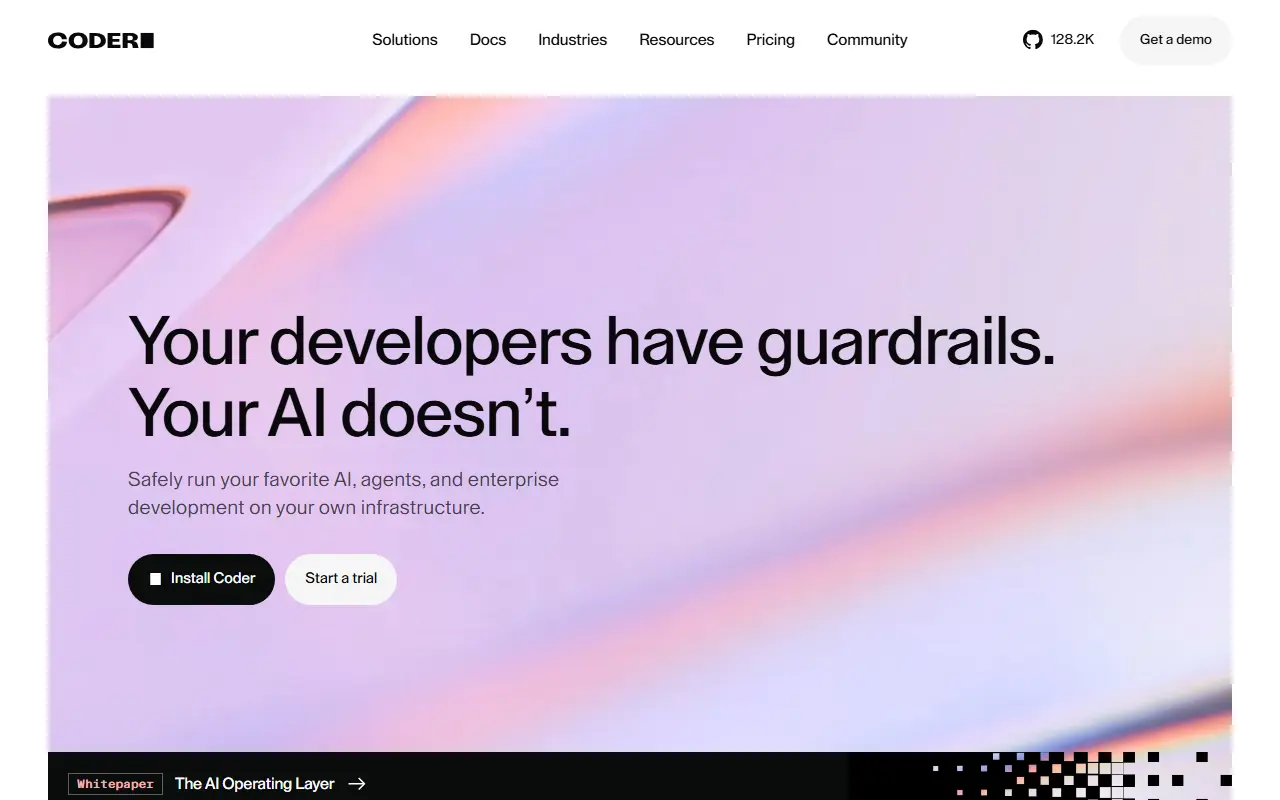
coder.comCoder homepage screenshot

Coder is a self-hosted platform for running cloud development environments and AI coding agents on infrastructure you control. Workspaces are defined with Terraform and can be backed by EC2 VMs, Kubernetes pods, Docker containers and similar resources, so developers can start from a prepared environment instead of configuring a local machine.

Workspaces connect through a secure WireGuard tunnel and shut down automatically when idle to save on costs. Developers can use IDEs such as VS Code and JetBrains. Coder Agents runs an AI coding agent whose loop executes in the control plane on your infrastructure, works with models from Anthropic, OpenAI, Google, Bedrock or self-hosted options, and keeps LLM credentials out of workspaces while providing audit logging and cost tracking.

The server can be installed with a script on Linux and macOS or from a Windows binary, and it starts with a built-in database for evaluation. Production use calls for a PostgreSQL database and an external access URL. Coder is written in Go and released under AGPL-3.0, with a paid Premium tier referenced in its documentation.

Key features

  • Terraform-defined cloud development workspaces
  • Secure WireGuard connections
  • Automatic shutdown of idle workspaces
  • Works with VS Code and JetBrains
  • AI coding agents running on your infrastructure
  • Audit logging and model governance

Pricing: The Community edition is free and self-hosted. Premium is billed annually per user and AI Premium is custom; neither price is published.

Read more about CoderWebsiteGitHub#2 CodeSandbox alternative

Theia

Eclipse Theia is an AI-native, open-source IDE framework for cloud and desktop, supporting VS Code extensions and offering transparent AI assistance.

GitHub stars
22k
Last commit
yesterday
Latest release
v1.77.0
Licence
EPL-2.0
Self-hosted
Yes
Hosted version
Available
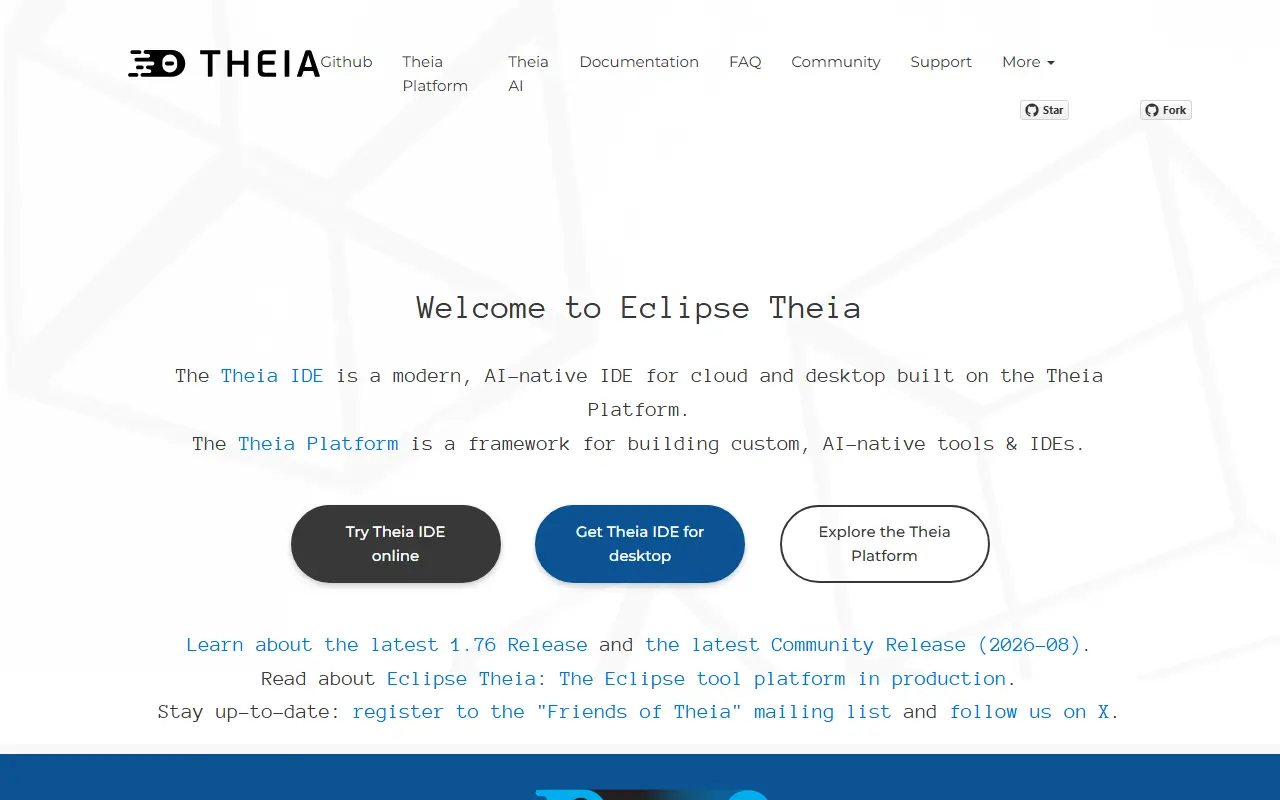
theia-ide.orgTheia homepage screenshot

Eclipse Theia is an AI-native, open-source IDE that runs on desktop and in the cloud. It is built on the Theia Platform, a framework for creating custom AI-native tools and IDEs. The IDE is designed with transparency and data ownership in mind, sending no telemetry on code, prompts, or AI usage.

Theia IDE supports the Language Server Protocol (LSP) and is fully compatible with VS Code extensions, with over 3000 extensions available via open-vsx.org. It allows users to bring their own API keys or subscriptions to connect to AI providers like OpenAI, Anthropic, Google, or self-hosted/local models, with no vendor lock-in.

Key features

  • AI-native IDE with transparent AI assistance and full control over data
  • Compatible with VS Code extensions, with over 3000 available
  • Supports Language Server Protocol (LSP)
  • No telemetry on code, prompts, or AI usage
  • Bring your own API key or subscription to connect to AI providers
  • Customizable AI interactions, prompts, and custom agents
Read more about TheiaWebsiteGitHub#3 CodeSandbox alternative

Gitpod

Gitpod Classic provided on-demand cloud development environments configured by a .gitpod.yml file; the product has since been renamed Ona.

GitHub stars
14k
Last commit
2 days ago
Latest release
2022.11.3
Licence
AGPL-3.0
Hosted version
Available
gitpod.ioGitpod homepage screenshot

Gitpod Classic is described as a developer platform that spins up pre-configured, secure workspaces in the cloud from a simple .gitpod.yml file, removing manual environment setup. Workspaces are ephemeral and Docker-based, with the same capabilities as a local Linux machine in a consistent, reproducible environment. It integrates with GitHub, GitLab, Bitbucket and Azure DevOps.

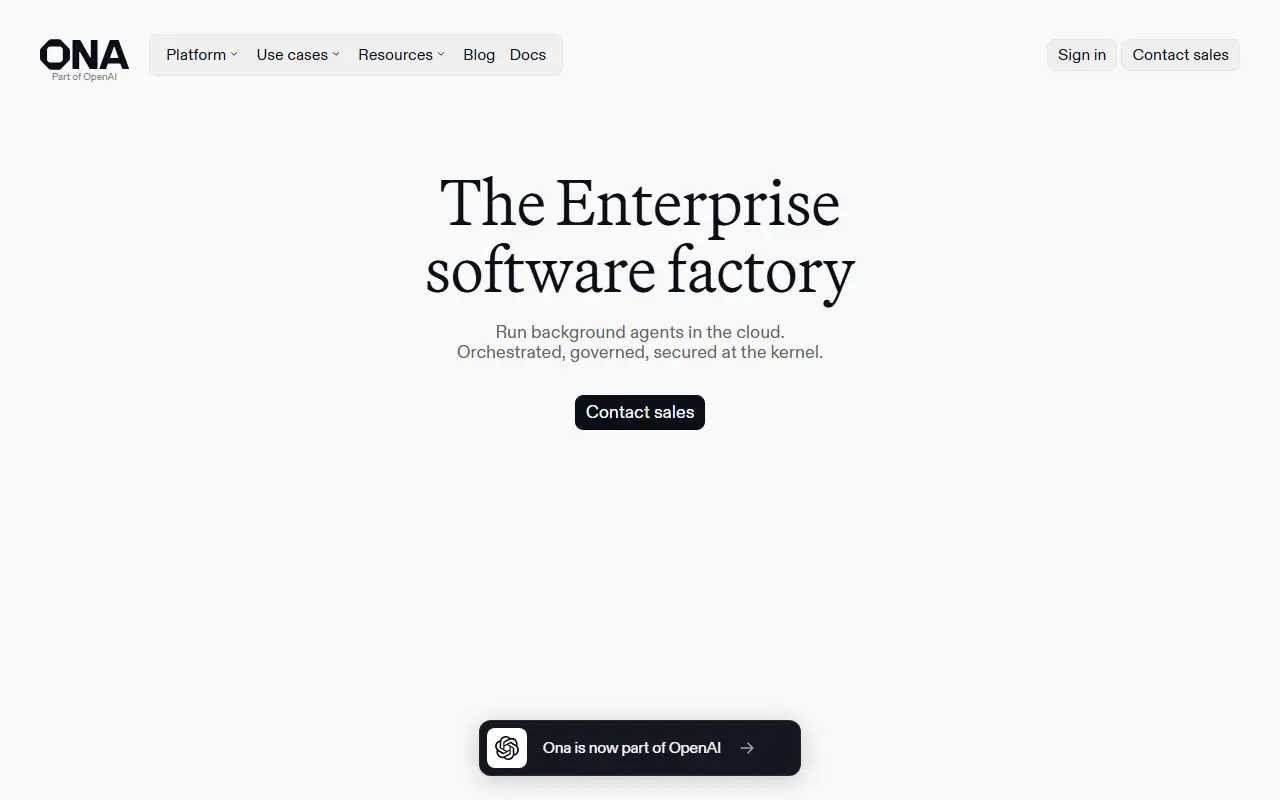
The README now states that Gitpod has been renamed to Ona, and that the Classic version is no longer recommended. Ona is presented as mission control for software projects and engineering agents, with background agents, automations, Dev Container based environments and runs in Ona Cloud or a customer's own VPC on AWS or GCP.

The repository is AGPL-3.0 and also points to related open-source projects, including ready-made workspace images, OpenVSCode Server for running VS Code in a browser on a remote machine, and a browser extension that adds a Gitpod button to GitHub, GitLab, Bitbucket and Azure DevOps.

Key features

  • Workspaces defined with a .gitpod.yml file
  • Ephemeral Docker-based workspaces
  • Integrates with four Git hosting services
  • Prebuilt environments and collaborative code review
  • OpenVSCode Server for VS Code in a browser
  • Ona adds background agents run on PR events or schedules

Pricing: The README says Gitpod Classic pay-as-you-go ended on October 15th 2025 and points to Ona's free tier or contacting sales for enterprise; the Ona docs say new customer signup is closed.

Read more about GitpodWebsiteGitHub#4 CodeSandbox alternative

Che

Eclipse Che runs cloud development workspaces on Kubernetes, with VS Code or JetBrains IDEs opened in the browser from a Git repository.

GitHub stars
7.2k
Last commit
3 days ago
Latest release
7.124.0
Licence
EPL-2.0
Self-hosted
Yes
Hosted version
Available
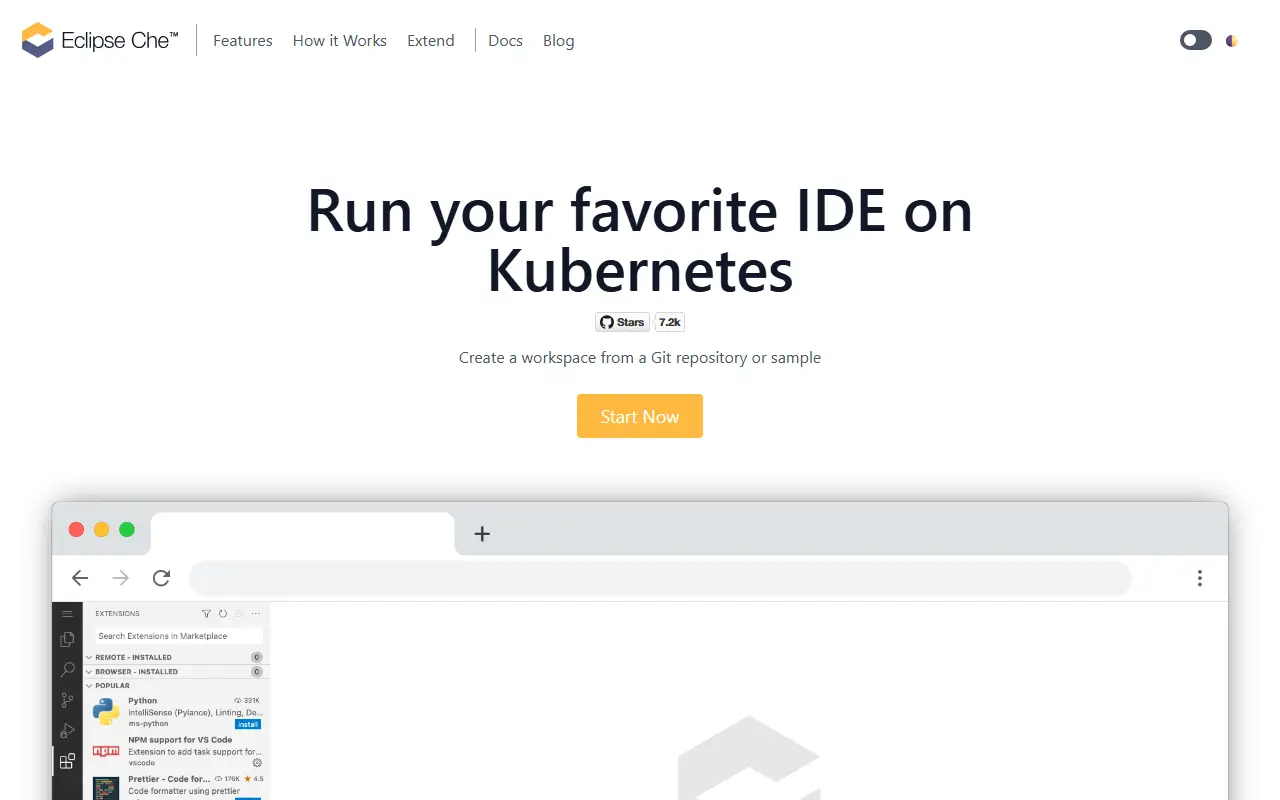
eclipse.orgChe homepage screenshot

Eclipse Che moves development environments into Kubernetes. You create a workspace from a Git repository or a sample, and a browser is the only requirement on the developer's machine. The site pitches it as quick onboarding: click a link, start coding, with Git set up automatically.

Because the workspace runs on Kubernetes, the IDE can reach the Kubernetes API and the application can be tested in an environment close to production. Branches or projects open in a new browser tab. The editor is swappable: a Visual Studio Code based editor configured to run in Kubernetes pods, or JetBrains IDEs run through JetBrains Projector.

Environments are defined in a Devfile, which is versioned alongside the code. The site says Devfile is a CNCF project contributed by Red Hat, AWS and JetBrains. Che can be tried through an online service hosted by Red Hat, or installed on public or private Kubernetes clusters. The project is part of the Eclipse Foundation and is licensed under EPL-2.0.

Key features

  • Workspaces created from a Git repository or sample
  • Browser-only onboarding
  • VS Code based editor running in Kubernetes pods
  • JetBrains IDEs through Projector
  • Workspaces defined in a Devfile
  • Swappable IDE per workspace
Read more about CheWebsiteGitHub#5 CodeSandbox alternative

Commercial CodeSandbox alternatives

Hosted, closed-source products that compete with CodeSandbox. Showing 12 of 14.

See every CodeSandbox alternative on its tool page

CodeSandbox alternatives: questions

What is the best open-source alternative to CodeSandbox?
code-server is the top-ranked open-source alternative to CodeSandbox on Enlisted: Runs Visual Studio Code on a remote machine and serves it in the browser, so you can code from any device that has a web browser. Other strong options are Coder, Theia, Gitpod and Che.
What are the best commercial alternatives to CodeSandbox?
StackBlitz, Ona, GitHub Codespaces, CodePen and PythonAnywhere are among the hosted, closed-source alternatives to CodeSandbox listed on Enlisted, which lists 14 in total. Compare their pricing and features on each tool page.
Are these CodeSandbox alternatives free?
All 5 are open source, so the code is free to use under its licence, and all of them can be self-hosted on your own server or computer. 3 also offer a paid or managed cloud version if you'd rather not host it yourself.
How is this list of CodeSandbox alternatives ranked?
By a score built from GitHub stars, star growth over the last 30 days and how recently the code changed. 5 of these projects shipped code in the last 30 days. Data is refreshed daily, and nobody can pay to move up.

People also look for alternatives to…

View all