7,363 open-source and SaaS tools, with GitHub stats refreshed every day.

5 alternatives ranked by real activity

Open-source ChatPDF alternatives

A curated, ranked list of the 5 best open-source alternatives to ChatPDF.

The best open-source alternative to ChatPDF is Open WebUI. If that doesn't suit you, other good options are AnythingLLM, Open Notebook, SurfSense and Khoj.

ChatPDF alternatives are mainly AI tools. 4 of them shipped code in the last 30 days, 5 can be self-hosted, and 2 use a permissive licence.

Last updated October 3, 2026 · ranked by GitHub stars, growth and recent commits

Open WebUI

A self-hosted chat interface for local and cloud language models, supporting Ollama and OpenAI-compatible APIs, with RAG, user roles and a plugin system.

GitHub stars
154k
Last commit
yesterday
Latest release
v0.11.4
Self-hosted
Yes
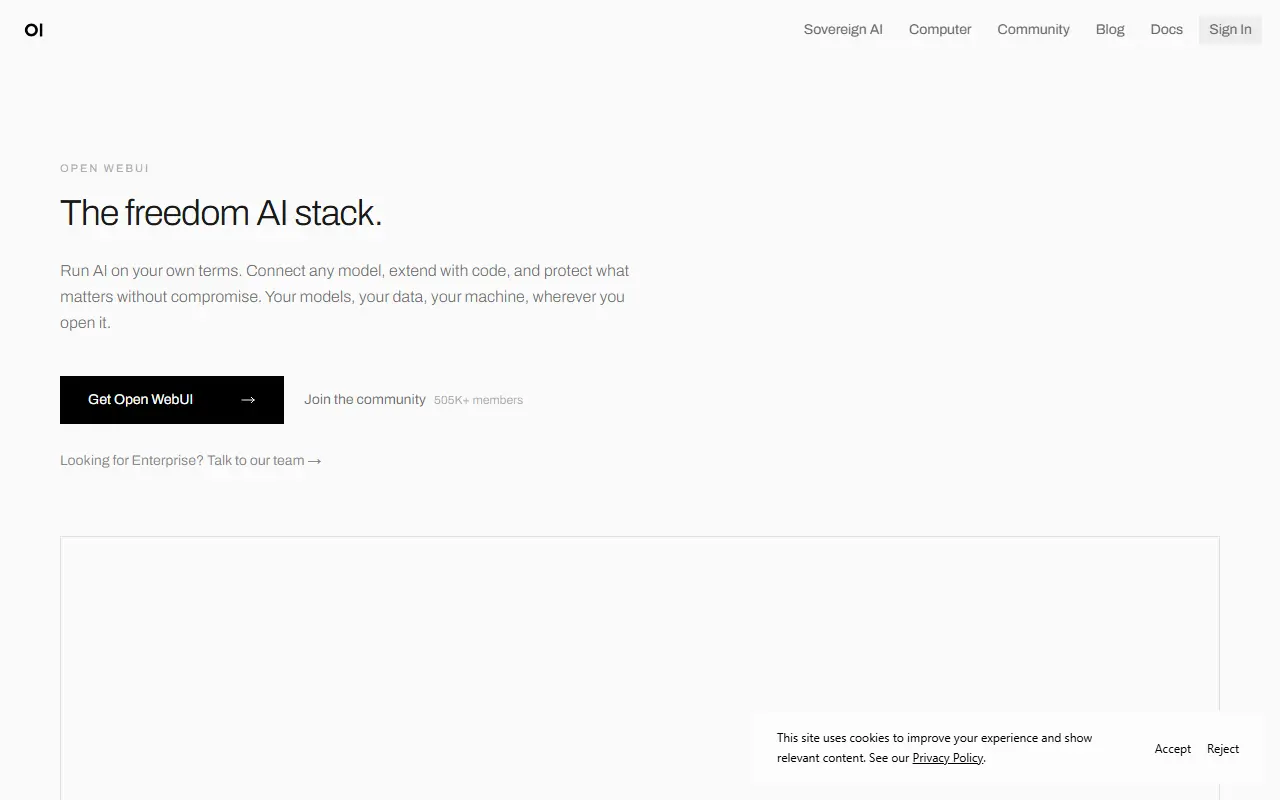
openwebui.comOpen WebUI homepage screenshot

Open WebUI is a self-hosted web interface for working with large language models. It connects to Ollama for local models and to any OpenAI-compatible endpoint, so one deployment can front LM Studio, Groq, Mistral, OpenRouter, vLLM and similar backends side by side. It is designed to keep working fully offline when you rely only on local models.

Administrators get role-based access control with user groups and per-group permissions, which suits shared team or household installs. Beyond chat there is retrieval-augmented generation over your documents, custom models that bundle instructions, tools and knowledge into agents, and an extension system made of filters, actions, pipes, tools and skills. External services attach through MCP, MCPO and OpenAPI tool servers, and an optional Open Terminal feature gives agents a filesystem to work in.

You can install it with pip, uv or Docker, or deploy it to Kubernetes using kubectl, kustomize or Helm, and container images are tagged for bundled Ollama and for CUDA. The project lists an enterprise plan for organizations that want vendor support. Its license is listed as custom rather than a standard one, so review the terms before reselling or rebranding it.

Key features

  • Connects to Ollama and OpenAI-compatible APIs
  • Role-based access control with user groups
  • Retrieval-augmented generation over your own documents
  • Plugin system with filters, tools and pipes
  • MCP and OpenAPI tool server support
  • Custom agents combining models, tools and knowledge
  • Install via pip, Docker or Kubernetes

Pricing: Free to self-host; an enterprise plan is available through the vendor's sales team.

AnythingLLM

An all-in-one AI application for chatting with your documents and running AI agents locally, with multi-user support and desktop and Docker versions.

GitHub stars
67k
Last commit
yesterday
Latest release
v1.17.0
Licence
MIT
Self-hosted
Yes
Hosted version
Available
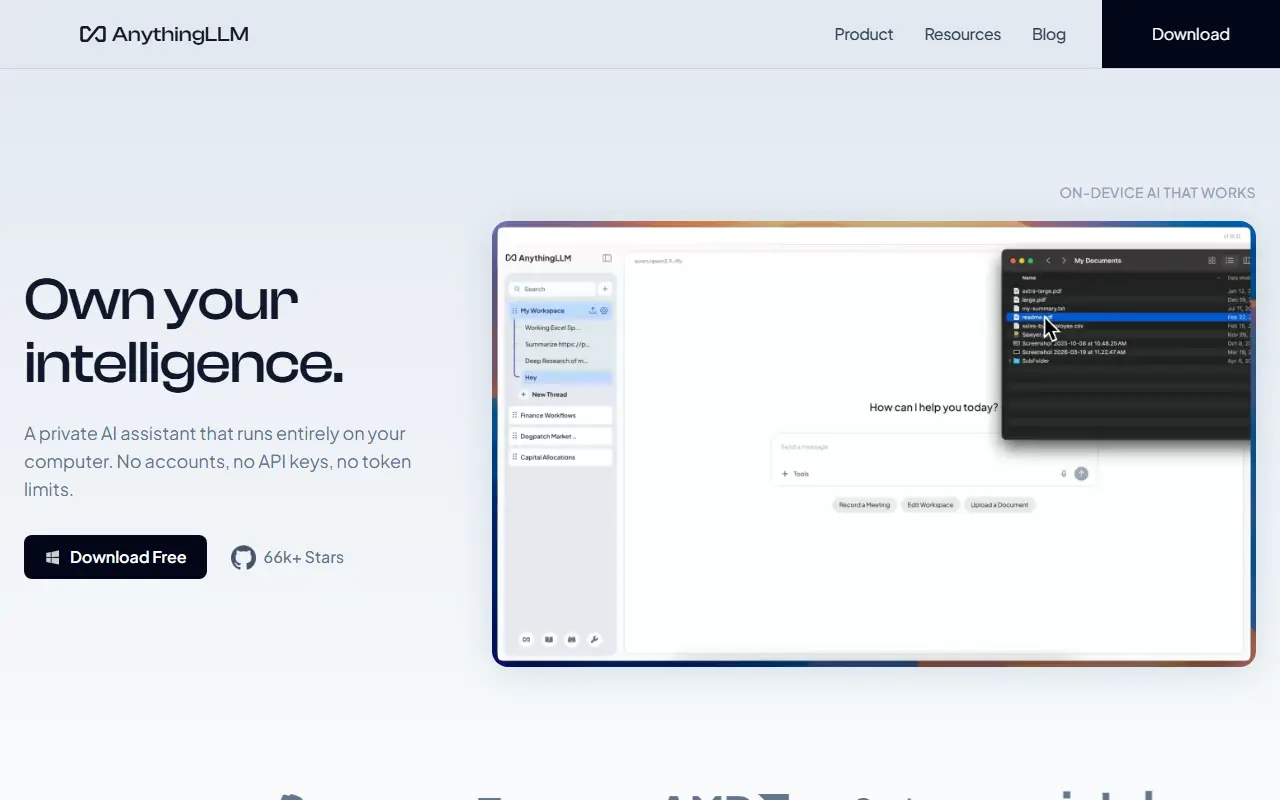
anythingllm.comAnythingLLM homepage screenshot

AnythingLLM is an all-in-one AI application for chatting with your own documents and automating work with AI agents. It runs locally by default, lets you connect local or cloud language models, and is written in JavaScript under the MIT license. The README describes it as a way to build a private, fully featured assistant in the style of ChatGPT.

Vector databases, document processing pipelines, multi-user support and agents all come included. Newer features listed include dynamic model routing based on rules you define, automatic and user-managed memories, scheduled tasks with agent capabilities, skill selection, a no-code agent builder, MCP compatibility and multi-modal support for both closed and open-source models.

It is available as a desktop app for Mac, Windows and Linux, as a Docker version that adds multi-user access control, and as a hosted instance, and there is an open-source Android app. Administrators can control access and experience per user. It suits individuals and teams who want a private document-chat and agent workspace without much setup.

Key features

  • Chat with your documents using RAG
  • Built-in AI agents and no-code agent builder
  • Multi-user access control in Docker version
  • Connects to local or cloud LLMs
  • Vector database and document pipeline support
  • MCP compatibility and scheduled tasks
  • Desktop apps for Mac, Windows and Linux

Pricing: Self-hosting with Docker is free. Hosted Cloud costs $50 per month (Basic) or $99 per month (Pro); Enterprise with on-premise deployment is quoted on request.

Open Notebook

A privacy-focused, self-hosted alternative to Google's NotebookLM that supports many AI providers, multimodal sources, podcast generation and search.

GitHub stars
40k
Last commit
today
Latest release
v1.14.0
Licence
MIT
Self-hosted
Yes
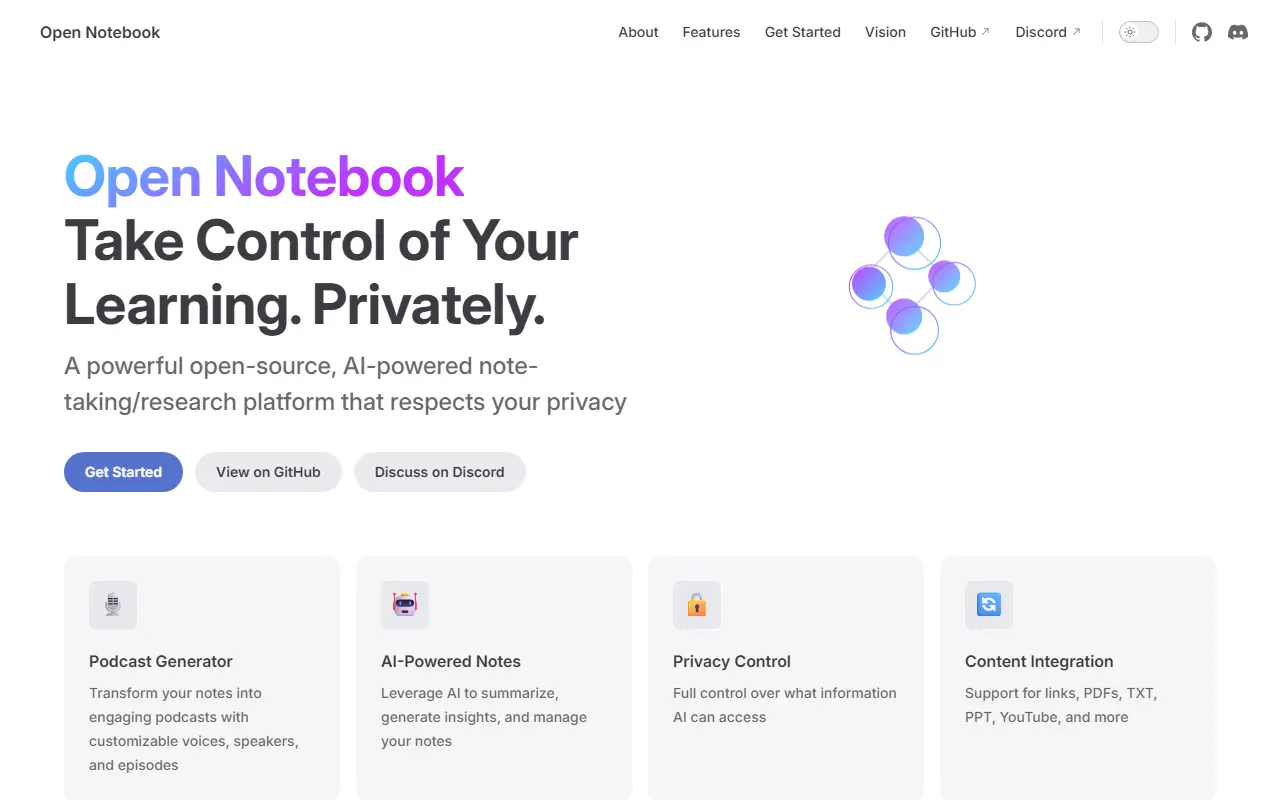
open-notebook.aiOpen Notebook homepage screenshot

Open Notebook is a privacy-oriented, open-source option for people who want something like Google's NotebookLM for researching and learning with AI. It is written in TypeScript and released under the MIT license. The project describes itself as private, multi-model and fully local, so your research material stays on infrastructure you control instead of a single cloud provider.

It supports more than a dozen AI providers, including OpenAI, Anthropic, Ollama and LM Studio, and lets you organize multimodal content such as PDFs, videos, audio and web pages. Features include podcasts with several speakers, keyword and vector search over everything you add, and chat conversations grounded in your own sources. The interface is available in several languages, including Portuguese, Chinese, Japanese, Russian and Bengali.

The README compares Open Notebook with Google NotebookLM across privacy and control, choice of AI provider and more, and links a getting-started guide, user guide, feature list and deployment instructions. A Discord server is open for help and workflow ideas. It suits students, researchers and knowledge workers who want a NotebookLM-style workflow with their own choice of models.

Key features

  • Self-hosted NotebookLM-style research notebooks
  • Support for many AI providers and local models
  • PDFs, video, audio and web page sources
  • Multi-speaker podcast generation
  • Full-text and vector search
  • Chat grounded in your sources
  • Interface in multiple languages

Pricing: Free and open source under the MIT license.

SurfSense

A private, air-gapped desktop alternative to NotebookLM that turns your own documents into cited answers, briefings, slide decks, reports, study guides and podcasts.

GitHub stars
16k
Last commit
yesterday
Latest release
v2.0.3
Self-hosted
Yes
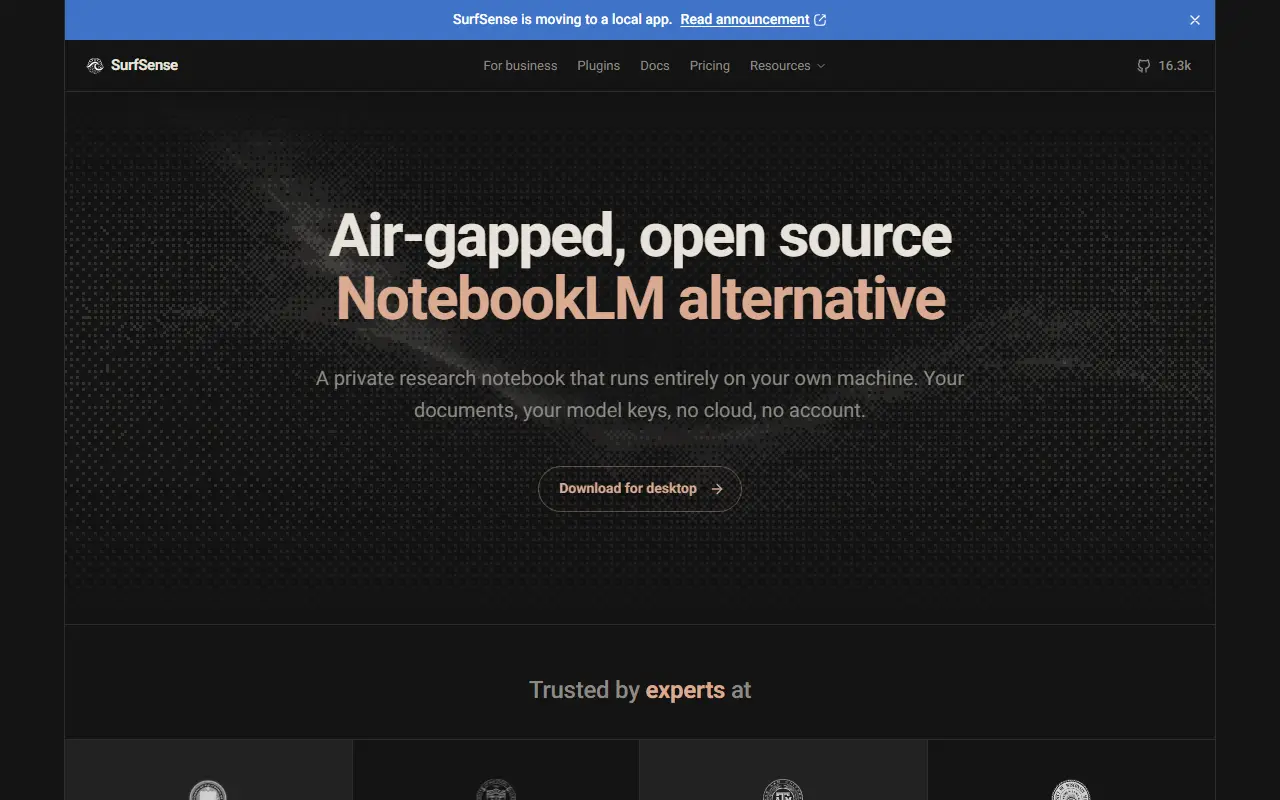
surfsense.comSurfSense homepage screenshot

SurfSense is a free, open-source desktop app positioned as an air-gapped alternative to NotebookLM. You drop in documents you already have, ask questions and receive answers with citations to the sources, then convert the same material into a briefing, slide deck, report, study guide or podcast. Everything runs on your own machine, which makes it suitable for documents you cannot upload to a cloud service.

The search index lives on your disk, you choose the model, and the app uploads nothing. You may supply your own model API key, or have the app download a local model, and no account is required. Installers are provided for Windows x64, macOS on Apple Silicon, and Linux as an AppImage or deb package. The project also links documentation, a comparison with other tools, pricing information and a Discord community, and topics mention RAG, agents and web scraping.

SurfSense is written in Python, and its license is listed as 'Other' on GitHub, so confirm the terms. It suits researchers, analysts and professionals handling confidential material who want NotebookLM-style features while keeping data local.

Key features

  • Cited answers from your own documents
  • Briefings, decks, reports and study guides
  • Podcast-style audio generation
  • Runs entirely on your machine
  • Bring your own model or use a local one
  • Desktop installers for Windows, macOS and Linux

Pricing: The app is free forever, with a 30-day plugin licence included. An Individual licence is $120 a year ($60 in the first year at the early-bird price); Enterprise is custom.

Khoj

A self-hostable personal AI app that chats with local or cloud LLMs, answers from the web and your documents, builds custom agents and automates research.

GitHub stars
38k
Last commit
2 mo ago
Latest release
2.0.0-beta.28
Licence
AGPL-3.0
Self-hosted
Yes
Hosted version
Available
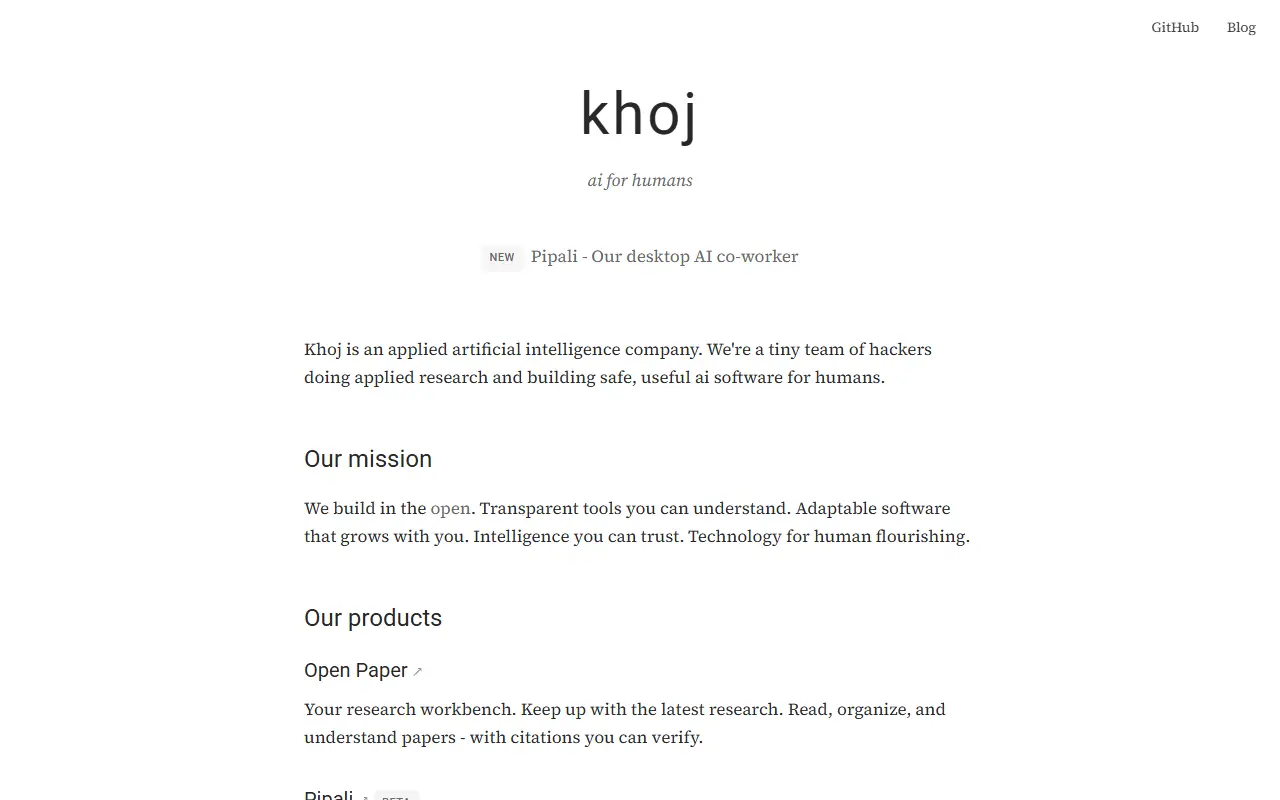
khoj.devKhoj homepage screenshot

Khoj is a personal AI app that you can run on your own machine or scale up to an enterprise cloud deployment. You can chat with local or online models, such as Llama, Qwen, Gemma, Mistral, GPT, Claude, Gemini and DeepSeek, and get answers drawn from the internet and from your own documents, including images, PDFs, Markdown, org-mode files, Word documents and Notion pages.

It can be reached from a browser, Obsidian, Emacs, a desktop app, a phone or WhatsApp. Users create agents with their own knowledge, persona, chat model and tools, set up automations that deliver personal newsletters and smart notifications by email, and use advanced semantic search to find relevant documents. It can also generate images and speak responses aloud. The README highlights benchmark results for retrieval and reasoning and introduces Pipali, a separate open-source AI coworker for your own computer.

Khoj is written in Python and licensed under AGPL-3.0. You can self-host it, with offline models via llama.cpp, or use the hosted app. It suits individuals and teams who want an AI assistant grounded in their notes and files while keeping a choice of model.

Key features

  • Chat with local or online LLMs
  • Answers from the web and your documents
  • Access from Obsidian, Emacs, WhatsApp and browser
  • Custom agents with their own knowledge and tools
  • Scheduled automations and newsletters
  • Semantic search over personal documents

ChatPDF alternatives: questions

What is the best open-source alternative to ChatPDF?
Open WebUI is the top-ranked open-source alternative to ChatPDF on Enlisted: A self-hosted chat interface for local and cloud language models, supporting Ollama and OpenAI-compatible APIs, with RAG, user roles and a plugin system. Other strong options are AnythingLLM, Open Notebook, SurfSense and Khoj.
Are these ChatPDF alternatives free?
All 5 are open source, so the code is free to use under its licence, and all of them can be self-hosted on your own server or computer. 2 also offer a paid or managed cloud version if you'd rather not host it yourself.
How is this list of ChatPDF alternatives ranked?
By a score built from GitHub stars, star growth over the last 30 days and how recently the code changed. 4 of these projects shipped code in the last 30 days. Data is refreshed daily, and nobody can pay to move up.

People also look for alternatives to…

View all