
Ice
macOS menu bar manager written in Swift that hides, shows and rearranges menu bar items and customizes the bar's look.
- GitHub stars
- 30k
- Last commit
- 1 yr ago
- Latest release
- 0.11.12
- Licence
- GPL-3.0
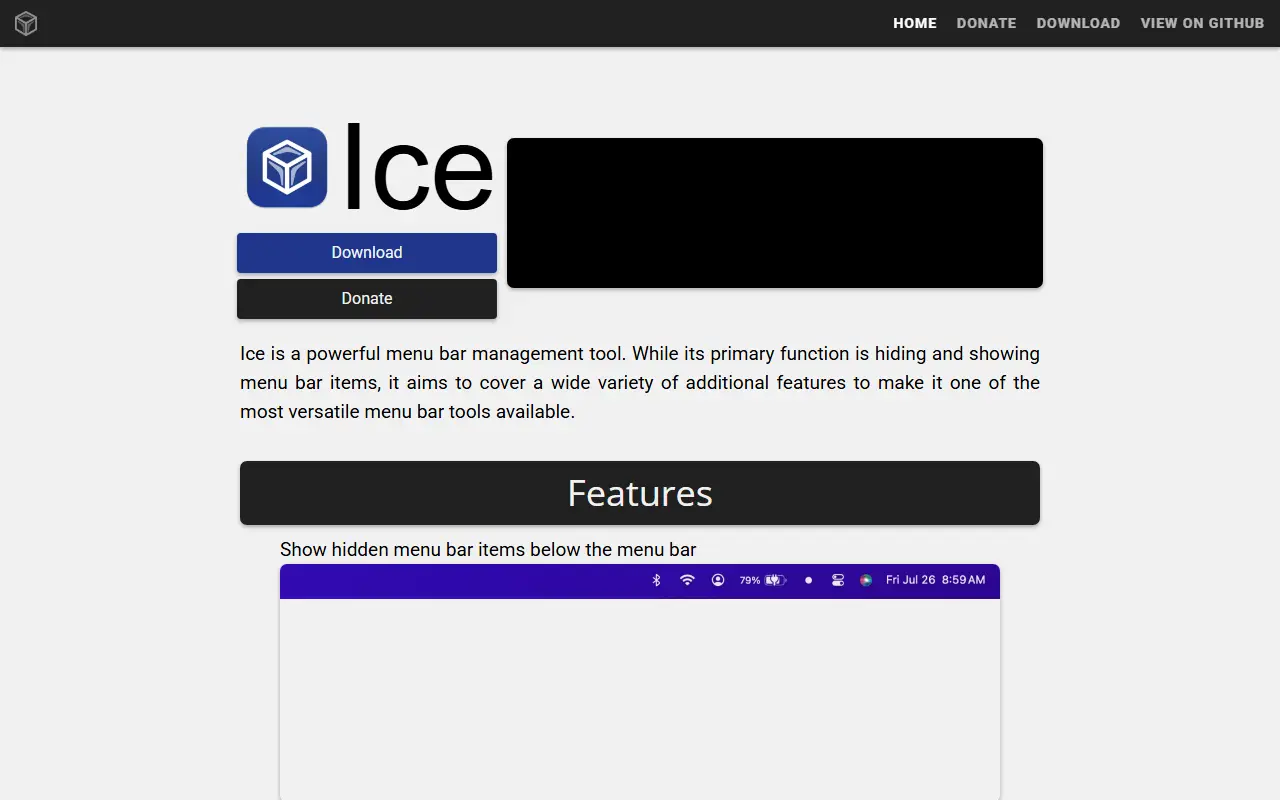
Ice is a menu bar management tool for macOS. Its main job is hiding and showing menu bar items, so a crowded bar can be kept tidy, and it adds a range of related features around that. The project notes that it is in active development and that some planned features are not yet implemented.
For item management, it can hide items, keep an always-hidden section, and reveal hidden items when you hover over the bar, click an empty area, or scroll or swipe. Items can rehide automatically, application menus can be hidden when they overlap, and items can be rearranged by dragging. Hidden items can appear in a separate bar, which helps on MacBooks with a notch. A search panel, hotkeys and an item-spacing option (beta) are included.
Appearance options include tint (solid or gradient), shadow, border and custom shapes such as rounded or split bars. Profiles, groups and different light and dark settings are on the roadmap. Ice is built with Swift and SwiftUI and licensed under GPL-3.0. It installs from a downloaded zip file or through Homebrew.
Key features
- Hide and reveal menu bar items
- Always-hidden section for rarely used items
- Drag-and-drop arrangement of menu bar items
- Separate bar for hidden items on notched MacBooks
- Search panel and hotkeys for menu bar items
- Menu bar tint, shadow, border and shapes
Pricing: Free and open source under the GPL-3.0 license.





