6,598 open-source and SaaS tools, with GitHub stats refreshed every day.

12 alternatives ranked by real activity

Open-source Webex alternatives

A curated, ranked list of the 12 best open-source alternatives to Webex.

The best open-source alternative to Webex is Rocket.Chat. If that doesn't suit you, other good options are Mattermost, Jitsi Meet, Element and BigBlueButton.

Webex alternatives are mainly Video Conferencing tools, but some are also Team Chat. 11 of them shipped code in the last 30 days, 12 can be self-hosted, and 5 use a permissive licence.

Last updated October 2, 2026 · ranked by GitHub stars, growth and recent commits

Rocket.Chat

A customizable team communications platform with real-time chat and video, aimed at organizations with strict data protection needs and offered self-hosted, cloud or air-gapped.

GitHub stars
46k
Last commit
today
Latest release
8.8.1
Self-hosted
Yes
Hosted version
Available
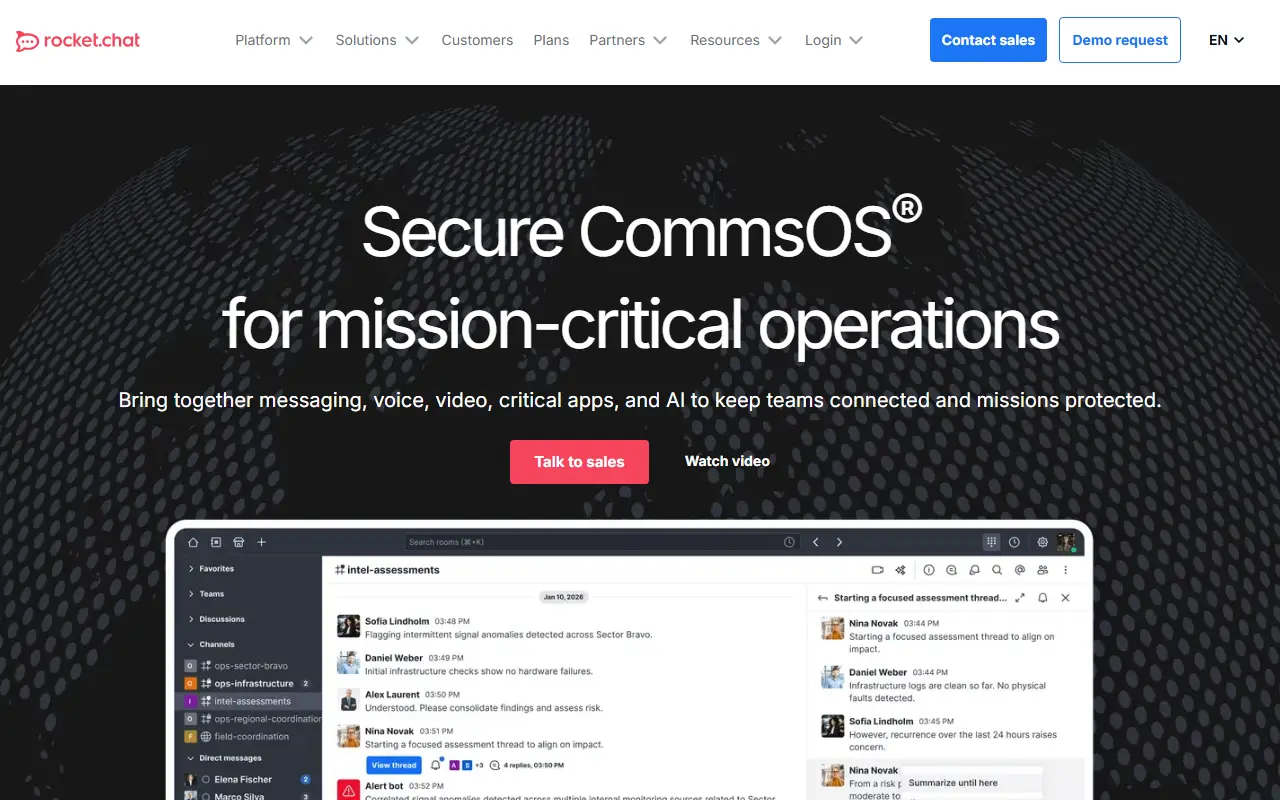
rocket.chatRocket.Chat homepage screenshot

Rocket.Chat is a communications platform written in TypeScript for teams and organizations that care about data protection. It supports real-time conversations between colleagues, with partner companies, and with customers or citizens, and its topics place it in the same space as Slack, with WebRTC for calls and meetings.

The product emphasizes control over where and how it runs. Deployment options include self-hosted servers, a managed cloud and fully air-gapped environments, with a scalable architecture and performance monitoring for workspace administration. Security and sovereignty features, including identity management, are a core part of the pitch, and the platform is built to be highly customizable, so organizations can adapt it to their own workflows and integrations.

The repository's license is listed as 'Other' on GitHub, although the topics reference an MIT-licensed community core, so confirm which components fall under which terms before relying on it commercially. It suits government bodies, enterprises and regulated industries that want a Slack-style tool they can host themselves.

Key features

  • Real-time team messaging and channels
  • Video conferencing built on WebRTC
  • Self-hosted, cloud and air-gapped deployment
  • Scalable architecture with performance monitoring
  • Identity and security controls for data sovereignty
  • Highly customizable platform

Pricing: Rocket.Chat does not publish prices. Commercial, Government and Defense plans are quoted through its sales team, with on-premise and air-gapped deployment options.

Mattermost

A self-hosted, open-core collaboration platform combining team chat, automated workflows, voice calls, screen sharing and AI integrations.

GitHub stars
39k
Last commit
today
Latest release
v11.11.1
Self-hosted
Yes
Hosted version
Available
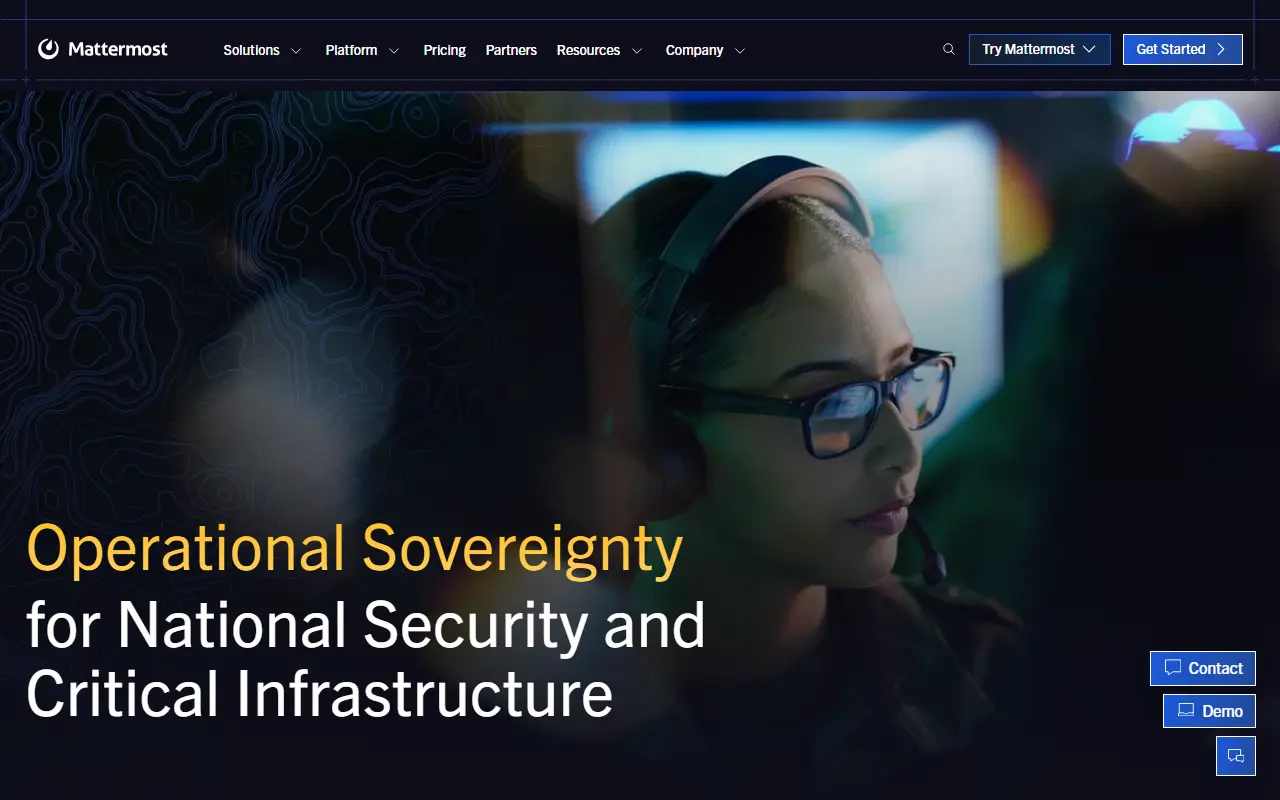
mattermost.comMattermost homepage screenshot

Mattermost is an open-core collaboration platform you host yourself, covering team chat, workflow automation, voice calls, screen sharing and AI integrations. This repository is the primary source for core development of the platform. The server is built with Go and React, ships as one Linux binary and depends on PostgreSQL. GitHub lists the license as 'Other'.

Each month, on the 16th, a newly compiled release is published under the MIT license. You can deploy Mattermost on-premises or try it in the cloud. The project highlights use cases such as DevSecOps, incident resolution and IT service desk, and it offers native clients for Android, iOS, Windows, macOS and Linux in addition to the web interface.

Installation options include Docker, Ubuntu, a tar archive, Kubernetes, Helm and an Omnibus package. Developers can build integrations through APIs, webhooks, slash commands, Apps and plugins, and the repository links product and developer documentation, security bulletins and contribution guides. It suits engineering, security and operations teams that want controlled, self-managed team messaging.

Key features

  • Team chat with channels and threads
  • Built-in workflow automation
  • Voice calling and screen sharing
  • Integration with AI tools
  • Single Linux binary with PostgreSQL
  • Native mobile and desktop apps
  • APIs, webhooks, slash commands and plugins

Pricing: Mattermost does not publish prices. Professional, Enterprise and Enterprise Advanced are quoted through sales; a limited-use edition and a 1-hour trial environment are offered for evaluation.

Jitsi Meet

An open-source video conferencing platform that runs in the browser and mobile apps, usable as a standalone service or embedded in your own web application.

GitHub stars
30k
Last commit
yesterday
Latest release
stable/jitsi-meet_11248
Licence
Apache-2.0
Self-hosted
Yes
Hosted version
Available
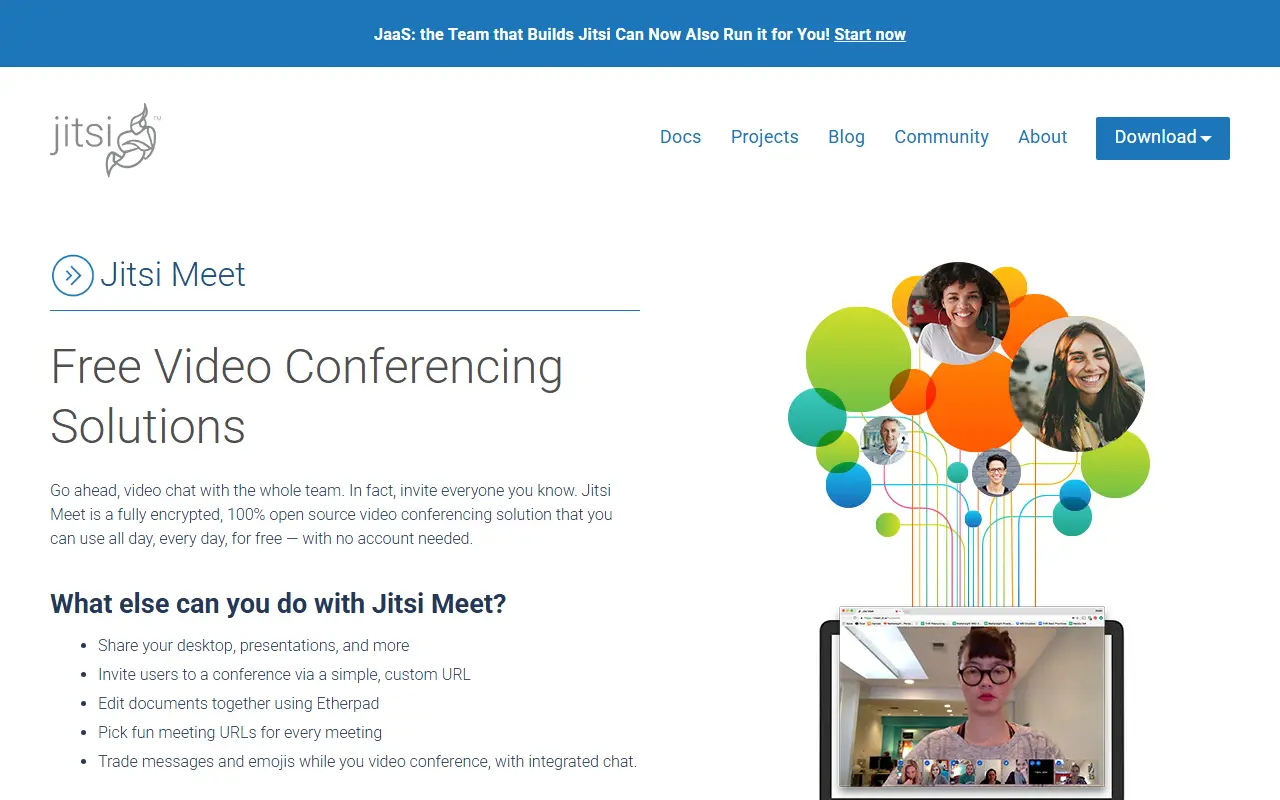
jitsi.orgJitsi Meet homepage screenshot

Jitsi Meet is a collection of open-source projects for hosting video conferences. It works in all current browsers and has Android and iOS apps, and it can be used as a ready-made service or embedded into other web applications through web and native SDKs. It is built on WebRTC with a selective forwarding unit to scale to larger meetings.

Meetings offer HD audio and video, content sharing, raised hands and reactions, chat with private conversations, polls and virtual backgrounds. The hosted service at meet.jit.si is free to use, and the README says you can start a meeting after signing in with an account from a major provider. Mobile users can use the browser or the full-featured apps, which are also available from F-Droid, and open beta programs let early adopters test features.

If you prefer control over your data, Jitsi can be deployed on your own infrastructure, with documentation for running your own instance. Jitsi Meet is Apache-2.0 licensed and written in TypeScript. It suits organizations, schools and communities that want an alternative to proprietary meeting software.

Key features

  • Browser-based meetings with no install
  • Android and iOS apps
  • Screen and content sharing
  • Chat, polls, reactions and raised hands
  • Virtual background support
  • Web and native SDKs for embedding

Pricing: Free and open source under Apache-2.0; the public meet.jit.si service is free to use.

Element

Web and desktop client for the Matrix network, offering encrypted chat, rooms and collaboration built on the Matrix JS SDK.

GitHub stars
14k
Last commit
today
Latest release
v1.12.30
Licence
AGPL-3.0
Self-hosted
Yes
Hosted version
Available
element.ioElement homepage screenshot

Element Web is a client for Matrix, the open protocol for decentralized messaging. It is the web and desktop application formerly known as Vector and Riot, and it lets people join rooms, chat in teams and communities, and collaborate across Matrix servers rather than inside a single vendor's network.

The client is built with TypeScript on top of the Matrix JS SDK. The README defines support tiers for browsers, covering recent versions of Chrome, Firefox, Edge and Safari on desktop, best-effort handling for ESR and extended-stable releases, and community support for mobile web. For phones and tablets the maintainers recommend the native Element X apps for Android and iOS.

It is released under the AGPL-3.0 license and is typically served from your own web host or used through the hosted app from the vendor, Element. Related products such as Element Call and the Enterprise Server Suite are mentioned as part of the wider Element offering. Changes are tracked on GitHub with regular release cycles.

Key features

  • Matrix web client for rooms and chat
  • Desktop app built from the same code
  • Built on the Matrix JS SDK
  • Documented browser support tiers
  • Works alongside Element X mobile apps

Pricing: Element Enterprise is priced per seat per month and Sovereign per deployment, but no prices are published; buyers are directed to talk to an expert.

BigBlueButton

An open-source virtual classroom and web conferencing system with real-time audio, video, slides, whiteboard, chat, polling and breakout rooms for online teaching.

GitHub stars
9.2k
Last commit
today
Latest release
v3.0.38
Licence
LGPL-3.0
Self-hosted
Yes
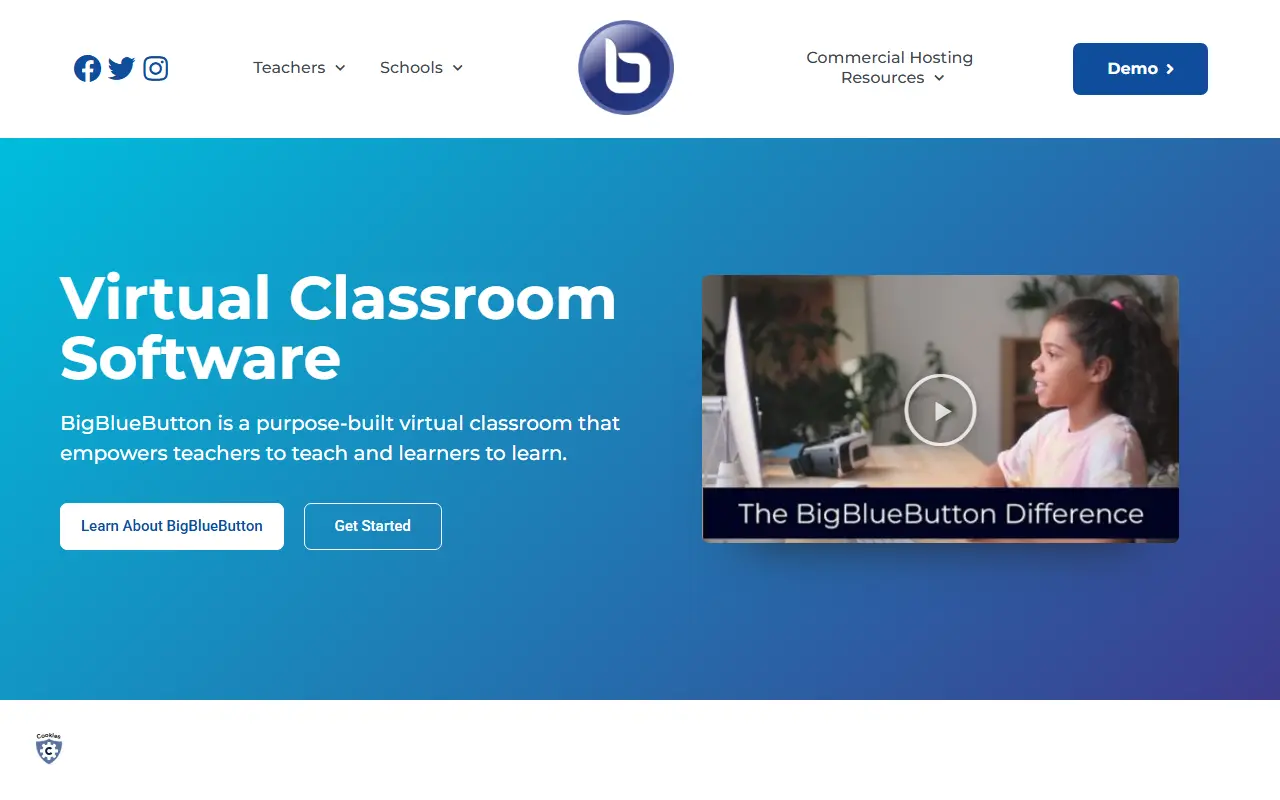
bigbluebutton.orgBigBlueButton homepage screenshot

BigBlueButton is an open-source web conferencing system designed for online learning, intended to help teachers teach and learners learn. Participants can share audio, video, slides (with whiteboard annotations), chat messages and their screen in real time, and can also be used for many other meeting types beyond education.

To keep remote students involved, instructors can use polls, emoji reactions, whiteboards that several people can draw on, shared notes and breakout rooms. During a session it generates analytics shown to moderators on a Learning Analytics Dashboard, and presenters can record sessions for later playback and sharing. The README lists online tutoring, flipped classrooms, group collaboration and online classes as the educational scenarios it was built for. Its topics reference WebRTC.

The current major release is BigBlueButton 3.0, which can be installed on Ubuntu 22.04 with the bbb-install.sh script, and full documentation covers architecture, features, the API and GreenLight, the default front end. The software is licensed under LGPL-3.0, while the name and logo are trademarks of BigBlueButton Inc. It suits schools, universities and training providers that want to host their own conferencing.

Key features

  • Real-time audio, video and screen sharing
  • Slides with whiteboard annotations
  • Polling, emojis and breakout rooms
  • Multi-user whiteboard and shared notes
  • Learning Analytics Dashboard
  • Session recording and playback
  • GreenLight default front end

Pricing: Free and open source under the LGPL-3.0 licence.

MiroTalk

MiroTalk P2P is a self-hosted, open-source WebRTC video conferencing app with browser-based rooms, screen sharing, chat, whiteboard and recording.

GitHub stars
4.8k
Last commit
today
Licence
AGPL-3.0
Self-hosted
Yes
p2p.mirotalk.comMiroTalk homepage screenshot

MiroTalk P2P is an open-source video conferencing platform that uses direct peer-to-peer WebRTC connections between participants. You host it on your own server, and people join meeting rooms from a browser with no downloads and no time limits. It is meant for teams and communities that want private real-time communication they control.

Features include unlimited rooms, screen sharing, text chat, a collaborative whiteboard, recording and general collaboration tools. It works across common browsers and platforms, can be deployed with a Docker image in minutes, and has a live demo, documentation and a Discord community. The software is JavaScript based.

MiroTalk P2P is licensed under AGPL-3.0. Because media flows peer to peer, it keeps traffic off a central media server, which suits small groups. It fits small teams, schools and communities who want a self-hosted alternative to commercial meeting tools.

Key features

  • Peer-to-peer WebRTC video calls
  • Browser-based rooms without downloads
  • Screen sharing and text chat
  • Shared collaborative whiteboard
  • Recording of meetings
  • Docker image for quick deployment

Pricing: Free and open source under AGPL-3.0.

MiroTalk SFU

Self-hosted WebRTC video conferencing platform built on a mediasoup SFU, offered as an alternative to Zoom, Google Meet, Jitsi Meet, and Microsoft Teams.

GitHub stars
3.1k
Last commit
today
Licence
AGPL-3.0
Self-hosted
Yes
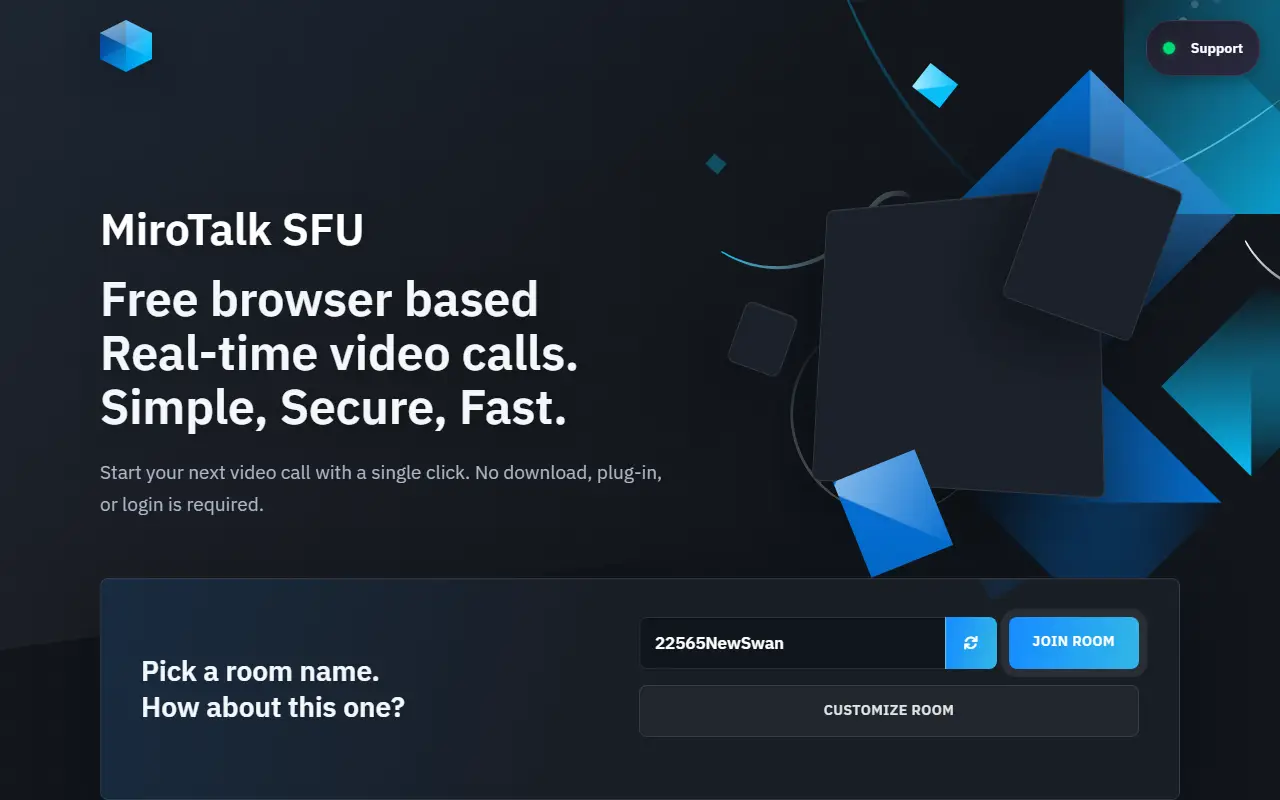
sfu.mirotalk.comMiroTalk SFU homepage screenshot

MiroTalk SFU is an open-source video conferencing platform that you deploy on your own server. It uses a mediasoup selective forwarding unit to scale real-time audio and video, and is offered as an alternative to Zoom, Google Meet, Jitsi Meet, and Microsoft Teams. It is released under the AGPL-3.0 license, and one-time commercial license fees are also available.

The platform supports video chat, screen sharing, file sharing, live streaming through RTMP, and webinar-style use cases, with real-time communication over WebRTC and WebSocket. Compared with the hosted services it replaces, the README highlights unlimited meeting duration and rooms, and full control of data and infrastructure with no vendor lock-in.

It is built on Node.js and is distributed with Docker support, so you can run it on a VPS or internal server. It suits organizations, communities, and developers who want private meetings and need to embed or customize video calls, and who are comfortable operating the media server themselves.

Key features

  • WebRTC video conferencing on a mediasoup SFU
  • Screen sharing and file sharing
  • RTMP live streaming
  • Unlimited rooms and meeting duration
  • Docker deployment on your own server
  • Self-hosted with full data control

Pricing: Free and open source under the AGPL-3.0 license; one-time commercial license fees are available.

La Suite Meet

Open-source video conferencing app from France's La Suite numerique, built with Django and React on LiveKit and runnable entirely on your own infrastructure.

GitHub stars
2.4k
Last commit
today
Latest release
v1.32.1
Licence
MIT
Self-hosted
Yes

La Suite Meet is an open-source video conferencing application built with Django and React and powered by LiveKit. It runs in the browser, so participants join calls without installing anything. The code is released under the MIT license and is fully self-hostable. It comes from the French government's digital suite project, and a public instance runs at visio.numerique.gouv.fr.

Features include stability tuned for large meetings, multiple screen sharing streams, a non-persistent secure chat, meeting recording, transcription and summaries (currently in beta), telephony integration, authentication and access control, and a customizable front end. End-to-end encryption is listed as coming soon. LiveKit contributes speaker detection, simulcast, selective subscription, and SVC codecs.

The project has a Matrix channel where the team answers questions and helps with deployment. It suits public institutions, companies, and communities that want a sovereign, self-hosted alternative to commercial conferencing services and are prepared to operate the media infrastructure.

Key features

  • Browser-based video calls with no installation
  • Support for large meetings
  • Multiple screen sharing streams
  • Meeting recording and beta transcription
  • Non-persistent secure chat
  • Authentication and access controls
  • Customizable front end

Pricing: Free and open source under the MIT license.

Galène

Galene is a lightweight videoconferencing server written in Go that is easy to deploy and needs only modest server resources.

GitHub stars
1.4k
Last commit
7 days ago
Licence
MIT
Self-hosted
Yes
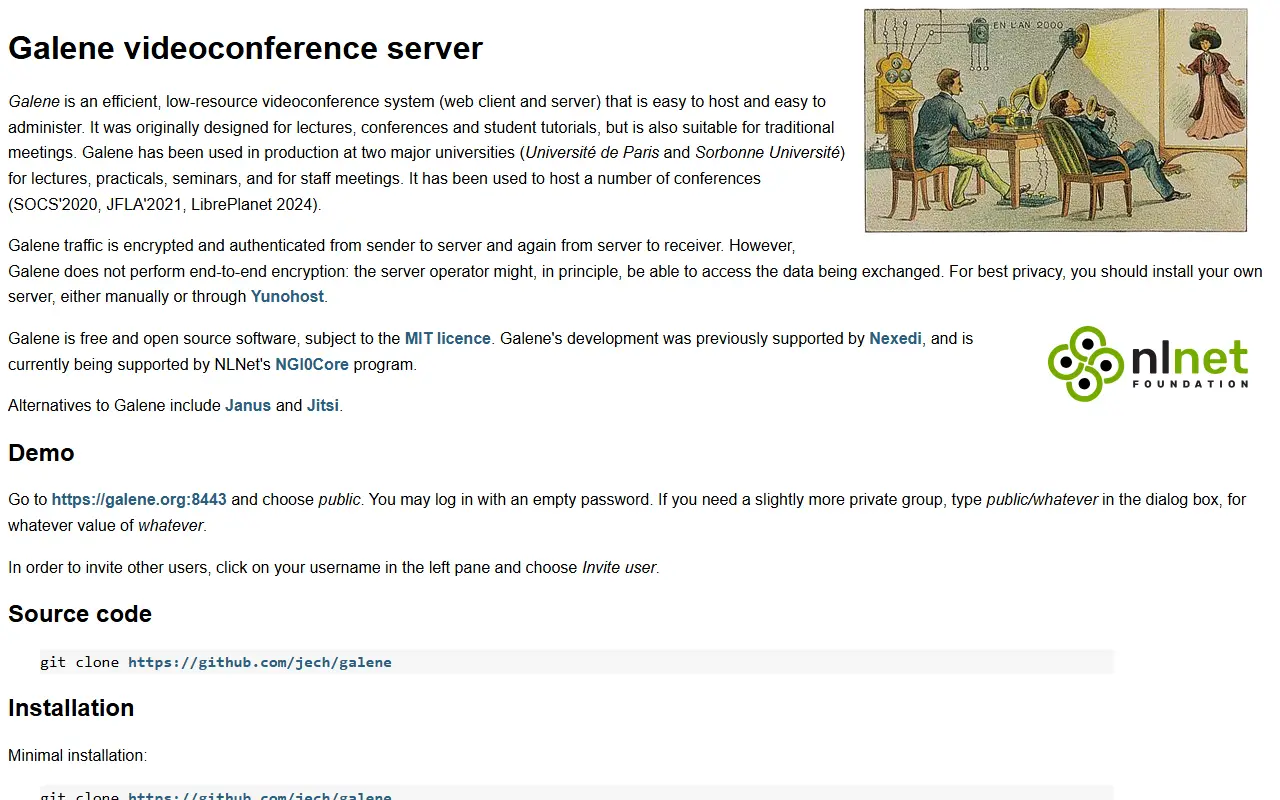
galene.orgGalène homepage screenshot

Galene is a videoconferencing system that aims to be easy to deploy and to run on very moderate server resources. It is a WebRTC-based SFU, meaning the server forwards participants' media streams to each other instead of mixing them, which keeps CPU use low while supporting group calls from a web browser.

Beyond video calls it supports file sharing, as its topics indicate, and ships with documentation covering installation, usage and administration, writing clients, the client protocol and an administrative API. People join through a browser, and the quick start explains how to try it locally with a self-signed certificate. Questions and common issues are answered on the project website.

Galene is written in Go by Juliusz Chroboczek and is licensed under MIT. You run it on your own server, which suits universities, small organizations and groups that want a private conferencing system without a large infrastructure. Discussion and patches go through a mailing list, though pull requests on GitHub are also accepted.

Key features

  • Browser-based group video calls
  • WebRTC selective forwarding unit
  • Low server resource requirements
  • File sharing between participants
  • Administrative API
  • Documentation for custom clients

Pricing: Free and open source under the MIT licence.

edumeet

edumeet is a self-hosted WebRTC web meeting service built on mediasoup, offering video, screen sharing, file sharing and chat.

GitHub stars
1.3k
Last commit
7 days ago
Latest release
4.0.0
Licence
MIT
Self-hosted
Yes
Hosted version
Available
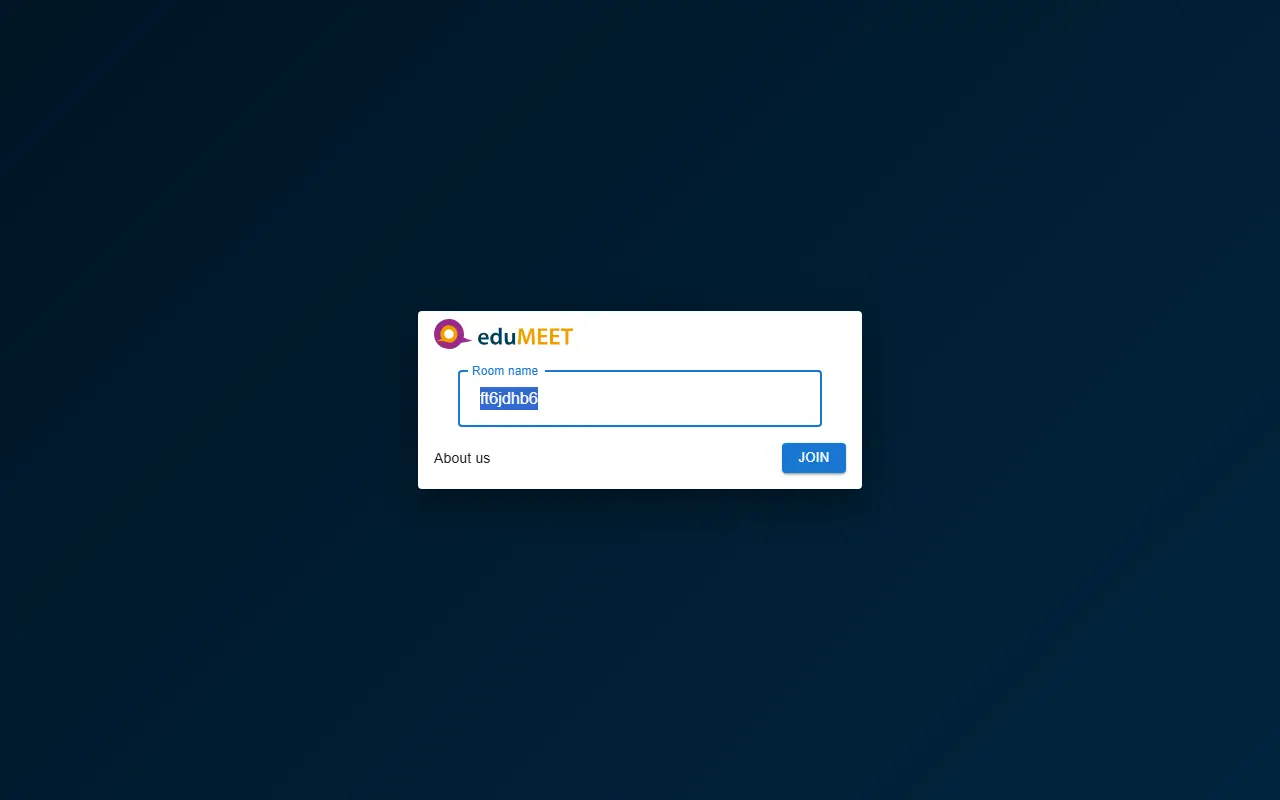
letsmeet.noedumeet homepage screenshot

edumeet is a multiparty web meeting service built with mediasoup and WebRTC, with a React front end. People join meetings in the browser, sharing microphone, camera and an additional video stream, and the system is aimed at education and organizations that want to host their own conferencing.

Main features include audio and video streaming, screen sharing, file sharing using a torrent-based approach, text chat and optional local recording that is disabled by default. Authentication supports OIDC, SAML and a local database. The release is delivered as Docker images for the client, room server, media node and management server, with an installation script that sets up domains, certificates and services.

Hosting it needs Docker and docker-compose, curl, a public IP address and two domain names, one for the service and one for the TURN server, with ports 80 and 443 open. edumeet is licensed under MIT and the project offers a public instance for trying it online and a Discord community. It suits universities, research networks and other institutions that prefer self-hosted video meetings.

Key features

  • Browser-based audio and video meetings
  • Screen sharing
  • File sharing between participants
  • Text chat
  • OIDC, SAML, and local authentication
  • Docker-based installation script

Pricing: Free and open source under the MIT licence.

2 more Webex alternatives

Webex alternatives: questions

What is the best open-source alternative to Webex?
Rocket.Chat is the top-ranked open-source alternative to Webex on Enlisted: A customizable team communications platform with real-time chat and video, aimed at organizations with strict data protection needs and offered self-hosted, cloud or air-gapped. Other strong options are Mattermost, Jitsi Meet, Element and BigBlueButton.
Are these Webex alternatives free?
All 12 are open source, so the code is free to use under its licence, and 12 of them can be self-hosted on your own server. 6 also offer a paid or managed cloud version if you'd rather not host it yourself.
How is this list of Webex alternatives ranked?
By a score built from GitHub stars, star growth over the last 30 days and how recently the code changed. 11 of these projects shipped code in the last 30 days. Data is refreshed daily, and nobody can pay to move up.

People also look for alternatives to…

View all