5 open-source alternatives ranked by real activity

Open-source Magnific alternatives

A curated, ranked list of the 5 best open-source alternatives to Magnific.

The best open-source alternative to Magnific is ComfyUI. If that doesn't suit you, other good options are Upscayl, InvokeAI, Hugging Face Chat UI and chaiNNer.

Commercial alternatives to Magnific include Topaz Labs, Krea, Remini and Clipdrop. See all 15.

Magnific alternatives are mainly AI tools. 4 of them shipped code in the last 30 days, 5 can be self-hosted, and 2 use a permissive licence.

Last updated November 12, 2026 · ranked by GitHub stars, growth and recent commits

ComfyUI

A modular, node-based interface and backend for building and running diffusion model workflows such as Stable Diffusion on your own machine.

GitHub stars
146k
Last commit
yesterday
Latest release
v0.45.0
Licence
GPL-3.0
Self-hosted
Yes
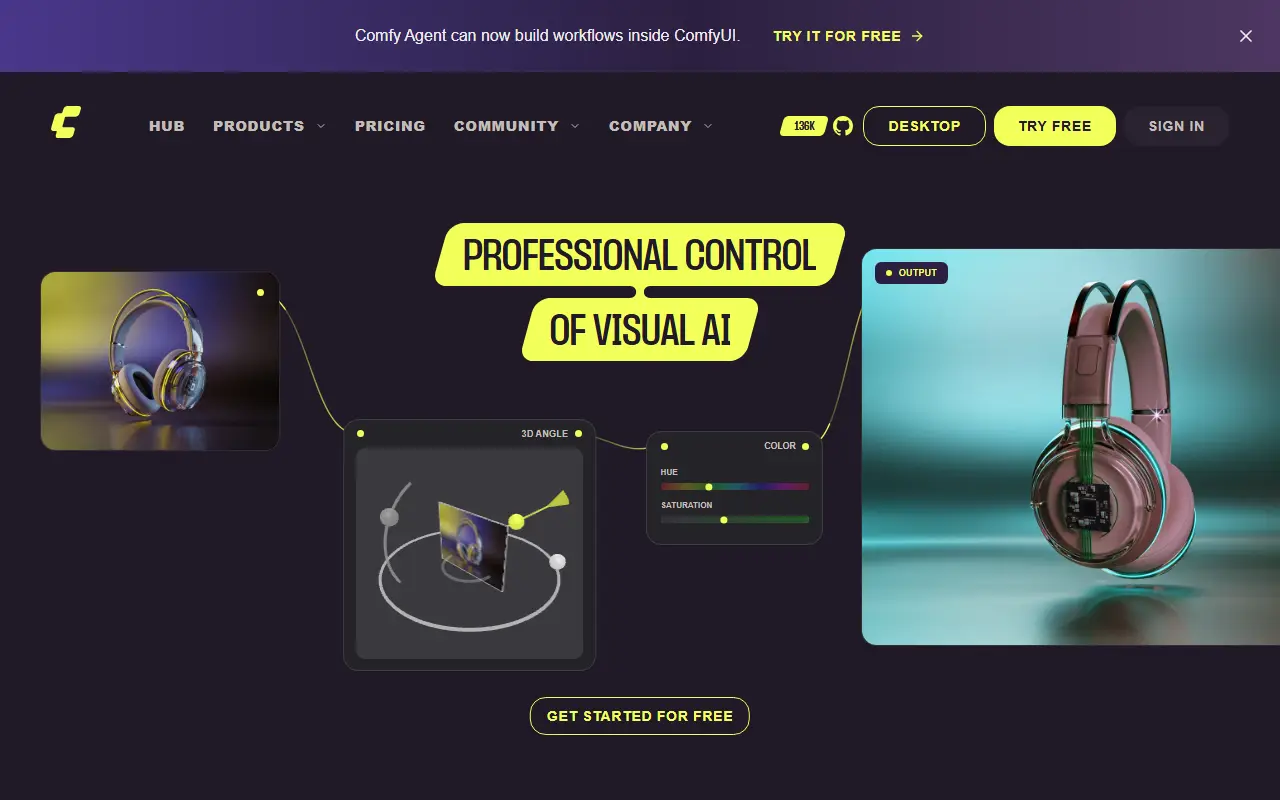
comfy.orgComfyUI homepage screenshot

ComfyUI is an open-source application for creating images and other media with diffusion models. Instead of a fixed form, you build a workflow as a graph of connected nodes, where each node handles a step such as loading a model, encoding a prompt or sampling. It is written in Python on top of PyTorch and licensed under GPL-3.0.

The project provides a graphical interface, an API and a backend in one package. The modular design means workflows can be saved, shared and extended, and new capabilities are added through additional nodes. Because inference runs locally, users keep control over their models and outputs. The maintainers describe it more broadly as an engine for AI content creation.

The code is maintained by Comfy Org, which also runs the website at comfy.org, and releases are published on GitHub. ComfyUI suits artists, researchers and developers who want fine control over image generation pipelines and are comfortable wiring nodes together rather than using a simple prompt box.

Key features

  • Node-and-graph editor for diffusion workflows
  • Modular backend with an API
  • Local inference on your own hardware
  • Support for Stable Diffusion models
  • Reusable, shareable workflows
  • Extensible through additional nodes

Pricing: Local ComfyUI is free and Comfy Cloud offers 5 free runs without a card. Cloud plans cost $20 (Standard), $35 (Creator), $100 (Pro) and $700 (Team) per month, cheaper billed yearly; Enterprise is custom.


Upscayl

A free, open-source desktop app that enlarges and enhances low-resolution images with AI upscaling models on Linux, macOS and Windows.

GitHub stars
52k
Last commit
1 mo ago
Latest release
v2.15.0
Licence
AGPL-3.0
upscayl.orgUpscayl homepage screenshot

Upscayl is an AI-powered image upscaler that is free, open source and available on Linux, macOS and Windows. It can scale up small, low-resolution pictures and improve their detail with AI models, aiming to avoid the usual loss in quality. It is built with TypeScript and Electron and released under the AGPL-3.0 license.

The README provides installation instructions for each operating system, plus tutorials and guides, before-and-after demo results, a roadmap and an FAQ. A Vulkan-compatible graphics card is required for upscaling, and the project notes that many integrated GPUs do not work. Topics reference ESRGAN-based upscaling models.

The app runs locally on your own computer, so images are not sent to an online service. It suits photographers, designers, game modders and anyone restoring old or small pictures who wants a free alternative to paid upscaling software.

Key features

  • AI image upscaling and enhancement
  • Runs locally on Linux, macOS and Windows
  • Desktop app built with Electron
  • ESRGAN-based upscaling models
  • Tutorials, guides and demo results
  • Requires a Vulkan-compatible GPU

Pricing: A free trial includes 10 credits. The Pro plan is $24.99 per month for 300 credits; larger credit amounts are selectable and Business pricing is by contact.

InvokeAI

InvokeAI is an open-source creative engine for Stable Diffusion models with a locally hosted web UI, canvas and workflow tools.

GitHub stars
29k
Last commit
yesterday
Latest release
v6.14.4
Licence
Apache-2.0
Self-hosted
Yes
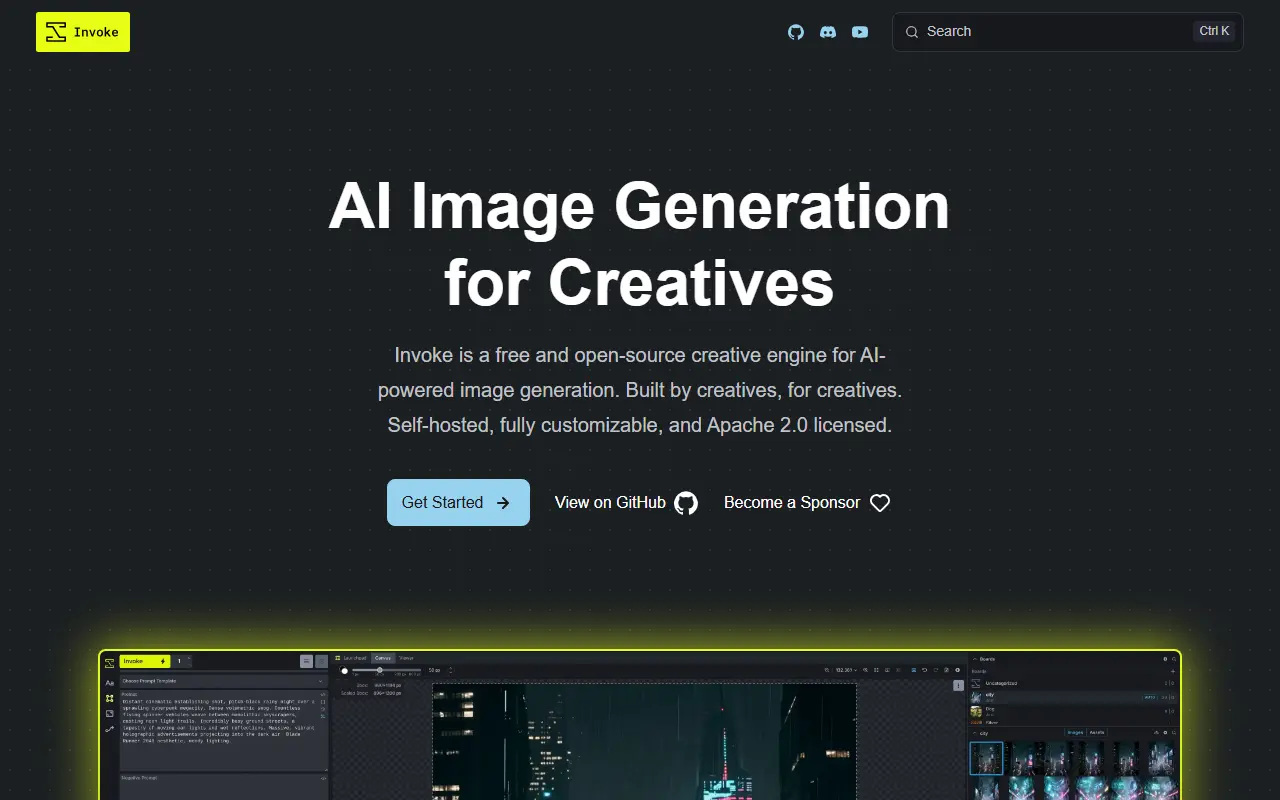
invoke-ai.github.ioInvokeAI homepage screenshot

InvokeAI, also called Invoke, is a creative engine for Stable Diffusion models aimed at professionals, artists and enthusiasts who want to generate and refine visual media. It runs a locally hosted web server with a React interface, and the project says it also serves as the base for several commercial products. The code is Apache-2.0 licensed, which the README describes as commercially friendly.

You download and install it on compatible hardware using the Launcher, then generate and iterate on images and build workflows. Features include a Unified Canvas for editing, and repository topics list text-to-image, image-to-image, inpainting and outpainting. It runs on Windows, macOS and Linux. Documentation covers installation, updates and tutorials, and the FAQ and Discord server handle common installation problems. Because generation runs locally, results depend on your GPU and the models you load.

Key features

  • Locally hosted web UI built with React
  • Unified Canvas for editing and composing
  • Text-to-image and image-to-image generation
  • Inpainting and outpainting tools
  • Node-based workflow building
  • Launcher-based installer for Windows, macOS and Linux

Pricing: Free to use under the Apache-2.0 license.

Hugging Face Chat UI

SvelteKit chat interface for large language models that connects to any OpenAI-compatible API and powers HuggingChat.

GitHub stars
11k
Last commit
yesterday
Latest release
v0.10.0
Licence
Apache-2.0
Self-hosted
Yes
Hosted version
Available
huggingface.coHugging Face Chat UI homepage screenshot

Chat UI is a chat interface for LLMs built as a SvelteKit application. It is the open source codebase behind HuggingChat on Hugging Face and lets you run a similar conversational front end against models you choose, whether hosted or running locally.

The current version speaks only to OpenAI-compatible APIs, configured through a base URL and a models endpoint. The README lists the Hugging Face Inference Providers router, a llama.cpp server, Ollama through its OpenAI-compatible bridge, OpenRouter and Poe as example backends. Older provider-specific integrations were removed from the main branch but remain available on a legacy branch.

Setup involves creating an .env.local file with the endpoint and key, choosing a database option, and launching the app, with an optional Docker image. The project is written in TypeScript with Tailwind CSS and is licensed under Apache-2.0, making it a base for self-hosted assistants.

Key features

  • Chat front end for any OpenAI-compatible API
  • Works with llama.cpp, Ollama and OpenRouter
  • Hugging Face Inference Providers support
  • Configured through a simple .env.local file
  • Optional Docker image
  • SvelteKit and Tailwind CSS codebase

Pricing: Free and open source under the Apache-2.0 license.

chaiNNer

chaiNNer is a desktop editor for building image processing pipelines by connecting nodes on a canvas.

GitHub stars
6.2k
Last commit
10 days ago
Latest release
v0.26.1
Licence
GPL-3.0
Self-hosted
Yes
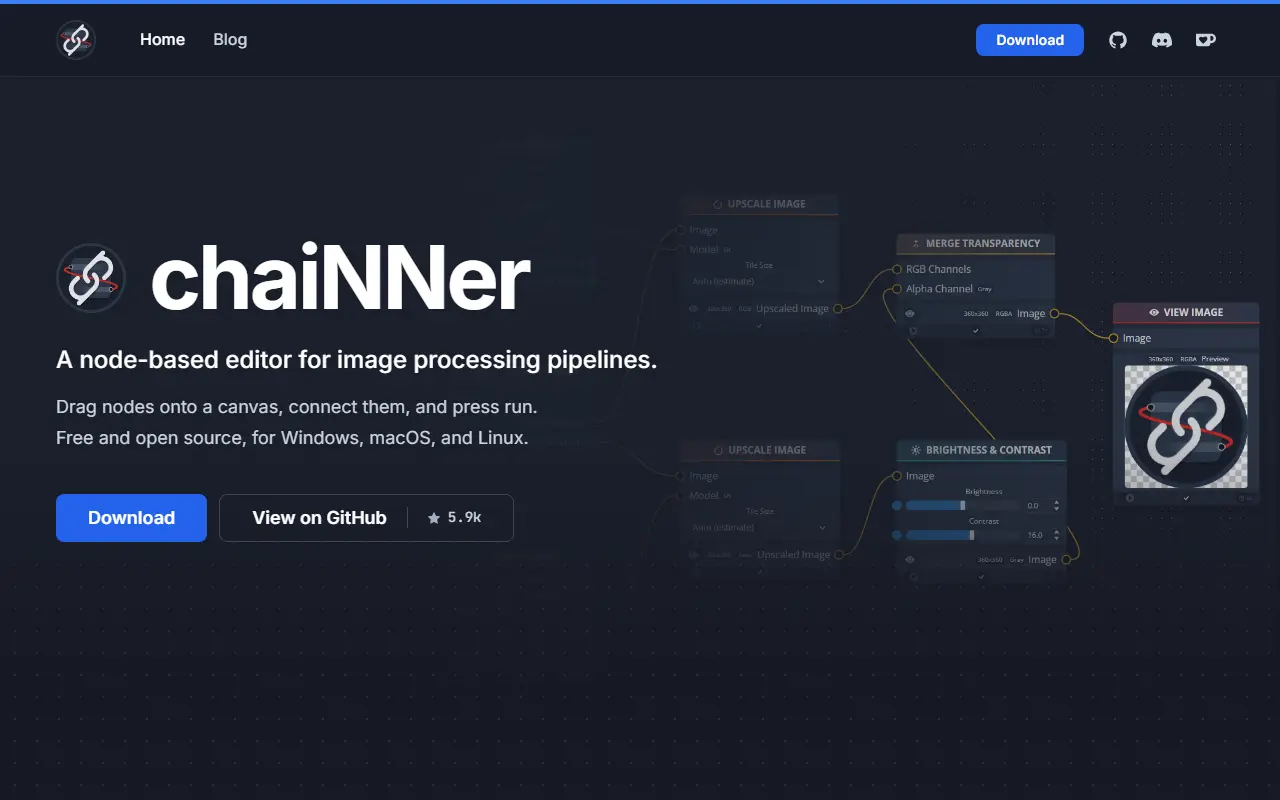
chainner.appchaiNNer homepage screenshot

chaiNNer is a desktop editor for building image processing pipelines. Instead of writing scripts or clicking through menus, users drop nodes onto a canvas and connect them. Each node performs one task such as loading an image, upscaling it, resizing it, removing the background, or saving it.

Originally written for AI upscaling, chaiNNer has grown into a general-purpose image editor. It supports color work, blending, format conversion, batch runs, and video frames. It runs community-trained super-resolution models through PyTorch, NCNN, ONNX, or TensorRT.

Key features

  • Node-based canvas for connecting image processing steps
  • Supports AI upscaling with super-resolution models via PyTorch, NCNN, ONNX, or TensorRT
  • Includes normal map generation and PBR workflow conversion
  • Pixel art upscaling with HQ2x, Eagle, and AdvMAME
  • Color correction tools including levels, brightness, contrast, hue, saturation, and gamma
  • Batch processing and video frame support

Commercial Magnific alternatives

Hosted, closed-source products that compete with Magnific. Showing 12 of 15.

See every Magnific alternative on its tool page

Magnific alternatives: questions

What is the best open-source alternative to Magnific?
ComfyUI is the top-ranked open-source alternative to Magnific on Enlisted: A modular, node-based interface and backend for building and running diffusion model workflows such as Stable Diffusion on your own machine. Other strong options are Upscayl, InvokeAI, Hugging Face Chat UI and chaiNNer.
What are the best commercial alternatives to Magnific?
Topaz Labs, Krea, Remini, Clipdrop and Draw3D are among the hosted, closed-source alternatives to Magnific listed on Enlisted, which lists 15 in total. Compare their pricing and features on each tool page.
Are these Magnific alternatives free?
All 5 are open source, so the code is free to use under its licence, and all of them can be self-hosted on your own server or computer. 1 also offers a paid or managed cloud version if you'd rather not host it yourself.
How is this list of Magnific alternatives ranked?
By a score built from GitHub stars, star growth over the last 30 days and how recently the code changed. 4 of these projects shipped code in the last 30 days. Data is refreshed daily, and nobody can pay to move up.

People also look for alternatives to…

View all