7,363 open-source and SaaS tools, with GitHub stats refreshed every day.

5 alternatives ranked by real activity

Open-source Kreya alternatives

A curated, ranked list of the 5 best open-source alternatives to Kreya.

The best open-source alternative to Kreya is Bruno. If that doesn't suit you, other good options are Insomnia, Yaak, Resterm and Chapar.

Kreya alternatives are mainly API tools. 5 of them shipped code in the last 30 days, 5 can be self-hosted, and 5 use a permissive licence.

Last updated October 2, 2026 · ranked by GitHub stars, growth and recent commits

Bruno

A Git-friendly, offline-only API client for REST, GraphQL, gRPC and WebSocket that stores collections as plain text files, an open-source alternative to Postman.

GitHub stars
47k
Last commit
yesterday
Latest release
v4.2.1
Licence
MIT
Self-hosted
Yes
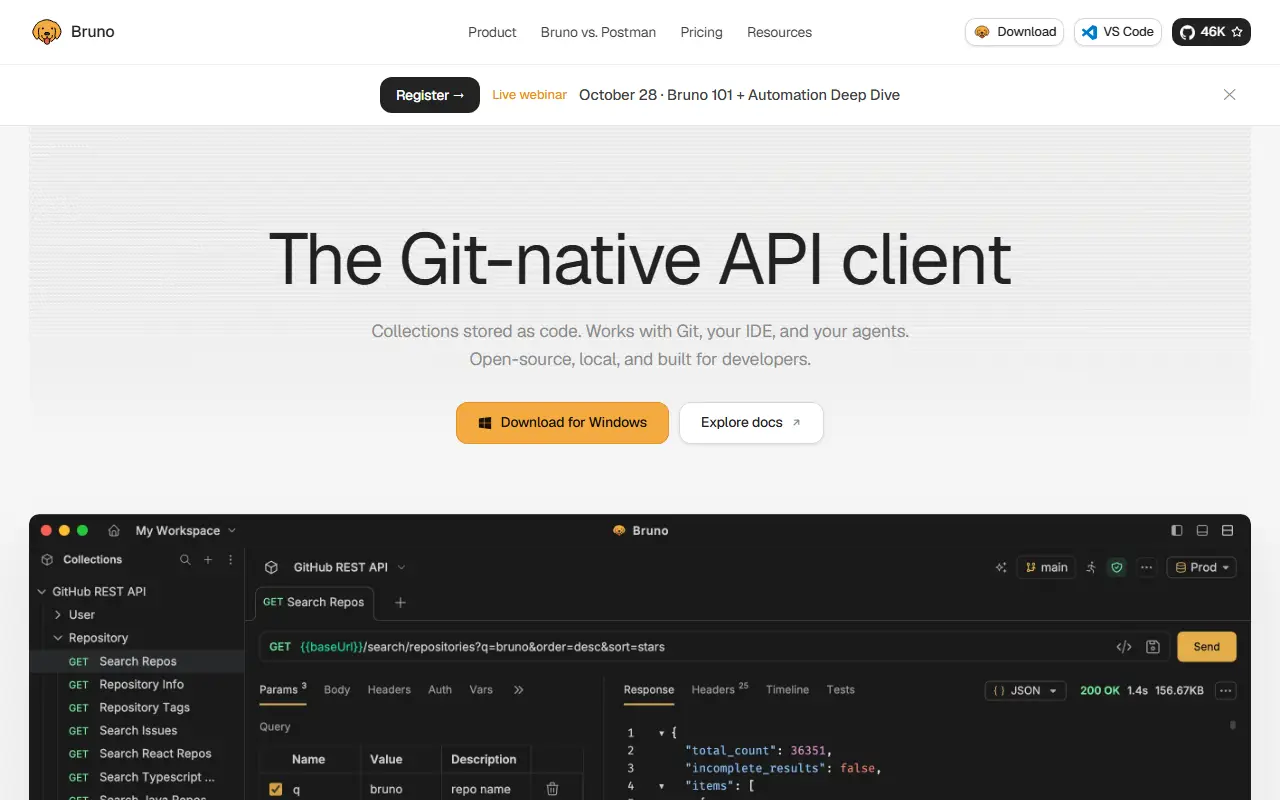
usebruno.comBruno homepage screenshot

Bruno is an open-source API client and testing environment, described as a lightweight alternative to Postman and Insomnia. It supports REST, GraphQL, gRPC and WebSocket requests, and runs on macOS, Windows and Linux.

Its distinguishing idea is that collections live directly in a folder on your filesystem, saved in a plain text markup language called Bru. That means you can version and share API collections with Git or any version control system you already use. Bruno is offline only, and the maintainers state they have no plans to add cloud sync, because they believe your data should stay on your device. A CLI runs collections from the command line for automated testing and CI/CD, and a Docker option is also documented.

The core is MIT licensed, and the project offers paid versions that add further features for teams that want them. Bruno can be installed from the website or through Homebrew, Chocolatey, Scoop, Snap, Flatpak and Apt. It suits developers who prefer keeping API definitions next to their code.

Key features

  • REST, GraphQL, gRPC and WebSocket requests
  • Collections stored as plain text Bru files
  • Git-based collaboration on API collections
  • Offline-only with no cloud sync
  • Bruno CLI for CI/CD test runs
  • Install via Homebrew, Chocolatey, Snap and more

Pricing: The open-source edition is free. Pro costs $6 and Ultimate $11 per user per month, billed annually, and Ultimate has a 14-day free trial.

Insomnia

A cross-platform API client from Kong for designing, debugging, testing and mocking REST, GraphQL, gRPC, WebSocket and SSE APIs, with local, Git or cloud storage.

GitHub stars
40k
Last commit
yesterday
Latest release
core@13.3.0
Licence
Apache-2.0
Self-hosted
Yes
Hosted version
Available
insomnia.restInsomnia homepage screenshot

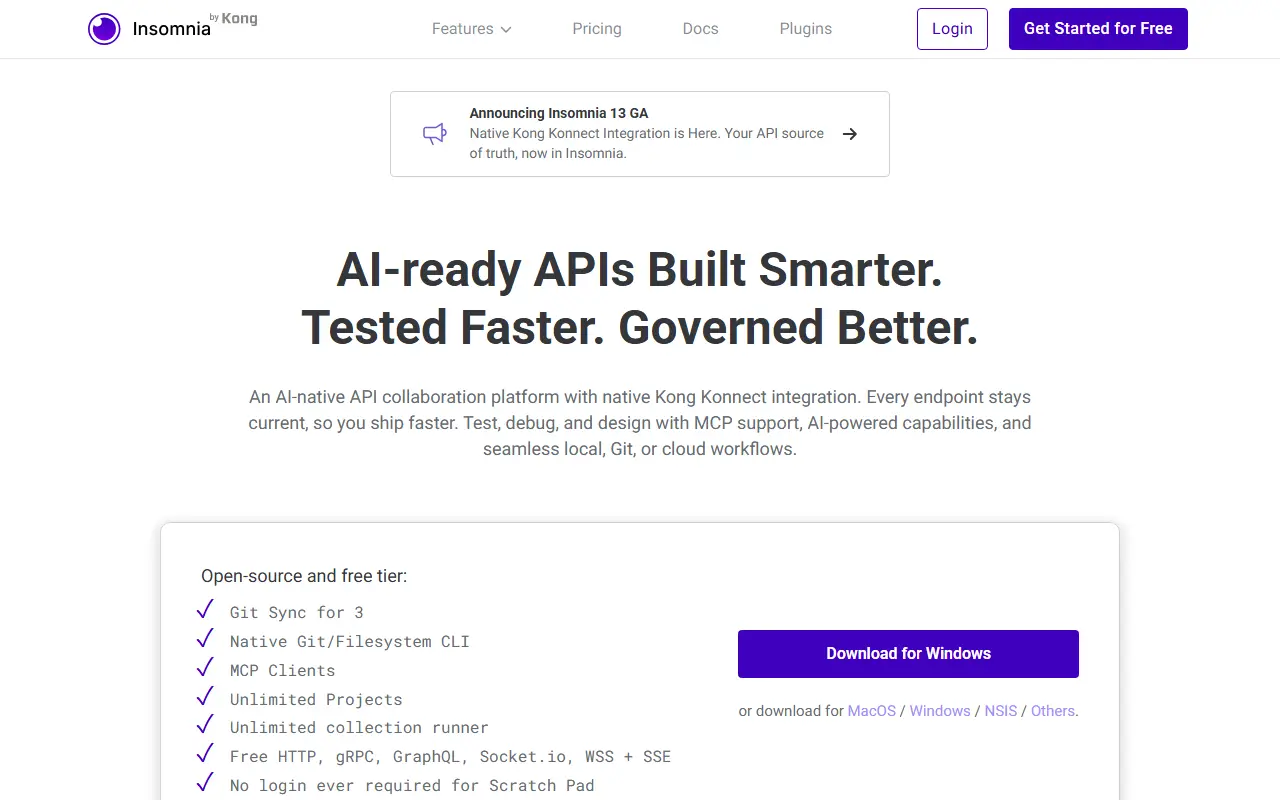
Insomnia is an API client from Kong that is open source and runs on every major desktop platform. It handles GraphQL, REST, WebSockets, Server-Sent Events, gRPC and other HTTP-compatible protocols, so one desktop app can cover most of the API work a developer does day to day.

With it you can debug requests, design APIs in a native OpenAPI editor with visual preview, test them with native test suites and a collection runner, and mock them with a cloud or self-hosted mock server. A command line tool supports linting and testing in CI/CD pipelines, collaboration features help teams share work, and third-party plugins extend the app. Projects can be stored in a Local Vault for fully local use, synced through any Git repository, or kept in the cloud with optional end-to-end encryption.

Insomnia is Apache-2.0 licensed and written in TypeScript on Electron. It is free to get started with, and paid collaboration features are available from the vendor. It is a popular alternative to Postman for developers who want flexible storage options.

Key features

  • REST, GraphQL, gRPC, WebSocket and SSE support
  • OpenAPI design editor with visual preview
  • Test suites and collection runner
  • Mock servers, cloud or self-hosted
  • CLI for CI/CD linting and testing
  • Local Vault, Git Sync or Cloud Sync storage

Pricing: Essentials is free. Pro is $12 and Enterprise $45 per user per month (self-serve up to 50 users); there is a 14-day Enterprise trial and a free local-only Scratch Pad.

Yaak

Yaak is a fast, privacy-focused desktop API client for REST, GraphQL, gRPC, WebSocket and Server-Sent Events, built with Tauri.

GitHub stars
19k
Last commit
5 days ago
Latest release
v2026.8.1
Licence
MIT
Self-hosted
Yes
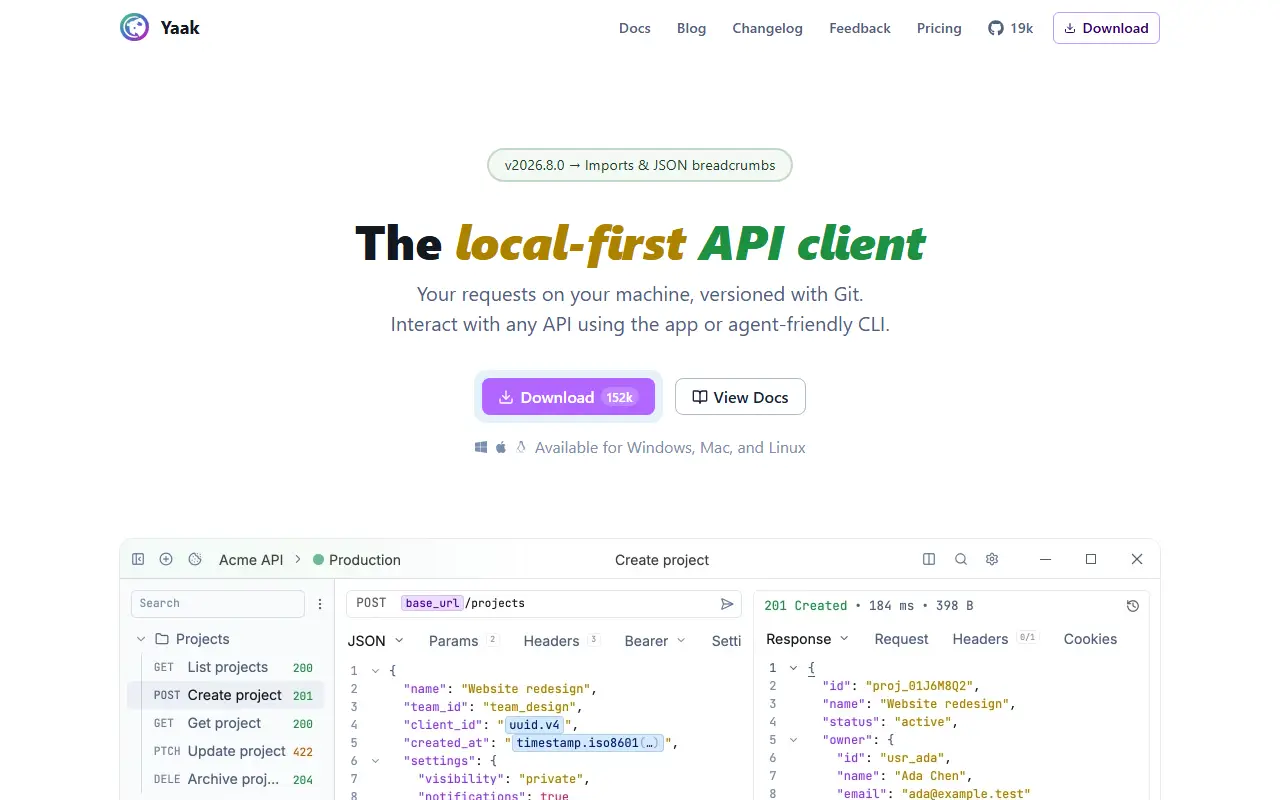
yaak.appYaak homepage screenshot

Yaak is a desktop API client for building, sending and inspecting requests to REST, GraphQL, gRPC, WebSocket and Server-Sent Events endpoints. It is built with Tauri, Rust and React and works offline-first, with no telemetry and no requirement to sync data to a cloud account.

Collections from Postman, Insomnia, OpenAPI, Swagger or curl can be imported. Responses can be filtered with JSONPath or XPath, and authentication supports OAuth 2.0, JWT and Basic Auth, with encrypted secrets that can be kept in the operating system keychain. Requests are grouped into workspaces and nested folders, and environment variables switch between dev, staging and production.

Workspaces can be mirrored to the filesystem so they can be versioned in Git or synced with a file-sync service. Template tags insert dynamic values such as UUIDs or timestamps, and themes and plugins allow customization. Yaak is MIT licensed, its repository topics position it as an alternative to Postman, Bruno and Insomnia, and development is funded by community-purchased licenses.

Key features

  • REST, GraphQL, gRPC, WebSocket and SSE requests
  • Import from Postman, Insomnia and OpenAPI
  • OAuth 2.0, JWT and Basic Auth support
  • Encrypted secrets with OS keychain storage
  • Workspaces mirrored to Git-friendly files
  • Environment variables and template tags
  • Plugins and custom themes

Pricing: Free for personal use. Commercial use needs a license: Individual is $79 a year or $399 once, Business is $149 per user per year, with a 30-day trial.

Resterm

Terminal API client for HTTP, GraphQL, gRPC, WebSocket, and SSE that stores requests as plain .http files with workflows, mocks, tracing, and a CI runner.

GitHub stars
2k
Last commit
yesterday
Latest release
v1.10.3
Licence
Apache-2.0
Self-hosted
Yes
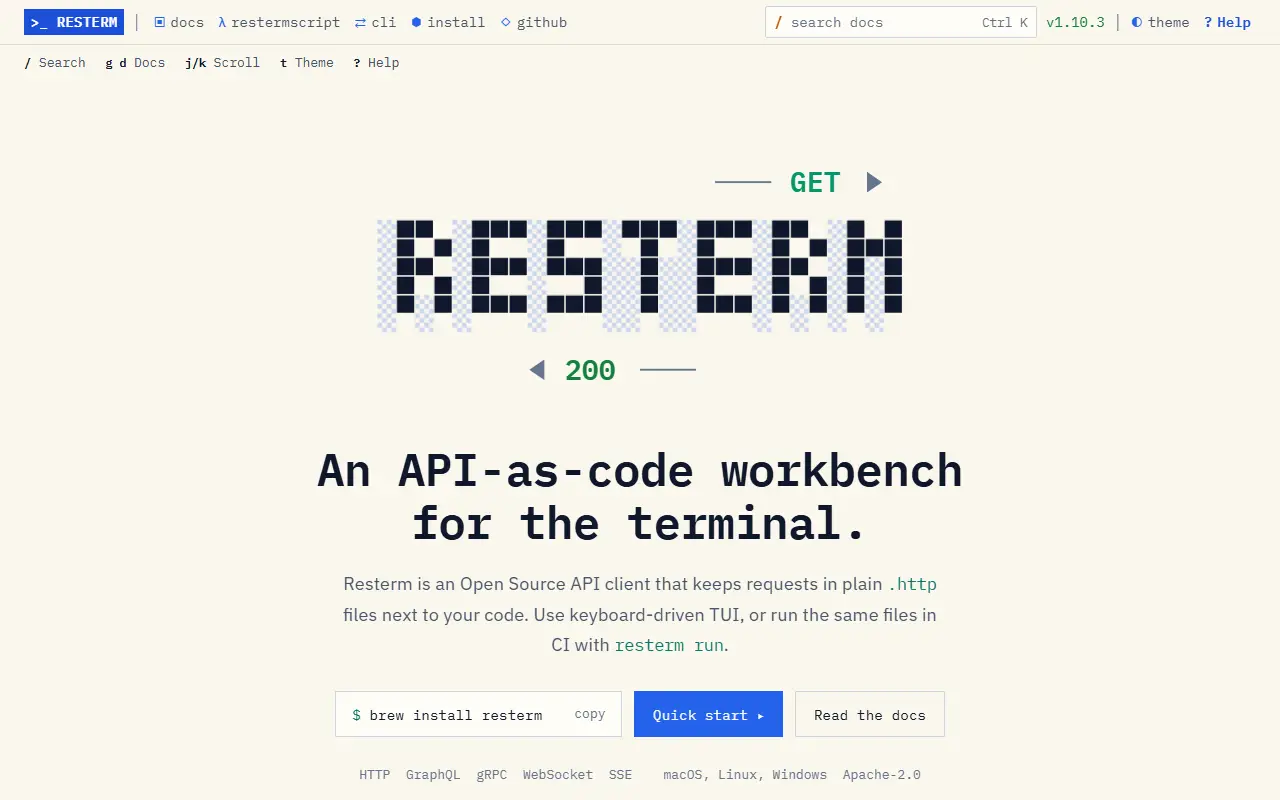
resterm.appResterm homepage screenshot

Resterm is an API-as-code workbench for the terminal. Requests are saved in plain .http and .rest files that can live in your repository next to code, and the same files can be run in a terminal UI or in CI with a resterm run command. It is written in Go and released under the Apache-2.0 license.

It supports HTTP, GraphQL, gRPC, WebSocket, and server-sent events. Assertions, captures, loops, conditions, and multi-step workflows are written directly in request files, and scripting is available with RestermScript, a small expression language, or JavaScript. Mock servers and traffic recording use the same file format, and the tool handles OAuth 2.0, tokens from CLIs like gh, SSH tunnels, and Kubernetes port-forwards. Tracing, profiling, and OpenAPI import are also included.

Because requests are plain text, they diff and version well in Git. Resterm suits developers who prefer terminal workflows and want API tests that run identically on a laptop and in a pipeline.

Key features

  • Plain .http and .rest request files
  • HTTP, GraphQL, gRPC, WebSocket, and SSE
  • Assertions, captures, and multi-step workflows
  • Mock servers and traffic recording
  • SSH tunnels and Kubernetes port-forwards
  • OpenAPI import and CLI runner for CI

Pricing: Free and open source under the Apache-2.0 license.

Chapar

Chapar is a fast, native desktop API client for REST, gRPC and GraphQL that stores requests as plain local files with no account.

GitHub stars
714
Last commit
2 days ago
Latest release
v0.9.0
Licence
BSD-3-Clause
Self-hosted
Yes
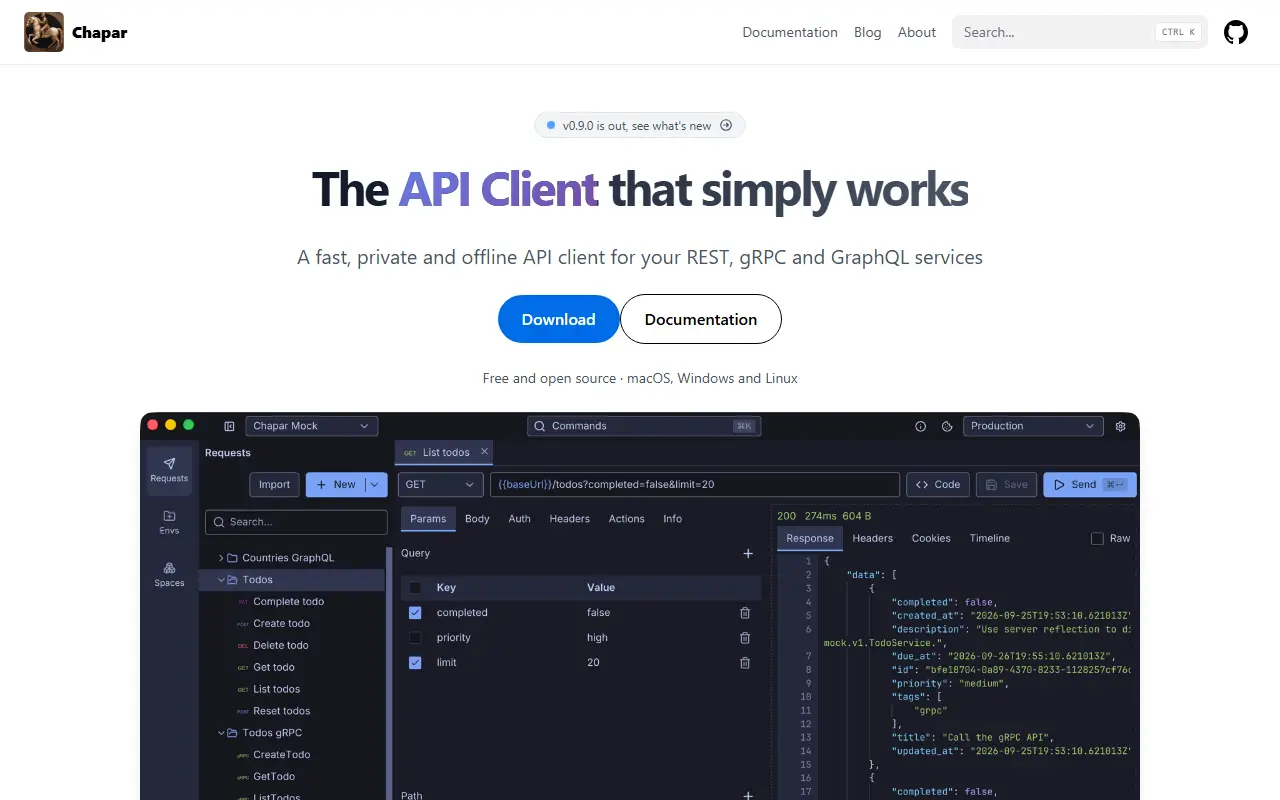
chapar.restChapar homepage screenshot

Chapar is a native API testing tool for developers, written in Go and designed to start quickly and stay light. It draws its interface with a GPU-rendered UI toolkit rather than a browser engine, and runs the same on macOS, Linux and Windows. Requests, environments and cookies are plain files on your machine, with no account and no cloud sync.

It supports several protocols. For REST and HTTP it handles every method, query and path parameters and JSON, XML, text, form-data, URL-encoded and binary bodies with syntax highlighting. For gRPC it supports server reflection or proto files, unary and server-streaming methods, metadata and trailers, and TLS with client certificates. GraphQL queries and variables are supported with response data and errors shown separately. Workspaces keep separate collections, requests and environments, and a free hosted mock server is available for trying features. WebSocket and MQTT are planned.

Chapar is licensed under BSD-3-Clause and named after the royal mounted couriers of ancient Persia. It is aimed at developers who want a lightweight, privacy-respecting alternative to heavier API clients.

Key features

  • REST, gRPC and GraphQL requests
  • gRPC reflection and proto file support
  • Workspaces with collections and environments
  • Plain-file local storage
  • GPU-rendered native interface
  • No account or cloud sync

Pricing: Free and open source under the BSD-3-Clause license.

Kreya alternatives: questions

What is the best open-source alternative to Kreya?
Bruno is the top-ranked open-source alternative to Kreya on Enlisted: A Git-friendly, offline-only API client for REST, GraphQL, gRPC and WebSocket that stores collections as plain text files, an open-source alternative to Postman. Other strong options are Insomnia, Yaak, Resterm and Chapar.
Are these Kreya alternatives free?
All 5 are open source, so the code is free to use under its licence, and all of them can be self-hosted on your own server or computer. 1 also offers a paid or managed cloud version if you'd rather not host it yourself.
How is this list of Kreya alternatives ranked?
By a score built from GitHub stars, star growth over the last 30 days and how recently the code changed. 5 of these projects shipped code in the last 30 days. Data is refreshed daily, and nobody can pay to move up.

People also look for alternatives to…

View all